Home » Games » Warriors Orochi

Warriors Orochi

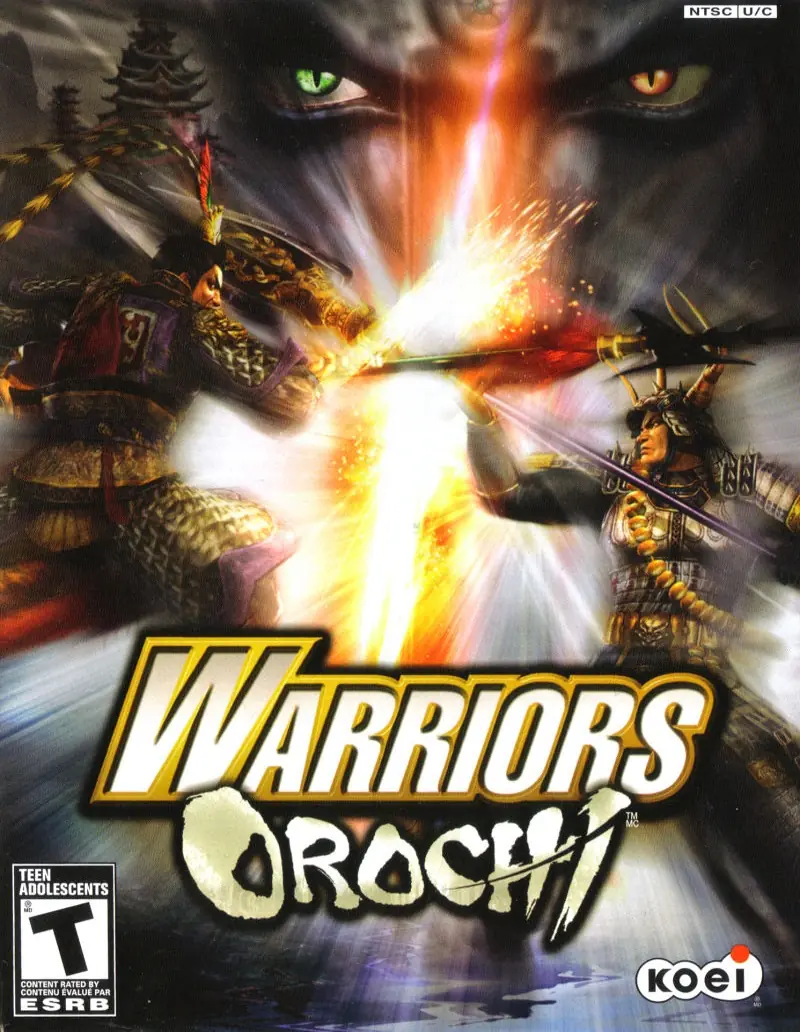
Warriors Orochi Game Cover
4.8/5 - 54 votes

Warriors Orochi is a beat 'em up for PlayStation 2 and Xbox 360 developed by Koei and Omega Force. It crosses the Dynasty Warriors and Samurai Warriors series and is the first Warriors Orochi title.

Other Titles

無双 OrochiMusō Orochiجنگجویان اوروچیووريورز أوروتشيวอริเออร์โอโรจิ無双OROCHI無雙OROCHI 蛇魔무쌍 오로치

Genres
Publishers
Developers
Released
,
Platforms
Download

About Warriors Orochi

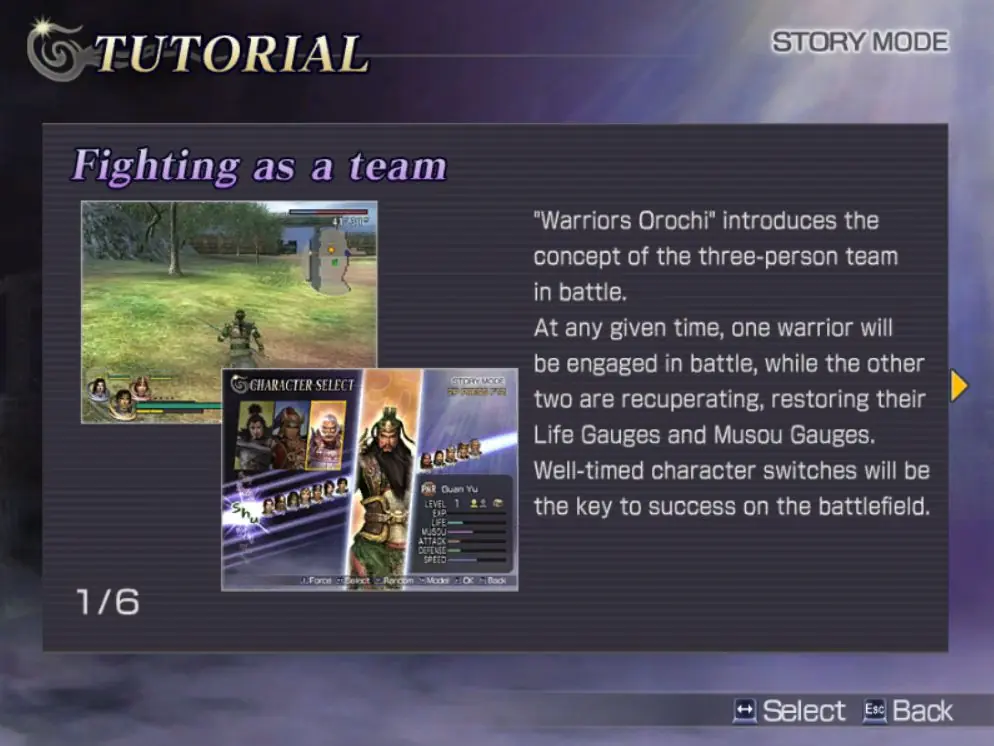
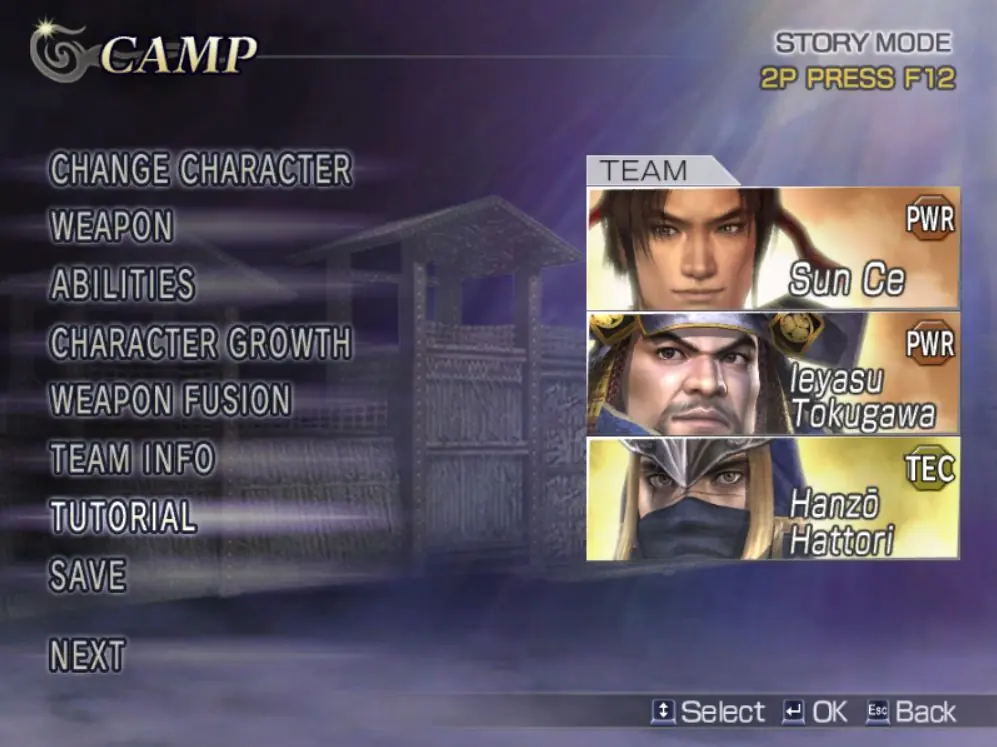
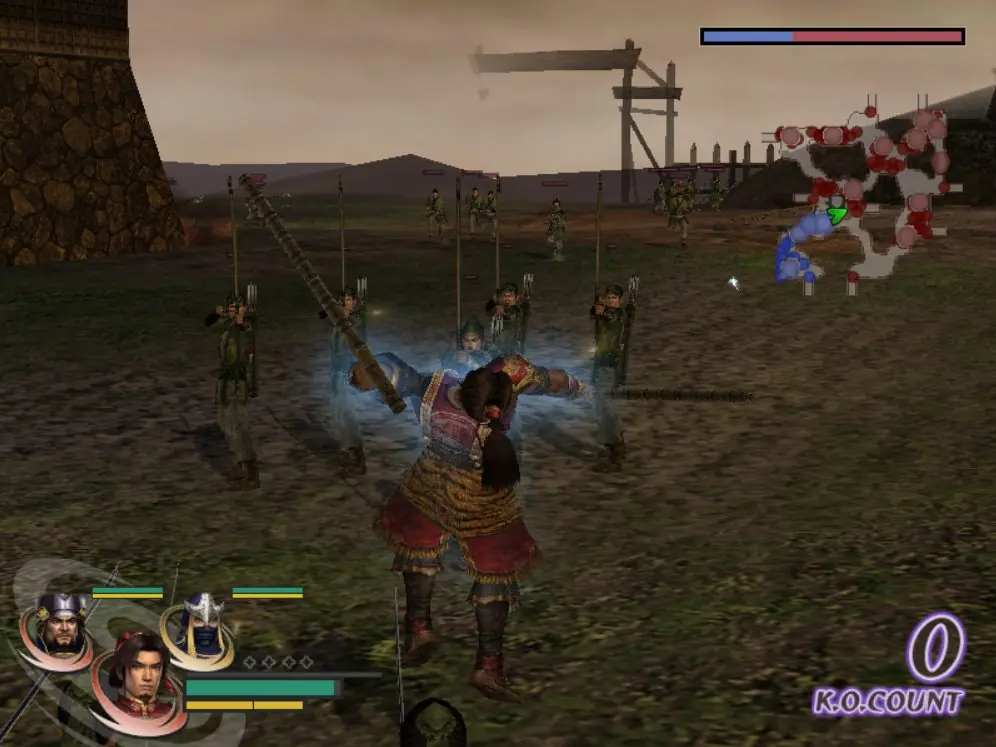
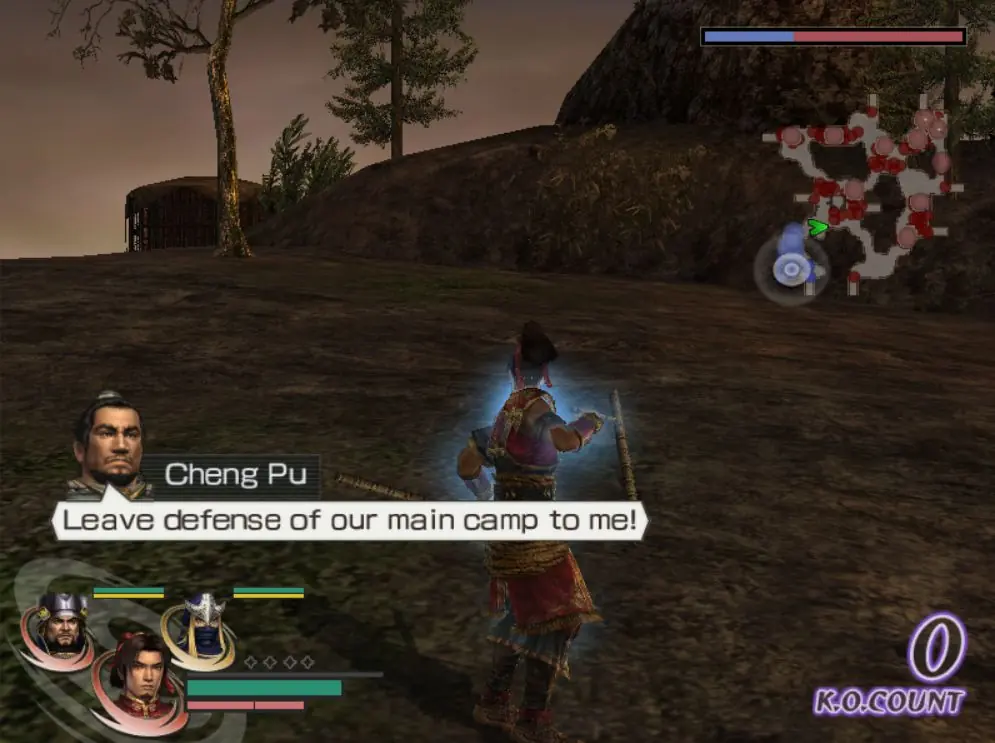
Koei's Dynasty Warriors and Samurai Warriors join forces in this anachronistic crossover release by developer Omega Force. Dozens of combatants are available to play as or against, brought together in one time period by the powerful Serpent King Orochi in an arrogant attempt to determine the mightiest warrior. The heroes from Ancient China and Feudal Japan include Yoshimoto Imagawa, Goemon Ishikawa, Lu Bu, Nobunaga Oda, and other legends. A new team battle system has players creating custom three-man squads and controlling their choice of characters in melee combat. While one character actively participates in battle, the remaining two will recover from damage until players decide to switch control at any time during battle. Four original storylines are available to follow as players ultimately attempt to defeat the evil Orochi.
Screenshots

Windows

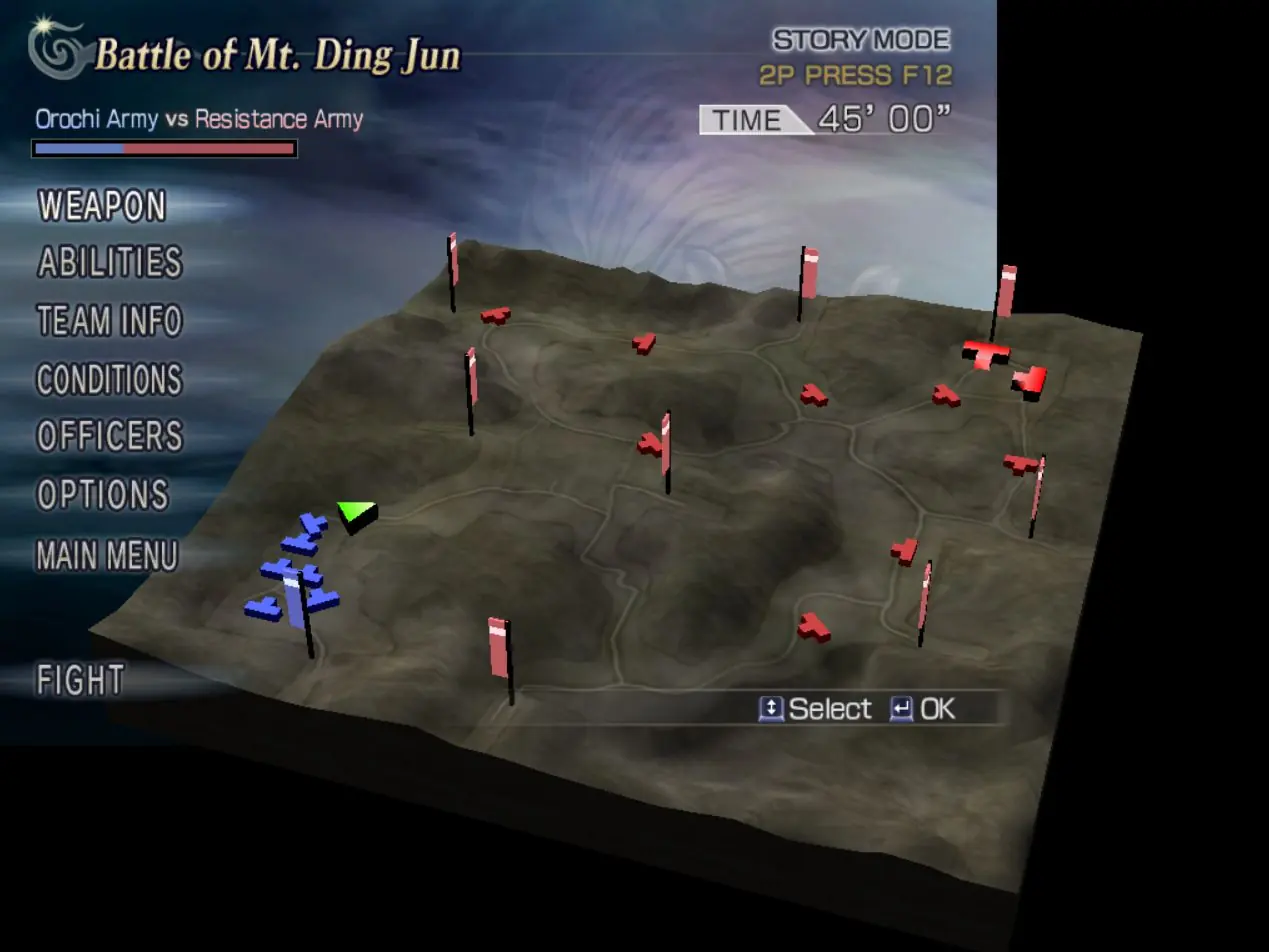
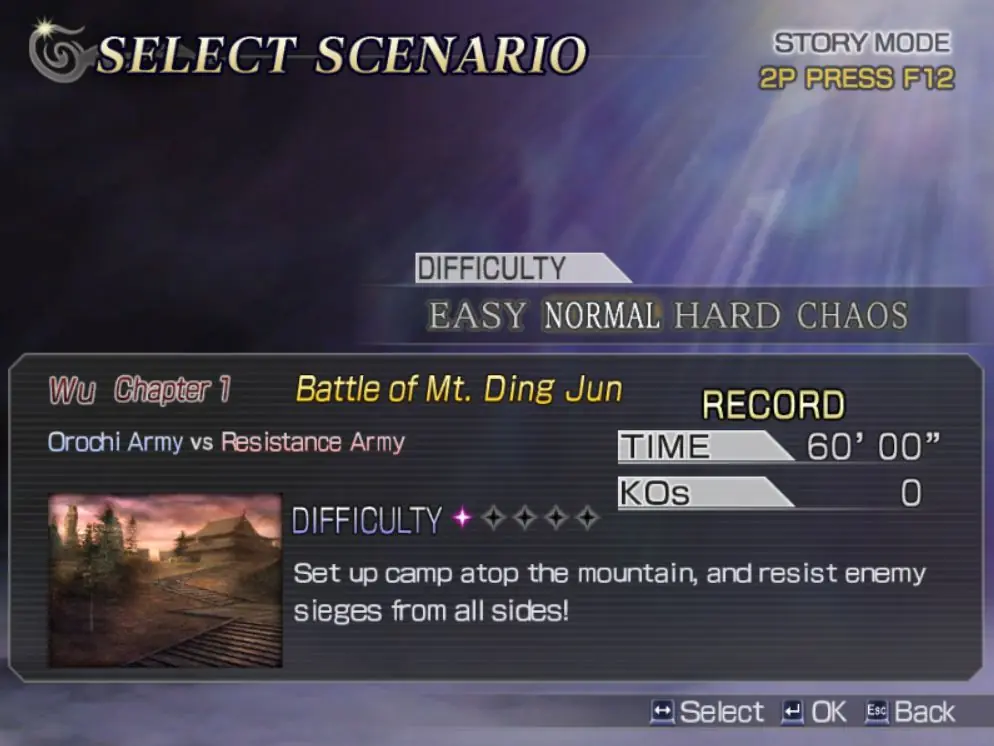
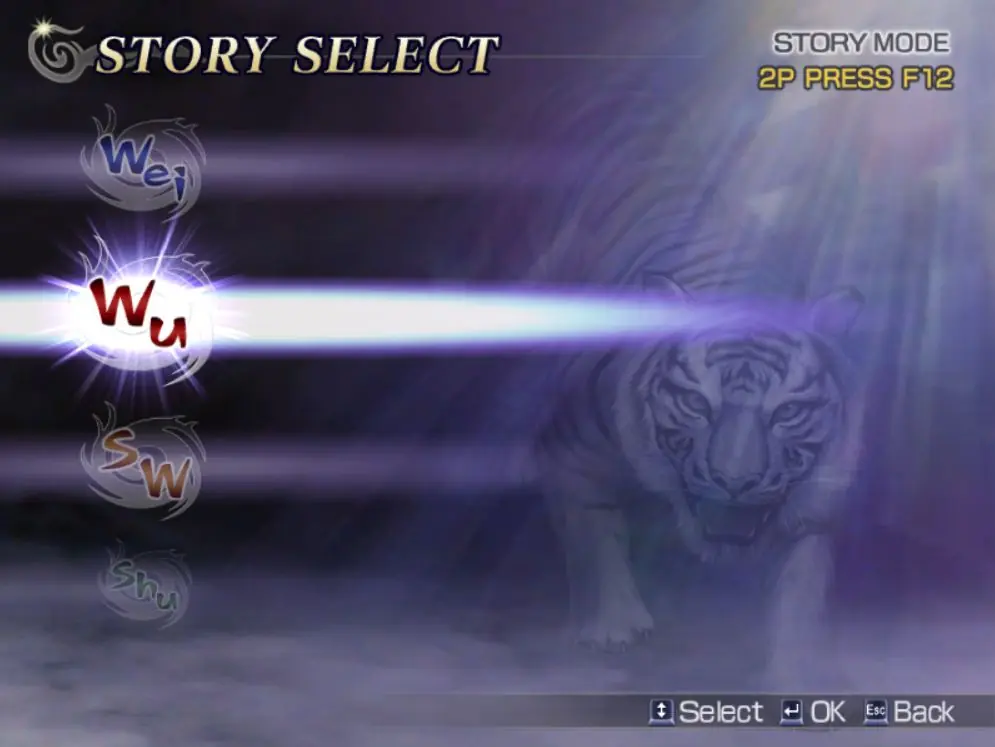
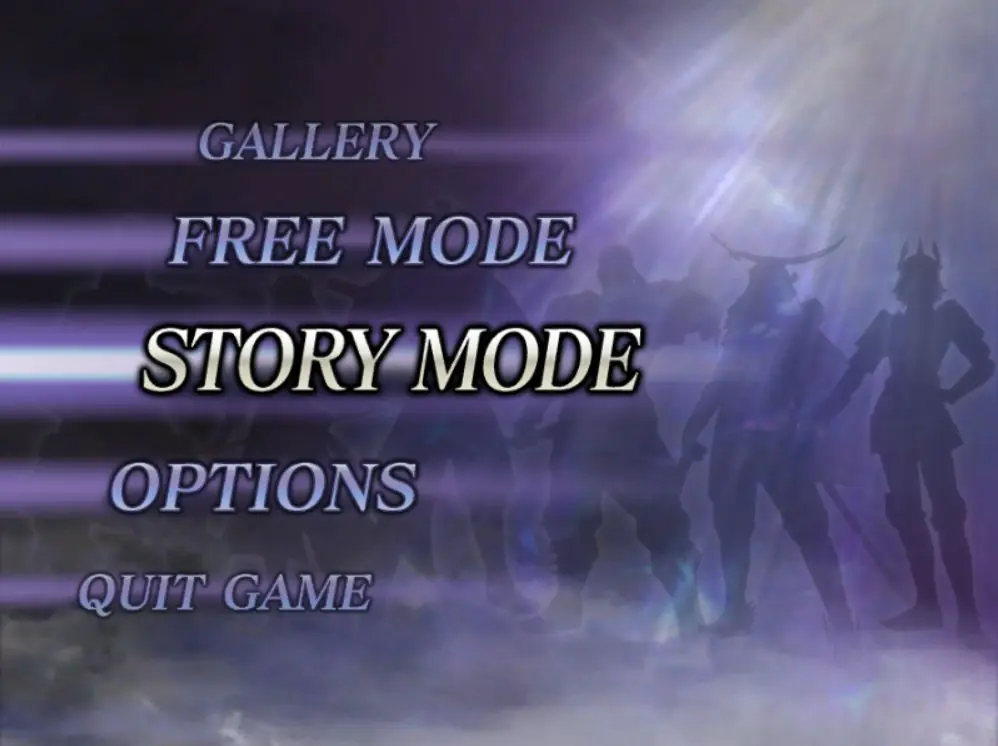
Warriors Orochi — Windows screenshot 1Warriors Orochi — Windows screenshot 2Warriors Orochi — Windows screenshot 3Warriors Orochi — Windows screenshot 4Warriors Orochi — Windows screenshot 5Warriors Orochi — Windows screenshot 6Warriors Orochi — Windows screenshot 7Warriors Orochi — Windows screenshot 8

Download Warriors Orochi

Warriors Orochi is abandonware and no longer sold or supported by its publishers. Files are archived here for these platforms:

Windows (2008)

  • Warriors_Orochi_Win_Preinstalled_EN.FR.DE.IT.ES.zipENFRDEITES3.21 GB
  • Instructions Warriors_Orochi_Win_Preinstalled_EN.FR.DE.IT.ES.zip

    How to play on Windows (Preinstalled)
    1. Download and Extract Warriors_Orochi_Win_Preinstalled_EN.FR.DE.IT.ES.zip
    2. Open the "Game Files" folder, then the "OROCHI_WIN" folder and run "OROCHI.exe".
    3. Play the game

Comments

13 thoughts on “Warriors Orochi”

  1. 0
    Why when I plug the controller the game start itself and become faster and cannot playing anymore, This is also when going to settings window.
    please anyone who has an answer reply.
    Reply
  2. 0
    the game itself turns on my store mode all the time and pauses the game all the time and I can do nothing but turn it off
    Reply
    • 0
      When i start the game, it’s unresponsive to keystrokes.It just plays the opening cinematic and takes me to the start screen, but doesnt respond, Does yours work at all?
      Reply
  3. 0
    Please add the widescreen resolution patch. The game does not natively support 1080p resolution.
    Reply
  4. 0
    The game keeps freezing on me whenever I enter Settings. It starts making a weird loop sound and I can’t go down or back. Does anyone has the same problem?
    Reply