Winx Club
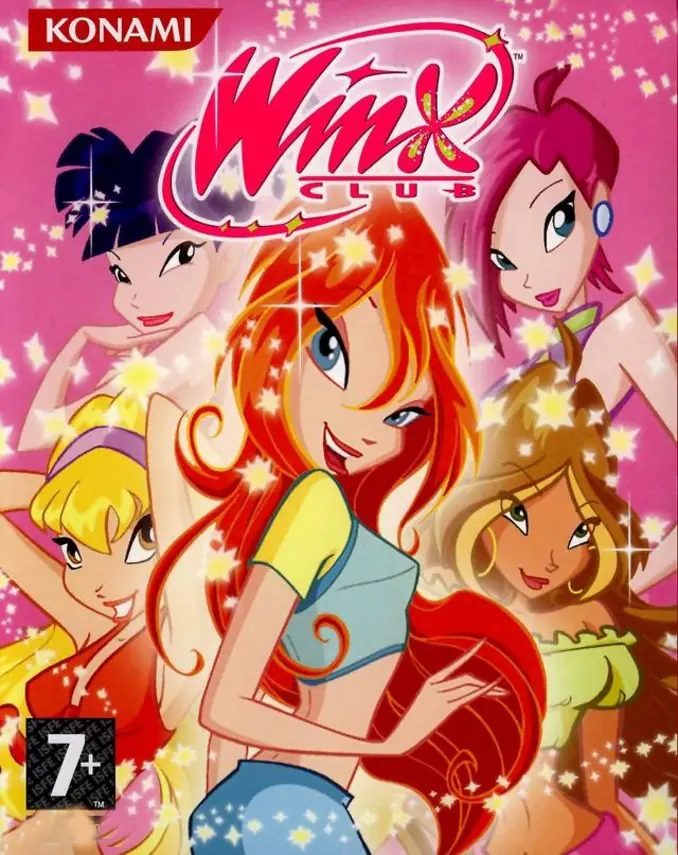
Winx Club is a 2006 action game developed by DC Studios and published by Konami of Europe.
Publishers
Developers
Released
Platforms
Winx Club is a 2006 action game developed by DC Studios and published by Konami of Europe.
Winx Club is a video game published by Konami and released for the Game Boy Advance, PS2 and PC. The PC and PS2 versions were mainly released in Europe, while the GBA version was released worldwide, and it is based on the events of the first season.
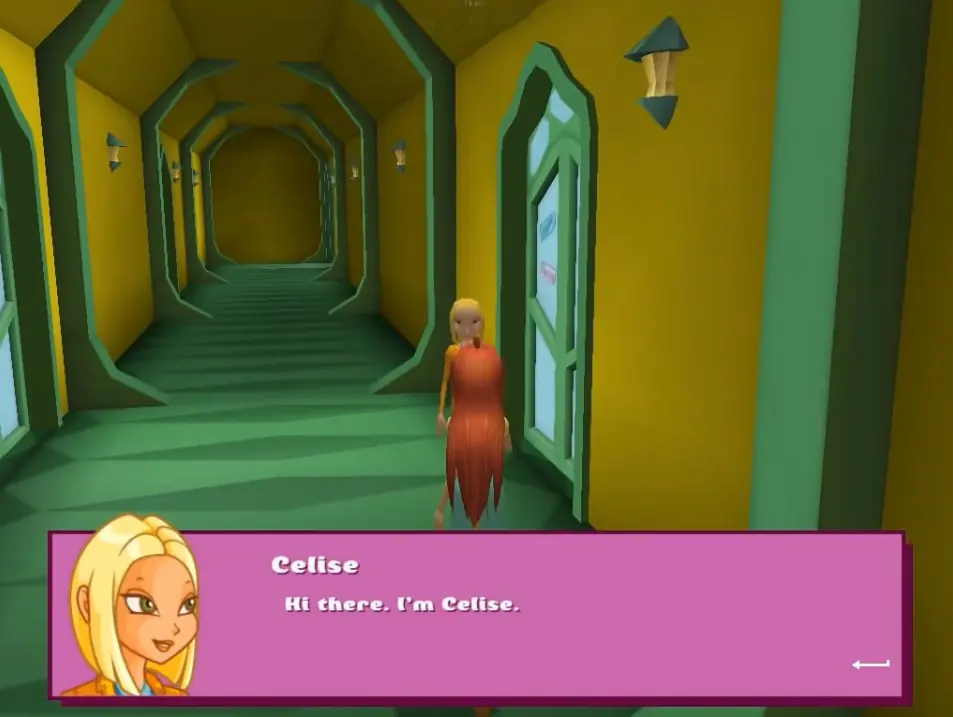
The game largely follows the plot of Season 1 with a few changes for the sake of cutting down on run time. It also introduces several characters who do not make appearances in any other Winx Club media, most of which play a minor role in the story.
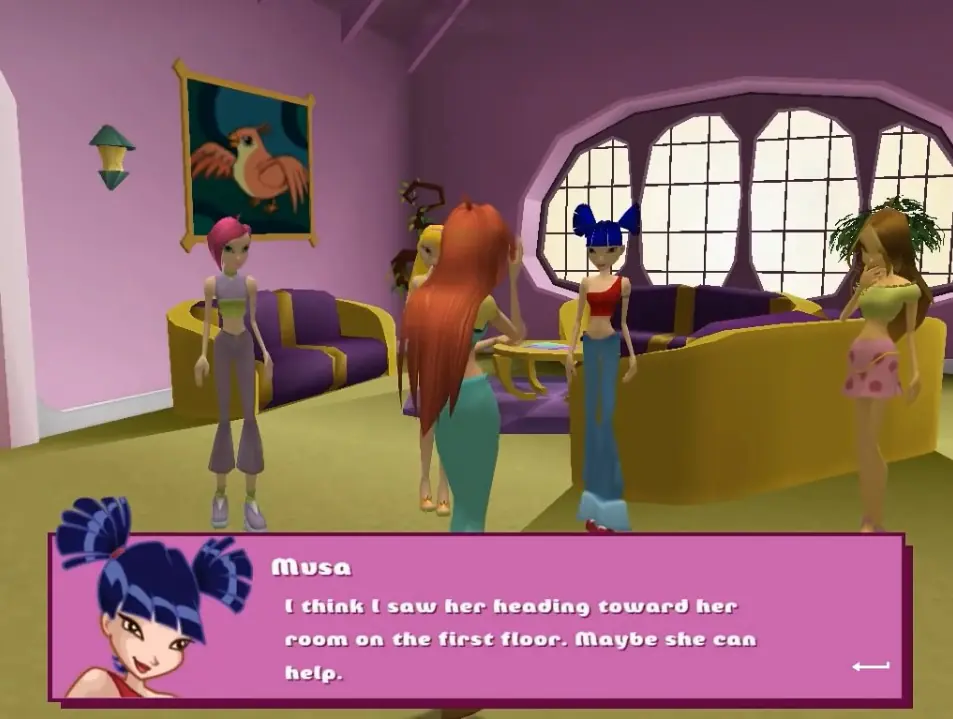
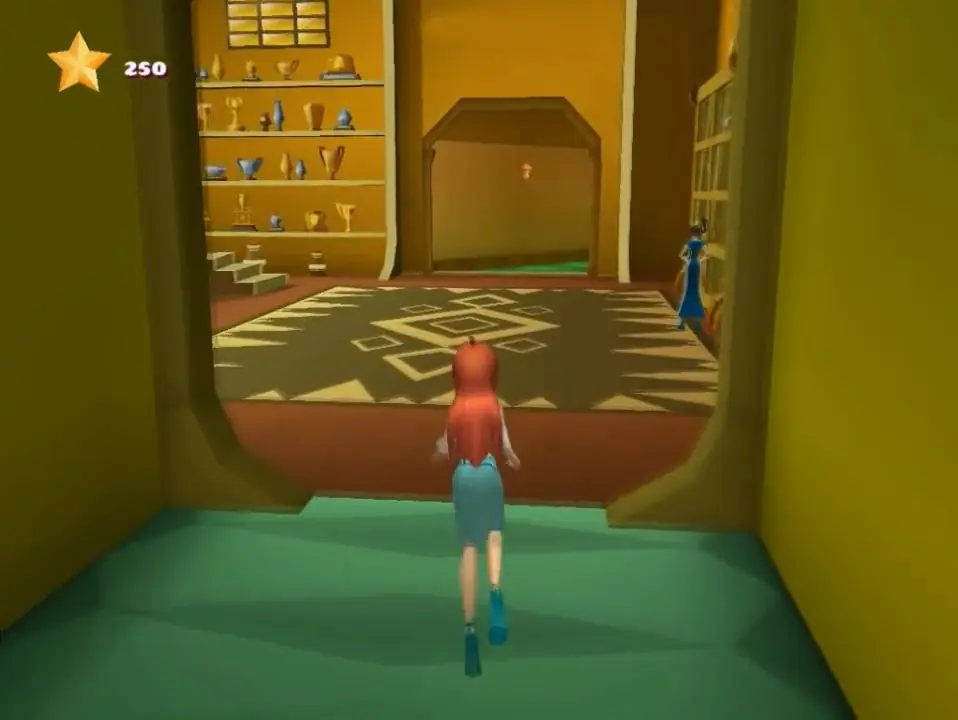
PC and PlayStation 2 versions of the game feature voiced dialogue by the actors from the 4Kids dub, unlockable alternate outfits for Bloom, and certain parts with elements similar to a dating simulation game. The Game Boy Advance version is slightly different from its 3D counterparts in terms of progression through the game, how battles are fought, the NPCs appears in the game, and the side quests available to the player.
Winx Club is abandonware and no longer sold or supported by its publishers. Files are archived here for these platforms:









The preinstalled version does not work out of the box. Running WinxClub.exe gave me a missing MSVCR71.dll error, and the launcher’s Install button looks for Disk1\setup.exe, which isn’t included in the preinstalled folder.
I then downloaded the larger ROM version. It is a BlindWrite disc image (.B5T, .B51, .B00, .BWA), so I opened the .B5T file with IsoBuster and was able to extract Disk1, Disk2 and Disk3. The original InstallShield setup actually installs successfully on Windows 11. The executable has to be extracted from the root of the disc image separately, though.
Unfortunately, after doing all of that, the game still cannot be played normally. First it reports “No CD/DVD-ROM drive found.” Mounting the original .B5T image with a virtual DVD drive gets past that, but then SecuROM rejects the mounted image and says: “Please insert the original disc instead of a backup.”
So the problem is ultimately the game’s old SecuROM disc protection, not just a bad installation or Windows compatibility setting. The image contains the game and can be installed, but SecuROM expects authentication from an original physical retail disc and doesn’t accept the mounted backup image.
TL;DR: If you’re downloading this expecting to install it and simply play on Windows 10/11 without the original CD, don’t waste hours troubleshooting it like I did. The files can be made to install, but you’ll eventually hit the SecuROM original-disc check anyway.
If anyone has found an official DRM-free release/patch or another legitimate modern-compatible version, that would be useful to know.
both links doesn’t work
one download like 4 files that doesn’t even open (i’m assuming it need another program to open, but they didn’t even bother to write a tutorial)
the preinstalled one doesn’t work either, whenever i try to open it, it keeps saying “please insert disk file” or something like that
waste of time really.
when i want to install the game it says windows cant find disk1\setup. what should i do??
Please insert the original disc instead of a backup.
Thanks.
https://www.youtube.com/watch?v=YcJzAUjEUcI