Winx Club
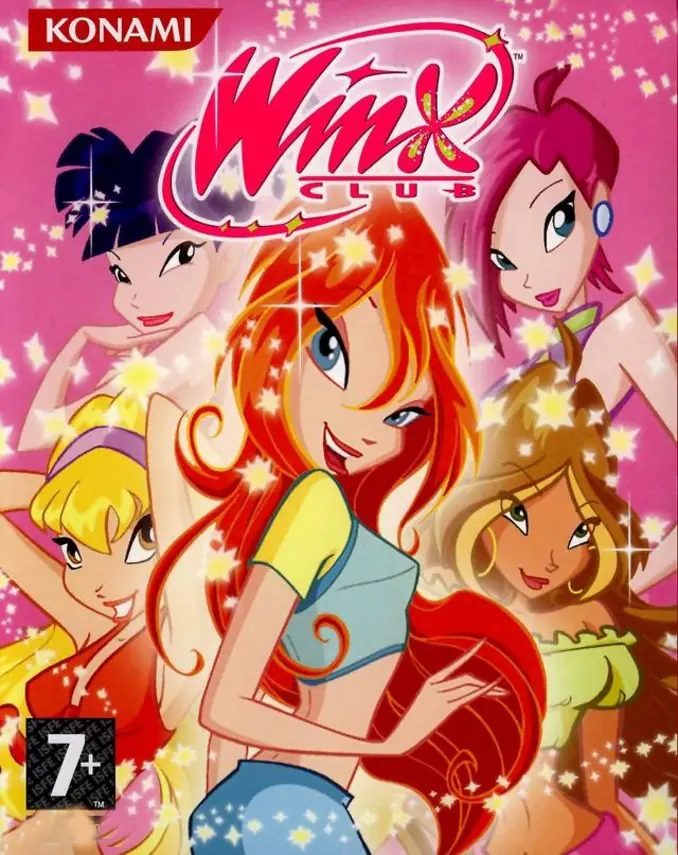
Winx Club is a 2006 action game developed by DC Studios and published by Konami of Europe.
Publishers
Developers
Released
Platforms
Winx Club is a 2006 action game developed by DC Studios and published by Konami of Europe.
Winx Club is a video game published by Konami and released for the Game Boy Advance, PS2 and PC. The PC and PS2 versions were mainly released in Europe, while the GBA version was released worldwide, and it is based on the events of the first season.
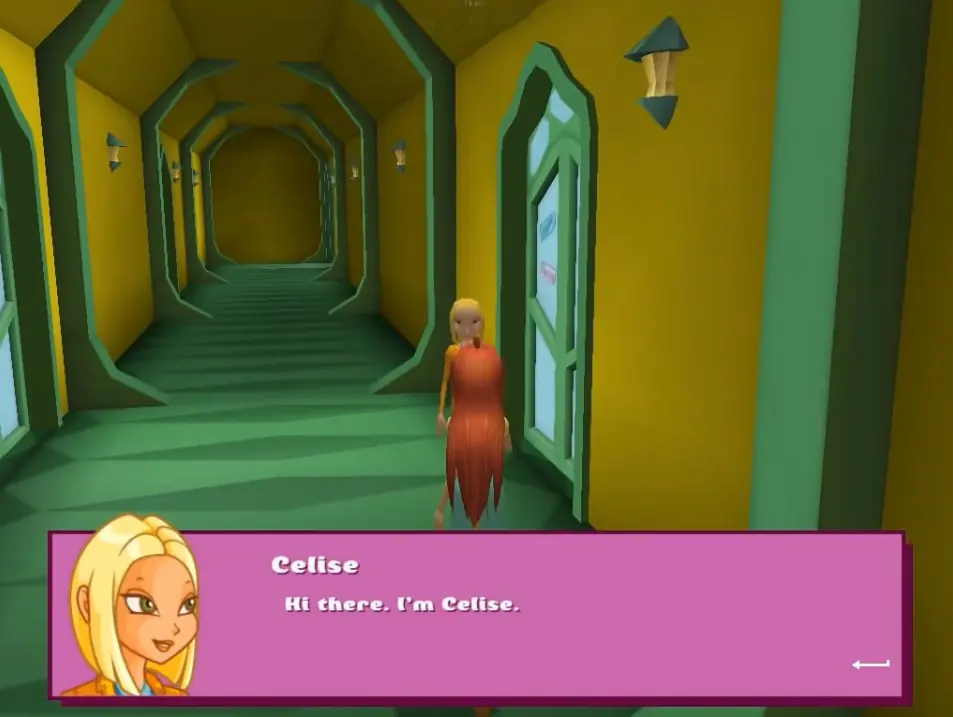
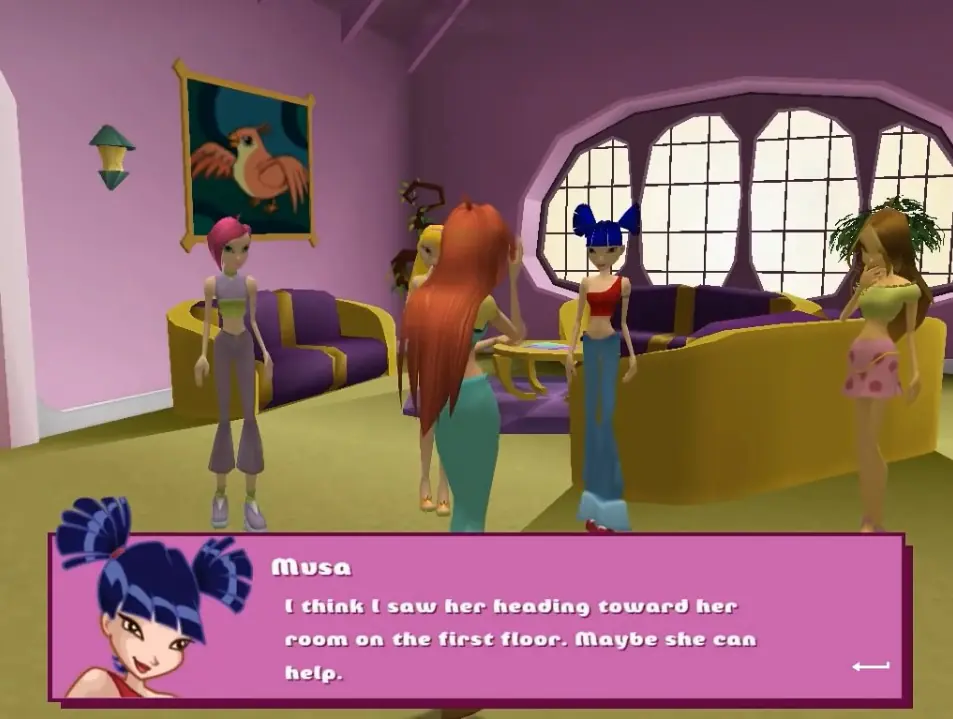
The game largely follows the plot of Season 1 with a few changes for the sake of cutting down on run time. It also introduces several characters who do not make appearances in any other Winx Club media, most of which play a minor role in the story.
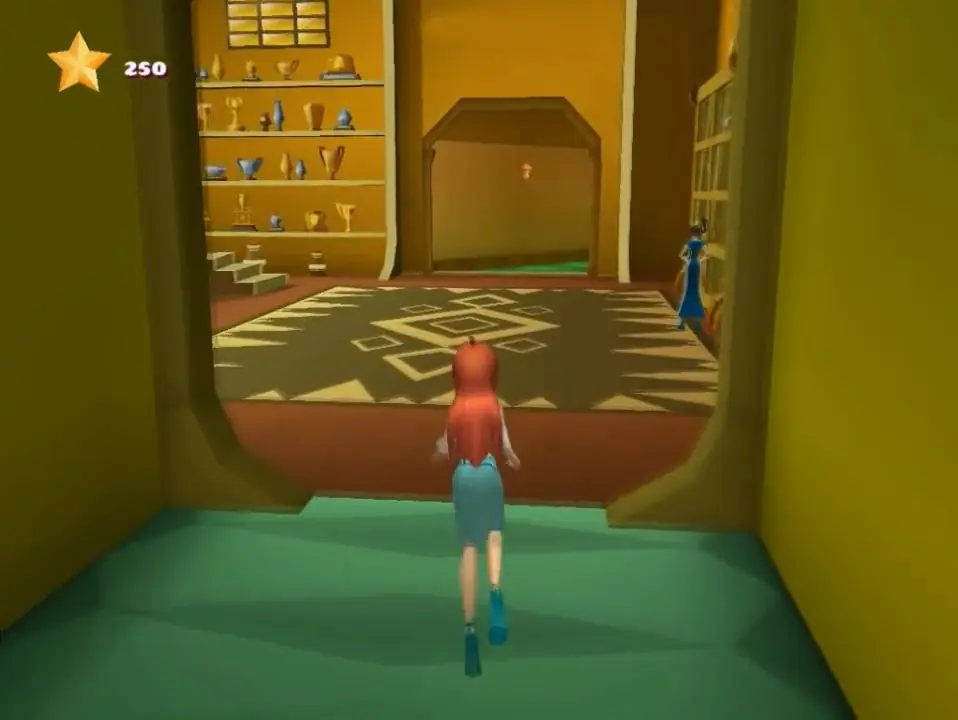
PC and PlayStation 2 versions of the game feature voiced dialogue by the actors from the 4Kids dub, unlockable alternate outfits for Bloom, and certain parts with elements similar to a dating simulation game. The Game Boy Advance version is slightly different from its 3D counterparts in terms of progression through the game, how battles are fought, the NPCs appears in the game, and the side quests available to the player.
Winx Club is abandonware and no longer sold or supported by its publishers. Files are archived here for these platforms:








Try to download this and put Winx Application into folder where you installed Winx Club.
Here is video how to do it
⬇️
https://drive.google.com/file/d/1X4-hkQzHBm1UE8UXlLS6Q0hyJGwiWEqs/view?usp=sharing
MSVCR71.dll -> https://www.dll-files.com/msvcr71.dll.html (add in winx club game folder)
Windows cannot find ‘Disk1setup.exe’ -> download https://www.poweriso.com/ and run 2nd disk with it
If it still says something like that after that all try right click at “Winx Club” app and then properties, go to compbaility and check to “Run as administrator” https://uploads.disquscdn.com/images/9e58e9c278e2c554386e13724a5777811ed5b41d1f5d1dd3ba1b0a0341ebf9b8.png https://uploads.disquscdn.com/images/2538980207b8f119280804dd994d332a1f45294deb43c7f1025ce66b2087e590.png https://uploads.disquscdn.com/images/d5368de7cd3afb99663df16737583098ff31623ba1137ddbe37288466a43b979.png
MSVCP71.dll -> https://www.dll-files.com/m… (add in winx club game folder)
MSVCR71.dll -> https://www.dll-files.com/m… (add in winx club game folder)
Windows cannot find ‘Disk1setup.exe’ -> download https://www.poweriso.com/ and run 2nd disk with it
If it still says something like that after that all try right click at “Winx Club” app and then properties, go to compbaility and check to “Run as administrator” https://uploads.disquscdn.com/images/9e58e9c278e2c554386e13724a5777811ed5b41d1f5d1dd3ba1b0a0341ebf9b8.png https://uploads.disquscdn.com/images/2538980207b8f119280804dd994d332a1f45294deb43c7f1025ce66b2087e590.png https://uploads.disquscdn.com/images/d5368de7cd3afb99663df16737583098ff31623ba1137ddbe37288466a43b979.png
If it still says something like that after that all try right click at “Winx Club” app and then properties, go to compbaility and check to “Run as administrator”