WWII Battle Tanks: T-34 vs. Tiger
WWII Battle Tanks: T-34 vs. Tiger is a 2007 simulation game developed by G5 Software and published by IDDK Group.
WWII Battle Tanks: T-34 vs. Tiger is a 2007 simulation game developed by G5 Software and published by IDDK Group.
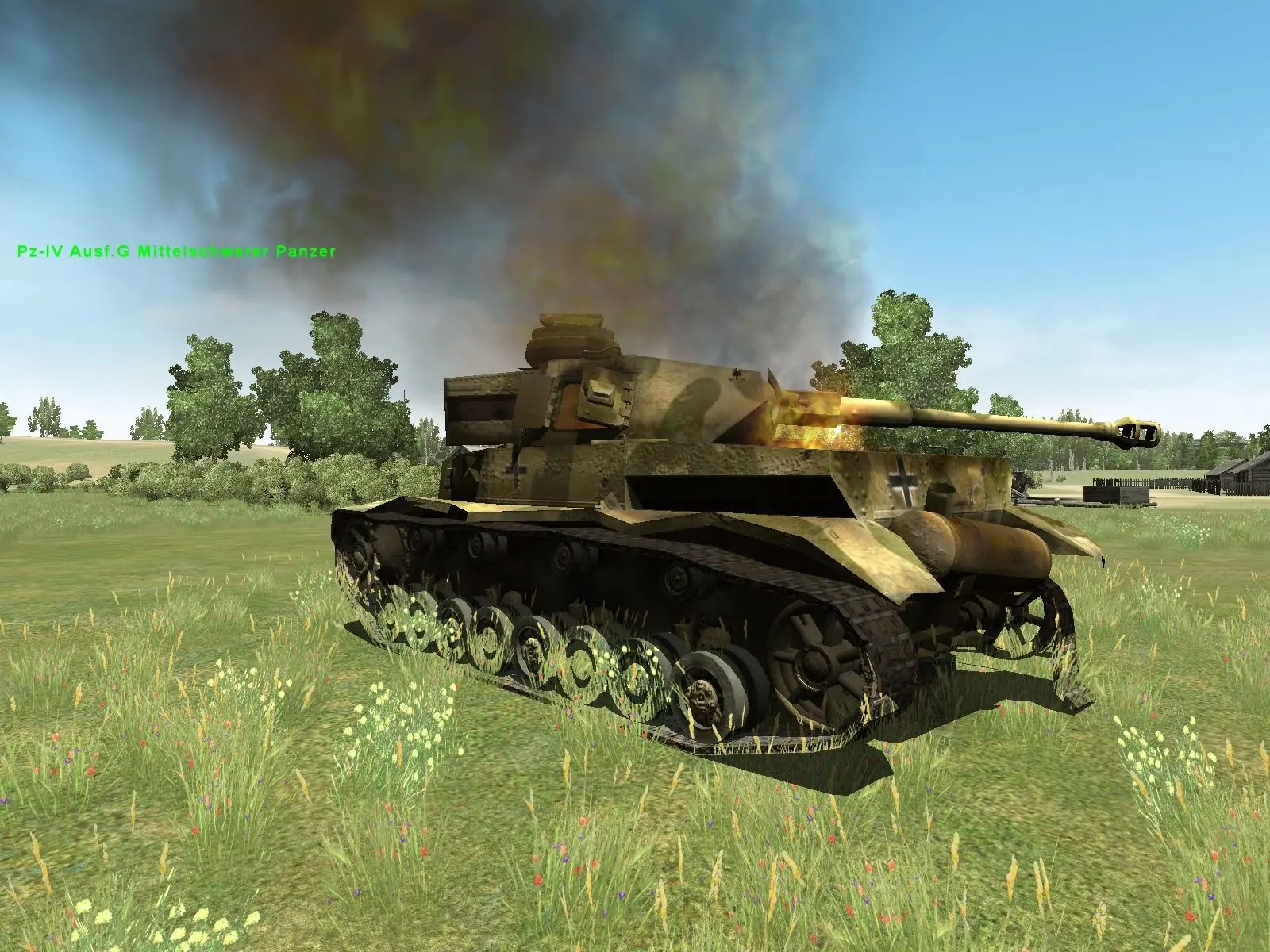
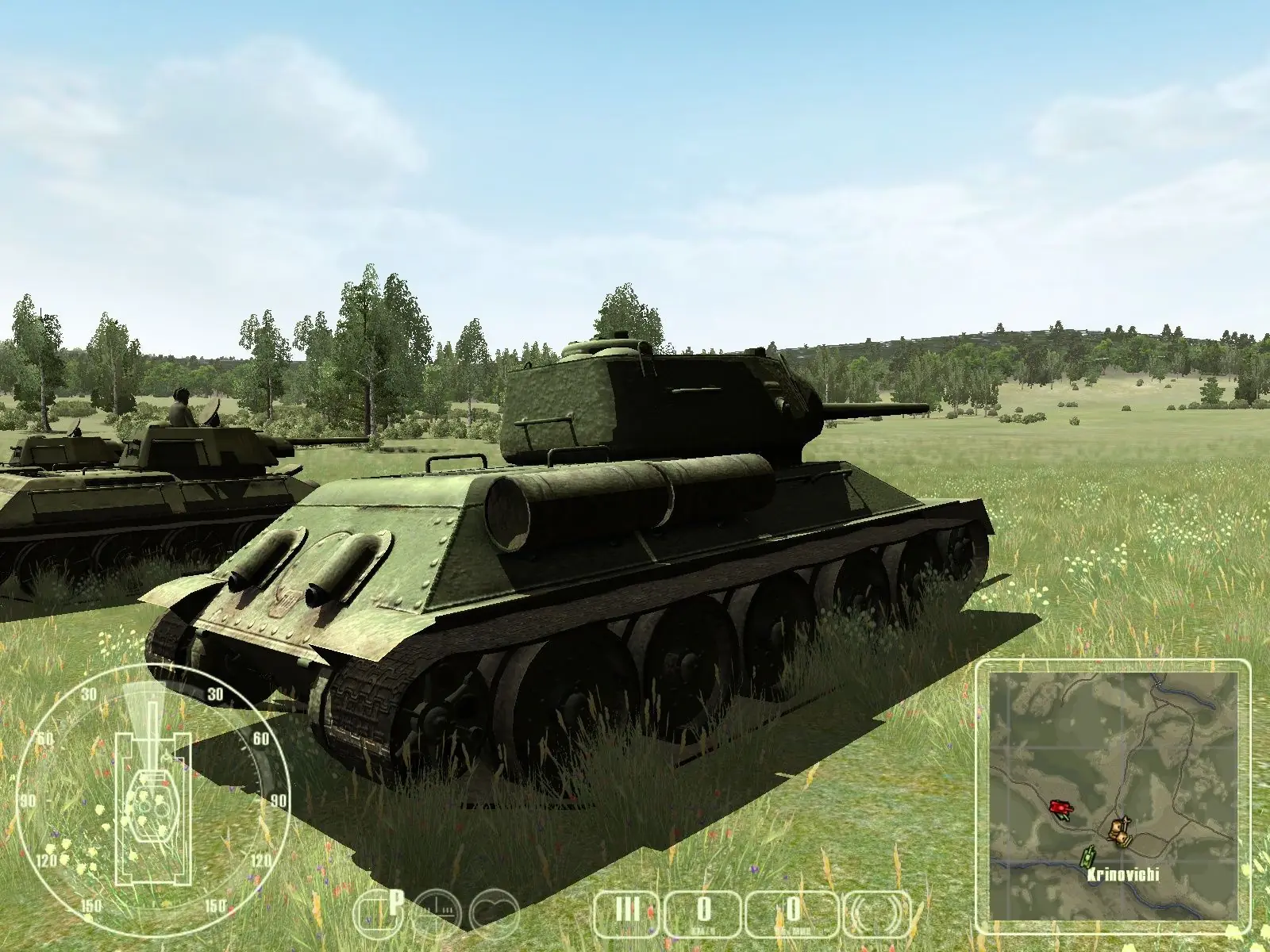
The tank simulation 'WWII Battle Tanks: T-34 vs. Tiger' takes place in Belarus during the summer of 1944, in which the Soviet Union launched "Operation Bagration", the Belarusian offensive, against the retreating German Wehrmacht. After Kursk, this was the most significant struggle of the two tank armies and resulted in the complete destruction of the German Army Group Center and the Soviet recapture of all territories within their 1941 borders.
WWII Battle Tanks: T-34 vs. Tiger is abandonware and no longer sold or supported by its publishers. Files are archived here for these platforms:









1. use F4ZX7-8LV12-2TJK5-1K6N1-4YVX8 as S/N
2. rename the setup.dat in the ISO file into rar format, unzip it into the game folder
3. download and put these files into game folder
3.1 msvci70.dll
3.2 msvcp71.dll
3.3 msvcr70.dll
3.4 msvcr71.dll
4. download and install directx9c
5. run the game in vista compatible mode
6. set the game resolution to 1024x768x32x59 (tested) or below
1. use F4ZX7-8LV12-2TJK5-1K6N1-4YVX8 as S/N
2. rename the setup.dat in the ISO file into rar format, unzip it into the game folder
3. download and put these files into game folder
3.1 msvci70.dll
3.2 msvcp71.dll
3.3 msvcr70.dll
3.4 msvcr71.dll
4. download and install directx9c
5. run the game in vista compatible mode
6. set the game resolution to 1024x768x32x59 (tested) or below
2. msvcp71.dll
3. msvcr71.dll