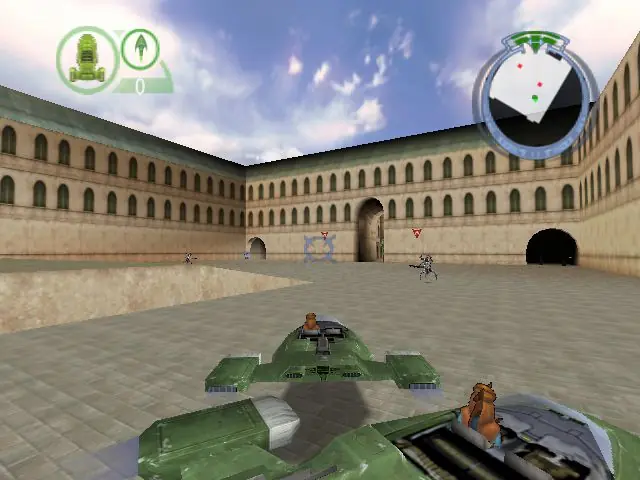
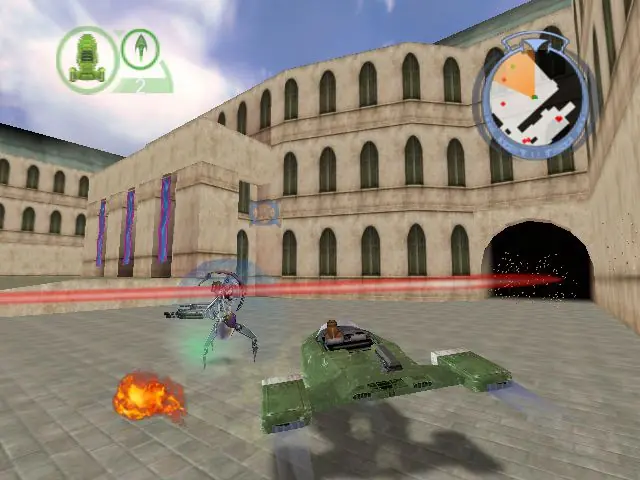
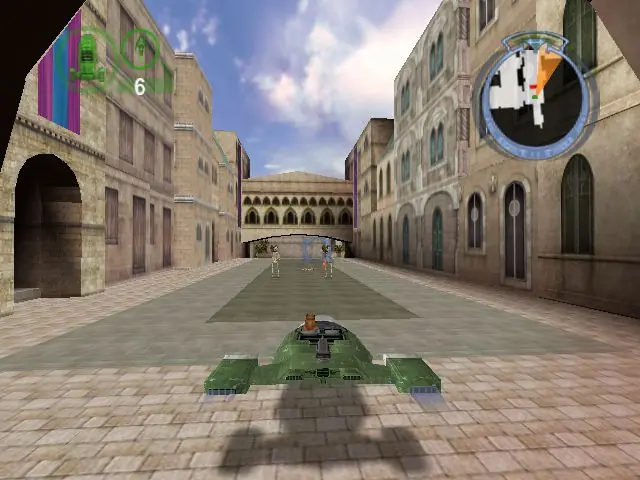
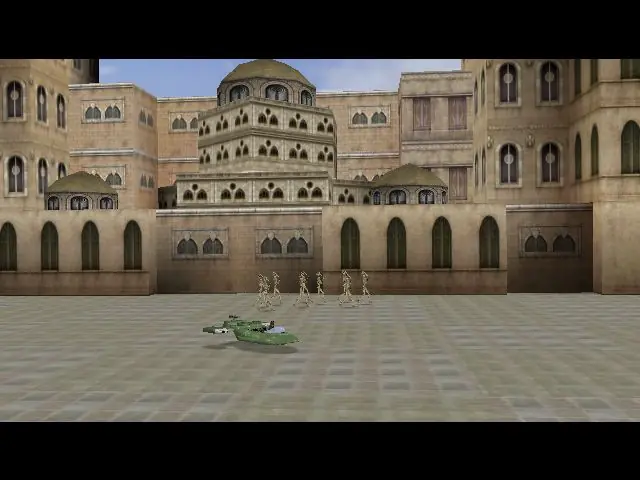
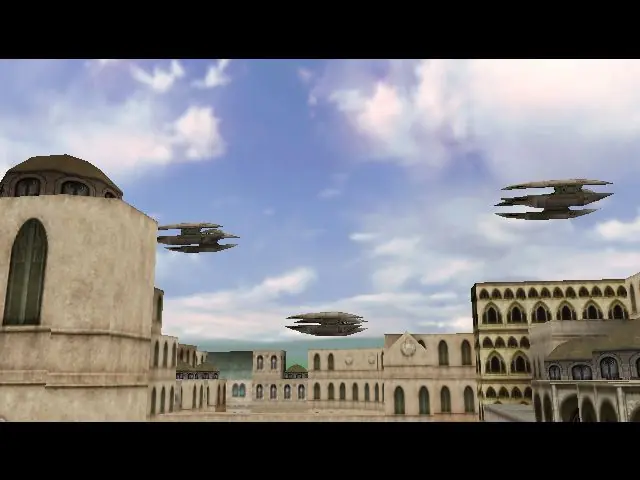
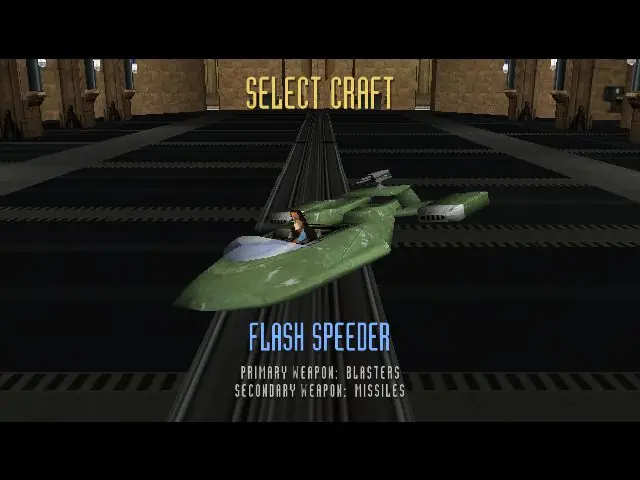
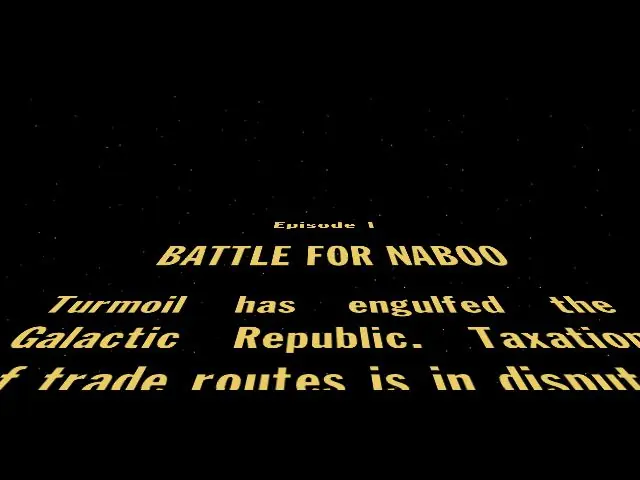
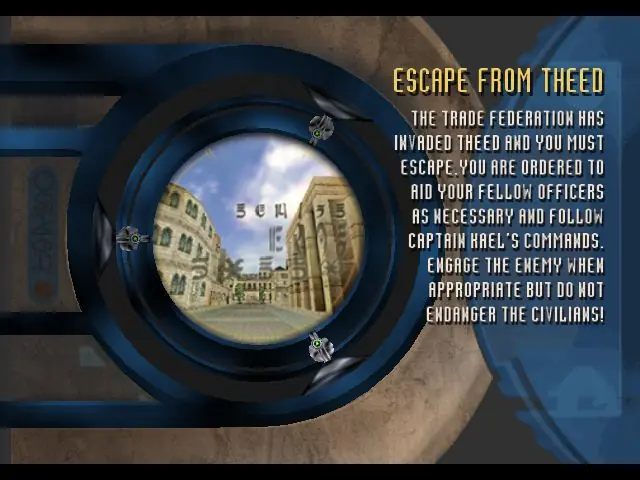
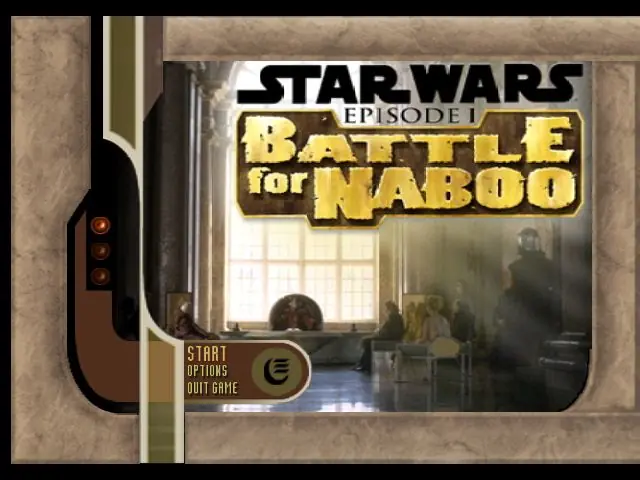
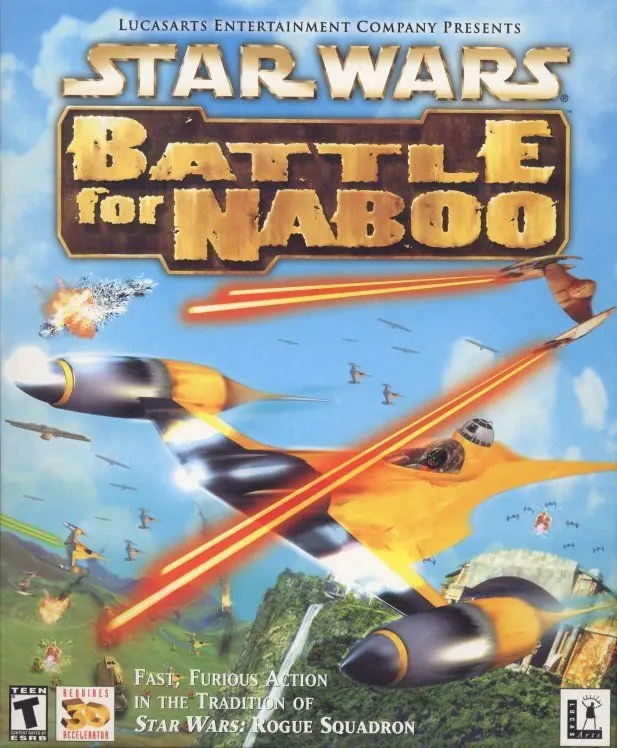
Star Wars: Episode 1, Battle for Naboo gives gamers the chance to jump into a starfighter cockpit and take part in the battle for Naboo's freedom. You must lead the resistance against the vile Trade Federation while Queen Amidala pleads Naboo's case before the Senate on Coruscant. A variety of new and familiar Star Wars vehicles are ready to be used in 16 land, sea, and air levels. The original story line features several combat scenarios, including air-to-air, ground-to-ground, and air-to-ground battles. The difficulty settings are adjustable, so even a Gungan can have a blast.

Star Wars: Battle for Naboo is abandonware and no longer sold or supported by its publishers. Files are archived here for these platforms:
How to play on Windows (64-bit)
How to play on Windows (32-bit) and earlier versions of Windows

A good idea, Here, I hope to see a new version using Turbo studio + nocd
https://jilik1.blogspot.com/2012/08/lets-get-battle-for-naboo-running-on.html
https://www.pcgamingwiki.com/wiki/Star_Wars:_Episode_I_-_Battle_for_Naboo#Installing_on_64-bit_versions_of_Windows
Also when it says copy paste games folder to c drive does it mean c drive or the new virtual drive w/ a new letter hence (D) or (E) etc
i get please insert the battle for naboo CD into your cd-rom drive to proceed
https://www.pcgamingwiki.com/wiki/Star_Wars:_Episode_I_-_Battle_for_Naboo#Installing_on_64-bit_versions_of_Windows