| Publishers | Electronic Arts |
| Developers | Maxis |
| Release date | 2000 |
| Genre | Simulation |
| Game rating |
Game Description
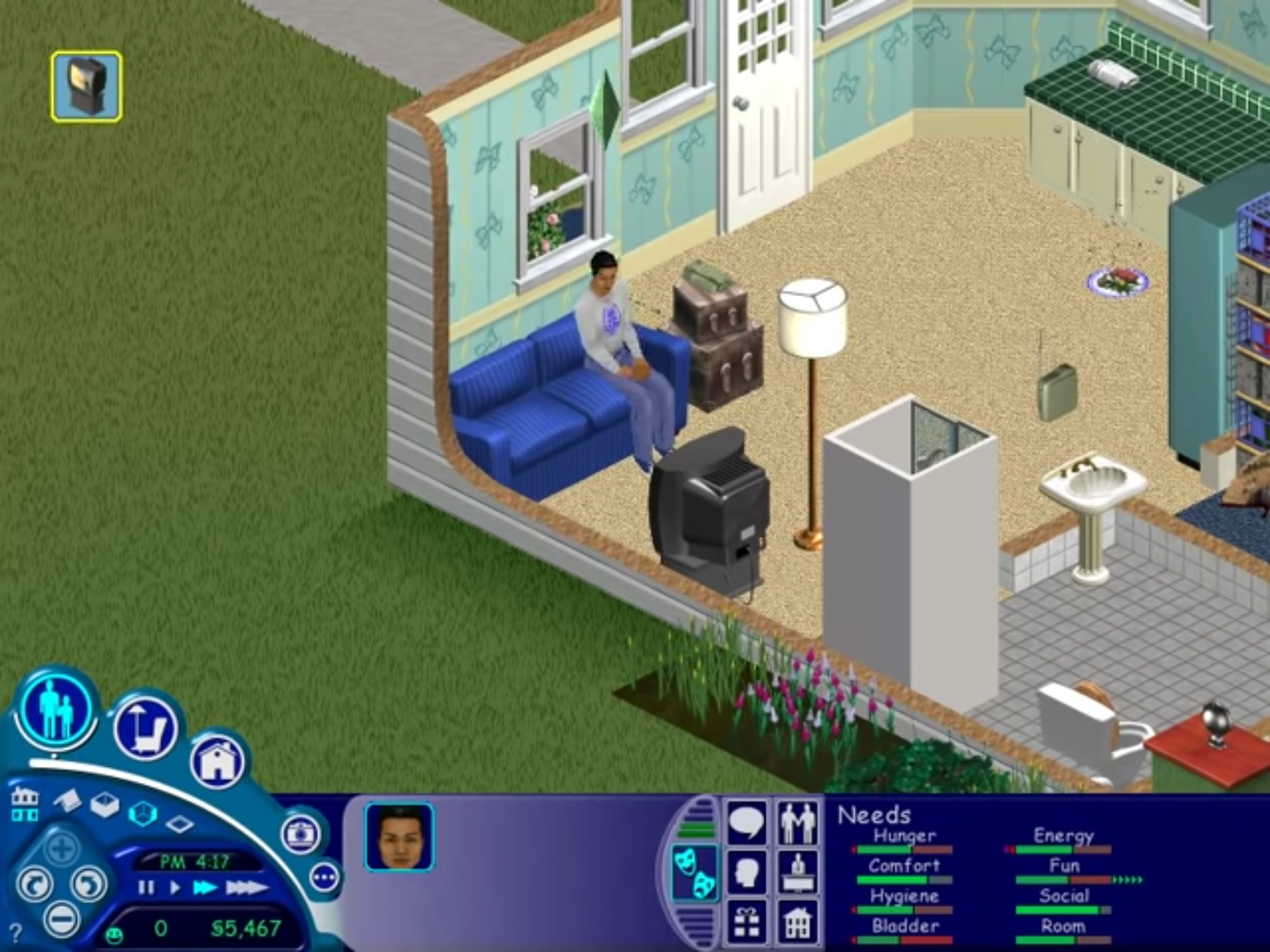
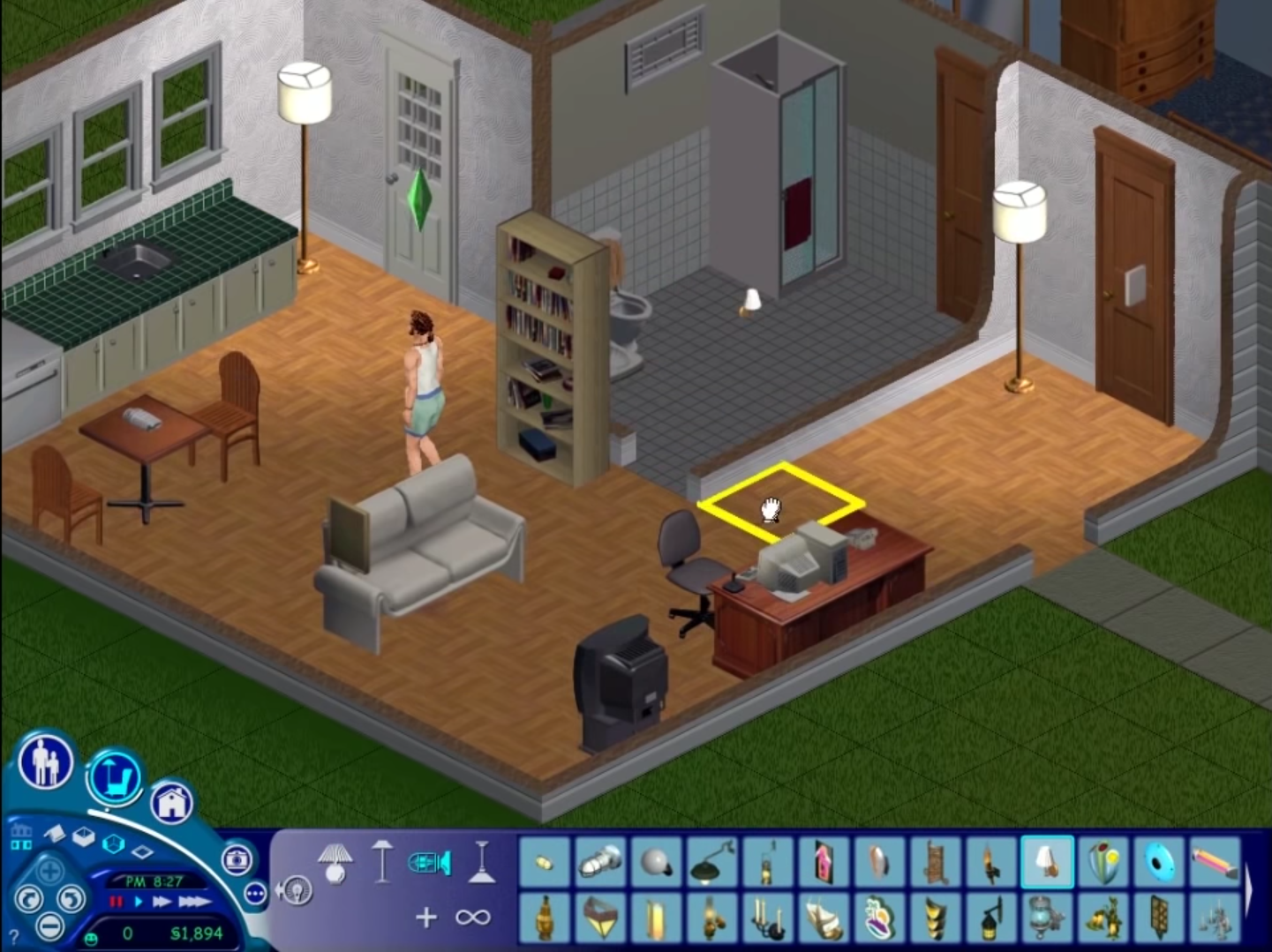
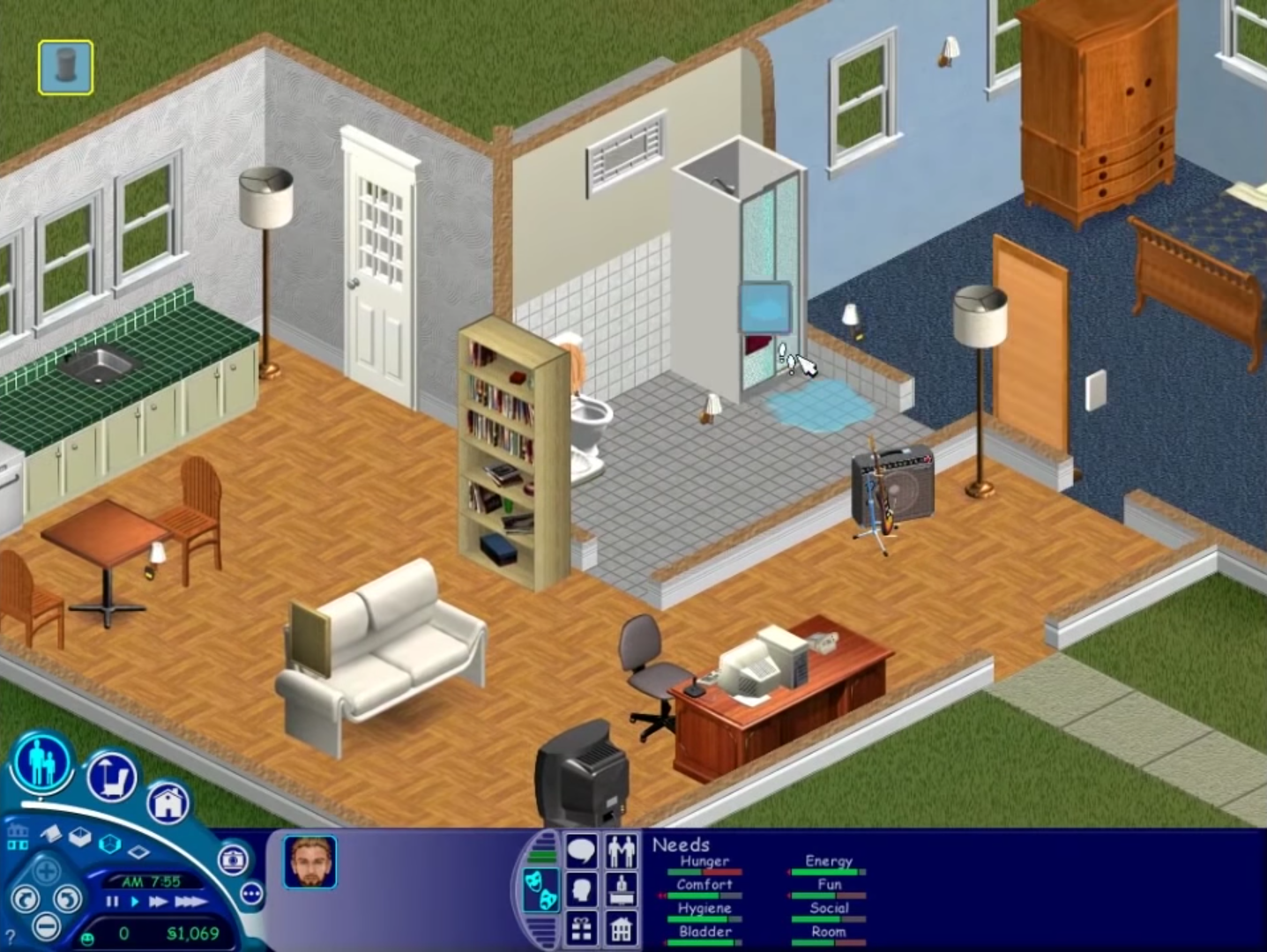
The Sims (also known as The Sims 1 or The Sims Classic) is a life-simulation video game developed by Maxis and published by Electronic Arts on February 4, 2000 for Windows, and July 25, 2000 for Mac OS X. The game only has a single-player mode. There is no goal defined in The Sims,and players must develop their characters as they go through different life stages. Characters which the player controls can interact with other in-game characters, develop relationships (both negative and positive) and can even start families together. Characters can also be assigned certain tasks to develop life skills, which enables them to progress in their careers and increase their salaries.
Download The Sims
The Sims is no longer abandonware. You can now buy the game from:
Windows (2000)
The Sims™ Legacy Collection on Steam
Additional files, patches and fixes
The Sims Deluxe Edition Manual (English)
The Sims Windows ReadMe (German)
The Sims Windows ReadMe (English)
The Sims Windows ReadMe (Spanish)
The Sims Windows ReadMe (French)
The Sims Windows ReadMe (Italian)
The Sims Windows ReadMe (Dutch)
The Sims Screenshots
Windows
0
0
0
0
https://gamefaqs.gamespot.com/boards/930408-the-sims-complete-collection/43682076
“These are the exact steps I took.
Left click on start. On my pc it is in the lower left hand corner.
Left click on all programs and find Maxis.
Right click on Maxis and click expand.
Right click on The Sims and click expand.
Right click on either The Sims…800×600 or The Sims…1027×768 and click run as administrator.
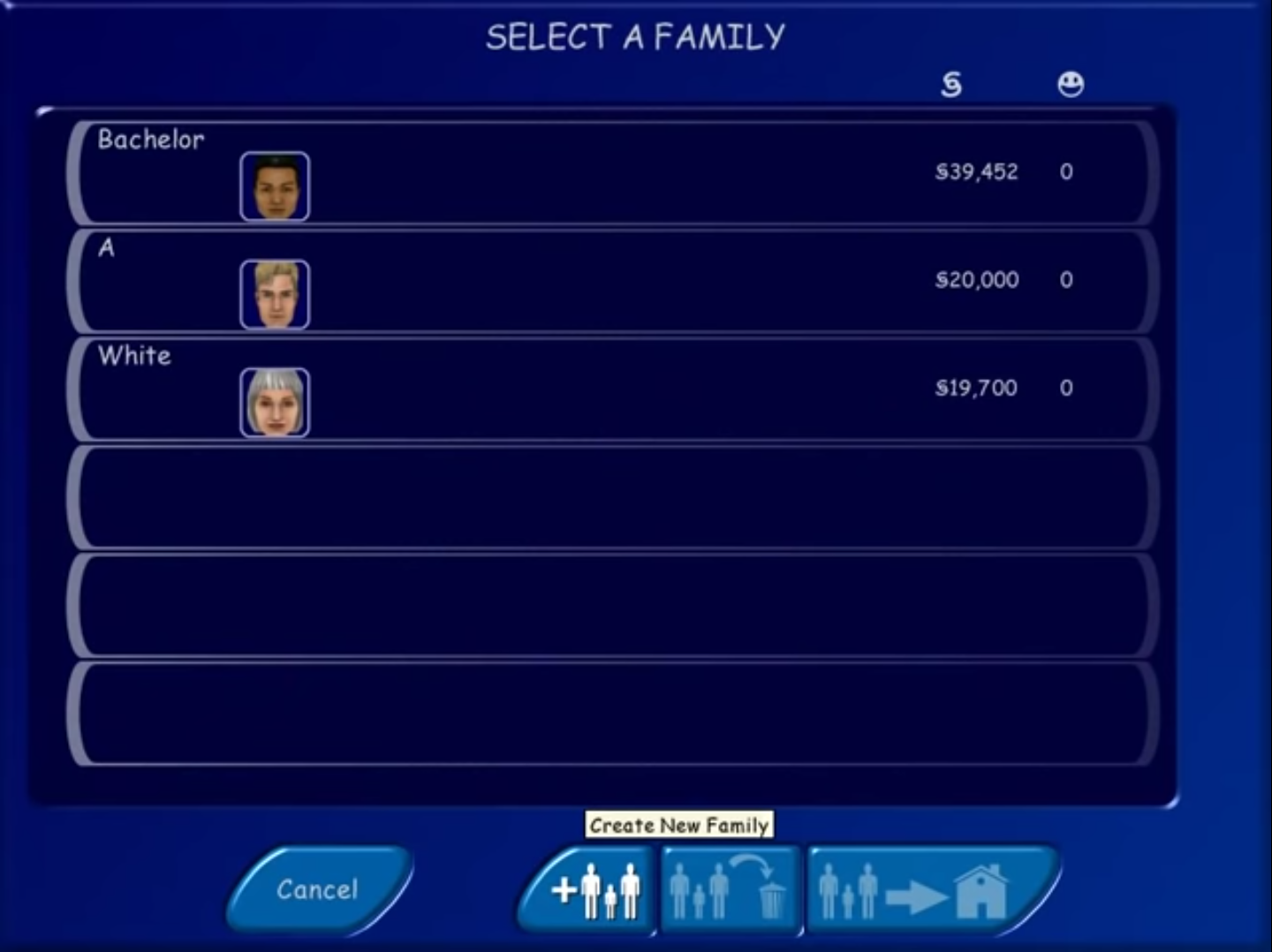
When I didn’t do that I couldn’t save or move a family I created in to a house. When I ran it as administrator it worked right.”
hope this helps!
0
0
0
0
0
0
0
0
0
0
0
0
0
after extracting use daemon tools lite (https://www.daemon-tools.cc/products/dtLite ) to mount the iso file in this file
to mount it go to add image select the iso then mount
the problem comes when you try to open the mounted file but it does not start , right click it and open or while mounting press open folder to view files and copy everything there and paste it in the extracted sims file. restart and open the start exe and it should work
(use older version of daemon if it didnt work)
0
link – https://www.daemon-tools.cc/products/dtLite (if it isnt opening try older versions) open it and mount (press add image and select the iso file and then mount it) many people have problems on opening the mounted file, right click and open it then copy everything and paste it to the downloaded sims files and restart try opening it now as it will work
it worked for me
0
0
0
NoCD and use one of the serials inside “serial.txt”
just cant find it
thus cannot install without the serial numbers
0
0
0
0
0
0
To delete this game, if you installed the game make sure you uninstall it. Then, unmount the CD file, and just delete it from where it was originally extracted.