| Publishers | Vivendi Games |
| Developers | Stormfront Studios |
| Release date | 2008 |
| Genre | Action, Adventure |
| Game rating |
Game Description
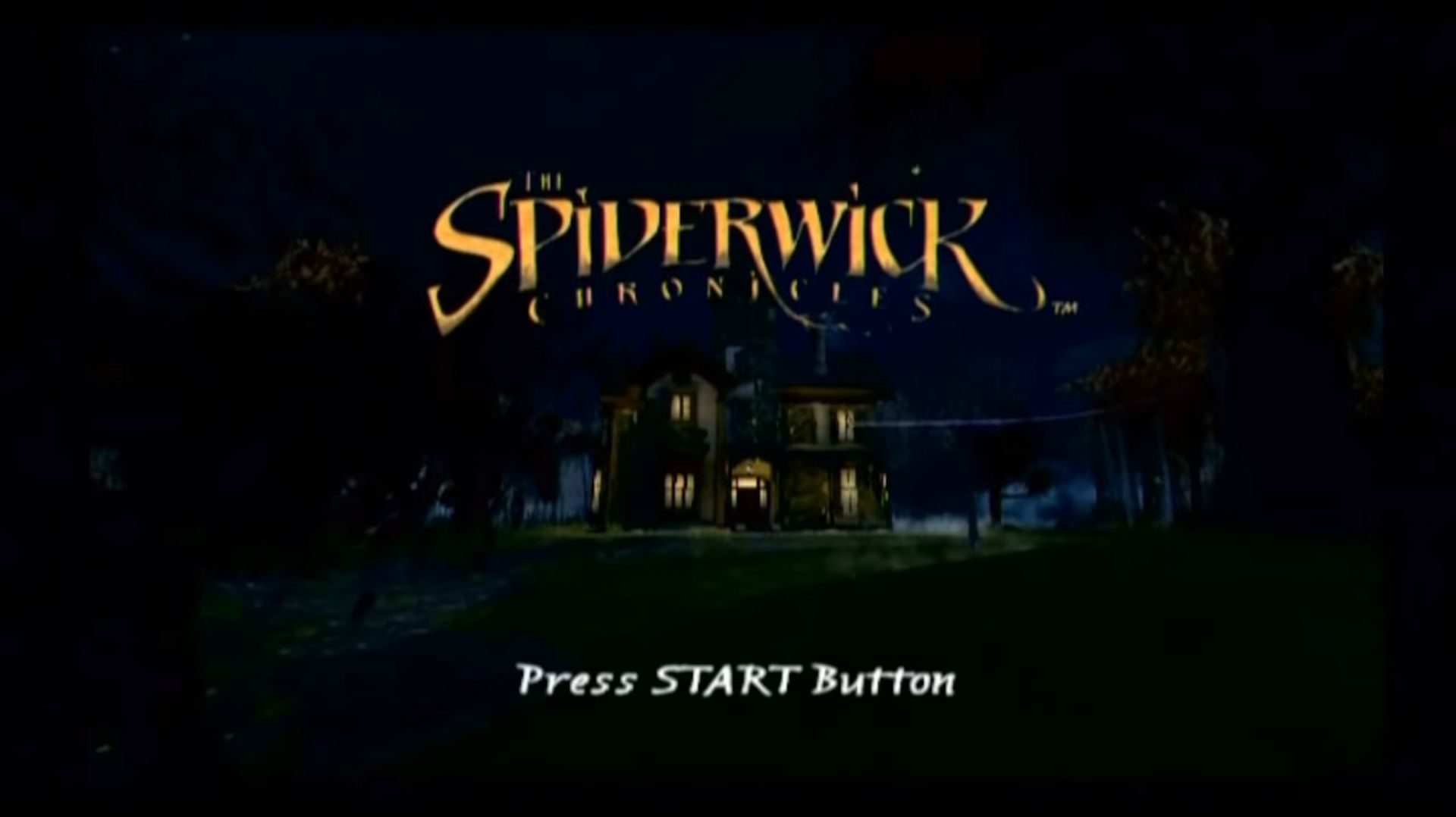
The Spiderwick Chronicles is a video game adaptation of the film of the same name. It was released in February 6, 2008 for Windows, Nintendo DS, Wii, Xbox 360 and PlayStation 2. When Jared, Simon and Mallory Grace move into the Spiderwick estate, they discover the late owner’s field guide to fairies. They soon discover a hidden world all around them, populated with creatures such as brownies, goblins and sprites. However, Jared and his family are in grave danger, because Mulgarath, an ogre, wants to steal the book for himself.
Download The Spiderwick Chronicles
We might have the game available for more than one platform. The Spiderwick Chronicles is currently available on these platforms:
PlayStation 2 (2008)
The_Spiderwick_Chronicles_PS2_ISO_USA_SLUS-21716.zip (1.1GB)
The_Spiderwick_Chronicles_PS2_ISO_Europe.EN.FR.DE.ES.IT_SLES-55109.zip (1.6GB)
Windows (2008)
The_Spiderwick_Chronicles_Win_Preinstalled_EN.zip (2.6GB)
The_Spiderwick_Chronicles_Win_Setup_EN.RU.zip (2.7GB)
How to play on Windows (Preinstalled)
- Download and Extract The_Spiderwick_Chronicles_Win_Preinstalled_EN.zip
- Open the “Game Files” folder and then run “Spiderwick.exe”
- Play the game
Note: When you close out of the game, it might cause your computer to crash (this appears to be a glitch from the game itself) so please make sure you don’t have anything important open when launchng the game.
How to play on Windows (Have to install)
- Download and Extract The_Spiderwick_Chronicles_Win_Setup_EN.RU.zip
- Open the “Game Files” folder and then run “setup.exe”.
- The installer will be in Russian so click on “Next” one time. You can choose the folder you want to install the game in the next window – you can just keep this at default, so select “Next” once more.
- On this Windows, you want to click on the dropdown menu and select “English”.
- Keep clicking on the “Next>” button until installation begins.
- Once installation is complete, go into the “NOCD” folder and copy paste “Spiderwick.exe” into the game installation directory (folder you installed the game to). Confirm you want to replace the files in the destination
- Play the game by launching “Spiderwick.exe”
Additional files, patches and fixes
The Spiderwick Chronicles Screenshots
PlayStation 2
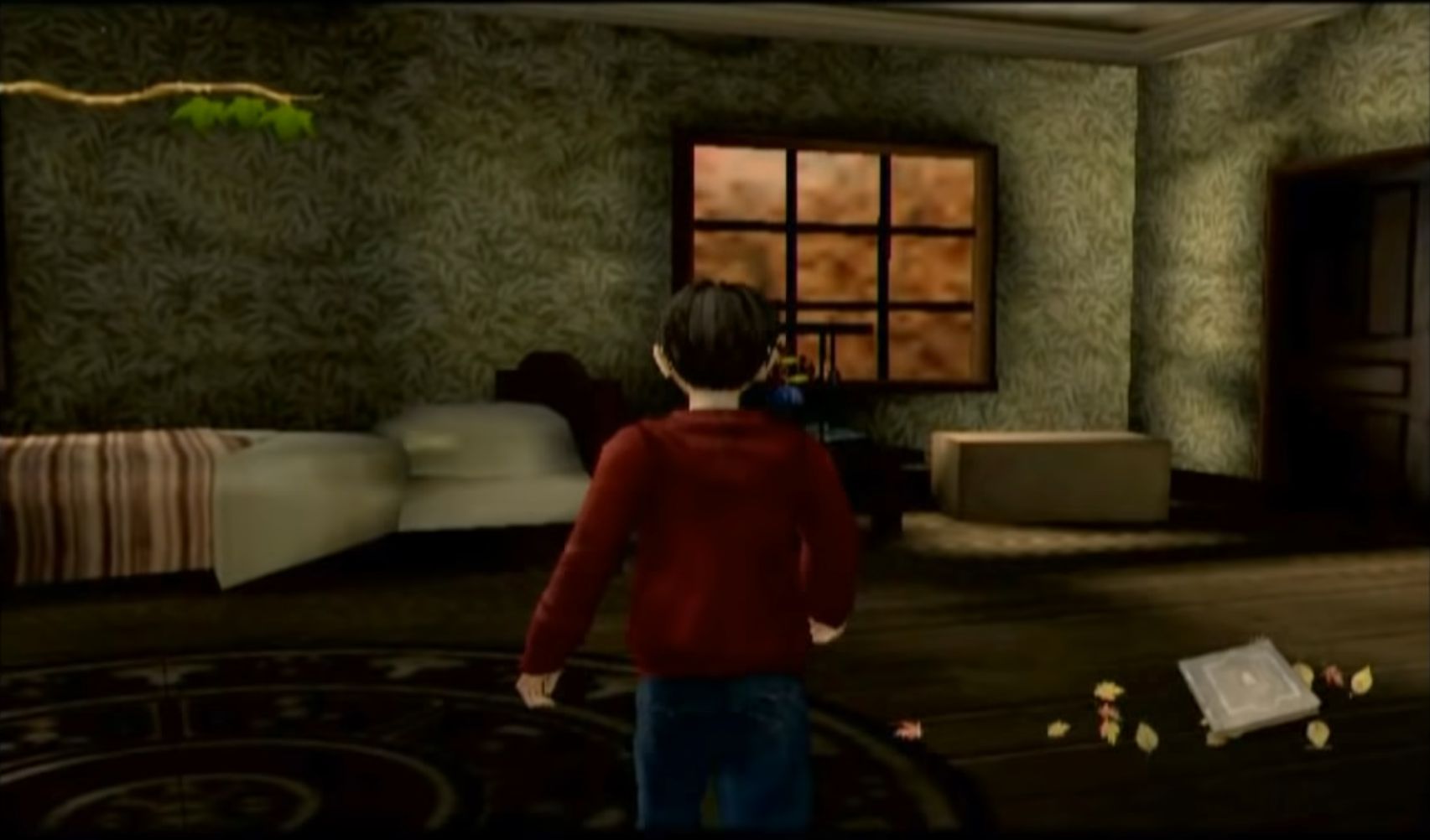
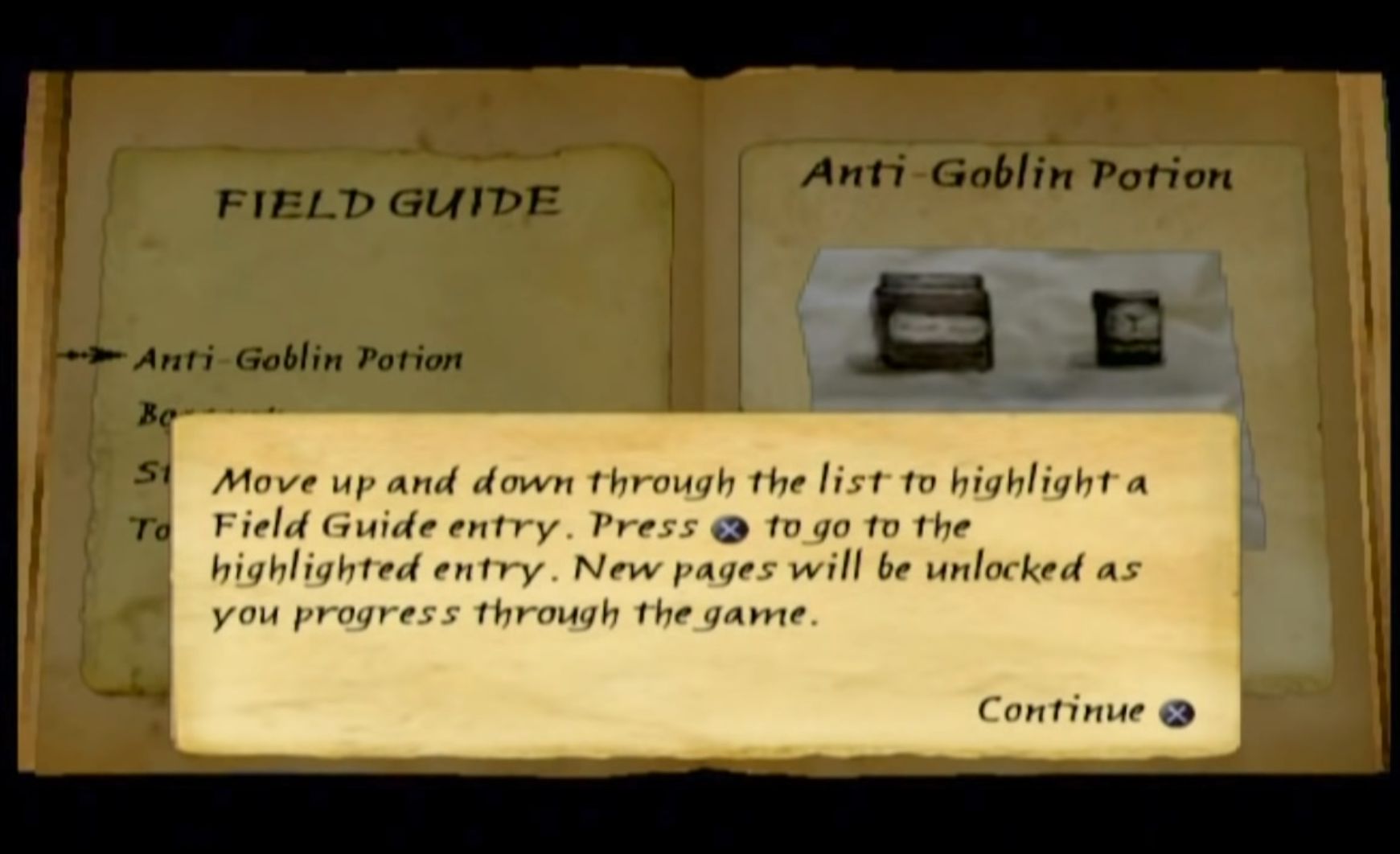
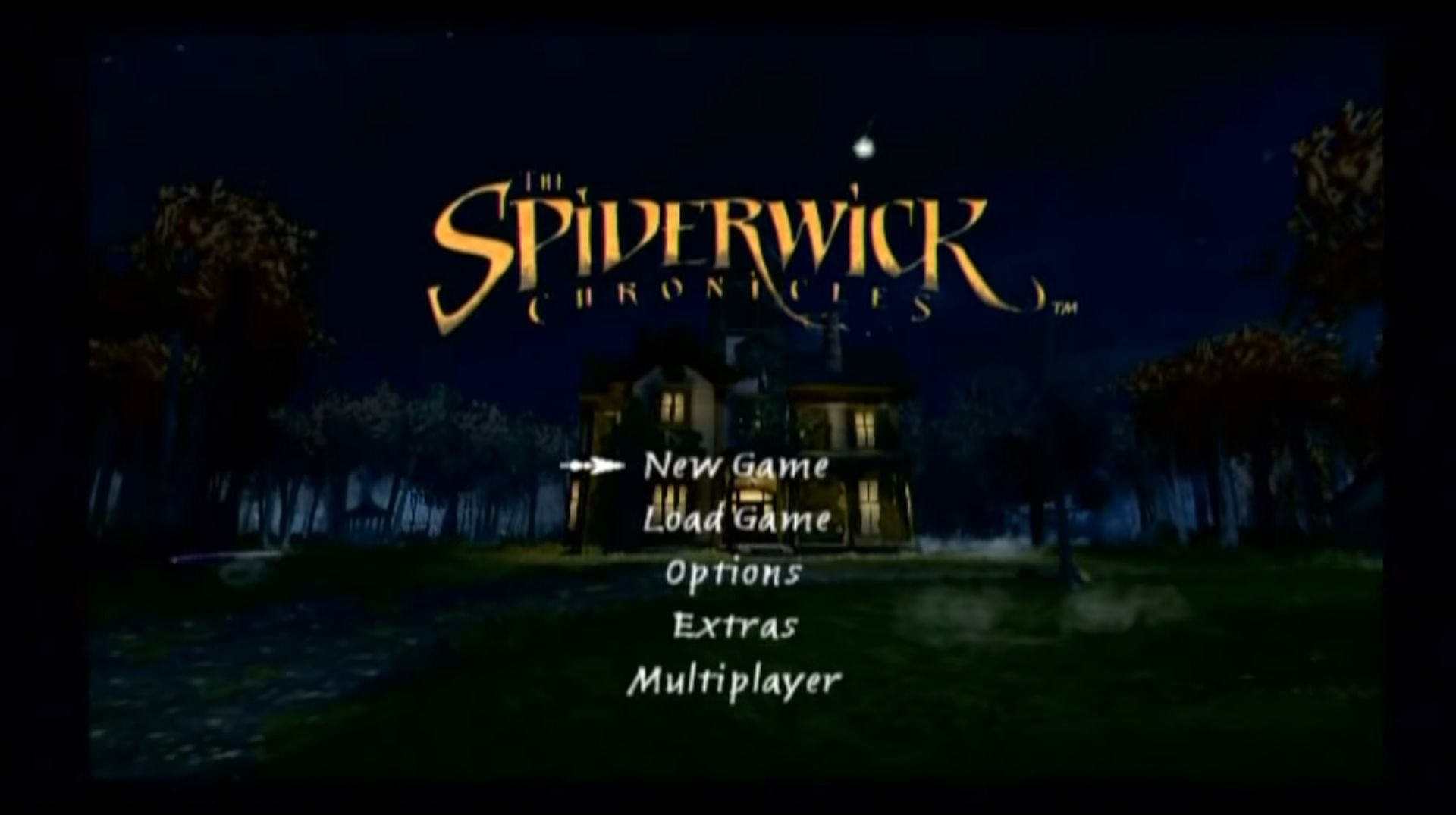
0
0
the troll animation makes it go too fast and not hitting stuff so i cant go past that, i think its a bug.
0
0
0
0
0
0
0
0
0
0
0
0
0
0
0
0
0
1
0
-1