| Publishers | Microsoft Game Studios, MacSoft |
| Developers | Blue Fang Games, MacSoft, Rapan |
| Release date | 2008 |
| Genre | Simulation |
| Game rating |
Game Description
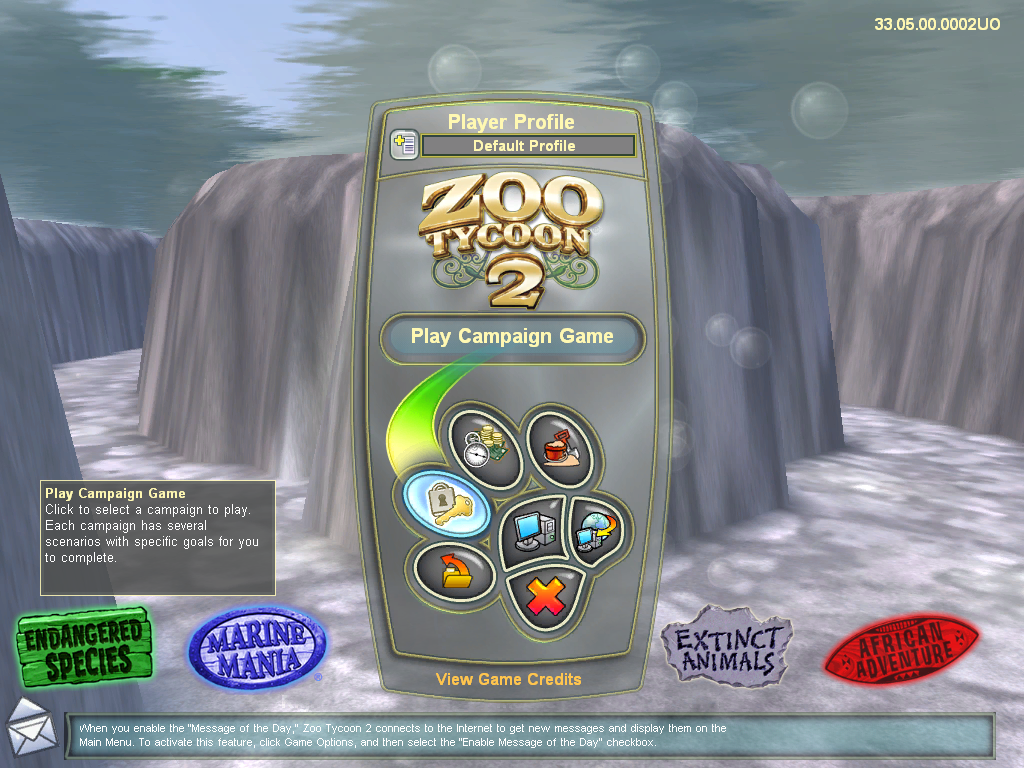
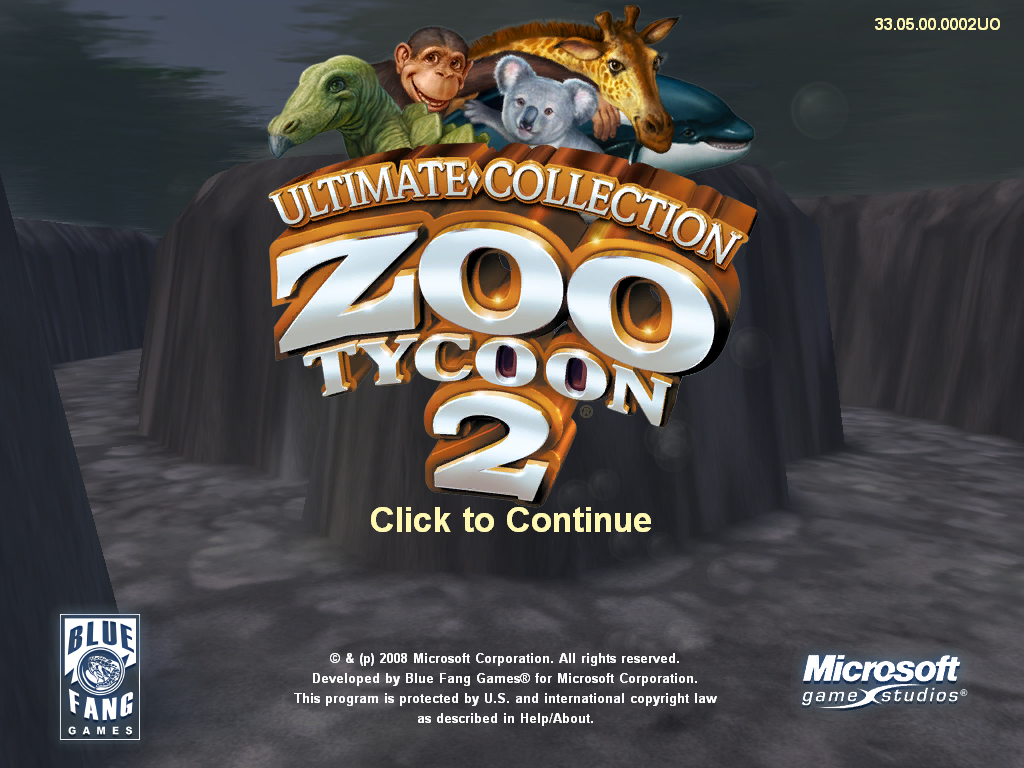
Zoo Tycoon 2: Ultimate Collection contains the original Zoo Tycoon 2 game, all four official expansions and a new menu theme exclusive to it, similar to Zoo Tycoon: Complete Collection.
Download Zoo Tycoon 2: Ultimate Collection
We might have the game available for more than one platform. Zoo Tycoon 2: Ultimate Collection is currently available on these platforms:
Windows (2008)
Zoo_Tycoon_2_Ultimate_Collection_Win_EN.7z (1.28GB)
How to play on Windows:
- Download “Zoo_Tycoon_2_Ultimate_Collection_Win_EN.7z” from the link above.
- Open the downloaded .zip file and extract the “Zoo_Tycoon_2_Ultimate_Collection_Win_EN” folder to your desktop. You will need to use a software such as WinRAR to do this.
- Open the extracted “Zoo_Tycoon_2_Ultimate_Collection_Win_EN” folder and then open the “Game Files” folder.
- Double click on the file called “zt.exe”. Zoo Tycoon 2: Ultimate Collection should now launch.
- Enjoy!
Additional files, patches and fixes
Zoo Tycoon 2: Ultimate Collection Windows Manual (English)
Zoo Tycoon 2: Ultimate Collection Windows ReadMe (English)
Zoo Tycoon 2: Ultimate Collection Windows Manual (Swedish )
Zoo Tycoon 2: Ultimate Collection Windows Manual (Norsk)
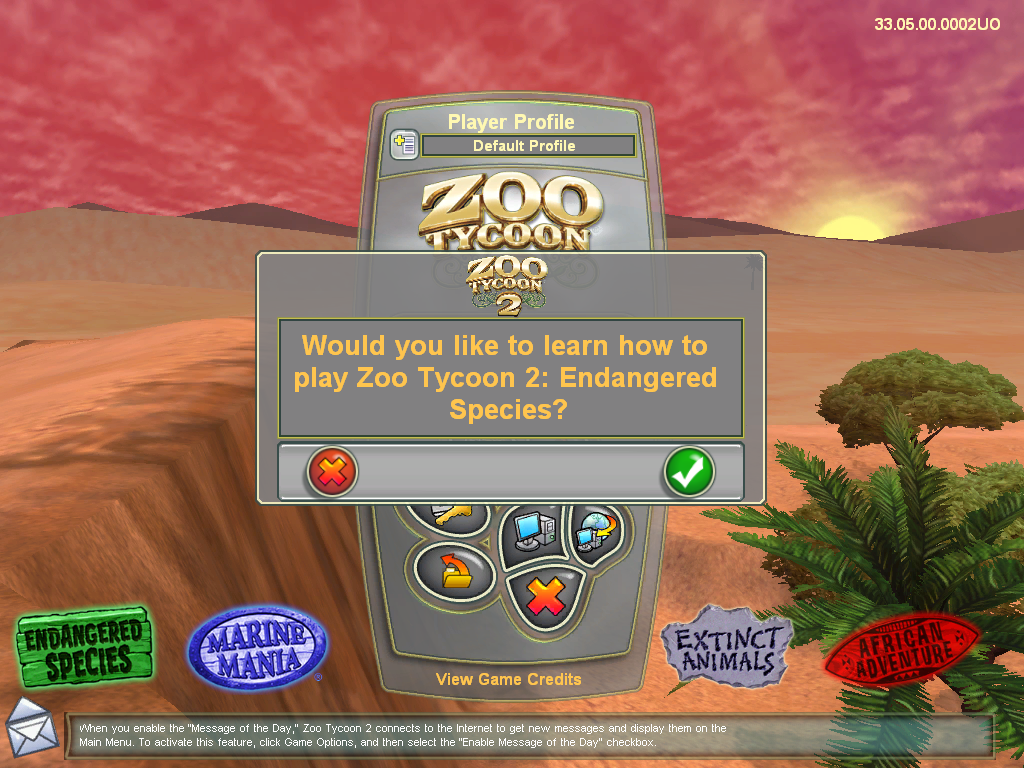
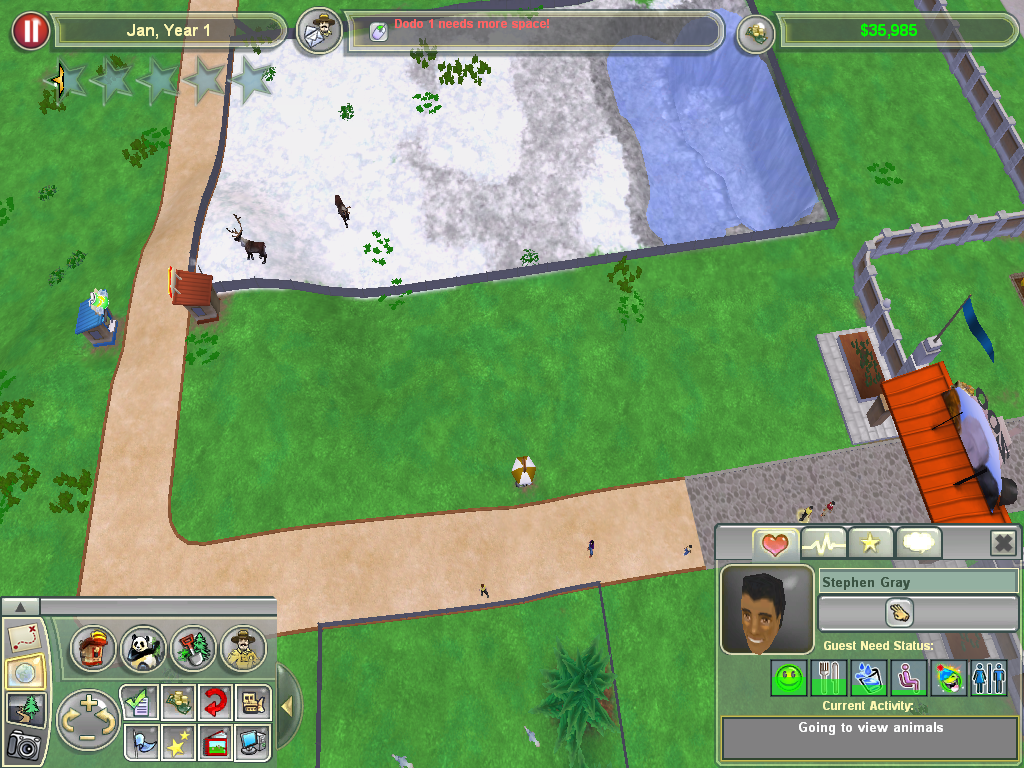
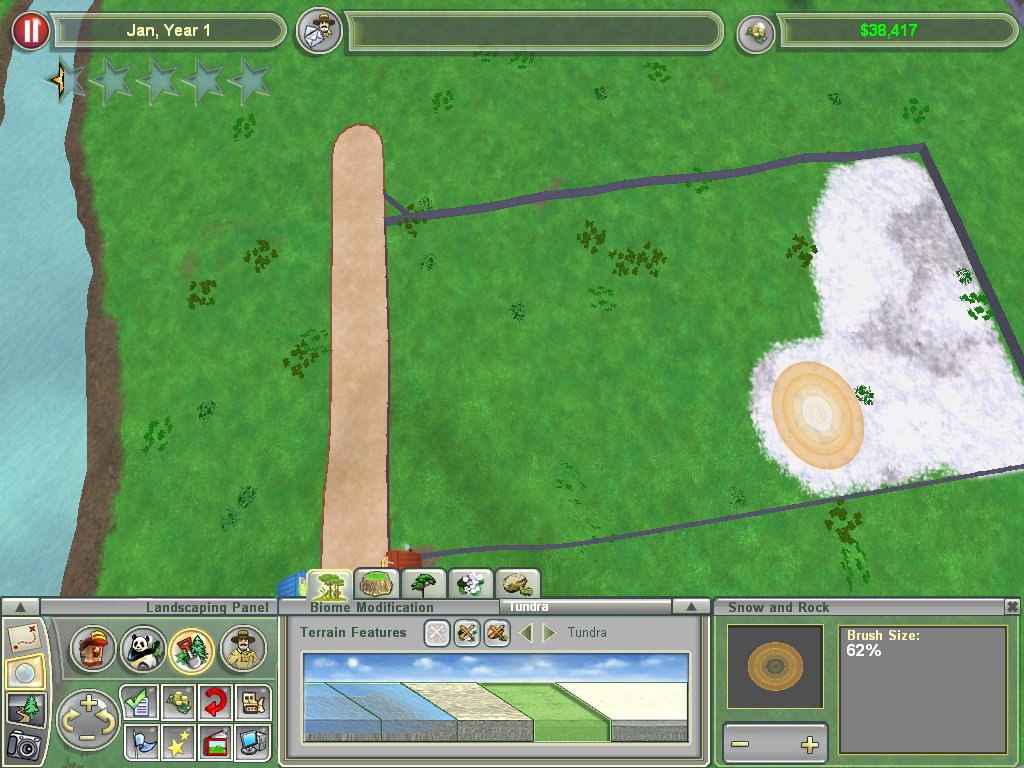
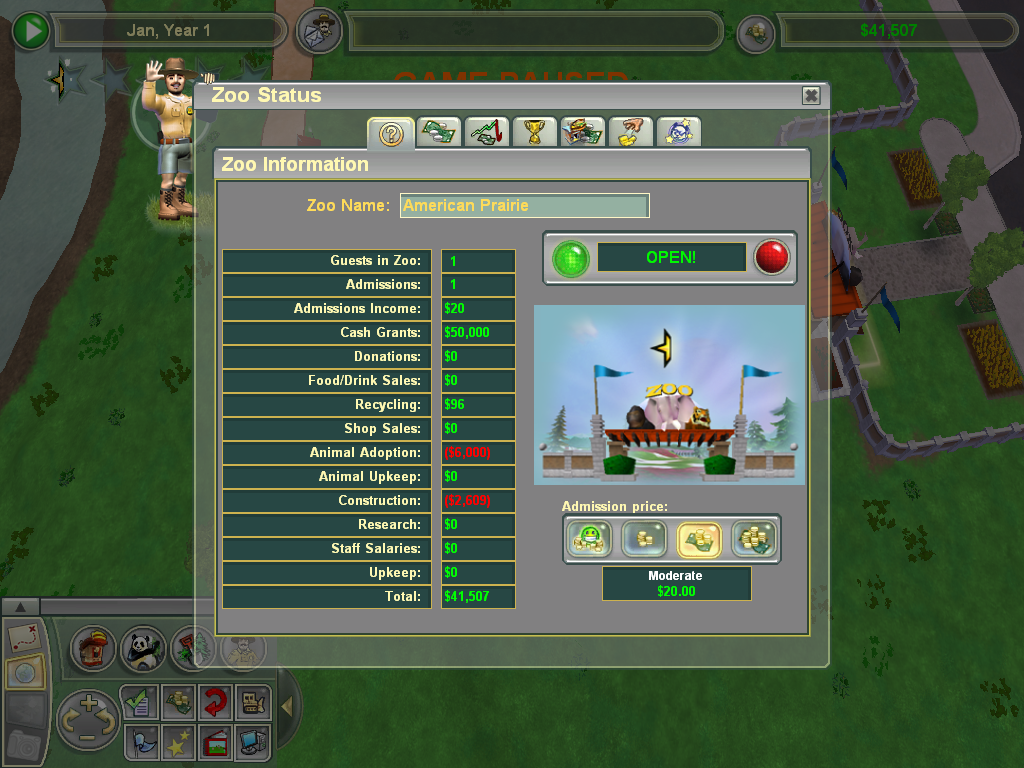
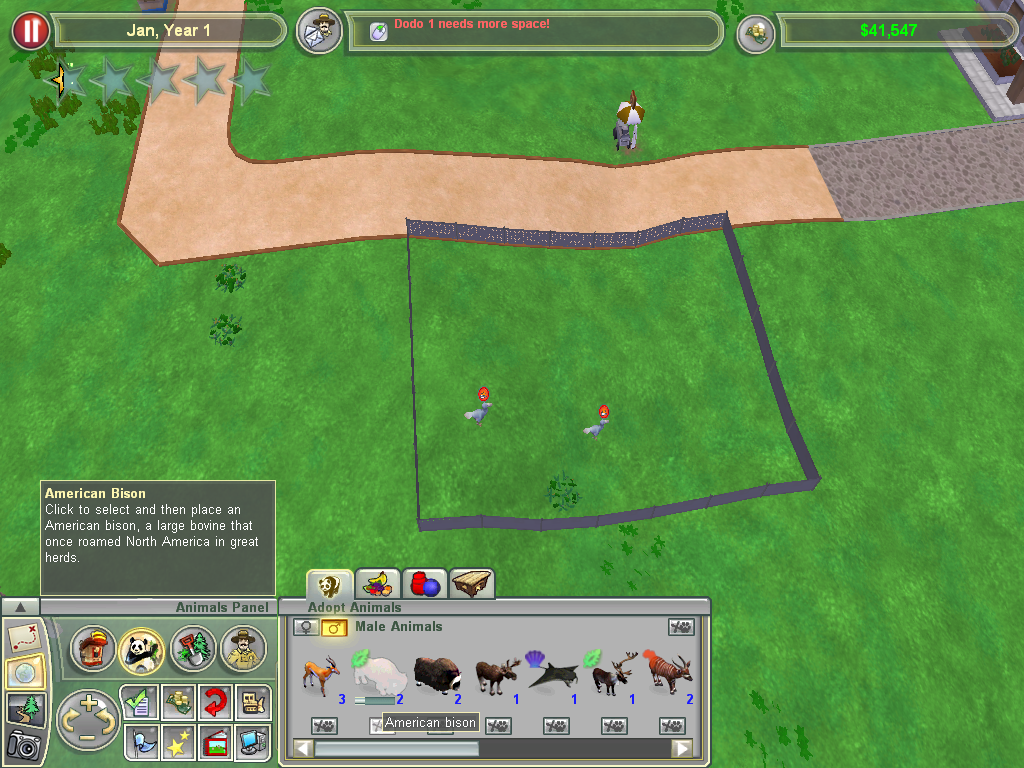
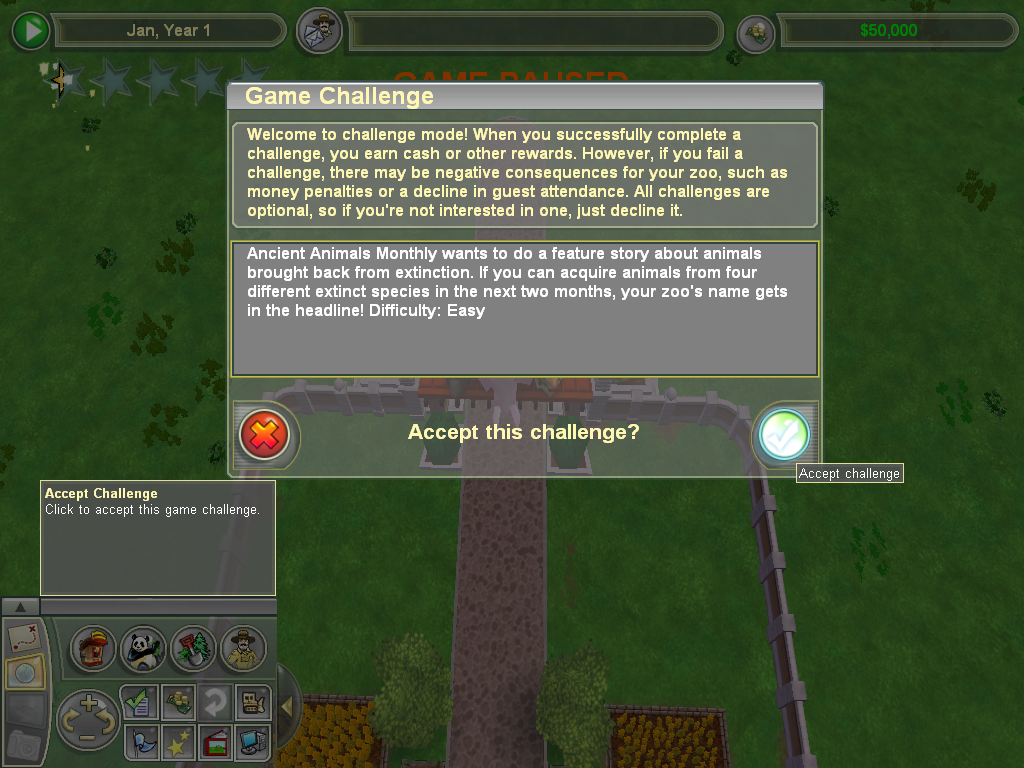
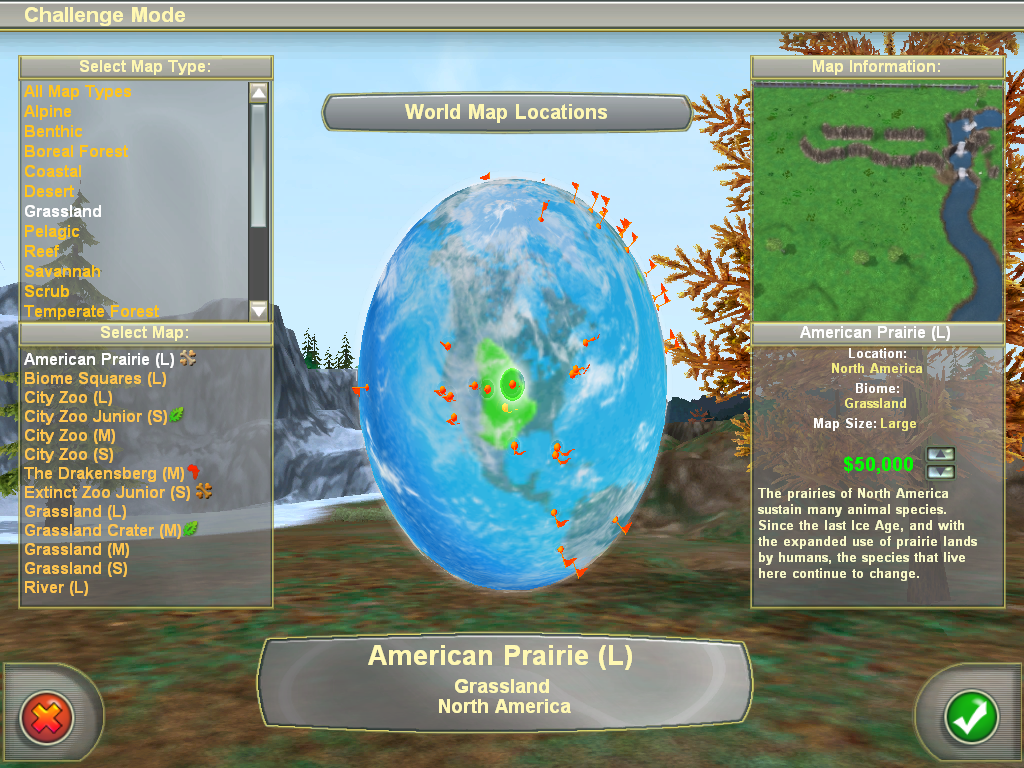
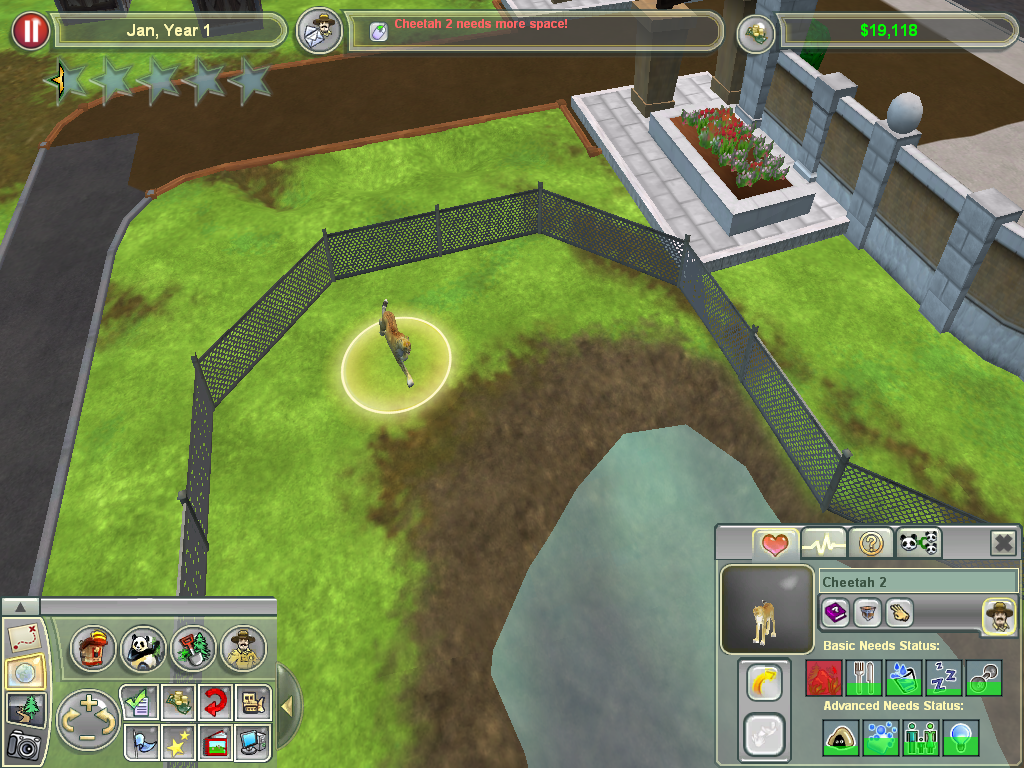
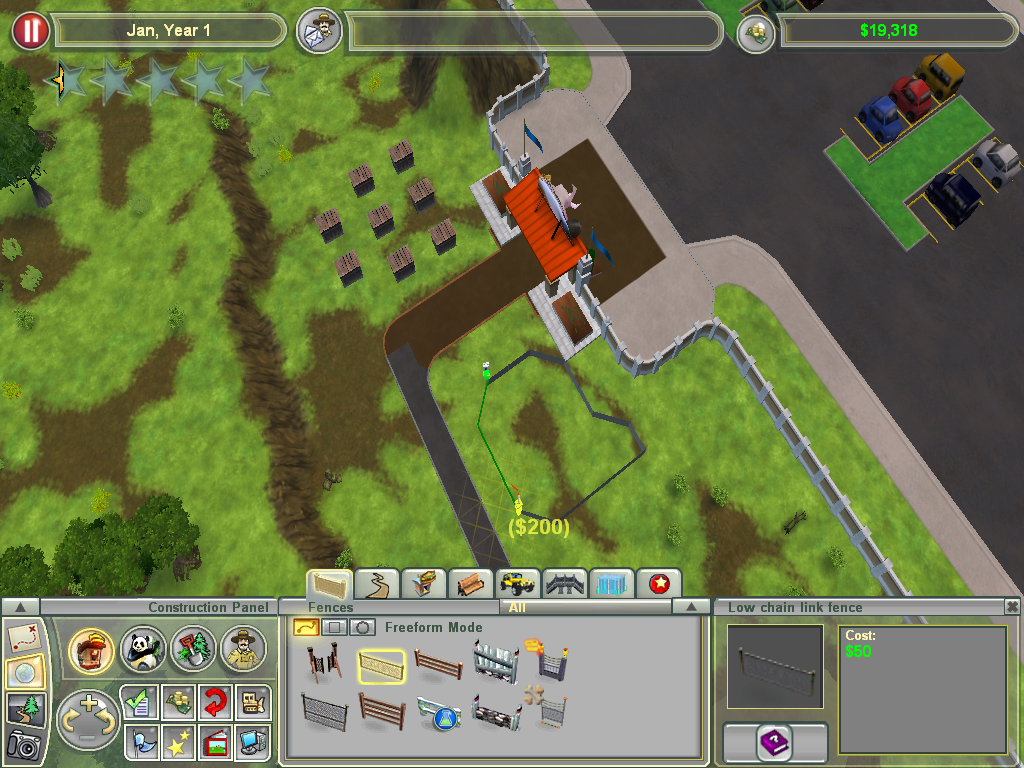
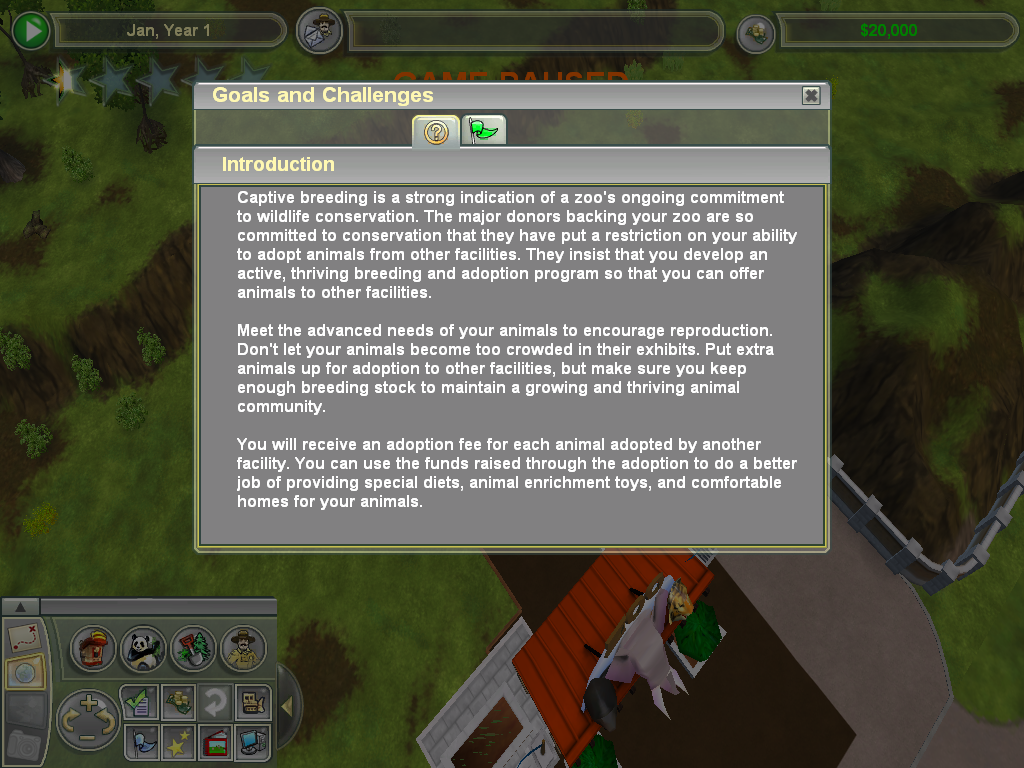
Zoo Tycoon 2: Ultimate Collection Screenshots
Windows

0
0
0
0
0
2
I had this problem too, luckily there’s been a mod that adds it back. Download this and place it into your zoo tycoon main folder like a normal mod and it should work. https://www.dropbox.com/s/l5bnghw9f4o1l96/zzzzzzzzzzzz_TankButtonsFix.z2f?dl=0
0
0
0
these are the files you need if you wan’t to use the second link
0
0
0
What can I do?
0
0
0
0
0
0
0
You just gave me days of fun
PS: Im playing with windows 11 and never had a problem.