Adventures with Barbie: Ocean Discovery
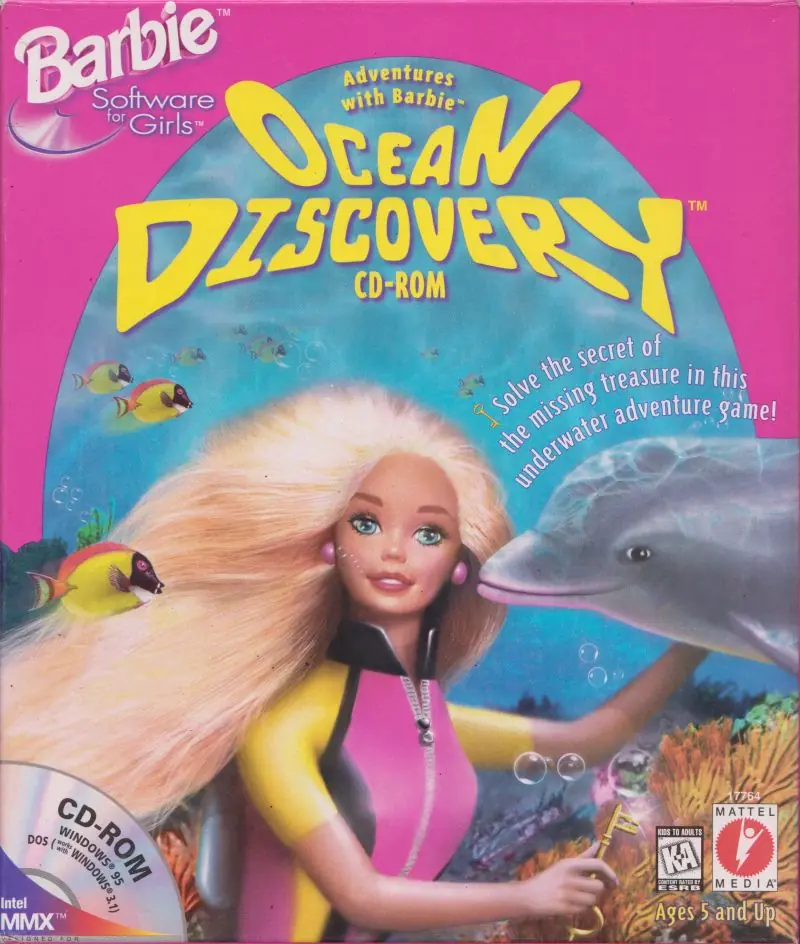
Adventures with Barbie: Ocean Discovery is a 2001 action game developed by Gorilla Systems and published by Vivendi Universal Games.
Publishers
Developers
Released
Platforms
Adventures with Barbie: Ocean Discovery is a 2001 action game developed by Gorilla Systems and published by Vivendi Universal Games.
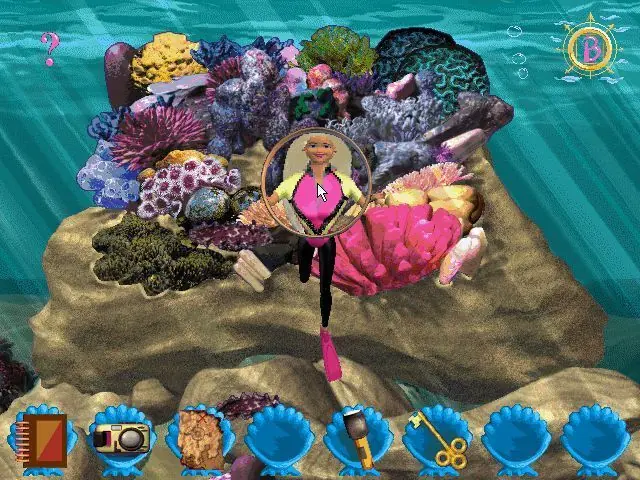
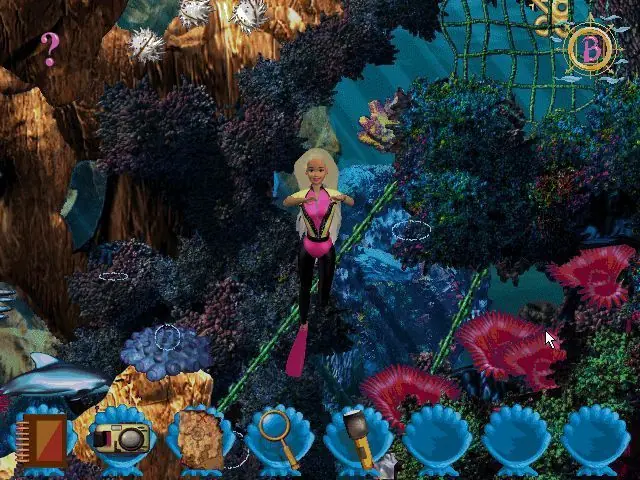
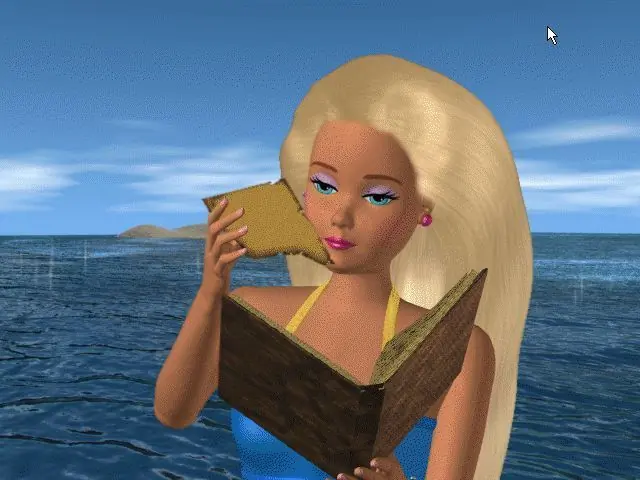
Adventures with Barbie: Ocean Discovery is abandonware and no longer sold or supported by its publishers. Files are archived here for these platforms:
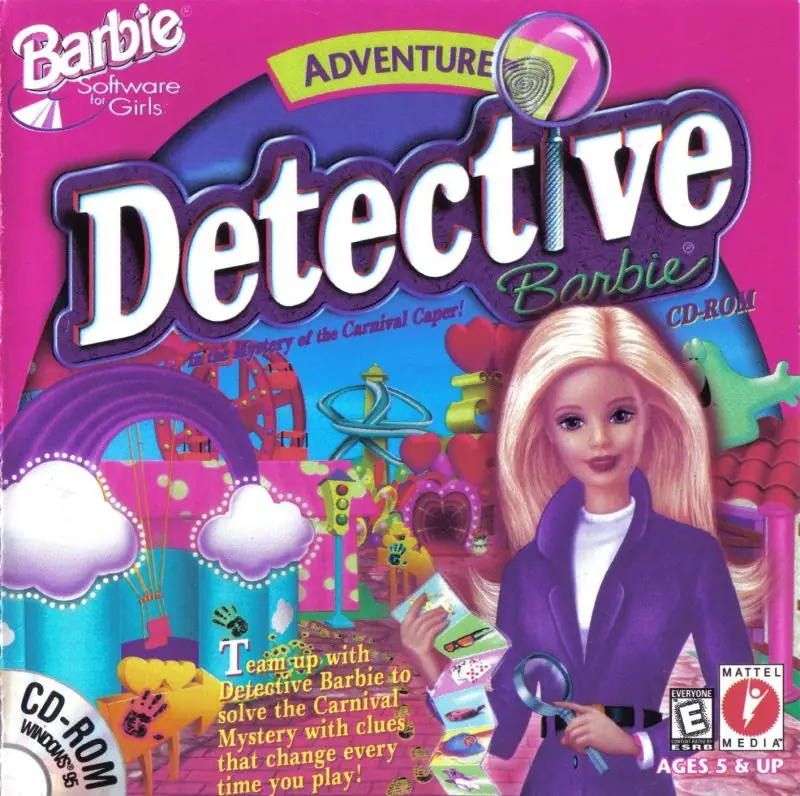
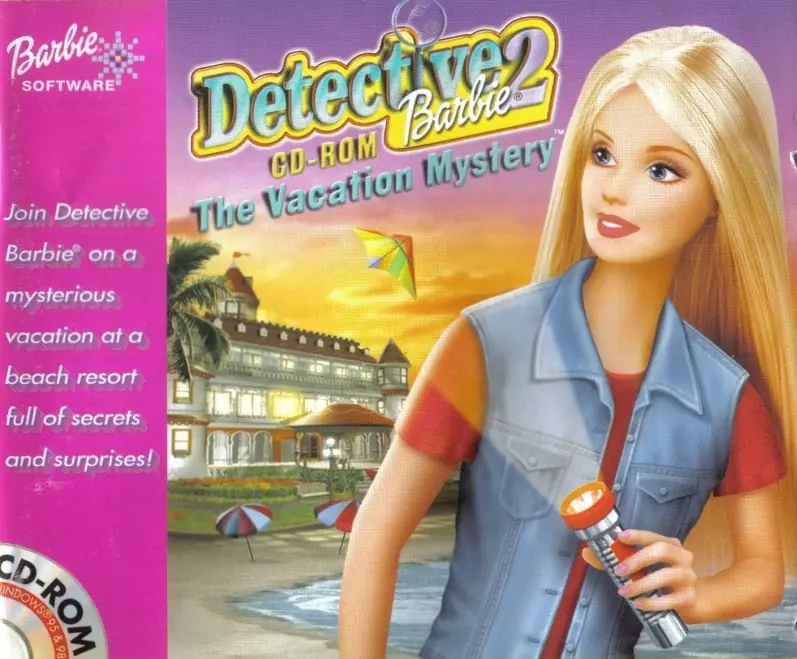
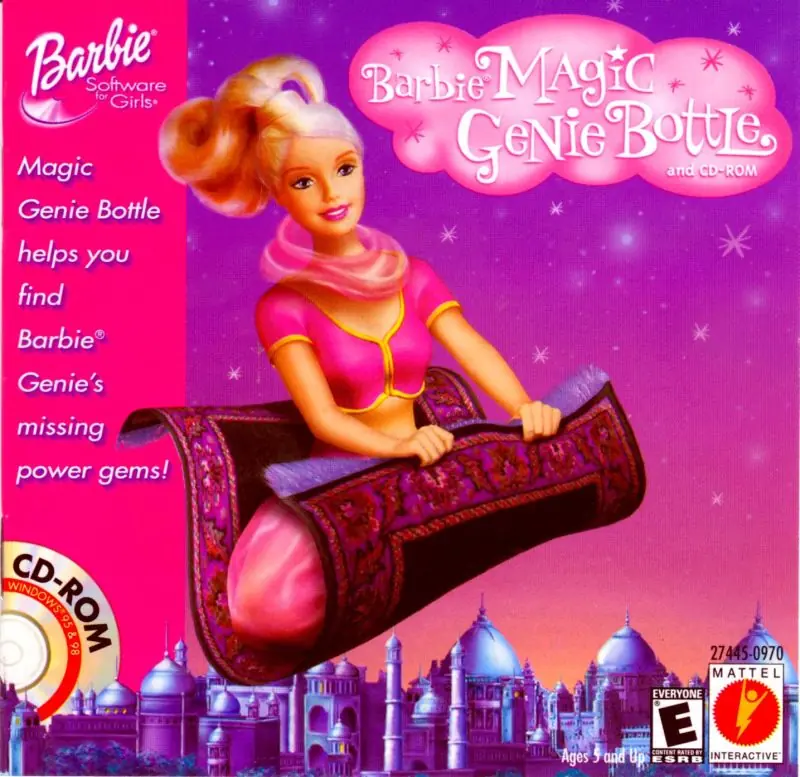







tutorial: https://disq.us/url?url=https%3A%2F%2Fwww.speedrun.com%2Fdetective_barbie_2%2Fguide%2Fej91a%3Apr1RK9gNuuUpkTdVMbYjmsyEBXU&cuid=5574651
win 95 .ova for the vm: https://archive.org/details/matt-win-95
Step 1: Create Windows 95 Virtual Machine on Oracle VM Virtual Tool Box First. ( I installed Windows DOS then ran the Windows 95 installation disks {1,2, and 3} and it worked for me)
Here is a link to get started:
https://forums.virtualbox.org/viewtopic.php?t=9918#
Step 2: Update the 16 Bit color to 256 color so that the Barbie Game can be in Full Color here is the tutorial to do that plus the Iso File you have to download in order to switch the color from 16 bit to 256.
Here is the link: https://www.youtube.com/watch?v=WFTCazn199I
Step 3: You need to setup the sound card so that you can hear the music in the game. you need to change your settings in VM by clicking on your Windows 95 machine and click settings,
then switch to
Host Audio Driver: Windows Direct Sound
Audio Controller: Sound Blaster 16
Extended features: Enable Audio Output
Here is a link to setup your sound card:
https://stuff.mit.edu/afs/sipb/project/vmdialup/archive/i386_linux24.old/lib/vmware-console/help/gsx/devices_sound.htm
Once your done with this you can download the game on your regular computer then, go to your virtual machine 95 by:
going to settings:
going to storage:
click on the empty disk drive:
click on the blue cd icon and click choose a disc drive file and
click on the Barbie ABOD_V.1.0 Iso file
then you should see the Barbie disk icon show up in your my computer folder and once you click on it you should be able to download it and enjoy your game!
took me a week to set this up, hopefully this is helpful to someone!