Home » Games » Barbie Fashion Show

Barbie Fashion Show

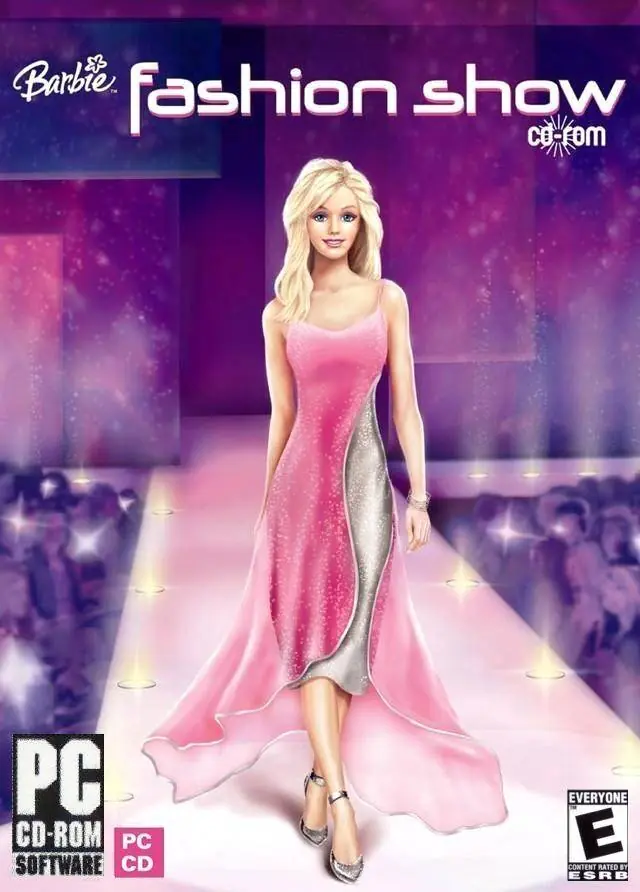
Barbie Fashion Show Game Cover
4.6/5 - 329 votes

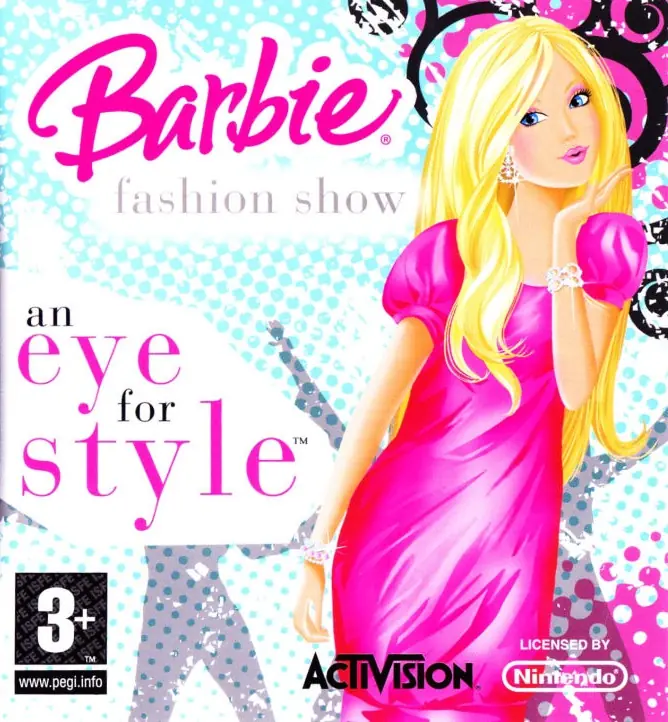
Barbie Fashion Show is a 2004 simulation game developed and published by Vivendi Universal Games.

Other Titles

Barbie: Módní přehlídkaBarbie показ модBarbie: Sfilata di moda

Genres
Released
Platforms
Download

About Barbie Fashion Show

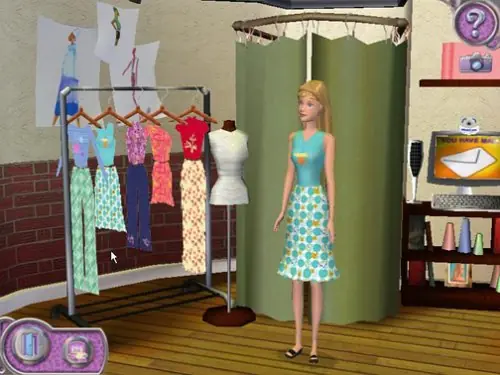
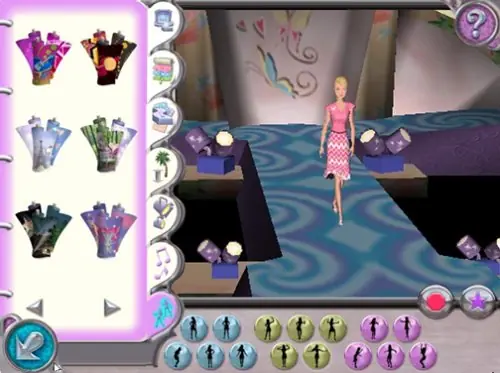
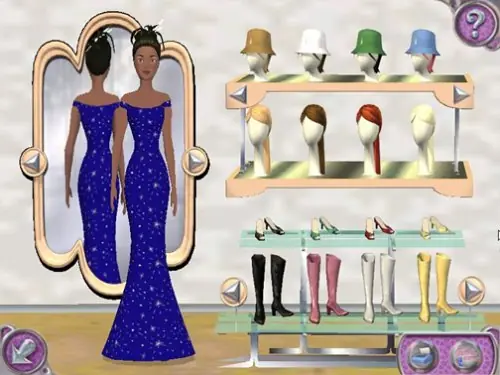
Barbie Fashion Show lets you help Barbie get ready for Fashion Week in Paris! Advance through 3 design studios creating stylish outfits for Barbie and her four friends to model. It's up to you to put on the coolest, most fashionable fashion shows ever! Design clothing collections in the glamorous world of high fashion as you help Barbie get ready for the biggest event of her career--Fashion Week in Paris! Complete exciting fashion assignments to advance through three different design studios. Create looks for each show by choosing the styles, fabrics, and colors. Pick hairstyles and shoes, too! Plus select the stage, music, and special poses to bring the runway to life! It’s up to you to create the coolest, most fashionable fashion shows ever!
Screenshots

Windows

Barbie Fashion Show — Windows screenshot 1Barbie Fashion Show — Windows screenshot 2Barbie Fashion Show — Windows screenshot 3

Download Barbie Fashion Show

Barbie Fashion Show is abandonware and no longer sold or supported by its publishers. Files are archived here for these platforms:
Windows (2004)

Comments

44 thoughts on “Barbie Fashion Show”

  1. 0
    I have Windows 11 and the ISO mounts perfectly fine, but when I click to run the program the screen goes black and exits the software… can I fix this?
    Reply
    • 0
      The only way for the program to currently run on Windows 11 is to use a Virtual Machine. Due to changes with Windows, most games on this webstie can’t run on Windows 11.
      Reply
      • 0
        I really want to download this game for my girlfriend, it was her whole childhood. I just have the same problem with the black screen. I downloaded Windows XP Professional but VMWare Workstation (version 17.something) is $200. Any way I can create a virtual machine for free?
        Reply
    • 0
      Try running it in Compatibility Mode and play around with CM settings. It could also be an error with your graphics card depending on the age of your computer. If it’s newer the game might have issues at times.
      Reply
  2. 0
    my game is saying resource not found when i open the game, is there a solution to this without losing my progress?
    Reply
  3. 0
    when i press play the game shuts down automatically and says Graphic device error:Failed to initialize video card
    what do i do??
    im using windows 10
    Reply
  4. 0
    It downloaded smoothly. The only modifications I had to make were to use Cyberlink to mount the disk. It ran fine, but would stutter and freeze at certain points. I’ll chock it up age and trying to keep up with Windows 10. It had a graphics glitch with some of the decorations for the fashion show itself. All in all, I was extremely pleased it still works. One downside is even with the physical copy of this game, it has an issue uninstalling.
    Reply
    • 0
      Do I have to have the physical cd ? Mine broke years ago and I love this game. I have an old computer that it will work on.
      Reply
      • 0
        No, not as long as you can mount the disk. If you aren’t sure how, check and see if your laptop has a program such as Cyberlink. If not you can google instructions on how to mount an .iso file. After you figure that out, download the file on here, unzip it. You should have a file with a link back to oldgamesdownload, a readme file, and an .iso file. Mount the file, extract it. Use compatibility mode and run it either on XP or Vista. After that it should run smoothly. Happy Gaming!
        Reply

Similar games