Home » Games » Barbie Fashion Show

Barbie Fashion Show

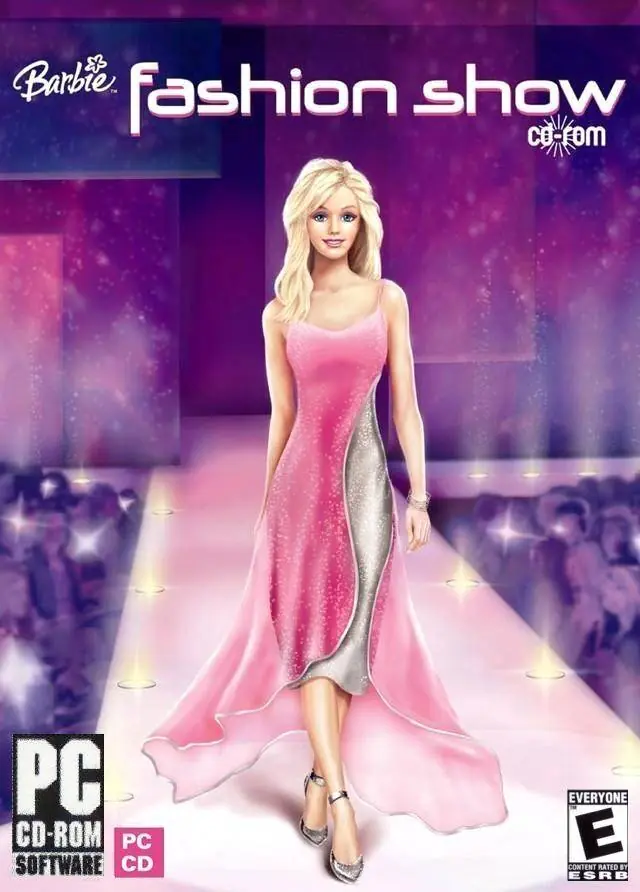
Barbie Fashion Show Game Cover
4.6/5 - 329 votes

Barbie Fashion Show is a 2004 simulation game developed and published by Vivendi Universal Games.

Other Titles

Barbie: Módní přehlídkaBarbie показ модBarbie: Sfilata di moda

Genres
Released
Platforms
Download

About Barbie Fashion Show

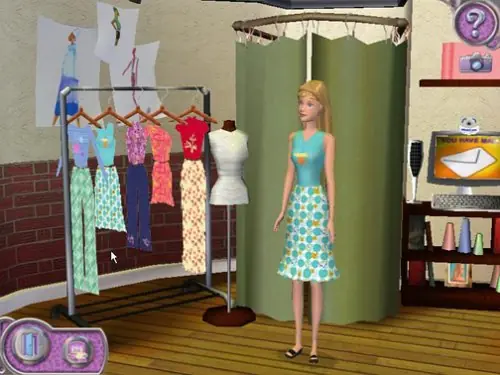
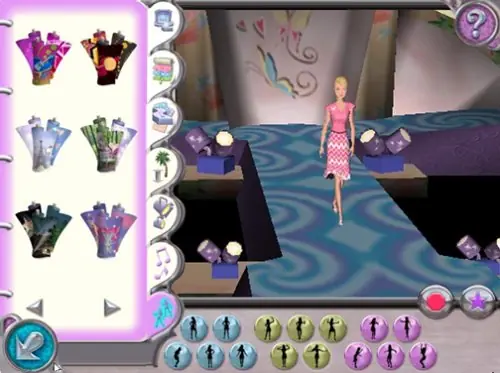
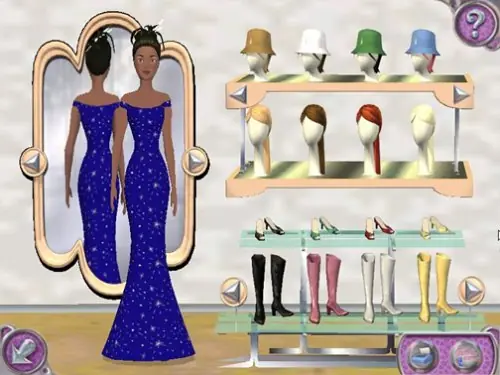
Barbie Fashion Show lets you help Barbie get ready for Fashion Week in Paris! Advance through 3 design studios creating stylish outfits for Barbie and her four friends to model. It's up to you to put on the coolest, most fashionable fashion shows ever! Design clothing collections in the glamorous world of high fashion as you help Barbie get ready for the biggest event of her career--Fashion Week in Paris! Complete exciting fashion assignments to advance through three different design studios. Create looks for each show by choosing the styles, fabrics, and colors. Pick hairstyles and shoes, too! Plus select the stage, music, and special poses to bring the runway to life! It’s up to you to create the coolest, most fashionable fashion shows ever!
Screenshots

Windows

Barbie Fashion Show — Windows screenshot 1Barbie Fashion Show — Windows screenshot 2Barbie Fashion Show — Windows screenshot 3

Download Barbie Fashion Show

Barbie Fashion Show is abandonware and no longer sold or supported by its publishers. Files are archived here for these platforms:
Windows (2004)

Comments

44 thoughts on “Barbie Fashion Show”

  1. 0
    Windows 11
    when I first started to install it told me that I ‘have less than 32MB of 3D video memory required’ (which isn’t true I have 512MB) and that I ‘may have trouble running the game or it may not run at all’
    After installing I hit play and it goes black and I get a pop up that says it ‘failed to initialize graphics card.’
    I tried increasing my VRAM (or at least faking it) and it still won’t work
    Reply
  2. 0
    Does nothing when I press Play 🙁 Also won’t let me delete it from my laptop. It claims it’s open and that I have to close it before it can be deleted but it doesn’t show up in my Task Manager.
    Reply
  3. 0
    I use virtual box on Windows XP for the game and it doesn’t open when I click on the exe file, it just says “graphics card error” or smth. Can someone please help? I’ve read some people saying I should run in compatibility mode but that’s a bit confusing, could someone please elaborte? Also, where exactly should I mount the iso file? I created a shared folder called “games” according to some YT tutorial and put it there but idk what I’m doing. Btw I’m on windows 11.
    Reply
  4. 0
    A piece of my childhood I am unfortunately not able to get running properly on VirtualBox. :(( It installs perfectly fine on Windows XP VM, but every time I launch it, it gives me a graphics card error. Does anybody have any idea on how to fix this?
    Reply
    • 0
      Hi, I also just upgrade to Windows 10 and figure out for the same problem as you. Just right click on the game – properties – compatibility – run this program in compatibility mode for: Window 7 or XP – apply
      It should work fine to play, but the game is in square size which I cant figure out, but at least we get to play childhood game. Hope this help.
      Reply
  5. 0
    hi everyone i use dxwnd to play this. i don’t play in fullscreen but i am able to scale up the resolution so the window mostly fills my screen
    Reply

Similar games