Jurassic Park: Dinosaur Battles
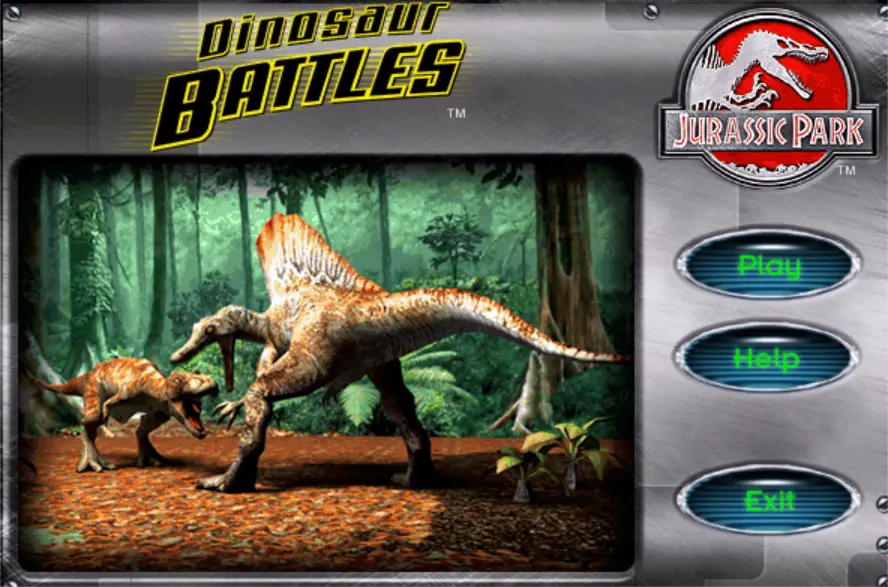
Jurassic Park: Dinosaur Battles is a 2002 fighting game developed and published by Vivendi Universal Games.
Genres
Publishers
Developers
Released
Platforms
Jurassic Park: Dinosaur Battles is a 2002 fighting game developed and published by Vivendi Universal Games.
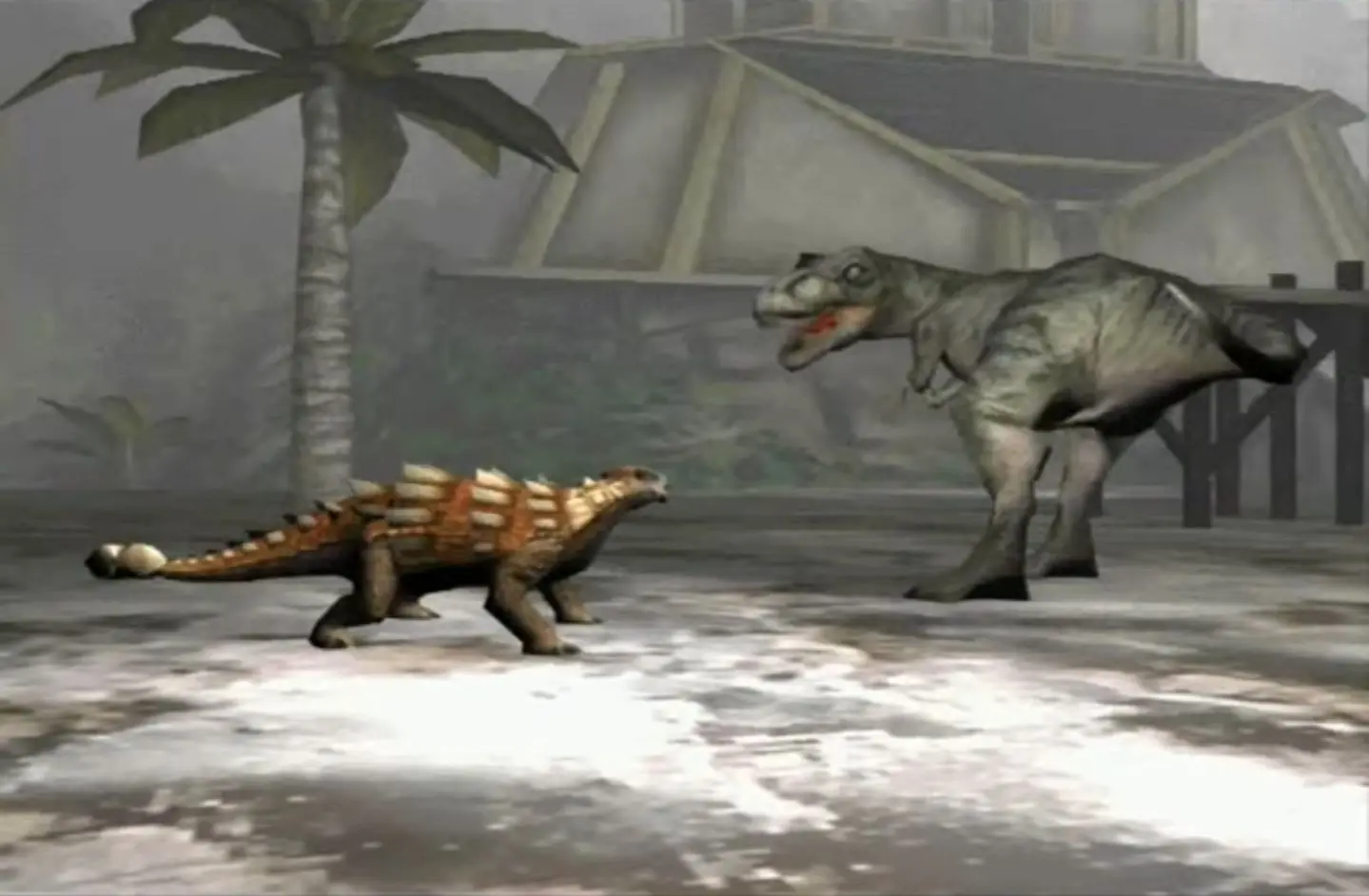

Jurassic Park: Dinosaur Battles is abandonware and no longer sold or supported by its publishers. Files are archived here for these platforms:
How to play on Windows
Note: on testing Jurassic Park: Dinosaur Battles crashes on startup on Windows 8 and 10. There's no fully working fix at the moment, but you can try this guide which will work on some computers. You can still run the game smoothly on Windows 7 and Windows XP.








Trojan:Win32/Commandrob.A!ml is the threat Windows Defender removes and what the Trojan is attempting to do/affect is CmdLine: C:\Windows\System32\pcalua.exe -a E:\Install.EXE -d E:
I have no idea if this is essential for to install, to bypass my error message, or is this an actual threat that I should now allow access too? My assumption is that it is an actual threat since no once is talking about it in the comments.
screen ) You should see and hear the intro slowly progressing until you get to the main menu. It should work fine from then on, you can save the game and close it to play again in the future.
this is the LONG way of doing it, there have been other methods posted below but i noticed this worked and i decided to share.
** i’ve gone through this process again while typing this comment, and it still works. you have to keep pressing ctrl + alt + delete, selecting task manager, right click and Expand the application, then Minimize and Maximize it. once you maximize the application enough times and you hear the games music start to play, try to click a couple of times as if you were clicking through an intro cutscene in a normal game. i think this should help then bring you to the main menu. once you are here, you will have to repeat the process once or twice, before and after making your name/selecting your name to sign back in. once i do this and get inside the actual game, i dont have any more problems. again, this is a very tedious process but it does work.**
https://sourceforge.net/p/dxwnd/discussion/general/thread/2b1285f42c/
News, I got the game to start up, and I used the DxWnd method, but after I added a player name the game does not allow me to go any further, its as if it freezes but I cant add a player and I cant press go or exit. Any ideas on how to fix?