Jurassic Park III: Dino Defender
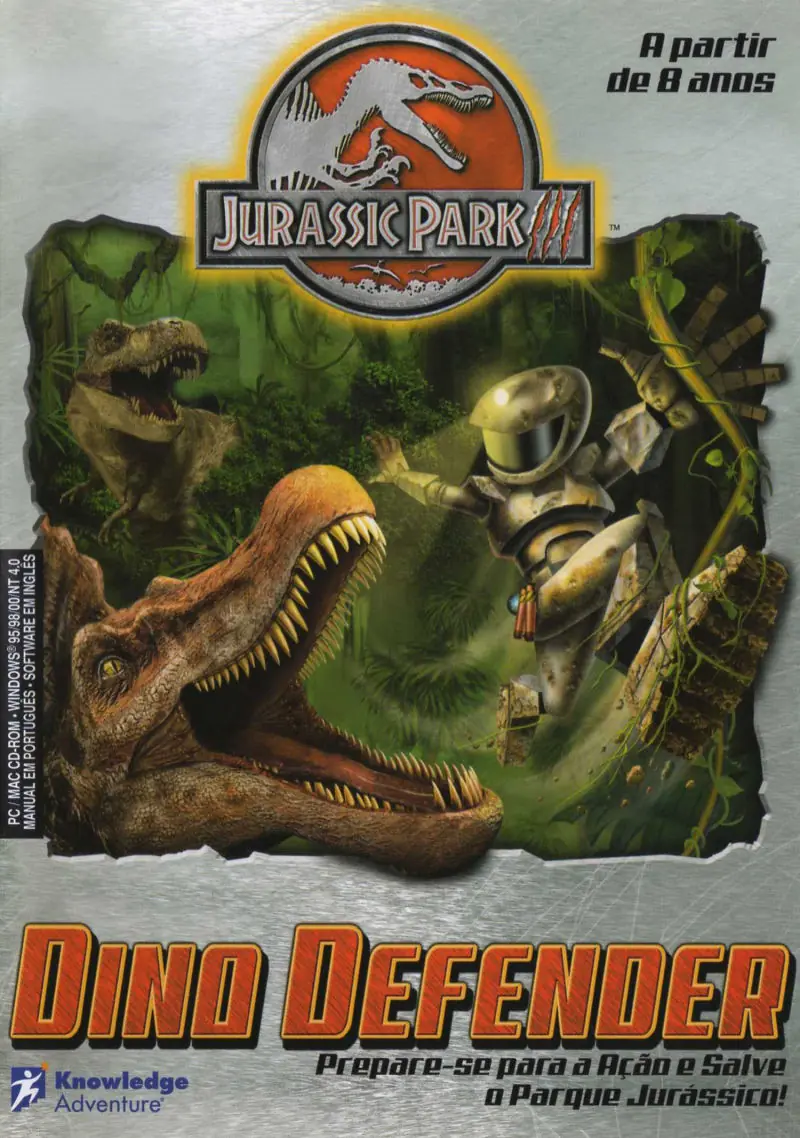
Explore the huge InGen complex infested with realistic dinosaurs from the movie.
Genres
Publishers
Developers
Released
Platforms
Explore the huge InGen complex infested with realistic dinosaurs from the movie.
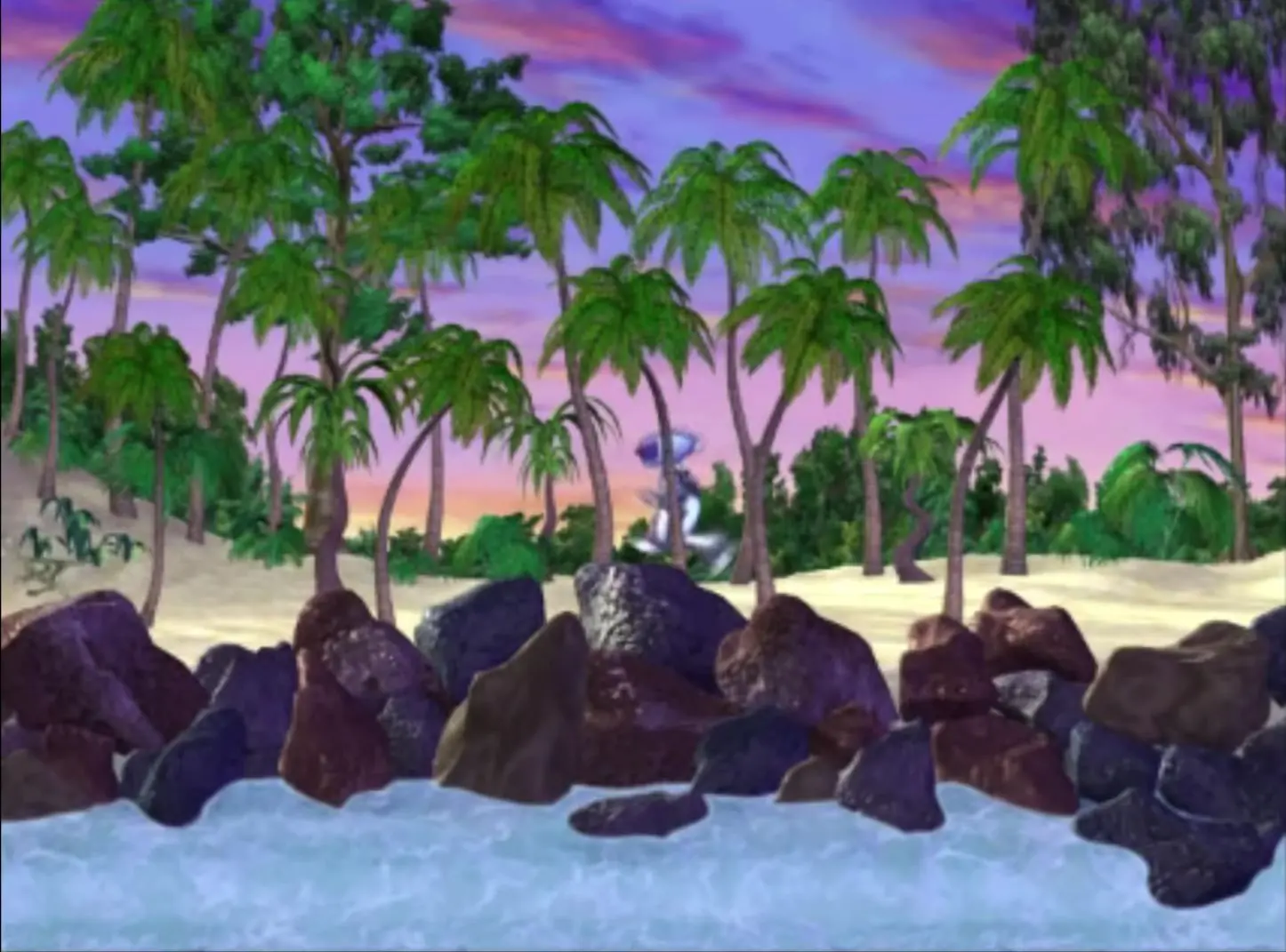
The future of Jurassic Park is in your hands! A raging typhoon has destroyed the electric fences around Isla Sorna, and ravenous packs of chompin', stompin' dinosaurs are running wild! Now it's up to you to restore order to Jurassic Park. Get ready to round up renegade dinosaurs, including Velociraptors, Compsognathus, Stegosaurus, Pteranodons, Brachiosaurus, T-Rex and Spinosaurus, in six eye-popping 3-D levels!
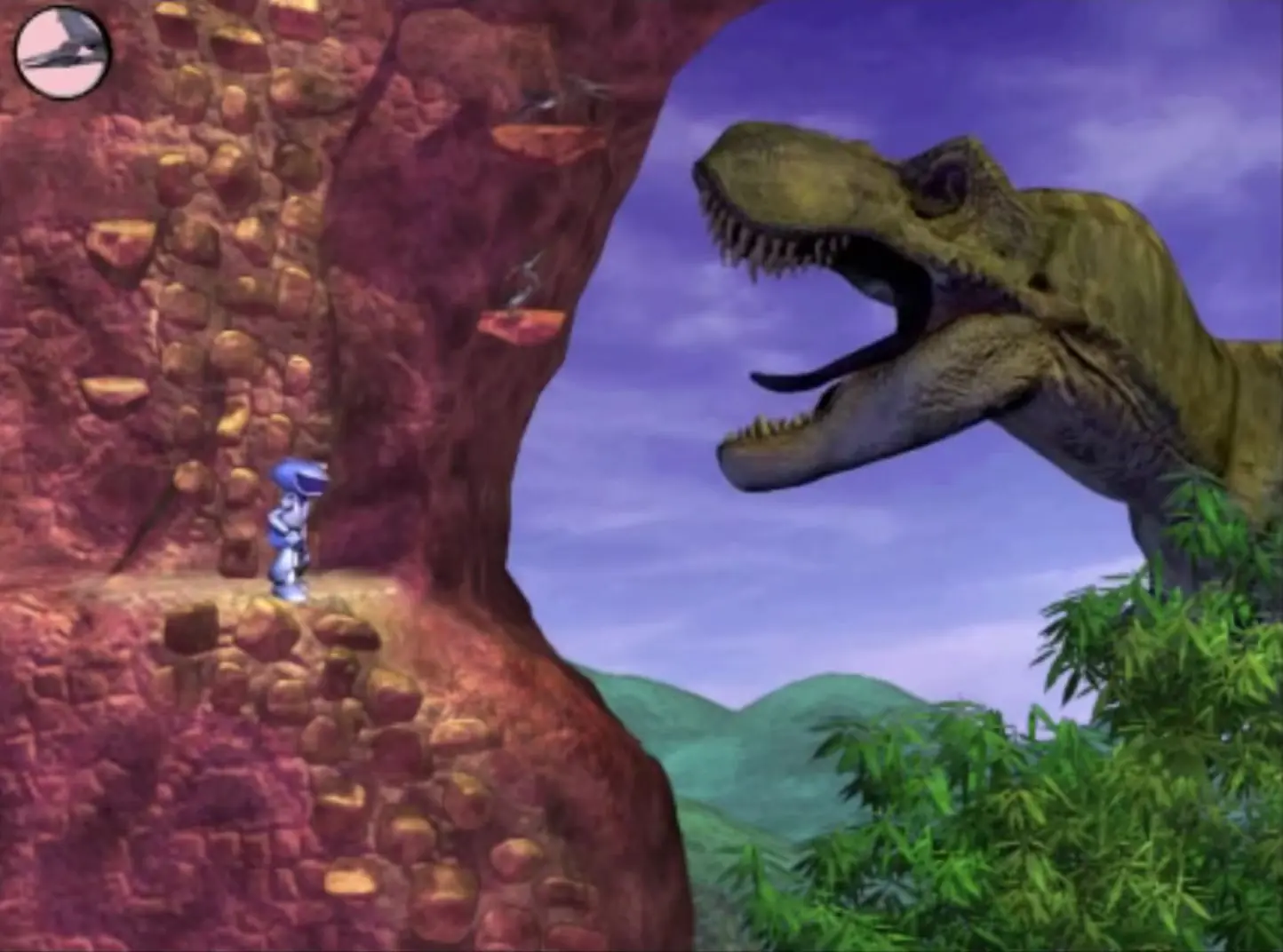
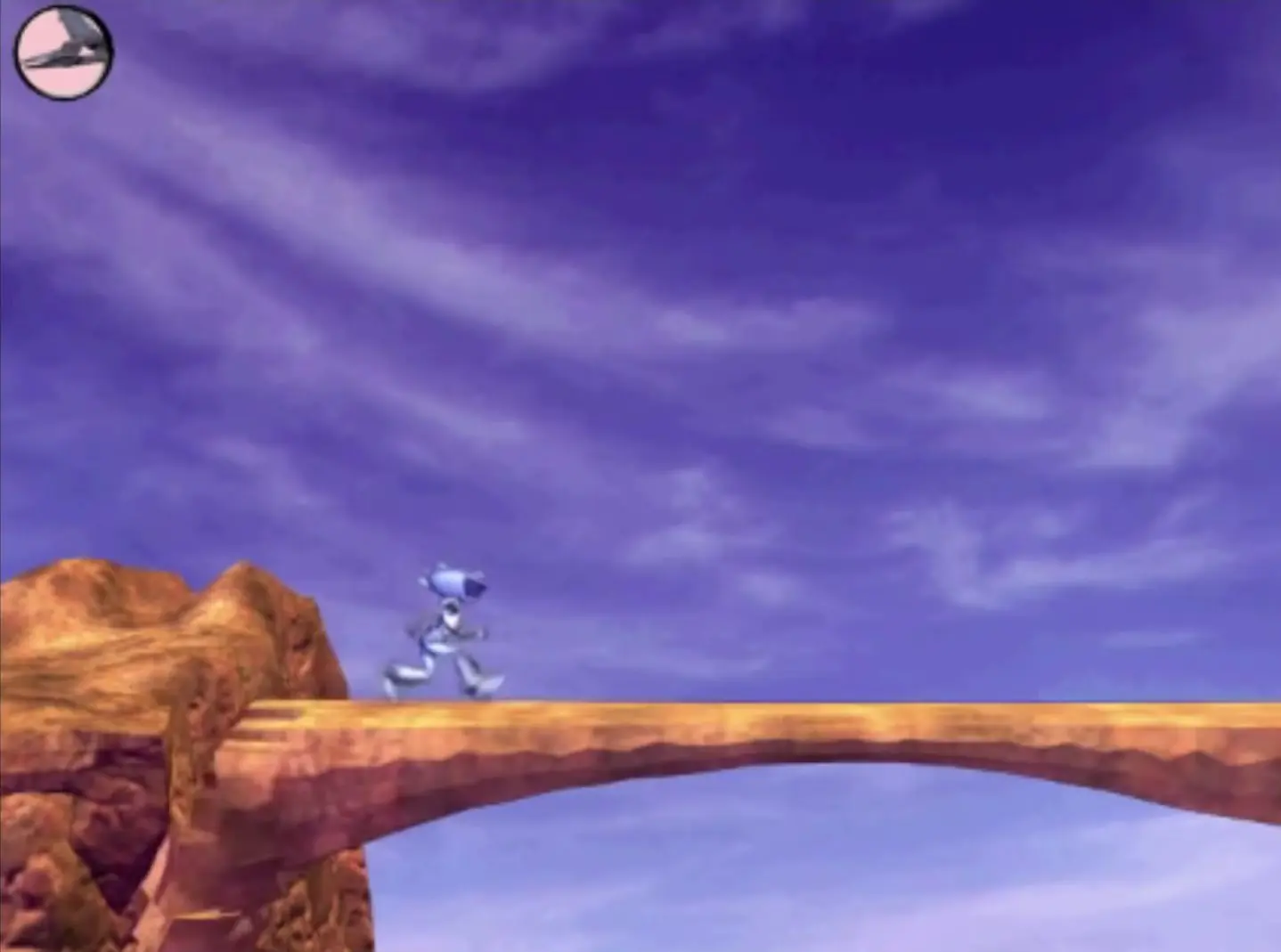
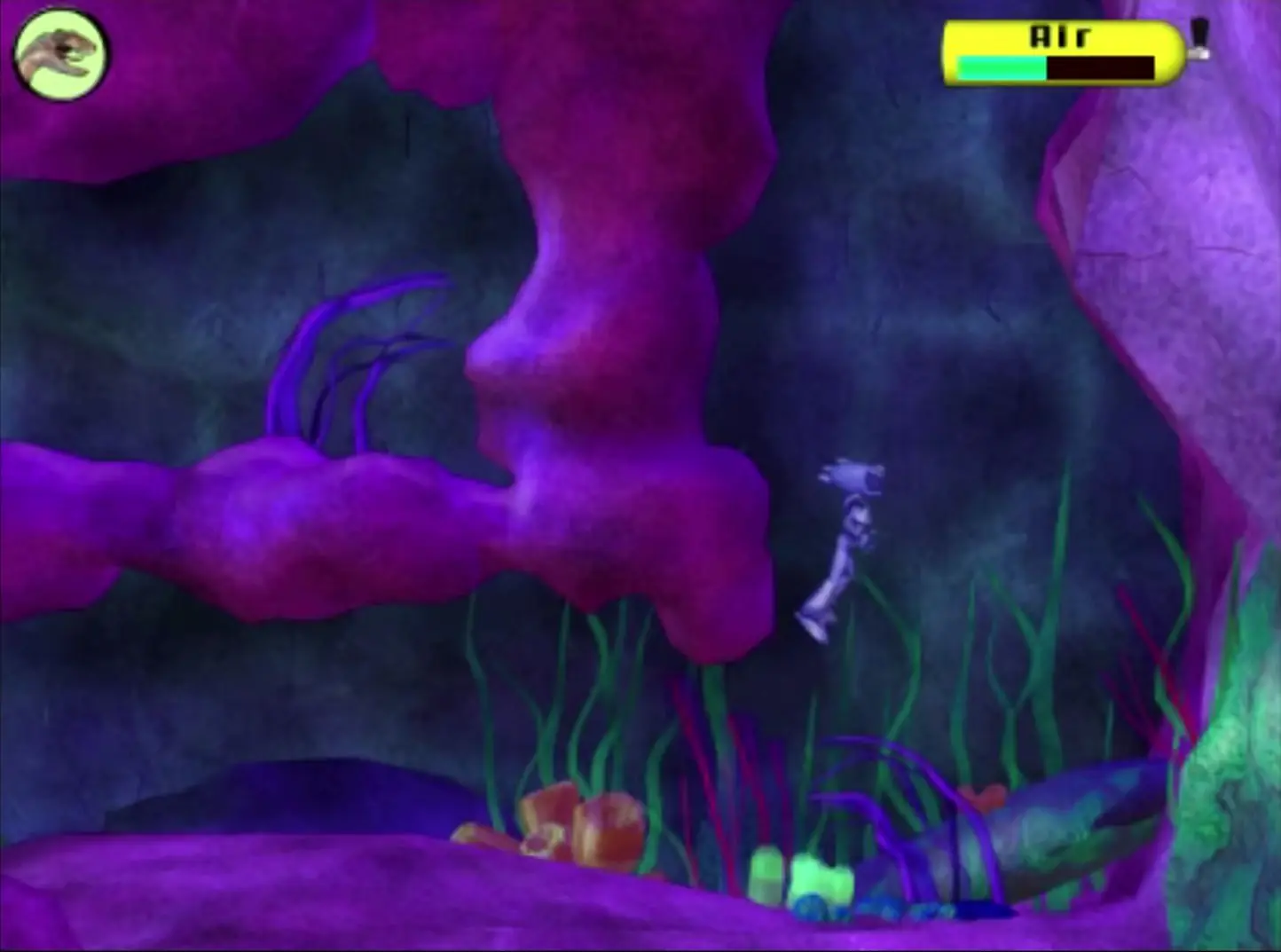
Jurassic Park III: Dino Defender is abandonware and no longer sold or supported by its publishers. This game was preserved thanks to a community donation - see our missing games page for credits and titles we're still looking for.








download file
download quicktime 7 from apple, google search it.
open zip file
open game files
copy ISO to desktop
then right click ISO and hit mount (basically like putting the disc in magically lol)
next double click ISO on desktop
copy Dino folder in the iso to your Harddrive
go to harddrive and find dino folder
open dino folder
Double click DinoDef.exe
AND BOOM RELIVIN CHILDHOOD!
i hope this helps i loved this game as a kid!
and remember anytime you want to play it you have to mount the game!
I’ve tried all of the compatibility modes with administrator and without on Windows 10 1909 and still nothing. I do have Directx, Visual Studio 2015, 2017 and 2019, QuickTime installed.
I did look at installing the XP VM but because an account is apparently required and the application itself is also listed under “Free Product Trials & Demos”, that’s a major red flag which i’m not keen on trying.
I don’t know what else to do in order to get this installed, so any ideas would be welcome.