Home » Games » Jurassic Park: The Game
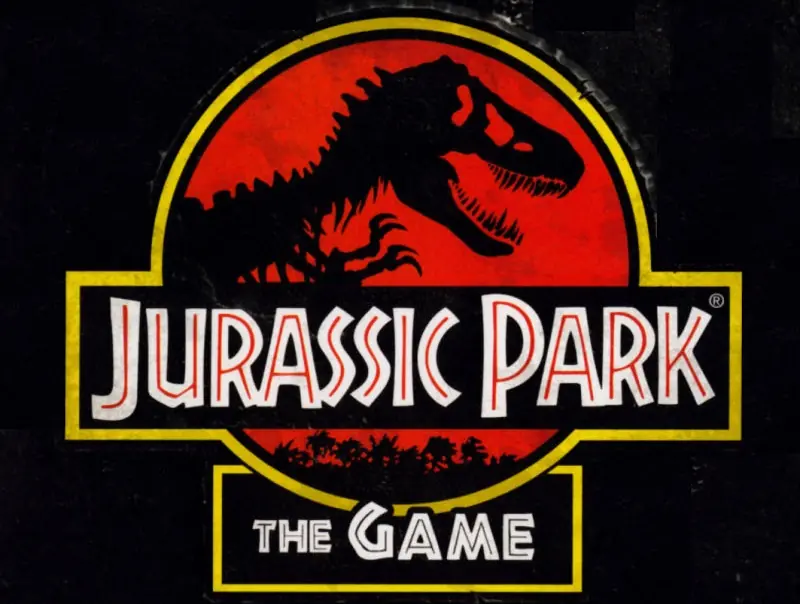
Jurassic Park: The Game

Jurassic Park: The Game Cover
4.6/5 - 270 votes

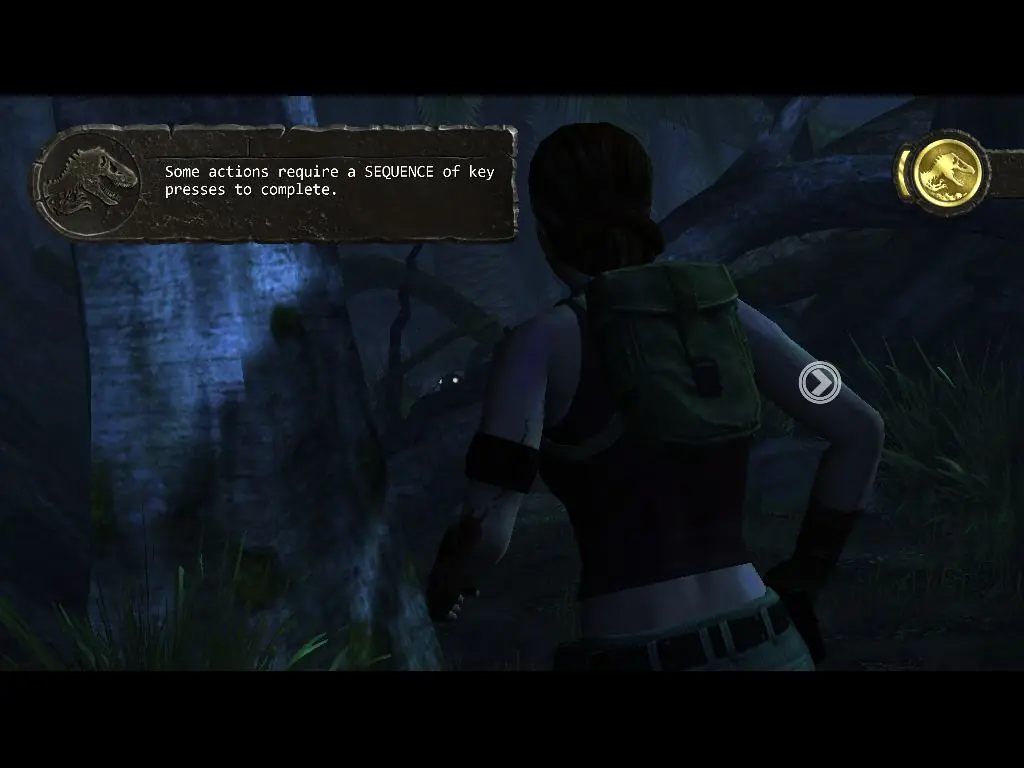
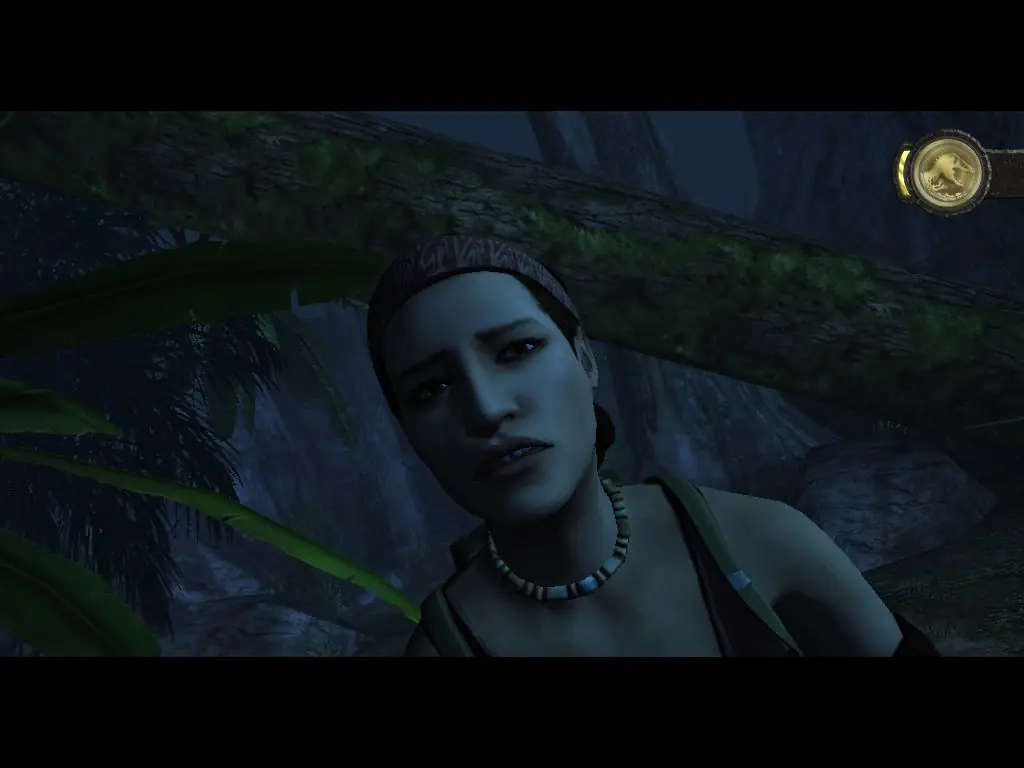
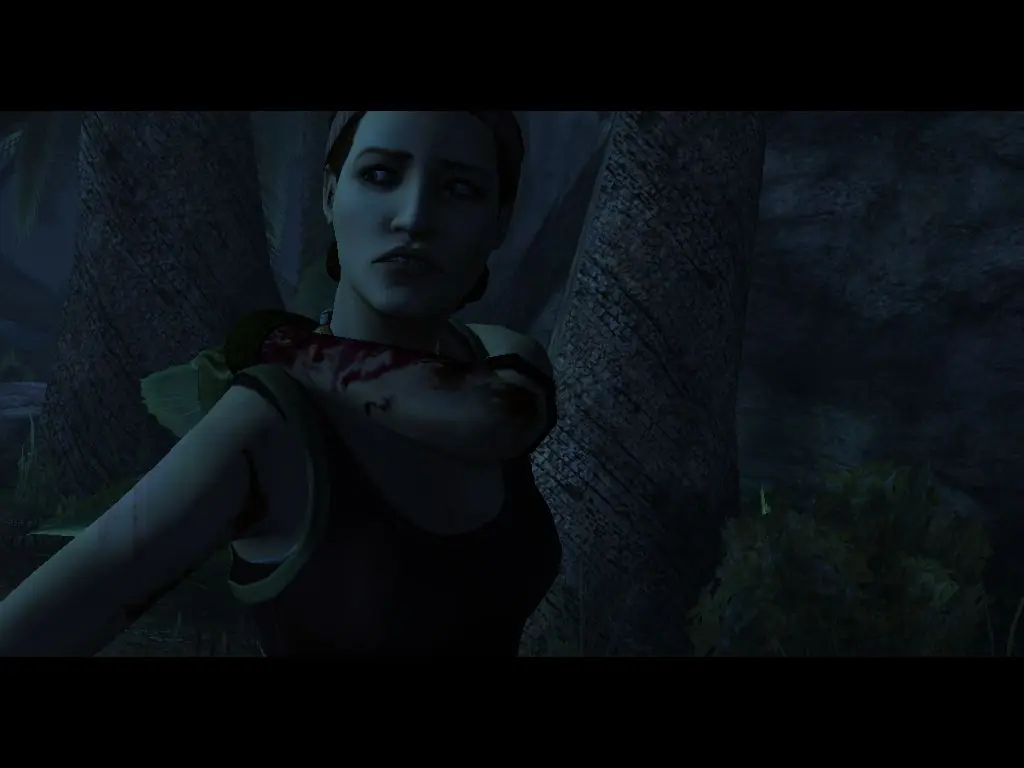
Jurassic Park: The Game is an episodic graphic adventure video game based on the 1993 film Jurassic Park and released for the PlayStation 3, Macintosh, Microsoft Windows, and Xbox 360. The game was developed and published by Telltale Games as part of a licensing deal with Universal Partnerships & Licensing.

Other Titles

쥬라기 공원: 더 게임Parque Jurásico: El videojuegoפארק היורה: המשחקچوراسيك پارك: ث جام

Genres
Publishers
Developers
Released
Platforms
Download

About Jurassic Park: The Game

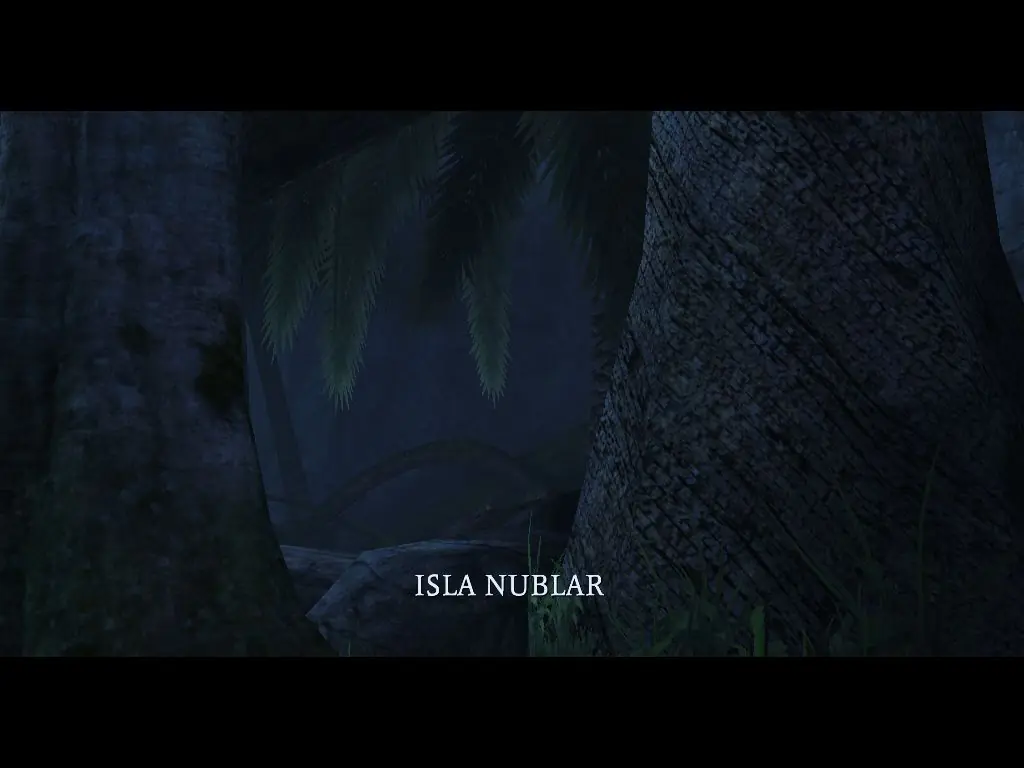
The game is set on the fictional island of Isla Nublar, the location of a dinosaur theme park known as Jurassic Park. The game is divided into four episodes, set during and after the events of the film. The plot focuses on the retrieval of a canister of dinosaur embryos, which were stolen by Dennis Nedry during the film and subsequently lost in the jungle. The game was announced in June 2010, and was released in November 2011, receiving mixed reviews from critics.

Screenshots

Windows

Jurassic Park: The Game — Windows screenshot 1Jurassic Park: The Game — Windows screenshot 2Jurassic Park: The Game — Windows screenshot 3Jurassic Park: The Game — Windows screenshot 4Jurassic Park: The Game — Windows screenshot 5Jurassic Park: The Game — Windows screenshot 6Jurassic Park: The Game — Windows screenshot 7

Download Jurassic Park: The Game

Jurassic Park: The Game is abandonware and no longer sold or supported by its publishers. Files are archived here for these platforms:

Windows (2011)

  • Jurassic_Park_The_Game_Win_ISO_EN.7zEN2.57 GB
  • Instructions Jurassic_Park_The_Game_Win_ISO_EN.7z

    How to play on Windows

    1. Download and Extract Jurassic_Park_The_Game_Win_ISO_EN.7z
    2. Open the "Game Files" folder and mount "OGD.Jurassic.Park.The.Game.iso"
    3. Run JurassicPark100_Setup.exe and follow on-screen instructions to install the game
    4. Open the "Fairlight" folder and copy-paste JurassicPark100.exe into the game installation directory (must be in the "GameData" folder)
    5. Launch JurassicPark100.exe to play the game

Comments

66 thoughts on “Jurassic Park: The Game”

  1. 0
    Hey everyone, if this helps, I think you should disable your internet connection when you run the game because it tries to connect to Telltale servers that no longer exist, and that might be why you’re getting an infinite screen. Please let me know if it works for you; I haven’t installed the game myself.
    Reply
  2. 0
    Go into the Fairlight Folder and drag the file “JurassicPark100” into the game Data Folder and replace the old application file
    Reply
  3. 0
    como que joga isso o que e um ogd cuando clico no jurassic park100.exe fica uma tela estatica de loading
    Reply
  4. 0
    so I’m pretty sure I did everything right but when I try to boot up the game it opens in full screen and minimizes the window, when I click the window it just minimizes again. what is happening how do I fixe this?
    Reply