Home » Games » Barbie Horse Adventures: Wild Horse Rescue

Barbie Horse Adventures: Wild Horse Rescue

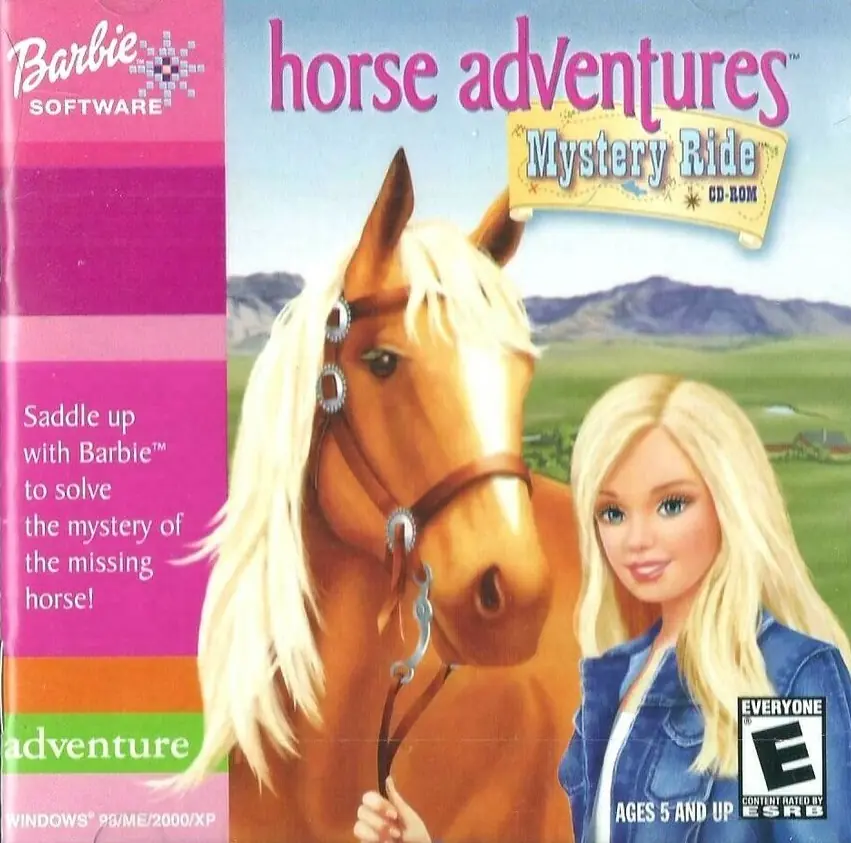
Barbie Horse Adventures: Wild Horse Rescue Game Cover
4.4/5 - 89 votes

Barbie Horse Adventures: Wild Horse Rescue is an adventure video game developed by Blitz Games and published by Vivendi Universal Games. It is the third game in the Barbie Horse Adventures video game series based on the Barbie line of dolls by Mattel. The game was released for PlayStation 2 and Xbox in 2003.

Other Titles

Barbie Pferdeabenteuer: Rettet die Wildpferde

Genres
Developers
Released
Platforms

Download

About Barbie Horse Adventures: Wild Horse Rescue

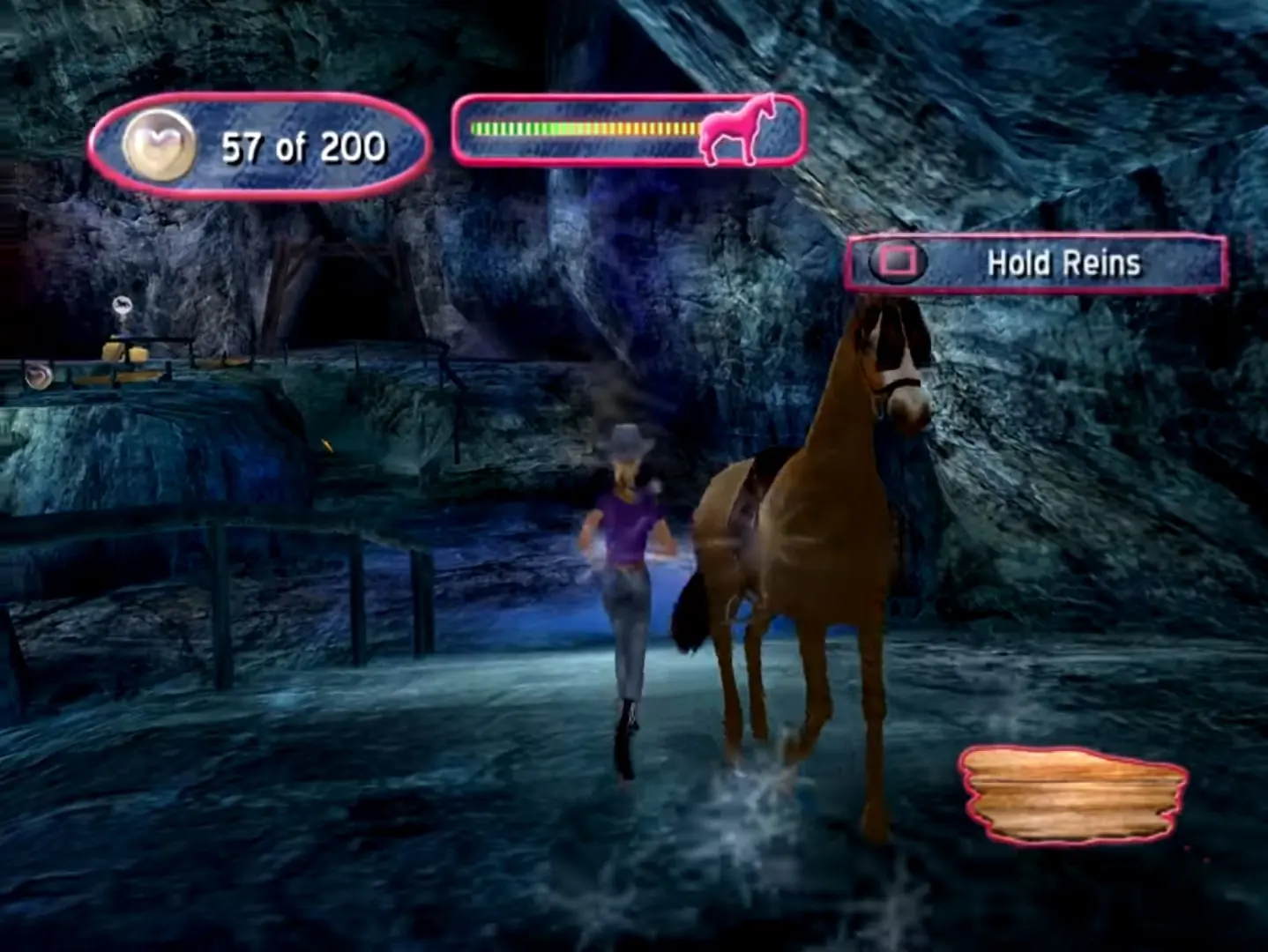
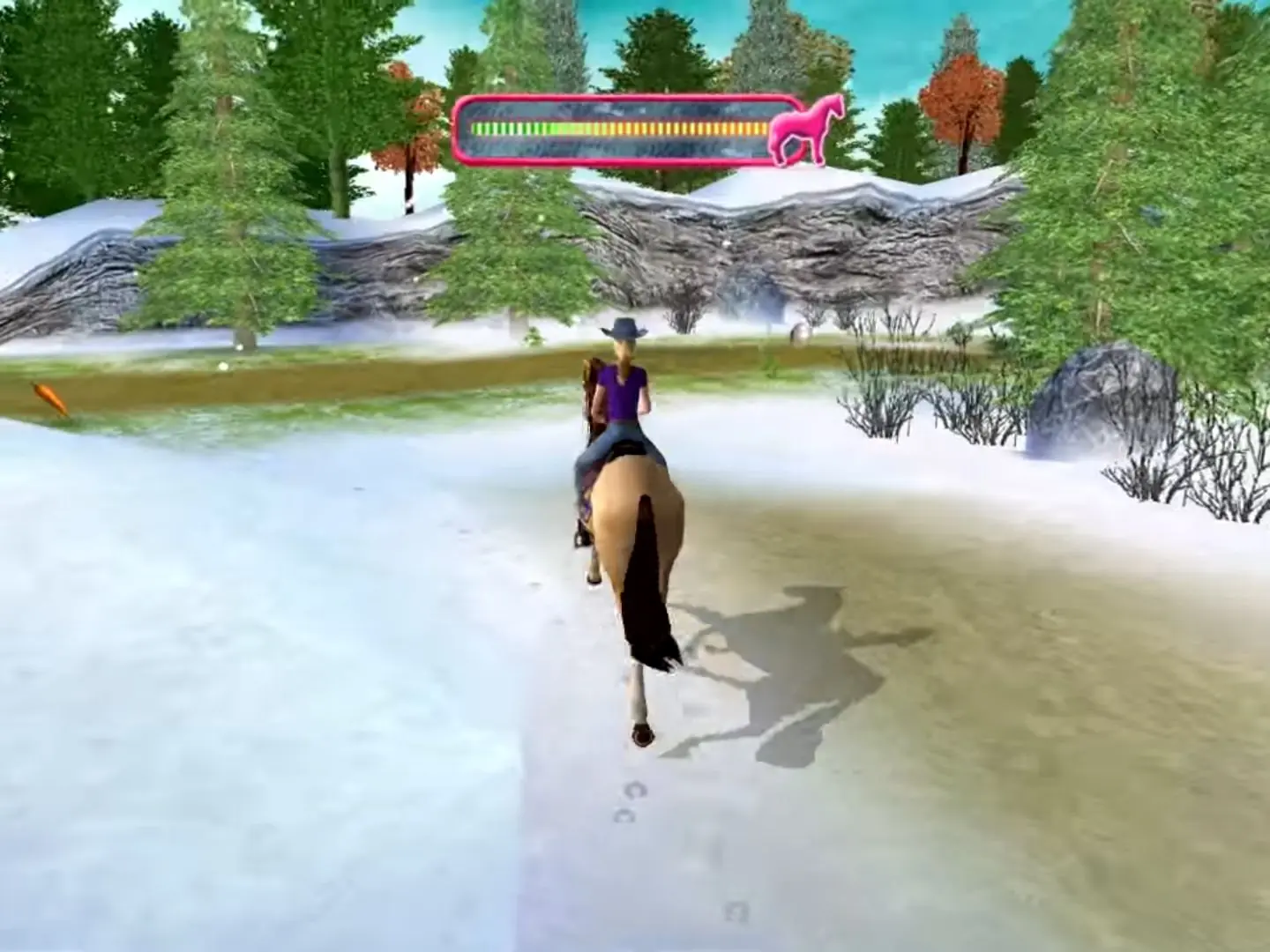
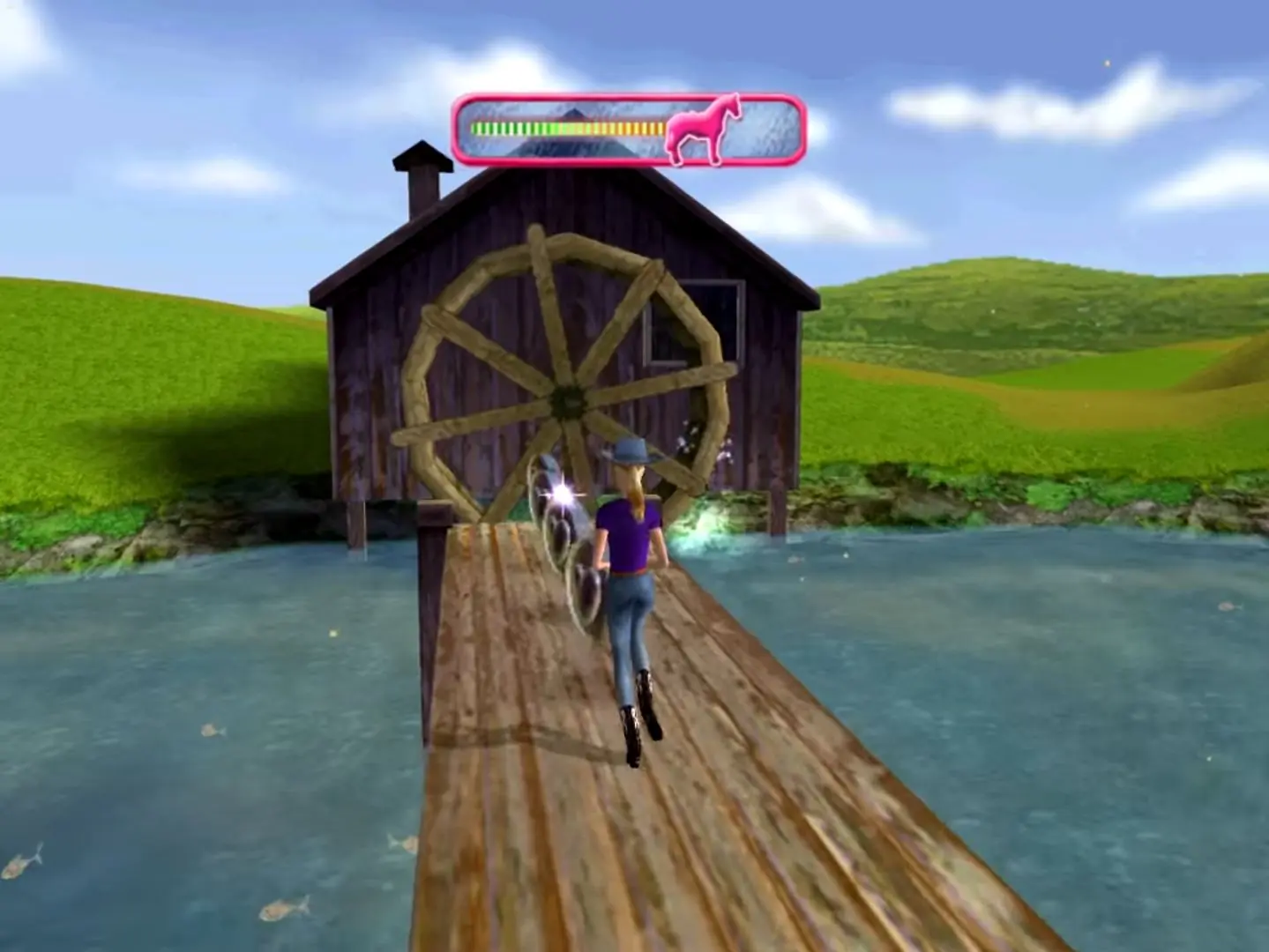
Explore on horseback or on foot in this fun-filled 3-D adventure. Girls help Barbie and her friends find the lost horses missing from the local riding school in the first Barbie game for the PlayStation2 and Xbox. Girls join Barbie on an action-packed, 3-D horse riding adventure as they ride through five stunning areas – jumping over fallen trees, crossing rickety bridges and avoiding other potential hazards throughout their quest. Girls can guide Barbie and her horse over thin cliff edges and logs in rivers, leading Barbie to dismount her horse and explore the trails on foot, even assisting Barbie to climb ledges and swing hand over hand along low branches.

Screenshots

PlayStation 2

Barbie Horse Adventures: Wild Horse Rescue — PlayStation 2 screenshot 1Barbie Horse Adventures: Wild Horse Rescue — PlayStation 2 screenshot 2Barbie Horse Adventures: Wild Horse Rescue — PlayStation 2 screenshot 3

Download Barbie Horse Adventures: Wild Horse Rescue

Barbie Horse Adventures: Wild Horse Rescue is abandonware and no longer sold or supported by its publishers. Files are archived here for these platforms:

PlayStation 2 (2003)

Tutorial: How to play PlayStation 2 games on Windows

Comments

12 thoughts on “Barbie Horse Adventures: Wild Horse Rescue”

  1. 0
    wont work. im not tech savy. but i followed kates instructions to the best of my ability. downloaded barbie file, zip extractor, aether, and the bios from the aether website. aether only brought up the extractor app when i clicked on it and it couldnt be opened or “unzipped”. i just want to play the game lol i cant figure out whats giong on, can someone help lie make a video word for word and dont skip out anything and use easy words lol im not tech savy lol
    Reply
  2. 0
    Guys, it works. Here’s a tutorial:

    .Download this file.
    .Extract it using a zip extractor you can find on app store.
    .You should get two files. One that ends with .bin and the other with .cue

    You need a ps2 emulator to make this file work. The best one is AetherSX2 so go to their official site and download the apk, then click on it and install it.

    .In order for the app to work, you also need a BIOS file.
    . To obtain it, using Google search for https://psbios.com and download it from there, then extract using the same zip extractor.

    Inside the AetherSX2 app, search for the file you’ve downloaded from this site

    and also click on start file and start BIOS on the side

    if you have any trouble with the last part, just ask chatgpt for any specifics and it should end up working.

    Good luck.

    Reply
    • 0
      I already have .bin and .cue files. So extracting them doesn’t really work for me. I have installed a ps2 emulator, and the BIOS files. but the .bin wont open for me. Do you know how to fix this?
      Reply
  3. 0
    I have the AetherSx emulator, but even though I open the game and it plays the credits normally, when I press to start playing, it restarts and takes me to the Memory Card section. Please help me
    Reply
  4. 0
    yall this is made for ps2, use a ps2 emulator (imo itll be pcsx2) also you will need a bin file but im too lazy to link it, just search on youtube and you will understand what to do. Also this file isnt meant to be opened normaly
    Reply