Barbie Horse Adventures: Riding Camp
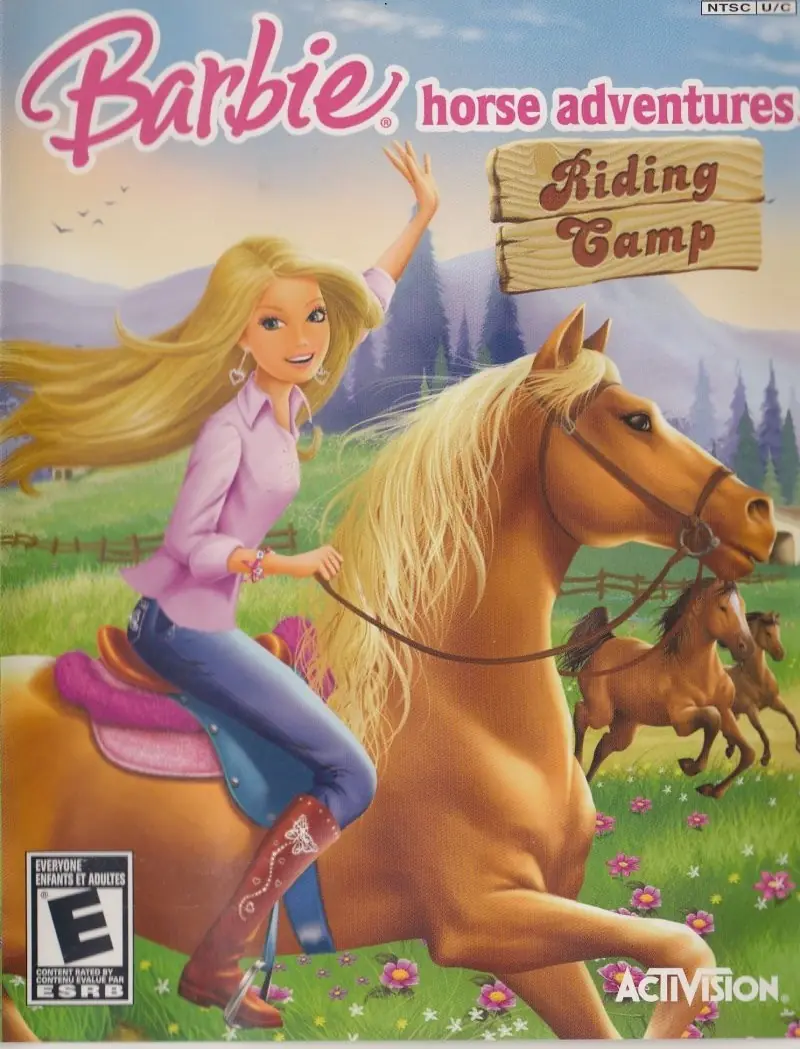
Barbie Horse Adventures: Riding Camp is a 2008 adventure game developed by Pixel Tales and published by Activision Publishing.
Publishers
Developers
Released
Platforms
Barbie Horse Adventures: Riding Camp is a 2008 adventure game developed by Pixel Tales and published by Activision Publishing.
Players take on the roles of Barbie as well as other members of Barbie's friends and family. Settings range from natural (hills and woodlands) to artificial (horse ranches and racetracks).
Gameplay is based around various aspects of equestrianism, with the precise activities varying from game to game in the series. Players tame, feed, groom, and train horses. Horses may become lost, whereupon players will have to find them. The central part of gameplay, though, is riding horses by various methods, including trick riding and participation in horse racing. Players may be attacked by hostile animals such as porcupines and skunks.
Additional non-equestrian gameplay is provided by customizing the player character, who typically gets a large and diverse wardrobe with which to play dress-up.


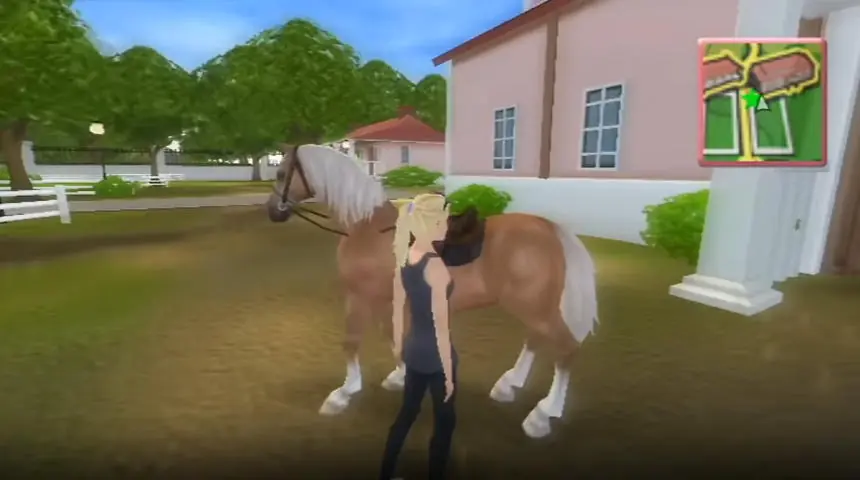
Barbie Horse Adventures: Riding Camp is abandonware and no longer sold or supported by its publishers. Files are archived here for these platforms:






Send me the file.
First you need to find the directX file folder
Second, then find the direct X setup (application file type) and install it manually
Lastly,after it finished reinstall your barbie game then try to re open it and press the play button. It should work in my case 🙂