Home » Games » Battlefield 1942

Battlefield 1942

Battlefield 1942 Game Cover
4.8/5 - 234 votes

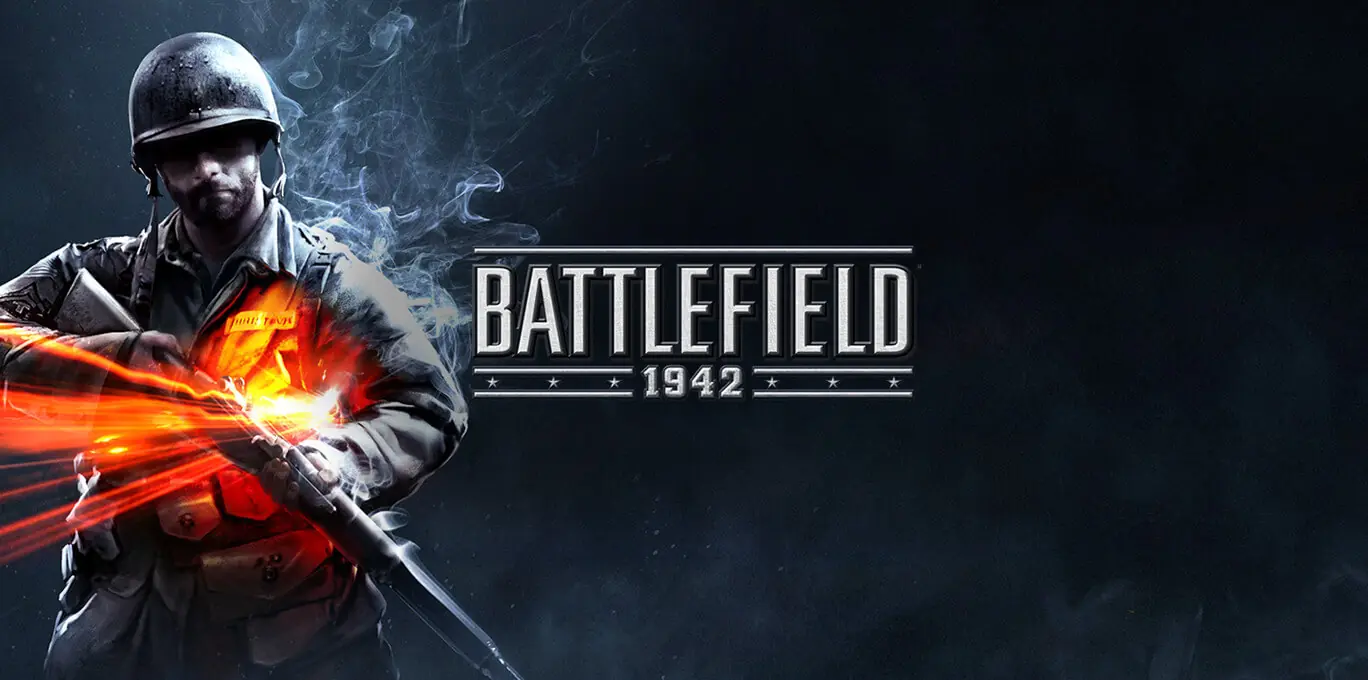
Battlefield 1942 is a 2002 shooter game developed by Digital Illusions CE and published by EA Games.

Other Titles

バトルフィールド1942BF1942战地1942戰地風雲1942BF 1942باتل فيلد 1942بتلفیلد ۱۹۴۲배틀필드 1942

Genres
Publishers
Released
Platforms
Download

About Battlefield 1942

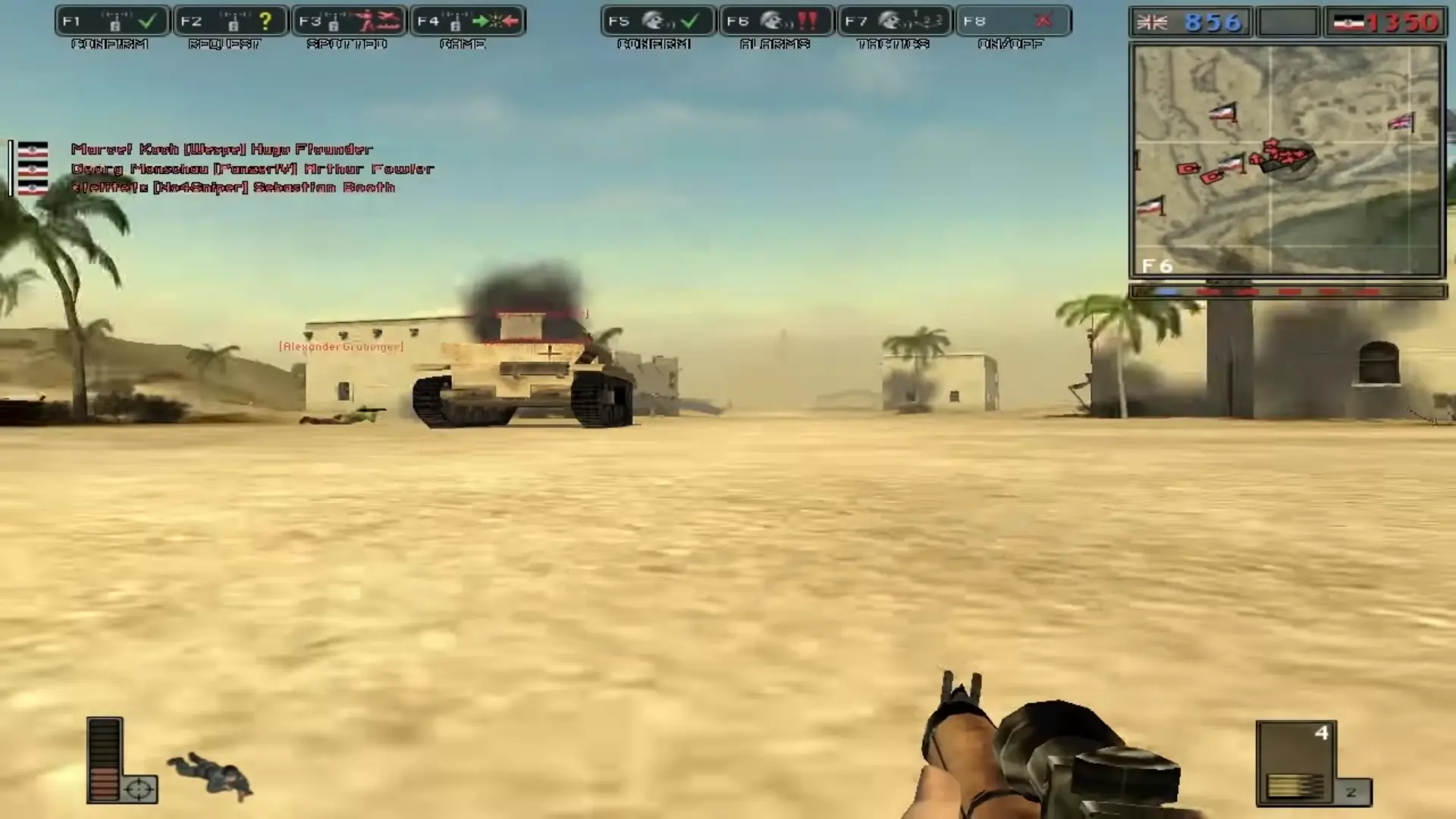
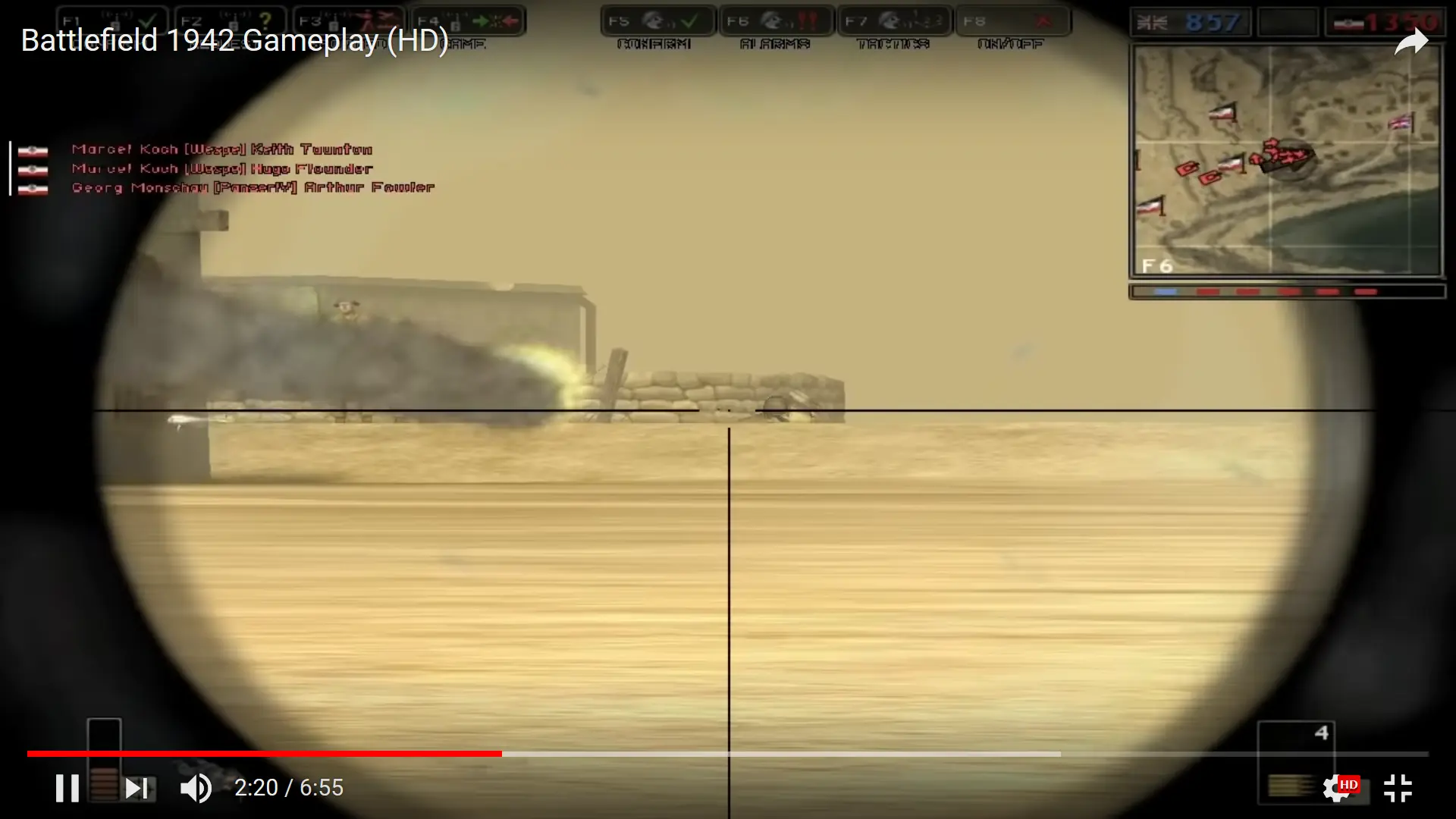
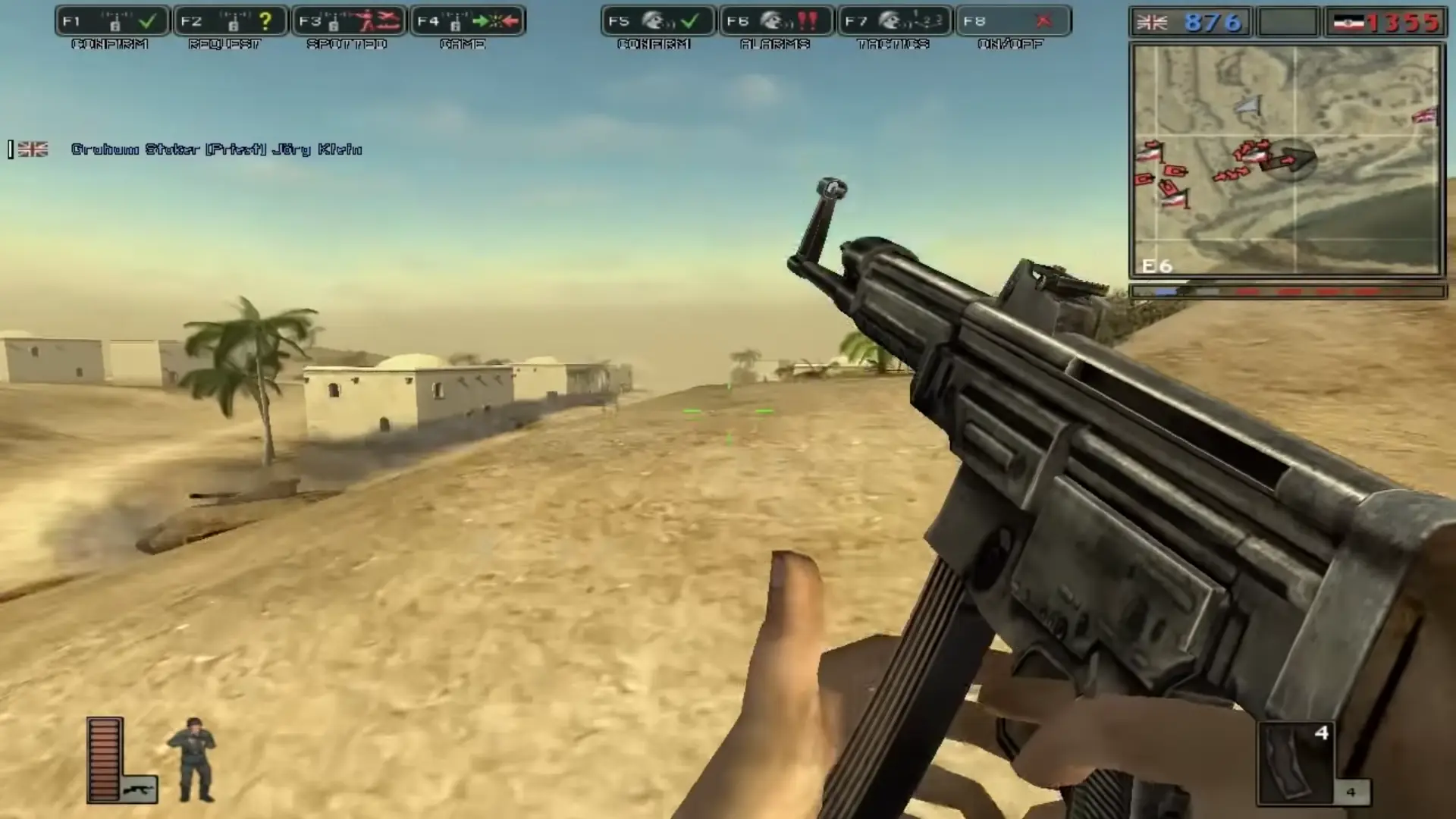
Battlefield 1942 is a 2002 first-person shooter game developed by Digital Illusions CE and published by Electronic Arts for Microsoft Windows and Mac OS X. It is the first installment in the Battlefield series. The game can be played in single-player mode against the video game AI or in multiplayer mode against players on the Internet or in a local area network. It is a popular platform for mod developers, with many released modifications that alter the gameplay and theme.

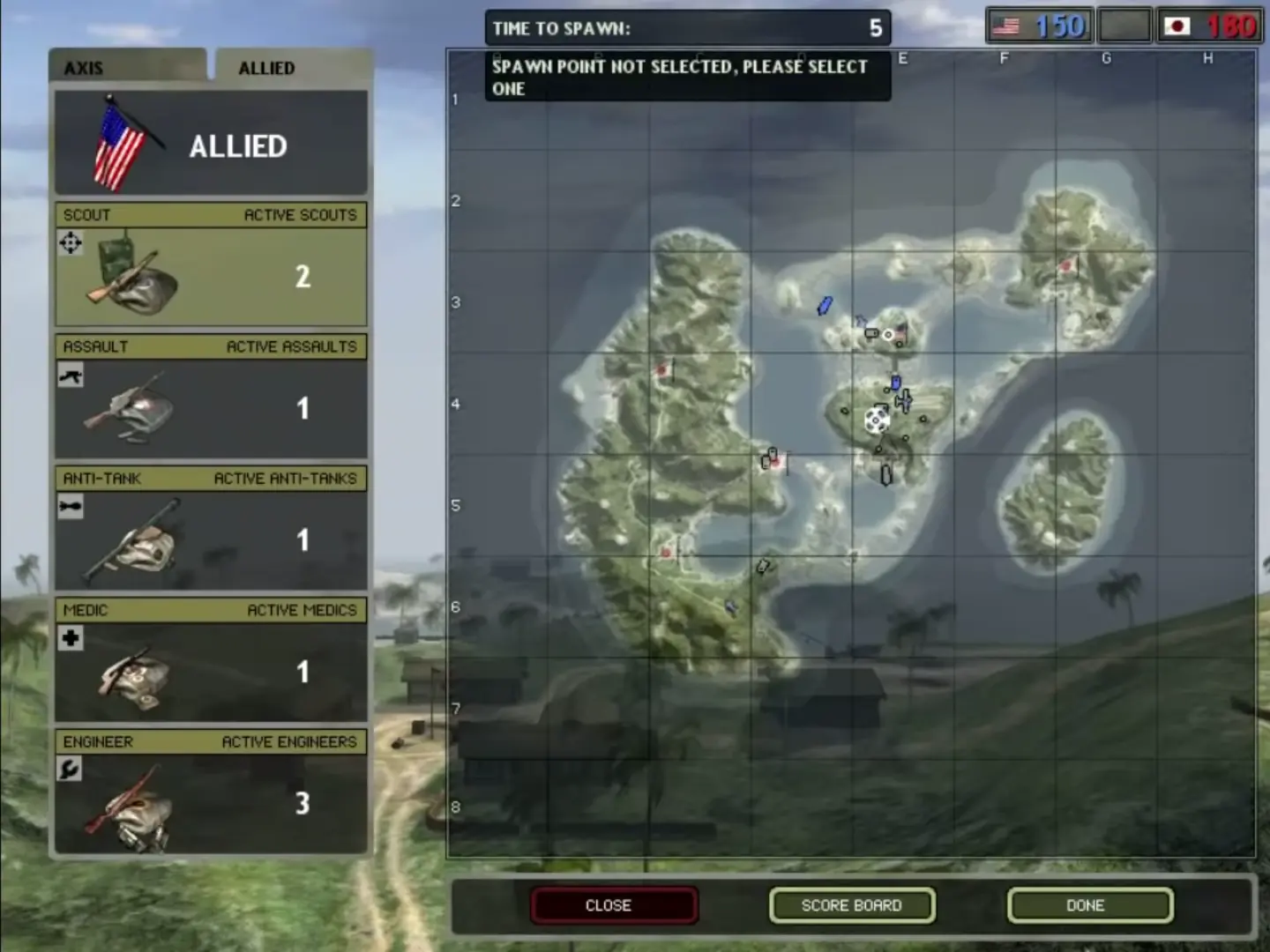
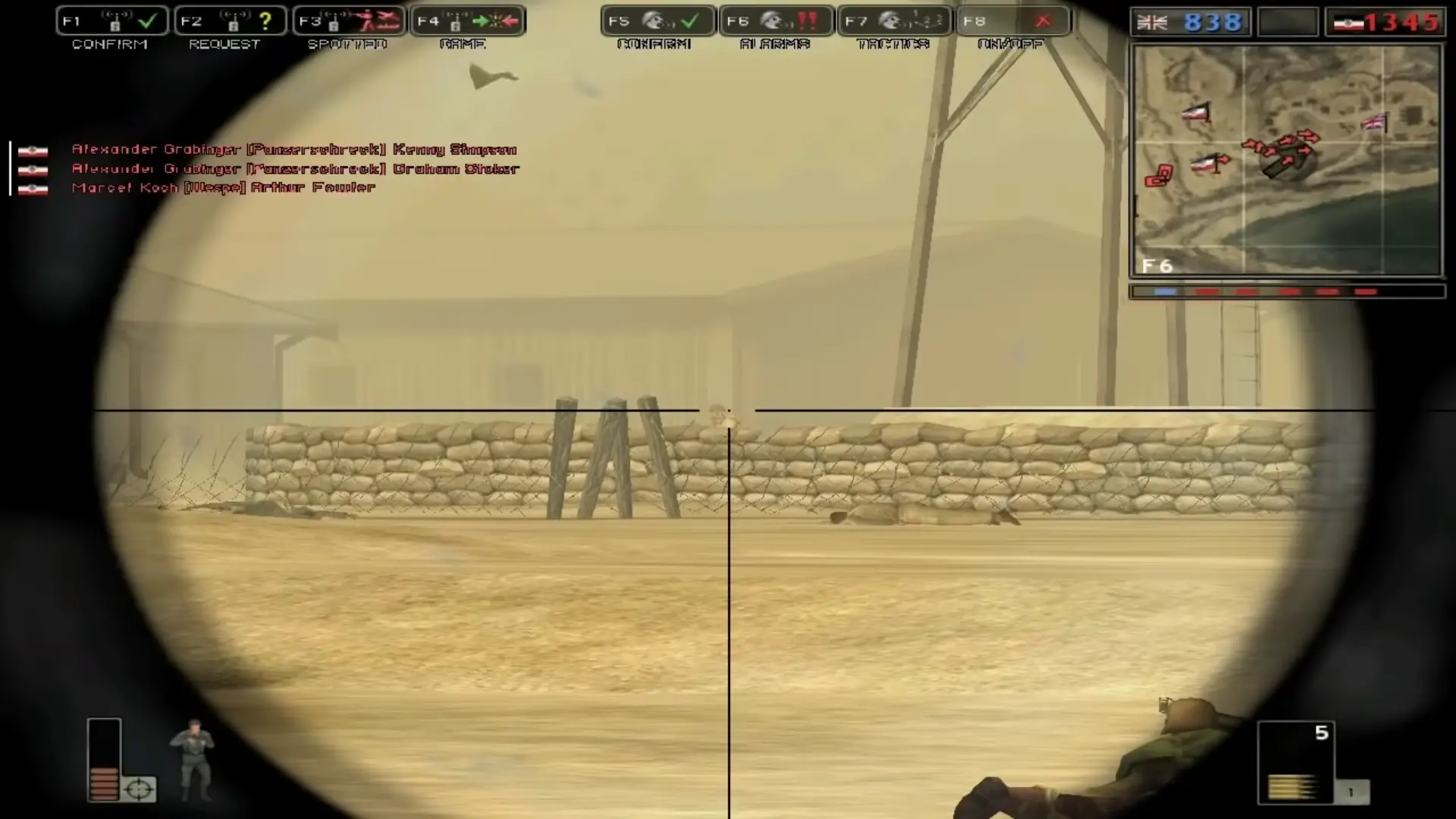
In-game, players assume the role of one of five classes of infantry: Scout, Assault, Anti-Tank, Medic, and Engineer. Players also have the ability to fly various World War II fighter aircraft and bombers, navigate capital ships, submarines, and aircraft carriers, man coastal artillery defenses, drive tanks, APCs and jeeps, and take control of anti-aircraft guns and mounted machine guns.

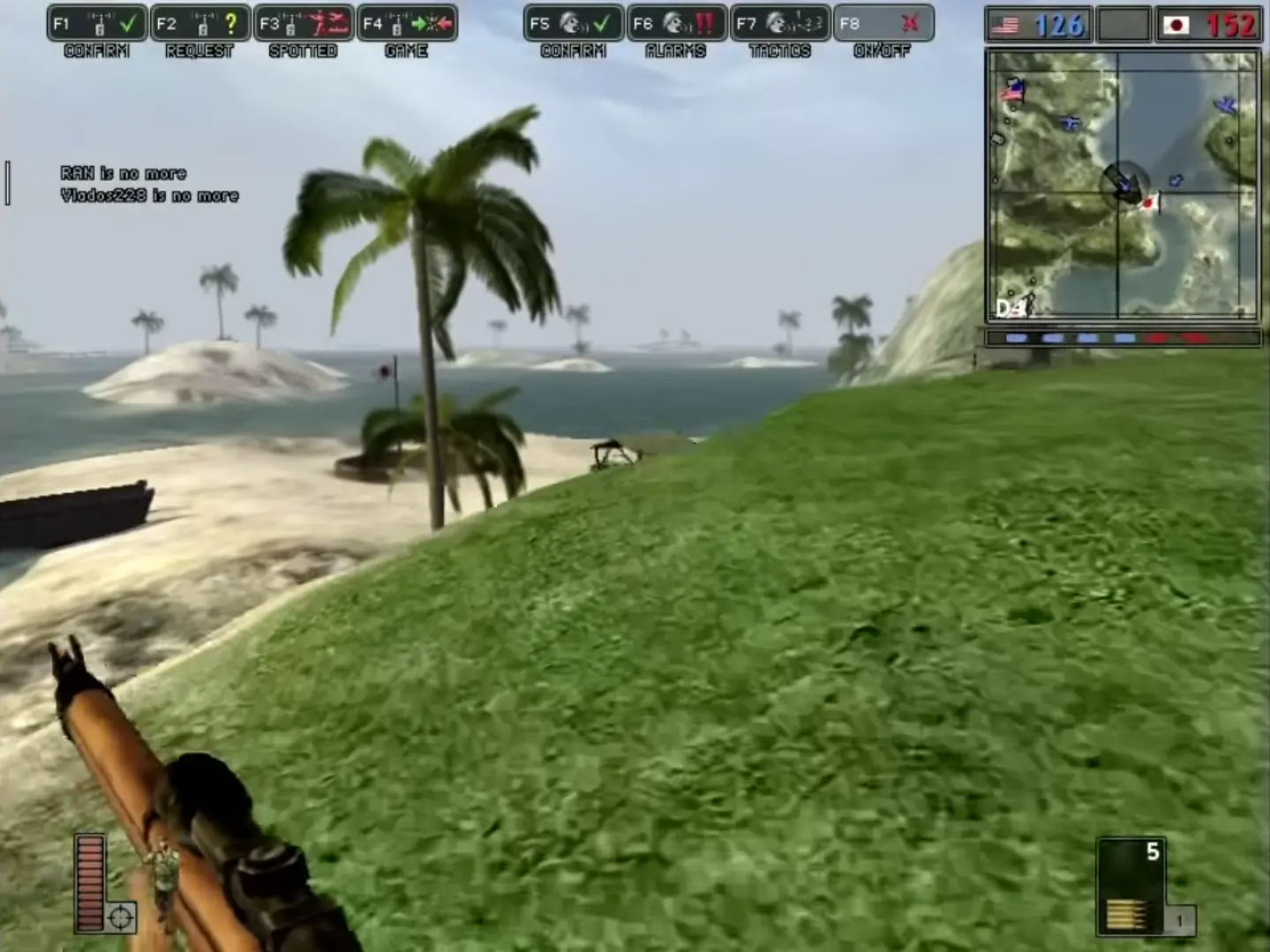
Each battle takes place on one of several maps located in a variety of places and famous battlefields in all of the major theaters of World War II: the Pacific, European, North African, Eastern, and Italian Fronts. Combat is between the Axis powers and the Allies. The location determines which nation-specific armies are used (for example, on the Wake Island map, it is Japan versus the United States, while on the El Alamein map, it is Germany versus the United Kingdom). The maps in Battlefield 1942 are based on real battles and are somewhat realistically portrayed.
Screenshots

Windows

Battlefield 1942 — Windows screenshot 1Battlefield 1942 — Windows screenshot 2Battlefield 1942 — Windows screenshot 3Battlefield 1942 — Windows screenshot 4Battlefield 1942 — Windows screenshot 5Battlefield 1942 — Windows screenshot 6

Download Battlefield 1942

Battlefield 1942 is abandonware and no longer sold or supported by its publishers. Files are archived here for these platforms:

Windows (2002)

  • Battlefield_1942_Win_RIP_EN.zipEN888.78 MB
  • Instructions Battlefield_1942_Win_RIP_EN.zip

    How to play on Windows - Base Game

    1. Download and Extract Battlefield_1942_Win_RIP_EN .zip
    2. Open the folder called “Game Files”
    3. No installation is needed – launch the game by double-clicking on the “BF1942.exe” file and the game will launch.
    4. If the game does not launch, try running the game as an administrator or in compatibility mode for Windows XP (right click on the file, go to properties and then the compatibility tab to do this).
  • Battlefield_1942_World_War_II_Anthology_Win_Setup_EN.7z.7zEN1.95 GB
  • Instructions Battlefield_1942_World_War_II_Anthology_Win_Setup_EN.7z.7z

    How to play on Windows - Battlefield 1942: World War II Anthology

    1. Download and Extract Battlefield_1942_World_War_II_Anthology_Win_Setup_EN.7z
    2. Open “Game Files” and run "bf1942-setup.exe" and install the game.
    3. Play game using desktop shortcut
    4. Optional: Download Battlefield 1942 Widescreen Patch (see Additional Files) and install "bf1942widescreenpatch.exe" to play in higher resolution.

    This download includes:

    • Battlefield 1942 v1.61 (Base Game)
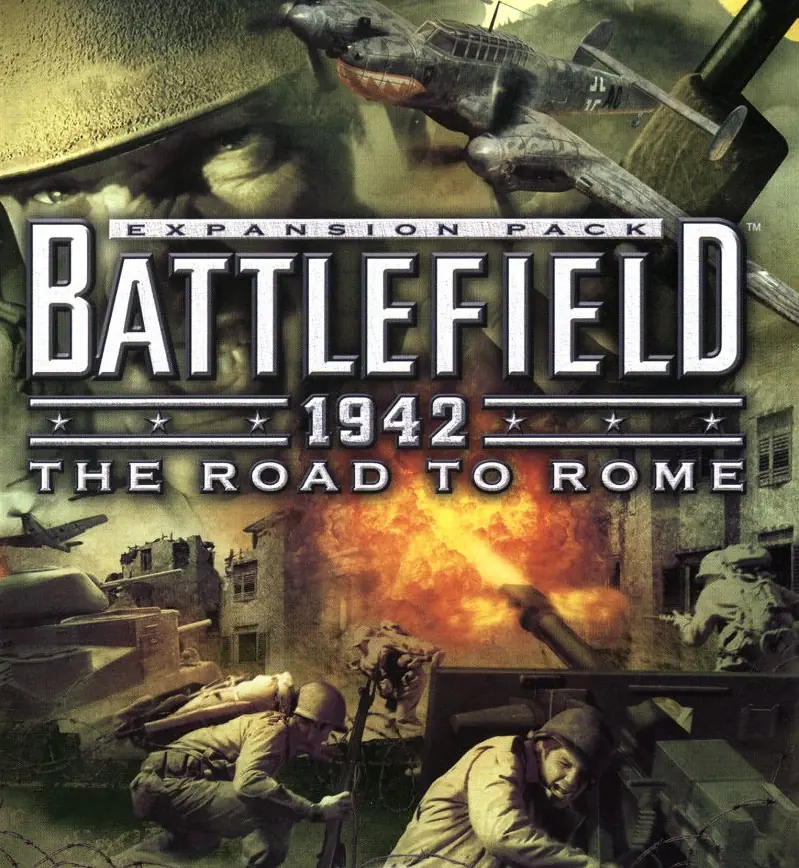
    • Battlefield 1942: The Road to Rome
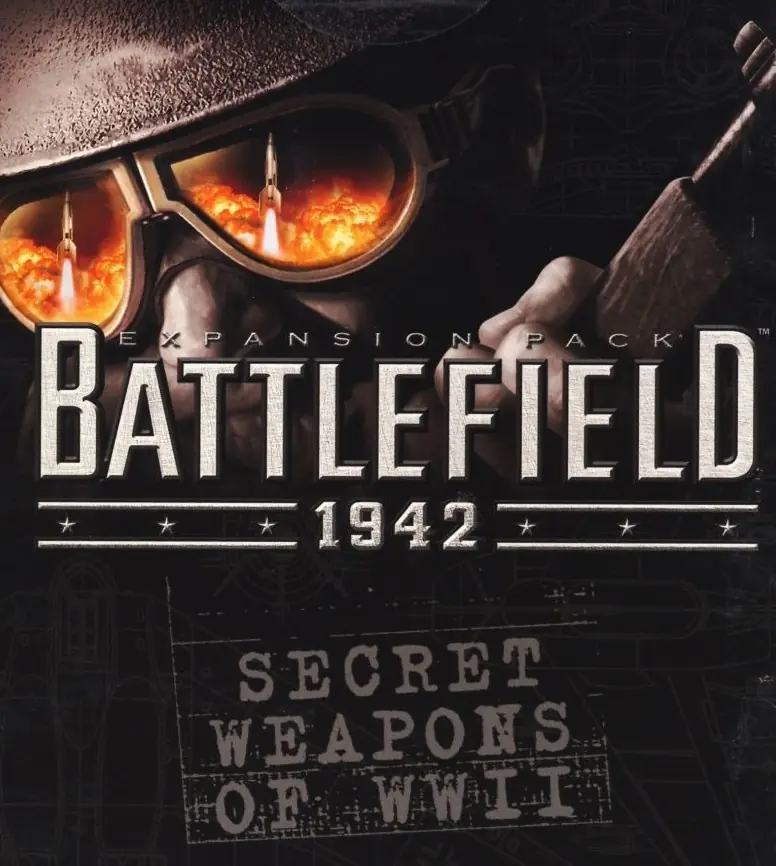
    • Battlefield 1942: Secret Weapons of WWII

Additional files, patches and fixes

Comments

54 thoughts on “Battlefield 1942”

  1. 0
    Hey any idea what I can do to fix my problem:
    Game installs fine and runs, but I cannot create a new Profile and I do not see the adjustment sliding bars anywhere in the menu, for example to change the quality settings. Generally all contrast highlights aren’t there, so you do not know what you are selecting. Additionally in-game the sniper has no aiming icon, so when zoomed in, you cannot see where you are firing.
    Reply
  2. 0
    The game cant played, when open the battlefield 1942 exe the game doesnt start, i already try run it as administrator and the result same the game dont wanna start.
    Reply
  3. 0
    Hello! I’m trying to install but whenever I finish the zip extraction, I get a notification that says “no data.bin”. What should I do? I tried extracting the ‘data.bin’ file in the zip, but it still doesn’t seem to work.
    Reply
    • 0
      The game cant played, when open the battlefield 1942 exe the game doesnt start, i already try run it as administrator and the result same the game dont wanna start.
      Reply
  4. 0
    I’m trying to run the base game but it says “The code execution cannot proceed because binkw32.dll was not found.”

    I see that extension below the exe but have no idea how to make it work.

    Any ideas?

    Reply
  5. 0
    The Game doesnt start when I double click it. I’m running it in compatibility mode (Windows XP service pack 2) and as an administrator but when I double click the .exe nothing happens. Any ideas how to fix this?
    Reply
    • 0
      This worked for me on Win10;

      – Go into \Battlefield 1942\Mods\bf1942\Settings\Profiles\*user profile*\VideoCustom.con and set “game.setGameDisplayMode 800 600 16”. Then tag the file as read only.

      – Launch the game in WinXP SP2 compatibility mode.

      Reply
      • 0
        hi i’ve installed the ww2 pack & have unzipped/extracted & also checked the compatibility mode to (W-XP S-Pack 2) & also checked Admin mode, I also installed & extracted the widescreen patch in main game folder..but whenever i fully load into the game & choose any map to play as soon as i load in the map after choosing weapon or location it freezes & crashes, something i did wrong? is it because im using the wrong launch app for it i’m using the same one that the installation wizard provided to desktop, please help thanks.
        Reply
      • 0
        hi i’ve installed the ww2 pack & have unzipped/extracted & also checked the compatibility mode to (W-XP S-Pack 2) & also checked Admin mode, I also installed & extracted the widescreen patch in main game folder..but whenever i fully load into the game & choose any map to play as soon as i load in the map after choosing weapon or location it freezes & crashes, something i did wrong? And yes i also edited that (32) to (16) in the “Video-custom.con”, please help thanks.
        Reply
      • 0
        Sadly, the “user profile” folder doesn’t show up at all under the “Profiles” folder. The only folders that appear when I access Profiles are “DEVESTATING”, “Default”, and “Custom”. If there’s any way that allows me to activate the game, I’d like to know.
        Reply
      • 0
        when you change the values and start the game it overwrites back to origanal values. Will try to change properties and security to stop it from overwriting
        Reply
  6. 0
    anyone having an issue unzipping the file? I don’t have an option when I right click to unzip the file. It is like Windows doesn’t recognize it is compressed file
    Reply
  7. 0
    You add the widescreen patch by putting the exe in the main game folder and running it from there.
    Did you ever figure out how to play the secret weapons maps?
    Reply
    • 0
      hi i’ve installed the ww2 pack & have unzipped/extracted & also checked the compatibility mode to (W-XP S-Pack 2) & also checked Admin mode, I also installed & extracted the widescreen patch in main game folder..but whenever i fully load into the game & choose any map to play as soon as i load in the map after choosing weapon or location it freezes & crashes, something i did wrong? is it because im using the wrong launch app for it i’m using the same one that the installation wizard provided to desktop, please help thanks.
      Reply