Battlefield 1942 is a 2002 first-person shooter game developed by Digital Illusions CE and published by Electronic Arts for Microsoft Windows and Mac OS X. It is the first installment in the Battlefield series. The game can be played in single-player mode against the video game AI or in multiplayer mode against players on the Internet or in a local area network. It is a popular platform for mod developers, with many released modifications that alter the gameplay and theme.
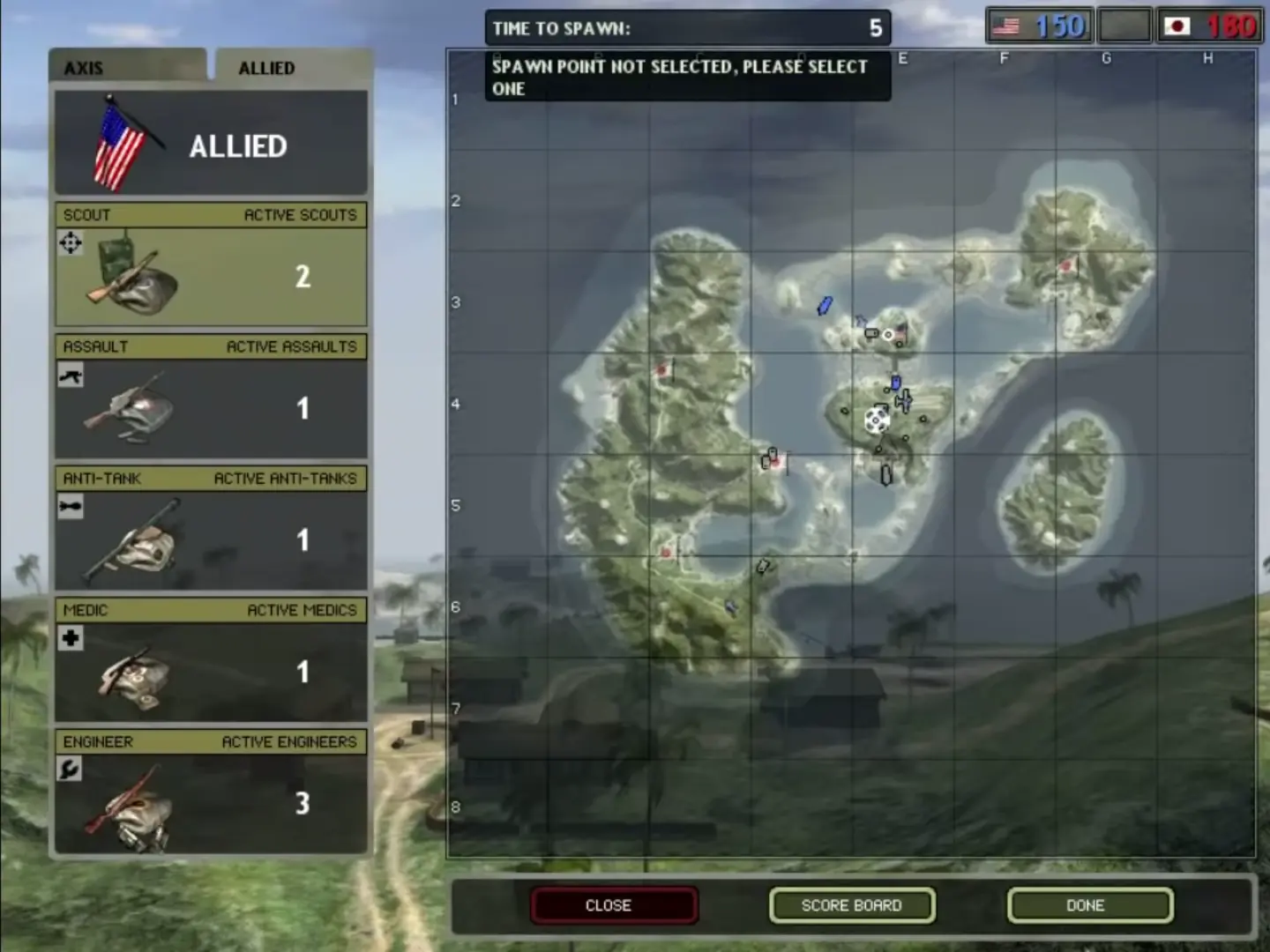
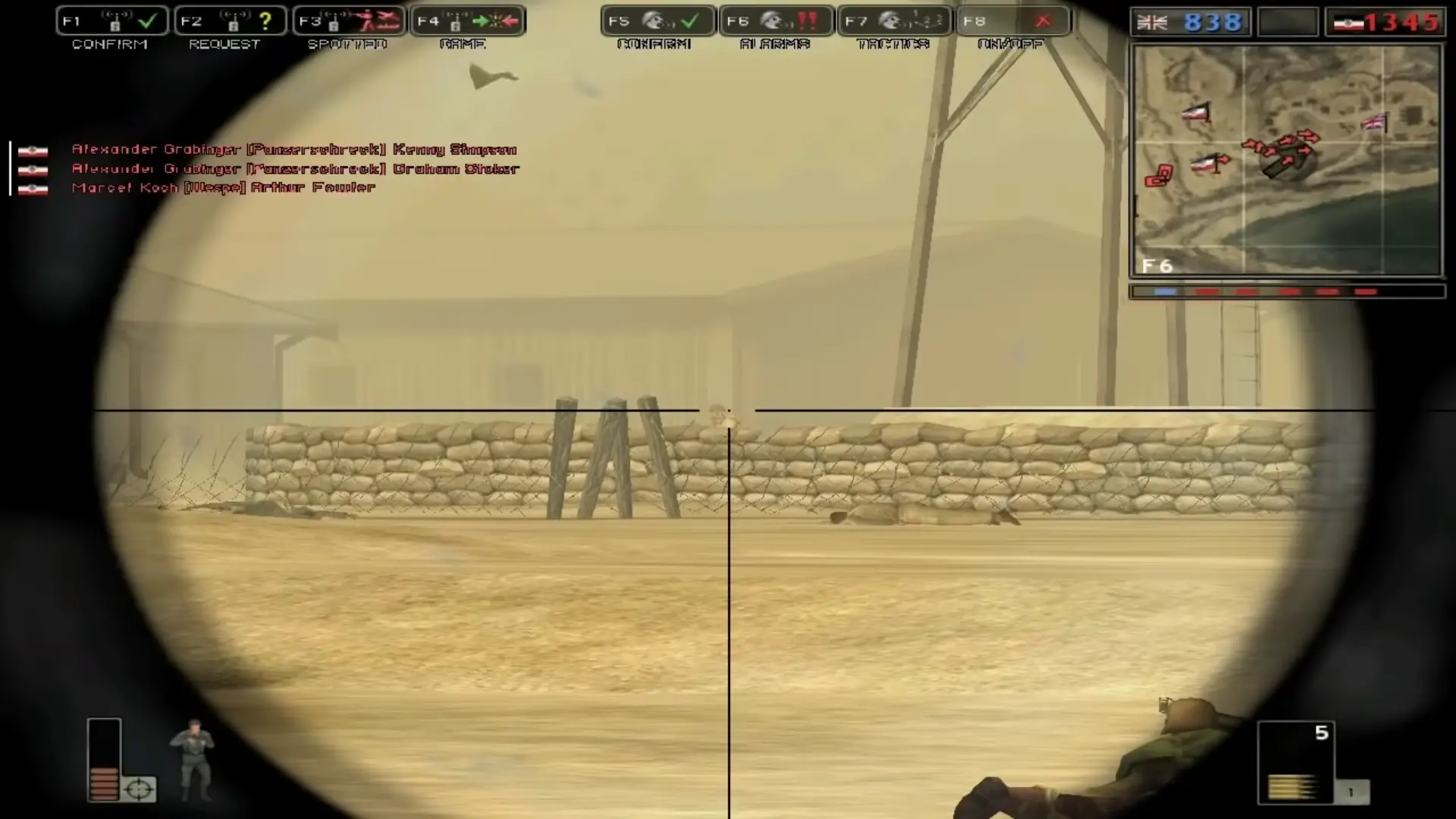
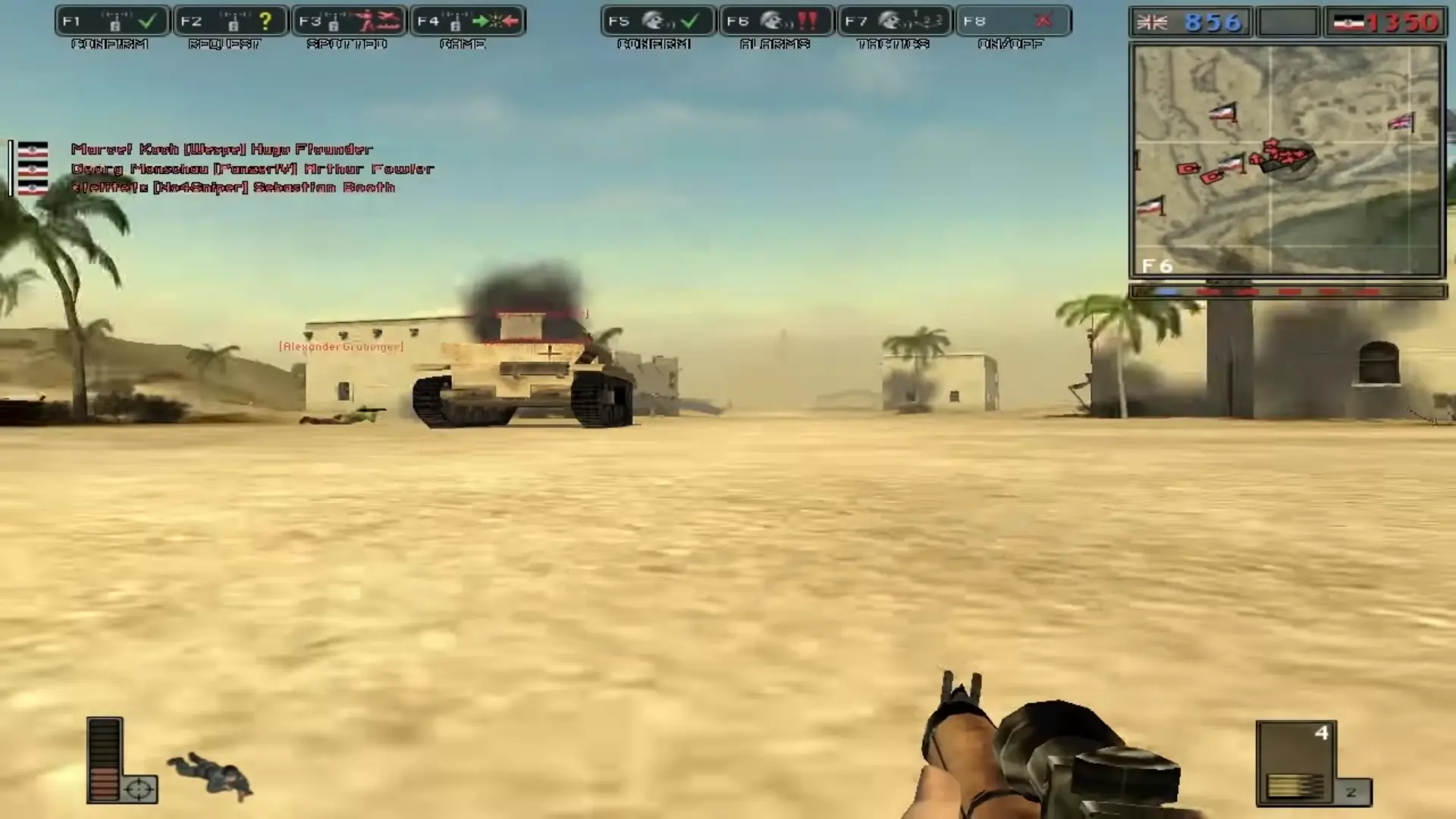
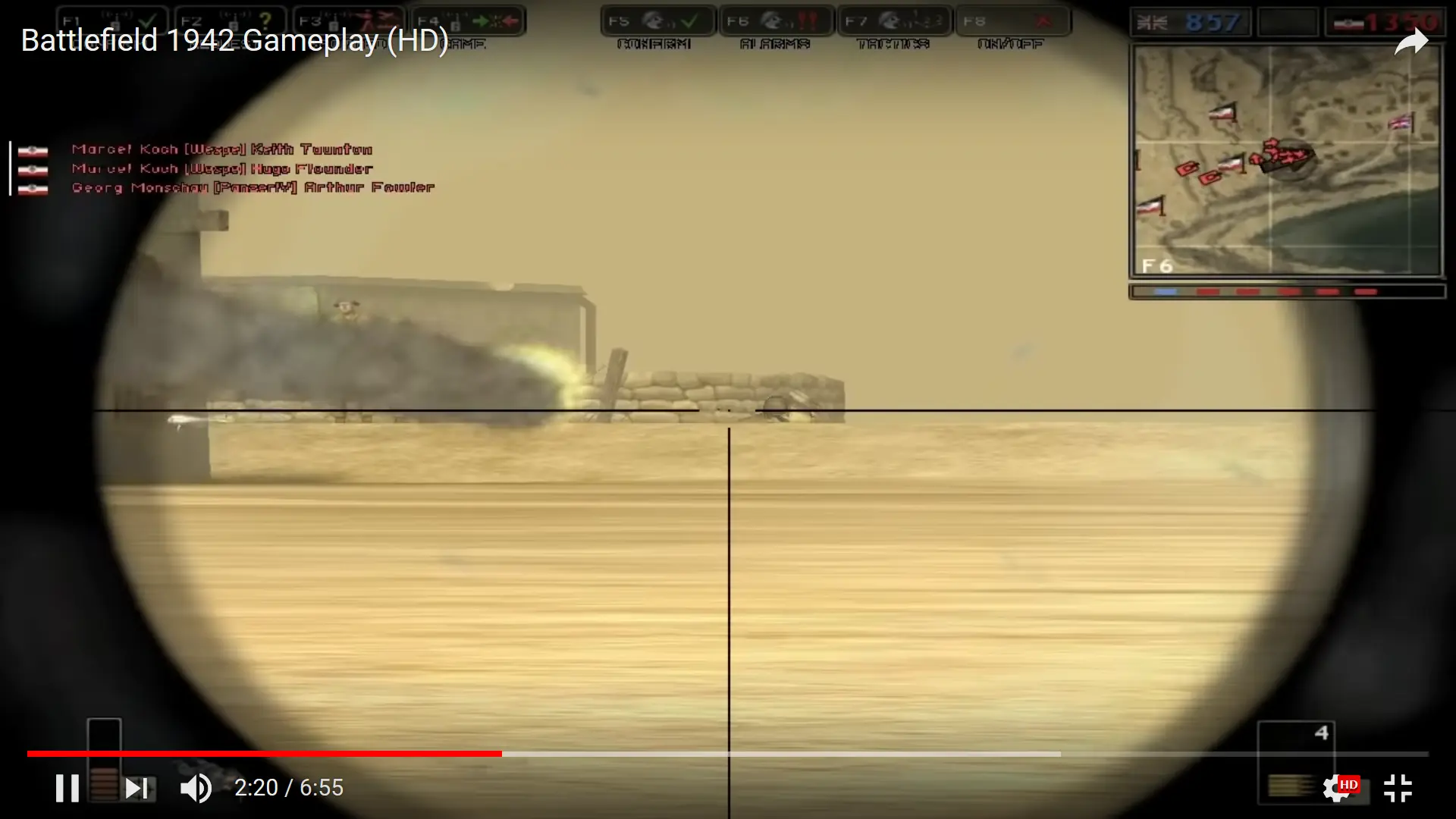
In-game, players assume the role of one of five classes of infantry: Scout, Assault, Anti-Tank, Medic, and Engineer. Players also have the ability to fly various World War II fighter aircraft and bombers, navigate capital ships, submarines, and aircraft carriers, man coastal artillery defenses, drive tanks, APCs and jeeps, and take control of anti-aircraft guns and mounted machine guns.
Each battle takes place on one of several maps located in a variety of places and famous battlefields in all of the major theaters of World War II: the Pacific, European, North African, Eastern, and Italian Fronts. Combat is between the Axis powers and the Allies. The location determines which nation-specific armies are used (for example, on the Wake Island map, it is Japan versus the United States, while on the El Alamein map, it is Germany versus the United Kingdom). The maps in Battlefield 1942 are based on real battles and are somewhat realistically portrayed.
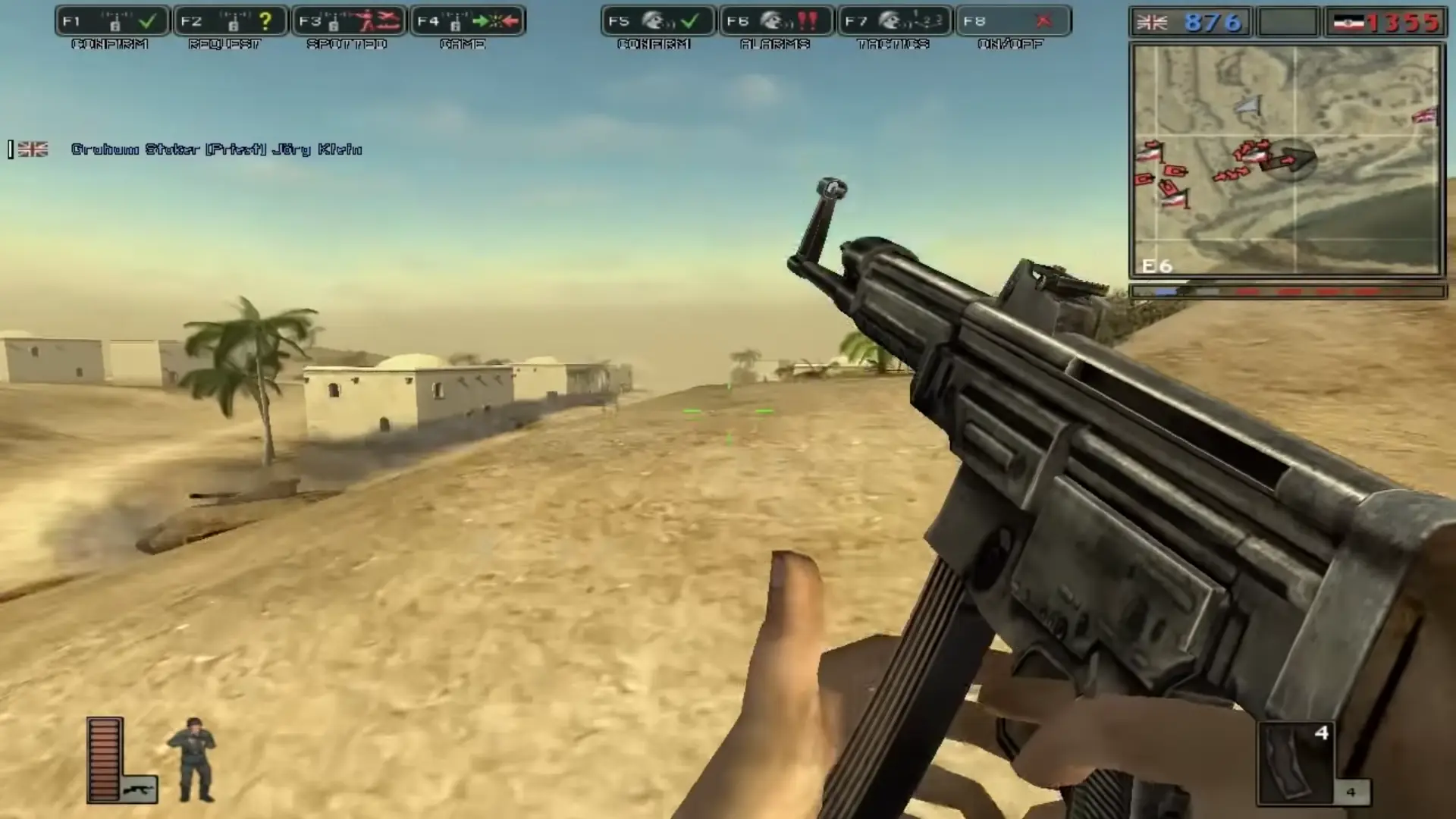
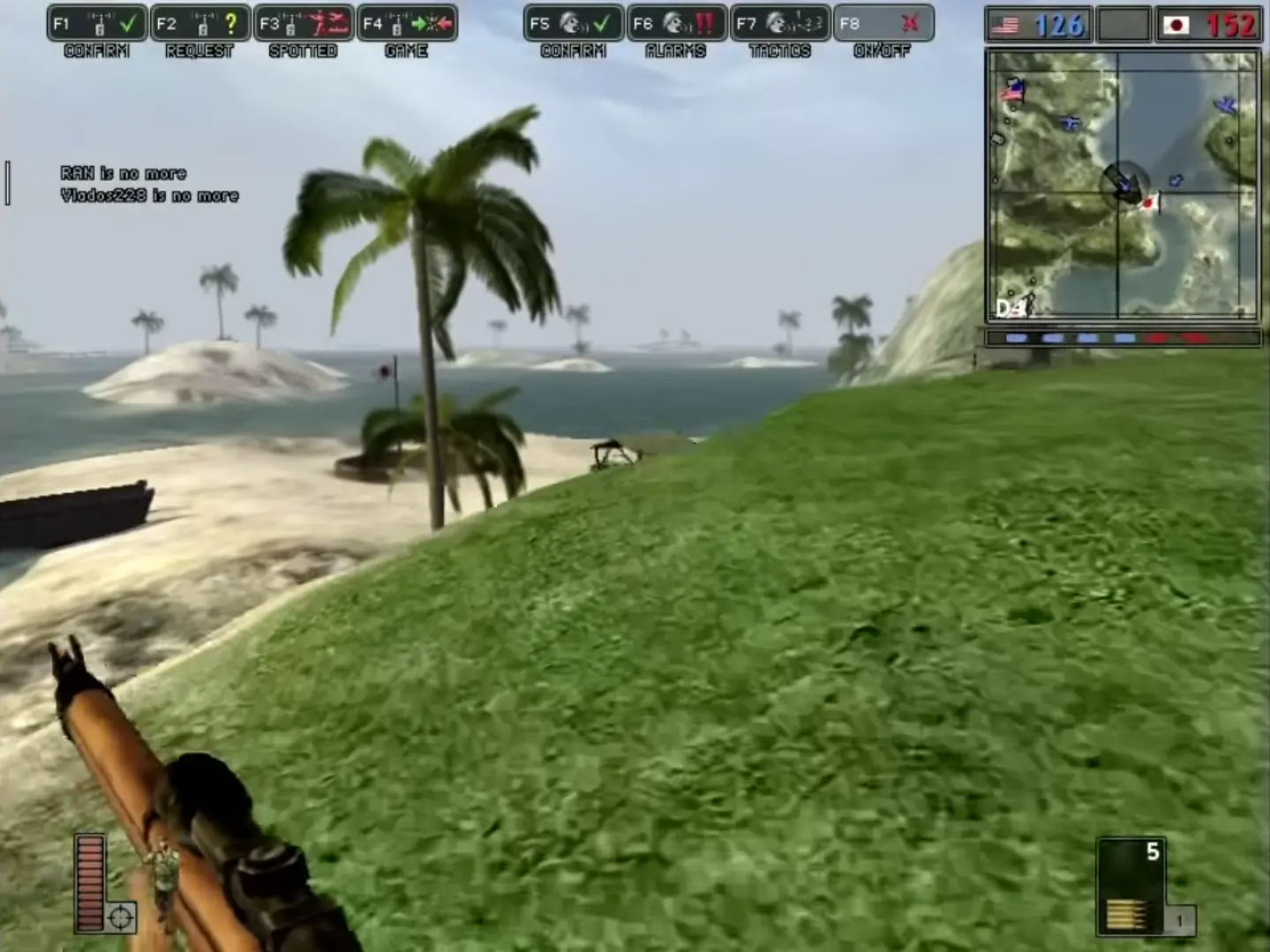
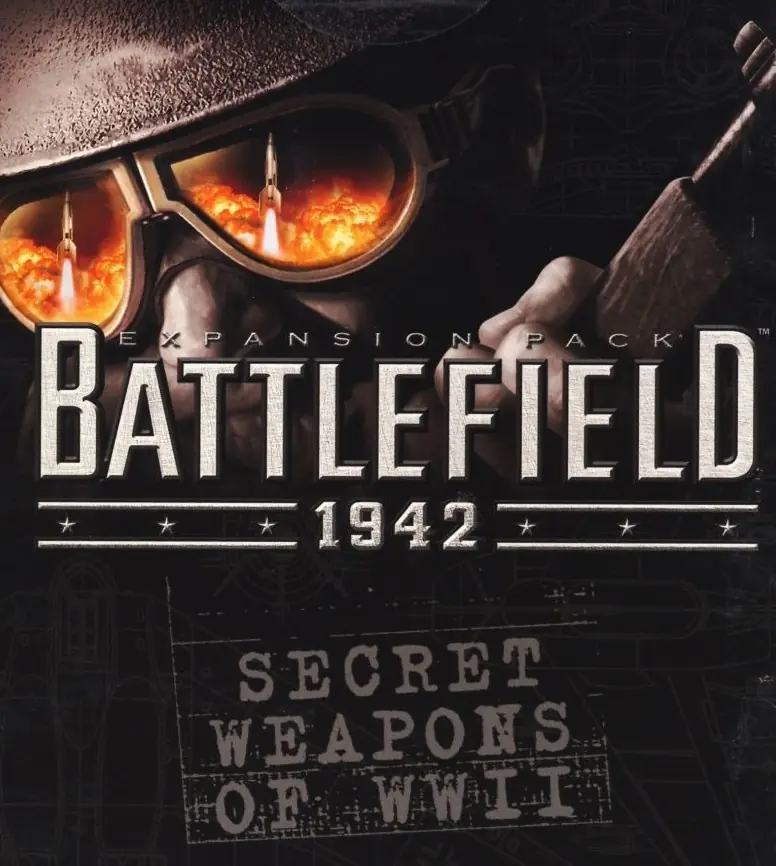
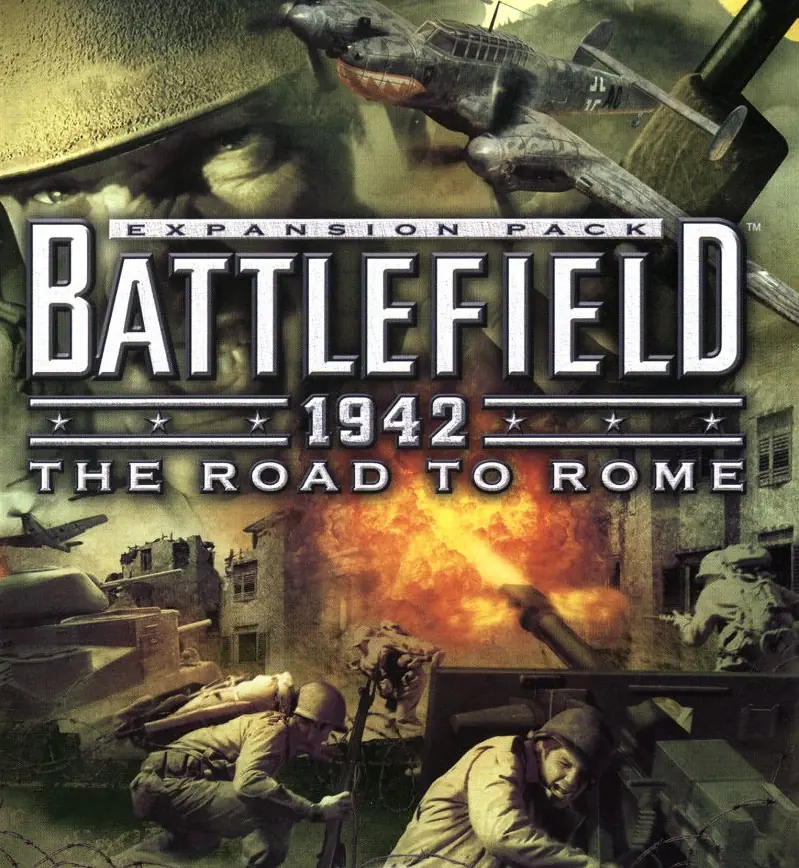
Battlefield 1942 is abandonware and no longer sold or supported by its publishers. Files are archived here for these platforms:
How to play on Windows - Base Game
How to play on Windows - Battlefield 1942: World War II Anthology
This download includes:









q
When I hit escape, the game crashes.
Please, can someone help me.
p.s. this setting would generally just be needed enabled for a public-access type AP – here is my router’s descr:
*Wireless Isolation*
“If enabled, the wireless client under this SSID can only access internet and it can’t access other wireless clients even under the same SSID, Ethernet clients or this device. Other clients can’t access the wireless client, either.”
In “Windows Features” – “turn windows features on and off” you must check ‘Legacy Components’ drop down check ‘Direct Play’.
Right click .exe and check ‘Run this program compatibility mode for’ – WinXp service pack 3. Then check ‘Run as Admin’.
Start game normally.