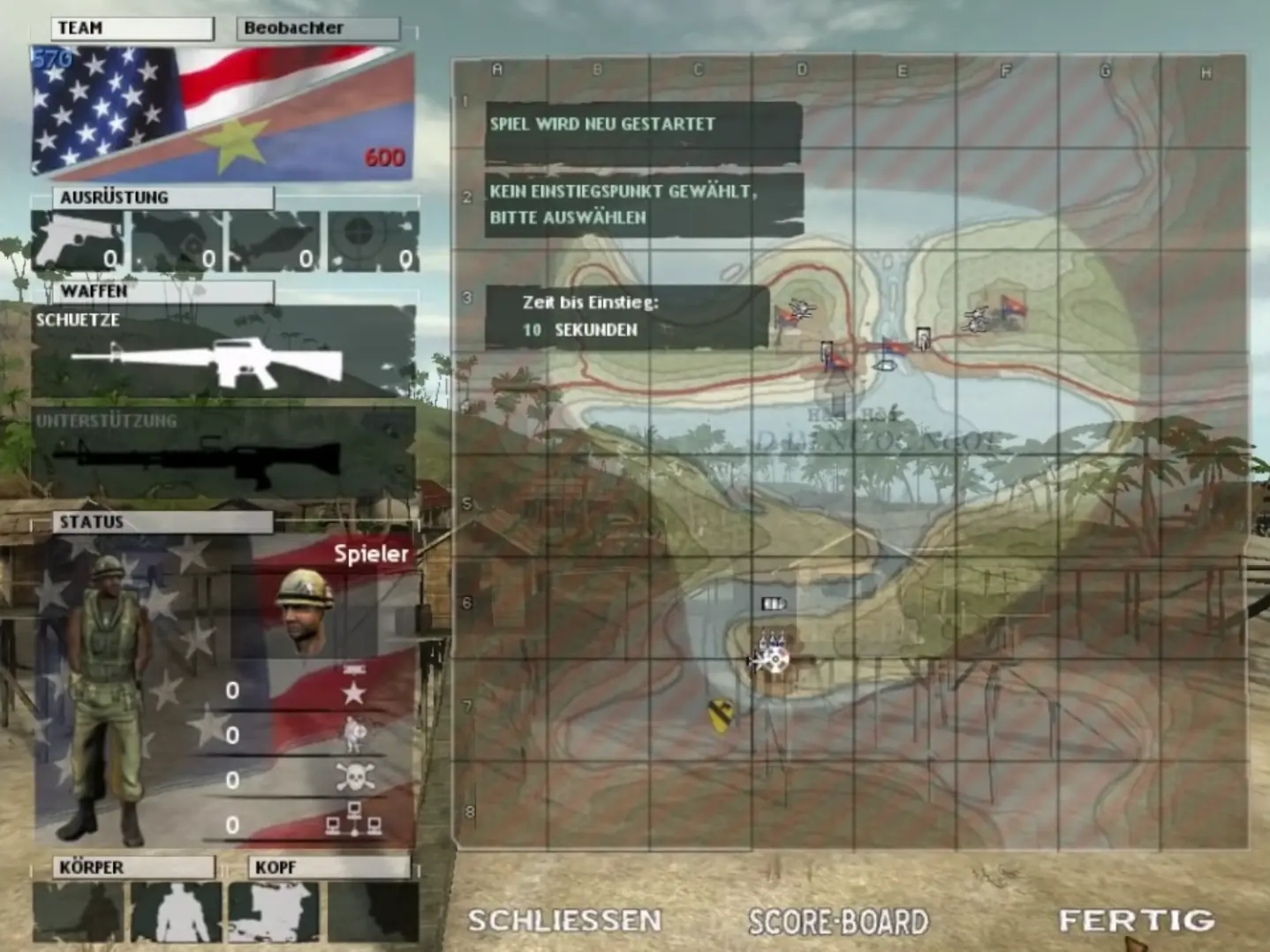
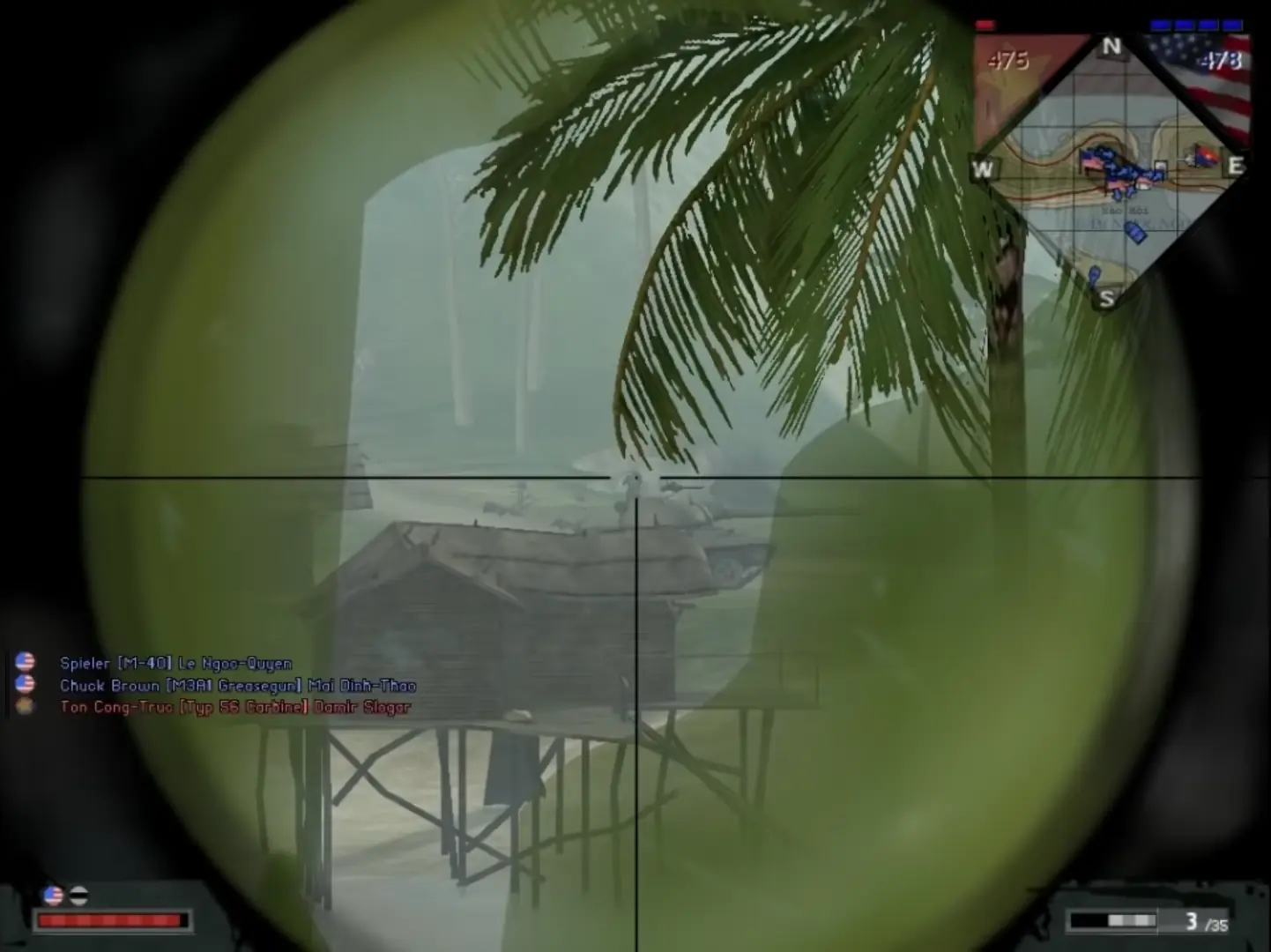
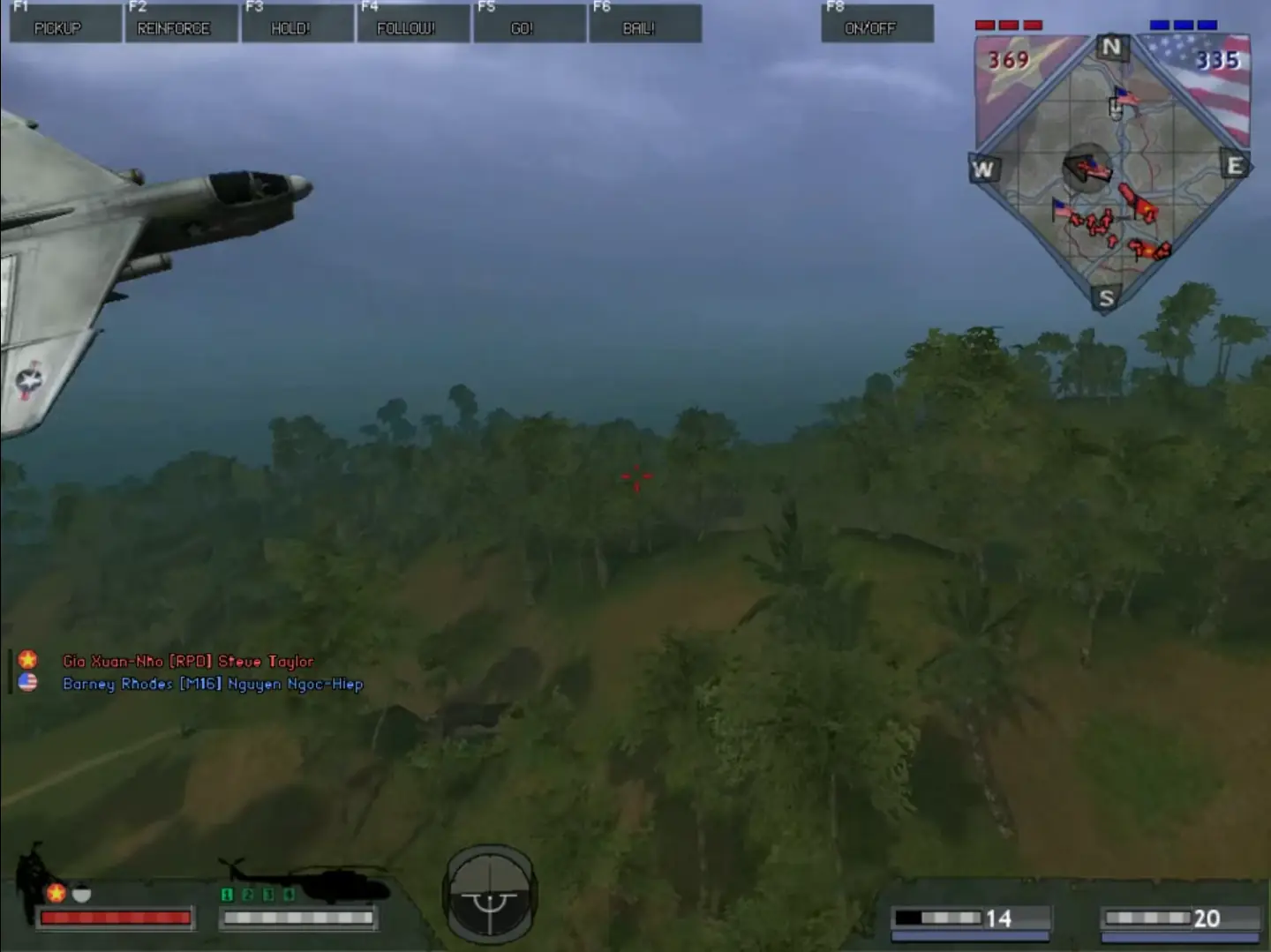
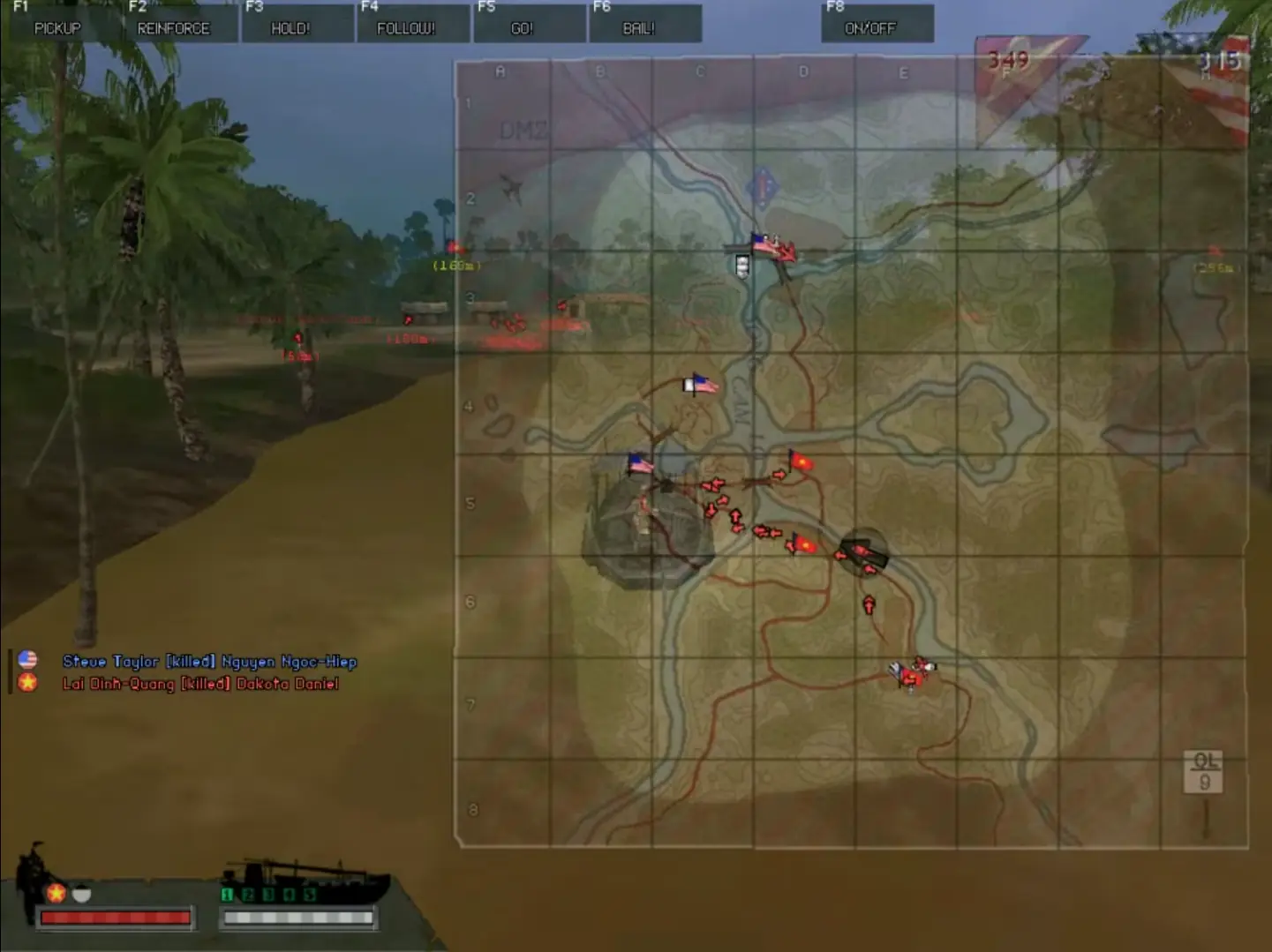
You loved Battlefield 1942, now experience even more intense and pulse-raising battles with Battlefield Vietnam! Period authentic vehicles including helicopters, tanks, jets and PT boats will place you in the thick of battle in an instant. Blast the tunes of CCR, Jefferson Airplane and more as you swoop over the jungle canopy en route to the landing zone. All of this, and more, take the Battlefield series to the next level! The Battlefield franchise enters a new era equipped with more firepower, modernized weaponry and vehicles, and a deeper infantry experience from the jungles to the beaches of Vietnam. From villages on the Ho Chi Minh Trail to the city streets of Hue wage modern warfare as the United States or North Vietnamese Army (NVA). Select from a variety of characters within the different soldier classes as you command powerful new vehicles including attack and transport helicopters, the M551 Sheridan tank, and the F-4 Phantom fighter jet on the U. S. side and the Russian-made T-54 tank, the MIG-21, and Mi-8 multipurpose helicopter on the NVA side. Go to war in new dramatic battle scenarios including leading a squadron of helicopters in an all-out attack on an enemy compound, executing an ambush of enemy soldiers from dense foliage, captaining a PT boat through a dangerous jungle river passage, and more. Grab your M-16, ready the Napalm, and prepare to enter some of the fiercest battles of the Vietnam War.
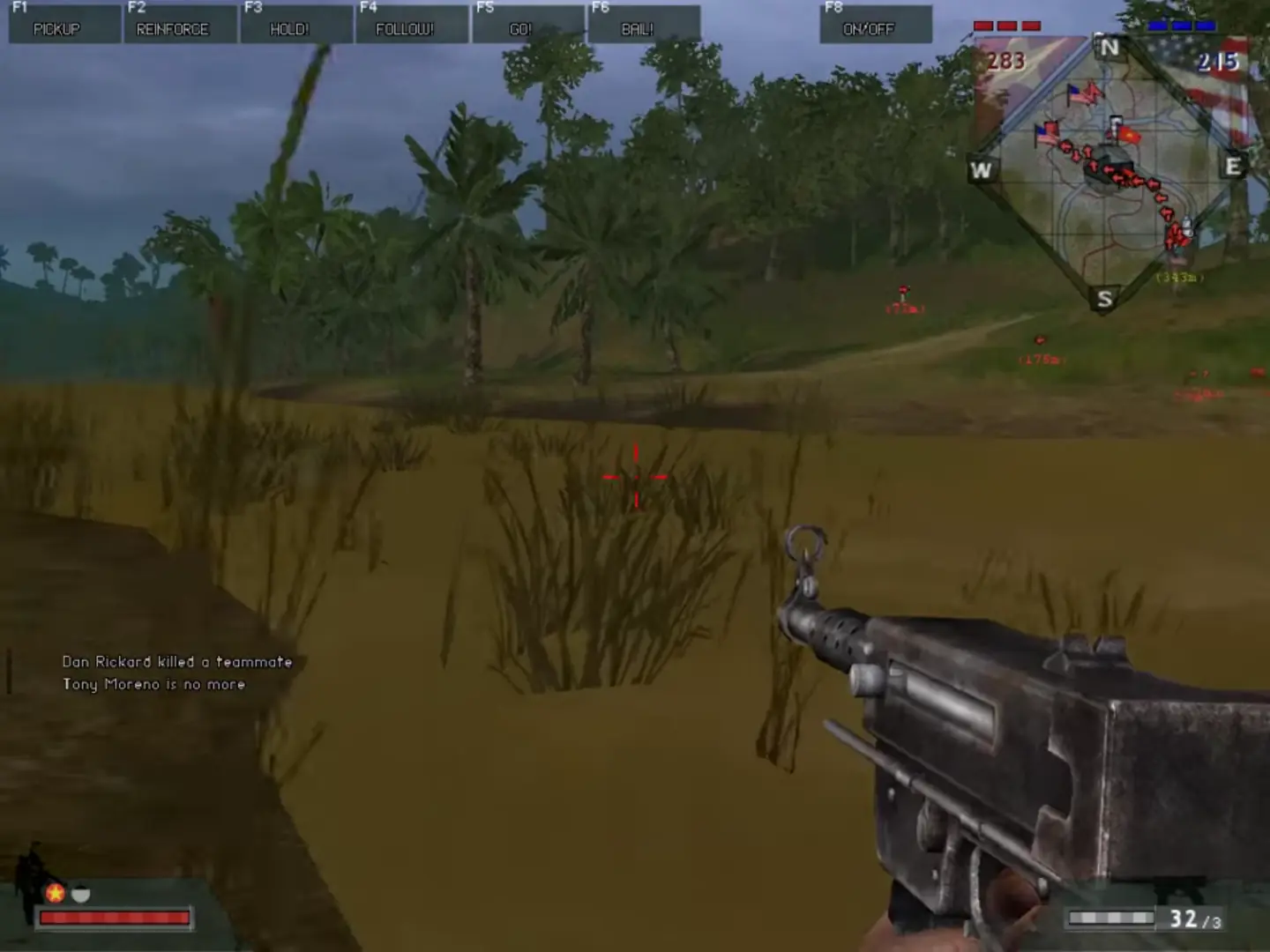
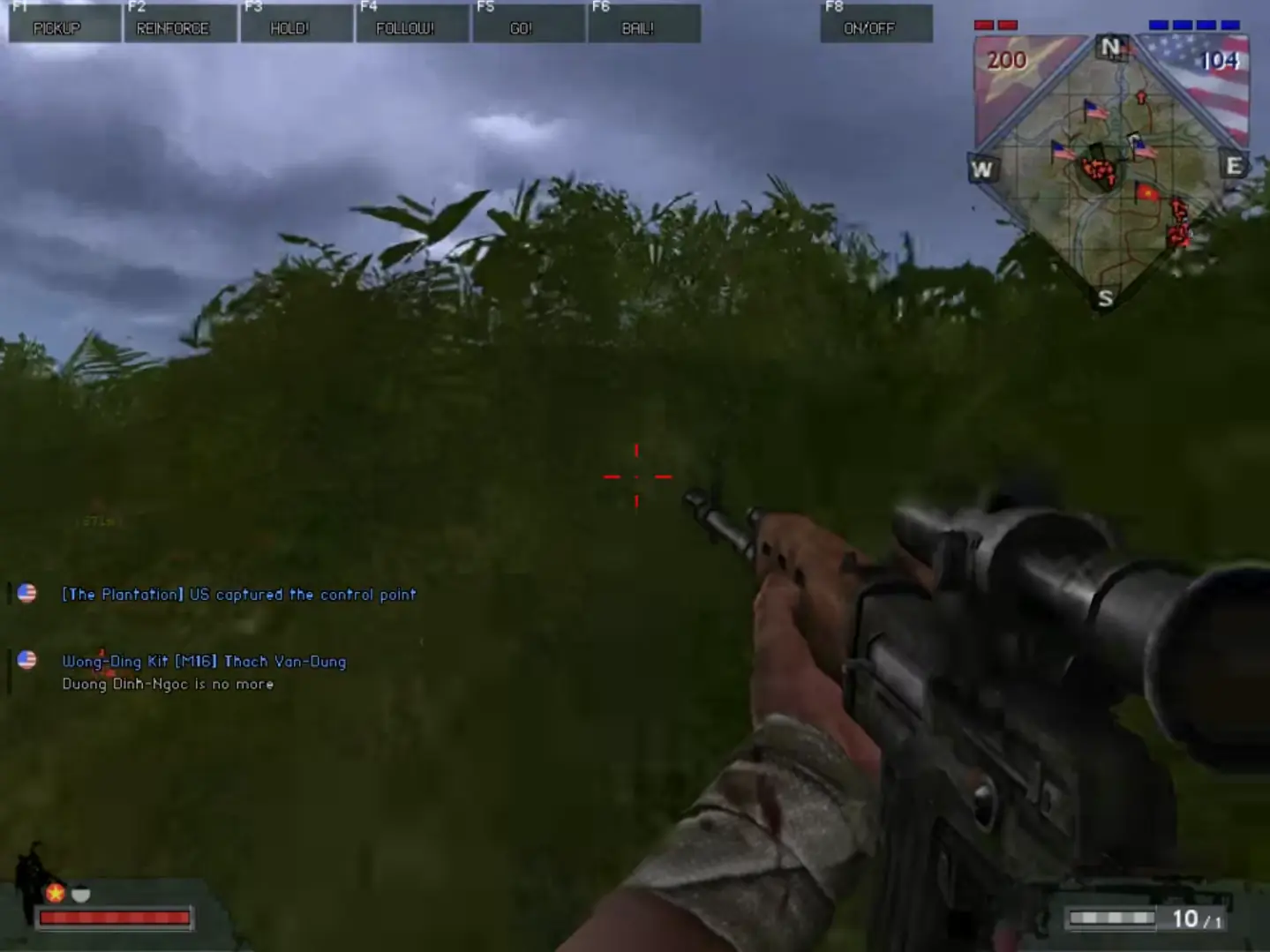
Battlefield Vietnam is abandonware and no longer sold or supported by its publishers. Files are archived here for these platforms:
How to play on Windows - preinstalled version
How to play on Windows - Full CD installation
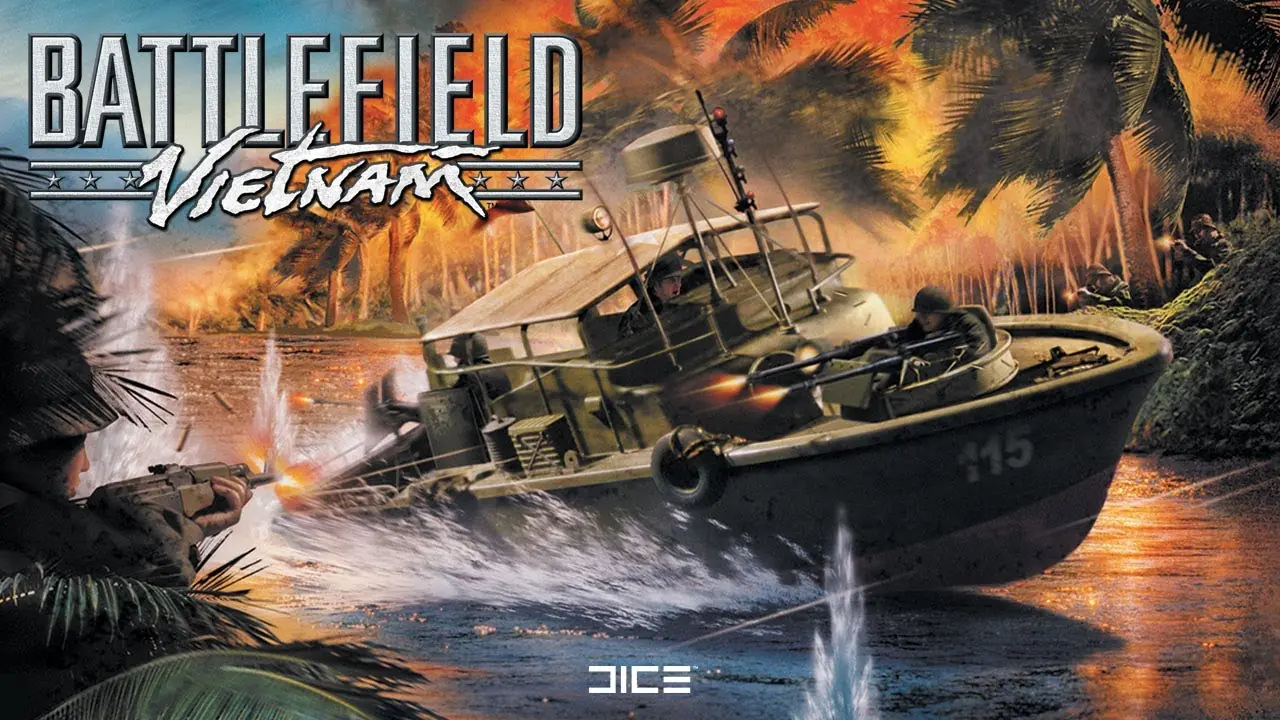






We still have an active community playing the game daily, usually between 10 and 15 players during weekdays and up to 30 on the weekends, this may not seem like much but we’re currently working really on improving these numbers by making new and old returning players aware of the games’ continued existence.
To get back to playing the game and need help getting your game set up for multiplayer, please sign up for a free account on our website https://helloclan.eu
After a brief period of waiting for admin approval, your account will be activated and you will be permitted access to download fixes and patches that improve tge multiplayer support and performance of BFV on modern systems, things like a working server browser, sound fixes etc
There is also a site tracking Battlefield Vietnam servers so you’ll be able to quickly check whether somebody is online at https://bfvstats.com