Home » Games » Cap’n Crunch’s Crunchling Adventure
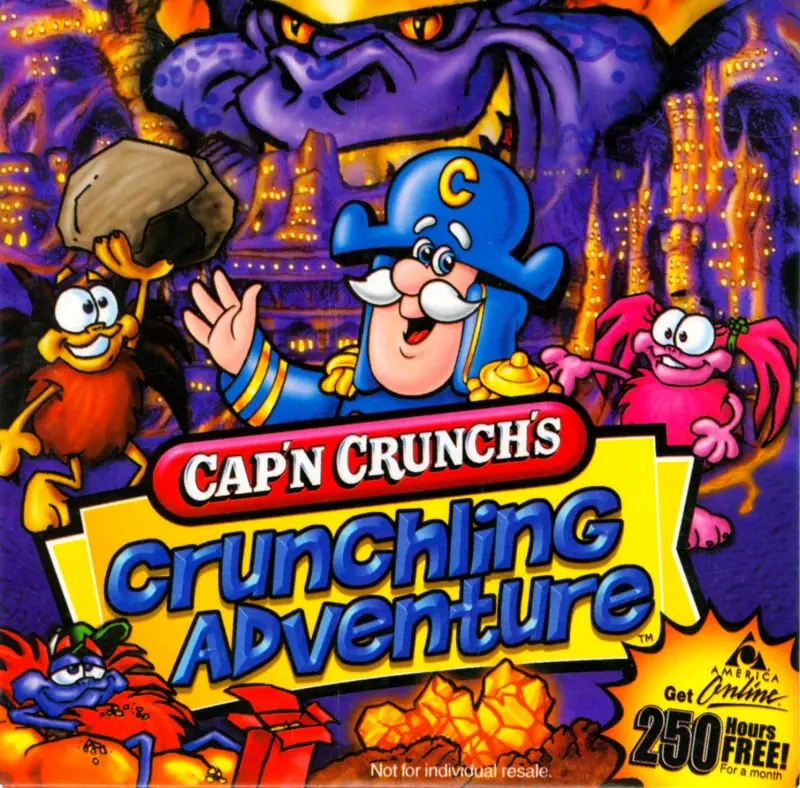
Cap’n Crunch’s Crunchling Adventure

Cap'n Crunch's Crunchling Adventure Game Cover
4.6/5 - 16 votes

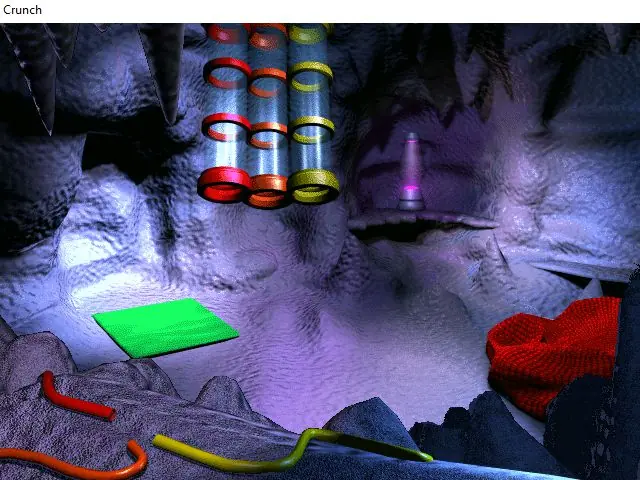
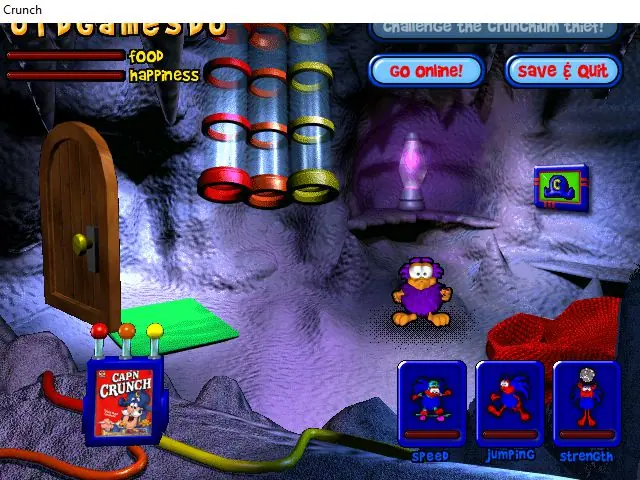
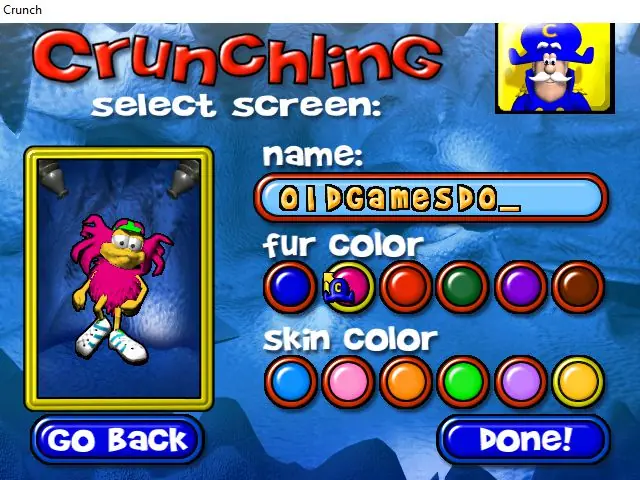
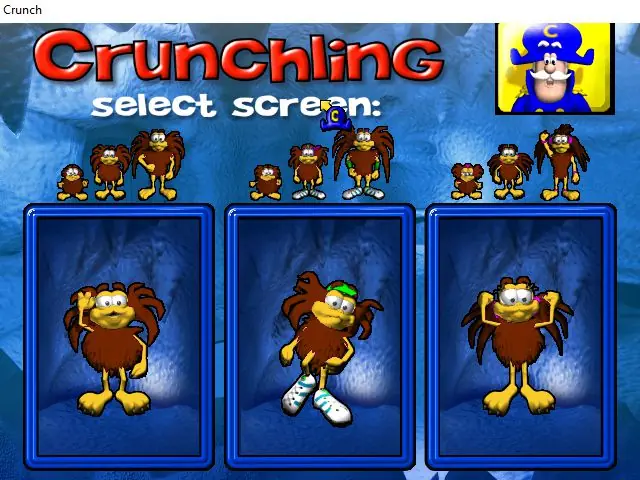
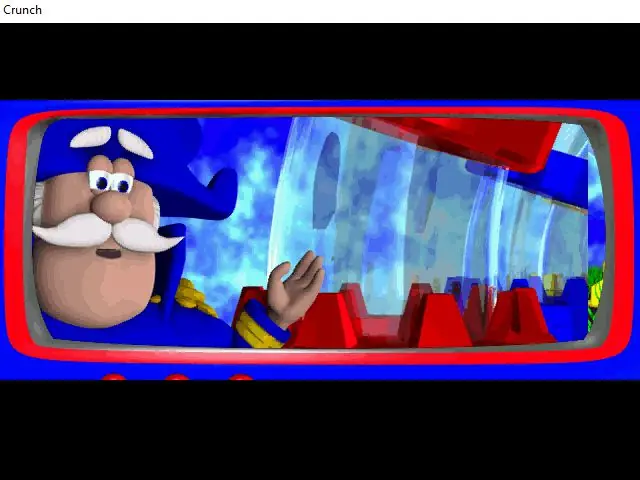
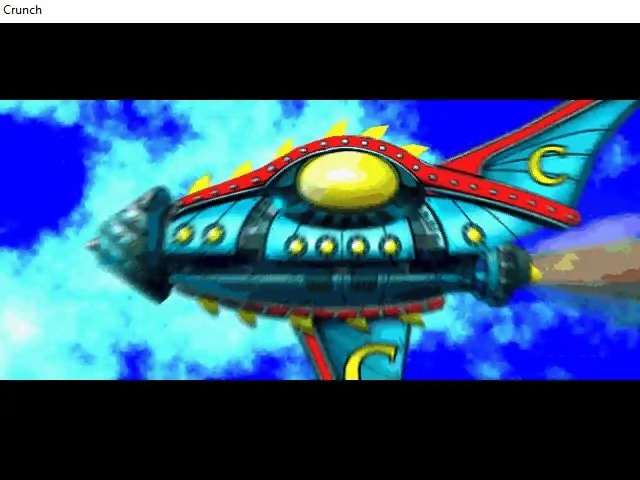
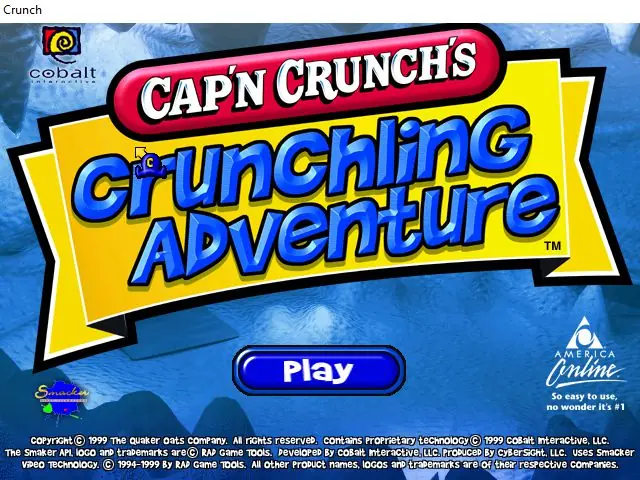
Cap'n Crunch's Crunchling Adventure is an action game developed by Cobalt Interactive and published by Sony Computer Entertainment in 1999. Players fight crunchium-stealing pirates and rescue the Crunchlings.

Genres
Developers
Released
Platforms
Download

Screenshots

Windows

Cap’n Crunch’s Crunchling Adventure — Windows screenshot 1Cap’n Crunch’s Crunchling Adventure — Windows screenshot 2Cap’n Crunch’s Crunchling Adventure — Windows screenshot 3Cap’n Crunch’s Crunchling Adventure — Windows screenshot 4Cap’n Crunch’s Crunchling Adventure — Windows screenshot 5Cap’n Crunch’s Crunchling Adventure — Windows screenshot 6Cap’n Crunch’s Crunchling Adventure — Windows screenshot 7

Download Cap’n Crunch’s Crunchling Adventure

Cap’n Crunch’s Crunchling Adventure is abandonware and no longer sold or supported by its publishers. Files are archived here for these platforms:

Windows (1999)

  • Capn_Crunchs_Crunchling_Adventure_Win_ROM_EN.7zEN424.61 MB
  • Instructions Capn_Crunchs_Crunchling_Adventure_Win_ROM_EN.7z

    How to play on Windows

    1. Mount cap'n crunch's crunchling adventure.bin and run Setup.exe
    2. Click "Next" and then choose "Full Install". Click "Next" again and wait for the installation to finish
    3. When prompted to download DirectX, choose "No" and finish the installation
    4. Launch Play Cap'n Crunch's Crunchling Adventure(TM).exe on your desktop to launch the game

Comments

11 thoughts on “Cap’n Crunch’s Crunchling Adventure”

  1. 0
    When I click to download I get the message “Item not available
    The item is not available due to issues with the item’s content. ” Do I need an older version of Windows?
    Reply
  2. 0
    Made a good, didn’t read the instructions all the way and hit yes when it asked to install Direct X, is that gonna cause problems?
    Reply
  3. 0
    had to click on the “Select what happens to this drive when [whatever it says]”, then you can browse the files and find the shortcut for the SetUp wizard
    Reply
  4. 0
    mounting and running both the .bin and .cue with DAEMON Tools Lite yields only a buzzy-sounding 20 minute audio file from the game…
    Reply
    • 0
      edit : had to click on the “Select what happens when this disc is [whatever it said]” Windows prompt, which pops up as soon as it’s mounted in DAEMON TL. -then you can browse the files and find the setup.exe and run the installation (puts a shortcut on the desktop).
      Can’t get it to fullscreen though…
      Reply