Cashflow 101
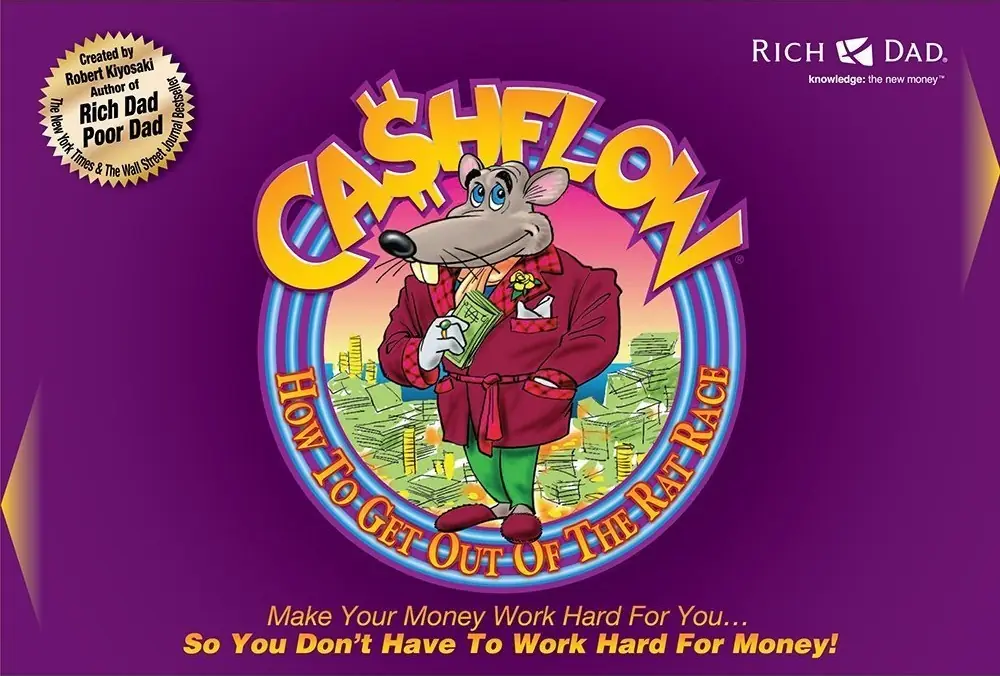
Cashflow 101 is a 1996 educational game developed by Robert Kiyosaki and published by Bagolyvár Kiadó.
Genres
Publishers
Developers
Released
Platforms
Cashflow 101 is a 1996 educational game developed by Robert Kiyosaki and published by Bagolyvár Kiadó.
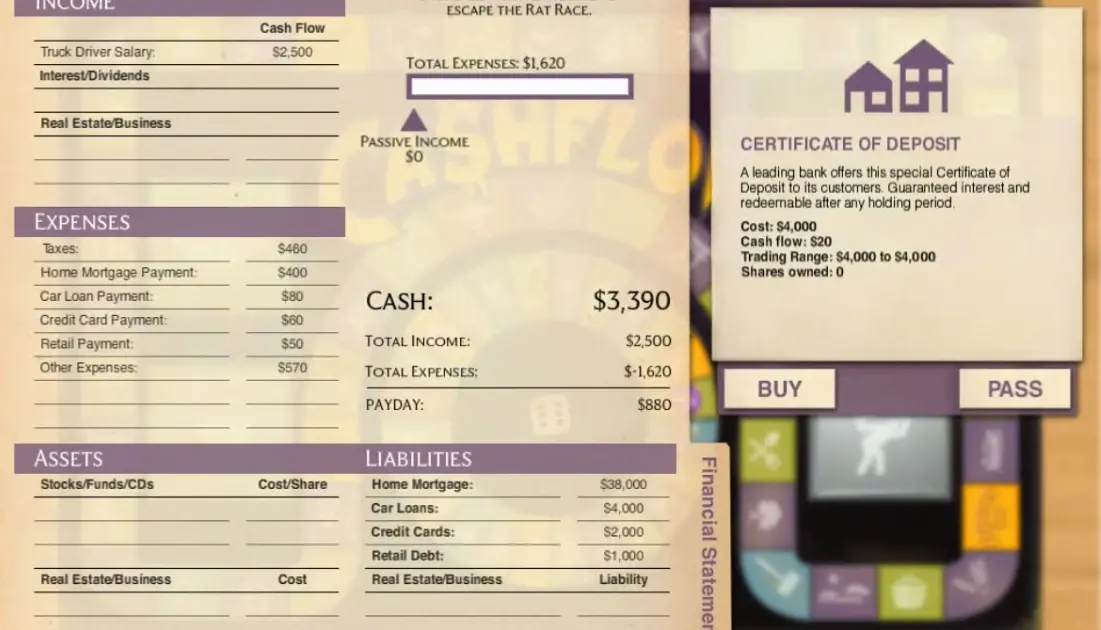


Cashflow 101 is abandonware and no longer sold or supported by its publishers. Files are archived here for these platforms:






When yo are done , Press OK
Source Pathname
Windows cannot find ‘C:\PROGRA~2\CASHFLOW\CASHFLOW.exe’. Make sure you typed the name correctly, and then try again.
How can I resolve this issue?