Home » Games » Detective Barbie: The Mystery Of The Carnival Caper!
Detective Barbie: The Mystery Of The Carnival Caper!

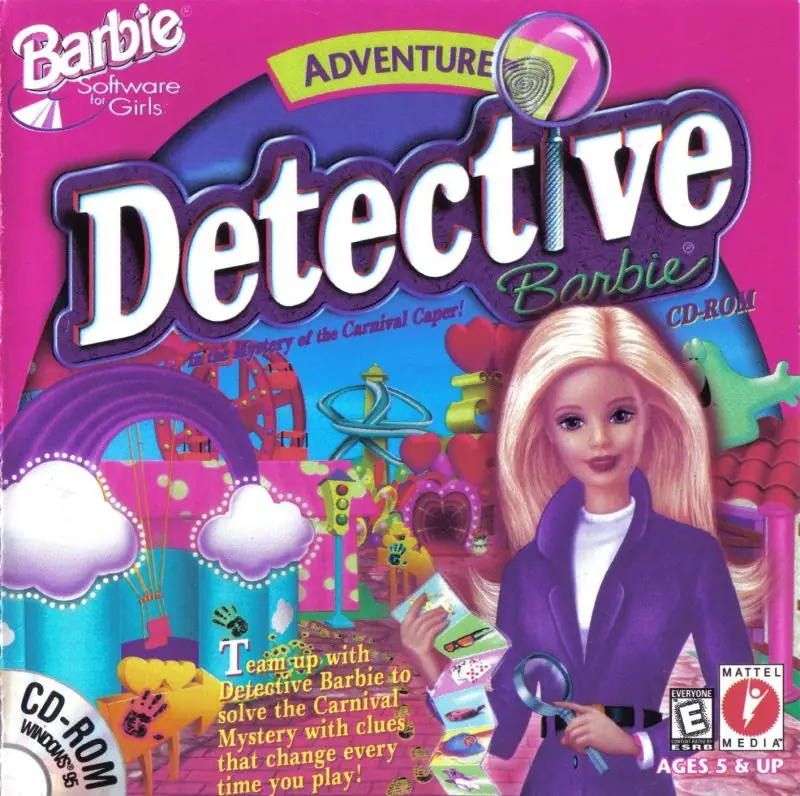
Detective Barbie: The Mystery Of The Carnival Caper! Game Cover
4.4/5 - 110 votes

Detective Barbie: The Mystery Of The Carnival Caper! is a 1998 adventure game developed by Gorilla Systems and published by Mattel Media.

Other Titles

Detective Barbie in the Mystery Of The Carnival Caper!Detective Barbie en el Misterio del Bromista del CarnavalDétective Barbie Dans le Mystère de la Fête Foraine !Detective Barbie in the Mystery of the Carnival Caper

Genres
Publishers
Developers
Released
Platforms
Download

About Detective Barbie: The Mystery Of The Carnival Caper!

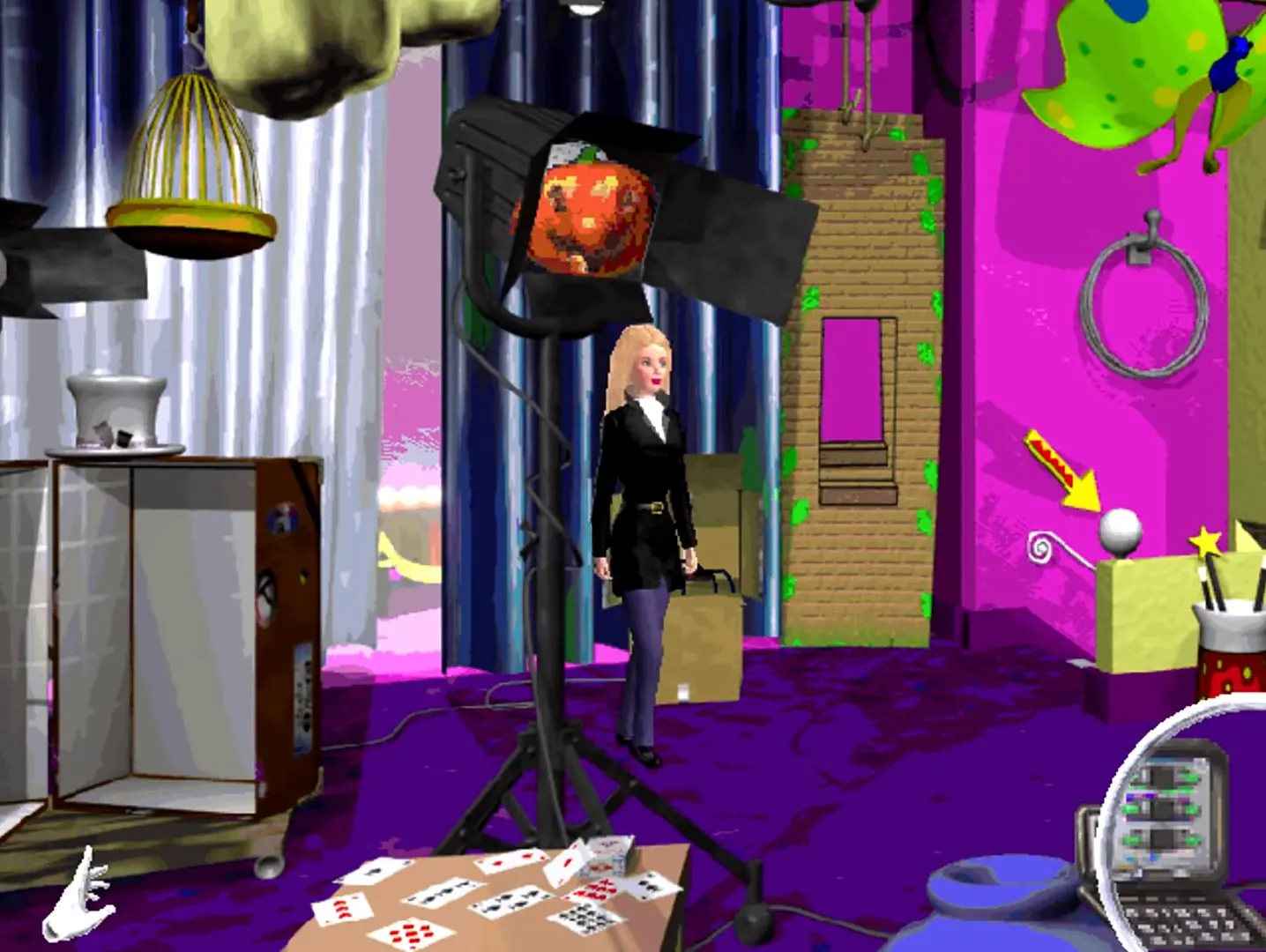
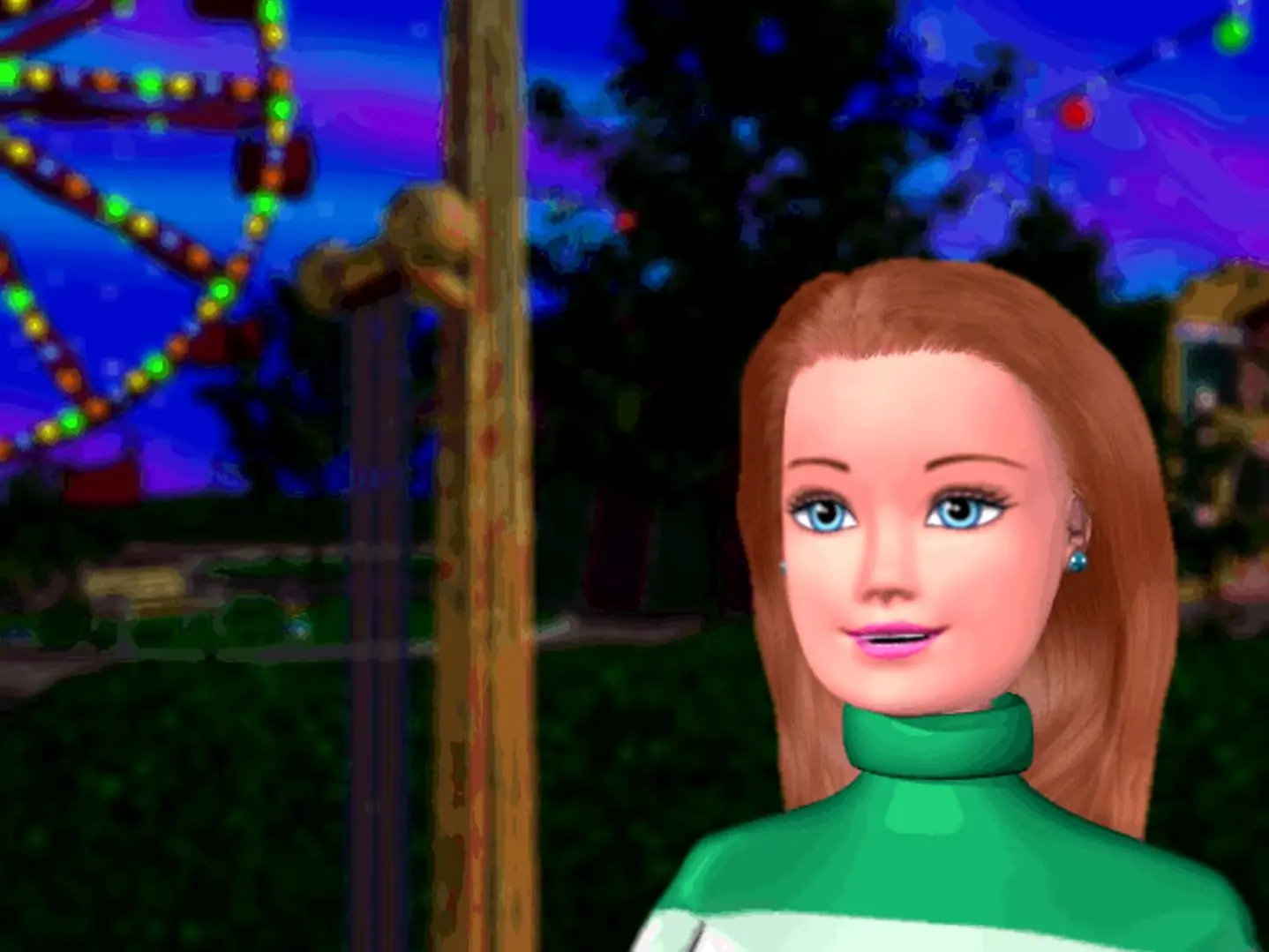
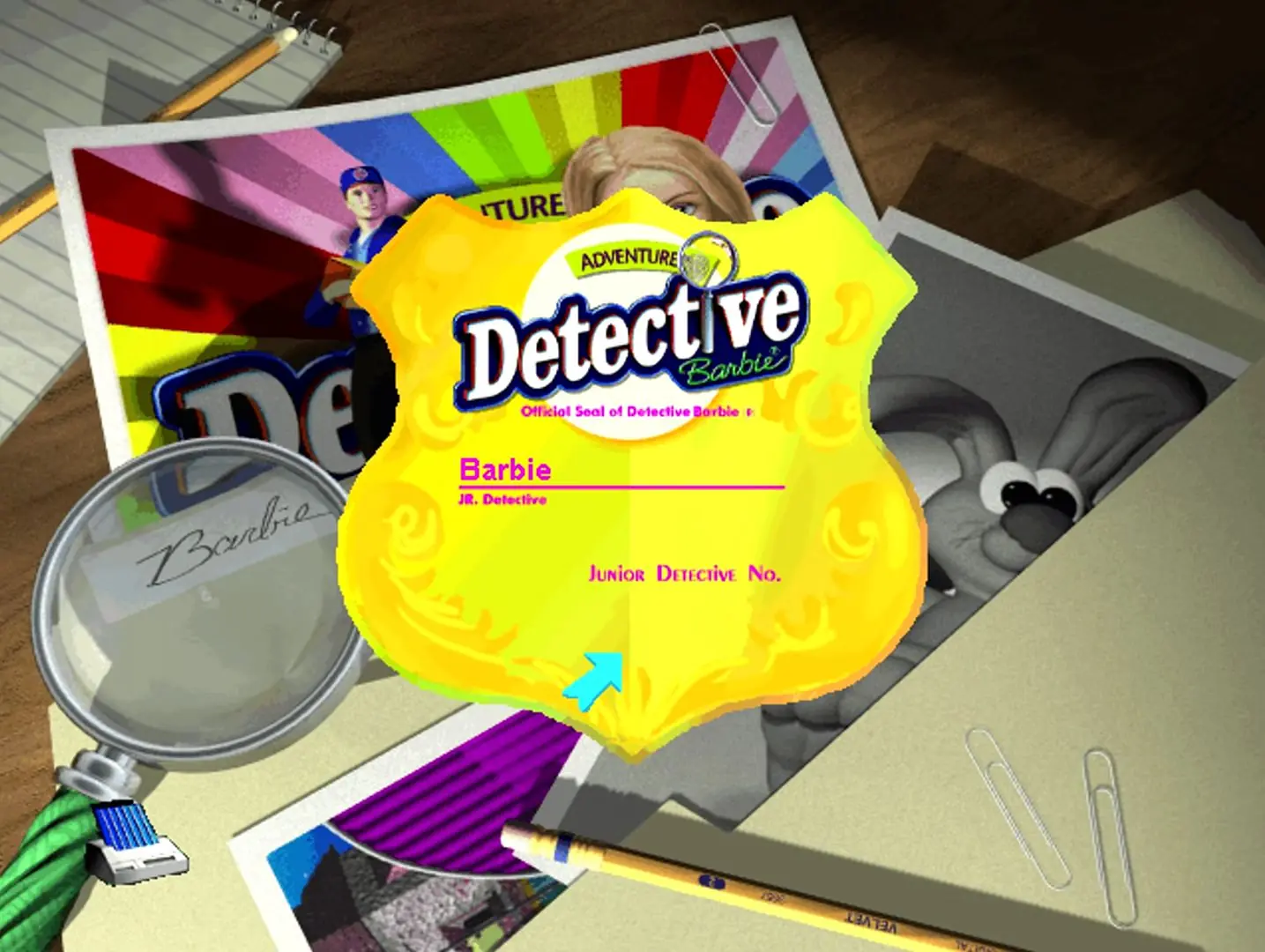
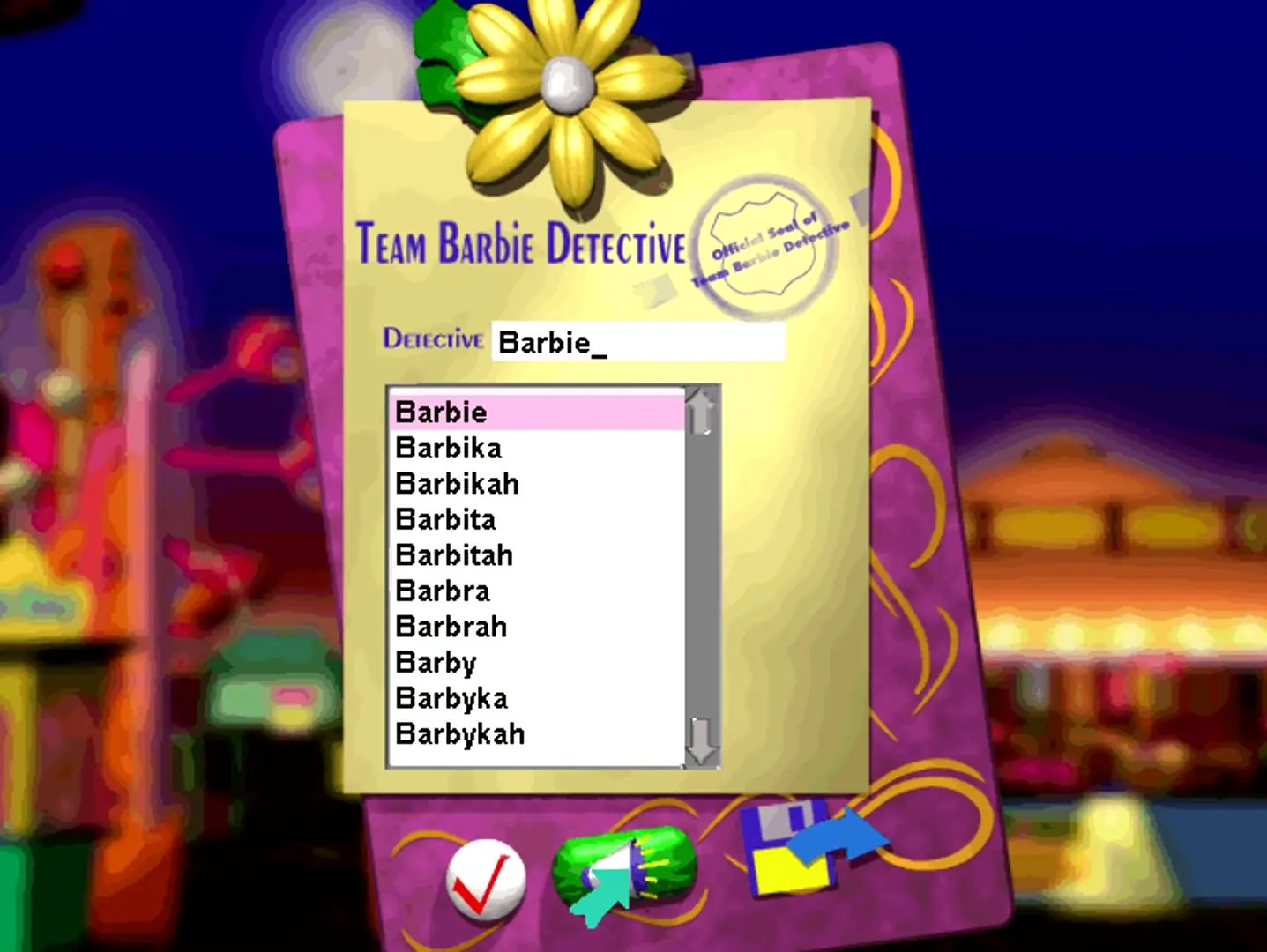
Detective Barbie in the Mystery of the Carnival Caper takes place at a carnival the night before it opens to the public for a charity event. Ken disappears with the charity money during the magician's act. Detectives Barbie and Becky are on the scene and ask the player to help them solve the mystery of what happened to Ken and the money. Before the player starts the investigation, they choose their name and create their junior detective badge. There are 50,000 names to choose from, and Barbie will say the player's name throughout the game. The names were recorded by Barbie's voice actor, Chris Anthony Lansdowne.

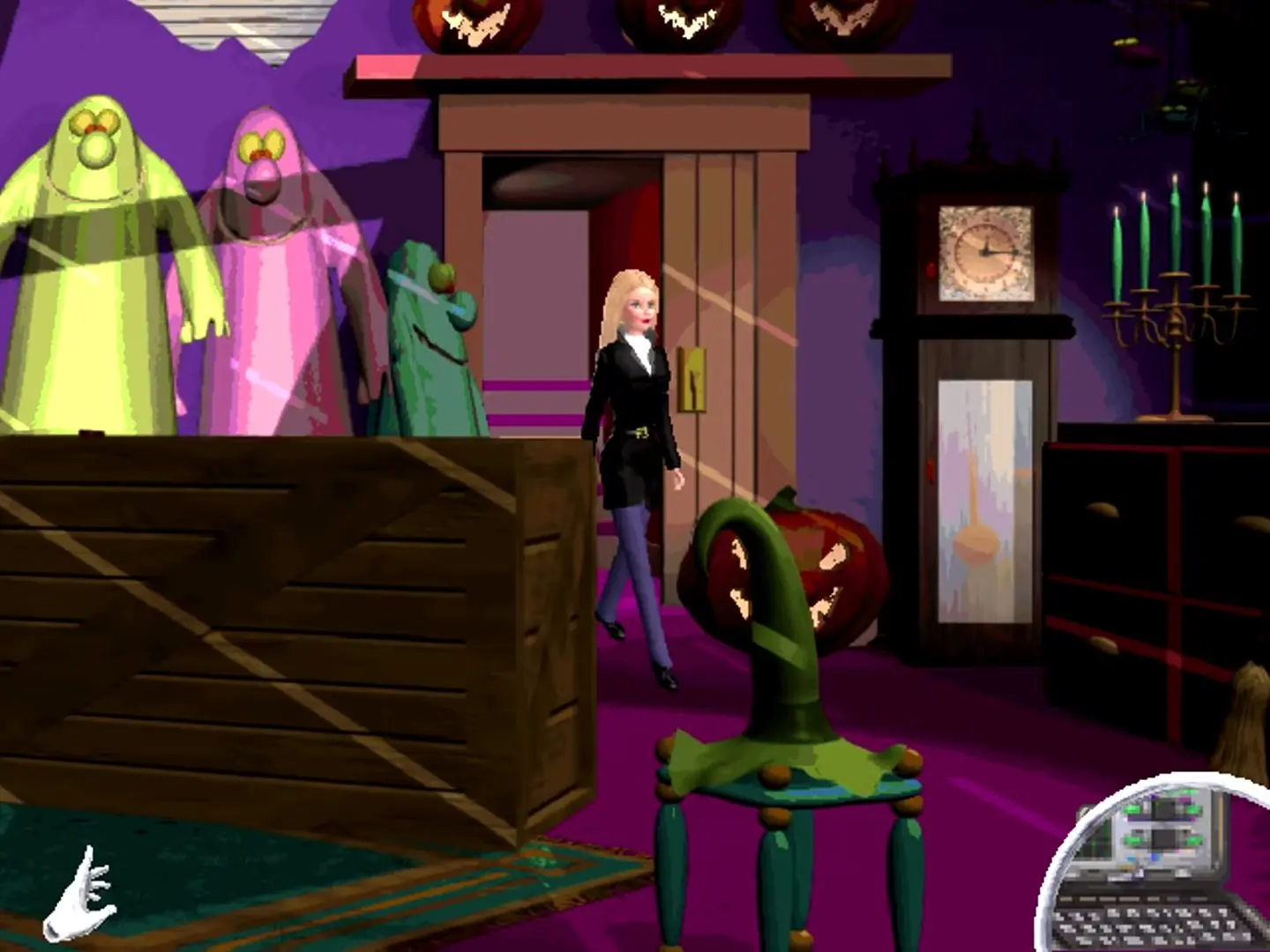
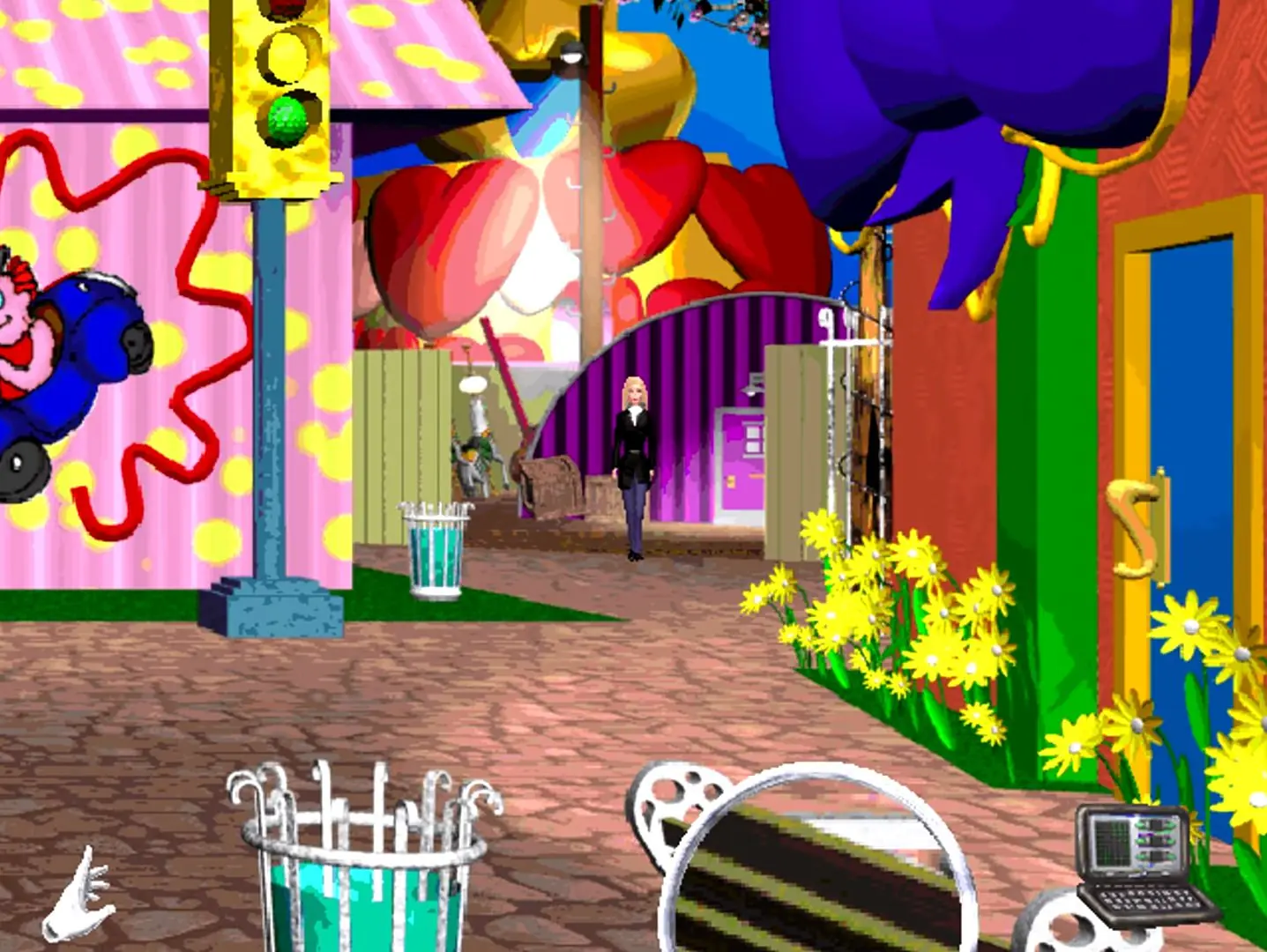
Players can explore 25 different 3D scenes and locations with Barbie in the carnival by dragging their mouse cursor to the edges of the screen until it becomes a pink arrow, indicating the direction that Barbie will walk. When the player switches the cursor to a magnifying glass, they can drag it across the screen to reveal hidden footprints or hand prints. Footprints lead to suspects, and handprints reveal clues and secrets. The magnifying glass will also highlight tools that Barbie can use. Barbie can go on tall rides to gain a high vantage point and survey the carnival grounds.

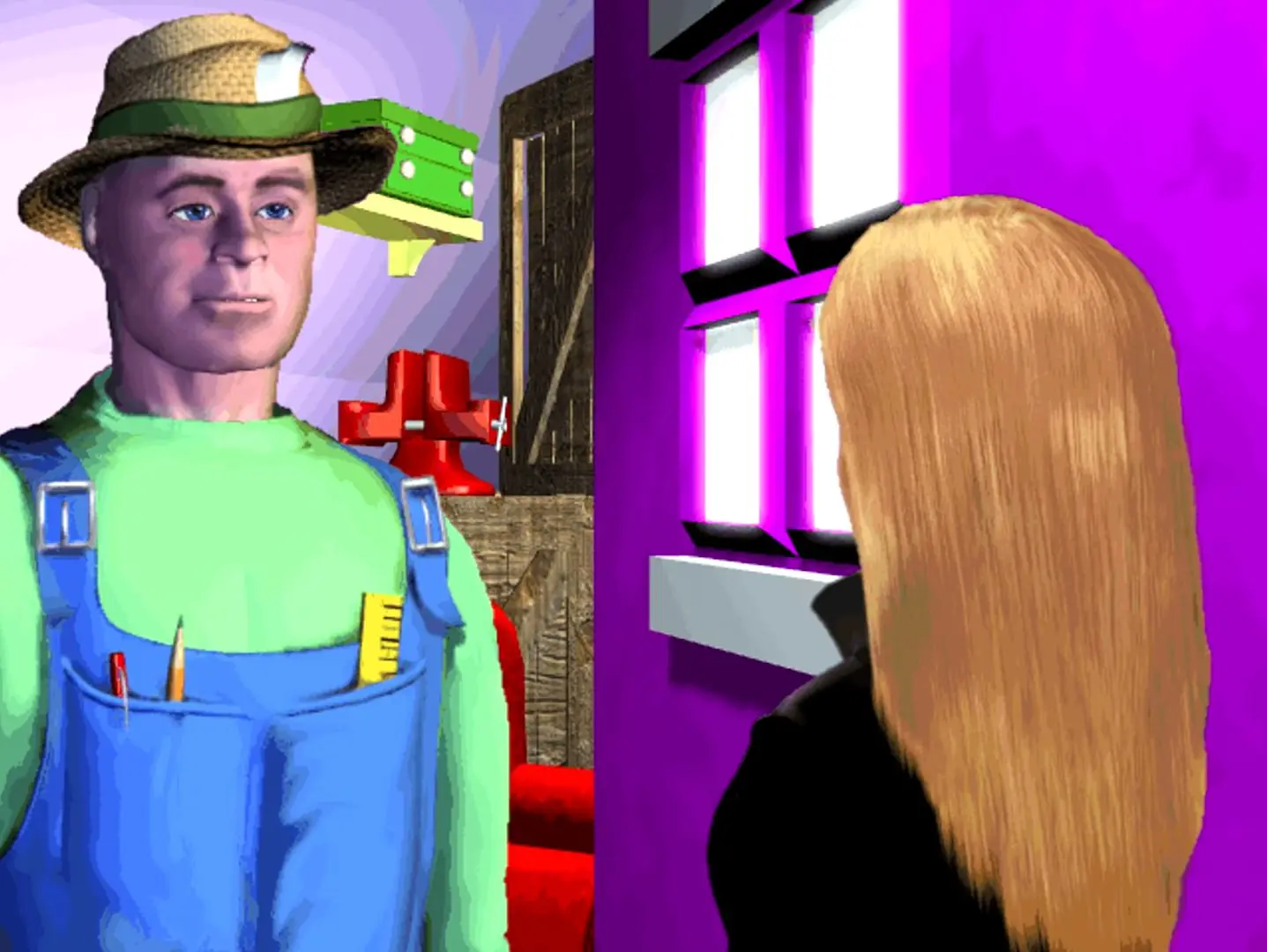
Whenever the player finds a clue or interviews a suspect, Barbie will document it in the crime computer, and Becky will share analysis and tips about each new piece of evidence. There are 50 randomized clues and four suspects: Madame Wanda, the magician; the owner, Burt Franklin; the carnival manager and owner's son, Jake Franklin; and Artie the handyman. When Barbie spots a shadowy suspect, she chases them onto a carnival ride: down a water slide; around the bumper cars ride; or through the Tunnel of Love ride on a jet ski, using the swans as ramps. A frog water gun game in the carnival has a multiplayer component: one player controls Barbie as she shoots water into a frog's mouth, while a second player operates a different water gun with the keyboard. Detective Barbie is replayable, and the clues and guilty suspect change with each new playthrough.
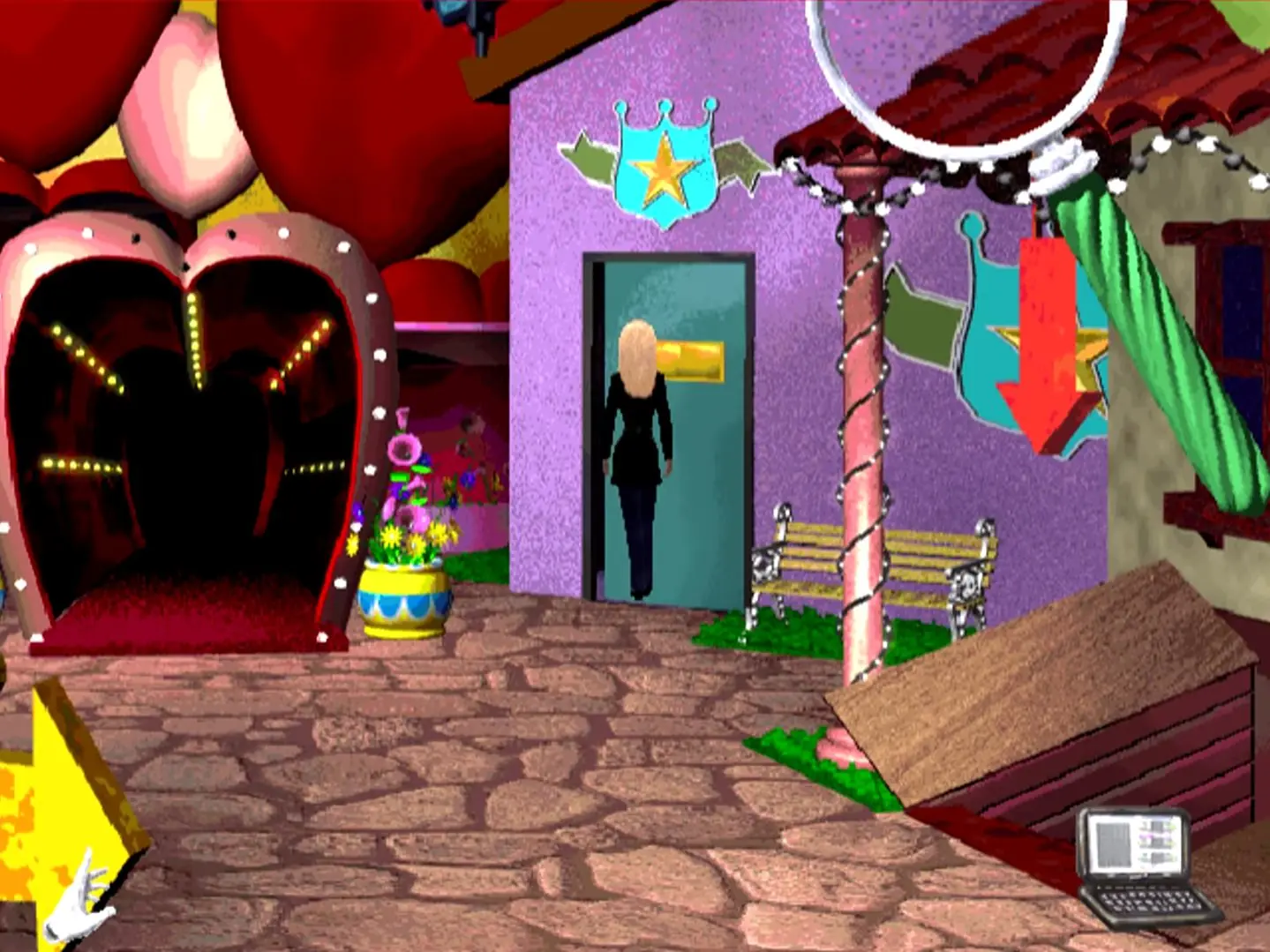
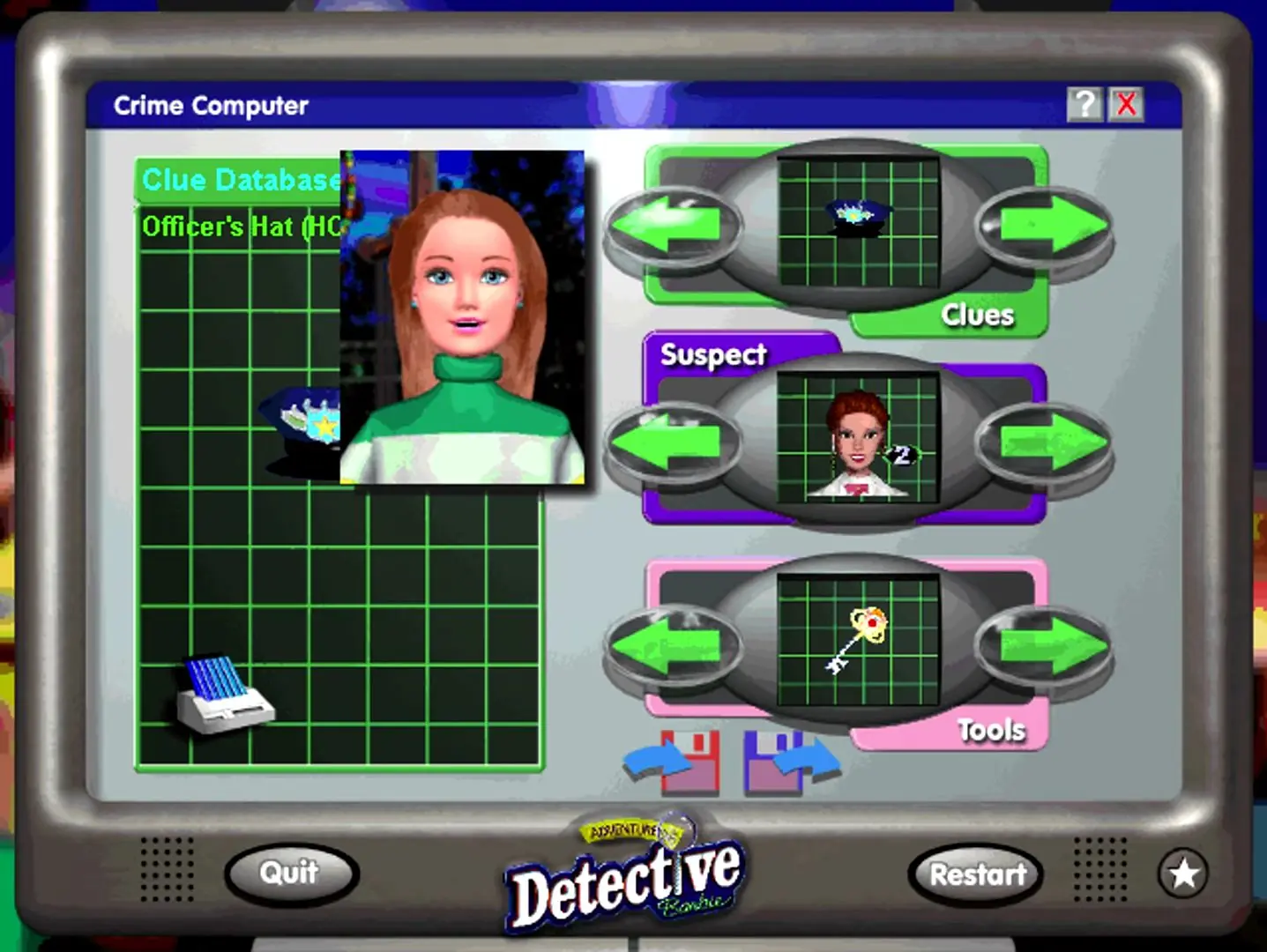
Screenshots

Windows

Detective Barbie: The Mystery Of The Carnival Caper! — Windows screenshot 1Detective Barbie: The Mystery Of The Carnival Caper! — Windows screenshot 2Detective Barbie: The Mystery Of The Carnival Caper! — Windows screenshot 3Detective Barbie: The Mystery Of The Carnival Caper! — Windows screenshot 4Detective Barbie: The Mystery Of The Carnival Caper! — Windows screenshot 5Detective Barbie: The Mystery Of The Carnival Caper! — Windows screenshot 6Detective Barbie: The Mystery Of The Carnival Caper! — Windows screenshot 7Detective Barbie: The Mystery Of The Carnival Caper! — Windows screenshot 8Detective Barbie: The Mystery Of The Carnival Caper! — Windows screenshot 9Detective Barbie: The Mystery Of The Carnival Caper! — Windows screenshot 10

Download Detective Barbie: The Mystery Of The Carnival Caper!

Detective Barbie: The Mystery Of The Carnival Caper! is abandonware and no longer sold or supported by its publishers. Files are archived here for these platforms:

Windows (1998)

  • Detective_Barbie_The_Mystery_Of_The_Carnival_Caper_Win_Files_EN.7zEN220.75 MB
  • Detective_Barbie_The_Mystery_Of_The_Carnival_Caper_Win_ISO_EN.7zEN224.99 MB
  • Instructions Detective_Barbie_The_Mystery_Of_The_Carnival_Caper_Win_ISO_EN.7z

    How to play on Windows

    Note: The game might not run properly on some Windows 10 systems, in these cases you will have to use Windows XP or 7.
    1. Download and Extract Detective_Barbie_The_Mystery_Of_The_Carnival_Caper_Win_ISO_EN.7z
    2. Mount ogd.tmotcc.iso and run SETUP.EXE
    3. Follow on-screen instructions and complete the setup. When asked to register, just click cancel and exit the setup.
    4. Launch Barbie: The Mystery Of The Carnival Caper! from the desktop shortcut
    5. Play the game

Comments

42 thoughts on “Detective Barbie: The Mystery Of The Carnival Caper!”

  1. 0
    Hi! I had to get a Virtual Box w/ Microsoft XP. I did that, and downloaded the game from here, but I have no idea how to get it onto the “new computer”. Is there a guide you could refer me to? I have tried everything I can think of. I’m having a hard time sharing the file from my MacBook to the Virtual Box. I’ve spent hours doing this, so I’ll be pretty sad if all that work was for nothing.
    Reply
  2. 0
    Well I have tried everything and just can not get this to work. In windows 10, it won’t even open the setup. Just idles for a moment but nothing ever pops up. I tried to run it through VMWare running Windows XP and when I go to run the setup, it shows the initial screen and says “Please wait for Install wizard” but then nothing pops up. I can’t even get it to go through the set up, much less play it. Not sure if anyone else had any tips or ideas but so far this seems like a bust.
    Reply
    • 0
      same, ive tried a couple different downloads of this game. I can get the setup to run, I get it all installed, but I cant get it to actually run the game after that
      Reply
    • 0
      I followed the video on this post below. I downloaded virtual box. This was a very time consuming process, and there are hurdles I had to overcome, but I got it to work, I played the game, and taught my daughter how to play. I was very excited, even though I’m 33 years old lol It was one of my favorites as a kid. You will need to look up how to change your BIOS virtual settings on your pc. Turn virtualization settings on. Once I got all of the links from the video downloaded it ran smoothly. Once everything is downloaded, you will have to play around and create a virtual cd drive so that you can play the game on virtual box. You must have the cdrom. You save the game file into the virtual attachment and then you can play it in virtual box. It is possible. Don’t give up. You can comment here if you have any questions. I wanted to share!
      Reply
      • 0
        Did you go through setting up the game before saving the file in the virtual attachment or were you able to download and then save the file to the virtual attachment and set it up there?
        Reply
      • 0
        Hi Emily! I am stuck on the part where I need to get the game to my computer. In your list, my next step would be to get a cdrom. Could you try and walk me through from there in more detail? I’m so sorry I’ve just been stuck on this for 3+ hours now.
        Reply
  3. -1
    Is there ANY possibility that there will be a version for chromebook? I’m pretty sure the answer is no but I have to ask.
    Reply
  4. 0
    Also doesn’t work for me as the others below have stated. Setup works great, but game does not load despite every effort afterward.
    Reply
  5. 0
    Having the same issue as a lot of people – I get the start up window, but if I hit play or set up, the window closes and nothing happens. I tried running it in compatibility mode, restarted my computer, ran as administrator, nothing worked. Has anyone found a workaround yet?
    Reply
  6. 0
    ive run into the same problem where it sets up fine, but when i click on “play” to actually launch the game nothing happens.
    Reply
  7. 0
    I’ve got mine all installed and ready to go, but it will not launch. I’ve tried opening it via the desktkop shortcut and the .exe file in the Game Files folder on the ISO but no luck. :'(
    Reply
      • 0
        what version of windows are you using, im trying with windows 10 pro and it keeps asking me for a cd and it also goes through the setup but does not run.
        Reply
        • 0
          looks like I’m having the same problem. Does the entire setup, and when I click on the desktop icon it gives me the option to setup or play. Play button does nothing
  8. 0
    I downloaded this and followed all of the instructions and the game goes through the setup but will not run.
    Reply