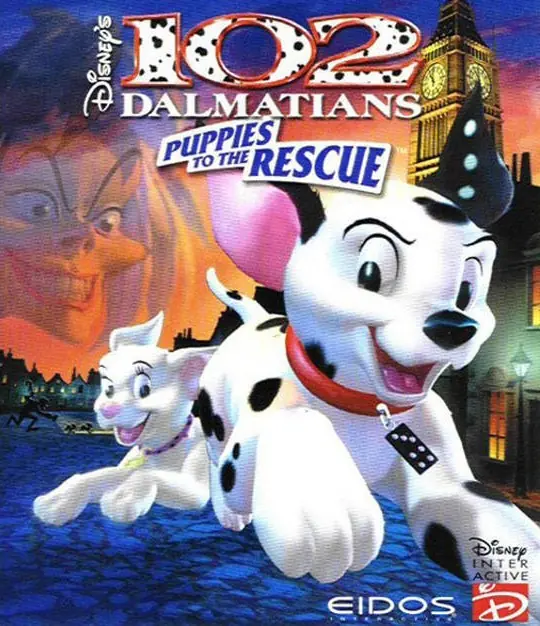
About Disney’s 102 Dalmatians: Puppies to the Rescue
If there's one thing that could be said for Cruella De Vil, it's that she's persistent. For someone who's been attempting to come up with enough Dalmatian puppies to make a coat for over thirty years, she shows a tremendous amount of resiliency, even if there might seem to be a better way to go about it than trying to snatch the same one hundred and one of them repeatedly, failing every time. Now, the wicked old wild-haired millionairess has a new nasty plan up her sleeve, but she's got more puppies to deal with. Exactly one more, to be exact, but hopefully, the newest addition to the 102 Dalmatians will be enough to escape Cruella once again.
In 102 Dalmatians: Puppies to the Rescue, players take on the role of either Domino or her spotless brother Oddball in an attempt to rescue Dalmatians from all over England. Cruella De Vil's new toy empire has been a dismal failure in the stores, but now that she's reprogrammed them to snatch puppies, they've proven to be an elite force, and they stand in the duo's way of saving their captured brothers and sisters.
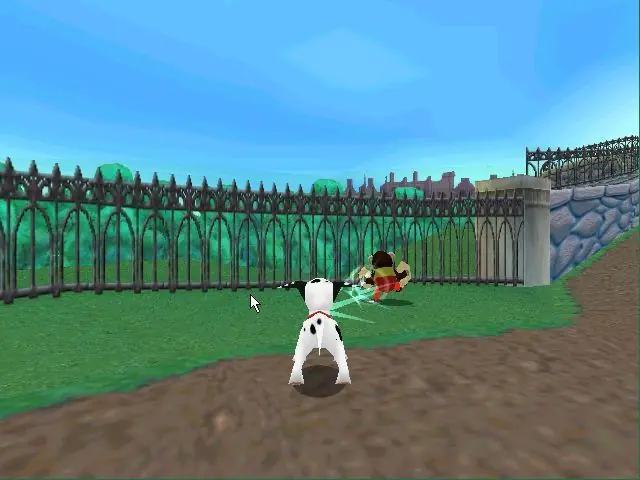
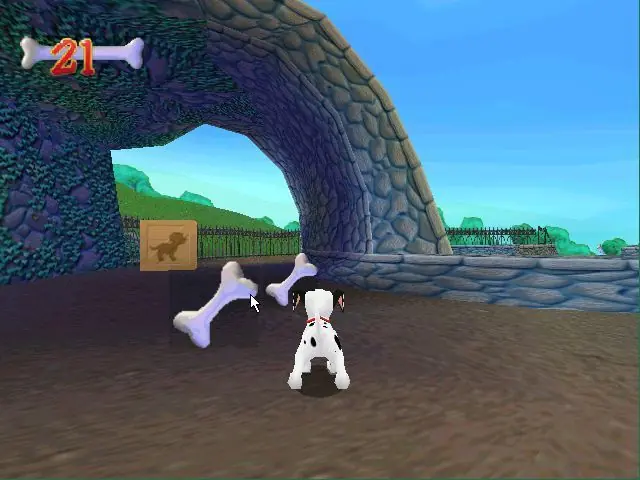
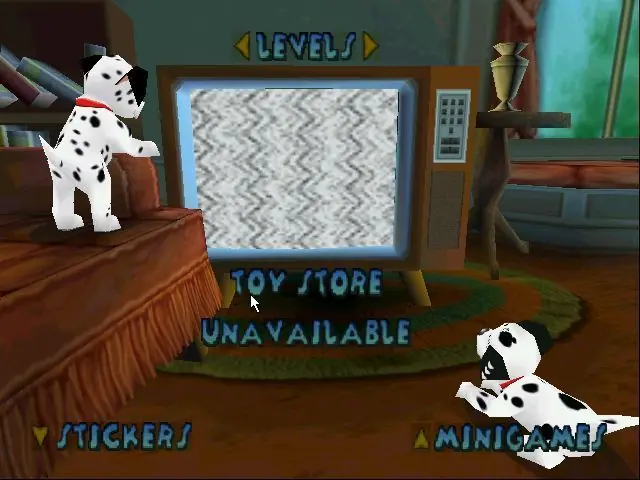
102 Dalmatians is a 3D platform game in a similar vein to the Spyro series. It is definitely a title that is aimed to the younger player, with a less complicated theme and control scheme than other comparable platformers. Players will encounter 20 levels ranging from Big Ben, a toy shop, downtown London, and Cruella's De Vil manor. Players can select either Oddball or Domino, switching between them at any time (both dogs play exactly the same). In addition to scouring these locations for lost puppies (which one must find in order to progress), there are 100 bones scattered about on each level, and finding all of these objects will open up mini-games and stickers in a virtual sticker book.







i tried everything but the moment i press install on the installing wizard (the one with purple color and mickeys ears) nothing happens
it seems like something will load for 3sec and then nothing
Maybe useful (?) Windows install tutorial:
1) Download the game from above. I recommend the Archive link.
2) Use a program like 7zip (which is free if you need it) to unzip the file. Open the resulting folder and go into the “Game Files” folder. It should contain one BIN and CUE file. These files are your virtual disk.
3) Mount the virtual disk. If you don’t know how to do this, Google “mount a virtual disk on windows” and do some reading/watch some video tutorials. Most stuff that refers to ISO files will work for BIN/CUE files too. If you find yourself needing 3rd party software for this, I’d recommend Daemon Tools Lite (also free).
4) Open the virtual drive you’ve mounted your “disk” on. It’ll probably be listed in your File Explorer sidebar, displaying the game’s name and icon. Click “Setup.”
5) The install wizard will guide you through installation.
6) Visit the installation folder (place you told the installer to put all the game files). Click “Pcdogs” to run the game.
[Note: If its too glitchy/laggy, try playing with compatibility settings. Right click Pcdogs, hit Properties, then open the Compatibility tab. Check the box that says “Run this program in compatibility mode for:” and then see if selecting a previous Windows version helps.]
7) Play the game! It’s even compatible with (most) modern gamepads.
You may or may not need to mount the game “disk” every time you wanna play, so don’t delete the BIN or CUE. Most other games on here have install instructions you can reference for help, too. All else fails, Google the shit outta any questions you have and don’t blame me if you can’t figure ’em out lol. Cheers.
read my file that had nothing
and game files that contained: fIt-102d.cue and fIt-102.bin which when opened nothing happened! how do i get the game
Reply