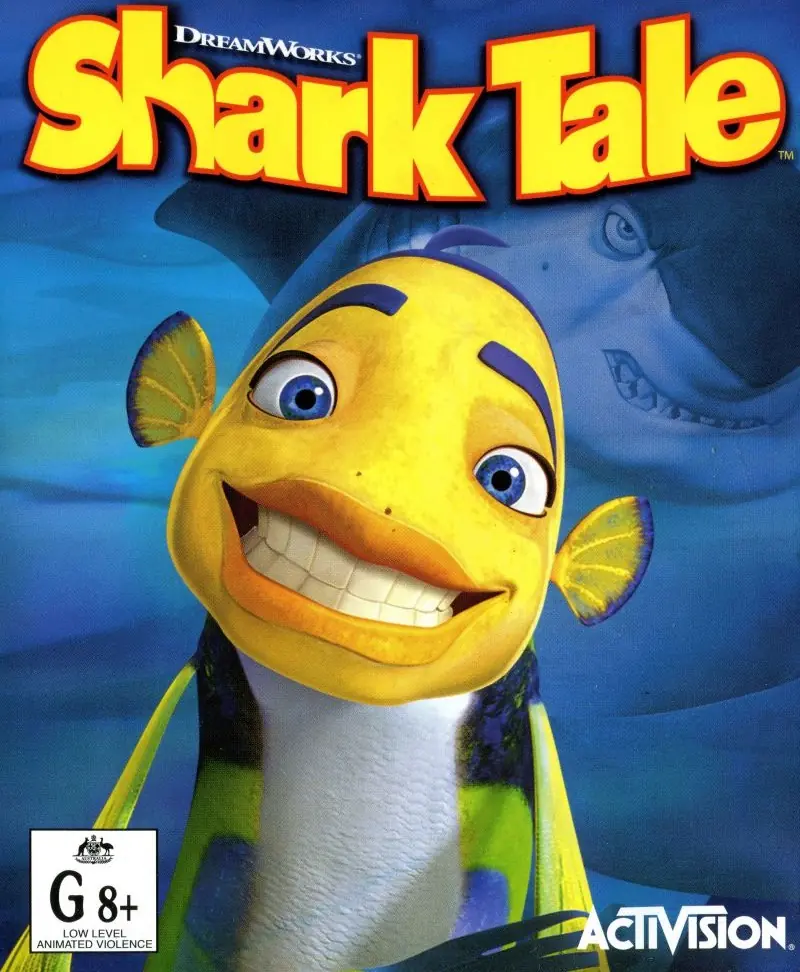
About DreamWorks’ Shark Tale
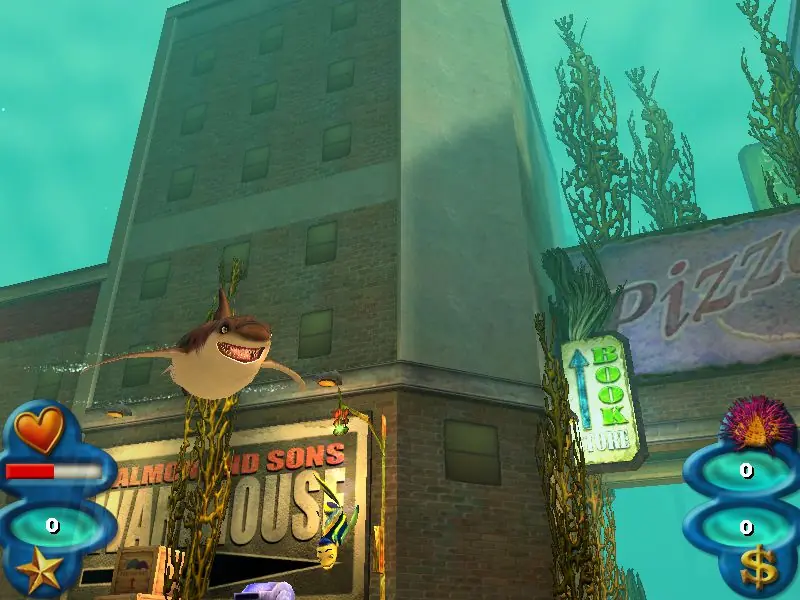
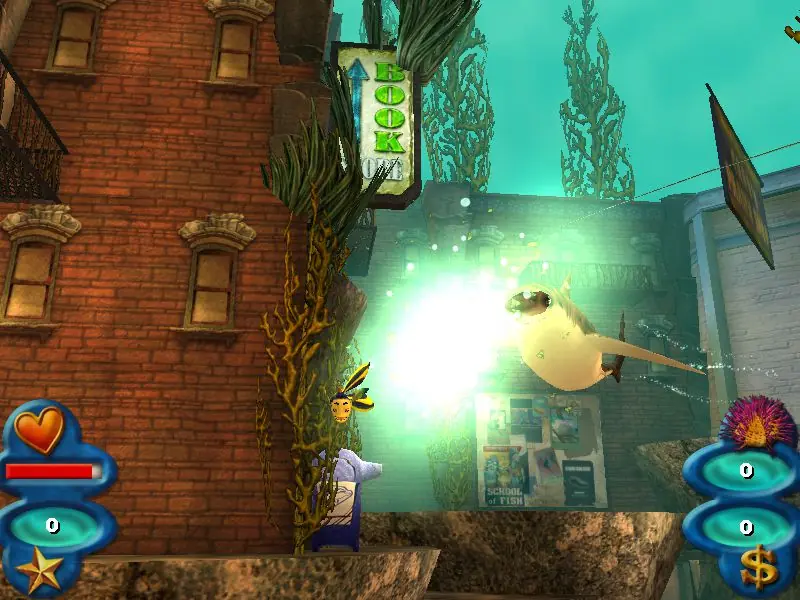
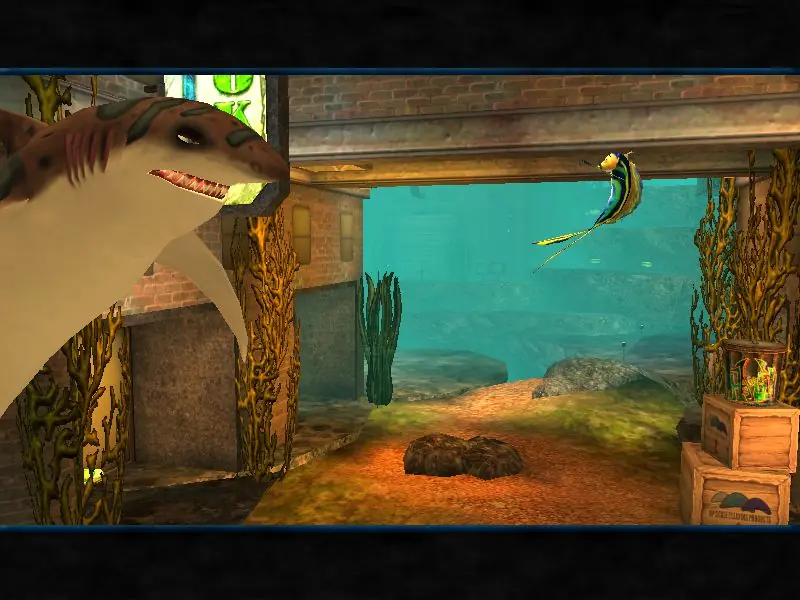
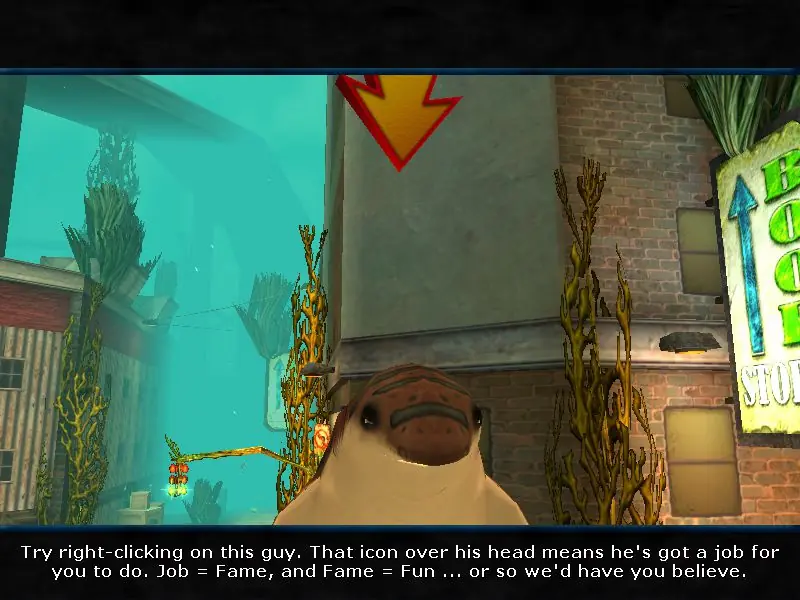
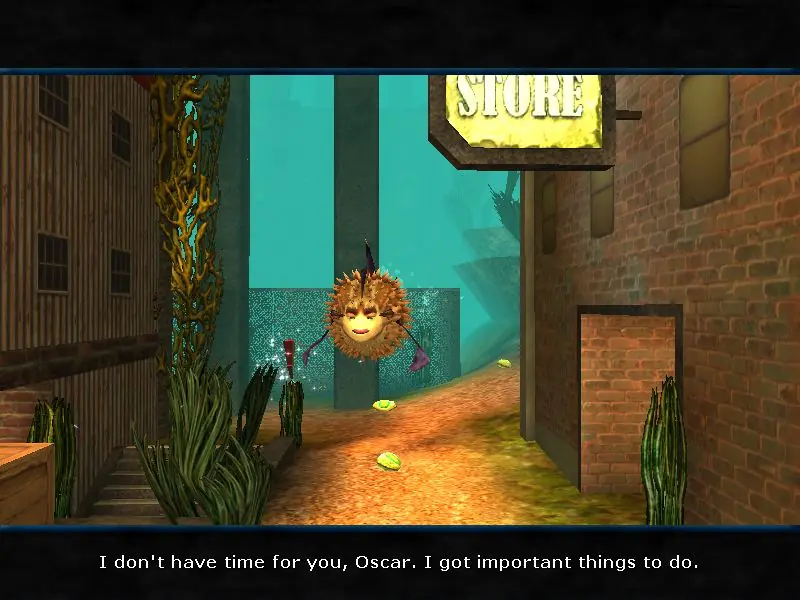
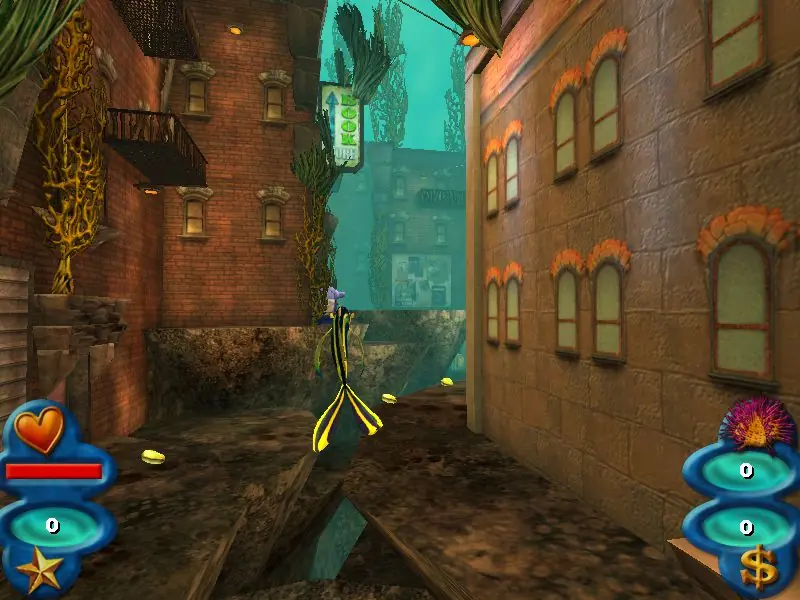
The game is an action-adventure game played from a 2.5D view (2D in the Game Boy Advance version and fully 3D in the Windows version) where the player controls Oscar. He can swim in any direction, and dash towards enemies and destructible objects to defeat or destroy them. He can also collect clams that can be cashed in to purchase unlockable bonus content, and can earn them by destroying objects like crates, defeating enemies with his dash attack, and swimming rings around large pearls. There are 25 different missions set in movie-based locations. The game also features several gameplay styles, including exploration sequences where Oscar swims to his location while facing obstacles, fighting sequences similar to Punch-Out!!, where he fights sharks and other sea creatures, chase sequences where he is pursued by one of the sharks and must avoid its attacks, racing sequences where he has to race to a specific destination in a short time, and dancing sequences similar to Dance Dance Revolution, where the player has to correctly tap buttons in rhythm to the music.
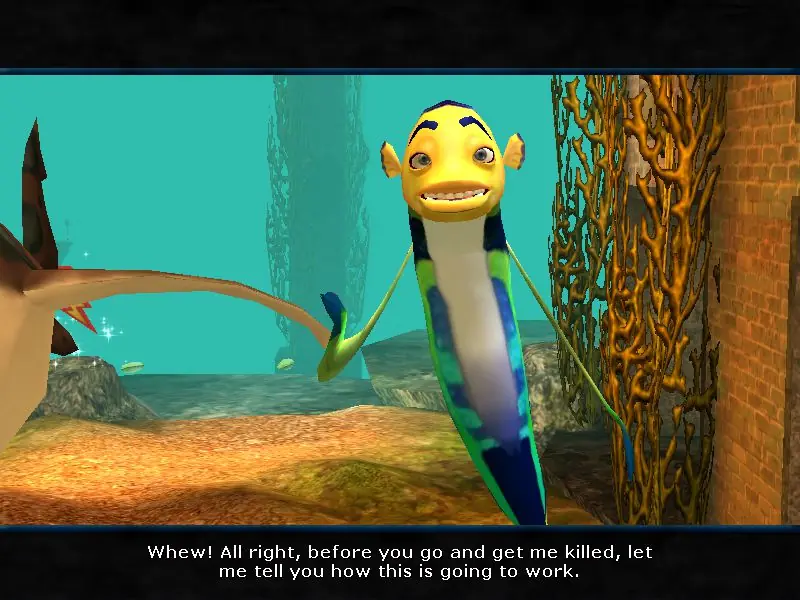
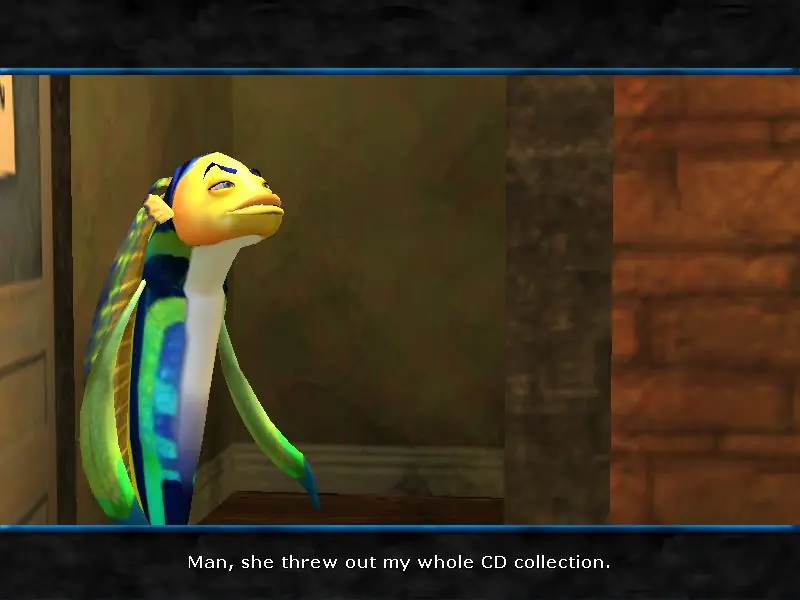
Although loosely based on the film, the game has a mockumentary style plot, where most of the characters are given interviews explaining what really happened before the start of each level in the game.
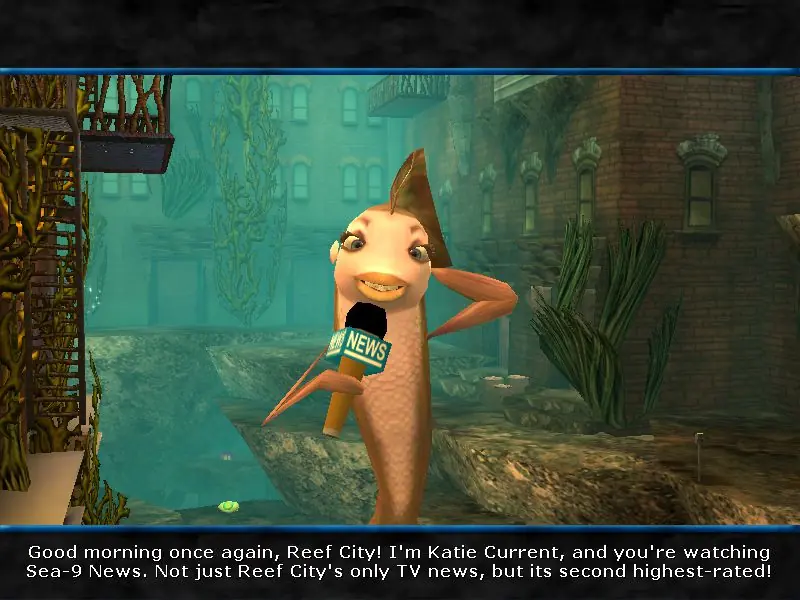
Oscar, a bluestreak cleaner wrasse intent of having incredible fortune, has a nightmare where a hungry shark is chasing him. He is then woken up by Mrs. Sanchez, a short-tempered pufferfish and is kicked out of her apartment by repofish as he did not pay his rent. Oscar saves all of his belongings from being destroyed. He then removes graffiti that had messages making fun of him, only to find out that a group of fish called The Shorties were just making up that message for another Oscar who lives by the canals. Oscar then tells The Shorties to remove the graffiti before the police arrive. Oscar later stages a dance party to the news reporter, Katie Current to prove that he can defeat sharks. After he is done dancing, Sykes, a pufferfish and Oscar's boss, arrives and tells him to be in the Whale Wash on time before he does, leading to a taxi fish chase all over the city. Arriving at the Whale Wash, he sees that Sykes has snuck in first and Oscar must avoid detection by the Whale Wash guards to get to work on time before he can get fired.
Oscar later learns that a race tip for a seahorse named Lucky Day is stashed aboard a sunken luxury cruise ship infested with sharks, swordfish and piranhas. He successfully infiltrates the ship and steals the tip, but is confronted by an eel. He defeats the eel, and races to the race track. Later, he is then tortured by Sykes' jellyfish cronies Ernie and Bernie, before Frankie, a shark who is the son of mob boss Don Lino, chases after him. Frankie is then crushed to death by an anchor in the ensuing chase, and with no other witnesses, Oscar takes credit for his death, calling himself "the Sharkslayer" and seeing it as a way into a great fortune. He buys a pearl necklace for his angelfish girlfriend Angie, but learns that it has been stolen and broken into multiple pieces. He collects the pieces and returns to the jeweller to have the necklace reassembled.







Game Files >
System >
then scroll down a little and find >
*Game*, click on it.
It is an icon with the image of the game’s protagonist fish. The shortcut doesn’t really work but the application to open the game is in the right folder. Thanks for the post Old Games!