Home » Games » Shrek 2

Shrek 2

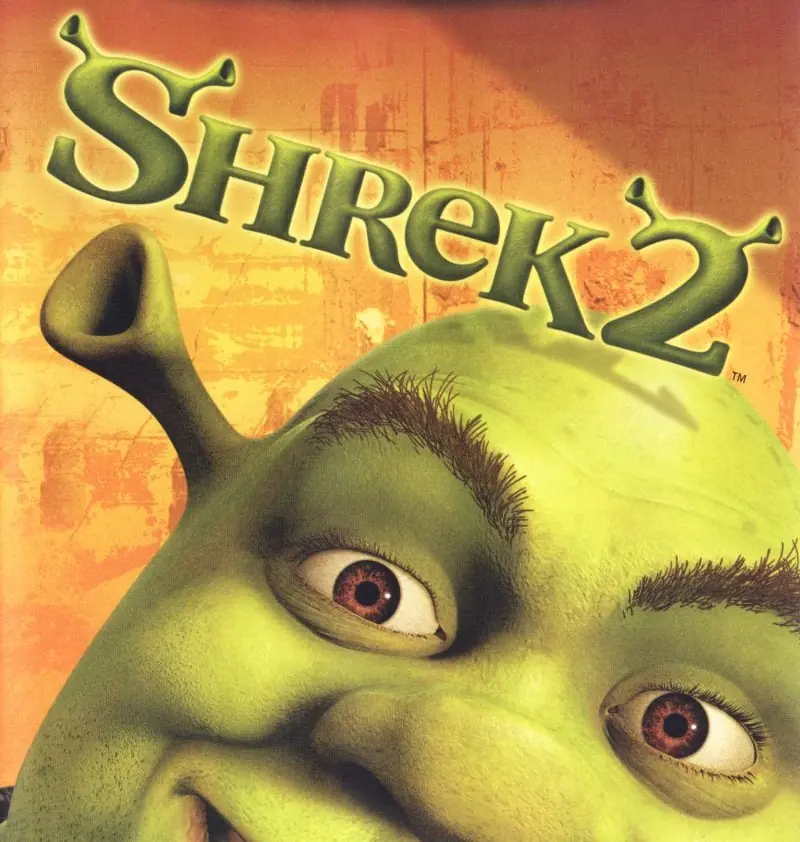
Shrek 2 Game Cover
4.7/5 - 398 votes

Shrek 2 is a 2004 action game developed by Aspyr Media and published by Activision.

Other Titles

Шрек 2シュレック2怪物史莱克2Shrek 2: Equipe de chocShrek 2: Team ActionShrek 2: Tutti in azione!شريك 2شرک ۲

Publishers
Released
Platforms
Download

About Shrek 2

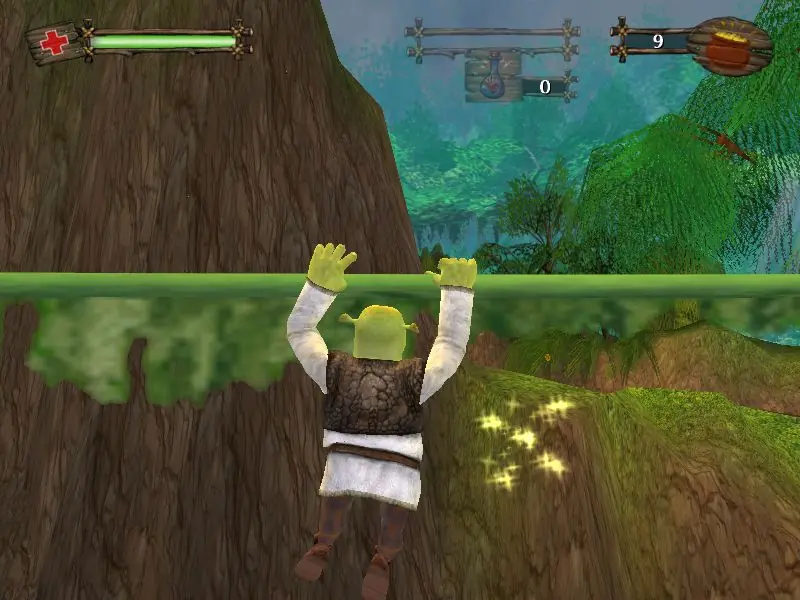
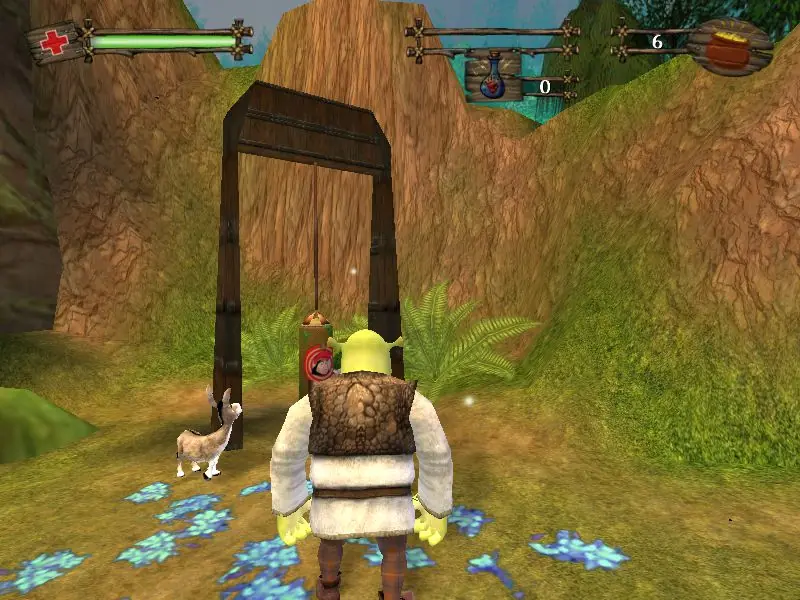
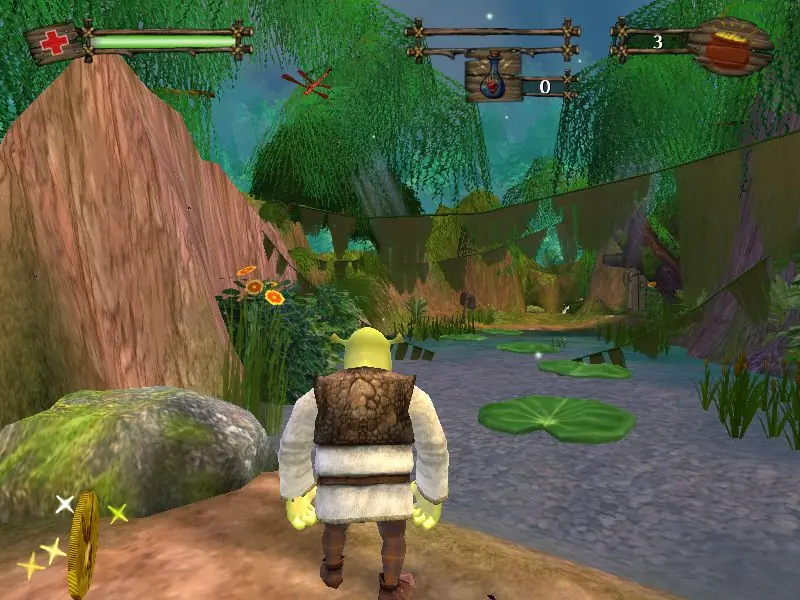
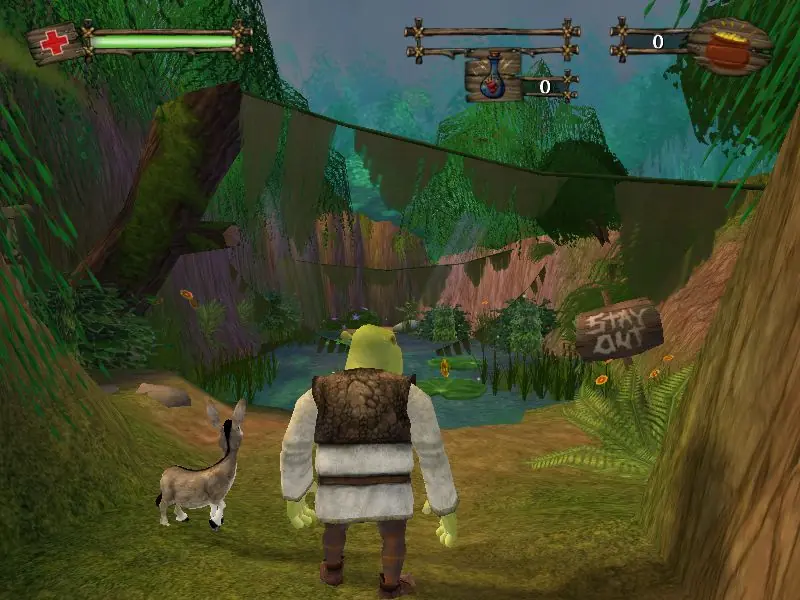
The green ogre is back in a 3D platform game inspired by the 2004 computer animated film starring the voices of Mike Myers, Cameron Diaz, and Eddie Murphy. Once Shrek and Princess Fiona return from their honeymoon, they are surprised to find a note from Fiona's parents inviting them to visit their home in Far Far Away. The only problem is Fiona's parents are expecting Prince Charming instead of an ogre, causing some turmoil in the newlyweds' life. Players will guide Shrek, Donkey, and an assortment of Far Far Away residents as they complete a number of objectives to set things right again. The game introduces new environments, characters, and story twists that help expand on the movie and bring the enchanted land of Far Far Away to life.
Screenshots

Windows

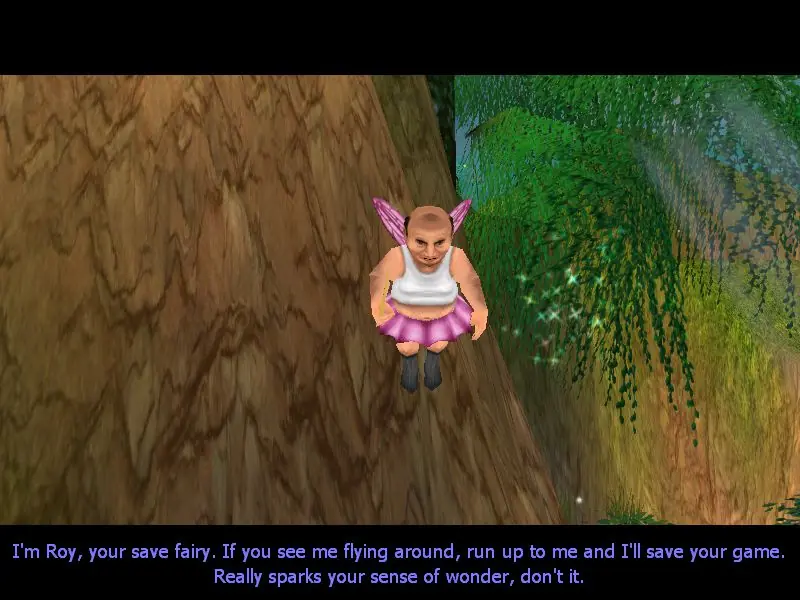
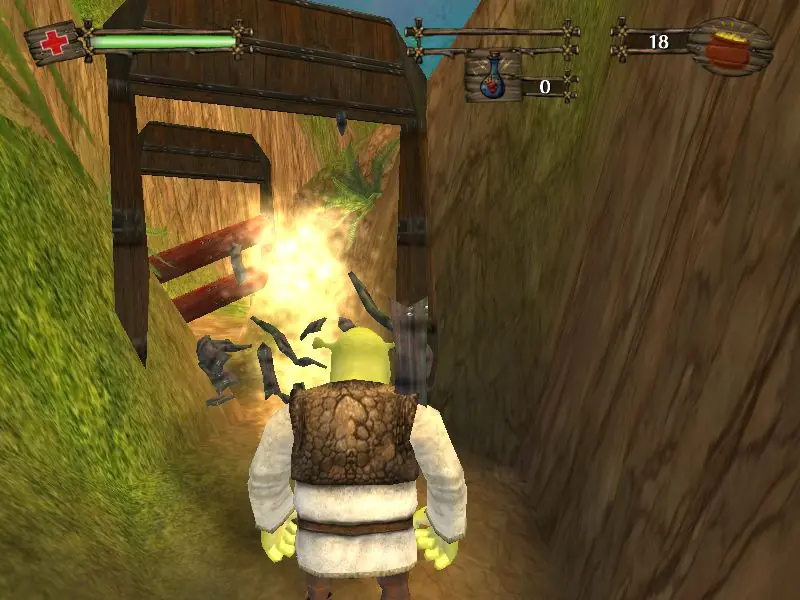
Shrek 2 — Windows screenshot 1Shrek 2 — Windows screenshot 2Shrek 2 — Windows screenshot 3Shrek 2 — Windows screenshot 4Shrek 2 — Windows screenshot 5Shrek 2 — Windows screenshot 6Shrek 2 — Windows screenshot 7Shrek 2 — Windows screenshot 8Shrek 2 — Windows screenshot 9

Download Shrek 2

Shrek 2 is abandonware and no longer sold or supported by its publishers. Files are archived here for these platforms:

Windows (2004)

Comments

51 thoughts on “Shrek 2”

  1. 0
    There’s a glitch where Puss cant make it pass the dungeon pole climbing (when shrek and donkey are in the dungeon), it gets stuck and theres no way around it, it wont let me pass and he’s stuck in a perpetual fall if I try to move.
    Reply
    • 0
      Try limiting the FPS using Bandicam, it worked for me. It’s a video recording application, but you can use it for lowering FPS. Hope this helps!
      Reply
    • 0
      Try lowering FPS using Bandicam. It’s a video recording app but you can use it for lowering FPS. It worked for me! Puss got up there.
      Reply
    • 1
      I found a solution by going up with taps on the up arrow and using a potion when you’re really near the glitch (I’ve used the shrink potion)
      Reply
  2. 0
    Help me please! I’m not sure what I’m doing wrong but after downloading I don’t have a system folder or a game.exe to launch. When I open the Game Files I have two files: “rld-shr2.bin” and “rdl-shr2.cue”. Thank you!
    Reply
    • 0
      most likely the extraction did not complete fully.. idk y but the standard android extractor gave me a folder without the game.exe while ZArchiver extracted them fully and with more files and now I have the game.exe file.. try another extractor
      Reply
  3. 0
    go to documents click on shrek 2 it should give 4 options in the folder
    save
    game
    game
    user
    look at the file type of each one find the one that says ‘game Configuration sett…’ delete that and you should be able to start the game… have to repeat when you launch the game
    Reply
  4. 1
    In case anyone still has the issue where the music is missing, you can get those files from here: https://mega.nz/file/uu4wnI6I#YOtBM1l50zQ9Igz4mu_HY5QTHYOBjvNw6SQj9nEXqG0 (let me know if the link ever stops working)

    Simply extract the provided “Music” folder into “Game Files”.

    As pointed out by shashi 92, OGD’s version of Shrek 2 for PC is indeed missing the Music folder, so that’s why it’s all quiet aside from voice lines and sound effects.

    I got these audio files from my own physical copy of Shrek 2 that I dug up from a box in the shed.

    I hope this works for you as it did for me!

    Reply
  5. 0
    If anyone has a dinosaur or a vulture, or whatever that thing is, showing up on start screen, restart your computer. Then, as shashi 92 shared, go to C:/documents/shrek2 folder & delete the game.ini file. If that “ini” isn’t showing up, then check which of 2 “game” files has a mechanical wheel thing attached to its icon. That one is game.ini. Delete it, then you can run the game. It worked for me, but remember to do that every time before you start the game.
    Reply