Shrek 2
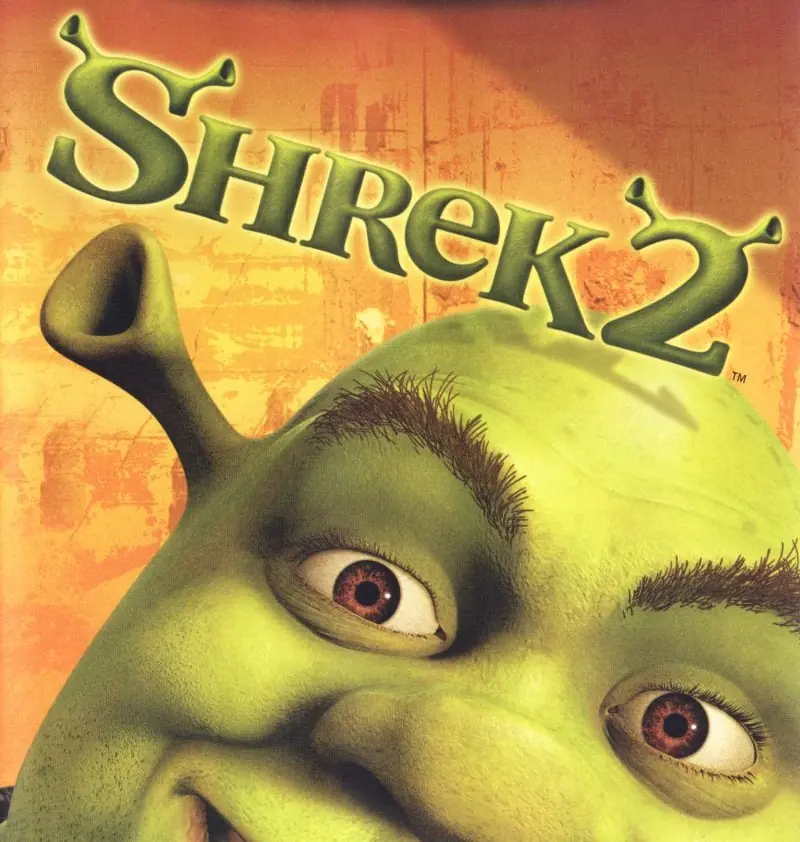
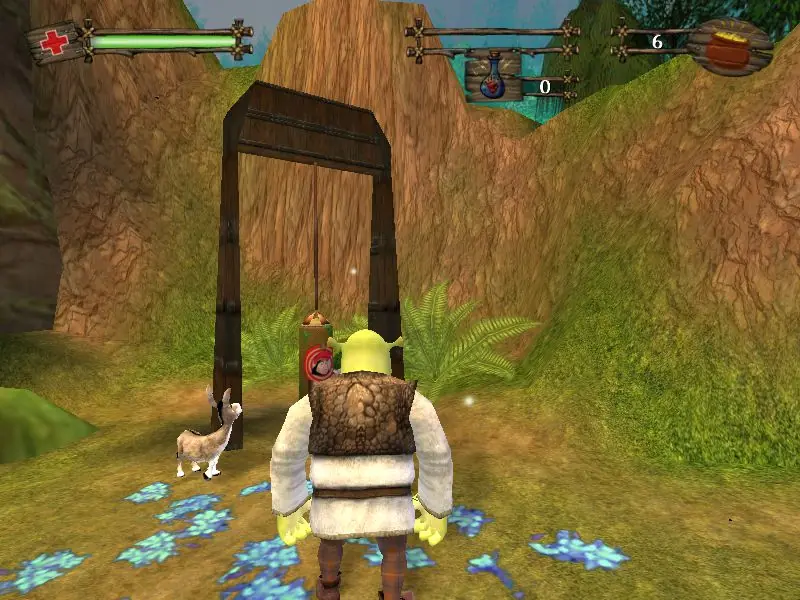
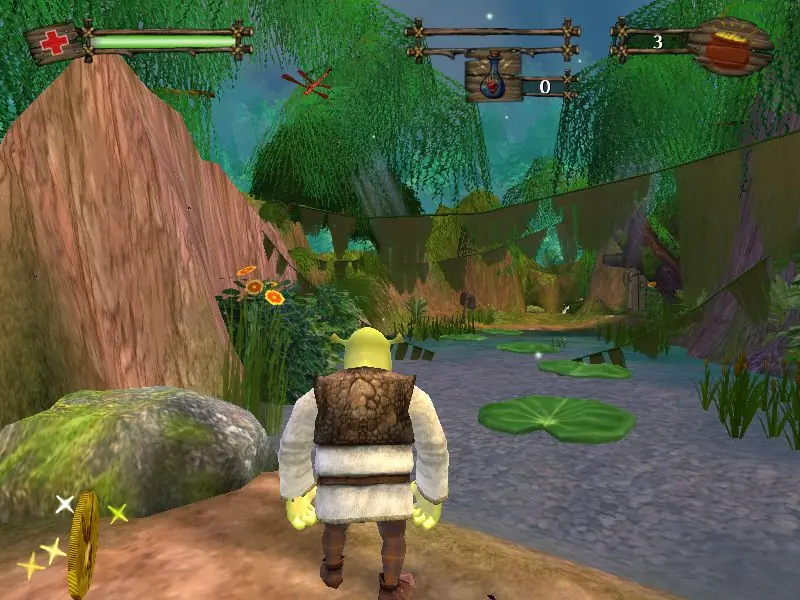
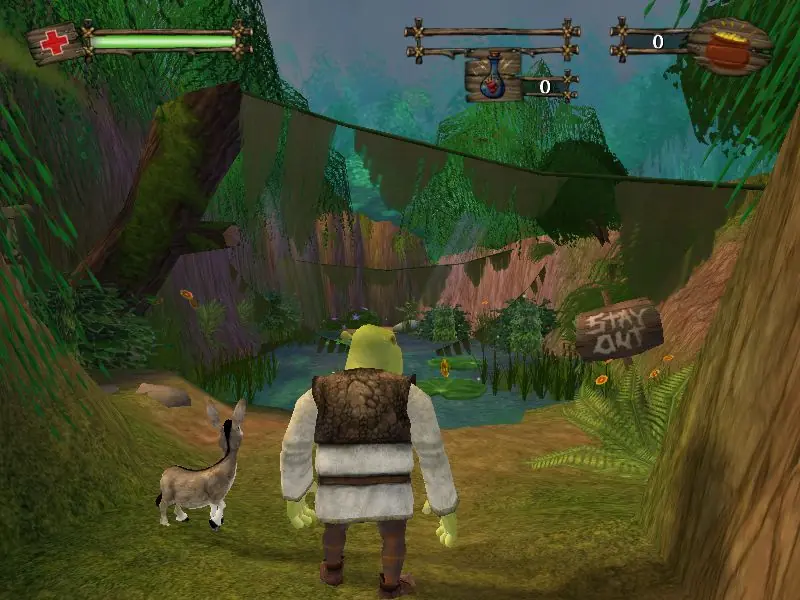
Shrek 2 is a 2004 action game developed by Aspyr Media and published by Activision.
Publishers
Developers
Released
Platforms
Shrek 2 is a 2004 action game developed by Aspyr Media and published by Activision.
The green ogre is back in a 3D platform game inspired by the 2004 computer animated film starring the voices of Mike Myers, Cameron Diaz, and Eddie Murphy. Once Shrek and Princess Fiona return from their honeymoon, they are surprised to find a note from Fiona's parents inviting them to visit their home in Far Far Away. The only problem is Fiona's parents are expecting Prince Charming instead of an ogre, causing some turmoil in the newlyweds' life. Players will guide Shrek, Donkey, and an assortment of Far Far Away residents as they complete a number of objectives to set things right again. The game introduces new environments, characters, and story twists that help expand on the movie and bring the enchanted land of Far Far Away to life.
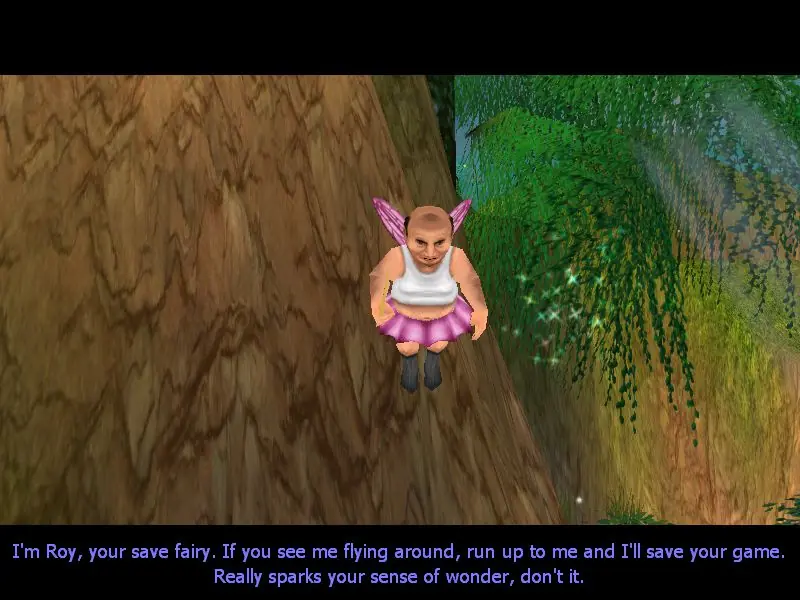
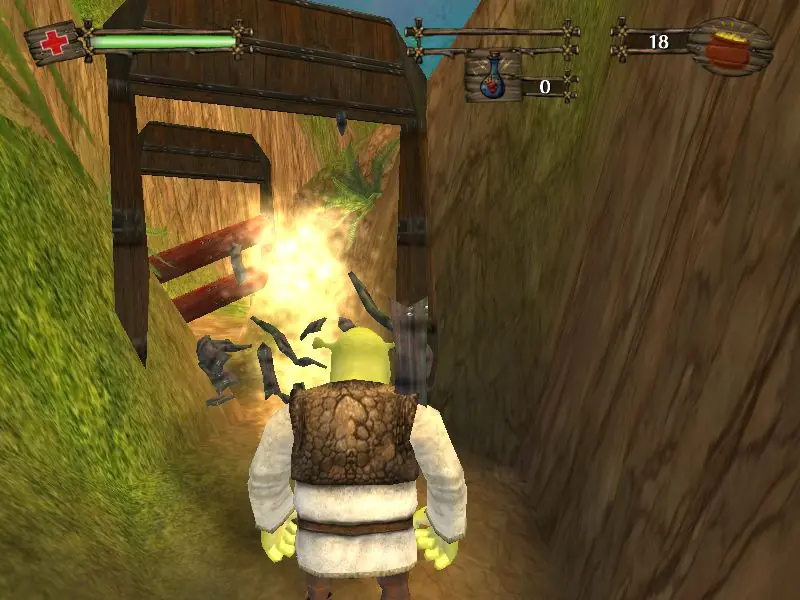
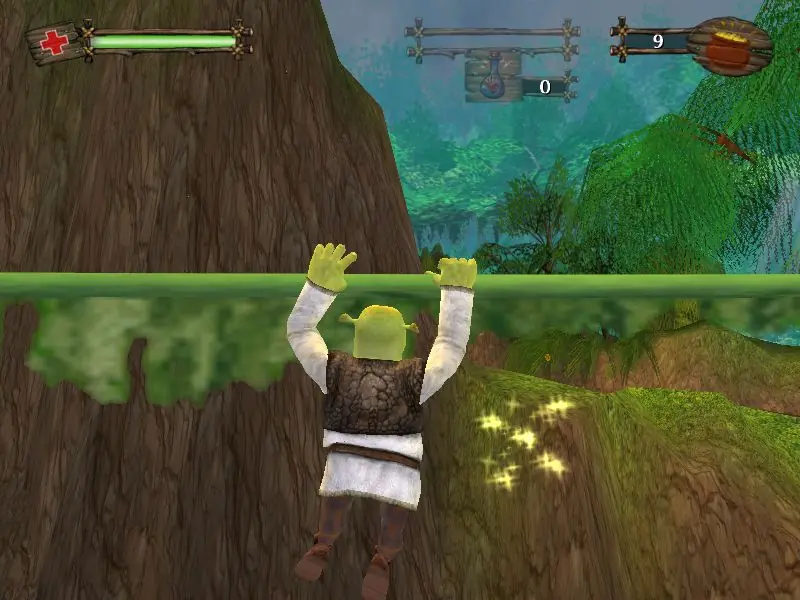
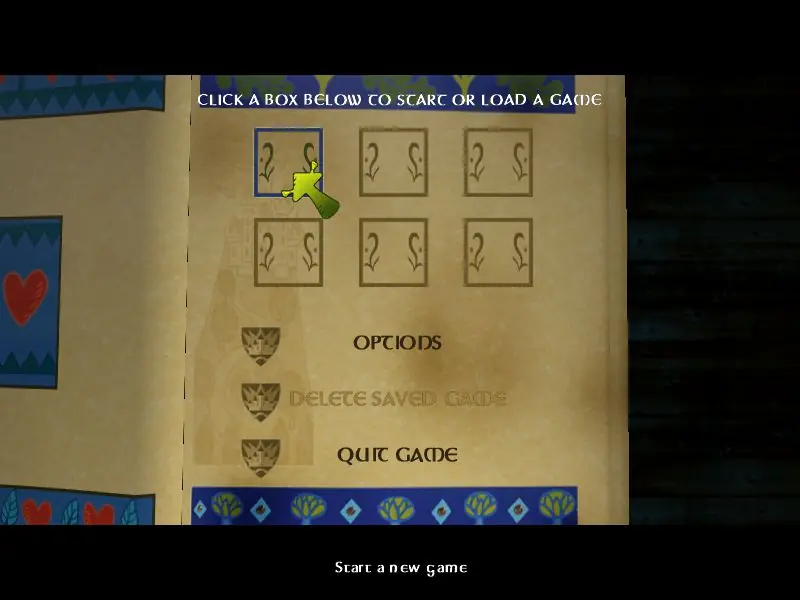
Shrek 2 is abandonware and no longer sold or supported by its publishers. Files are archived here for these platforms:
How to play on Windows








Audio and startup problems have plagued rips of this game for a few years now. Unfortunately I am unable to test the newer ISO myself at the moment. If anyone tries it, please let me know how it goes.
-If its giving the “No Label” error please right click -> run as administrator. it fixed it for me.
-If its showing a vultures head logo delete the game.ini file located at C:/documents/shrek2 folder. (see Brian’s comment below. Thanks Brian)
but i still don’t hear any music in the game just sounds and the voice. 🙁 its ok but wish there were music. let me know if anyone has any fix that.
*edit: ok i feel like its missing the Music folder. is there anyway I can download that from somewhere?
No Label
OS: Windows NT 6.1 (Build: 7601)
CPU: AuthenticAMD Unknown processor @ 3014 MHz with 4063MB RAM
Video: NVIDIA GeForce 7025 / NVIDIA nForce 630a (908)
General protection fault!
History: UGameEngine::Draw <- UWindowsViewport::Repaint <- UWindowsClient::Tick <- ClientTick <- UGameEngine::Tick <- UpdateWorld <- MainLoop
* First you need to find the `game.ini` file in your Documents (probably under C:UsersuserDocumentsShrek 2) [that file is generated when you run the game for the first time]
* No deletion this time. You will need to open it using a text editor like notepad
* Find the [Engine.Engine] section (FYI: the lines that start with `;` are disabled)
* Check/change the render device enabled: RenderDevice=D3DDrv.D3DRenderDevice
* Then you will need to find the section [D3DDrv.D3DRenderDevice] around line 312
* Check/change that: ReduceMouseLag=False
It worked for me. Let me know if it works for you.
C:UsersuserDocumentsShrek 2
delete the game.ini
and then it works again!
C:UsersuserDocumentsShrek 2
delete the game.ini
and then it works again!