Home » Games » Grand Theft Auto 2

Grand Theft Auto 2

Grand Theft Auto 2 Game Cover
4.5/5 - 104 votes

Grand Theft Auto 2 is a 1999 action game developed by DMA Design and published by Rockstar Games.

Other Titles

GTA 2 БеспределGTA2侠盗车手2Grand Theft Auto IIجراند ثفت أوتو 2جراند ثيفت اوتو 2جی‌تی‌ای ۲گەورەدزیی ئۆتۆمۆبیل ٢แกรนด์เธฟต์ออโต 2グランド・セフト・オート2侠盗猎车手2俠盜獵車手2그랜드 테프트 오토 2

Genres
Publishers
Released
Platforms
Download

About Grand Theft Auto 2

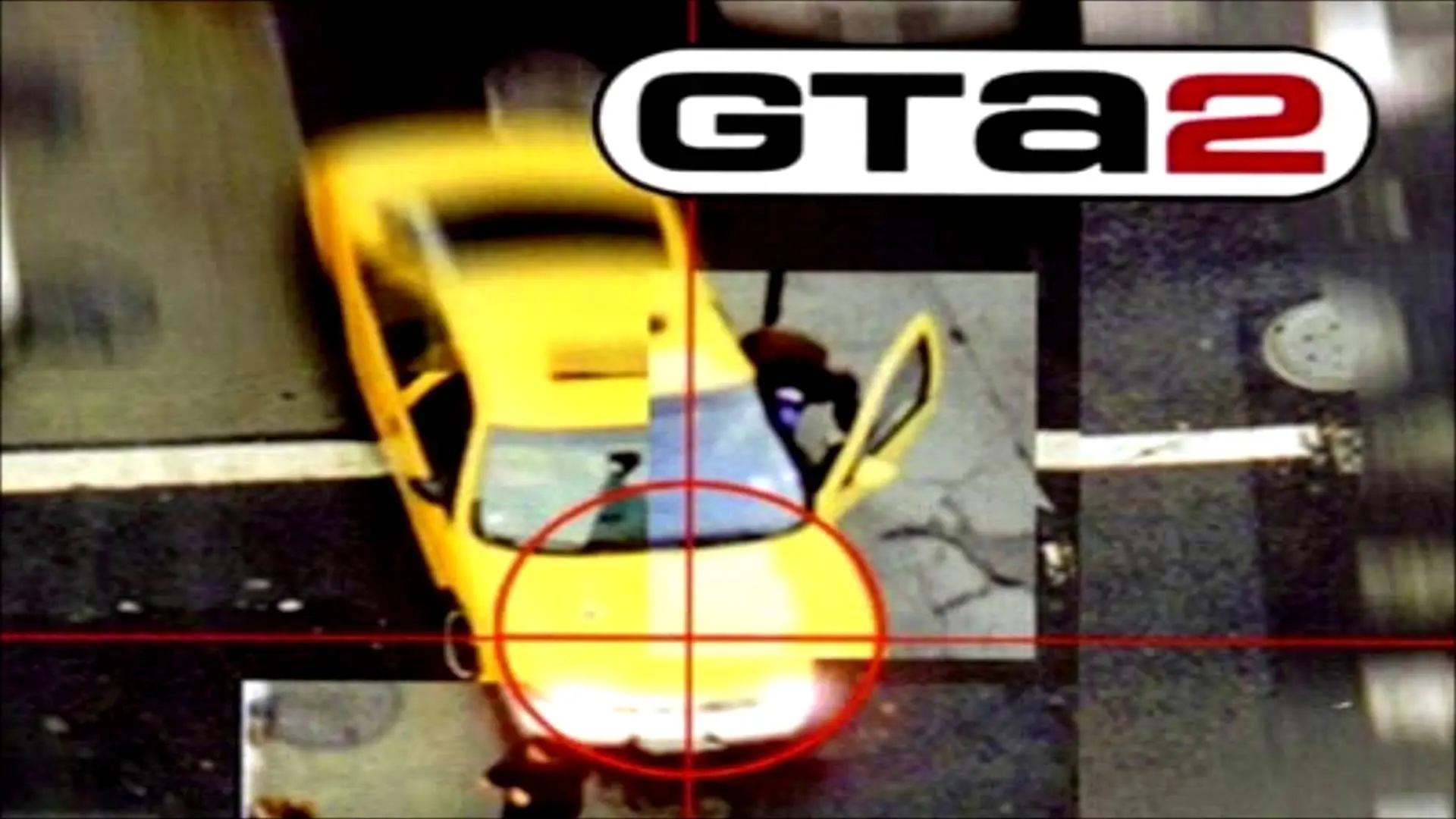
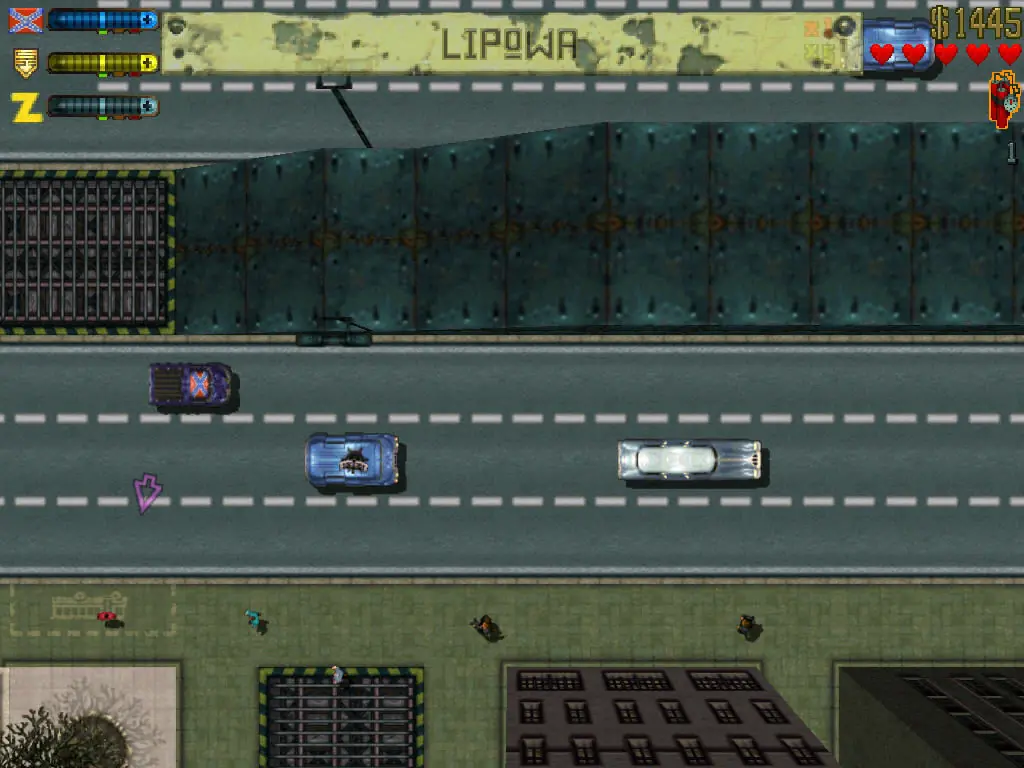
Grand Theft Auto 2 (stylized as GTA2) is a 1999 action-adventure game developed by DMA Design and published by Rockstar Games. It is the sequel to 1997's Grand Theft Auto, and the second main entry in the Grand Theft Auto series. Set within a retrofuturistic metropolis known as "Anywhere City", the game focuses on players taking the role of a criminal as they roam an open world, conducting jobs for various crime syndicates and having free rein to do whatever they wish to achieve their goal. The game's intro is unique for a title in the series, as it involves live-action scenes filmed by Rockstar Games. The game was released for the PlayStation and Windows in October 1999 and for the Dreamcast and Game Boy Color in 2000.
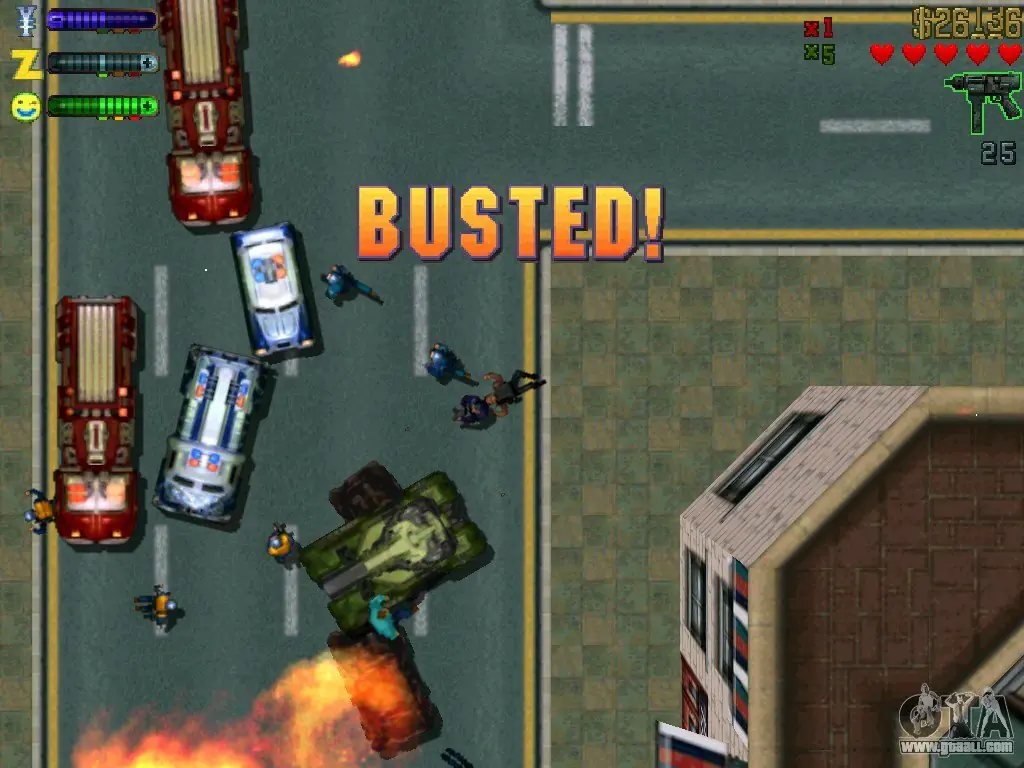
Screenshots

Windows

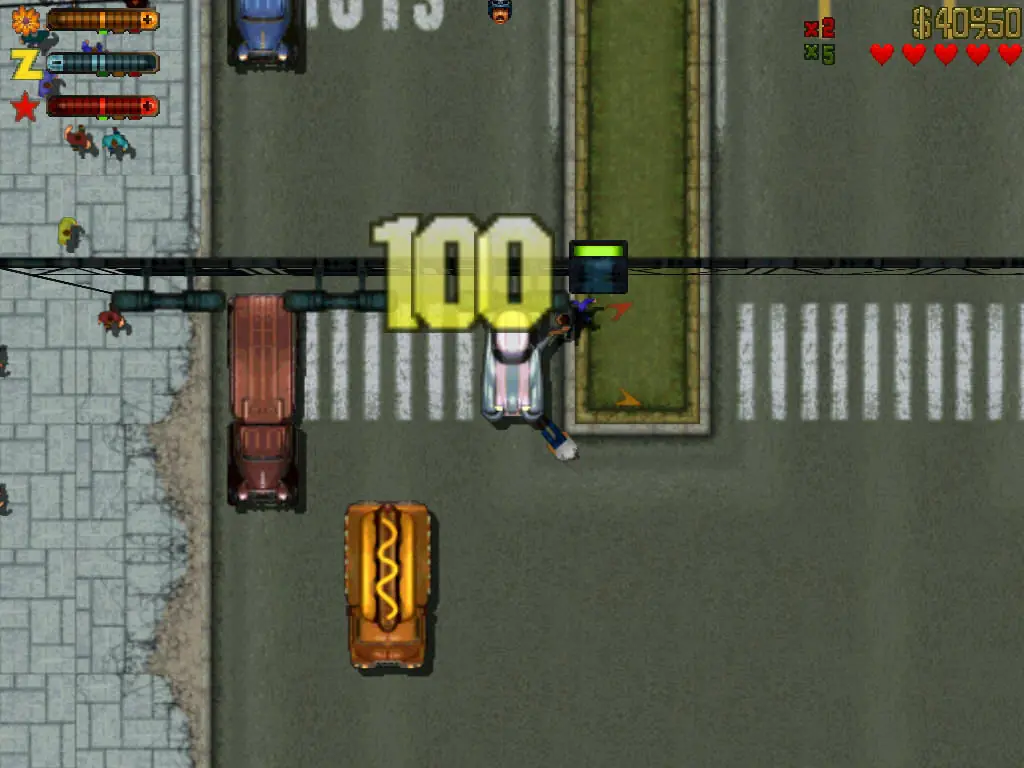
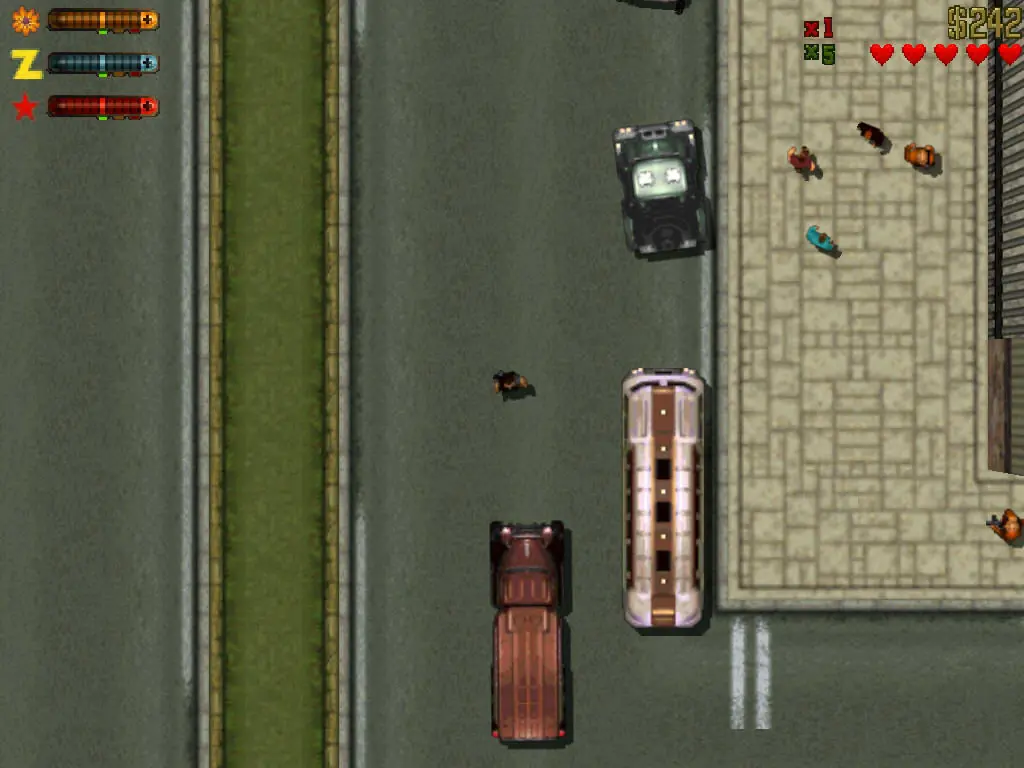
Grand Theft Auto 2 — Windows screenshot 1Grand Theft Auto 2 — Windows screenshot 2Grand Theft Auto 2 — Windows screenshot 3Grand Theft Auto 2 — Windows screenshot 4

Download Grand Theft Auto 2

Grand Theft Auto 2 is abandonware and no longer sold or supported by its publishers. Files are archived here for these platforms:

Windows (1999)

  • Grand_Theft_Auto_2_Win_Setup_EN.zipEN344.78 MB
  • Instructions Grand_Theft_Auto_2_Win_Setup_EN.zip

    How to play on Windows

    1. Click on the download button. It should redirect you to your download (usually a .zip file). Make sure you download the file properly and that your internet does not disconnect while downloading.
    2. Extract the downloaded files to your desktop. You want to run the setup.exe file and then go through the setup steps. At the end of the installation, make sure you check the “Launch GTA2 Manager” and then click on “Finish”.
    3. GTA2 Manager will now launch. Go to the “video” tab and you want to change the resolution to the optimal resolution for your monitor (you can leave this at default if your not sure, it can be changed later).
    4. Click on “GTA2” to launch the game
    5. Play the game!
    6. To create a game shortcut on your desktop, go into the following directory: C:\Program Files (x86)\Rockstar Games\GTA2 then right click the application file called “gta2”, go to “send to” and then select “desktop”. You can now launch the game by double clicking the icon on your desktop.

Comments

9 thoughts on “Grand Theft Auto 2”

  1. 0
    YES! This is the official setup from the GTA 2 Disc! oh! and for 200 000$ : DANISGOD
    PS : (That is a cheat code for GTA 2, not real money)
    Reply
  2. 0
    first of all thanks for making possible to play GT2 ! one question 🙂 can you use cheatcodes and if so how do i do that?
    Reply
    • 0
      YES! This is the official setup from the GTA 2 Disc! oh! and for 200 000$ : DANISGOD
      PS : (That is a cheat code for GTA 2, not real money) lol enjoy!
      Reply
    • 0
      I don’t know how to open the cheat menu or anything, I’ve just looked that cheat code off the internet but for further advice, I recommend you to look up for YouTube Tutorials online!
      Reply