Home » Games » Grand Theft Auto: London 1961

Grand Theft Auto: London 1961

Grand Theft Auto: London 1961 Game Cover
4.6/5 - 81 votes

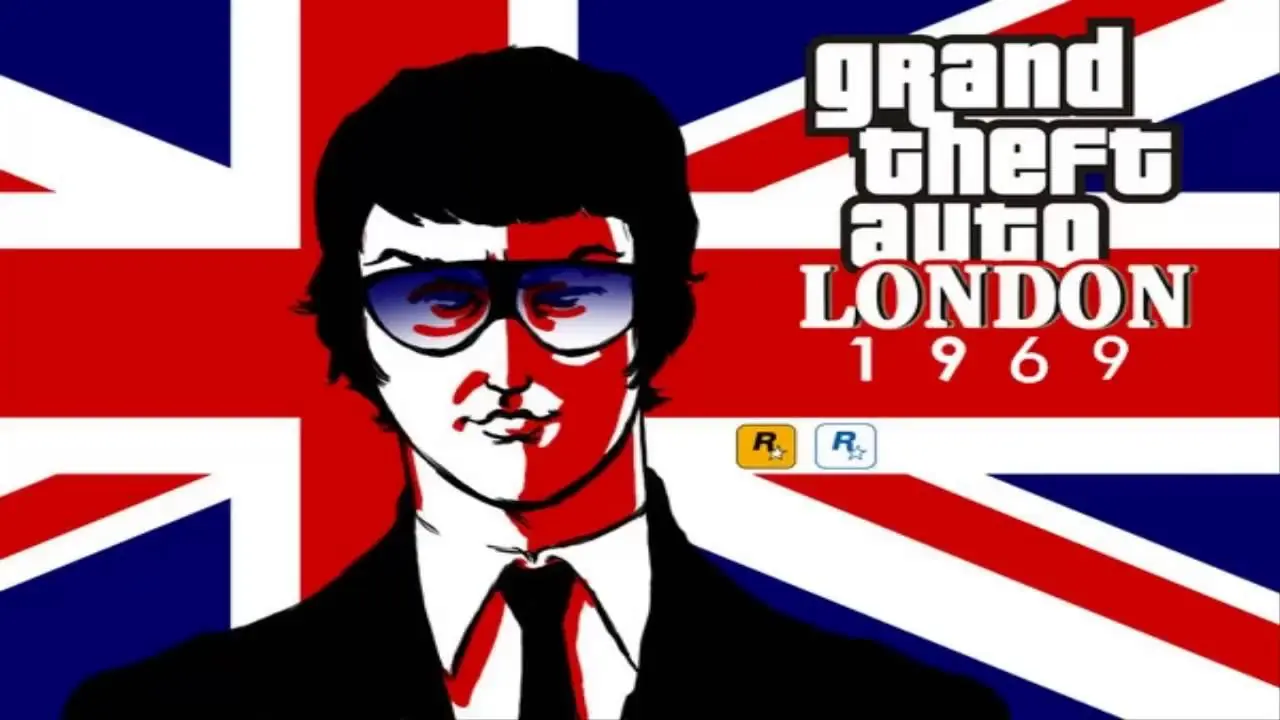
Grand Theft Auto: London 1961 is a freeware mission pack for Grand Theft Auto: London 1969, developed by Rockstar Canada and released digitally by Rockstar Games on 1 July 1999 to coincide with the release of Grand Theft Auto series' web presence.

Other Titles

Grand Theft Auto: Mission Pack #2 - London 1961俠盜獵車手:倫敦1961GTA: London 61GTA LondonGTA: London 1961Grand Theft Auto: Llundain 1961Grand Theft Auto: London, 1961Grand Theft Auto: London-expansionspaketGrand Theft Auto: Misiunile Londonezeجراند ثفت اوتو: حزمه مهمات

Genres
Publishers
Developers
Released
Platforms
Download

About Grand Theft Auto: London 1961

Grand Theft Auto Mission Pack #2: London, 1961 is a freely distributed expansion for the original Grand Theft Auto and London, 1969; both are required to play.

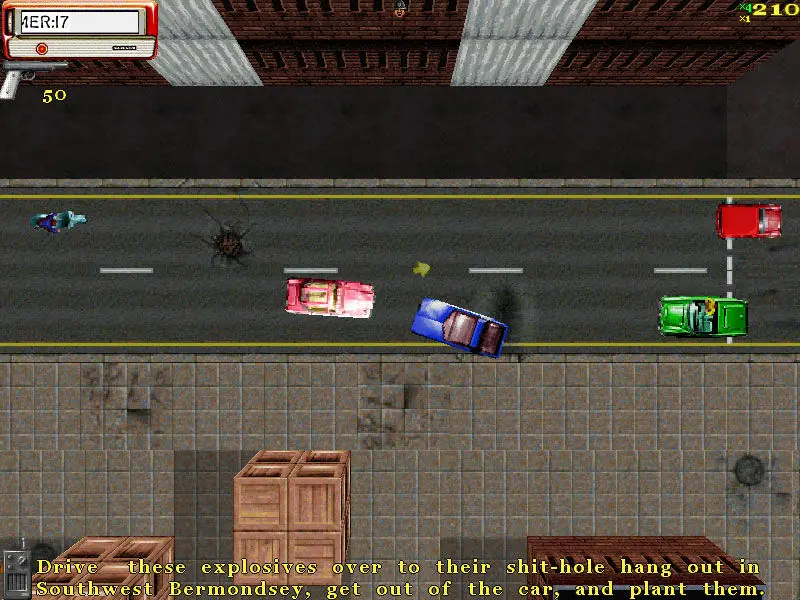
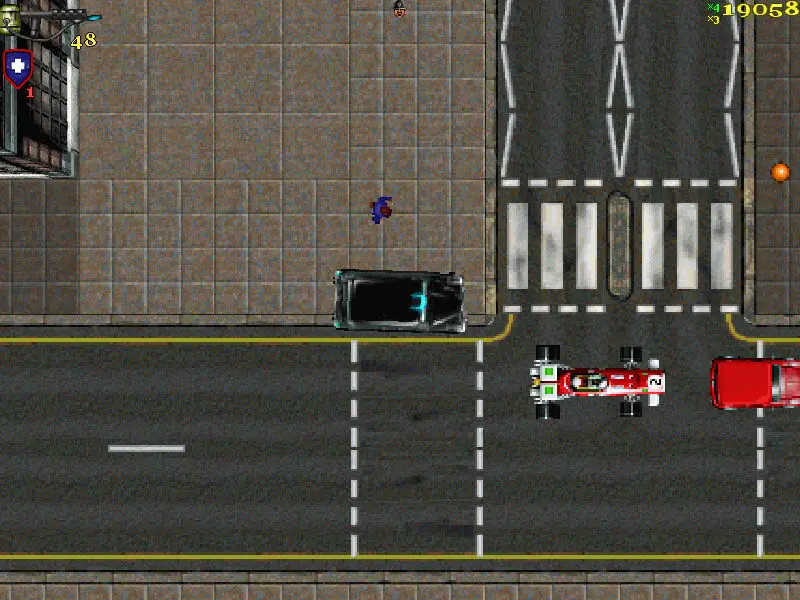
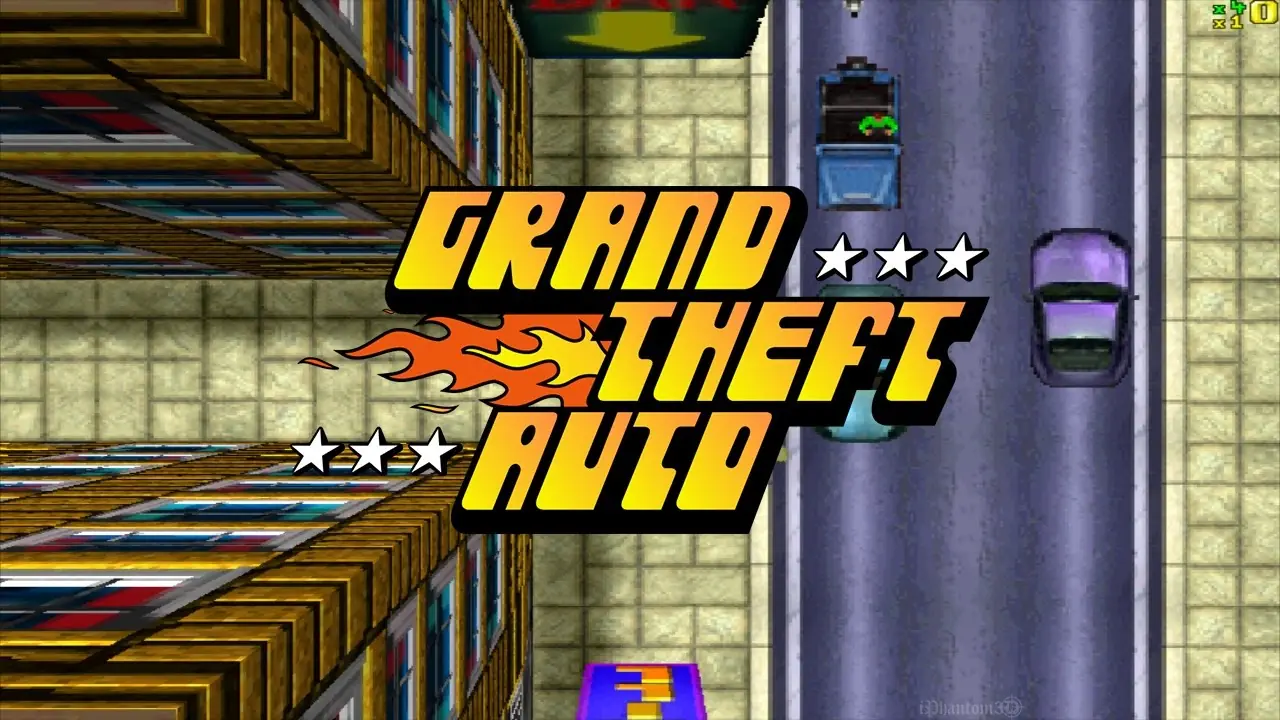
Just as the first mission pack did, London 1961 uses the same game engine as the original Grand Theft Auto 1. The game takes place in London eight years before the events of London 1969. The mission pack as implied includes new missions, 22 new vehicles, one new cutscene, and a new multiplayer deathmatch map based upon the UK city of Manchester.

While London 1969, is available for multiple systems, London 1961 is only available for PC, as downloadable freeware (a 7MB executable file). However, it requires the user to have both Grand Theft Auto 1, and GTA London 1969 (which itself requires GTA1).
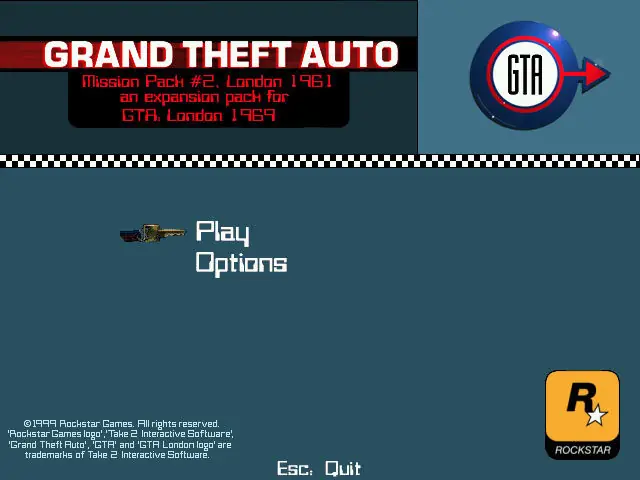
Screenshots

Windows

Grand Theft Auto: London 1961 — Windows screenshot 1Grand Theft Auto: London 1961 — Windows screenshot 2Grand Theft Auto: London 1961 — Windows screenshot 3

Download Grand Theft Auto: London 1961

Grand Theft Auto: London 1961 is abandonware and no longer sold or supported by its publishers. Files are archived here for these platforms:

Windows (1999)

  • Grand_Theft_Auto_London_1961_and_1969_Win_RIP_EN.zipEN57.33 MB
  • Instructions Grand_Theft_Auto_London_1961_and_1969_Win_RIP_EN.zip

    Text instructions if you prefer reading:

    1. Click on the download button. It should redirect you to your download (usually a .zip file). Make sure you download the file properly and that your internet does not disconnect while downloading.
    2. Extract the downloaded files to your desktop
    3. Open the “Game Files” folder
    4. Double click on the “Settings” file. You can change any of the controls for the game or just keep it the same and then just click on “OK”.
    5. To launch either GTA London 1969 or GTA London 1961, just launch the application by double clicking on their filename.
    6. Play the game!

    How to play on Windows

    1. Click on the download button. It should redirect you to your download (usually a .zip file). Make sure you download the file properly and that your internet does not disconnect while downloading.
    2. Extract the downloaded files to your desktop
    3. Open the “Game Files” folder
    4. Double click on the “Settings” file. You can change any of the controls for the game or just keep it the same and then just click on “OK”.
    5. To launch either GTA London 1969 or GTA London 1961, just launch the application by double clicking on their filename.
    6. Play the game!

Comments

6 thoughts on “Grand Theft Auto: London 1961”

  1. -1
    I’m using a newer version of Windows, and it keeps saying it’s having displaying issues. I don’t know if it’s not eligible to play on my PC, or what..?
    Reply