Home » Games » Grand Theft Auto: London 1969
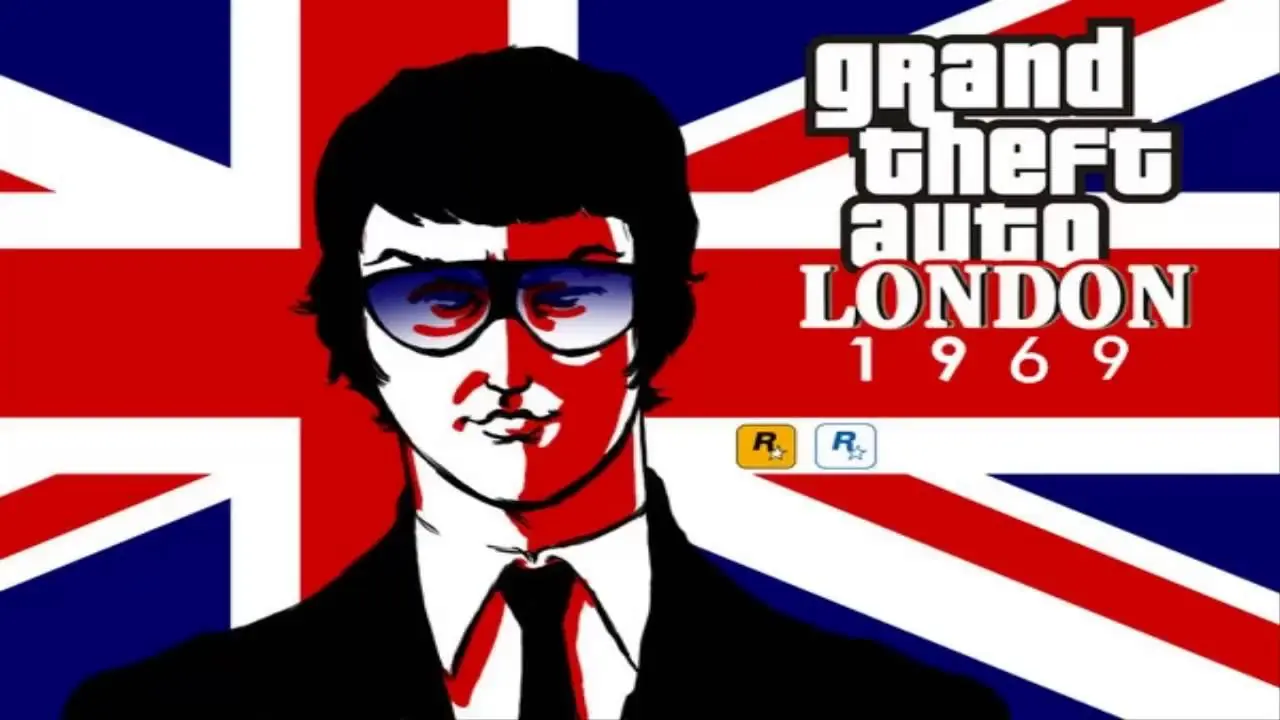
Grand Theft Auto: London 1969

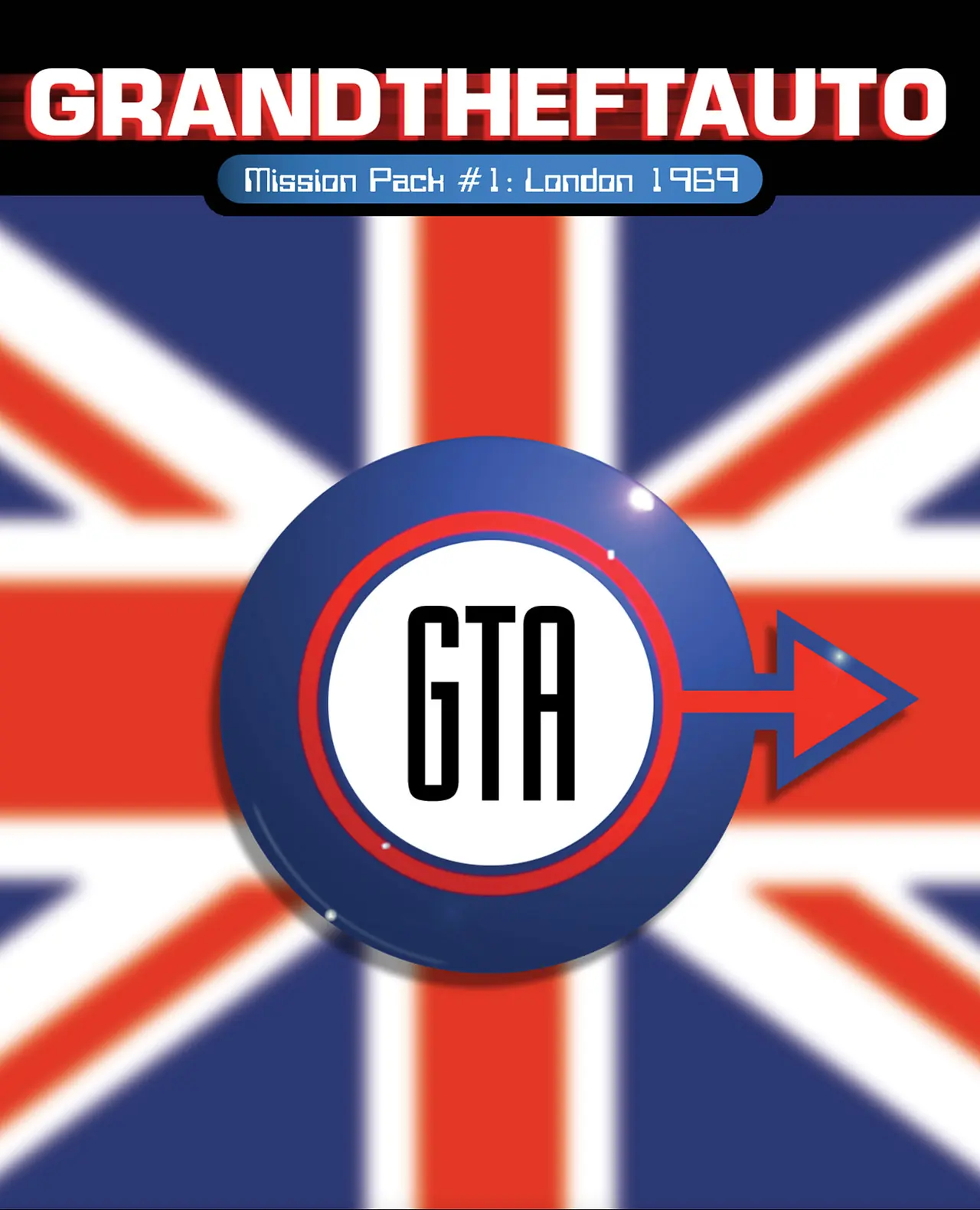
Grand Theft Auto: London 1969 Game Cover
4.8/5 - 17 votes

Grand Theft Auto: London 1969 is a 1999 action game developed by Rockstar Canada and published by Rockstar Games.

Other Titles

Grand Theft Auto: Mission Pack #1 - London 1969俠盜獵車手:倫敦1969GTA: London 69GTA LondonGrand Theft Auto: Llundain 1969Grand Theft Auto: London, 1969Grand Theft Auto: Пакети со мисииجراند ثفت أوتو: لندن 1969جراند ثيفت اوتو: لندن 1969جی‌تی‌ای: ۱۹۶۹ لندنแกรนด์เธฟต์ออโต: ลอนดอน 1969侠盗猎车手:伦敦1969그랜드 테프트 오토: 런던 1969

Genres
Publishers
Developers
Released
Platforms
Download

About Grand Theft Auto: London 1969

Grand Theft Auto: London 1969 is a mission pack for Grand Theft Auto. London 1969 was developed by Rockstar Canada and released by Rockstar Games on 31 March 1999 for Microsoft Windows and on 30 April 1999 for PlayStation. The game was awarded the BAFTA Interactive Entertainment Award in the category "Sound" in 1999.
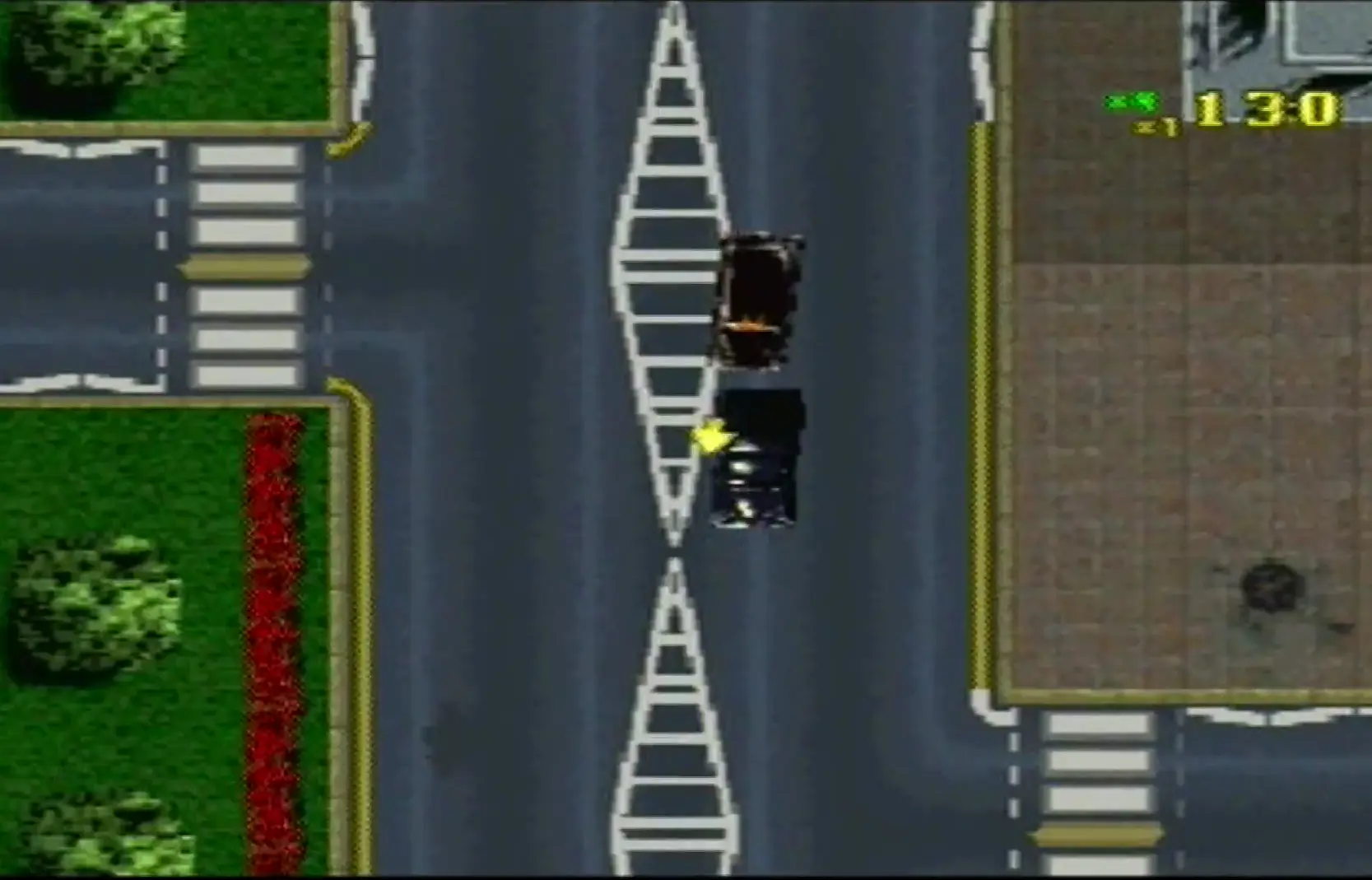
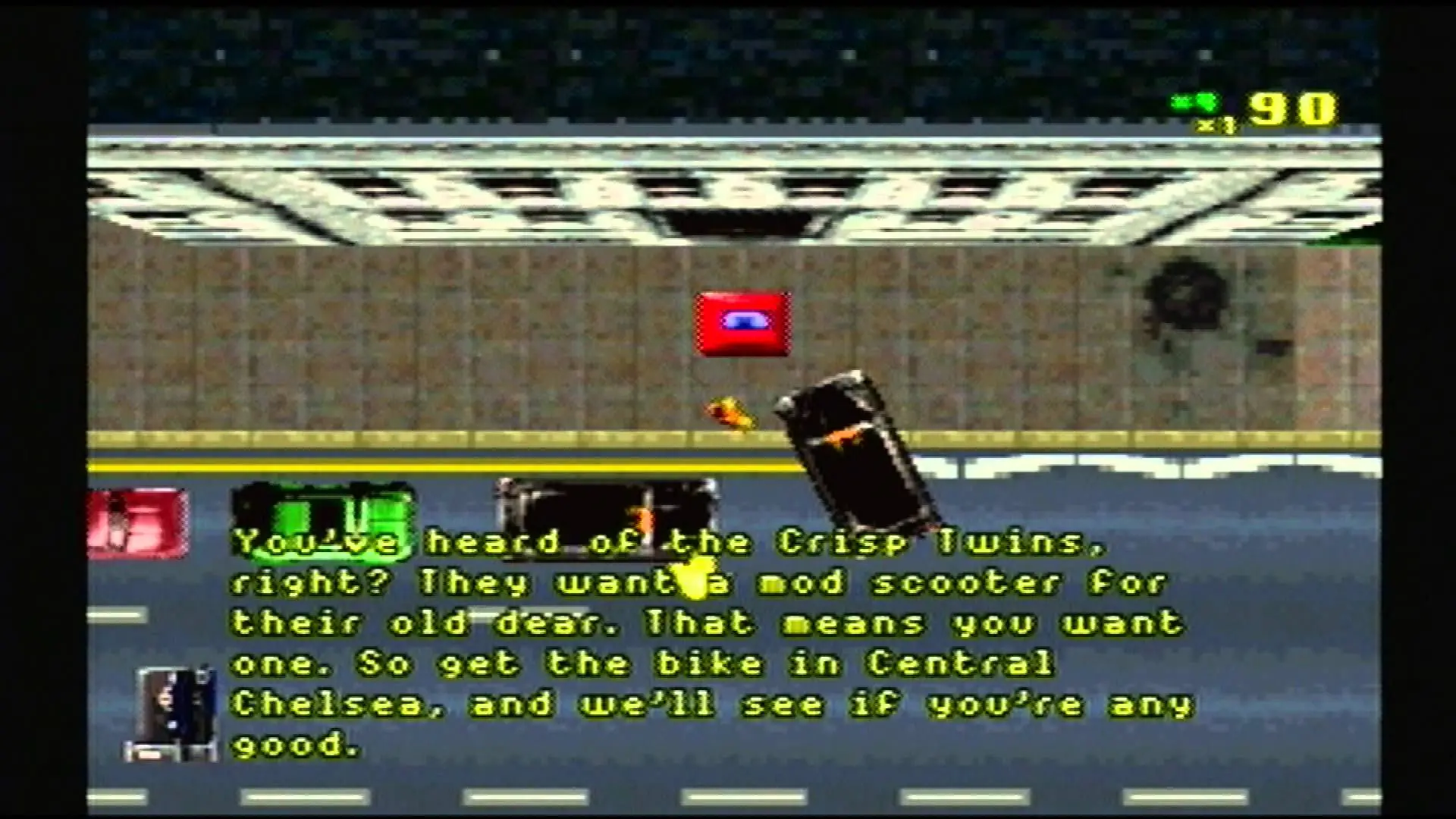
Screenshots

Windows

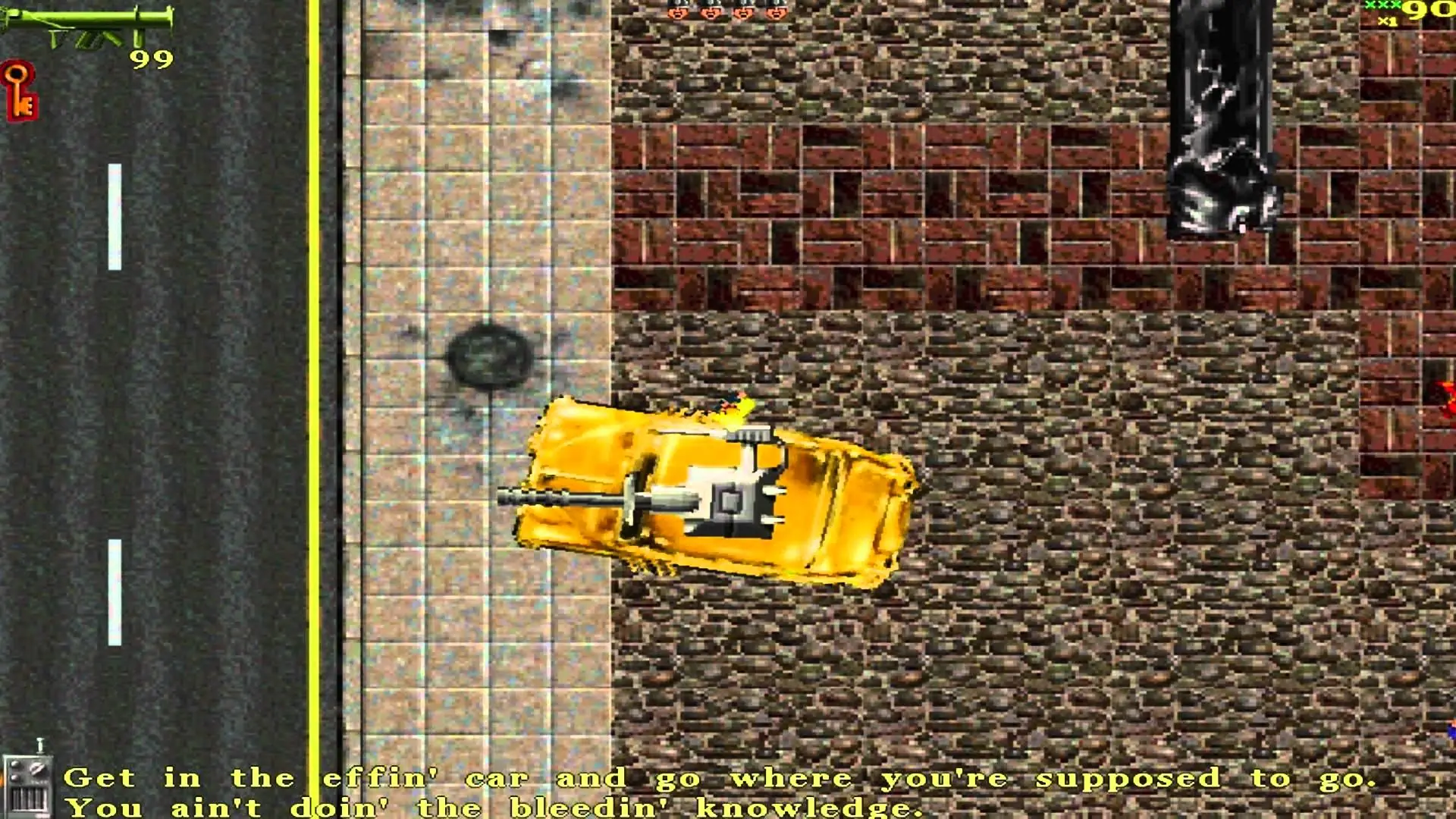
Grand Theft Auto: London 1969 — Windows screenshot 1Grand Theft Auto: London 1969 — Windows screenshot 2Grand Theft Auto: London 1969 — Windows screenshot 3Grand Theft Auto: London 1969 — Windows screenshot 4

Download Grand Theft Auto: London 1969

Grand Theft Auto: London 1969 is abandonware and no longer sold or supported by its publishers. Files are archived here for these platforms:

Windows (1999)

  • Grand_Theft_Auto_London_1961_and_1969_Win_RIP_EN.zipEN57.33 MB
  • Instructions Grand_Theft_Auto_London_1961_and_1969_Win_RIP_EN.zip

    Text instructions if you prefer reading:

    1. Click on the download button. It should redirect you to your download (usually a .zip file). Make sure you download the file properly and that your internet does not disconnect while downloading.
    2. Extract the downloaded files to your desktop
    3. Open the “Game Files” folder
    4. Double click on the “Settings” file. You can change any of the controls for the game or just keep it the same and then just click on “OK”.
    5. To launch either GTA London 1969 or GTA London 1961, just launch the application by double clicking on their filename.
    6. Play the game!

    How to play on Windows

    1. Click on the download button. It should redirect you to your download (usually a .zip file). Make sure you download the file properly and that your internet does not disconnect while downloading.
    2. Extract the downloaded files to your desktop
    3. Open the “Game Files” folder
    4. Double click on the “Settings” file. You can change any of the controls for the game or just keep it the same and then just click on “OK”.
    5. To launch either GTA London 1969 or GTA London 1961, just launch the application by double clicking on their filename.
    6. Play the game!

Comments

8 thoughts on “Grand Theft Auto: London 1969”