Harry Potter and the Chamber of Secrets

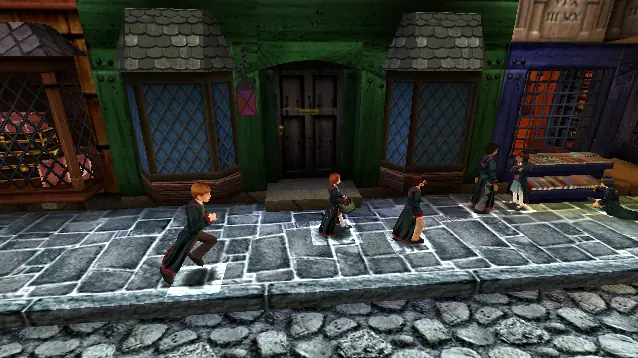
Be Harry Potter in a new adventure with more magic, friends, and danger. In his second year at Hogwarts School of Witchcraft and Wizardry, Harry stumbles upon a dark chapter in the school's past. Learn new spells, undertake new quests, make new friends, and challenge new adversaries as you confront the powers at the heart of the Chamber of Secrets. Do you dare take the chance that you might face the evil Lord Voldemort again?
Publishers
Developers
Released
Platforms
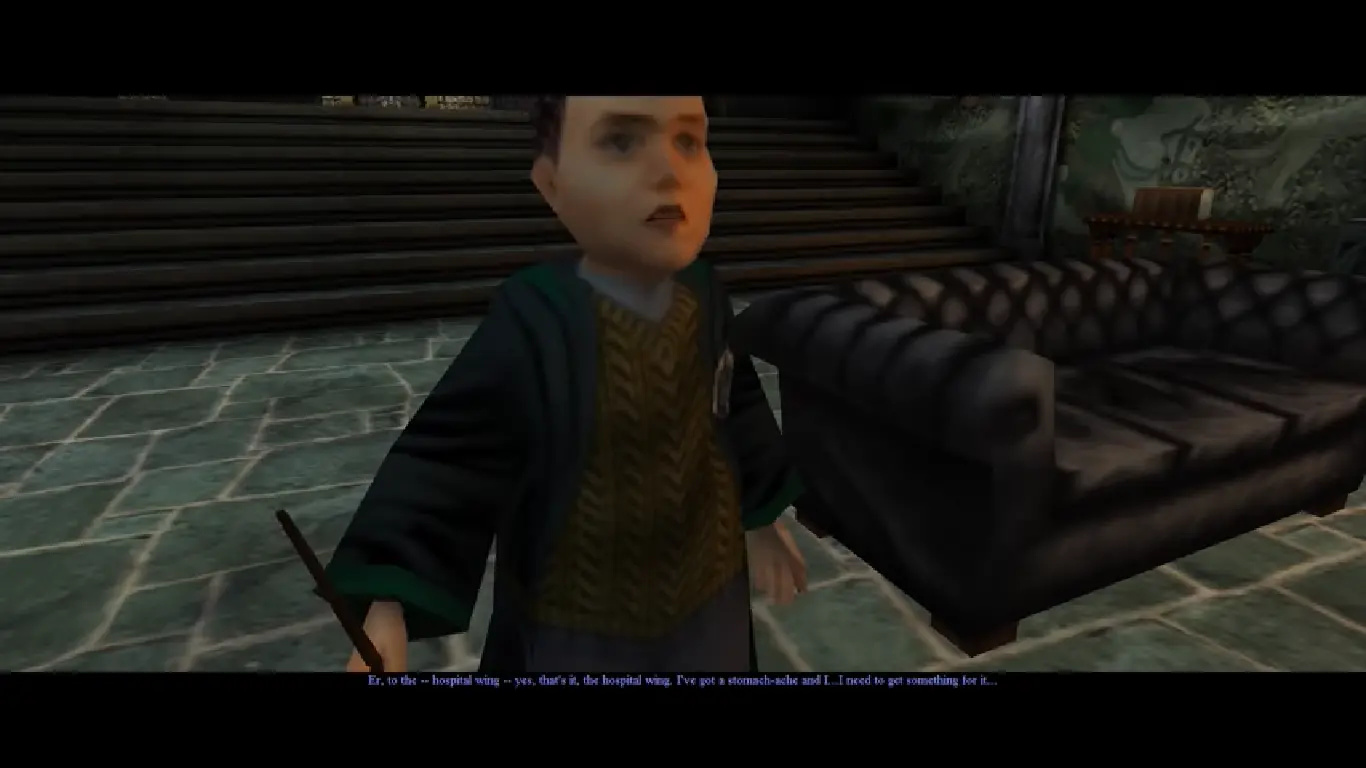
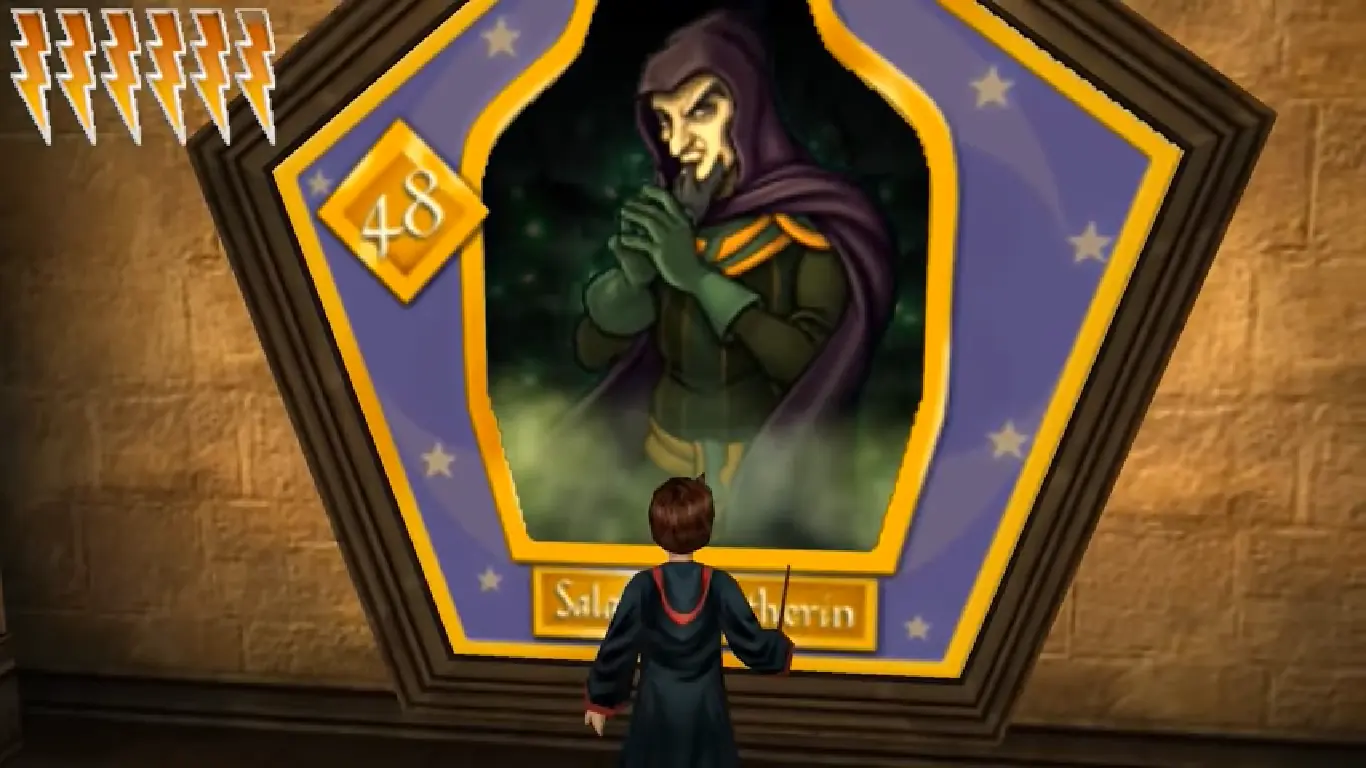
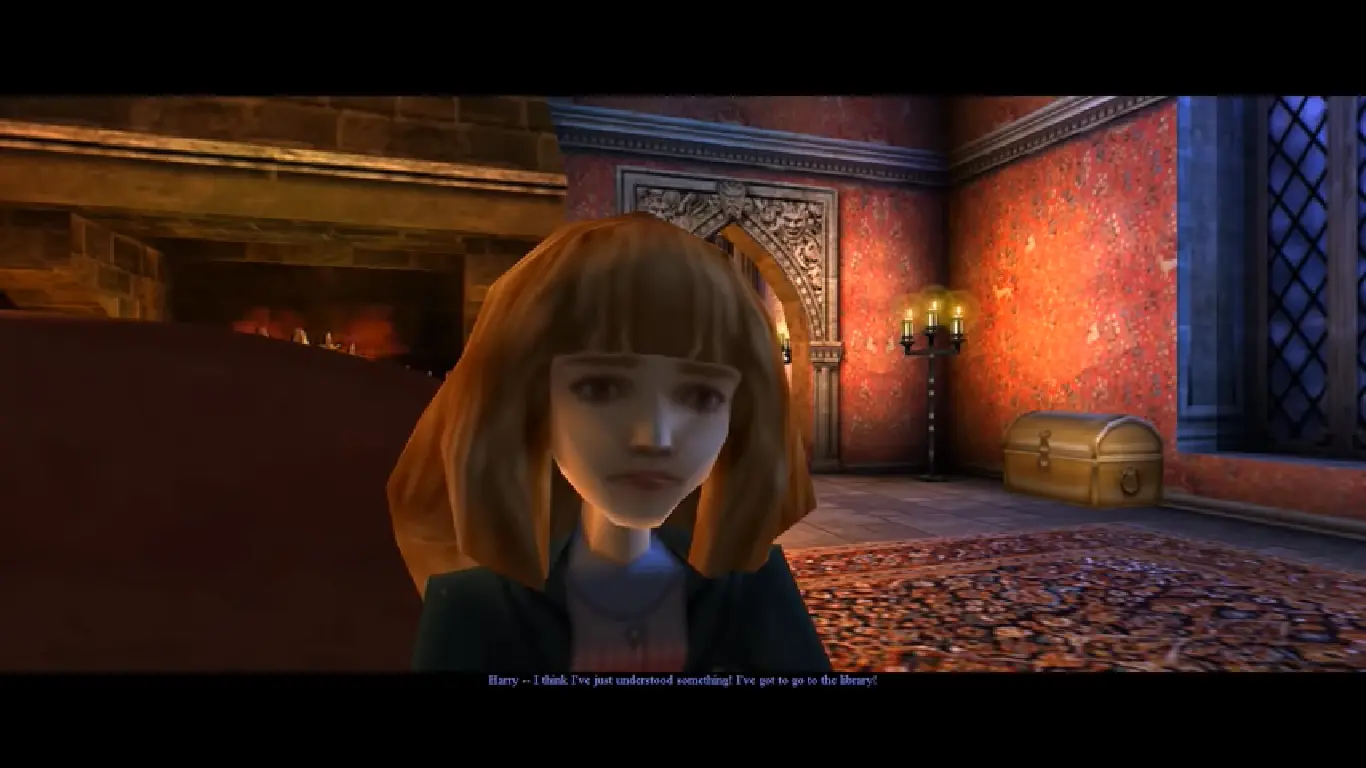
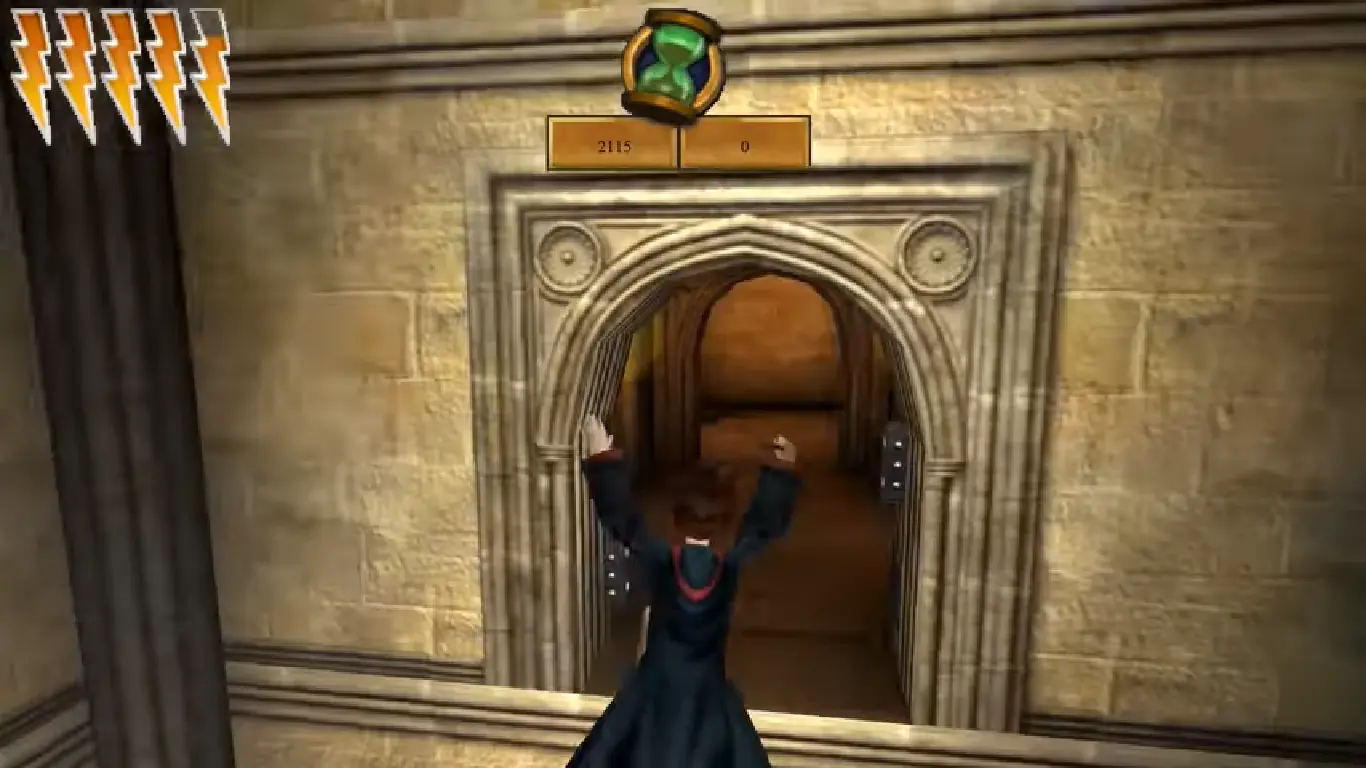
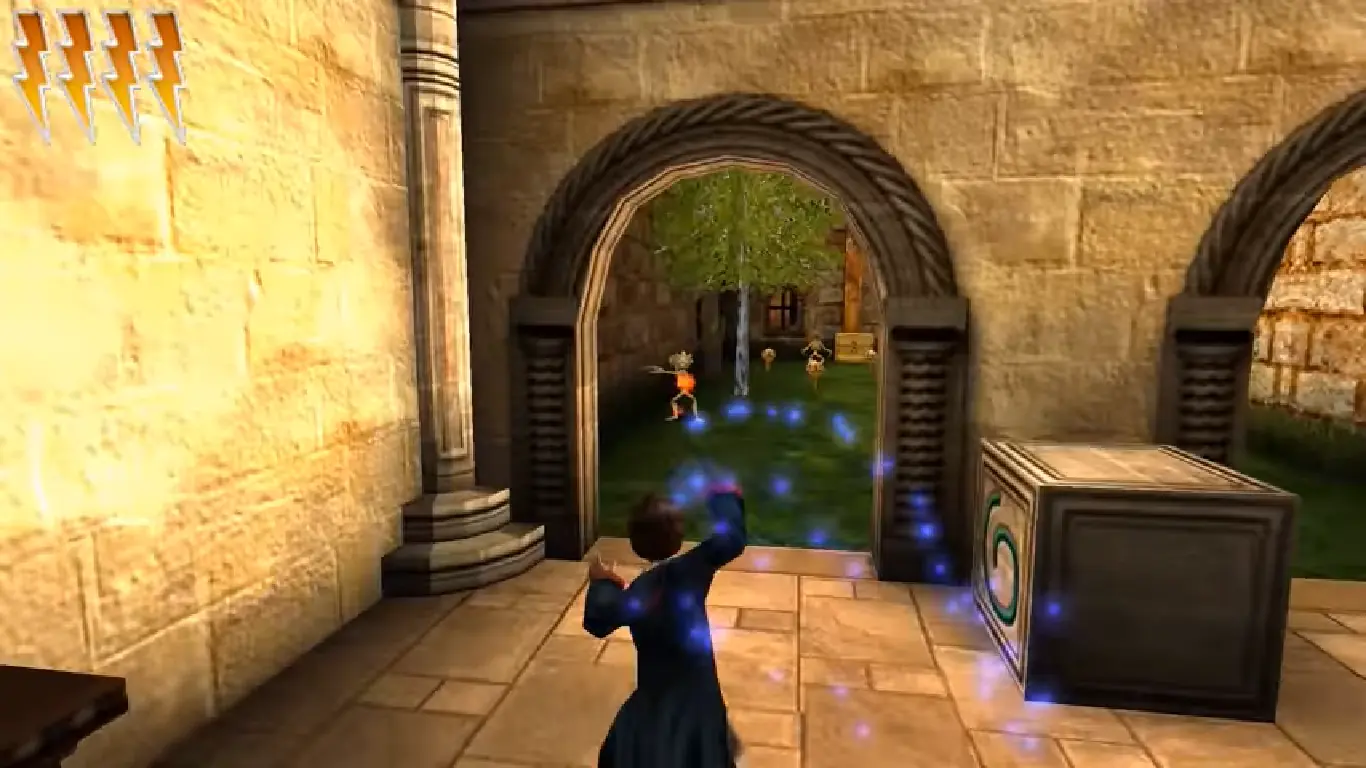
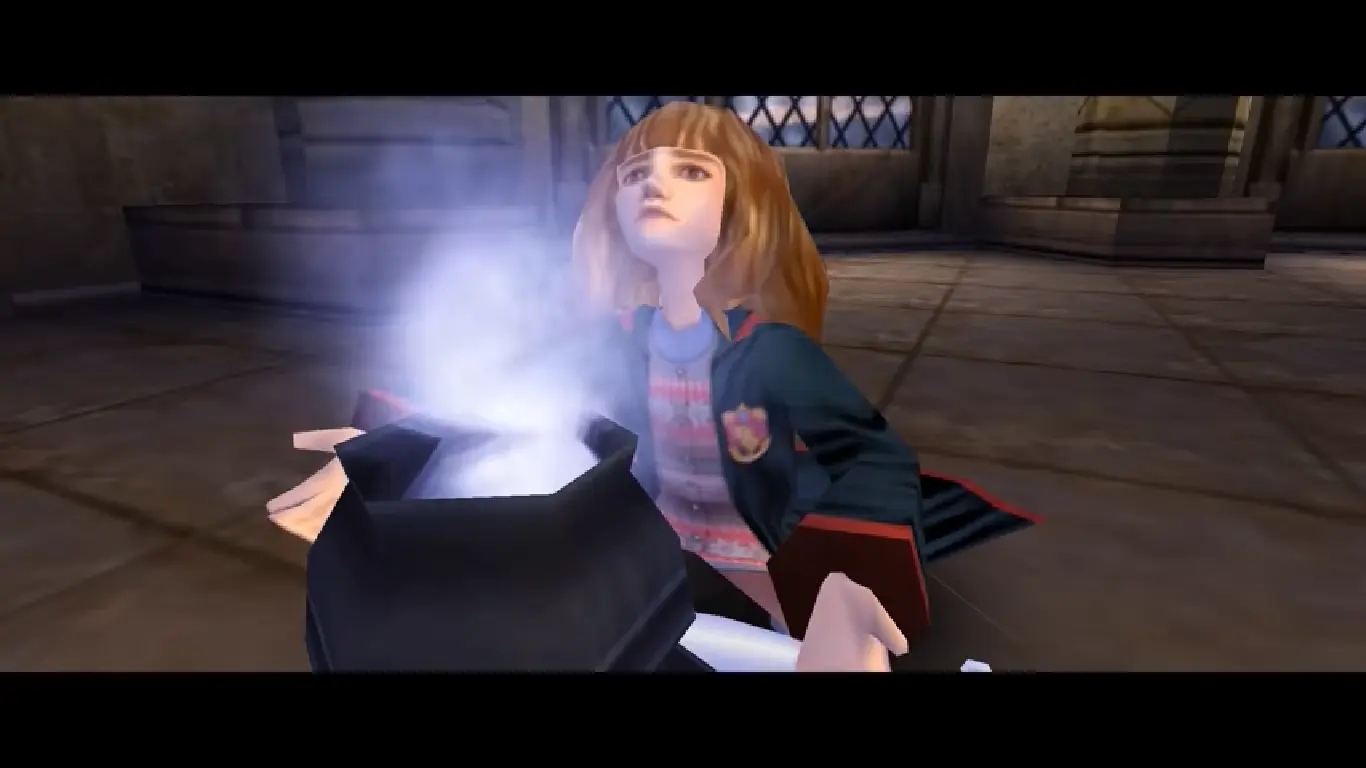
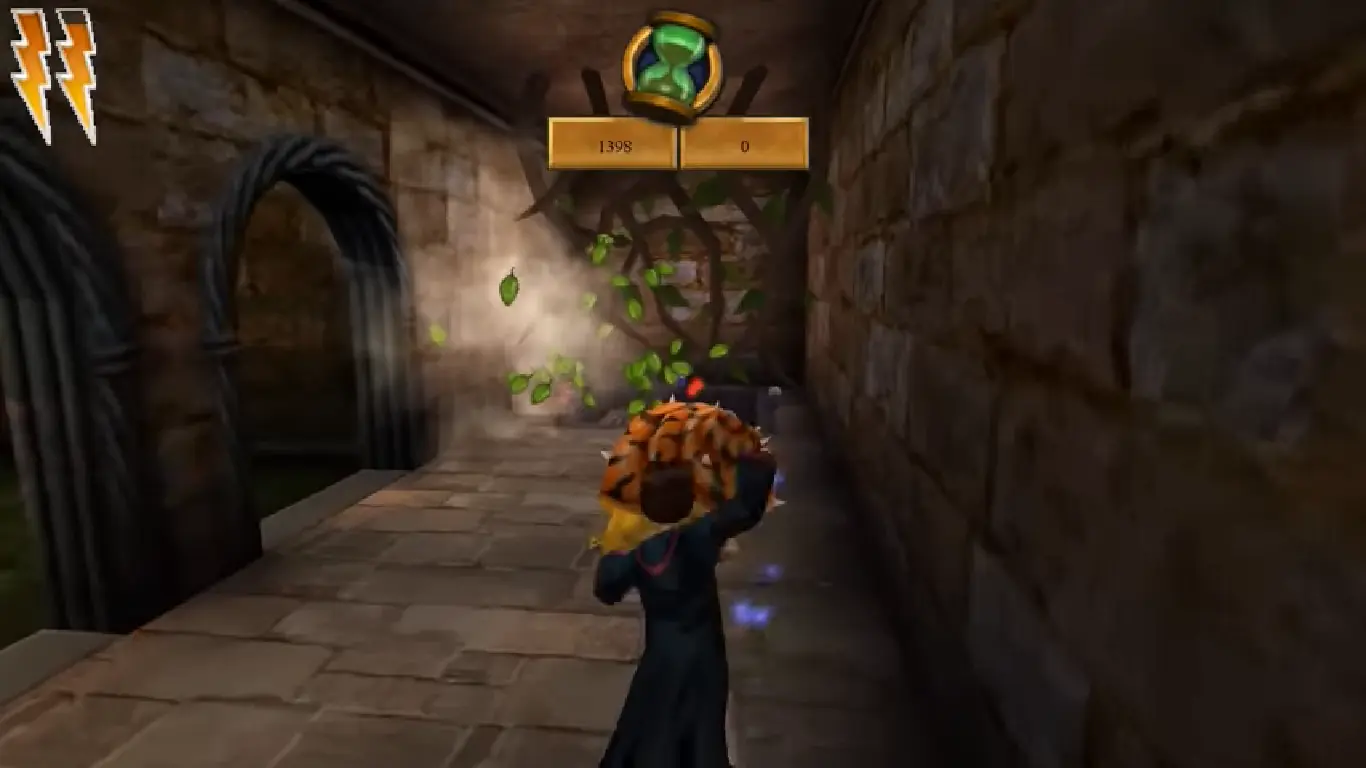
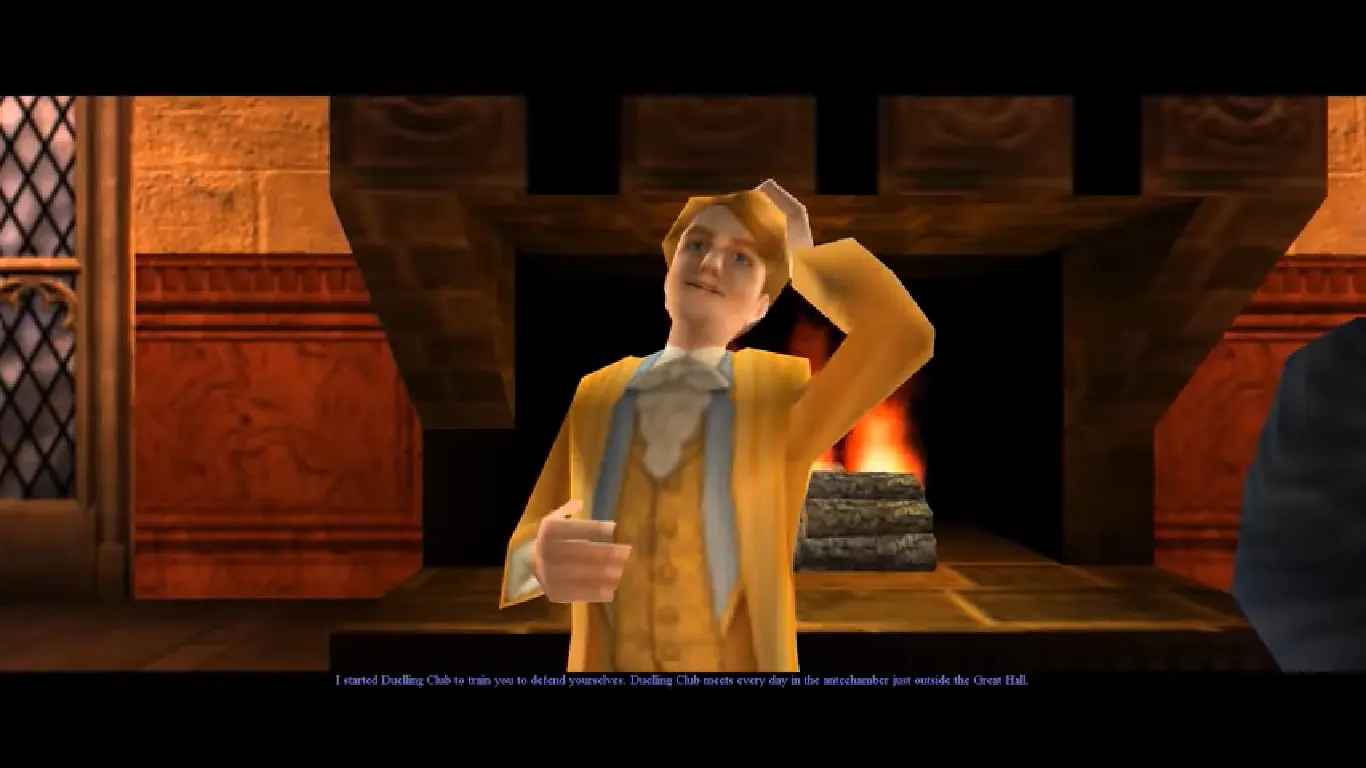
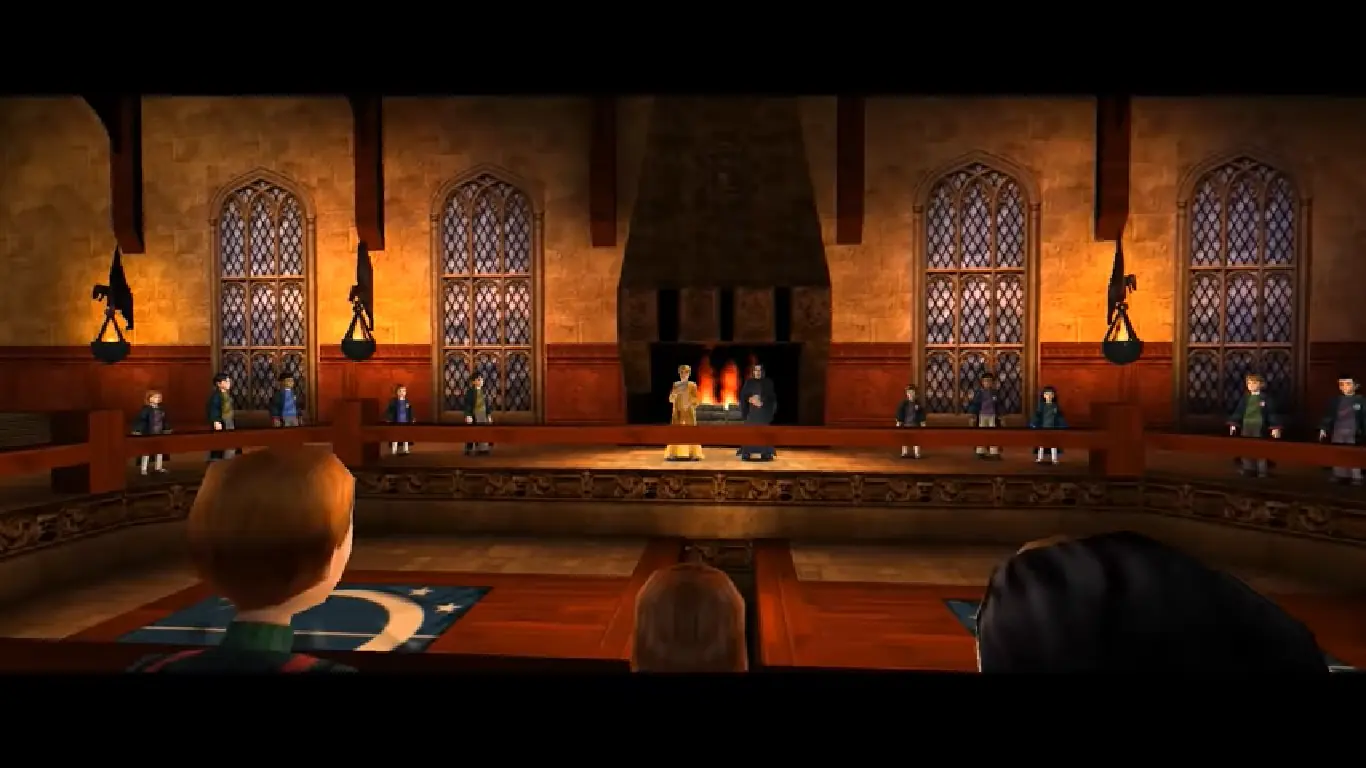
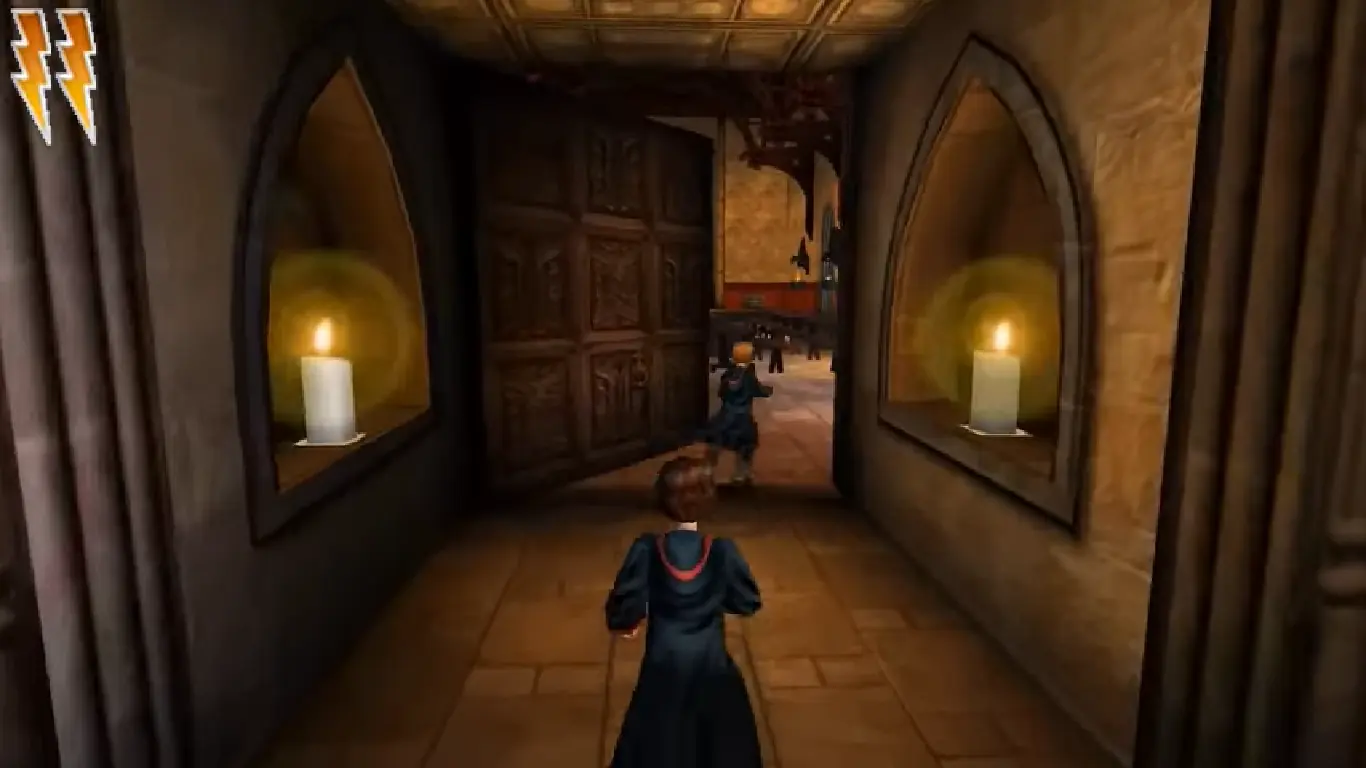







I can’t seem to find a solution even when I change the Harry Potter file ini.
I’ve no idea how to go about this.
Thanks for all that you did to make this website, though. I love it! I have already installed one long lost games that I have wanted to play again for many years now and another that I never played before. You have a great collection! 🙂
After that just follow the steps in method 2 listed above and it works perfectly!
After some messing about I have found a solution to this problem as I was having exactly the same issue,
Once you have completed the installation using the second link on this page your game will have installed and there will be two folders,
One in your documents folder under EA games, unless you changed it in the install, and one in Localdisk>Program Files (x86)> EA Games > Harry Potter and the Chamber of Secrets
It is in this second folder you’ll find a folder called system, it is in this folder where the original game.exe that you’ll need to replace with the new one from the crack folder mentioned in the original tutorial,
After that has been replaced you should be able to run the game using game.exe, I have played for an hour so far with no issues at all
Hope this helps
Once you have completed the installation using the second link on this page your game will have installed and there will be two folders,
One in your documents folder under EA games, unless you changed it in the install, and one in Localdisk>Program Files (x86)> EA Games > Harry Potter and the Chamber of Secrets
It is in this second folder you’ll find a folder called system, it is in this folder where the original game.exe that you’ll need to replace with the new one from the crack folder mentioned in the original tutorial,
After that has been replaced you should be able to run the game using game.exe, I have played for an hour so far with no issues at all
Hope this helps
The pop up says ‘can’t find file package IpDrv’. Any help would be appreciated.
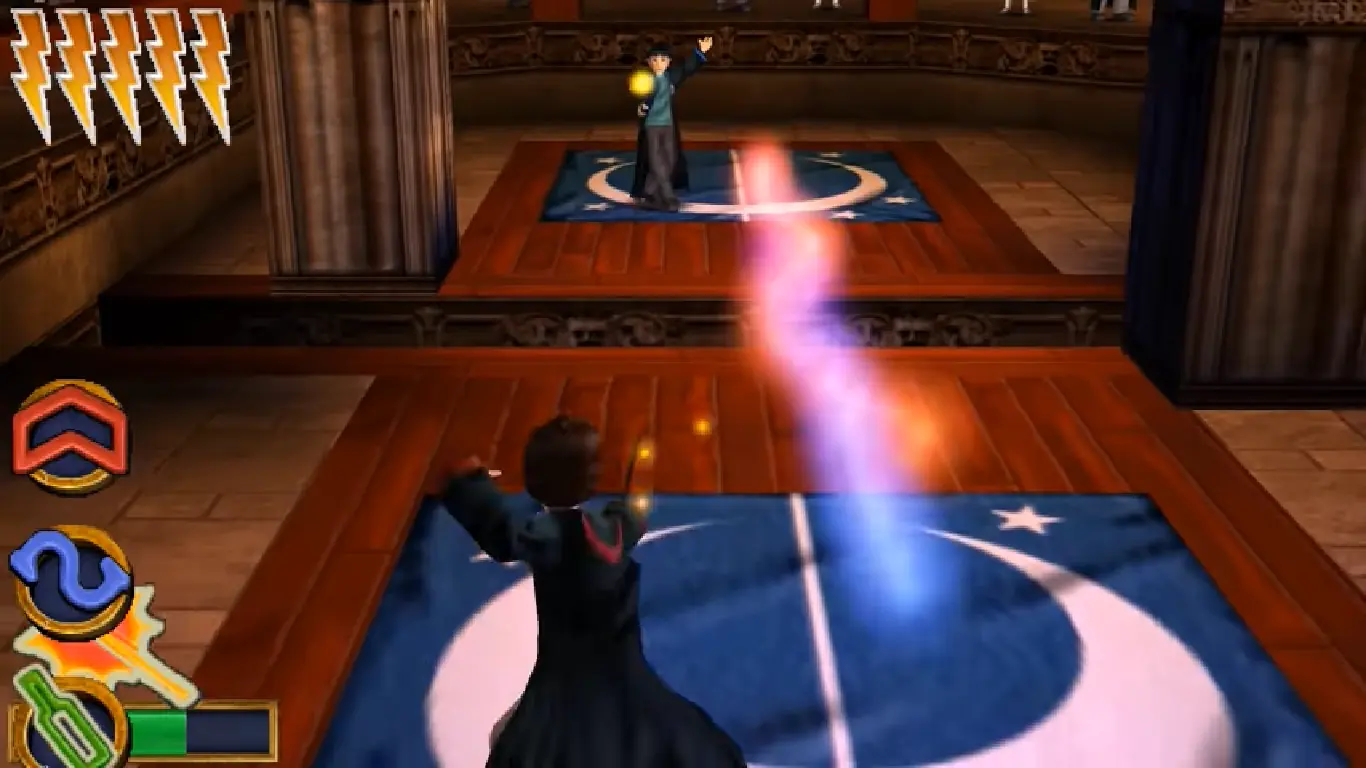
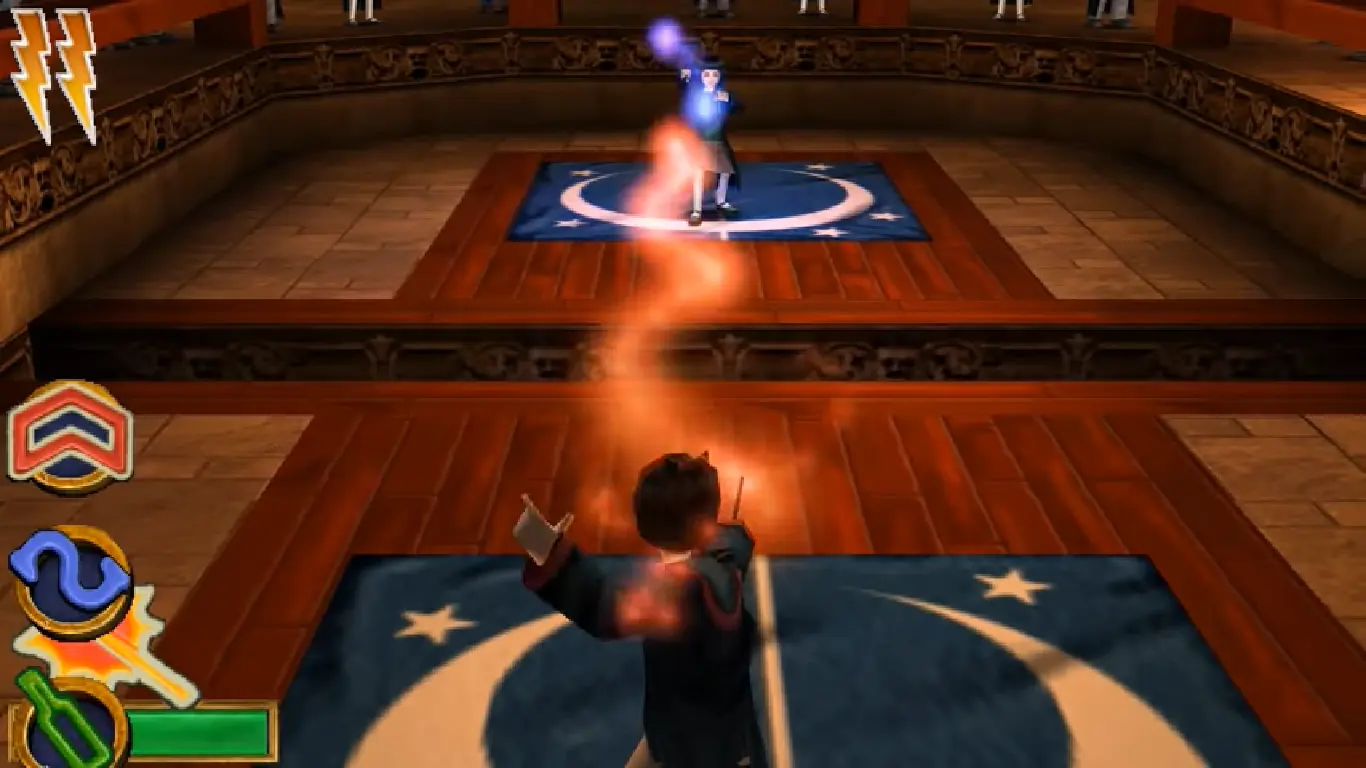
This was a staple of my childhood. Dueling was just the funnest mini game ever. I lost HOURS just refighting students over and over and building up beans.
For Potter fans, Snape is super snarky, like he has some of the funniest lines in the game. Where was this Snape in the movies and books.
This alongside Sorcerer’s Stone were the ultimate in childhood gaming.
This is easily fixable. By googling Chamber of Secrets Windows 10 will have results. Go to https://fdossena.com/?p=hp2/i.frag and downloading the patch after scrolling down. Putting the fix will have the game mostly normal. Weirdly enough, the last time I played the game I would see these flickering black textures while on the Hogwarts ground or randomly other places. Later in the game a block would be unmovable even with Flippendo and I had to resort to platforming on some bookcases to move on to a secret.
Now, when I downloaded this and after performing a wipe on my computer (long story) it seems to have sorted itself out so fine I guess on that front.
If this wasn’t what you meant, I apologize for the extremely long winded needless information. I am prone to exposition and explanations that are long winded.
But overall, no problems as long as you follow the instructions, the game should work fine with no problems.
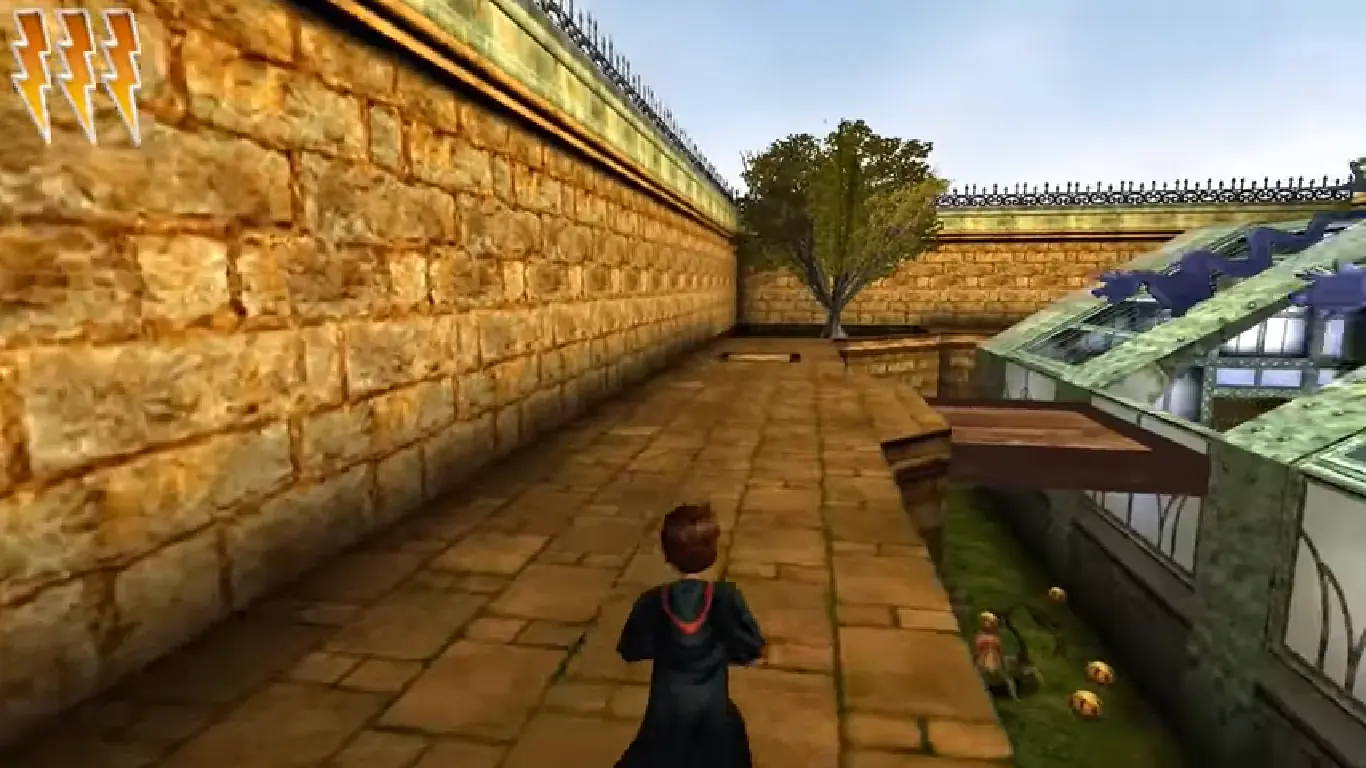
There is a minor issue I noticed in the game; Harry’s glasses and some trees would have a gray box around them. It happens if you do not use the correct comp ability settings, and do not place the game as ‘run as administrator’. If you decide to give the game a try, try your best not to press your home button on your keyboard (If you have it) it’ll either crash your game, or it’ll glitch and return to this slight graphical issues. If you happen to press your home key accidentally, you might be able to recover your screen if you react quickly to return to your game. But usually ends up breaking your game.
That’s all for now. Have fun retro-gamers!
If you’re still interested in playing the game I should have the solution for you
The file that you are looking to replace is in Localdisk>Program Files (x86)> EA Games > Harry Potter and the Chamber of Secrets>system
Once in this folder you can copy the game.exe from the crack folder and run it from there and the game should work fine
If you are still interested in playing this game, which I recommend since most of us are in lockdown currently and now is a great oppurtunity to play
The installation directory is in Localdisk>Program Files (x86)> EA Games > Harry Potter and the Chamber of Secrets>system
This is where you need to replace the game.exe file from the crack folder, once replaced run the exe and the game should run for you
as it says: “History; UGameEngine;; Init <- InitEngine