Home » Games » Harry Potter and the Chamber of Secrets

Harry Potter and the Chamber of Secrets

Harry Potter and the Chamber of Secrets Game Cover
4.6/5 - 506 votes

Be Harry Potter in a new adventure with more magic, friends, and danger. In his second year at Hogwarts School of Witchcraft and Wizardry, Harry stumbles upon a dark chapter in the school's past. Learn new spells, undertake new quests, make new friends, and challenge new adversaries as you confront the powers at the heart of the Chamber of Secrets. Do you dare take the chance that you might face the evil Lord Voldemort again?

Other Titles

Harry Potter a Tajemná KomnataHarry Potter 2Harry Potter e a Câmara SecretaHarry Potter e a Câmara dos SegredosHarry Potter en de Geheime KamerHarry Potter et la Chambre des SecretsHarry Potter i Komnata TajemnicHarry Potter ja Salaisuuksien KammioHarry Potter och Hemligheternas KammareHarry Potter og MysteriekammeretHarry Potter to Himtisu no HeyaHarry Potter und die Kammer des SchreckensHarry Potter y la Cámara SecretaГарри Поттер и Тайная комнатаהארי פוטר וחדר הסודות哈里波特与密室해리 포터와 비밀의 방Harry Potter e la Camera dei SegretiHP2Хари Потър и Стаята на тайнитеHarry Potter i Odaja tajniHarry Potter và Phòng chứa Bí mậtHarry Potter és a Titkok KamrájaHarry Potter și Camera SecretelorVideospelet Harry Potter and the Chamber of SecretsГаррі Поттер і таємна кімнатаХари Потер и Одајата на тајнитеهارى پوتير اند ث تشامبير اوف سيكريتسهری پاتر و تالار اسرارჰარი პოტერი და საიდუმლო ოთახი哈利·波特与密室

Genres
,
Publishers
Released
Download

About Harry Potter and the Chamber of Secrets

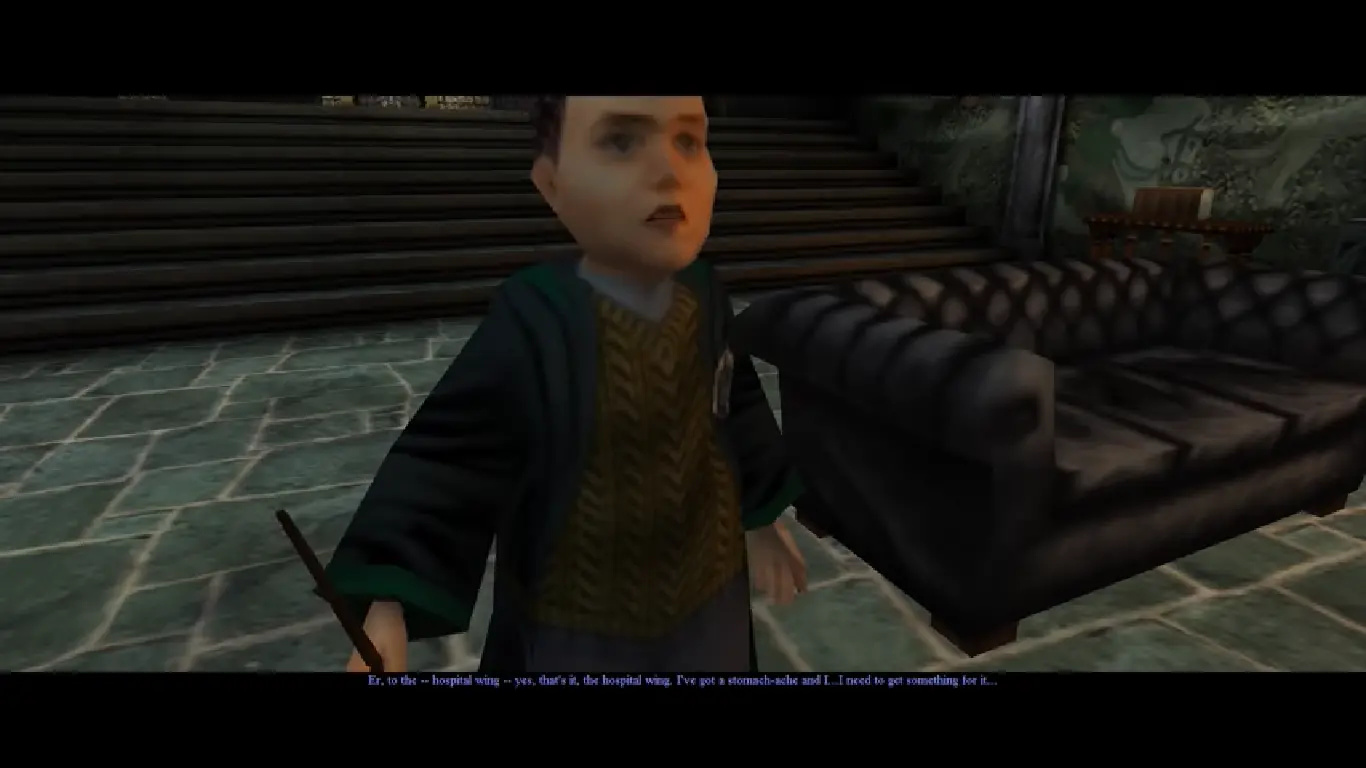
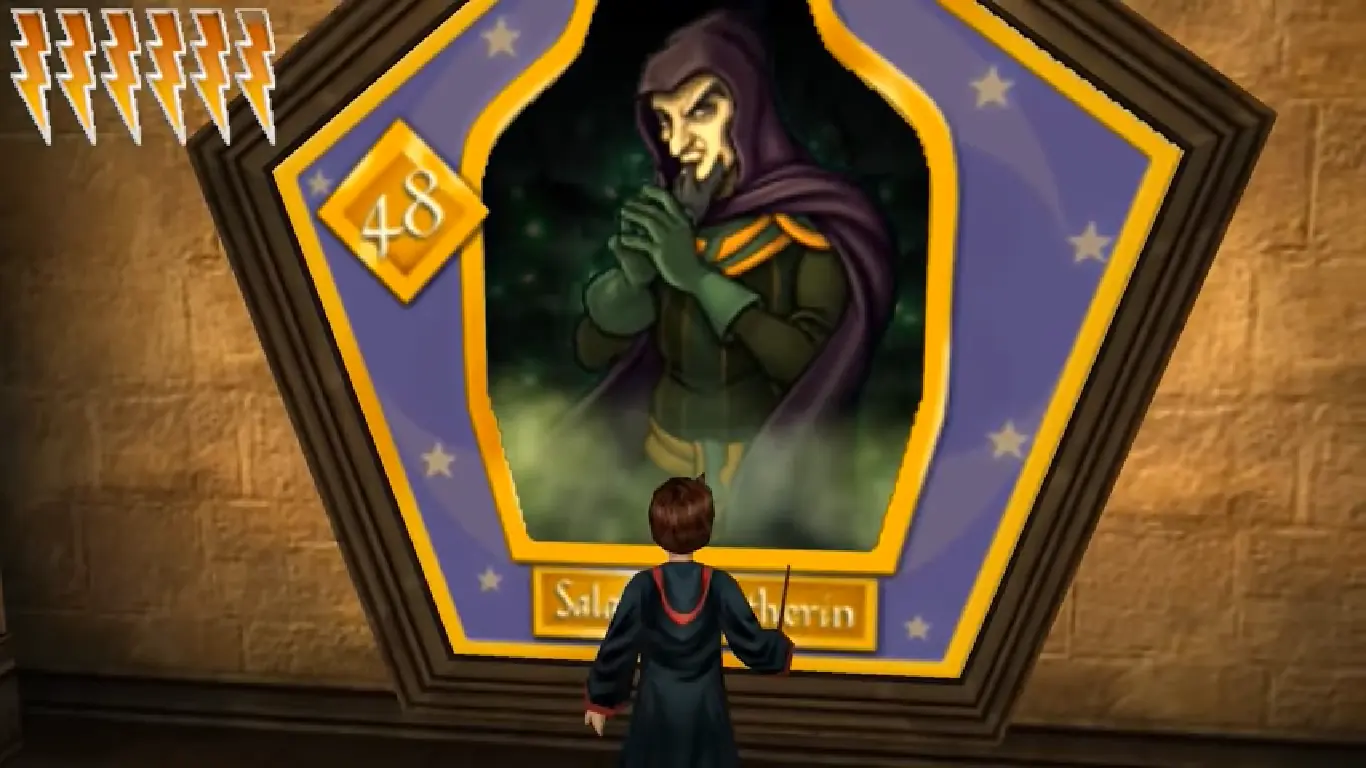
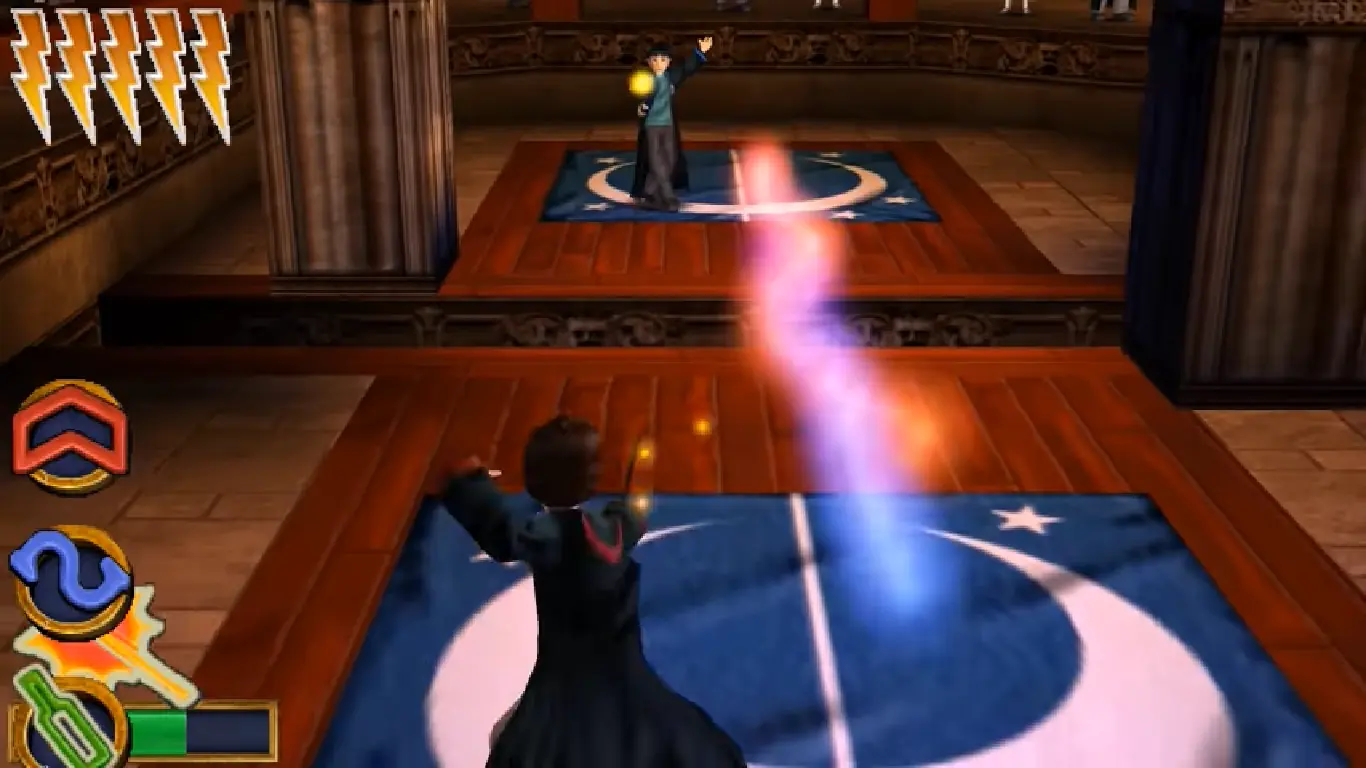
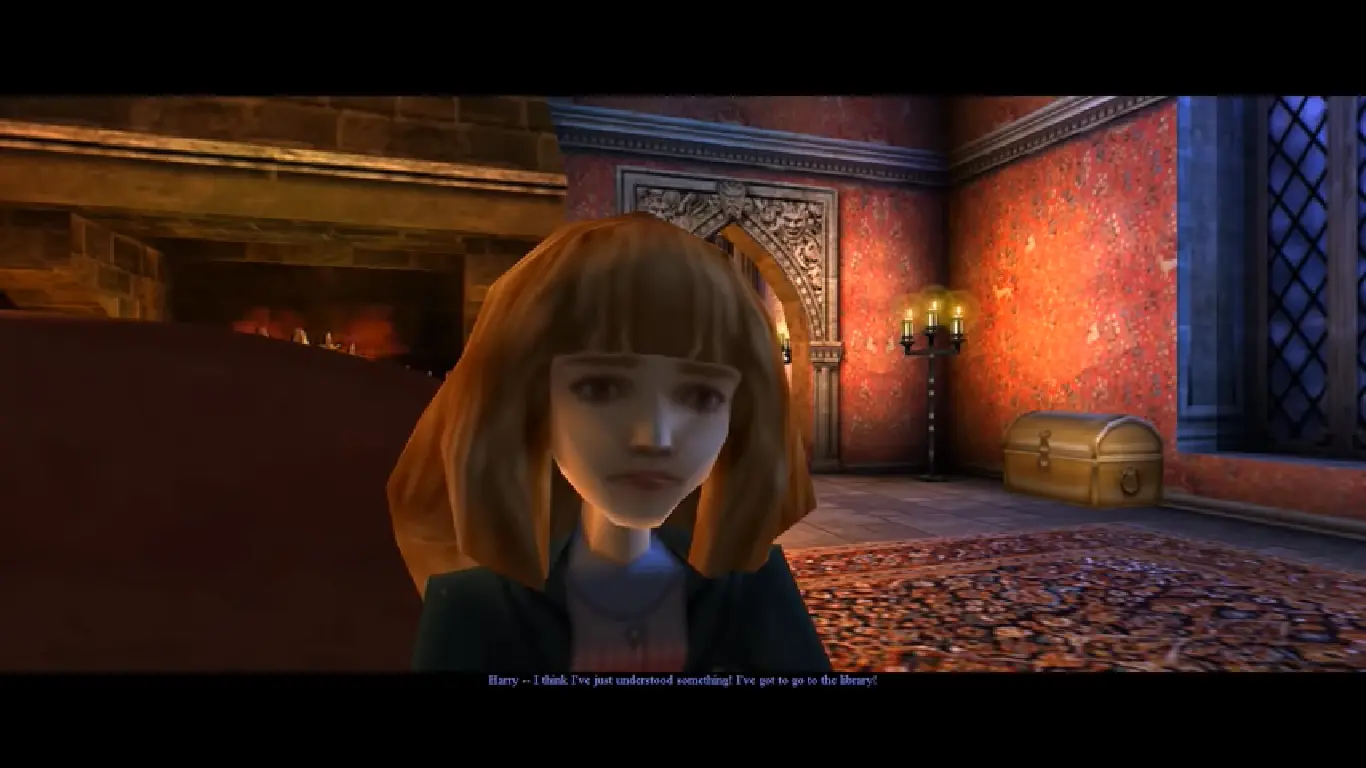
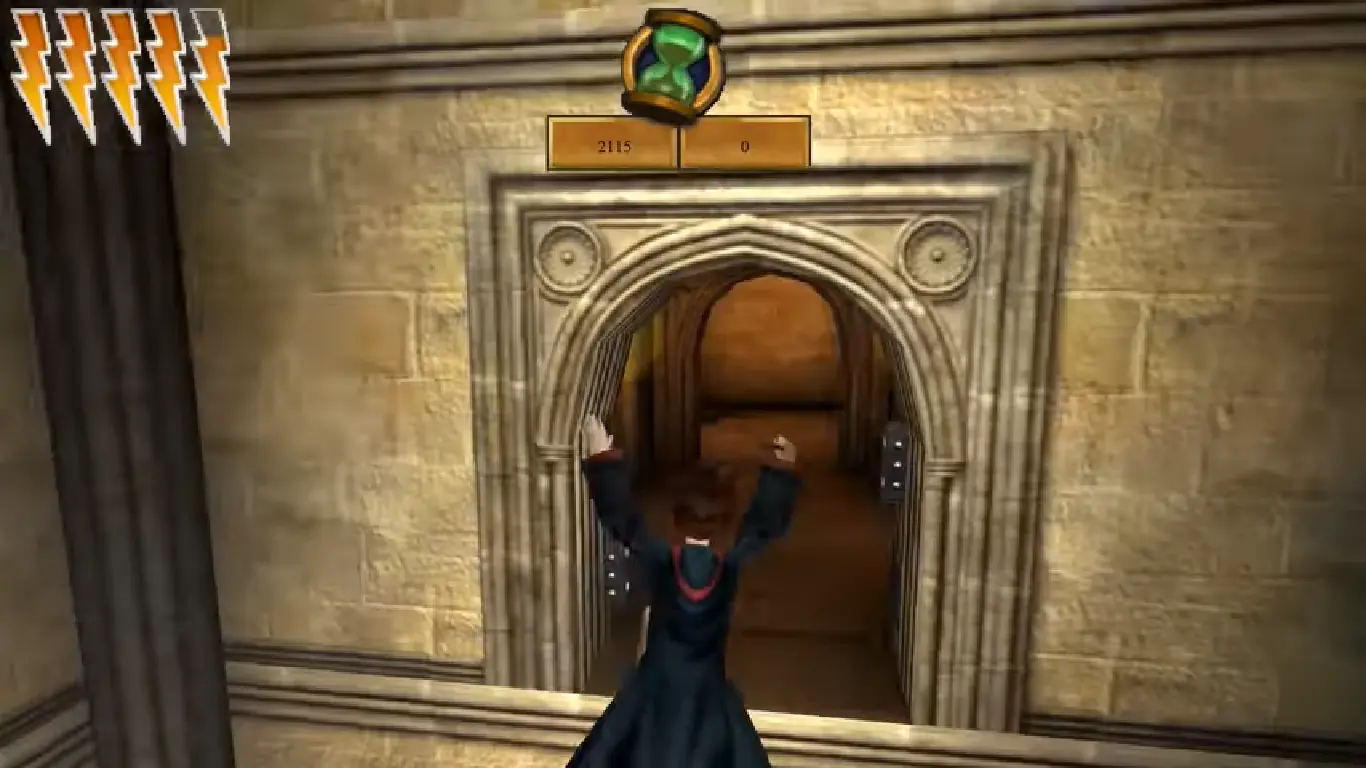
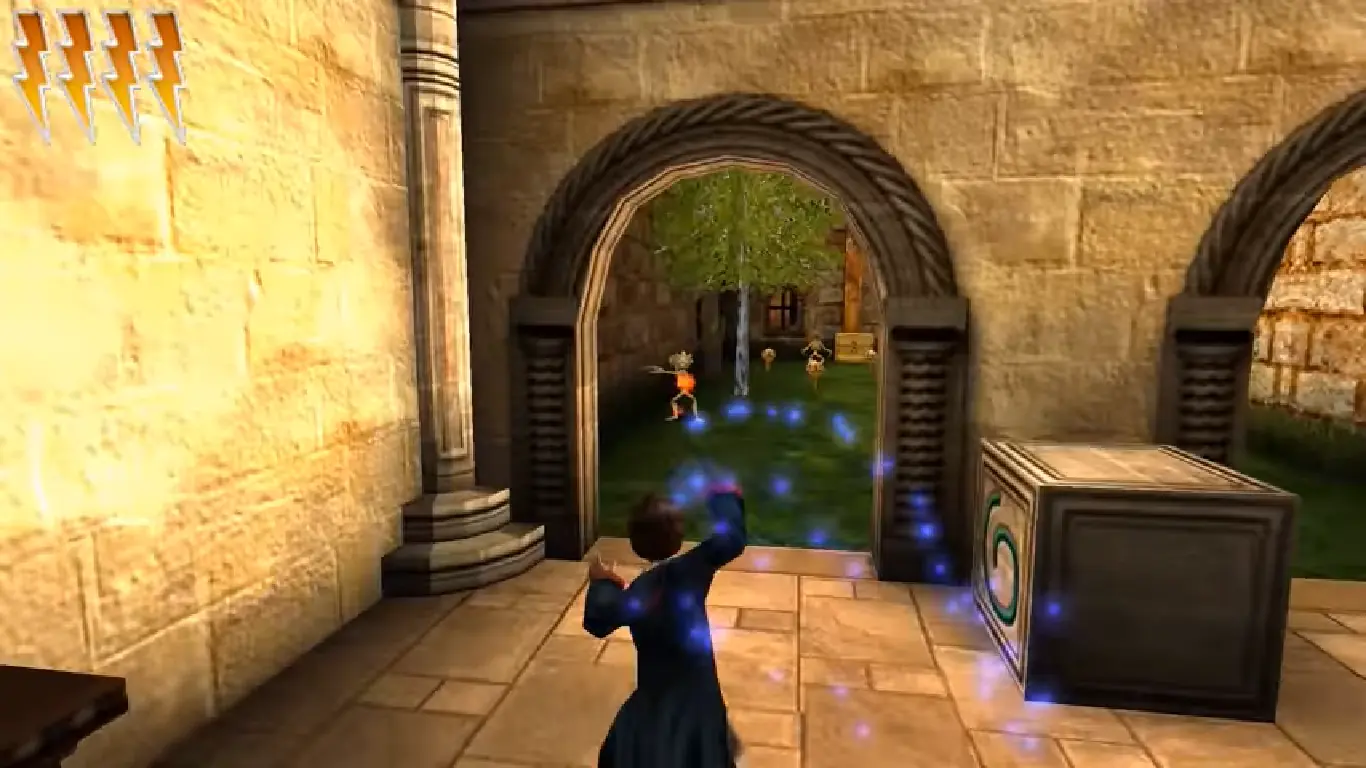
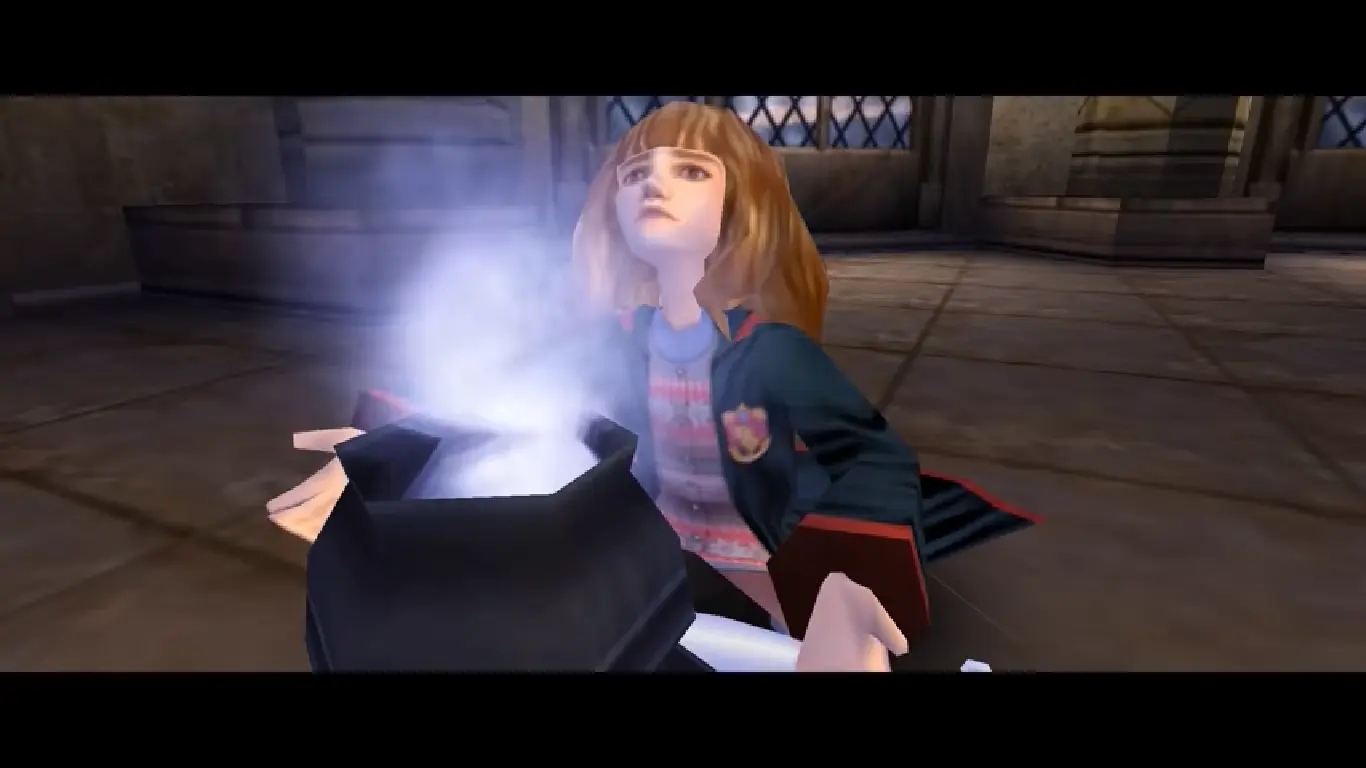
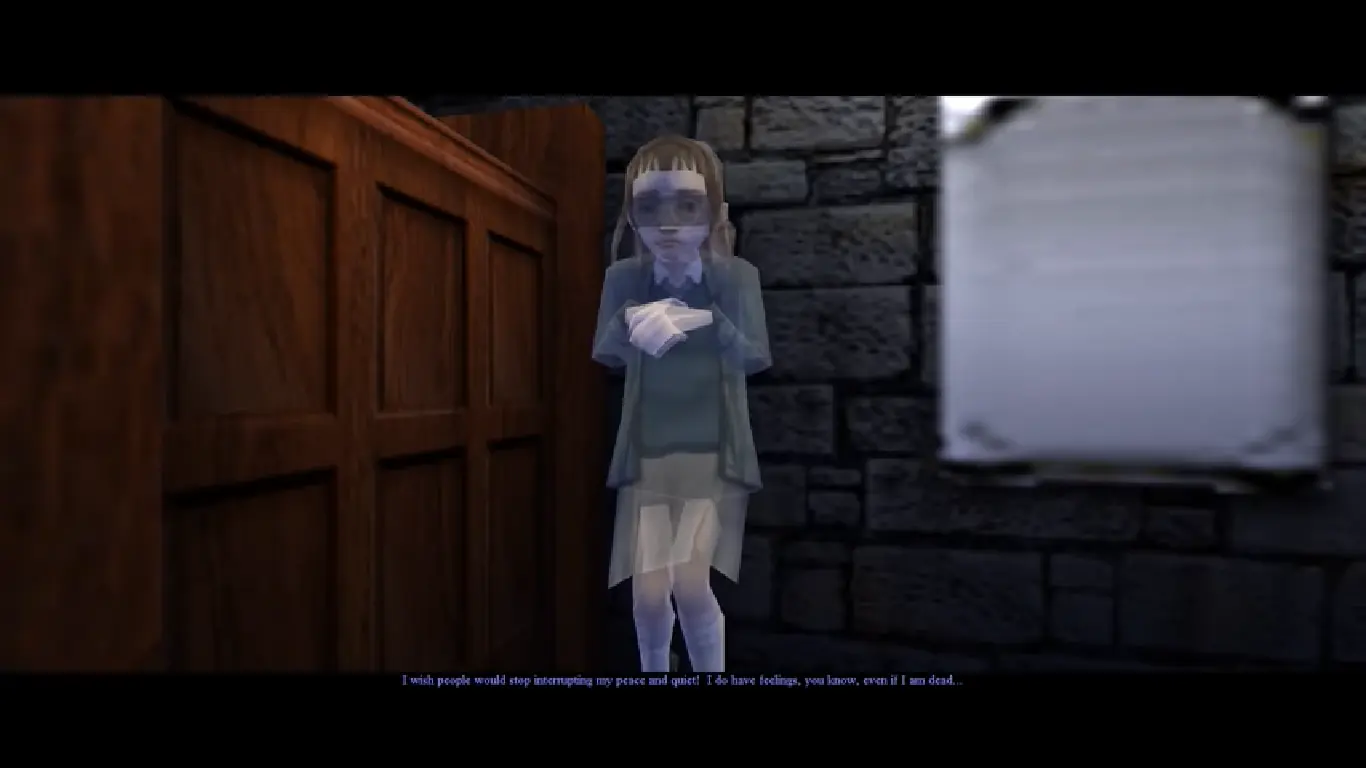
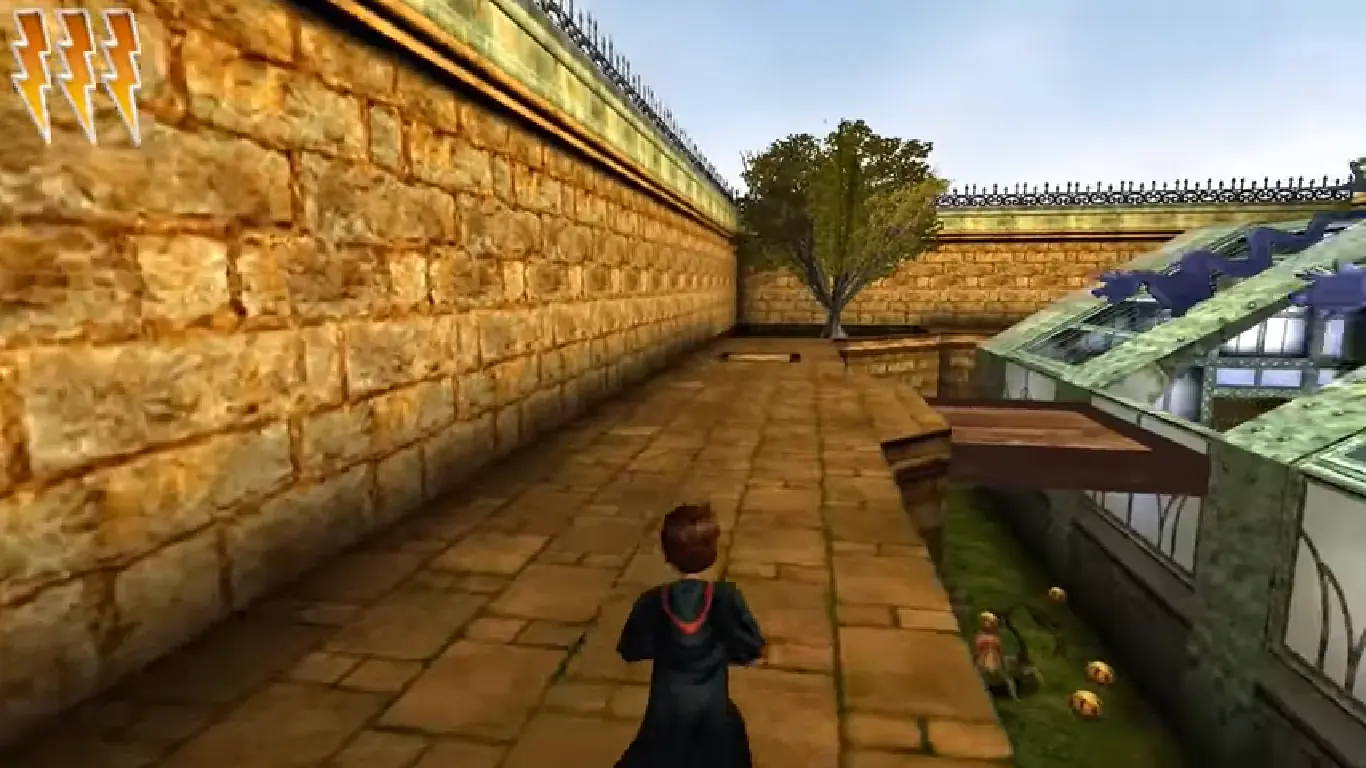
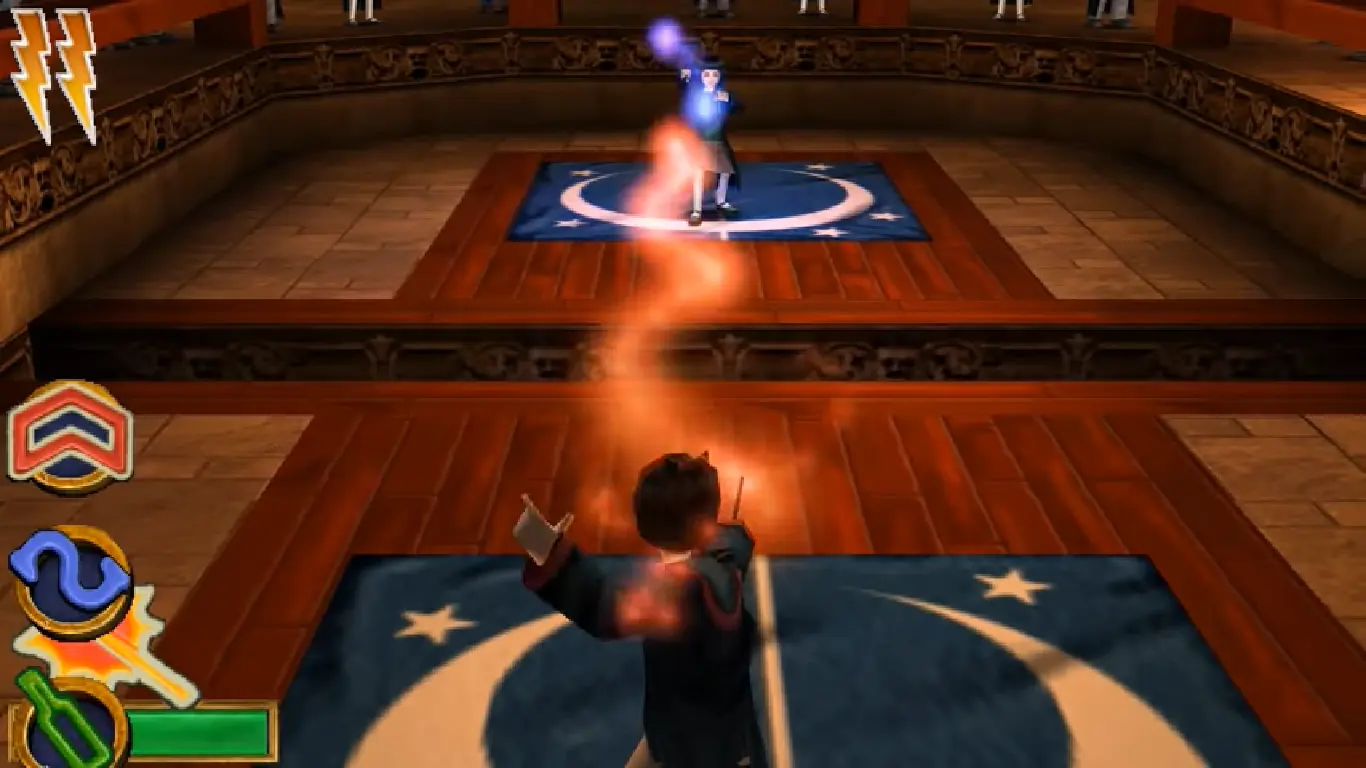
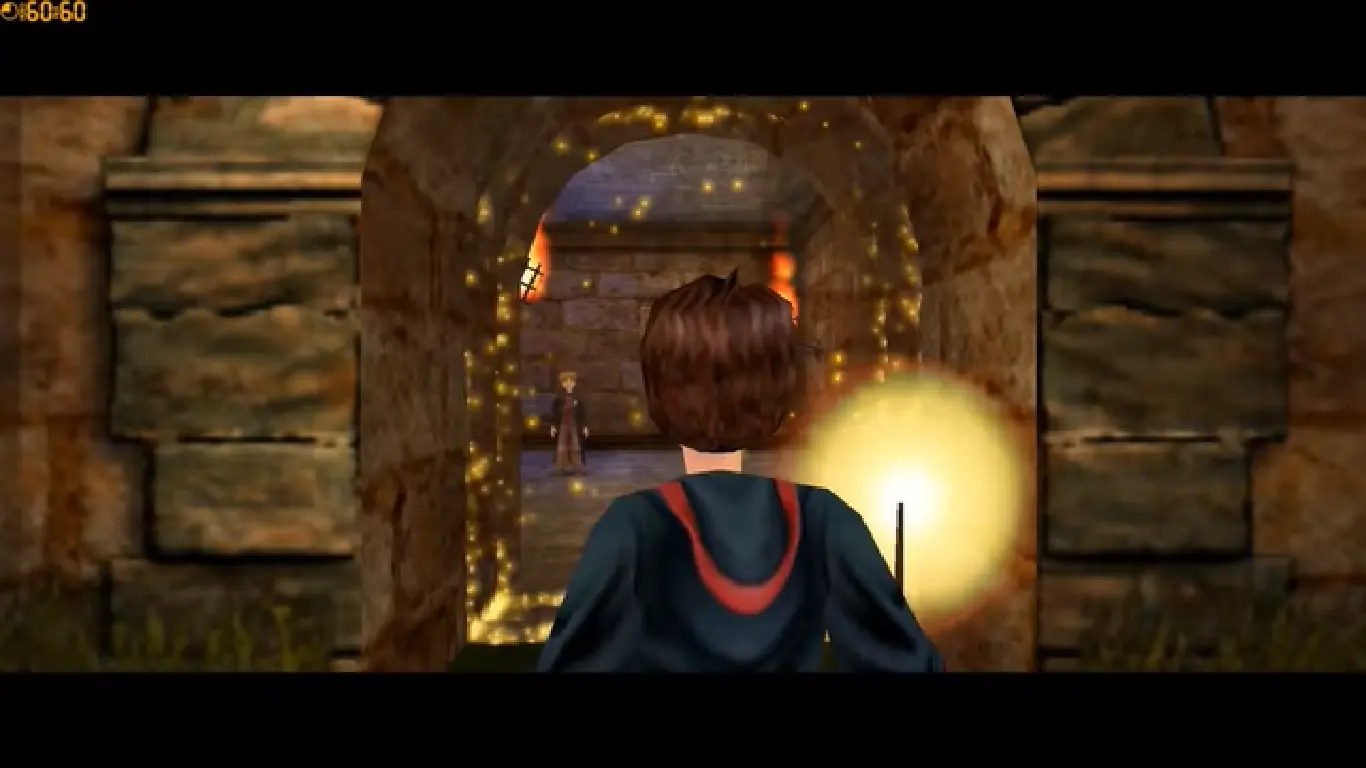
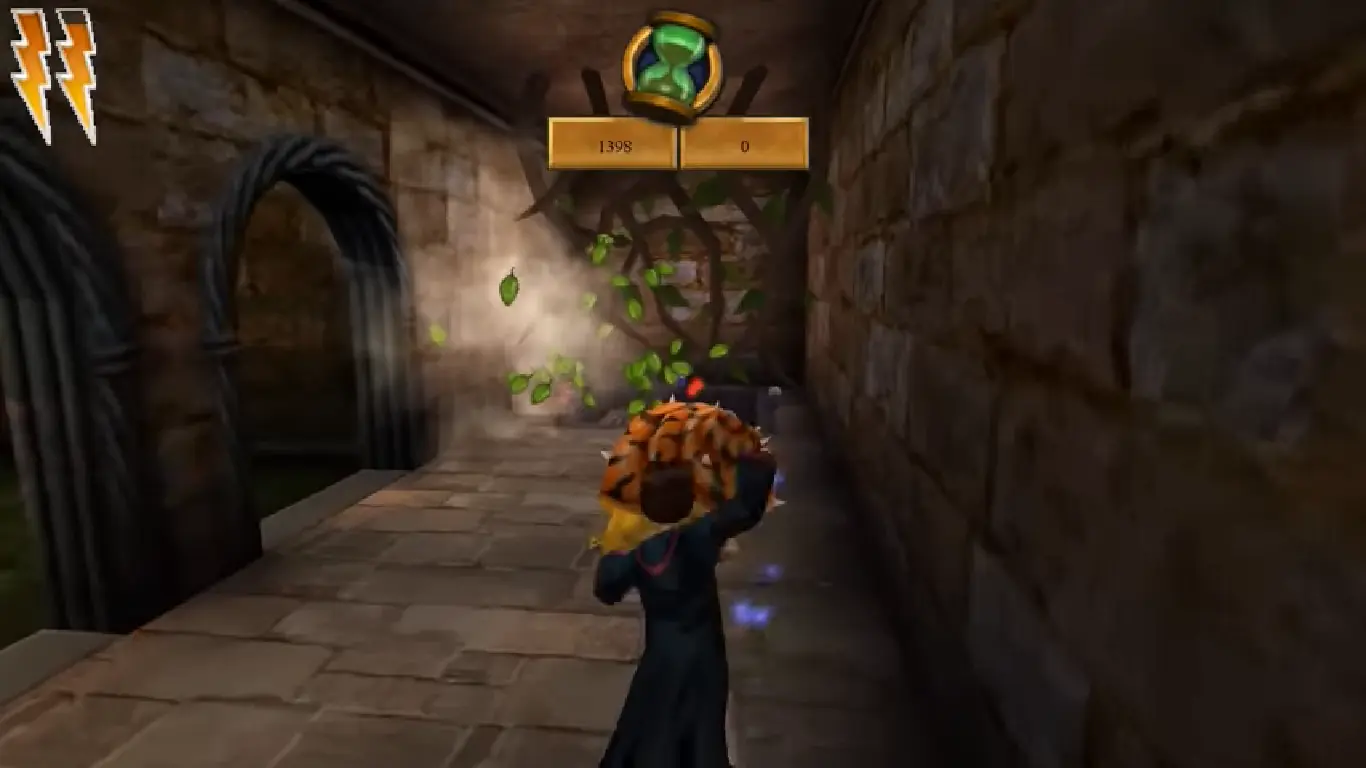
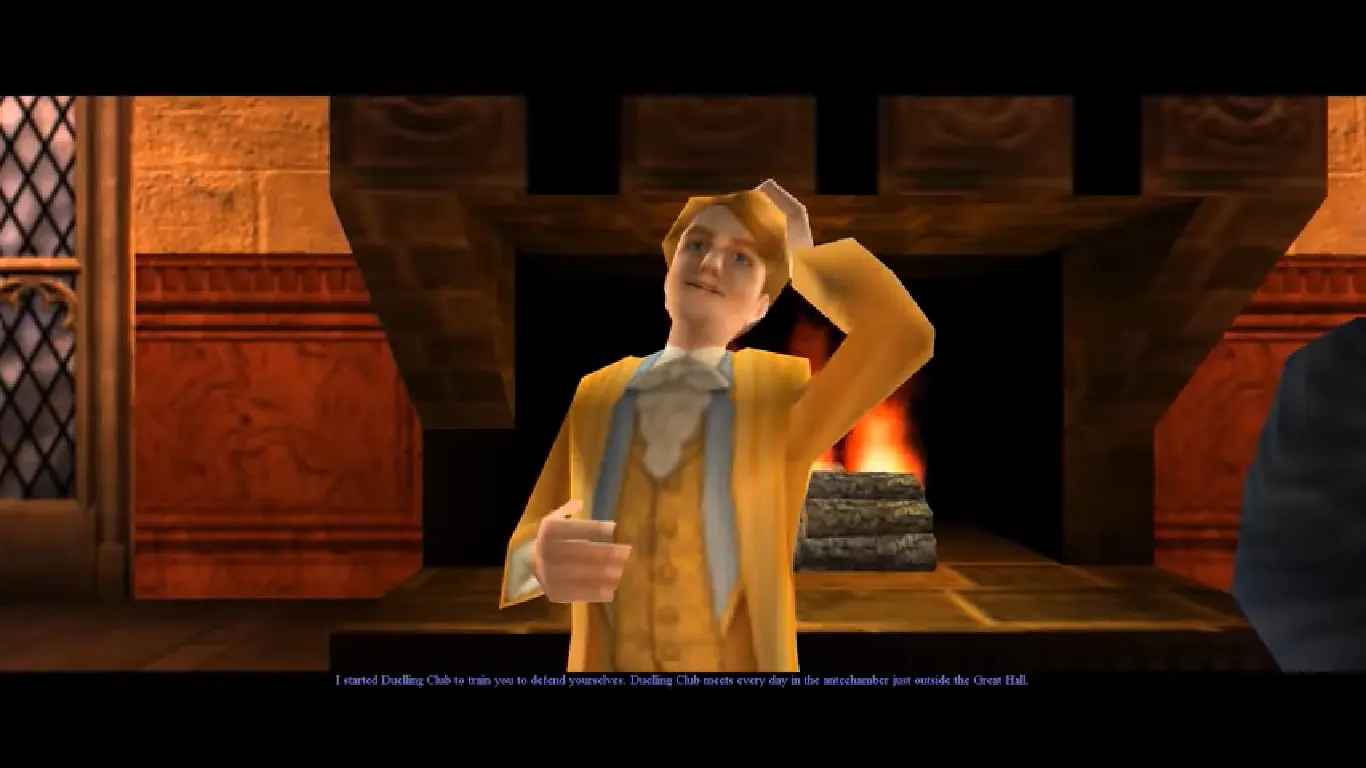
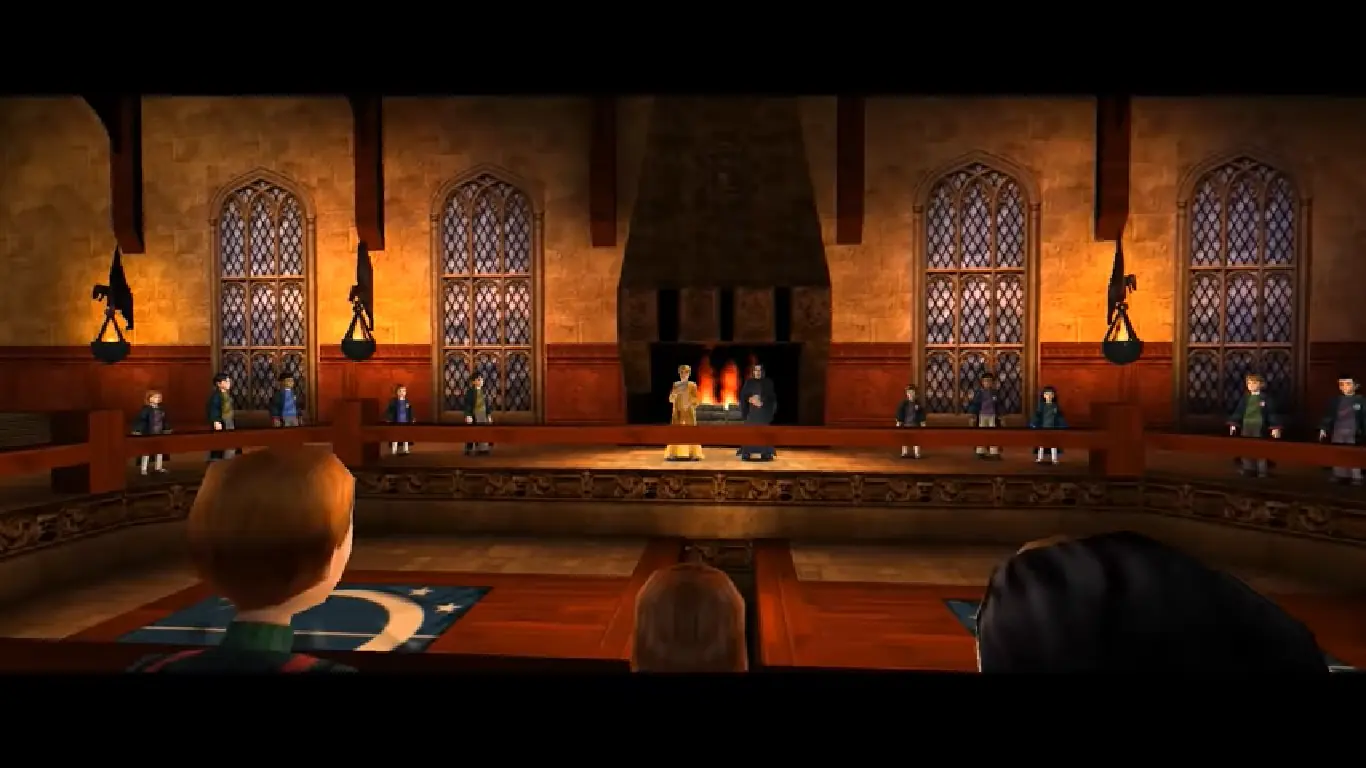
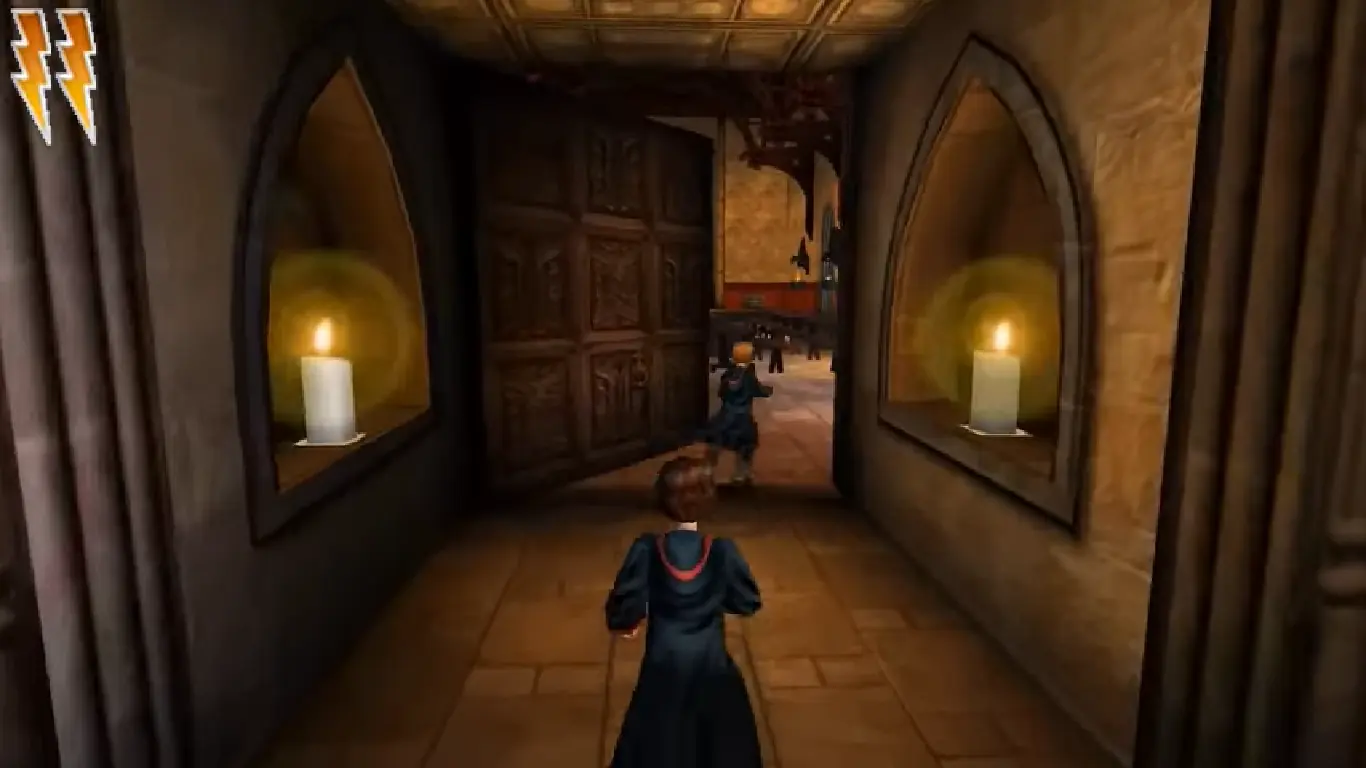
Be Harry Potter in a unique new PC adventure with more magic, friendship, and danger. Learn new spells, undertake new quests, make new friends, and challenge new adversaries as you confront the powers at the heart of the Chamber of Secrets. Do you dare face You-Know-Who again? Explore rich environments from the colorful Burrow to the dark reaches of the Forbidden Forest. Master new spells including Expeliarmus, Diffendo, and Skurge. Overcome dangerous foes from Aragog to the Basilisk. Take flight to play improved Quidditch. Interact with new characters from J. K. Rowling's world, including Dobby, Lockhart, and Ginny Weasley.

Screenshots

Windows

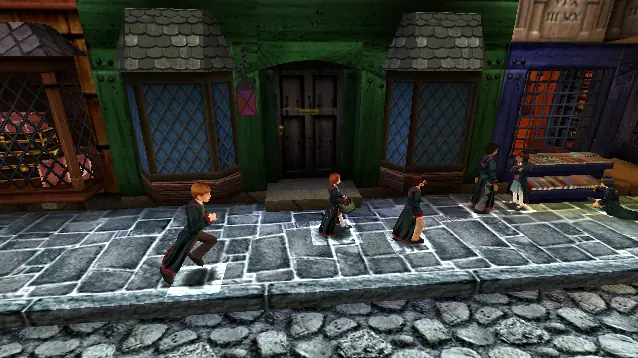
Harry Potter and the Chamber of Secrets — Windows screenshot 1Harry Potter and the Chamber of Secrets — Windows screenshot 2Harry Potter and the Chamber of Secrets — Windows screenshot 3Harry Potter and the Chamber of Secrets — Windows screenshot 4Harry Potter and the Chamber of Secrets — Windows screenshot 5Harry Potter and the Chamber of Secrets — Windows screenshot 6Harry Potter and the Chamber of Secrets — Windows screenshot 7Harry Potter and the Chamber of Secrets — Windows screenshot 8Harry Potter and the Chamber of Secrets — Windows screenshot 9Harry Potter and the Chamber of Secrets — Windows screenshot 10Harry Potter and the Chamber of Secrets — Windows screenshot 11Harry Potter and the Chamber of Secrets — Windows screenshot 12Harry Potter and the Chamber of Secrets — Windows screenshot 13Harry Potter and the Chamber of Secrets — Windows screenshot 14Harry Potter and the Chamber of Secrets — Windows screenshot 15Harry Potter and the Chamber of Secrets — Windows screenshot 16Harry Potter and the Chamber of Secrets — Windows screenshot 17Harry Potter and the Chamber of Secrets — Windows screenshot 18Harry Potter and the Chamber of Secrets — Windows screenshot 19Harry Potter and the Chamber of Secrets — Windows screenshot 20

Download Harry Potter and the Chamber of Secrets

Harry Potter and the Chamber of Secrets is abandonware and no longer sold or supported by its publishers. Files are archived here for these platforms:

PlayStation (2002)

Tutorial: How to play PlayStation games on Windows

PlayStation 2 (2002)

Tutorial: How to play PlayStation 2 games on Windows

Windows (2002)

  • Harry_Potter_and_the_Chamber_of_Secrets_MagiPack_Repack_Win_Setup_EN.zipEN282.13 MB
  • Harry_Potter_and_the_Chamber_of_Secrets_Win_Setup_EN.7zEN491.03 MB
  • Instructions Harry_Potter_and_the_Chamber_of_Secrets_Win_Setup_EN.7z

    How to play on Windows - Method 2

    1. Download the file called Harry_Potter_and_the_Chamber_of_Secrets_Win_Setup_EN.7z (870.5MB) and extract the folder inside
    2. Double click on Autorun.exe to launch the game setup. When asked for a serial key, use
      1500 8368512 6523563 7055
    3. Follow the on-screen instructions and finish installing the game
    4. Open the folder called "crack" and copy the "game.exe" file. Go into the installation directory and paste "game.exe" - it should ask you to replace the files which already exist. Select yes.
    5. Double click on "game.exe" and Harry Potter and the Chamber of Secrets should launch.

Other resources

Comments

227 thoughts on “Harry Potter and the Chamber of Secrets”

  1. 0
    Can anyone help? I get thee game running sound is fine, but graphics is all over the place. cant play at all. Anything I can do? REALLY wanna play it. one of my favourite childhood games!
    Reply
  2. 0
    Could anybody help me out? I have recently switched from Macbook to windows and am still figuring this out. I have the extractor, but with the first method I can’t find the .exe file and with the second metod I get an error for the autorun.exe file. Anybody know what’s up?
    Reply
  3. 0
    every time I cast a spell, the game lags miserably to the point where the games is unplayable. Does anybody have any kind of solution for this? I have no problem tanking the graphics even more. I just want it to run smoothly
    Reply
  4. 0
    I’m having the same Quit button problem as a few other users – how do I go about changing the screen resolution in wine to fix it?
    Reply
  5. 0
    HI i was wondering if anyone could help. does anyone have tips for installing with wine on a mac. I got the the point of installing the game then opened it but i got a message reading : “unable to locate required file or required file is corrupted” I couldnt work out where to put the crack file, could this be why?
    Thanks
    Reply
  6. 0
    hi so i recently installed the game and it worked until i enterd Hogwarts for the first time it wild go though the loading screen then it would just go to a black screen with the health bar i don’t know what can anyone help?
    Reply
    • 0
      I see you use macOS. I got it working using wine-stable 5.0 and setting the screen resolution down to 1024×640 in Preferences > Monitor > Scaling. The start menu looks wonky, but the game works fine! Hope that helps 🙂
      Reply
  7. 0
    Thank you so much, we had to use the second method, but it worked perfectly from then on. Definitely worth it for the nostalgic feelings
    Reply

Similar games