Home » Games » Harry Potter and the Chamber of Secrets

Harry Potter and the Chamber of Secrets

Harry Potter and the Chamber of Secrets Game Cover
4.6/5 - 506 votes

Be Harry Potter in a new adventure with more magic, friends, and danger. In his second year at Hogwarts School of Witchcraft and Wizardry, Harry stumbles upon a dark chapter in the school's past. Learn new spells, undertake new quests, make new friends, and challenge new adversaries as you confront the powers at the heart of the Chamber of Secrets. Do you dare take the chance that you might face the evil Lord Voldemort again?

Other Titles

Harry Potter a Tajemná KomnataHarry Potter 2Harry Potter e a Câmara SecretaHarry Potter e a Câmara dos SegredosHarry Potter en de Geheime KamerHarry Potter et la Chambre des SecretsHarry Potter i Komnata TajemnicHarry Potter ja Salaisuuksien KammioHarry Potter och Hemligheternas KammareHarry Potter og MysteriekammeretHarry Potter to Himtisu no HeyaHarry Potter und die Kammer des SchreckensHarry Potter y la Cámara SecretaГарри Поттер и Тайная комнатаהארי פוטר וחדר הסודות哈里波特与密室해리 포터와 비밀의 방Harry Potter e la Camera dei SegretiHP2Хари Потър и Стаята на тайнитеHarry Potter i Odaja tajniHarry Potter và Phòng chứa Bí mậtHarry Potter és a Titkok KamrájaHarry Potter și Camera SecretelorVideospelet Harry Potter and the Chamber of SecretsГаррі Поттер і таємна кімнатаХари Потер и Одајата на тајнитеهارى پوتير اند ث تشامبير اوف سيكريتسهری پاتر و تالار اسرارჰარი პოტერი და საიდუმლო ოთახი哈利·波特与密室

Genres
,
Publishers
Released
Download

About Harry Potter and the Chamber of Secrets

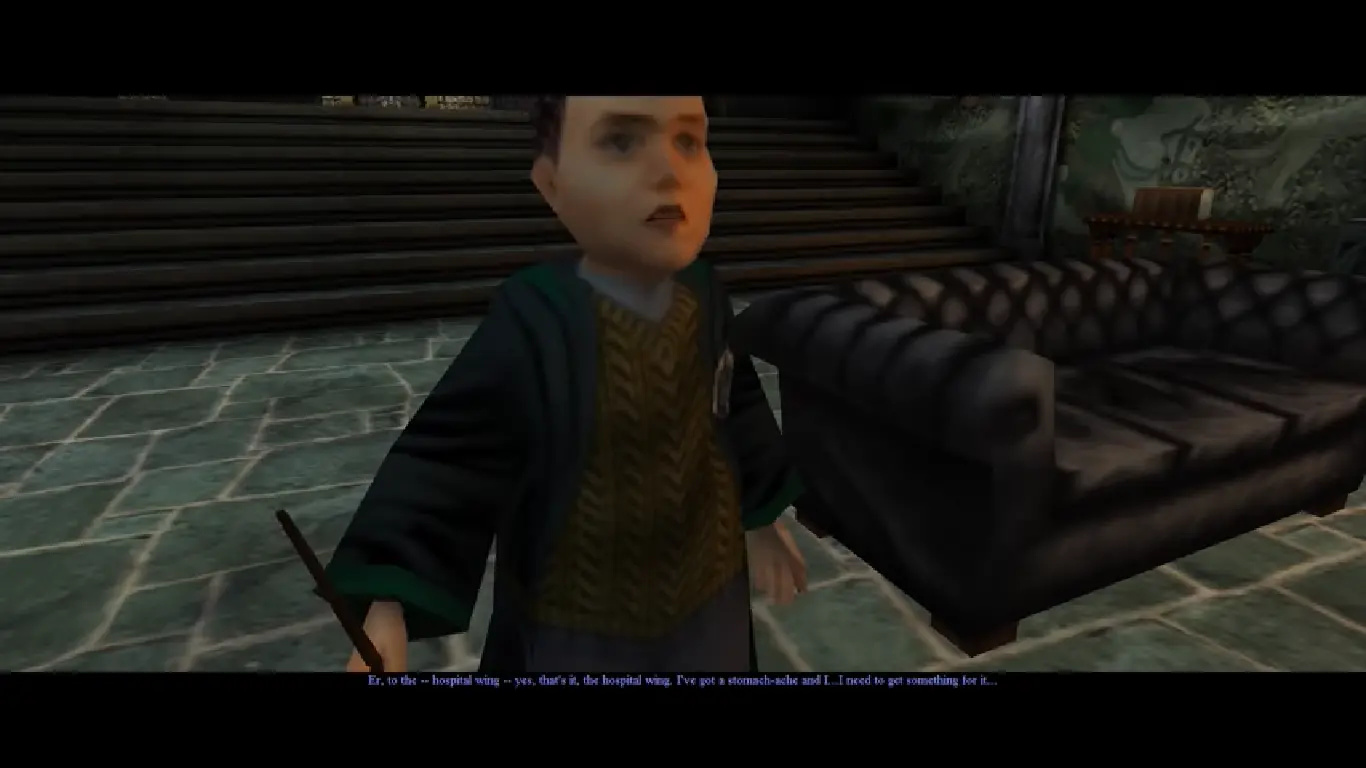
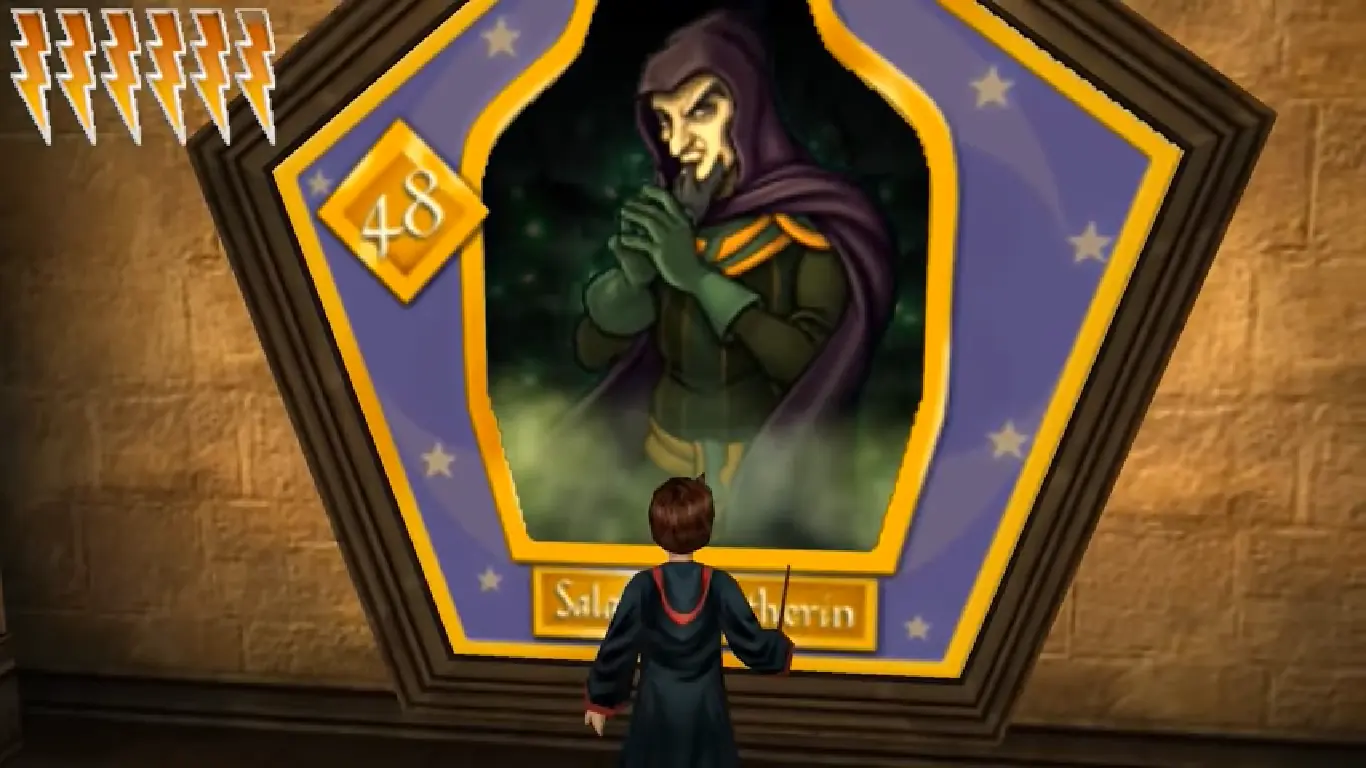
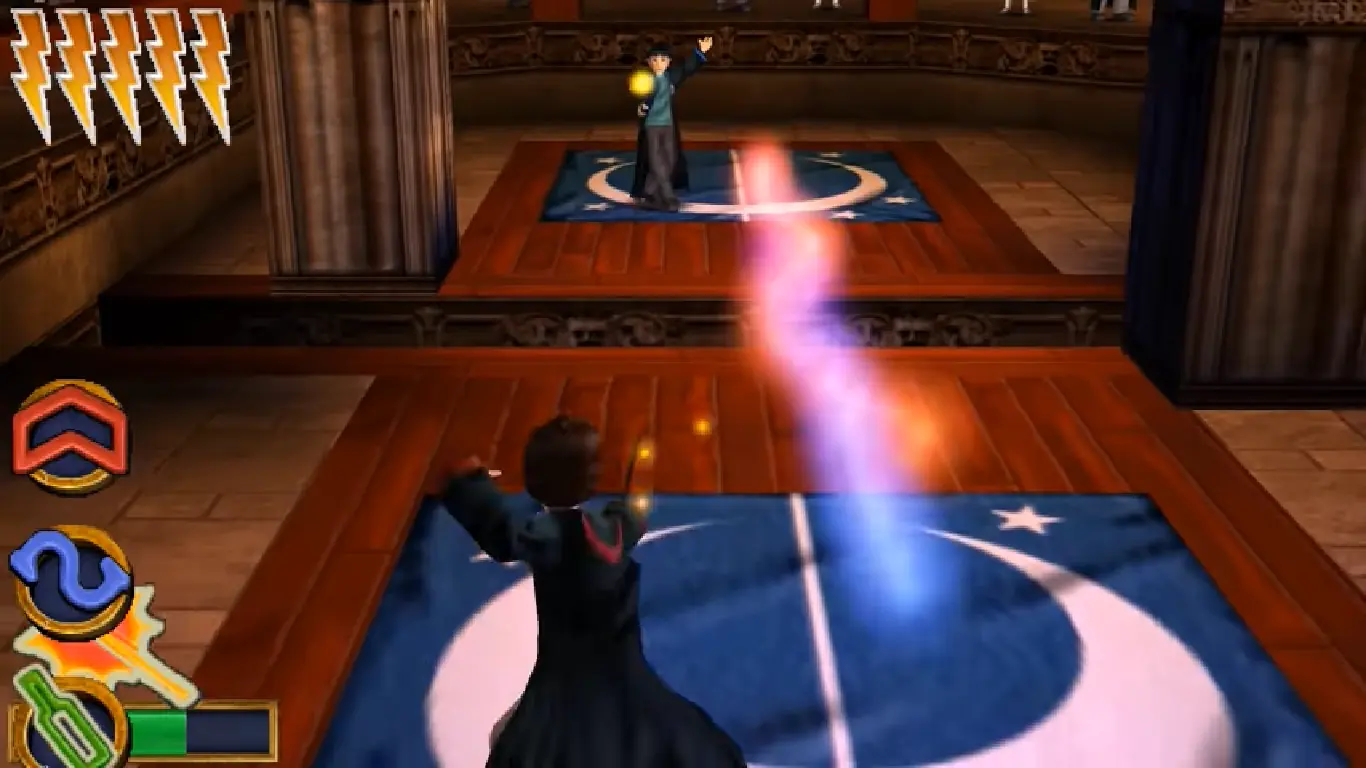
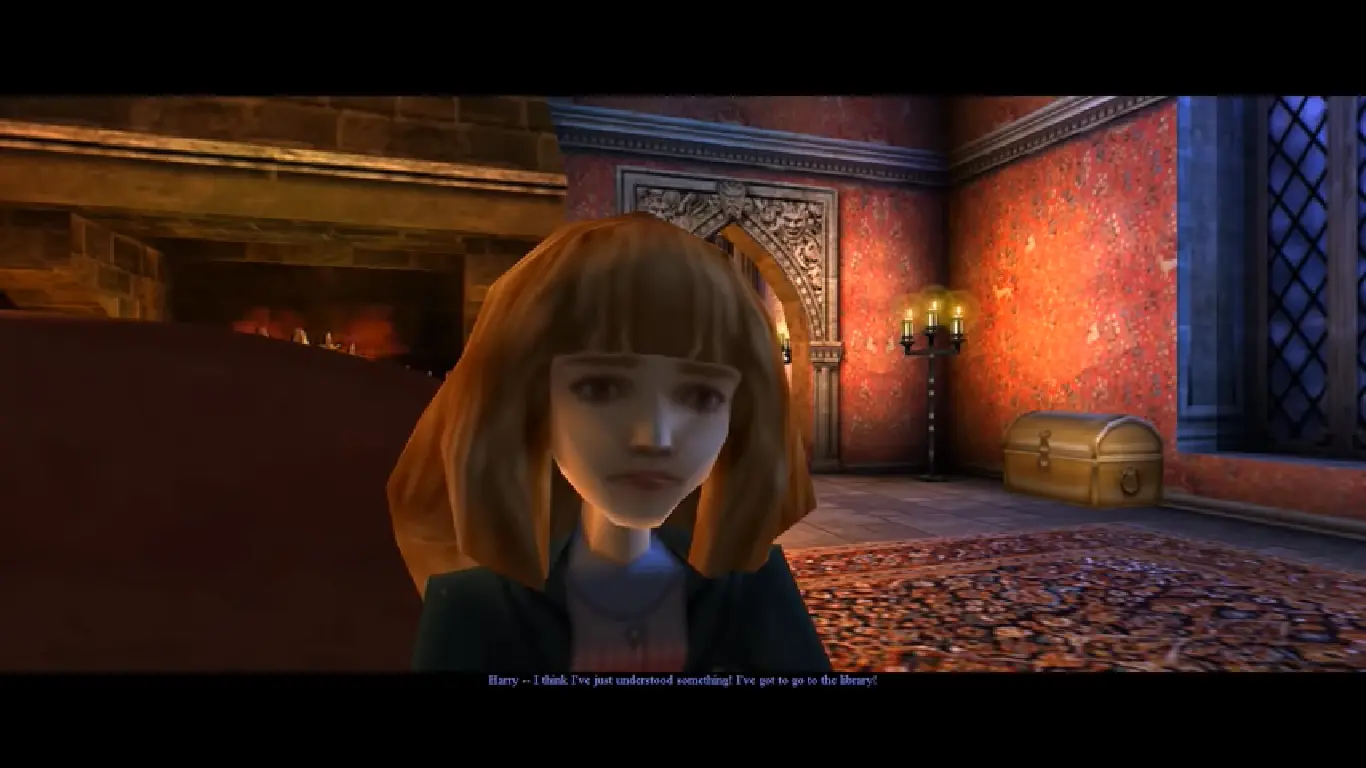
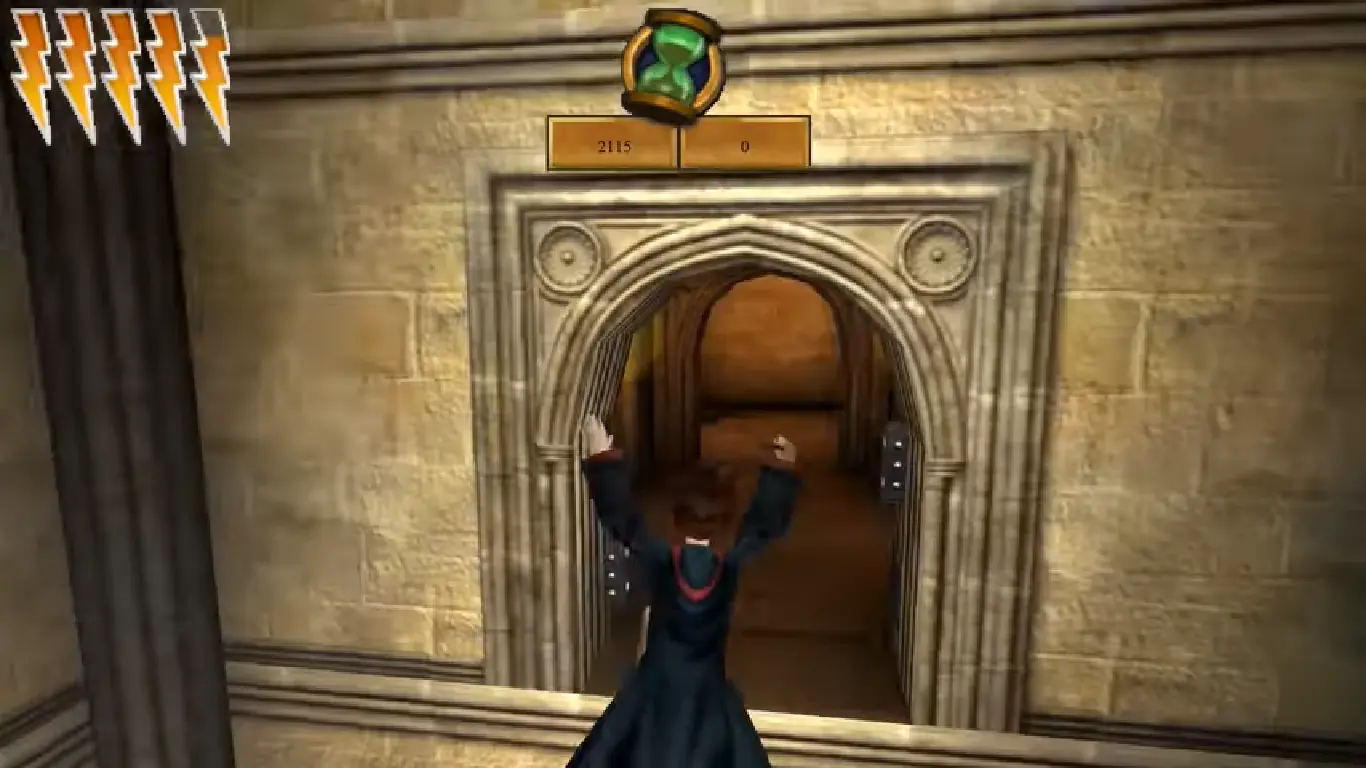
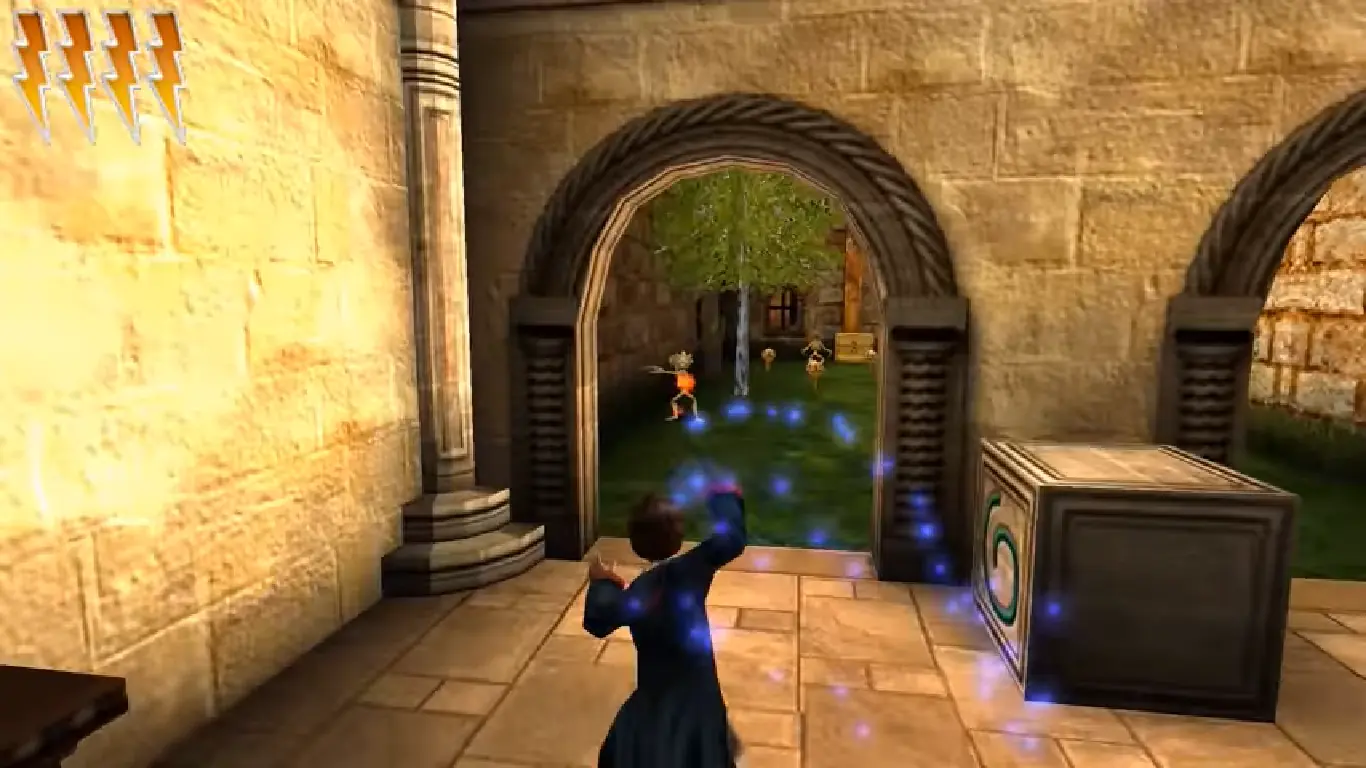
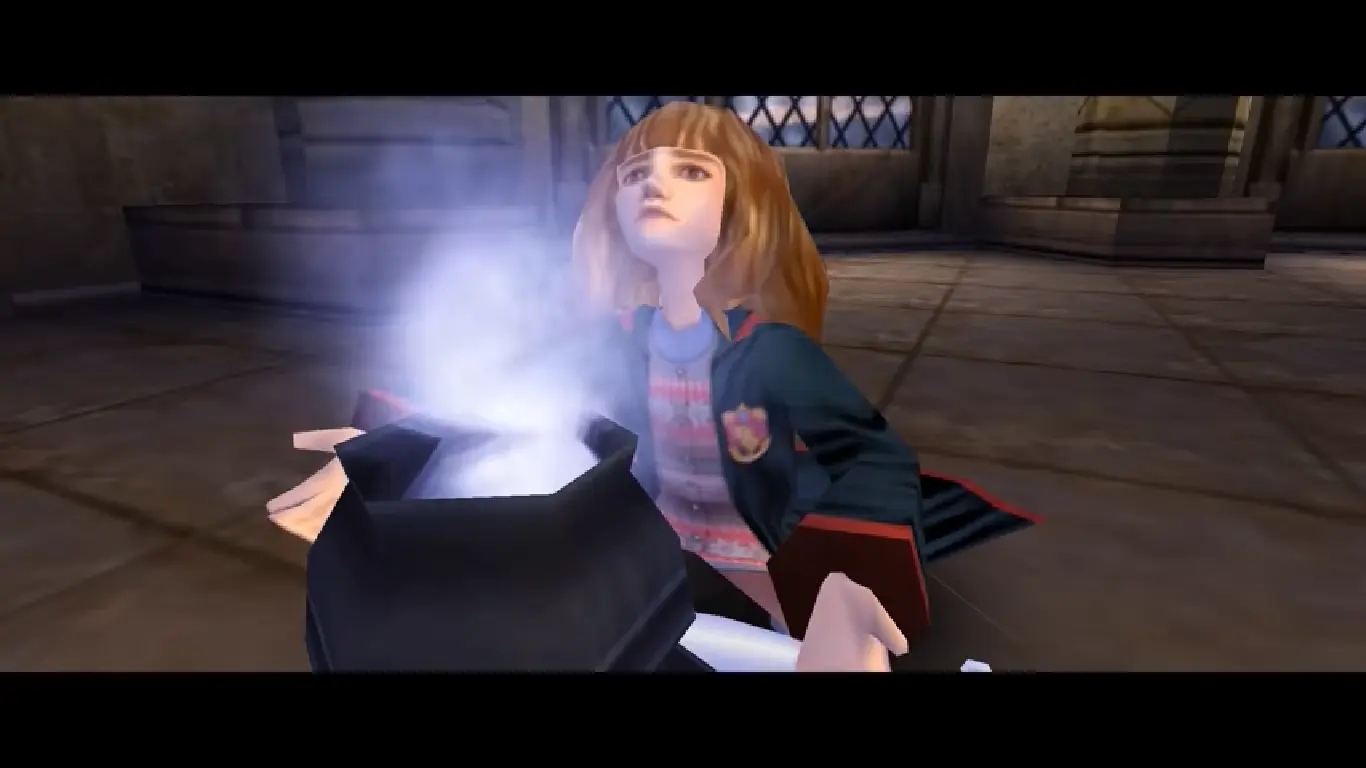
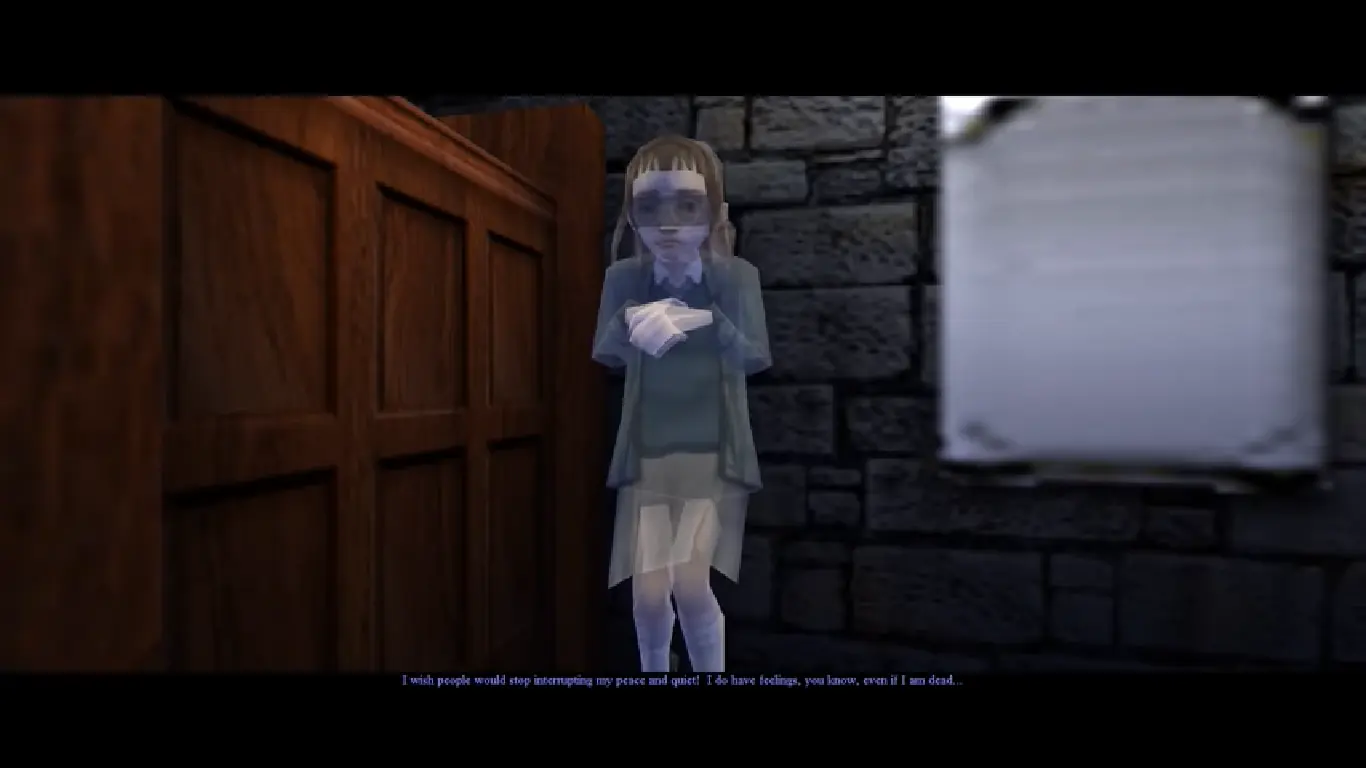
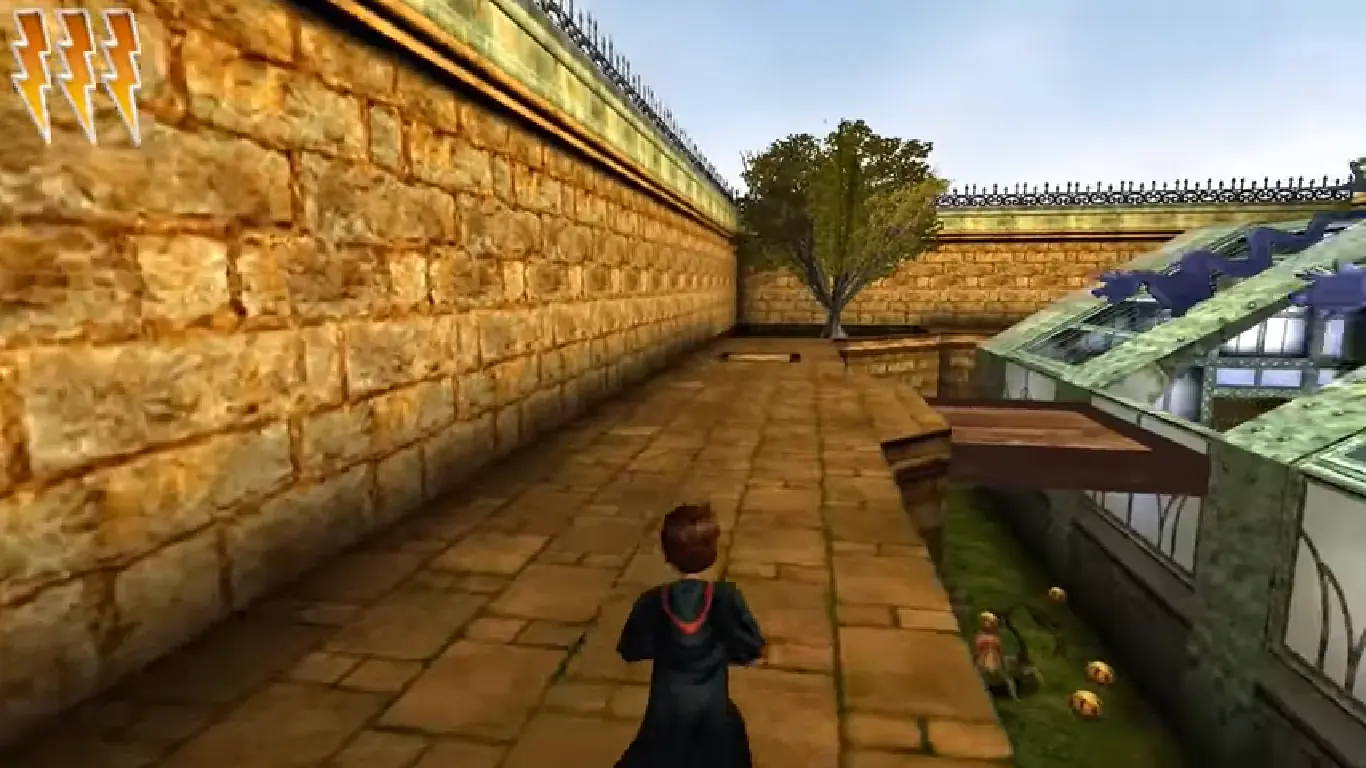
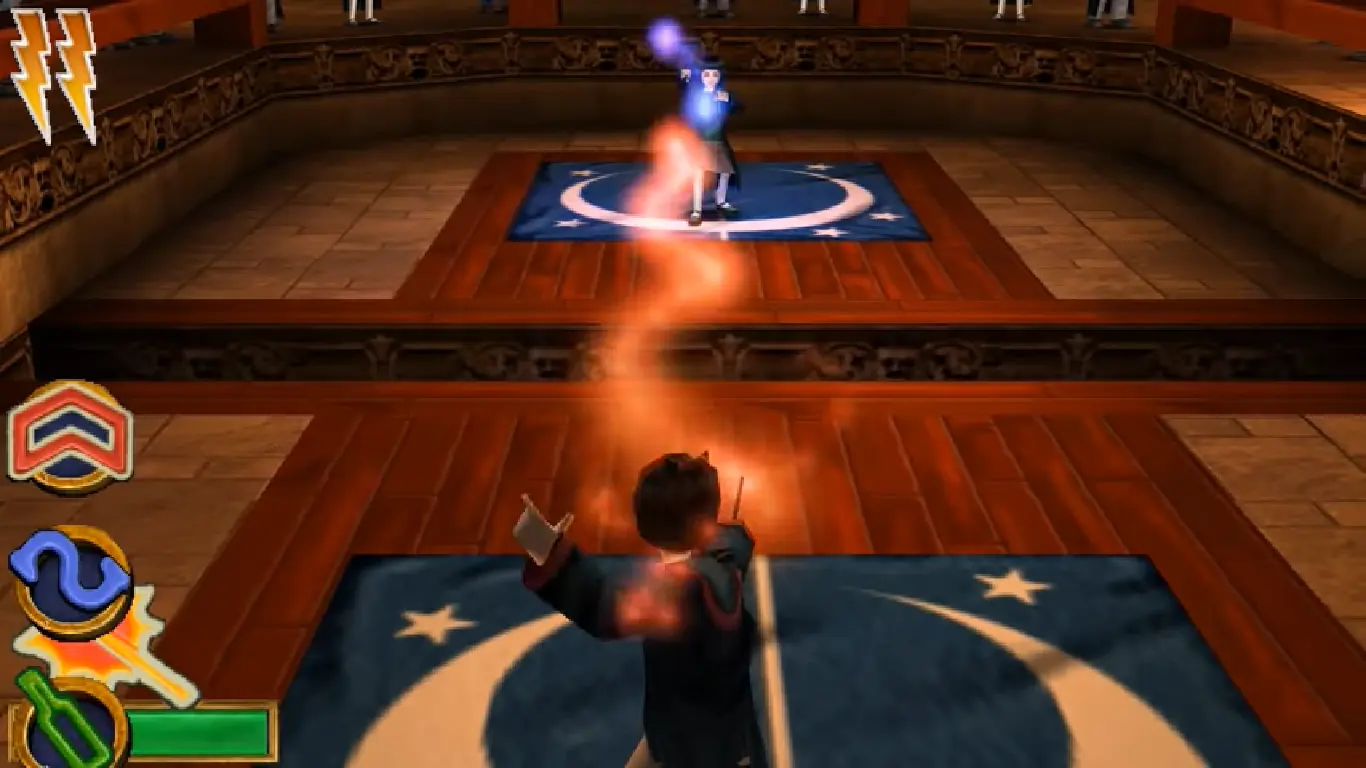
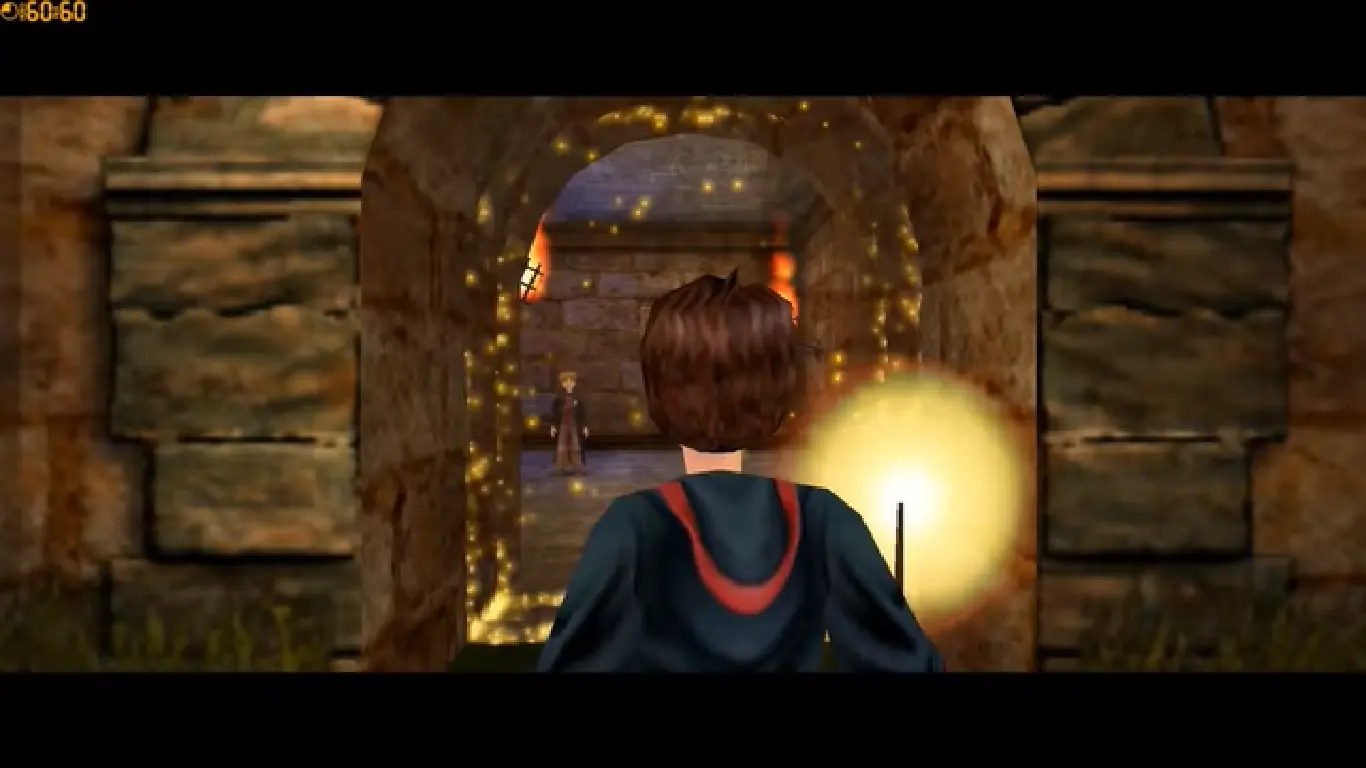
Be Harry Potter in a unique new PC adventure with more magic, friendship, and danger. Learn new spells, undertake new quests, make new friends, and challenge new adversaries as you confront the powers at the heart of the Chamber of Secrets. Do you dare face You-Know-Who again? Explore rich environments from the colorful Burrow to the dark reaches of the Forbidden Forest. Master new spells including Expeliarmus, Diffendo, and Skurge. Overcome dangerous foes from Aragog to the Basilisk. Take flight to play improved Quidditch. Interact with new characters from J. K. Rowling's world, including Dobby, Lockhart, and Ginny Weasley.

Screenshots

Windows

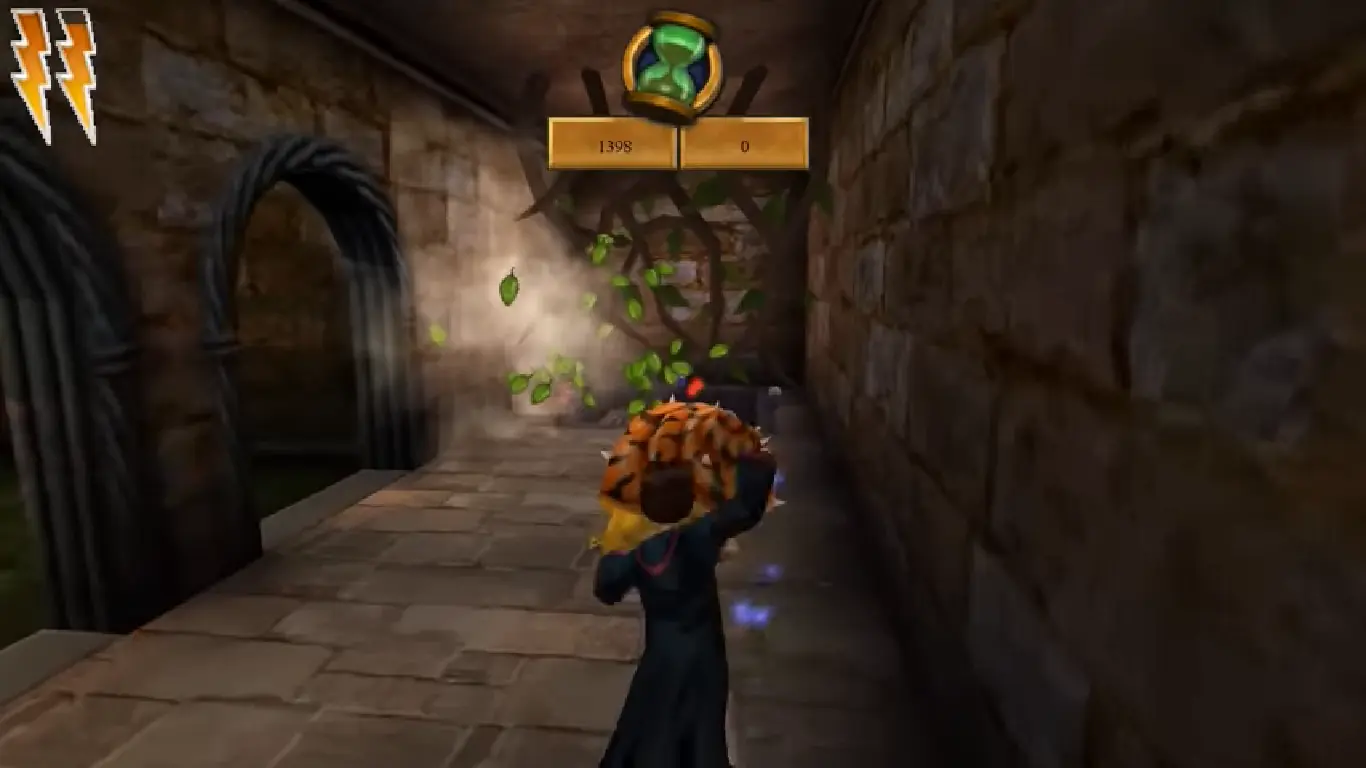
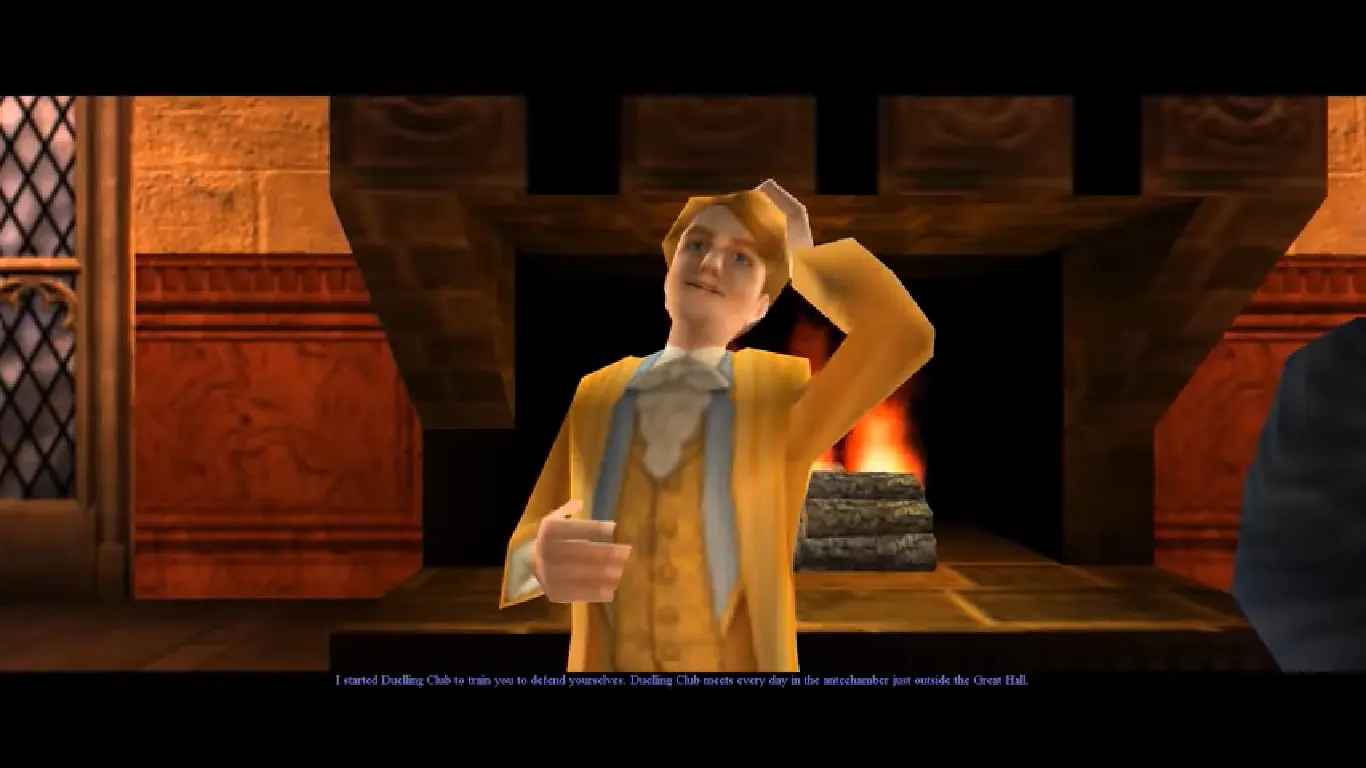
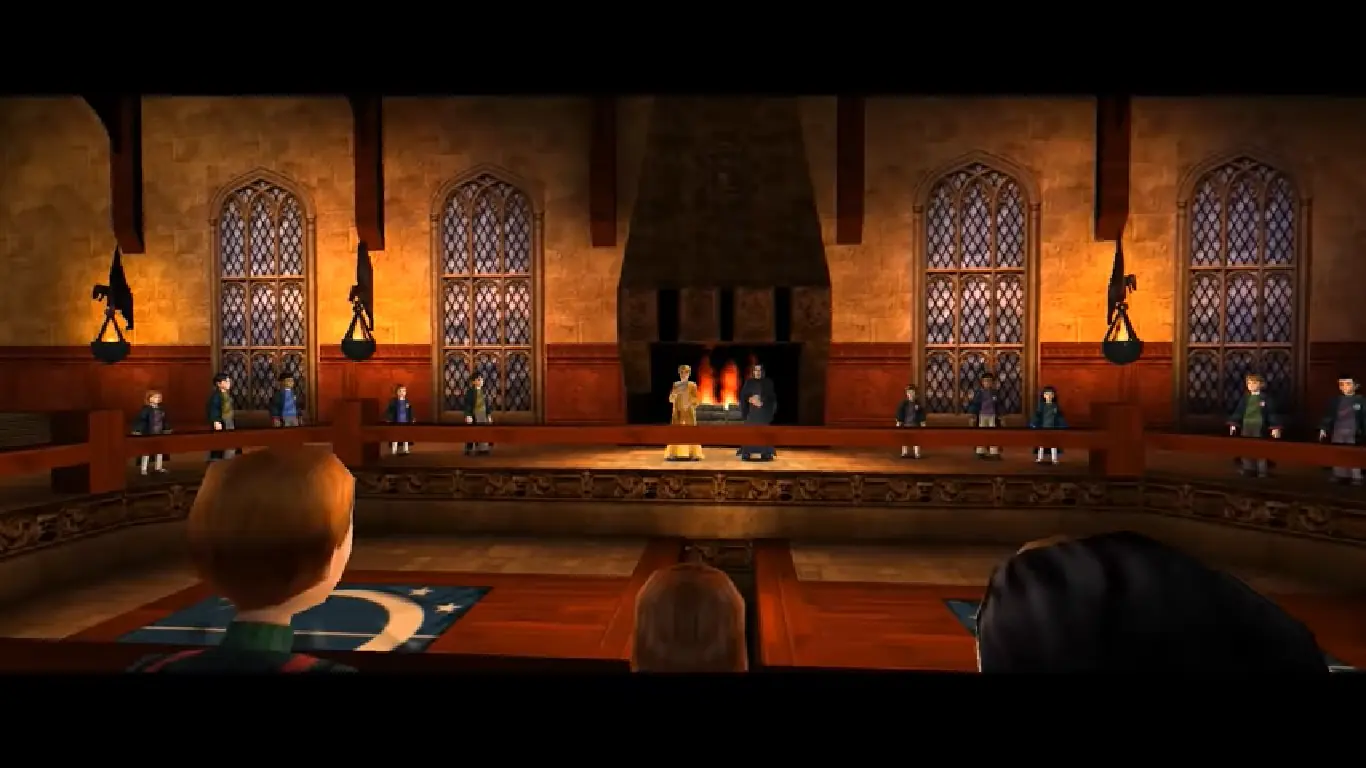
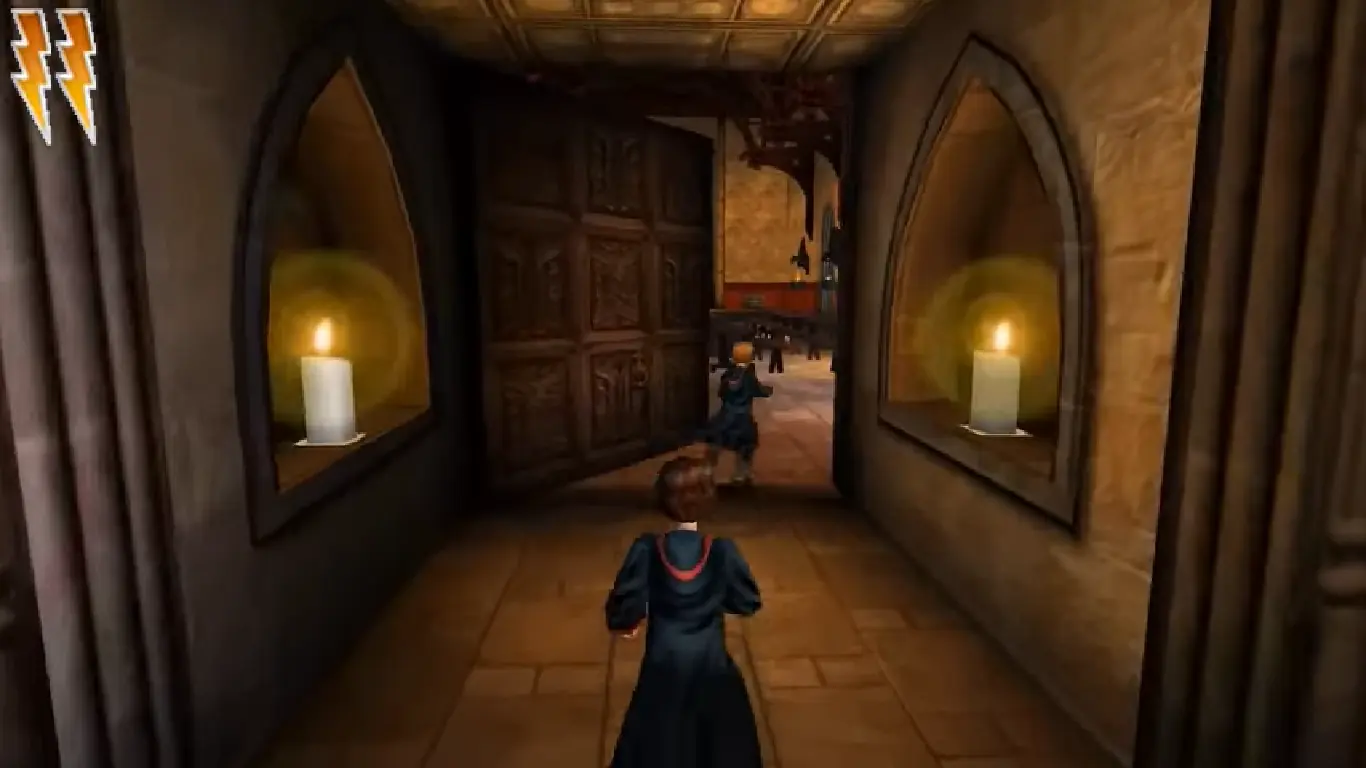
Harry Potter and the Chamber of Secrets — Windows screenshot 1Harry Potter and the Chamber of Secrets — Windows screenshot 2Harry Potter and the Chamber of Secrets — Windows screenshot 3Harry Potter and the Chamber of Secrets — Windows screenshot 4Harry Potter and the Chamber of Secrets — Windows screenshot 5Harry Potter and the Chamber of Secrets — Windows screenshot 6Harry Potter and the Chamber of Secrets — Windows screenshot 7Harry Potter and the Chamber of Secrets — Windows screenshot 8Harry Potter and the Chamber of Secrets — Windows screenshot 9Harry Potter and the Chamber of Secrets — Windows screenshot 10Harry Potter and the Chamber of Secrets — Windows screenshot 11Harry Potter and the Chamber of Secrets — Windows screenshot 12Harry Potter and the Chamber of Secrets — Windows screenshot 13Harry Potter and the Chamber of Secrets — Windows screenshot 14Harry Potter and the Chamber of Secrets — Windows screenshot 15Harry Potter and the Chamber of Secrets — Windows screenshot 16Harry Potter and the Chamber of Secrets — Windows screenshot 17Harry Potter and the Chamber of Secrets — Windows screenshot 18Harry Potter and the Chamber of Secrets — Windows screenshot 19Harry Potter and the Chamber of Secrets — Windows screenshot 20

Download Harry Potter and the Chamber of Secrets

Harry Potter and the Chamber of Secrets is abandonware and no longer sold or supported by its publishers. Files are archived here for these platforms:

PlayStation (2002)

Tutorial: How to play PlayStation games on Windows

PlayStation 2 (2002)

Tutorial: How to play PlayStation 2 games on Windows

Windows (2002)

  • Harry_Potter_and_the_Chamber_of_Secrets_MagiPack_Repack_Win_Setup_EN.zipEN282.13 MB
  • Harry_Potter_and_the_Chamber_of_Secrets_Win_Setup_EN.7zEN491.03 MB
  • Instructions Harry_Potter_and_the_Chamber_of_Secrets_Win_Setup_EN.7z

    How to play on Windows - Method 2

    1. Download the file called Harry_Potter_and_the_Chamber_of_Secrets_Win_Setup_EN.7z (870.5MB) and extract the folder inside
    2. Double click on Autorun.exe to launch the game setup. When asked for a serial key, use
      1500 8368512 6523563 7055
    3. Follow the on-screen instructions and finish installing the game
    4. Open the folder called "crack" and copy the "game.exe" file. Go into the installation directory and paste "game.exe" - it should ask you to replace the files which already exist. Select yes.
    5. Double click on "game.exe" and Harry Potter and the Chamber of Secrets should launch.

Other resources

Comments

227 thoughts on “Harry Potter and the Chamber of Secrets”

  1. 0
    hi all!! I seem to have everything downloaded fine, i did the setup wizard and the shortcut is there, but every time i click it, it asks to allow changes to the computer, i click yes and then the game never loads. any ideas?
    Reply
  2. 0
    if the windows version is lagging when you play, press esc, and go to the eye icon in the lower right corner. you should see an option that says ’16-bit’. if you change that to ’32-bit’ the game should function as it should be. hope it helped for the people who have this issue!
    Reply
  3. 0
    Hey Guys! I got it to work! Download version 2 Install the crack. Then go to https://fdossena.com/?p=hp2/i.frag And download the new fix. Trust me its safe, no virusses or whatever. Paste the items in the game directory (rightclick on game icon and open the first option, its something like game properties or something) because of this patch, the game take’s a very long time to start up. When you click the icon, it directly show the EA start up but After that you Will have to wait for around 6 minutes for the game to start. When you het in the menu with the ‘start game’ button. Close the game and go to documents-Harry Potter 2 and click on game.ini .
    And find [winDrv.windowsclient] .Find Windowedcoloredbits=16 change the 16 in 32 —>Windowedcoloredbits=32 .do the same with fullscreencolourbit=16 . Save the document and start te game! There can be Some delay in the game recognizing your keyboard. Give it a few minutes and it Will be fine. And remember..boot up takes a very long time. Dont press any button untill the game starts. Enjoy Guys! If you need help, let me know 🙂 Grtz. Nick
    Reply
  4. 0
    Tried it with both options and it doesnt work, with 1st method when i try to launch it says “log in with user rights and try again”
    Reply
  5. 0
    Followed the install instructions and it all works perfectly! It was running a little slow so I downgraded the colour in the settings menu to 32bit and it fixed everything!
    Thank you so much for this download. This game takes me back to my childhood.
    Reply
  6. 0
    So using the pre-installed version, the menu loads up fine and lets
    me launch up the game. Start up a new game, graphics look a little
    wonkier than I remember right at the beginning. This is confirmed further
    when we get the first look of Harry, and the graphics of his face are
    slightly messed up to where it looks like he’s wearing Cyclops’ visor
    from X-Men.

    Other characters have a random glowy square below them as they walk. Okay, so far it’s all minor stuff.

    Cut to the Whomping Willow, and looking at the tree causes the game to lag
    massively. Even pausing the game, despite nothing
    demanding being on the pause screen, continues that massive slowdown.
    Considering you’re required to attack the tree to continue the story,
    this is a pretty rough beginning, and it worries me to think how many random slowdown/lag moments there are going to be to have one hit so hard right in the very beginning.

    On top of that, hitting the save book made it go into eternal limbo of waiting, since it never went off of the saving progress screen.

    Right now, I’d call the PC version completely unplayable because a game that isn’t normally as demanding as this (and is normally on par with the first game in what it demands) shouldn’t be lagging so roughly.

    For now, I’d recommend that if people are having issues with this game, stick with the PS2/Gamecube version or even the PS1 version as they’re arguably a bit more superior to this (especially the PS2/Gamecube version).

    Reply
    • 0
      if you go into the settings and go to the eye icon in the lower right corner. press that and you see all kinds of settings you can tweak. change the ’16-bit’ to ’32-bit’ and that should make your game stop lagging so much. I had the same problem and changing the bit was what helped for me.
      Reply
      • 0
        Amusingly enough, I came across some others saying this in comments about it fairly recently as well and tried it, and it did indeed work! Thanks for also mentioning it though. ^-^
        Reply
  7. 0
    Hi, can anyone help me?
    So everything was working perfectly fine yesterday : I used the second method on Windows, it worked, I played, it was amazing…
    But today, when I went to launch the game, an error message appear:
    ” General protection fault!
    History: appInit”

    I tried everything, re installing the game, same effect
    I don’t know what to do

    Reply
  8. 0
    Hi, I can’t get past the autorun screen – the game doesn’t even launch. Can anyone help please? I’m on Windows 10 on a PC.
    Reply
  9. 0
    Please help – I don’t get past the Autorun screen – the game doesn’t even launch. Any ideas? I’m on Windows 10 on a PC.
    Reply
  10. 0
    Hi guys can anyone help me? I get the game running, sound is perfect, the minute i click into a new game slot the graphics are all over the place. Totally unplayable. Anything I can do? Really want to play this, it was my favourite game growing up. Please help! Thanks 🙂
    Reply

Similar games