Home » Games » Harry Potter and the Goblet of Fire
Harry Potter and the Goblet of Fire

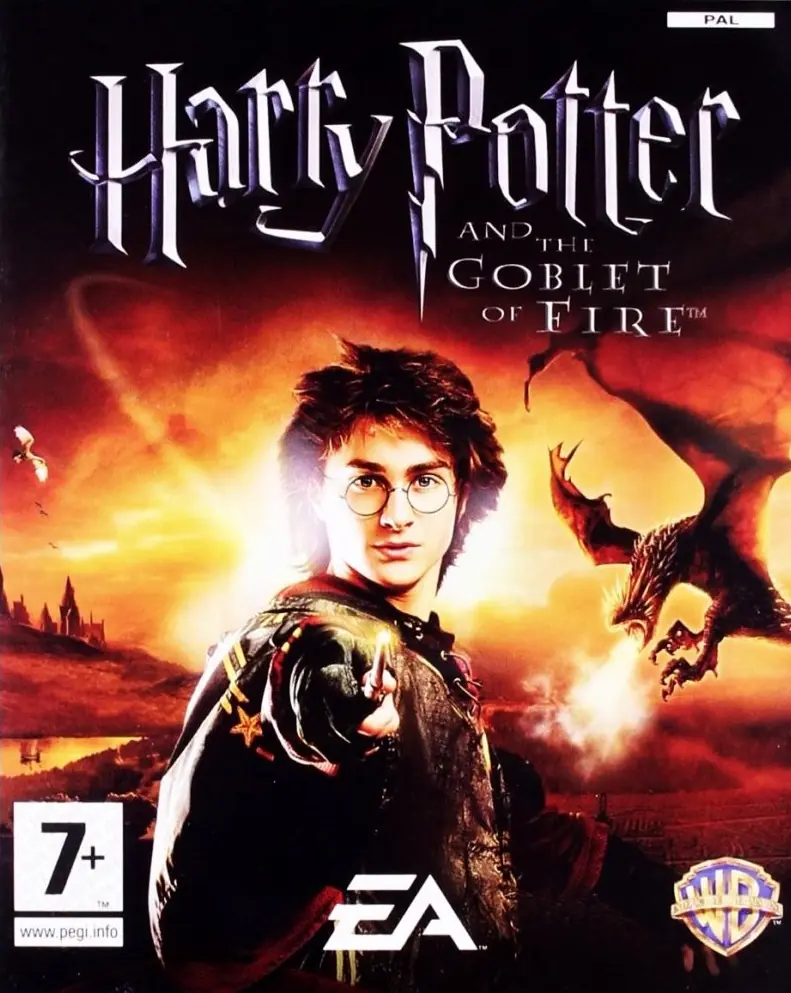
Harry Potter and the Goblet of Fire Game Cover
3.8/5 - 256 votes

Harry Potter and the Goblet of Fire is a 2005 action game developed by Electronic Arts UK and published by Electronic Arts.

Other Titles

Harry Potter e il Calice di FuocoHarry Potter og Flammernes PokalHarry Potter 4Harry Potter a Ohnivý pohárHarry Potter e o Cálice de FogoHarry Potter en de vuurbekerHarry Potter et la Coupe de FeuHarry Potter i Czara OgniaHarry Potter ja liekehtivä pikariHarry Potter och Den flammande bägarenHarry Potter og IldbegeretHarry Potter to Honō no GobletHarry Potter und der FeuerkelchHarry Potter y el Cáliz de FuegoHarry Potter és a Tűz SerlegeГарри Поттер и Кубок Огняハリーポターと炎のゴブレット哈利波特与火焰杯해리 포터와 불의 잔Harry Potter i Plameni peharVideospelet Harry Potter and the Goblet of FireГаррі Поттер і келих вогнюهارى پوتير اند ث جوبليت اوف فيرهاري بوتر وكأس النارهری پاتر و جام آتشჰარი პოტერი და ცეცხლოვანი თასი哈利·波特与火焰杯

Genres
Publishers
Developers
Released
Platforms
Download

About Harry Potter and the Goblet of Fire

Harry Potter and the Goblet of Fire is an action-adventure video game based on the film Harry Potter and the Goblet of Fire, which in turn is based on J. K. Rowling's Harry Potter and the Goblet of Fire, the fourth novel in the Harry Potter series. The game was released in 2005 to coincide with the release of the film of the same name, for Game Boy Advance, GameCube, Microsoft Windows, Nintendo DS, PlayStation 2, Xbox, and PlayStation Portable.
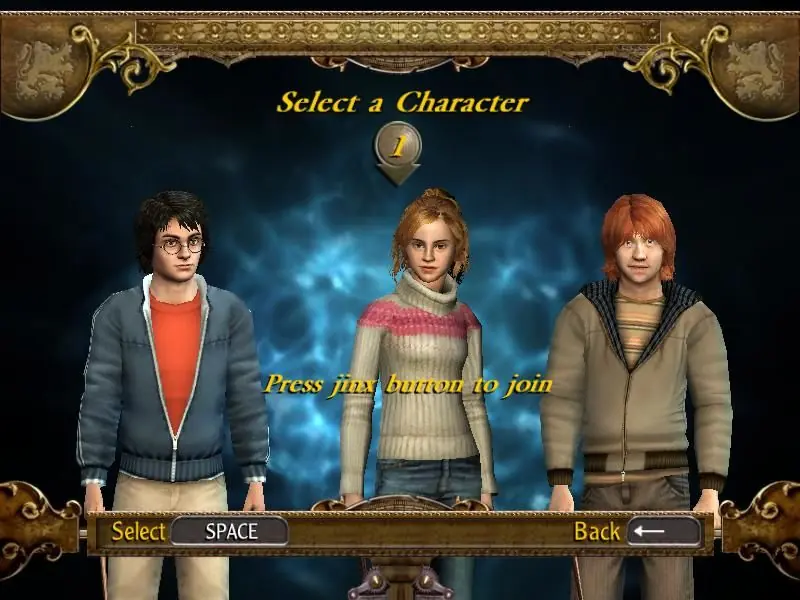
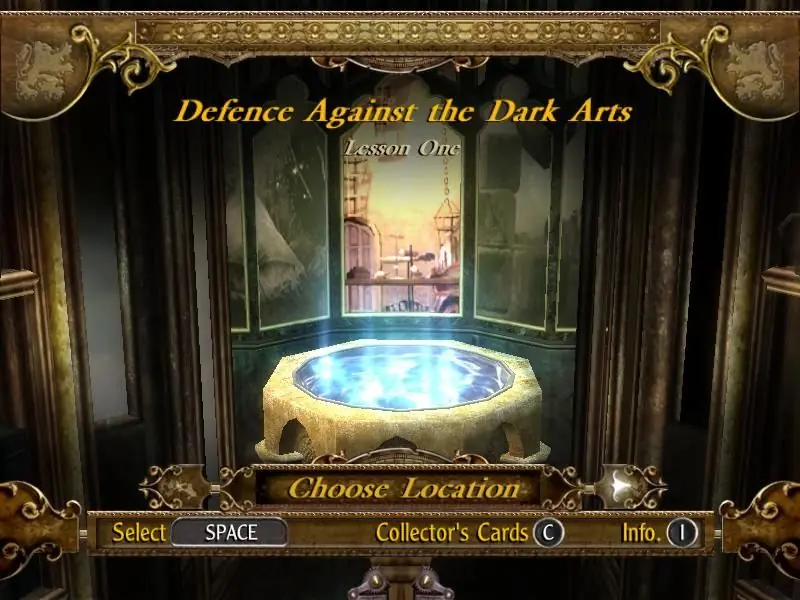
Screenshots

Windows

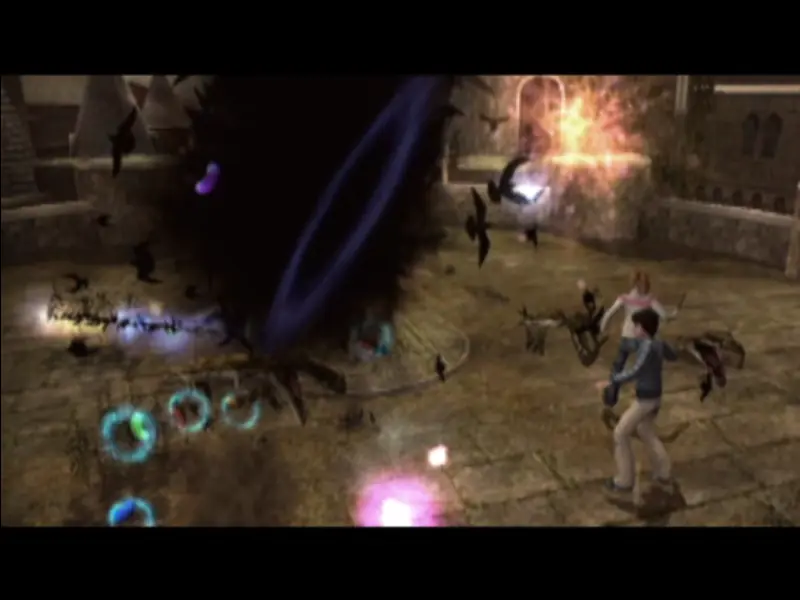
Harry Potter and the Goblet of Fire — Windows screenshot 1Harry Potter and the Goblet of Fire — Windows screenshot 2Harry Potter and the Goblet of Fire — Windows screenshot 3

Download Harry Potter and the Goblet of Fire

Harry Potter and the Goblet of Fire is abandonware and no longer sold or supported by its publishers. Files are archived here for these platforms:

Windows (2005)

  • Harry_Potter_and_the_Goblet_of_Fire_Win_ISO_EN.zipEN903.15 MB
  • Instructions Harry_Potter_and_the_Goblet_of_Fire_Win_ISO_EN.zip

    How to play on Windows (have to install)

    1. Download and extract Harry_Potter_and_the_Goblet_of_Fire_Win_ISO_EN.zip
    2. Mount HPGF-Azzi777-CD1.iso and run the setup.
    3. When the setup launches, they will ask for a CD key. Use the key found in "Serial Key.txt"
    4. When they ask for the second disc, mount HPGF-Azzi777-CD2.iso and click OK.
    5. When the installation is completed, copy-paste the files found inside the "NoCD" folder into the folder you installed the game in (by default, this is C:\Program Files (x86)\Electronic Arts\Harry Potter and the Goblet of Fire). When prompted, select to replace the files in the destination.
    6. Launch game by double clicking gof_f.exe
    7. Play the game
  • Harry_Potter_and_the_Goblet_of_Fire_Win_Preinstalled_EN.zipEN859.64 MB
  • Instructions Harry_Potter_and_the_Goblet_of_Fire_Win_Preinstalled_EN.zip

    How to play on Windows (Preinstalled)
    1. Download and extract Harry_Potter_and_the_Goblet_of_Fire_Win_Preinstalled_EN.zip
    2. Launch game by double clicking gof_f.exe
    3. Play the game

Comments

39 thoughts on “Harry Potter and the Goblet of Fire”

  1. 0
    When i open the second disc file and press ok it shows the thing again and wont let me downoad the whole thing
    Reply
  2. 0
    How do you navigate the collectors cards?
    It says to use Pg Up/Pg Dn, but those keys don’t work? I’ve tried turning the number lock on and off, I’ve tried holding the control, shift, alt, and function keys, nothing seems to work.
    Reply
  3. 0
    How can i change the controls? beacause i pre-installed the game but i can’t play whit the mouse. And in my key boad i have some buttons broken.
    For finish, i need know what happen with the second folder. Beacause i can not install, Never asked about the serial key. I need some help, please.
    Reply
  4. 0
    Is there a way to delete the files after the game is installed? It won’t let me delete the CD1 or CD2 disk image files because it says they are running somewhere else?
    Reply
  5. 0
    Is there a way to delete the downloaded files once you are finished with them? It won’t let me delete the CD1 and CD2 disk image file because it says they are open somewhere else, but there is no where else it is open. Thanks
    Reply
  6. 0
    It’s amazing to see how much had changed in the span of the first four Harry Potter games. Coming with an avatar with no fingers, to a full new body.
    Reply
    • 0
      can you try changing the in-game resolution to a different from Options, also reduce your desktop resolution. When launching the game, right click on the shortcut and select “properties”, go to compatibility and change the resolution to 800×600, also disable full screen optimization from that same tab. Just some things you should try
      Reply

Similar games