Home » Games » Harry Potter and the Goblet of Fire
Harry Potter and the Goblet of Fire

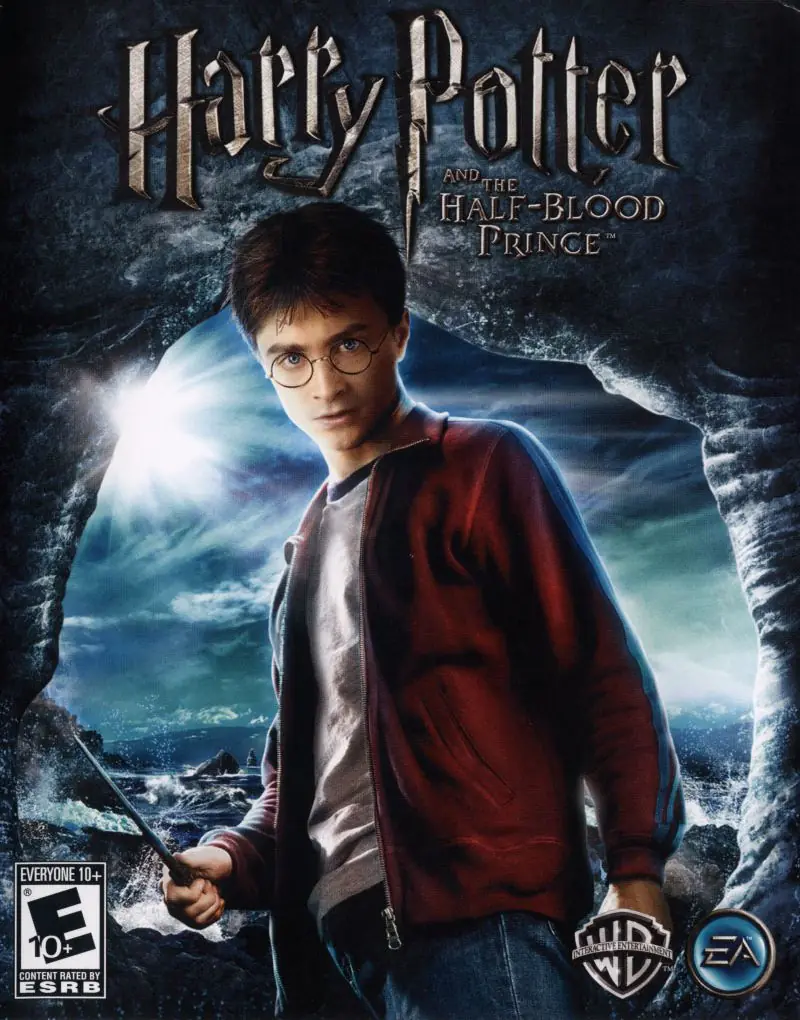
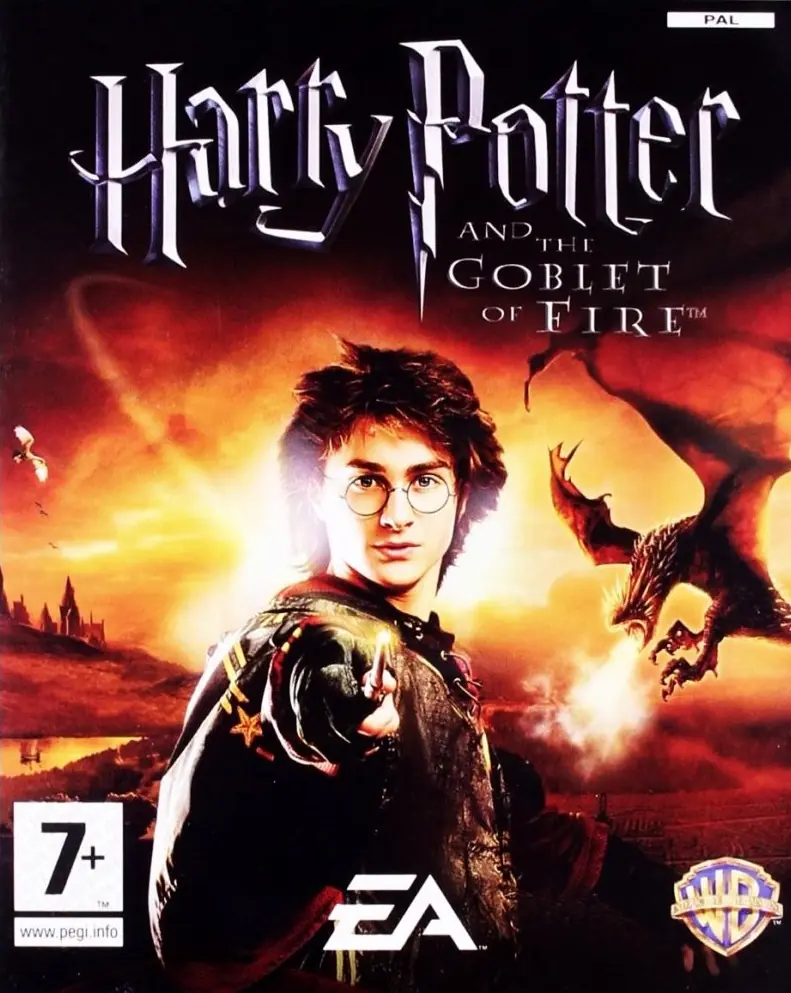
Harry Potter and the Goblet of Fire Game Cover
3.8/5 - 256 votes

Harry Potter and the Goblet of Fire is a 2005 action game developed by Electronic Arts UK and published by Electronic Arts.

Other Titles

Harry Potter e il Calice di FuocoHarry Potter og Flammernes PokalHarry Potter 4Harry Potter a Ohnivý pohárHarry Potter e o Cálice de FogoHarry Potter en de vuurbekerHarry Potter et la Coupe de FeuHarry Potter i Czara OgniaHarry Potter ja liekehtivä pikariHarry Potter och Den flammande bägarenHarry Potter og IldbegeretHarry Potter to Honō no GobletHarry Potter und der FeuerkelchHarry Potter y el Cáliz de FuegoHarry Potter és a Tűz SerlegeГарри Поттер и Кубок Огняハリーポターと炎のゴブレット哈利波特与火焰杯해리 포터와 불의 잔Harry Potter i Plameni peharVideospelet Harry Potter and the Goblet of FireГаррі Поттер і келих вогнюهارى پوتير اند ث جوبليت اوف فيرهاري بوتر وكأس النارهری پاتر و جام آتشჰარი პოტერი და ცეცხლოვანი თასი哈利·波特与火焰杯

Genres
Publishers
Developers
Released
Platforms
Download

About Harry Potter and the Goblet of Fire

Harry Potter and the Goblet of Fire is an action-adventure video game based on the film Harry Potter and the Goblet of Fire, which in turn is based on J. K. Rowling's Harry Potter and the Goblet of Fire, the fourth novel in the Harry Potter series. The game was released in 2005 to coincide with the release of the film of the same name, for Game Boy Advance, GameCube, Microsoft Windows, Nintendo DS, PlayStation 2, Xbox, and PlayStation Portable.
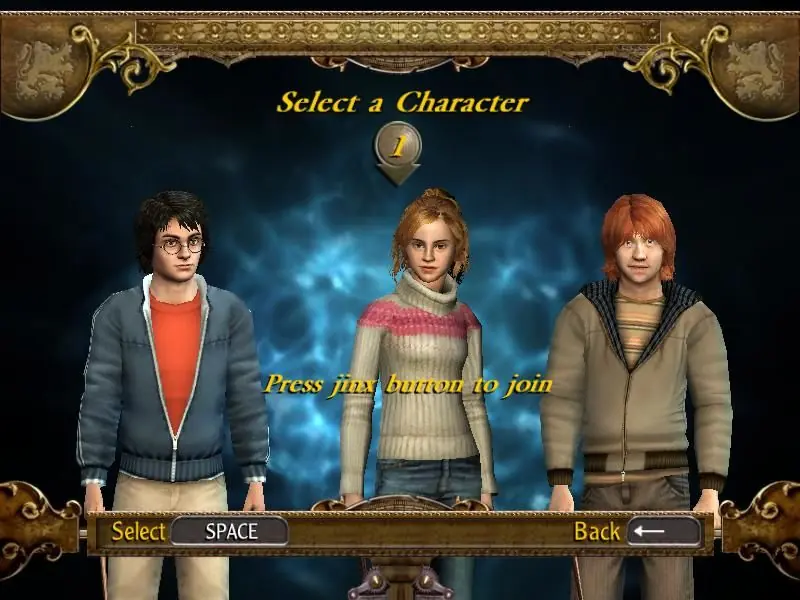
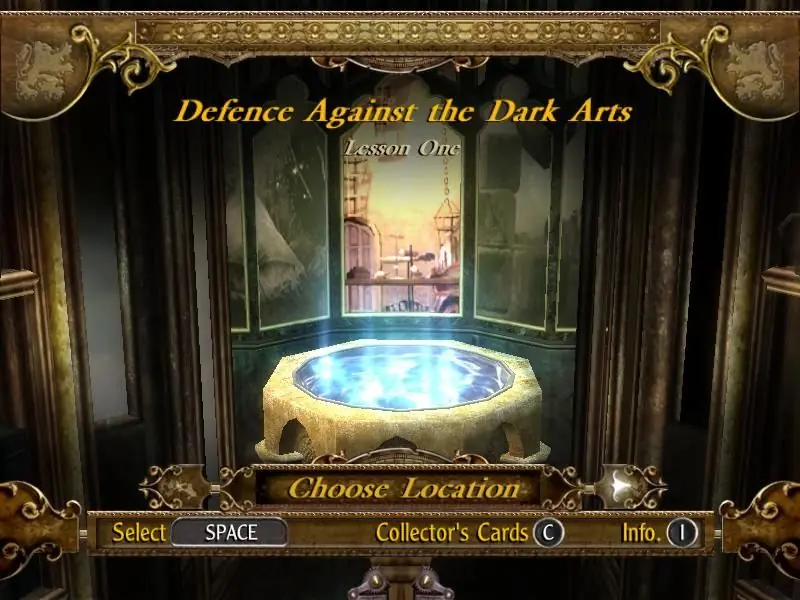
Screenshots

Windows

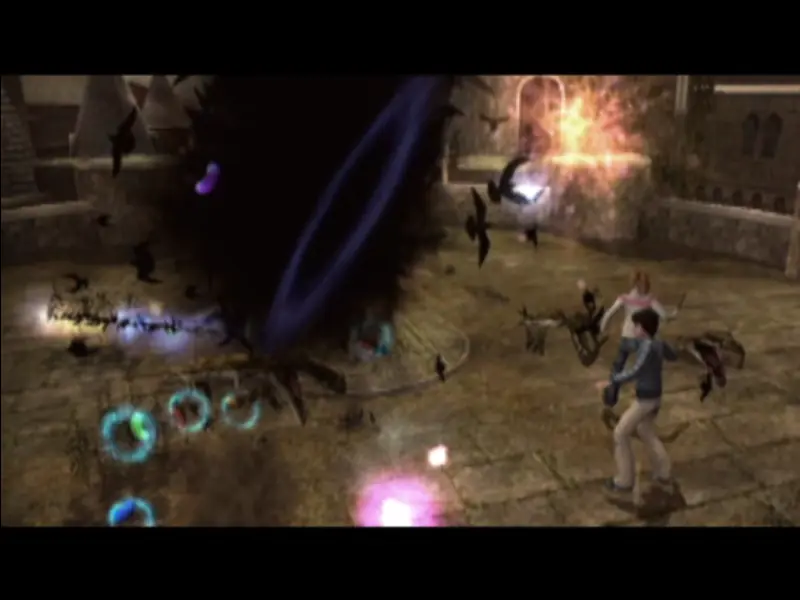
Harry Potter and the Goblet of Fire — Windows screenshot 1Harry Potter and the Goblet of Fire — Windows screenshot 2Harry Potter and the Goblet of Fire — Windows screenshot 3

Download Harry Potter and the Goblet of Fire

Harry Potter and the Goblet of Fire is abandonware and no longer sold or supported by its publishers. Files are archived here for these platforms:

Windows (2005)

  • Harry_Potter_and_the_Goblet_of_Fire_Win_ISO_EN.zipEN903.15 MB
  • Instructions Harry_Potter_and_the_Goblet_of_Fire_Win_ISO_EN.zip

    How to play on Windows (have to install)

    1. Download and extract Harry_Potter_and_the_Goblet_of_Fire_Win_ISO_EN.zip
    2. Mount HPGF-Azzi777-CD1.iso and run the setup.
    3. When the setup launches, they will ask for a CD key. Use the key found in "Serial Key.txt"
    4. When they ask for the second disc, mount HPGF-Azzi777-CD2.iso and click OK.
    5. When the installation is completed, copy-paste the files found inside the "NoCD" folder into the folder you installed the game in (by default, this is C:\Program Files (x86)\Electronic Arts\Harry Potter and the Goblet of Fire). When prompted, select to replace the files in the destination.
    6. Launch game by double clicking gof_f.exe
    7. Play the game
  • Harry_Potter_and_the_Goblet_of_Fire_Win_Preinstalled_EN.zipEN859.64 MB
  • Instructions Harry_Potter_and_the_Goblet_of_Fire_Win_Preinstalled_EN.zip

    How to play on Windows (Preinstalled)
    1. Download and extract Harry_Potter_and_the_Goblet_of_Fire_Win_Preinstalled_EN.zip
    2. Launch game by double clicking gof_f.exe
    3. Play the game

Comments

39 thoughts on “Harry Potter and the Goblet of Fire”

  1. -1
    Hi. I downloaded the pre installed version and when i open gof exe my screen goes blank and nothing happens after that. What do i do?
    Reply
    • 0
      This might be a compatibility error; Right click the .exe, go to properties, then compatibility and tick the box saying “run in compatibility mode” and choose one of the options (might have to try out a few ones) For Harry Potter 2, Windows 98/Windows Me worked 🙂
      Reply
  2. 0
    Hi there thank you for having this game! I’m playing on my ASUS laptop pgup and pgdn work normally however it doesn’t seem to work in game for navigating the collector’s cards. Anyone figure out a way around this?
    Reply
  3. 0
    If you’re here from the previous three games. I recommend not playing this one. It’s … not great
    Reply
  4. 0
    Hello! The Harry Potter Games Archive project on archive.org provides game files, cracks, and (as of 2021) installation instructions: https://archive.org/details/harry-potter-pc-games-no-cd-cracks

    I have personally tested these files and found them to be effective for every game in the series (except for Order of the Phoenix).

    If you are having trouble with installation, please read the instructions, which explain how to use cracked games in general: https://ia801706.us.archive.org/2/items/harry-potter-pc-games-no-cd-cracks/Harry%20Potter%201%20HP1%20PC%202021%20readme.txt

    Reply
  5. 0
    I downloaded the pre-installed version and at first i thought it worked great, but when i tried to start the third? Or fourth? level/chapter, the game just shut down. I tried again a few times, but i just can’t continue from that point on, the game just completely shuts down and i’m back staring at my home screen
    Reply