Home » Games » Harry Potter and the Philosopher’s Stone
Harry Potter and the Philosopher’s Stone

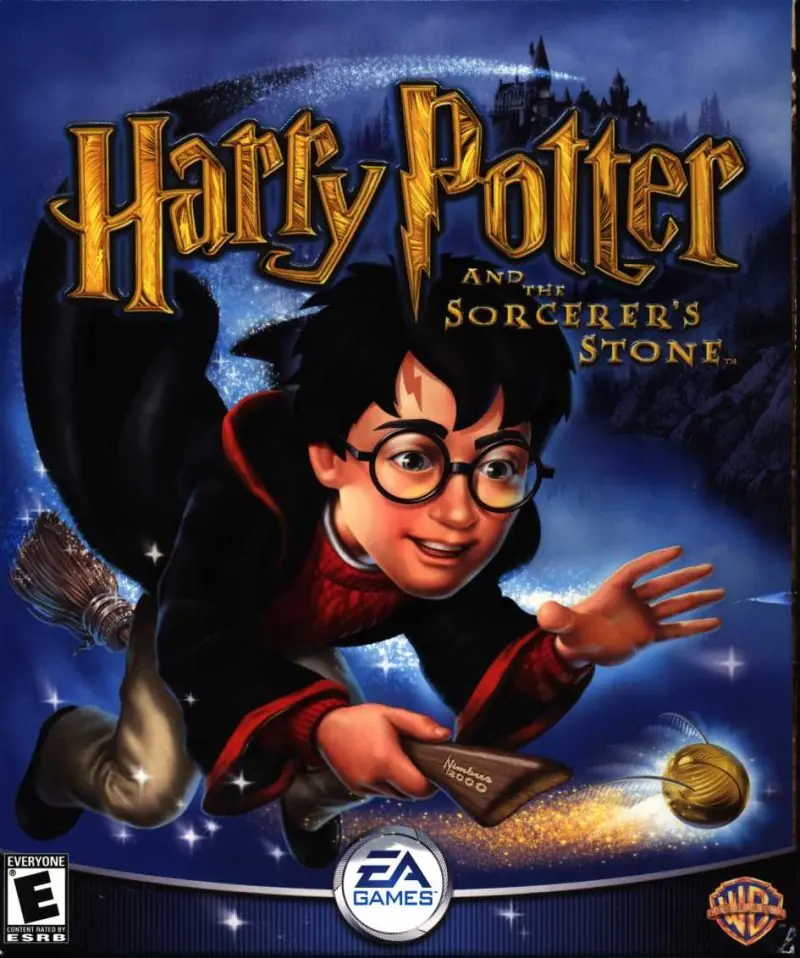
Harry Potter and the Philosopher's Stone Game Cover
4.5/5 - 916 votes

Harry Potter and the Philosopher’s Stone is a 2001 action game developed by Argonaut Games and published by EA Games.

Other Titles

Harry Potter and the Sorcerer's StoneHarry Potter a Kámen MudrcůHarry Potter e la Pietra FilosofaleГарри Поттер и Философский каменьHarry Potter 1Harry Potter e a Pedra FilosofalHarry Potter en de Steen der WijzenHarry Potter i Kamień FilozoficznyHarry Potter ja Viisasten KiviHarry Potter och De Vises StenHarry Potter og De vises steinHarry Potter to Kenja no IshiHarry Potter und der Stein der WeisenHarry Potter y la Piedra FilosofalHarry Potter à l'école des sorciersהארי פוטר ואבן החכמים哈利波特与魔法石해리 포터와 마법사의 돌Harry Potter i Kamen mudracaHPHP1Хари Потър и Философският камъкハリー ポッターと賢者の石Harry Potter og De Vises StenHarry Potter és a bölcsek köveHarry Potter și Piatra FilozofalăVideospelet Harry Potter and the Philosopher's StoneГарри Поттер да авьяэзлӧн из орсанГаррі Поттер і філософський каміньХари Потер и Каменот на мудростаهارى پوتير اند ث فيلوسوفيرس ستونهری پاتر و سنگ جادوჰარი პოტერი და ფილოსოფიური ქვა哈利·波特与魔法石哈利·波特搭魔法石

Genres
,
Publishers
Released
Download

About Harry Potter and the Philosopher’s Stone

Harry Potter and the Philosopher's Stone (sometimes known as Harry Potter and the Sorcerer's Stone in the United States) is an action-adventure video game with platform elements published by Electronic Arts. It is based on J.K Rowling's novel of the same name and the film adaptation. Philosopher's Stone was initially developed for the Game Boy Advance, Game Boy Color, Microsoft Windows and PlayStation in November 2001, and was re-made two years later for the GameCube, PlayStation 2 and Xbox in December 2003.
Screenshots

Windows

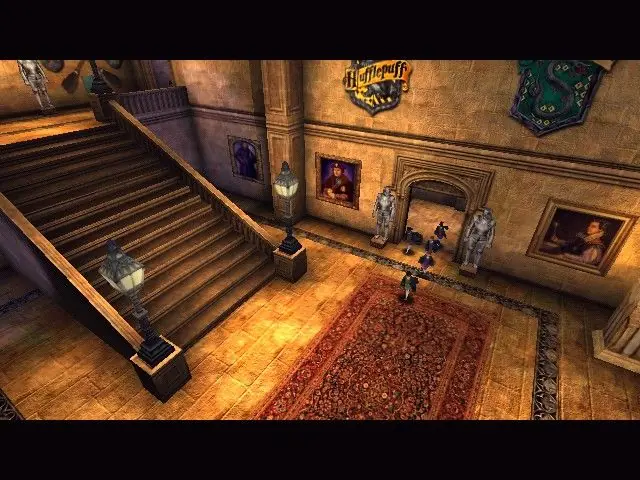
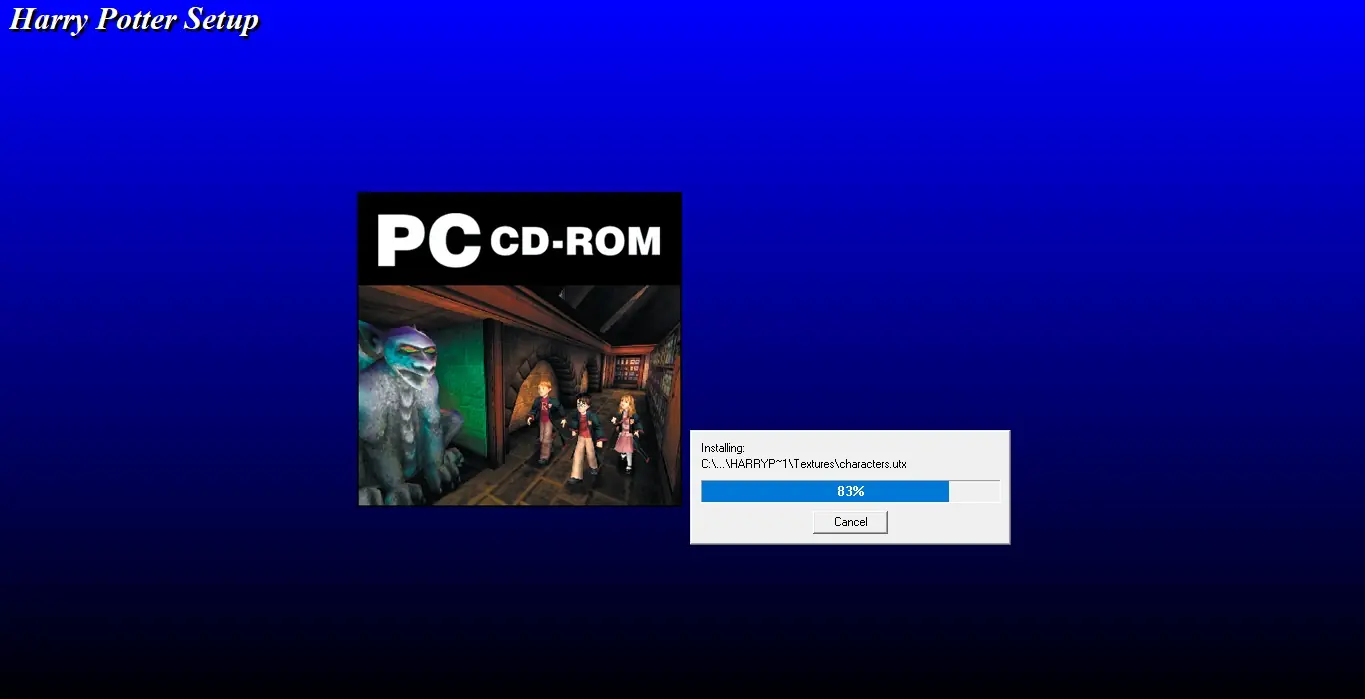
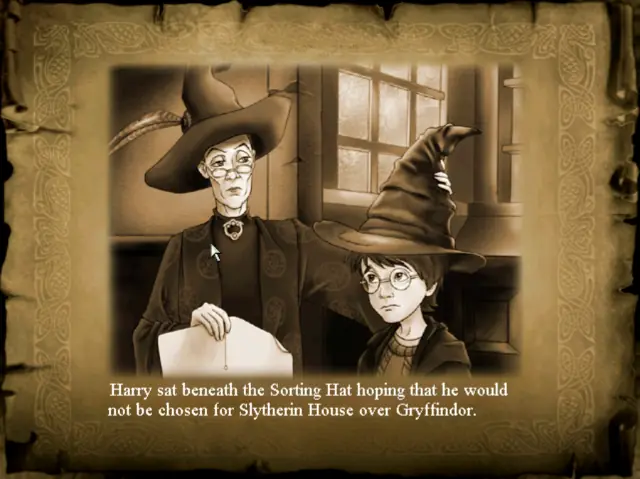
Harry Potter and the Philosopher’s Stone — Windows screenshot 1Harry Potter and the Philosopher’s Stone — Windows screenshot 2Harry Potter and the Philosopher’s Stone — Windows screenshot 3Harry Potter and the Philosopher’s Stone — Windows screenshot 4Harry Potter and the Philosopher’s Stone — Windows screenshot 5Harry Potter and the Philosopher’s Stone — Windows screenshot 6Harry Potter and the Philosopher’s Stone — Windows screenshot 7

Comments

335 thoughts on “Harry Potter and the Philosopher’s Stone”

  1. 0
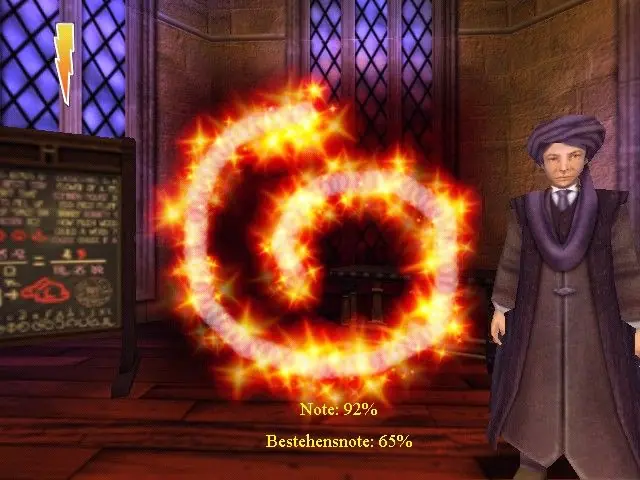
    Hi I can’t get passed quirrel’s class, the mouse won’t do the shape, no matter what i do it keeps going away!! pls help!!
    Reply
    • 0
      im having a similar problem where it doesnt give me the right percentage and i cant pass it anyone else have this?
      Reply
    • 0
      run in compatibility mode with windows me and admin worked for me for a while till i got a litlle farther in the game trying to figure it out again
      Reply
    • 0
      You need to unpack that format. More details here
      Basically, this is an compact format. You need to “unecm” your file. I strongly suggest you to read the link above.

      Also, excellent site, congratulations to the owners and very thank you all! 🙂

      Reply
  2. 0
    Works really well! However, I couldn’t get passed the Spell learning section with Harmonies’s Alohamora. Really does work, take it from me. Even streamed it on my twitch channel. (Just search Robotic Tune)
    Reply
  3. 0
    To those of you having issues:
    Use the Harry_Potter_and_the_Philosophers_Stone_Win_Files_En
    (not the ISO file)

    Go to Game FilesSystemHP.exe
    The shortcut doesn’t work properly..
    Follow the other instructions (Setting compatibility mode and administator)

    Reply
  4. 0
    It does not work on Windows ten I follow all the steps I even got the short on desktop click on it doesn’t work I the game window doesnt pop up any fixed.and one more I download iso.win file please help me
    Reply
  5. 0
    Hi, I have managed to download the beginning of method two for windows but I dont understand the addition for windows 10. I have downloaded the file but I dont know where to find the installation directory to replace it with this. Can anyone help? Thanks,
    Reply
  6. 0
    Thank you so much for this page and the help installing. I got into re-reading the first book and really felt like reliving the game from the early 2000’s. It was a blast of nostalgia! Thank you people very very very much! I used Method 2 for installation, after the first one did not work,
    Reply
  7. 0
    When I try to launch the game it comes up with the right menu at the start but after i click play, it shuts down and then nothing loads up for the game to start working. Any ideas on how to fix this?
    Reply
  8. 0
    When I try launch the game after going through all the steps I just get
    “Critical error – General protection fault! History: applnit” how do I fix this?
    Reply
    • 0
      I used the code above for windows second method and the code doesn’t work did you get a different one?
      Reply
  9. 0
    I can’t open the HPlauncher.exe file after extraction. When I attempt, it gives me the following message: “The drive or network connection that the shortcut ‘HPlauncher.exe.lnk’ refers to is unavailable. Make sure that the disk is properly inserted or the network resource is available, and then try again.’. When I attempted to open properties, it kept stating the file path wasn’t valid either and I don’t get any compatibility options. Not sure what to do with this one.
    Reply

Similar games