Home » Games » Harry Potter and the Philosopher’s Stone
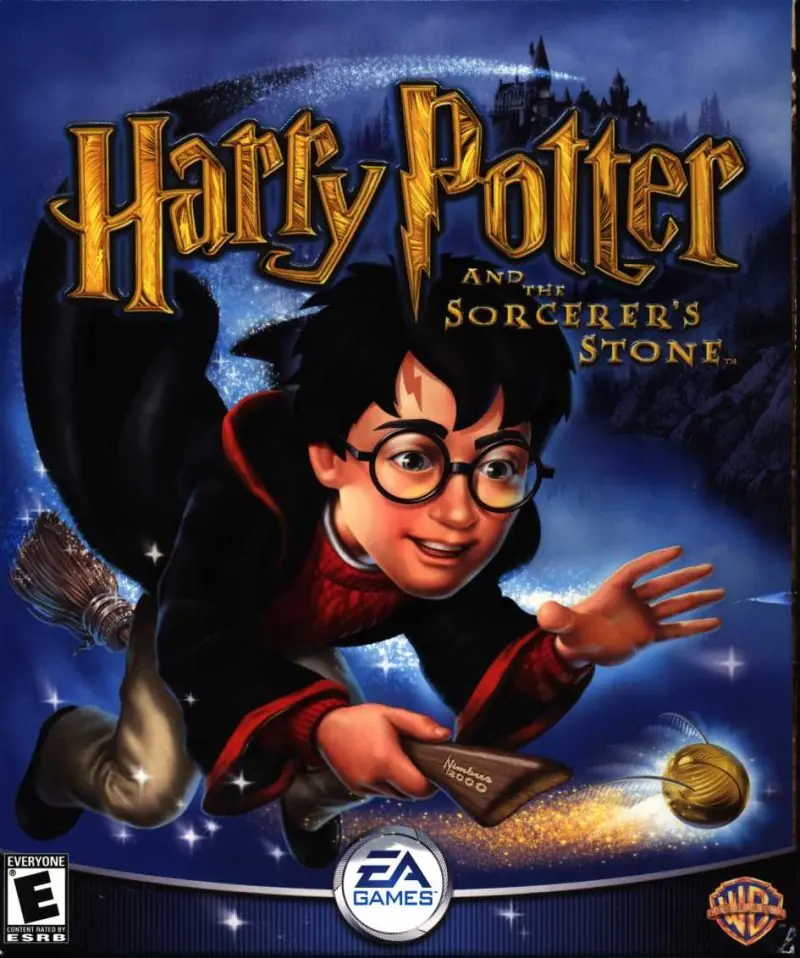
Harry Potter and the Philosopher’s Stone

Harry Potter and the Philosopher's Stone Game Cover
4.5/5 - 916 votes

Harry Potter and the Philosopher’s Stone is a 2001 action game developed by Argonaut Games and published by EA Games.

Other Titles

Harry Potter and the Sorcerer's StoneHarry Potter a Kámen MudrcůHarry Potter e la Pietra FilosofaleГарри Поттер и Философский каменьHarry Potter 1Harry Potter e a Pedra FilosofalHarry Potter en de Steen der WijzenHarry Potter i Kamień FilozoficznyHarry Potter ja Viisasten KiviHarry Potter och De Vises StenHarry Potter og De vises steinHarry Potter to Kenja no IshiHarry Potter und der Stein der WeisenHarry Potter y la Piedra FilosofalHarry Potter à l'école des sorciersהארי פוטר ואבן החכמים哈利波特与魔法石해리 포터와 마법사의 돌Harry Potter i Kamen mudracaHPHP1Хари Потър и Философският камъкハリー ポッターと賢者の石Harry Potter og De Vises StenHarry Potter és a bölcsek köveHarry Potter și Piatra FilozofalăVideospelet Harry Potter and the Philosopher's StoneГарри Поттер да авьяэзлӧн из орсанГаррі Поттер і філософський каміньХари Потер и Каменот на мудростаهارى پوتير اند ث فيلوسوفيرس ستونهری پاتر و سنگ جادوჰარი პოტერი და ფილოსოფიური ქვა哈利·波特与魔法石哈利·波特搭魔法石

Genres
,
Publishers
Released
Download

About Harry Potter and the Philosopher’s Stone

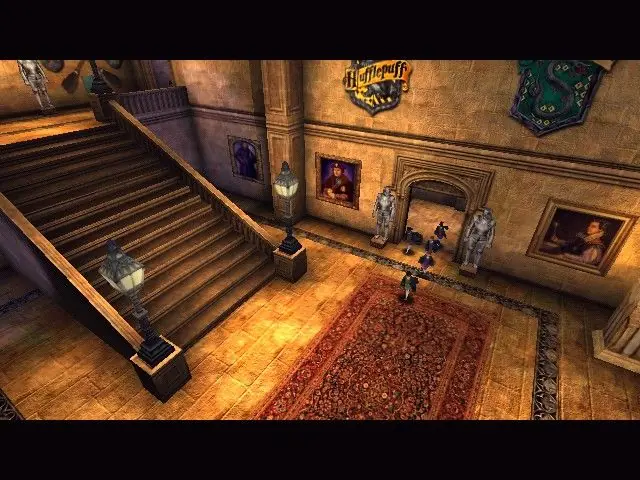
Harry Potter and the Philosopher's Stone (sometimes known as Harry Potter and the Sorcerer's Stone in the United States) is an action-adventure video game with platform elements published by Electronic Arts. It is based on J.K Rowling's novel of the same name and the film adaptation. Philosopher's Stone was initially developed for the Game Boy Advance, Game Boy Color, Microsoft Windows and PlayStation in November 2001, and was re-made two years later for the GameCube, PlayStation 2 and Xbox in December 2003.
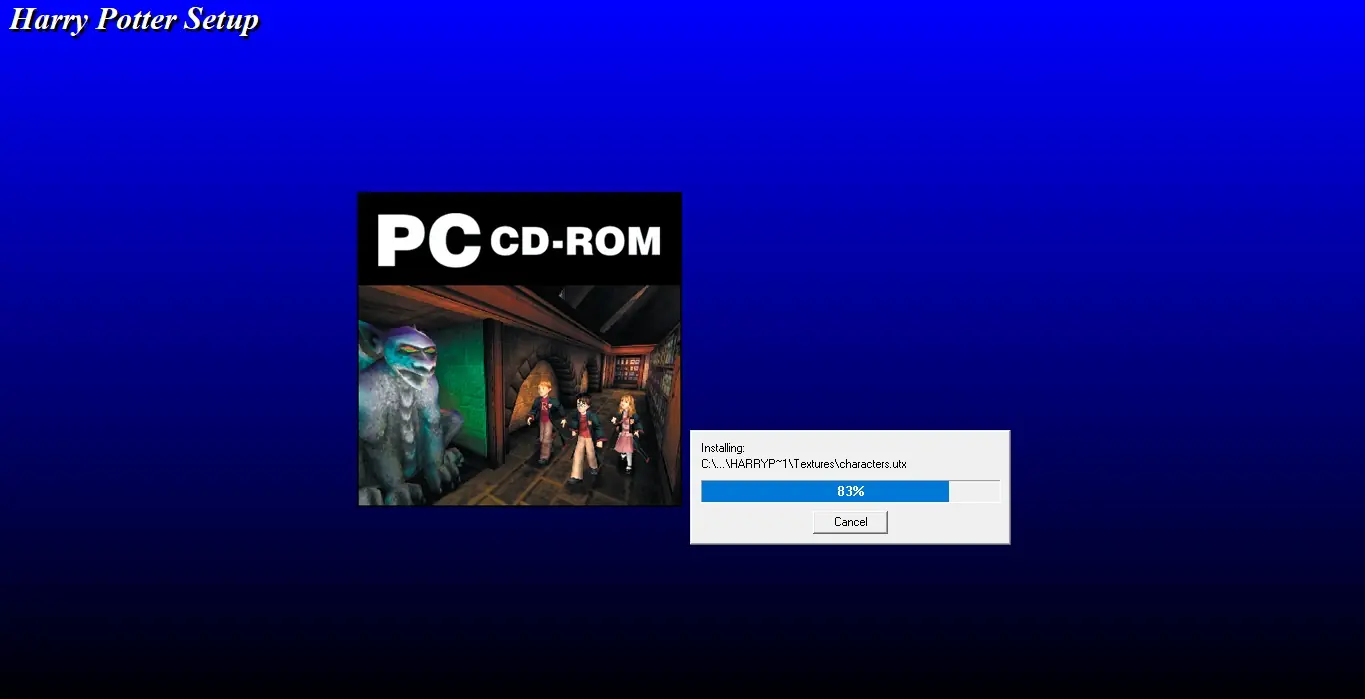
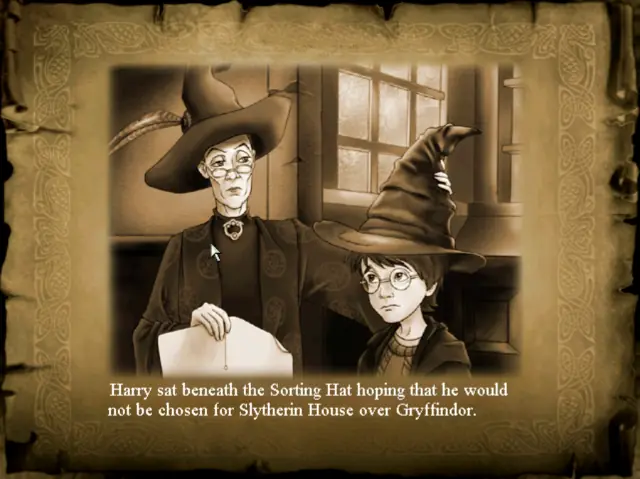
Screenshots

Windows

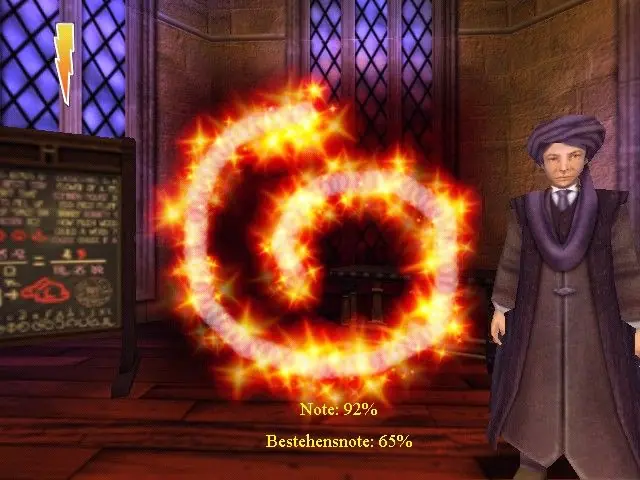
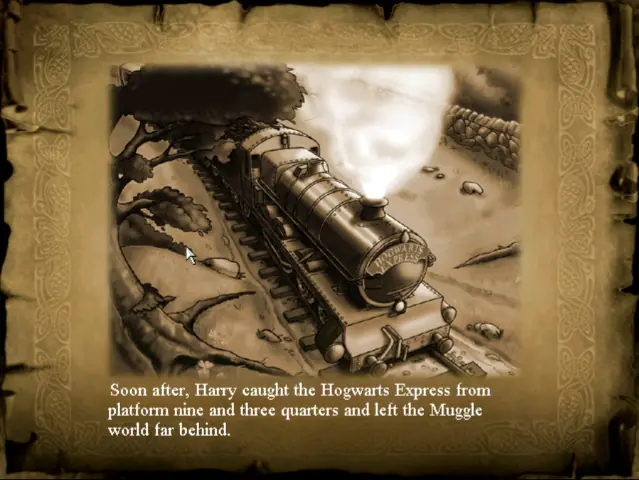
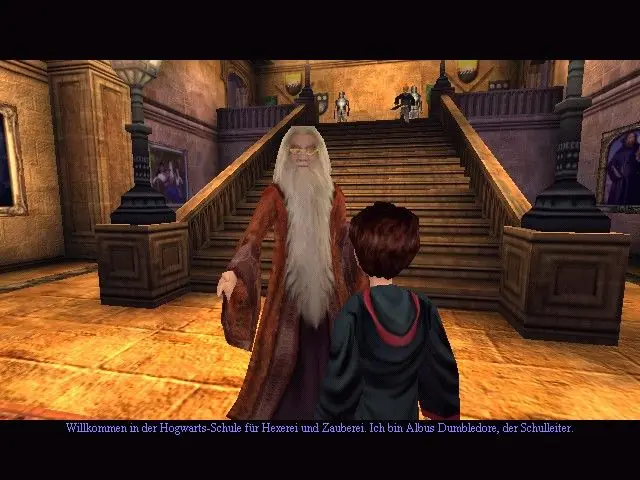
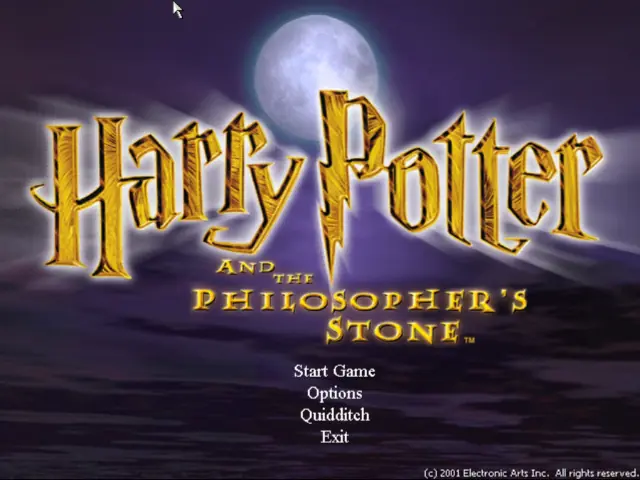
Harry Potter and the Philosopher’s Stone — Windows screenshot 1Harry Potter and the Philosopher’s Stone — Windows screenshot 2Harry Potter and the Philosopher’s Stone — Windows screenshot 3Harry Potter and the Philosopher’s Stone — Windows screenshot 4Harry Potter and the Philosopher’s Stone — Windows screenshot 5Harry Potter and the Philosopher’s Stone — Windows screenshot 6Harry Potter and the Philosopher’s Stone — Windows screenshot 7

Comments

335 thoughts on “Harry Potter and the Philosopher’s Stone”

  1. 0
    Would love any help if anyone has been able to get it working on Windows 11! Installed the Windows 10 patch. Just gets to the page where it asks if I want to launch and then nothing happen, no trace of it in Task Manager either.
    Reply
    • 0
      Got it running after installing Win 10 patch by running it on compatibility mode for Windows 8, 16-bit colors and as administrator.
      Reply
  2. 0
    Got it to run but it lags super bad whenever I cast any spells. Wingardium Leviosa is brutal. Changing the resolution or graphics doesn’t help.
    Reply
    • 0
      it’s not a 4 digit code. more like 24 or somewhere around that number. If you dont have a game manual yourself, you can easily find a code online to get it working.
      Reply
  3. 0
    I can’t get this game to work on Windows 10 for the life of me. Choppy dialogue, bad controls, and crashes at the start of the Flipendo challenge.
    Reply
    • 0
      I got it to work by going into Display Settings and changing the refresh rate to 60 Hz. Still not working perfectly though. Someone needs to create a “Remastered” version of this game similar to MetallicaFan212’s mod for Chamber Of Secrets.
      Reply
  4. 0
    Everything downloaded succesfully, I now have the HP games icon on my desktop. However, when I run as administrator and click yes on the “Do you want this app from an unknown etc” nothing happens afterwards. No loading, no error message, nothing. Nothing opens. Please help…
    Reply
    • 0
      Open Task Manager, press Details and find Harry Potter. There should be an app below it that you should end for it to start the game. Sorry if this doesn’t work.
      Reply
  5. 0
    Hi, I’ve tried installing and using the game, however it still doesn’t work regardless of the instructions above. When I try to run Autorun.exe as administrator, my pc says that it can’t open the file and then that it can’t determine the executable name and that it’s possibly a corrupt file. Adjusting the compatibility doesn’t work either and when I come as far as to see the start of the game and actually press ‘start’, it either just disappears and doesn’t work or it asks whether I allow the game to make changes to the hard drive. When I allow that, it still doesn’t work. Help?
    Reply
    • 0
      Are you sure you have downloaded, Harry Potter and the Philosopher’s Stone Windows 10 Fix file above and replace those files ? Same thing happened to me before I replace them
      Reply
  6. 0
    Downloaded, installed via method 2 and followed steps for launching in compatibility mode (i’m on win10) yet still not working.
    Any suggestions?
    Cheers
    Reply
  7. 0
    Note: I’m getting a lot of emails about this game containing a trojan. Please note this is a false positive we have checked the file on more than one computer and the game is working and malware-free.
    Reply
  8. 0
    Thanks for this amazing game. I have downloaded and it’s working 100%.For those who can’t get the game run make sure you have selected windowsxp(service pack2) and colour to 32 bit and resolution to max.it’s working on windows 10 . instead of looking for HP launcher.exe look for game file >System>HP(application) and double click on it.game will launch with out any issue.
    Reply

Similar games