Home » Games » Harry Potter and the Philosopher’s Stone
Harry Potter and the Philosopher’s Stone

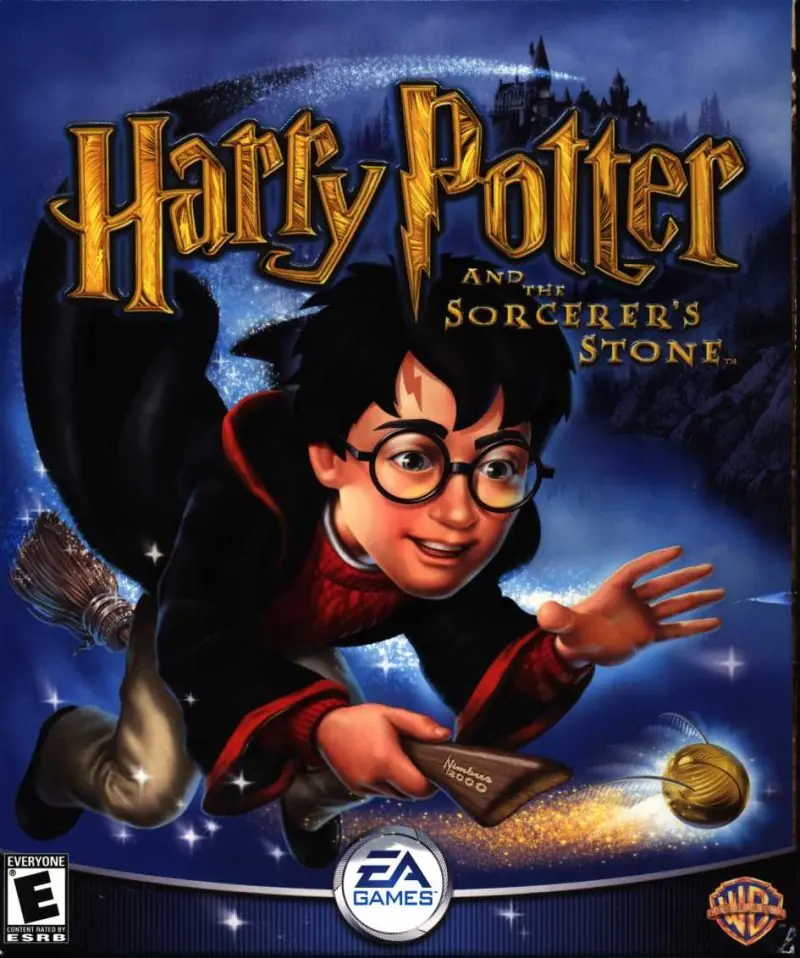
Harry Potter and the Philosopher's Stone Game Cover
4.5/5 - 916 votes

Harry Potter and the Philosopher’s Stone is a 2001 action game developed by Argonaut Games and published by EA Games.

Other Titles

Harry Potter and the Sorcerer's StoneHarry Potter a Kámen MudrcůHarry Potter e la Pietra FilosofaleГарри Поттер и Философский каменьHarry Potter 1Harry Potter e a Pedra FilosofalHarry Potter en de Steen der WijzenHarry Potter i Kamień FilozoficznyHarry Potter ja Viisasten KiviHarry Potter och De Vises StenHarry Potter og De vises steinHarry Potter to Kenja no IshiHarry Potter und der Stein der WeisenHarry Potter y la Piedra FilosofalHarry Potter à l'école des sorciersהארי פוטר ואבן החכמים哈利波特与魔法石해리 포터와 마법사의 돌Harry Potter i Kamen mudracaHPHP1Хари Потър и Философският камъкハリー ポッターと賢者の石Harry Potter og De Vises StenHarry Potter és a bölcsek köveHarry Potter și Piatra FilozofalăVideospelet Harry Potter and the Philosopher's StoneГарри Поттер да авьяэзлӧн из орсанГаррі Поттер і філософський каміньХари Потер и Каменот на мудростаهارى پوتير اند ث فيلوسوفيرس ستونهری پاتر و سنگ جادوჰარი პოტერი და ფილოსოფიური ქვა哈利·波特与魔法石哈利·波特搭魔法石

Genres
,
Publishers
Released
Download

About Harry Potter and the Philosopher’s Stone

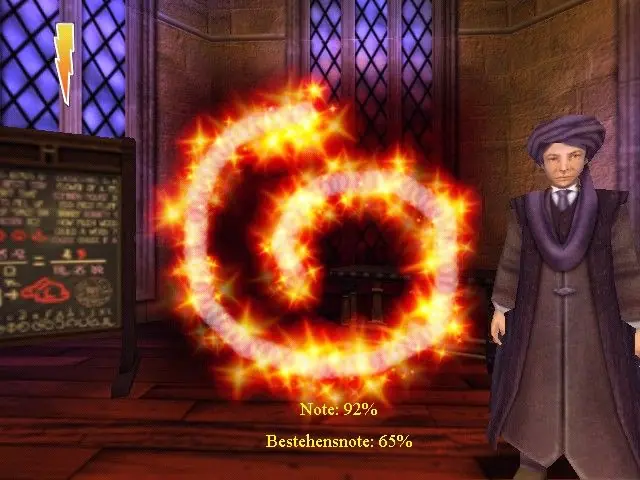
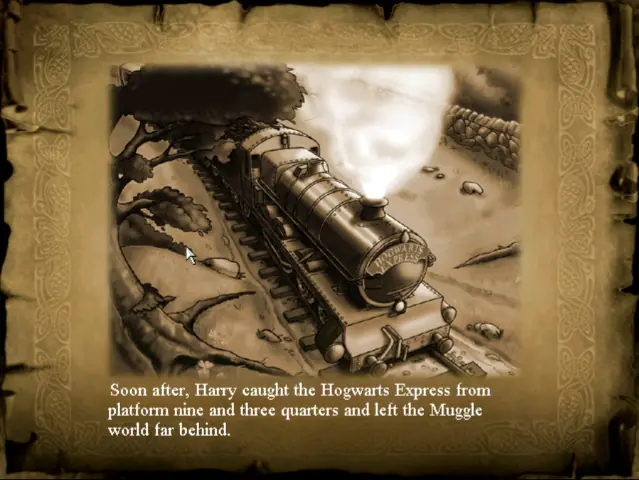
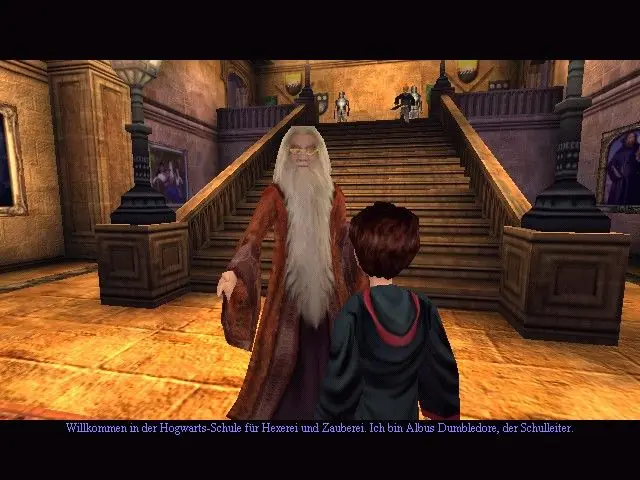
Harry Potter and the Philosopher's Stone (sometimes known as Harry Potter and the Sorcerer's Stone in the United States) is an action-adventure video game with platform elements published by Electronic Arts. It is based on J.K Rowling's novel of the same name and the film adaptation. Philosopher's Stone was initially developed for the Game Boy Advance, Game Boy Color, Microsoft Windows and PlayStation in November 2001, and was re-made two years later for the GameCube, PlayStation 2 and Xbox in December 2003.
Screenshots

Windows

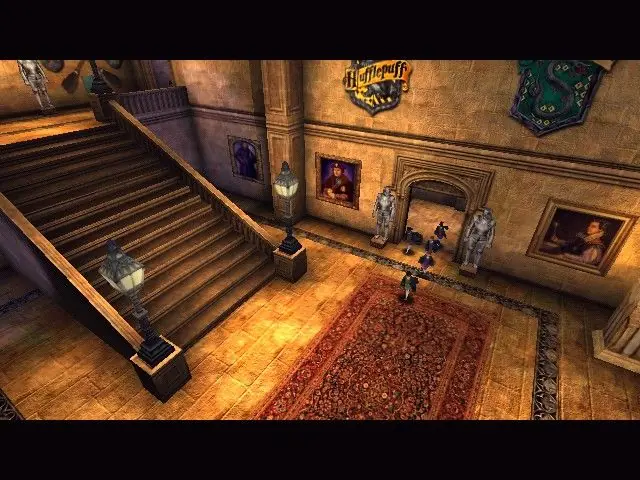
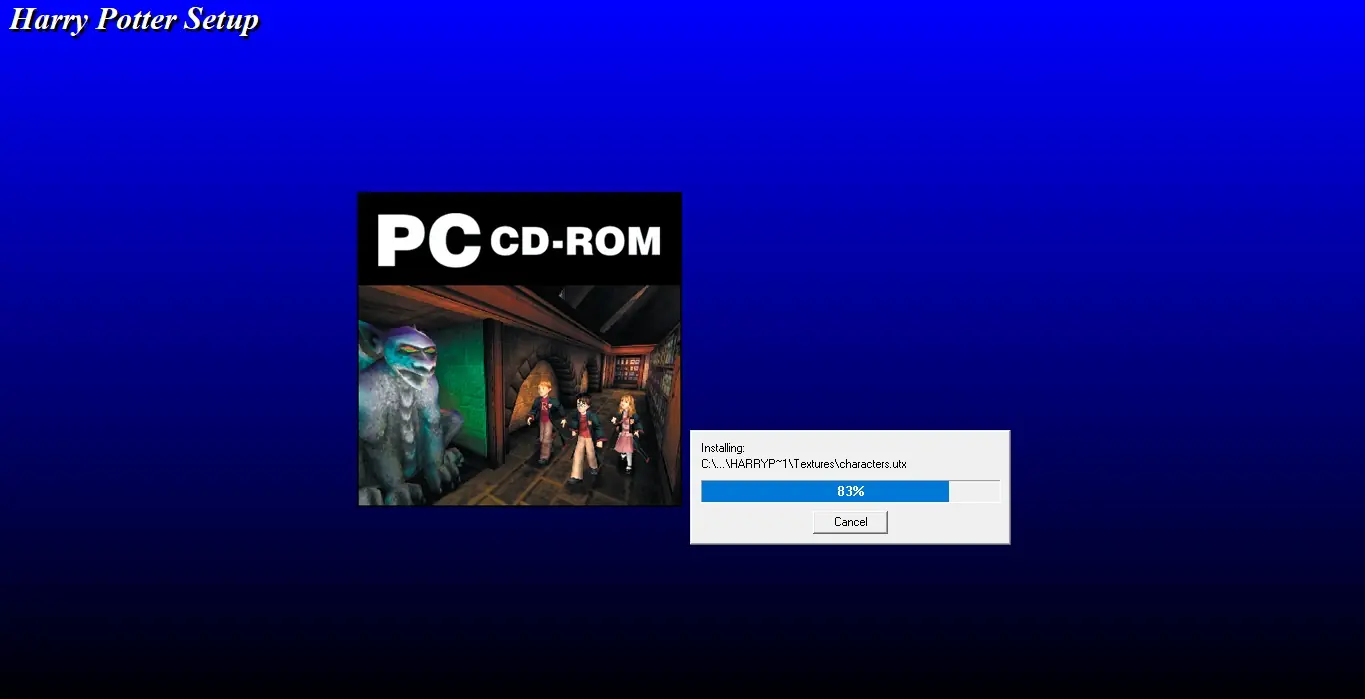
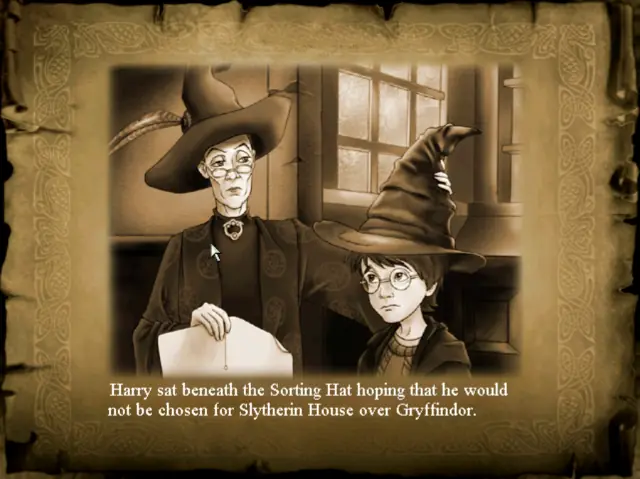
Harry Potter and the Philosopher’s Stone — Windows screenshot 1Harry Potter and the Philosopher’s Stone — Windows screenshot 2Harry Potter and the Philosopher’s Stone — Windows screenshot 3Harry Potter and the Philosopher’s Stone — Windows screenshot 4Harry Potter and the Philosopher’s Stone — Windows screenshot 5Harry Potter and the Philosopher’s Stone — Windows screenshot 6Harry Potter and the Philosopher’s Stone — Windows screenshot 7

Comments

335 thoughts on “Harry Potter and the Philosopher’s Stone”

  1. 0
    Game keeps crashing every time I try to go full screen and then the icon to launch the game stops working. I re downloaded 2 times and I can’t work it
    Reply
  2. 0
    Hello, I just downloaded the Harry Potter game on my MacBook Pro with Windows 10 installed. When I go to start the game, the screen and images are off and I don’t know how to fix it
    Reply
    • 0
      No. It’s most likely a false positive. Virus detectors will 9/10 times always consider cracked version of files or serial key generators as trojans, even if the download is from more reliable places such as this.
      Reply
    • 0
      Unfortunately no. The PC version was released on the same day as the original Xbox, which didn’t offer a wireless controller option much like the PS2 did not. In any case, as far as I know most games before the release of the 360 (2005) and PS3 (2007) didn’t offer proper controller support unless it was a specific type of plugged in PC-only controller…so even then it wouldn’t let you remap them to a wireless one

      The Playstation and PS2 (arguably a bit better anyways) versions offer it though since they’re played on emulators, and PCSX2 and basically any PS1 emulator allow you to map a controller whether it be a wireless/plugged in 360/one/ps3/ps4 or otherwise.

      Reply
  3. 0
    Works great otherwise, but I got stuck on Lumos challenge, because one platform is much lower than others and i can’t use it to get forward. Tried the fix, but it didn’t work on this one.
    Reply
    • 0
      I have the same issue, will try to figure out what’s the matter… I suppose the broken vases are blocking the platform from rising.
      Reply
  4. 0
    Thank you so so much for this game, I downloaded and ran the game through ISO and it works. You are the best, guys! I will share your page.
    Reply
    • 0
      It’s a Windows 10 thing. Just download the Harry Potter and the Philosopher’s Stone Windows 10 Fix at the top of the Additional files, patches and fixes section, and it should work much better.
      Reply
  5. 0
    I downloaded the game on my PC running Windows 10 Pro. Already got it installed, but when I click
    “Play” nothing happens. I’ve tried the different compatibility settings and other options but still can’t get the game up and running! What can I do?
    Reply
  6. 0
    the game is not running, both files for windows cant be open.. i tried to change them in ZIP and ISO files, but my computers says that in the ZIP filesand ISO files are no files to open..
    what now?
    Reply
  7. 0
    Thank you for providing this game, and the detailed instructions on how to install! First method didn’t work for me (as my files weren’t extracted as zip files(maybe?)), but Method 2 for windows, along with the fix file (because although the game installed OK, it wouldn’t run at first), worked! I love the stage-by-stage tutorials for the new functions! The only complaints are the movement using the 4 arrow keys is a bit tricky, for when flying, or trying to quickly fight off nombs – especially when it’s laggy, which it often is for me. Also I’d highly recommend using a real mouse, because my touch pad is too small to complete some of the spells :/ Overall, great fun though! I’m excited to go through it all 🙂 Thanks again!
    Reply

Similar games