Harry Potter and the Philosopher’s Stone
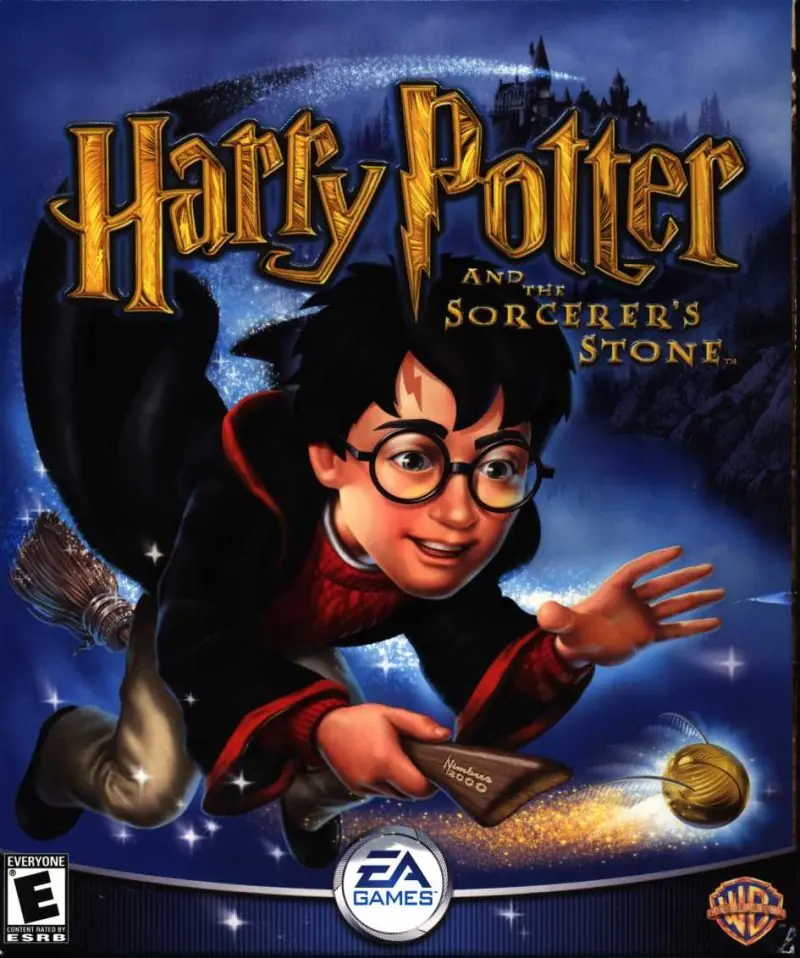
Harry Potter and the Philosopher’s Stone is a 2001 action game developed by Argonaut Games and published by EA Games.
Publishers
Developers
Released
Platforms
Harry Potter and the Philosopher’s Stone is a 2001 action game developed by Argonaut Games and published by EA Games.
Harry Potter and the Philosopher's Stone (sometimes known as Harry Potter and the Sorcerer's Stone in the United States) is an action-adventure video game with platform elements published by Electronic Arts. It is based on J.K Rowling's novel of the same name and the film adaptation. Philosopher's Stone was initially developed for the Game Boy Advance, Game Boy Color, Microsoft Windows and PlayStation in November 2001, and was re-made two years later for the GameCube, PlayStation 2 and Xbox in December 2003.
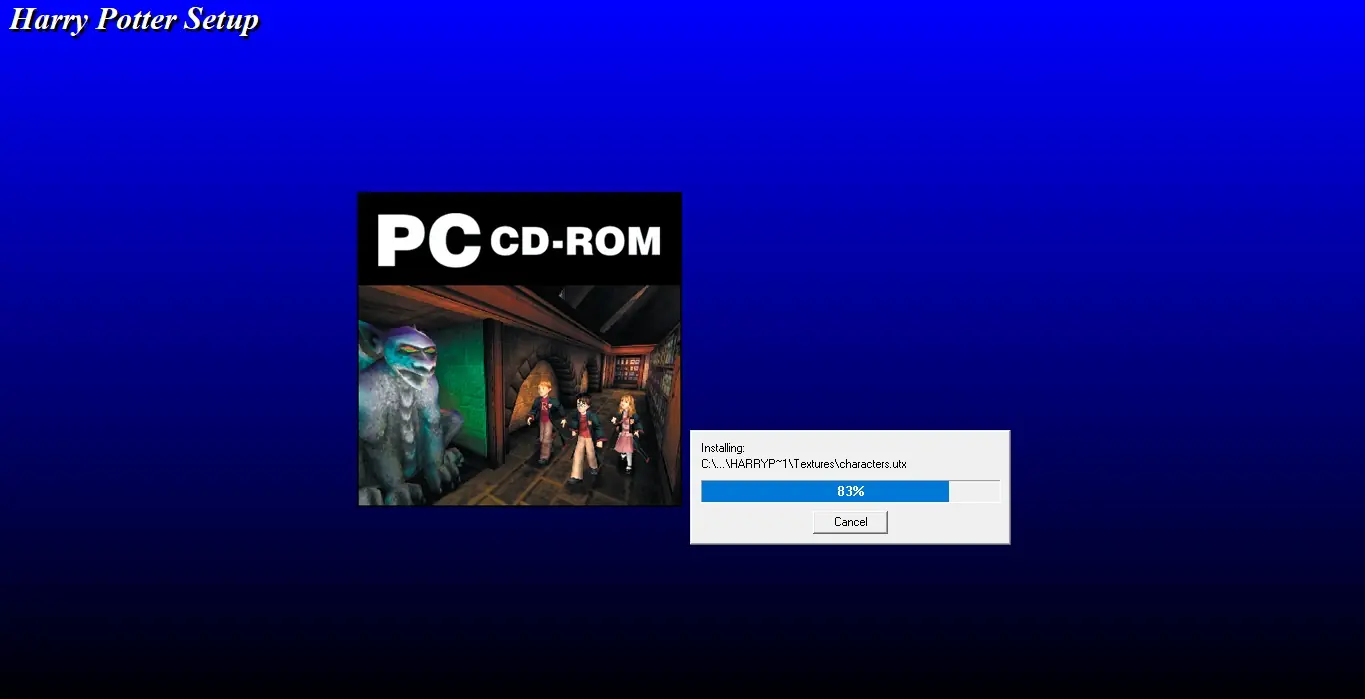
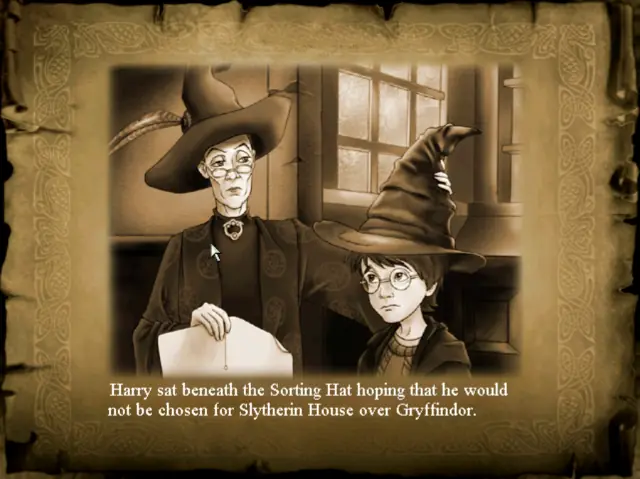
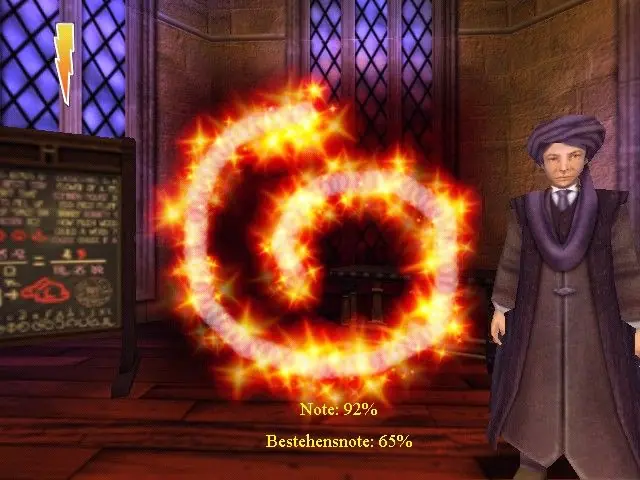
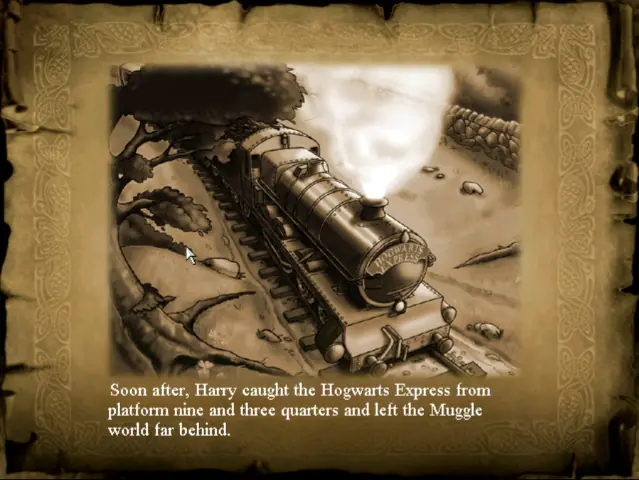
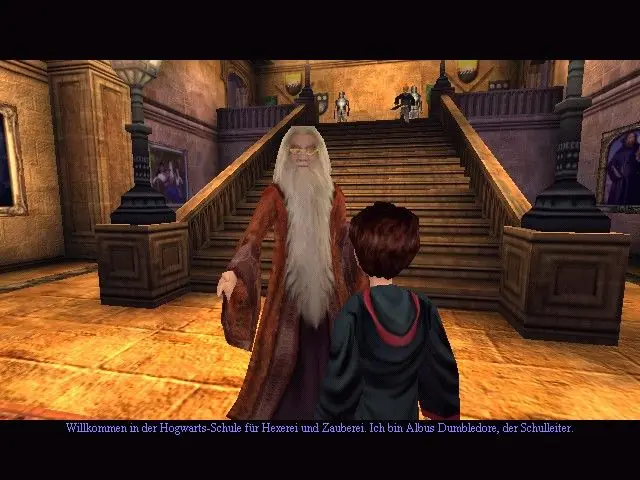
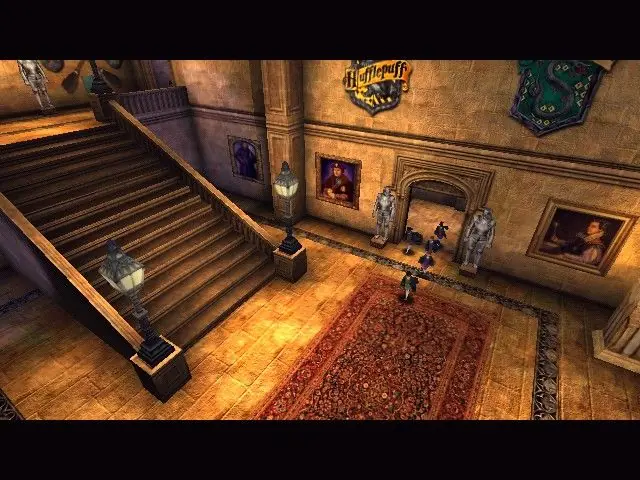
Harry Potter and the Philosopher’s Stone is abandonware and no longer sold or supported by its publishers. Files are archived here for these platforms:








—HP_Archivist, Project Lead
Harry Potter Games Archive Project
These are widely available online if you go searching, even Ebay auctions will display these. You’d be surprised.
For Harry Potter and the Sorcerer’s Stone / Philosopher’s Stone IBM PC game try this one:
4500098008477516003013
4500 0980084 7751600 3013 (for when submitting the key during installation, this is how it will appear with spacing in the text fields.)
—HP_Archivist, Lead
Harry Potter Games Archive Project
Best,
—HP_Archivist, Lead
Harry Potter Games Archive Project
—HP_Archivist, Lead
Harry Potter Games Archive Project
Please scroll down in the thread to see my previous comments regarding the Harry Potter Games Archive Project so that you can run in Windows 10.
—HP_Archivist, Lead
Harry Potter Games Archive Project
Please scroll down in the thread to see my previous comments regarding the Harry Potter Games Archive Project so that you can run in Windows 10.
—HP_Archivist, Lead
Harry Potter Games Archive Project
FYI:
Uploaded the 7z file to virustotal. Vitustotal detected 3 generic trojans and 1 trojan injector.
In the future, please specify which files you are referring to. For the average end-user or reader of the future, that might be confusing.
For your comments regarding the 7z files:
You are talking about the 7z files hosted on this page by OldGamesDownload.com. *Not* the data hosted and archived by the Harry Potter Games Archive Project on Archive.org
As stated below in this thread, all data archived by the Harry Potter Games Archive Project is scanned and clean. I will copy part of what I mentioned below so future readers will see it further up this thread,
“That is, this Project purchased the physical copies of these games, sourced from all over the world, the international versions, and dumped the CD-ROMs. The digital surrogates located on Archive.org are preservation master copies so they can be indefinitely accessible and disseminated by the general public, the world over. The original, physical discs were donated to the US Library of Congress in Summer 2019 and March 2021 as part of an acquisition on behalf of this Project.”
The files hosted on *this* page, https://oldgamesdownload.com/harry-potter-and-the-philosophers-stone/ are not recommended for use and are not archival in nature since they contain malware / viruses.
I’m including a screenshot so future readers see this.
Attn: Do NOT use the files or links in the included screenshot. Instead, it is recommended to visit the Internet Archive at Archive.org and check out the Harry Potter Games Archive Project page for long-term access to archival (and safe!) copies of the Harry Potter PC games that have been fully dumped and scanned for posterity and the archival record.
—HP_Archivist, Lead
Harry Potter Games Archive Project https://uploads.disquscdn.com/images/a24721fb0bccf084fbeea4b64337dce6c4b89bd4711f6a56d7bf4d8368449a51.jpg
Yes – check Archive.org. Most of these questions can be resolved by going to the Project’s Archive links and / or searching the Internet Archive at Archive.org
—HP_Archivist, Lead
Harry Potter Games Archive Project
You are welcome!
—HP_Archivist, Lead
Harry Potter Games Archive Project
Please read the thread below with the comments and links I have provided on behalf of the Harry Potter Games Archive Project.
—HP_Archivist, Lead
Harry Potter Games Archive Project
—HP_Archivist, Lead
Harry Potter Games Archive Project
So, do not download this game.
The game files hosted on this page, oldgamesdownload.com, I have not personally reviewed or tested. I would recommend everyone to source the actual game files from the Internet Archive / Archive.org. If you’re still receiving trojan notifications when scanning files uploaded by this Project from your antivirus/antimalware software, these are false positives.
Also, as one anecdote, Archive.org also scans files for trojans, viruses, and malware and removes items promptly that contain such nefarious files. This Project has strict acceptance rules for what is archived and ensures the safety of the files in a thorough fashion.
Another anecdote that might be useful for the end-user or reader of the future:
Running old IBM PC computer games might be best performed on a designated machine. That is, the user might want to invest in relatively inexpensive laptop / desktop and designate its use only for downloading and running older computer games if file safety is that much of a concern. In theory, one could do this without having any personal files or personal information on the designated machine and implement it solely for use with playing older, abandoned, and archived games.
—HP_Archivist, Lead
Harry Potter Games Archive Project
This might be of help https://archive.org/details/hp1-unofficial-widescreen-patch-oldunreal-engine
Though I’m not 100% certain the widescreen fix addresses the black bar issue. You might want to join our server or the modding server on Discord if the widescreen fix doesn’t address this.
—HP_Archivist, Lead
Harry Potter Games Archive Project
From there, you should see a folder with ‘Harry Potter’ as the tittle, delete that folder. Then try running the game again.
—HP_Archivist, Lead
Harry Potter Games Archive Project
C:Program Files (x86)EA GamesHarry PotterSystem
1. Delete the folder, Harry Potter.
2. Then go back to your ‘My Documents’ and double-check that the Harry Potter folder remains deleted. If not, delete it again.
3. Then go back to the No-CD crack page. Download the updated no-cd crack with the retail installation:
https://archive.org/download/harry-potter-pc-games-no-cd-cracks/Harry%20Potter%20and%20the%20Sorcerer%27s%20Stone%20%282001%29%20IBM%20PC%20Game%20%28Updated%20No-CD%20Crack%20Included%29.zip
4. Click on the Autorun.exe in the zip and go through the installation as you normally would. When complete, go back to the zip you downloaded and grab the hp.exe from the No-CD folder. Right click on that, click copy.
5. Then go back to this path:
C:Program Files (x86)EA GamesHarry PotterSystem
6. Go to the System folder, right click in an empty space, and click paste. Windows will prompt you with a warning with a prompt that you’re about to overwrite a file with the same name. Click Yes/Continue/OK.
7. After this, double-click the Harry Potter icon on your desktop. It should work.
—HP_Archivist, Lead
Harry Potter Games Archive Project