Harry Potter and the Philosopher’s Stone
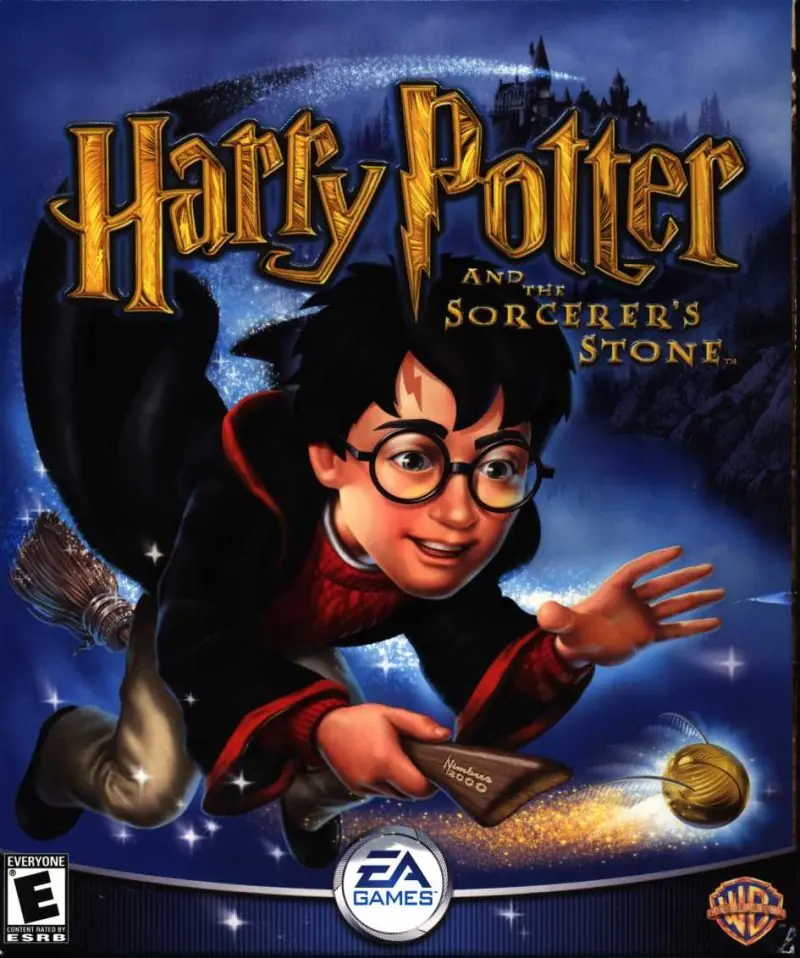
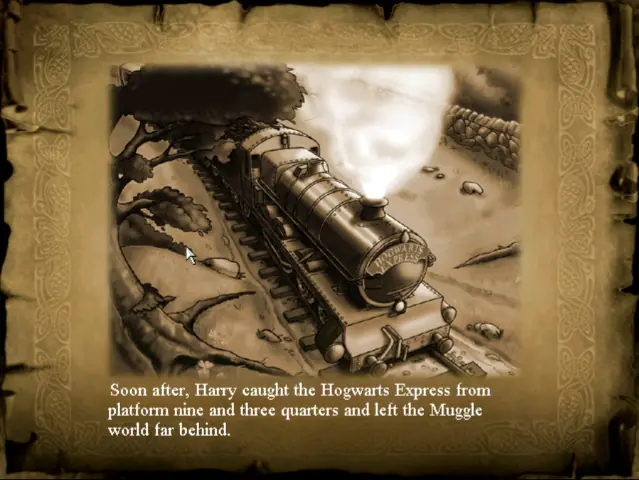
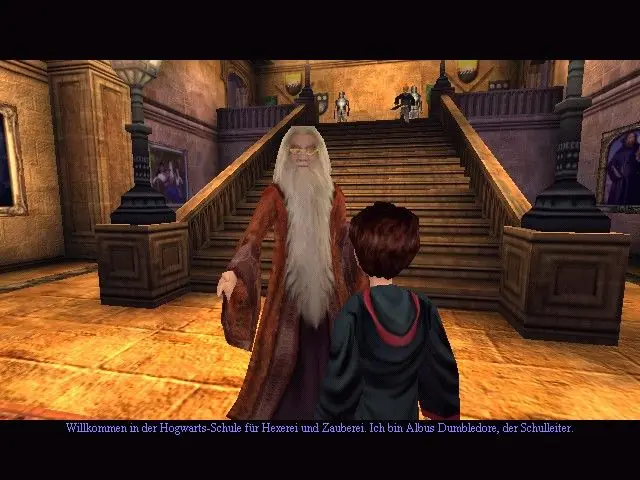
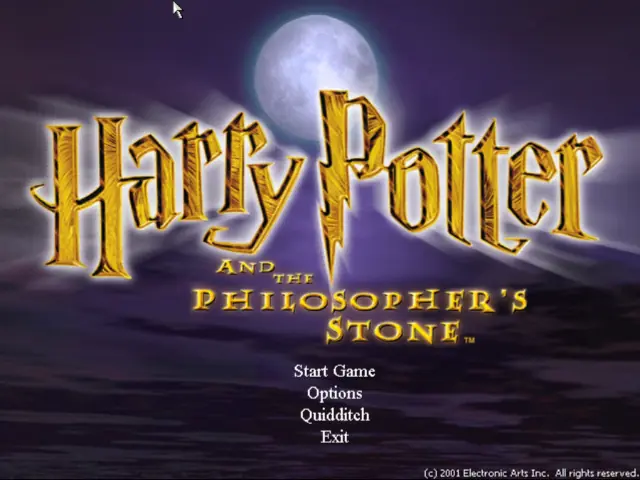
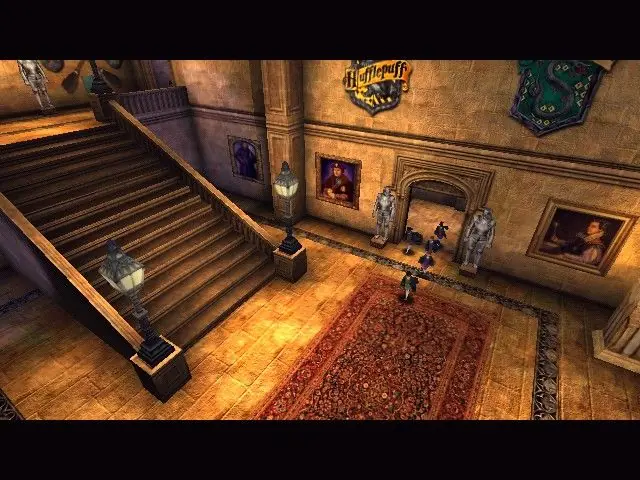
Harry Potter and the Philosopher’s Stone is a 2001 action game developed by Argonaut Games and published by EA Games.
Publishers
Developers
Released
Platforms
Harry Potter and the Philosopher’s Stone is a 2001 action game developed by Argonaut Games and published by EA Games.
Harry Potter and the Philosopher's Stone (sometimes known as Harry Potter and the Sorcerer's Stone in the United States) is an action-adventure video game with platform elements published by Electronic Arts. It is based on J.K Rowling's novel of the same name and the film adaptation. Philosopher's Stone was initially developed for the Game Boy Advance, Game Boy Color, Microsoft Windows and PlayStation in November 2001, and was re-made two years later for the GameCube, PlayStation 2 and Xbox in December 2003.
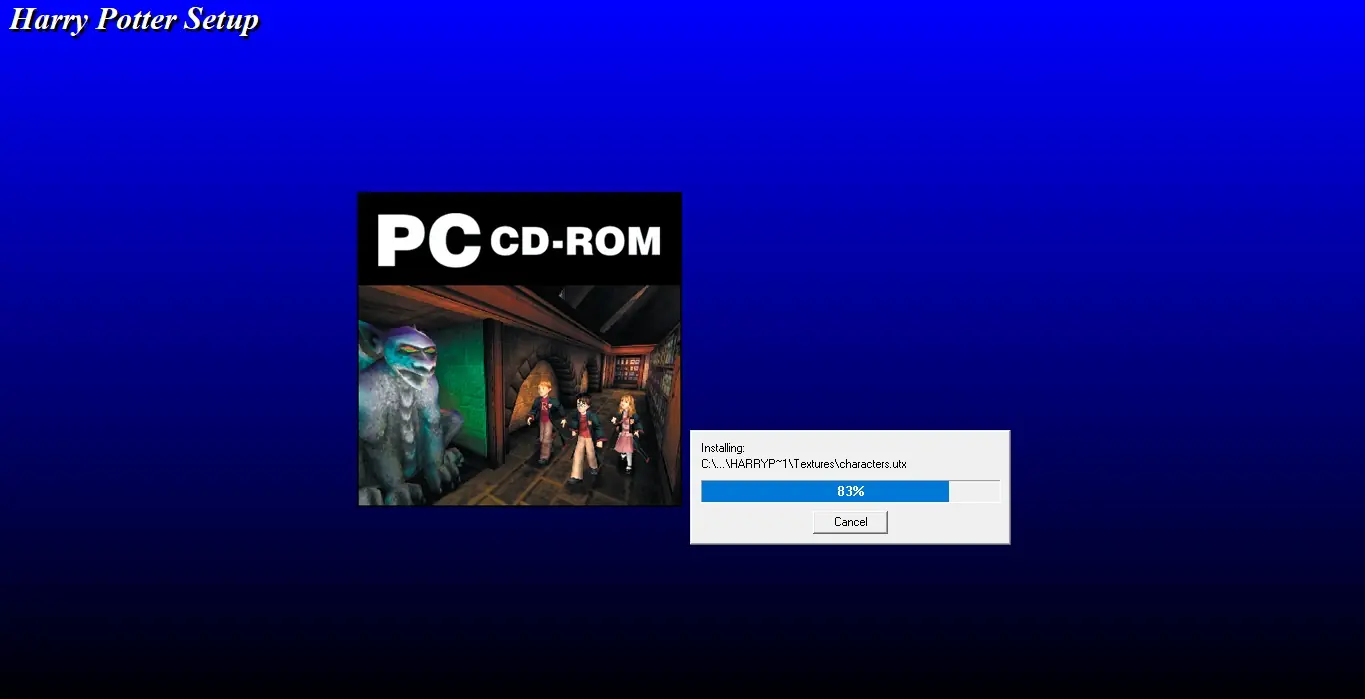
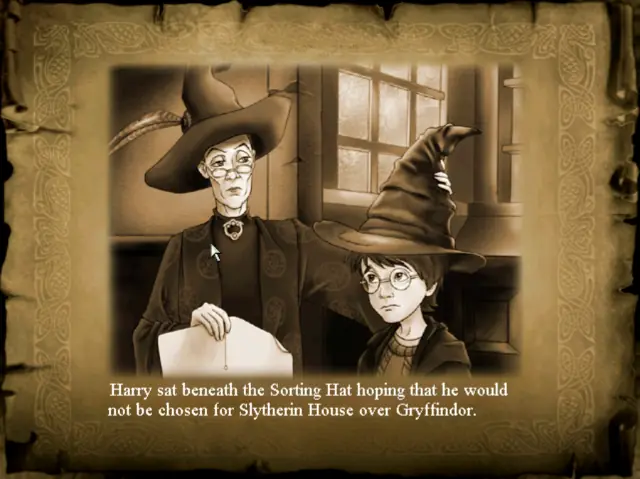
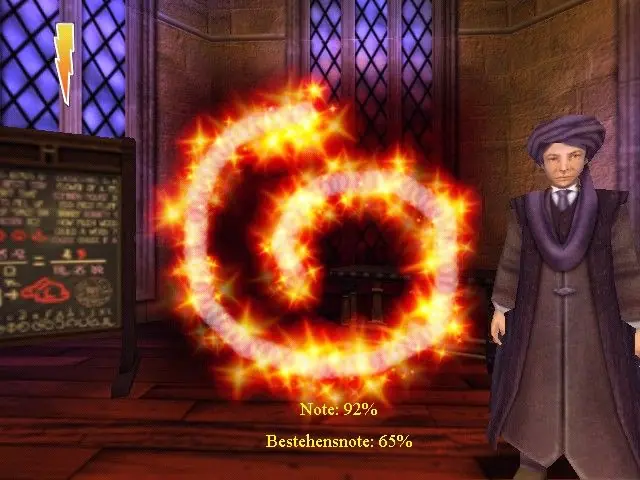
Harry Potter and the Philosopher’s Stone is abandonware and no longer sold or supported by its publishers. Files are archived here for these platforms:








Thank you,
—HP_Archivist, Project Lead
Harry Potter Games Archive Project
Also if your screen starts spinning after a cutscene, try making sure you don’t have a controller plugged in. For some reason it doesn’t like that. Even if you don’t have stick drift it still spins.
…………………………
I have just installed this via the ISO file on Win10, however I can’t run it and I also can’t uninstall it – just keep getting error “setup failed to launch installation engine class not registered”. I’ve tried running as Admin – I’ve tried everything… Can anyone offer any advice? How can I uninstall this so I can try a fresh install? TIA! 🙂
Every time you cast a spell the lag lasts like 15 seconds. Makes the challenges impossible and the game unplayable.
Fail.
The end-user or reader of the future will have to read carefully to effectively understand the step by step instructions for downloading and indefinitely accessing this archival software and getting these ancient computer games to run on modern operating systems and hardware.
If you have trouble, please feel free to join the Discord server for this Project. This Project is incapable of responding to *every single question or comment* that appears on this thread. The step by step instructions, the readme.txt found on the Archive.org links, they are there to help readers of the future. Thank you.
Harry Potter Games Archive Project
https://discord.gg/F7354xe
—HP_Archivist, Project Lead
Harry Potter Games Archive Project
I click on the icon and the game does not open, even when I try to open it as an administrator
This game will not run on modern operating systems without the crack. You will need to right click on the HP.exe crack, click copy, and then go to this path:
C:Program Files (x86)EA GamesHarry PotterSystem
Once in the System folder, right click in an empty space and click Paste.
Windows will then prompt with a warning saying ‘You’re about to overwrite a file with the same name’ click Yes/Okay/Continue.
Then try running the game again.
—HP_Archivist, Project Lead
Harry Potter Games Archive Project
https://archive.org/details/harry-potter-pc-games-no-cd-cracks
—HP_Archivist, Project Lead
Harry Potter Games Archive Project
Thank you.
—HP_Archivist, Project Lead
Harry Potter Games Archive Project
What am I supposed to do?
1504-1879151-5021411-5309
If you’re still having issues feel free to ping me on Discord.
—HP_Archivist, Project Lead
Harry Potter Games Archive Project
Sounds like you might need a fresh installation. I’d recommend uninstalling and then reinstalling.
Please join our Discord if you need help.
Harry Potter Games Archive Project
https://discord.gg/F7354xe
—HP_Archivist, Project Lead
Harry Potter Games Archive Project
and it will not start up
Please see my comments in this thread from a few months ago regarding appInit error:
It might be best to start your installation over. In which case, if you scroll through the comments below, I posted step by step instructions.
https://oldgamesdownload.com/harry-potter-and-the-philosophers-stone/#comment-5329542445
—HP_Archivist, Project Lead
Harry Potter Games Archive Project