Harry Potter and the Prisoner of Azkaban
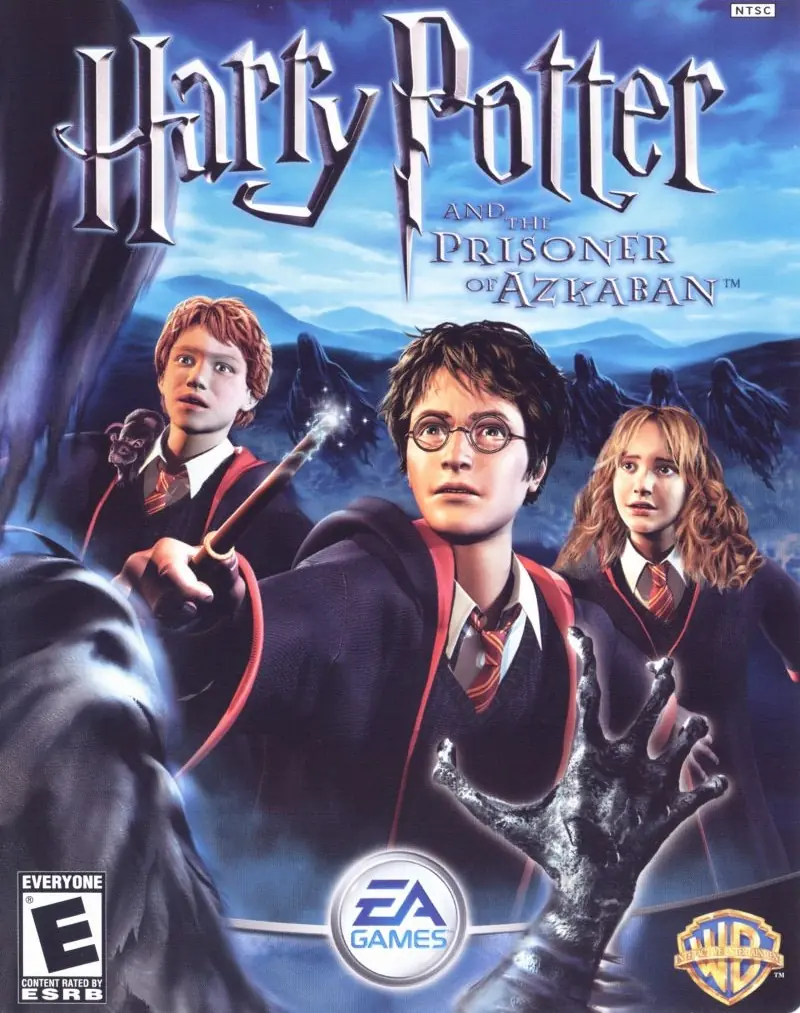
Take on multiple exciting subquests: fly on a Hippogriff, reveal the secrets of the Marauder's Map, and face wild, magical two-player challenges.
Publishers
Developers
Released
Platforms
Take on multiple exciting subquests: fly on a Hippogriff, reveal the secrets of the Marauder's Map, and face wild, magical two-player challenges.
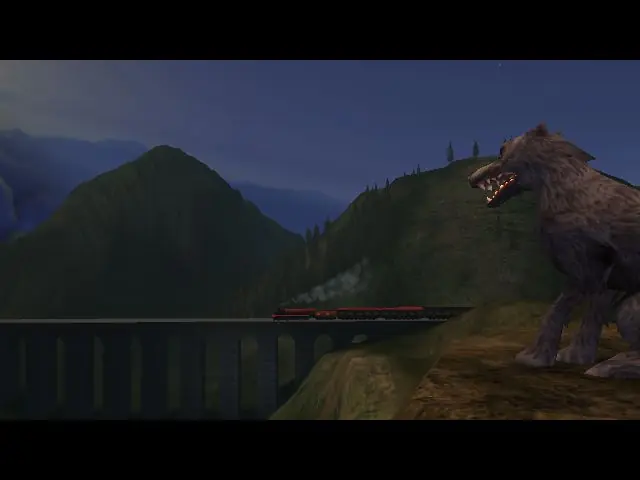
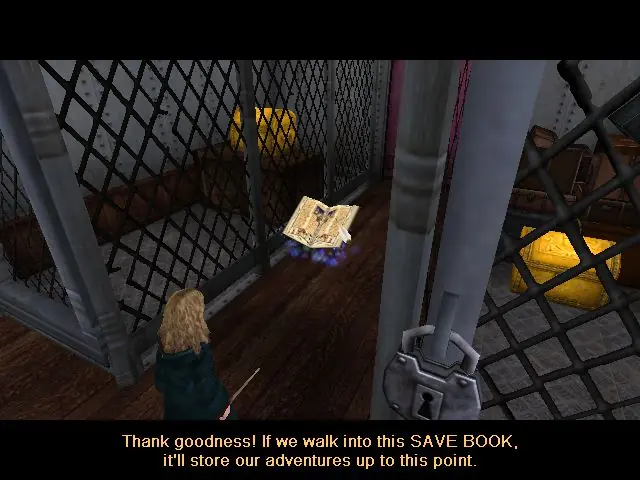
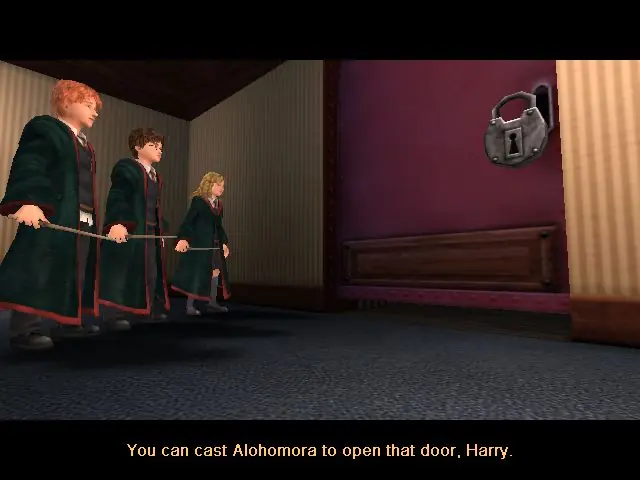
From the opening scene on the Hogwarts Express to the climactic finale on the shore of the great lake at Hogwarts, the Harry Potter and the Prisoner of Azkaban videogame immerses the player in the world of Harry Potter with captivating gameplay, stunning environments, and graphics that bring to life the magical world familiar to anyone who has seen the films. Players encounter new characters and creatures, engage in a variety of sub-quests, fly on a Hippogriff, explore previously unseen areas of Hogwarts and take on their friends in multiple two-player challenges, as they take part in the most exciting and challenging Harry Potter videogame adventure yet. Companion Play -- Play as Harry, Ron and Hermione to unlock the secrets of Hogwarts. Face the Dementors -- Can you overcome the dreaded Azkaban guards? Fly Buckbeak -- Fly the Hippogriff around the towers of Hogwarts. All-New Spells -- Freeze creatures, control flame-breathing dragons and conjure a Patronus. Stunning Graphics -- Best-ever graphics bring to life the world of Harry Potter in a way never seen before. New Wizard Cards -- Enjoy a new set of Wizard Cards, including the Beings and Beasts cards.
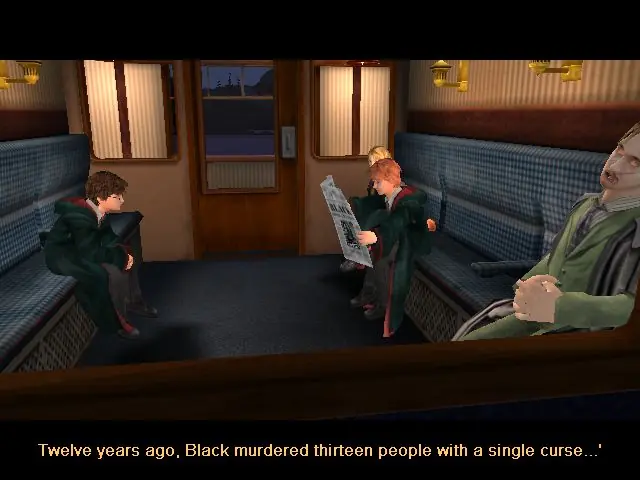
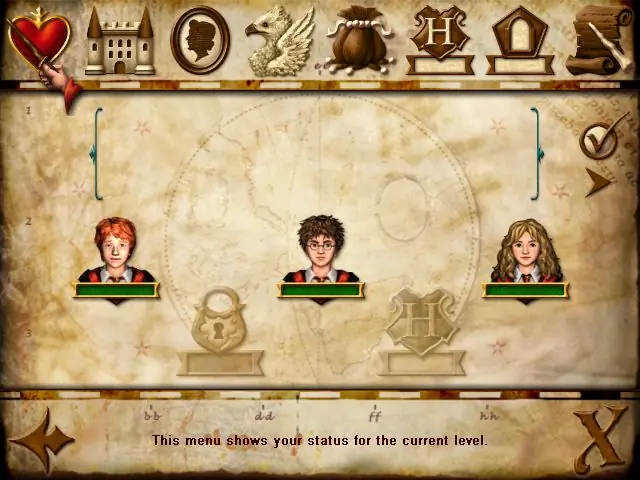
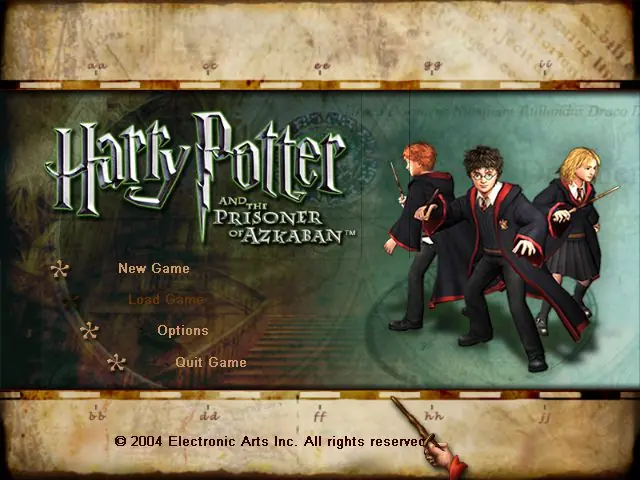
Harry Potter and the Prisoner of Azkaban is abandonware and no longer sold or supported by its publishers. Files are archived here for these platforms:
How to play on Windows







i have tried all the solutions which available on net but all in vain plz van some one help me
“I know it is a bit late… but I figured out how to get past this… in your installation folder of the game, go to the DEFUSER.ini file, it is a file for changing keystrokes in the game, then search for backspace, and type next to it Ghost, it will be backspace=ghost, also change another button, say button B, to walk, B=walk, then while in game and the imp is frozen, hit the backspace button to activate ghost mode, fly through the roof, and hit button b to activate walk mode again, and you can continue from there without problem”
It got me past the room with the imp and I was able to finish the challenge without a problem. I went back through a second time to get all ten shields and the second time around the imp didn’t freeze. But the spongify tile that allows you to go to the next room wouldn’t work so I just used the same solution as before
I downloaded and started playing the game just fine, but then it gets to a point in the initial tutorial where the game just stops. I can still move around, but there is a creature that is supposed to be throwing candies that explode at me and I am supposed to grab the candies and throw them at him before they explode and what happens is that the creature just stays still and does not throw a thing to me, so I can’t continue with the game since I can’t win that little battle.
Does anyone know how to fix this?
Thanks in advance
i played the game fine (windows version) for hours, but now whener i try to load game it either locks on the loading screen or gives the following message:
Failed Luanching URL / Failed to find object `Level None.MyLevel`. New games work fine, but i had already completed the story and final exams and was finally able to explore the castle and grounds. How do I fix this? thanks