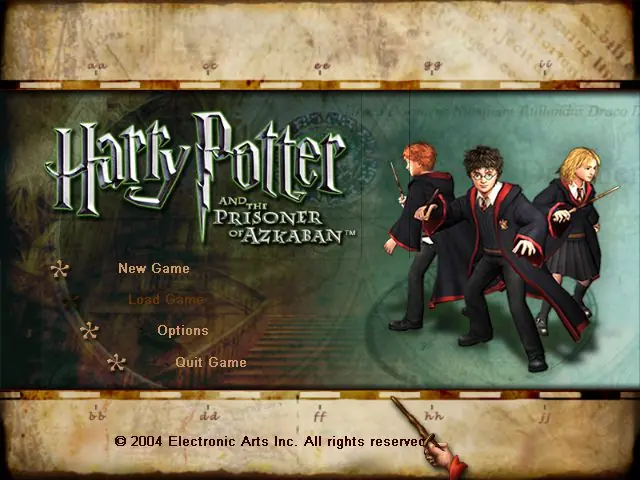
Harry Potter and the Prisoner of Azkaban
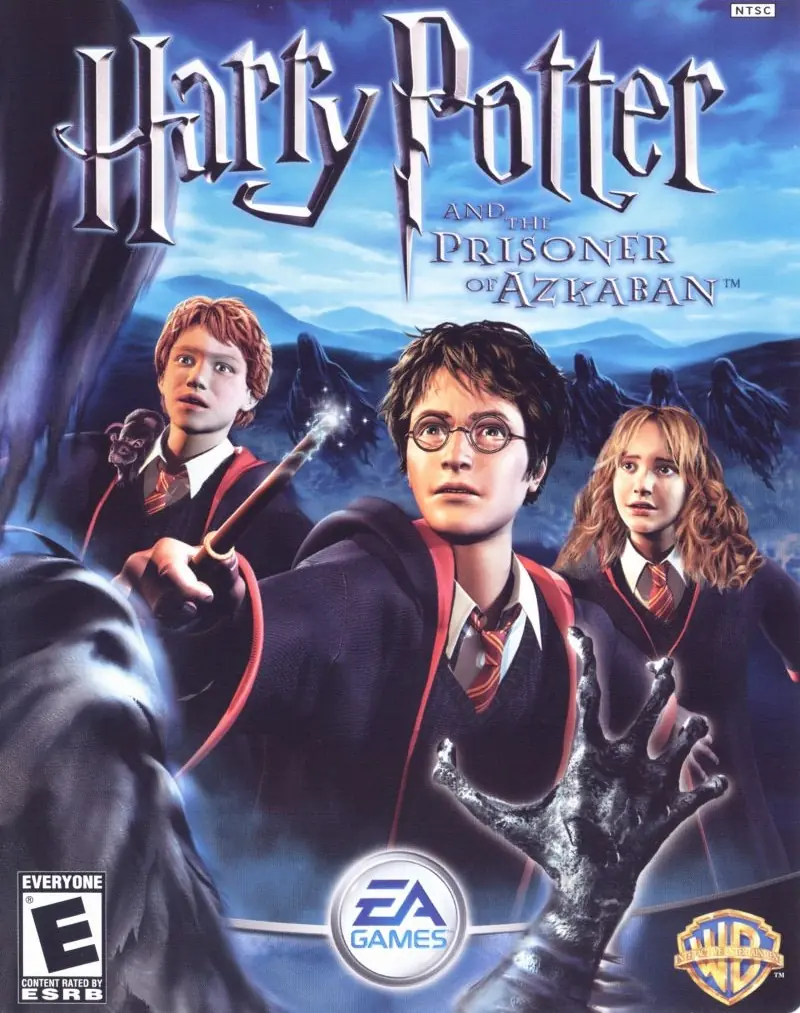
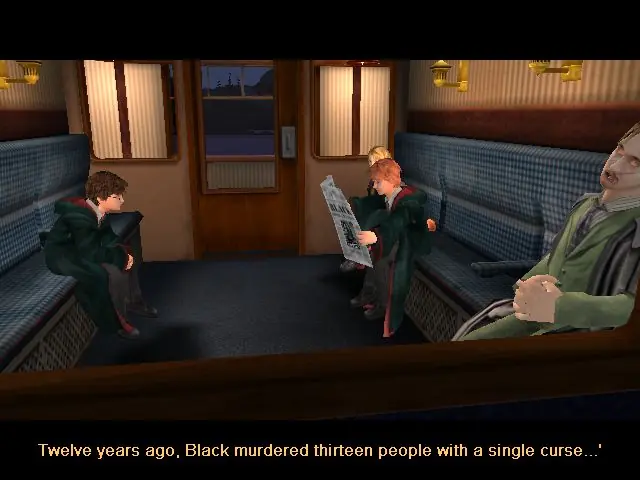
Take on multiple exciting subquests: fly on a Hippogriff, reveal the secrets of the Marauder's Map, and face wild, magical two-player challenges.
Publishers
Developers
Released
Platforms
Take on multiple exciting subquests: fly on a Hippogriff, reveal the secrets of the Marauder's Map, and face wild, magical two-player challenges.
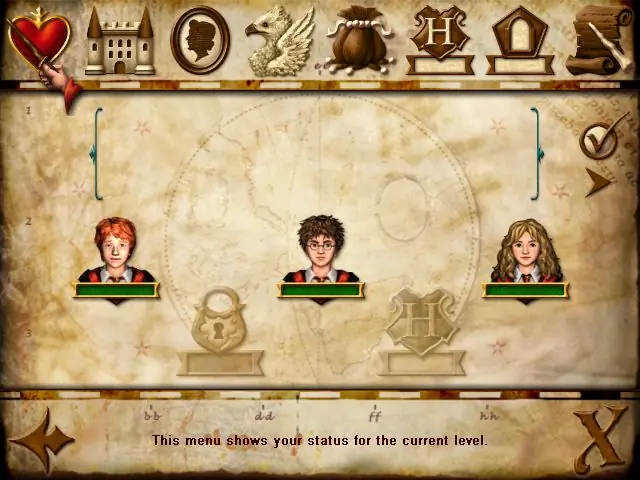
From the opening scene on the Hogwarts Express to the climactic finale on the shore of the great lake at Hogwarts, the Harry Potter and the Prisoner of Azkaban videogame immerses the player in the world of Harry Potter with captivating gameplay, stunning environments, and graphics that bring to life the magical world familiar to anyone who has seen the films. Players encounter new characters and creatures, engage in a variety of sub-quests, fly on a Hippogriff, explore previously unseen areas of Hogwarts and take on their friends in multiple two-player challenges, as they take part in the most exciting and challenging Harry Potter videogame adventure yet. Companion Play -- Play as Harry, Ron and Hermione to unlock the secrets of Hogwarts. Face the Dementors -- Can you overcome the dreaded Azkaban guards? Fly Buckbeak -- Fly the Hippogriff around the towers of Hogwarts. All-New Spells -- Freeze creatures, control flame-breathing dragons and conjure a Patronus. Stunning Graphics -- Best-ever graphics bring to life the world of Harry Potter in a way never seen before. New Wizard Cards -- Enjoy a new set of Wizard Cards, including the Beings and Beasts cards.
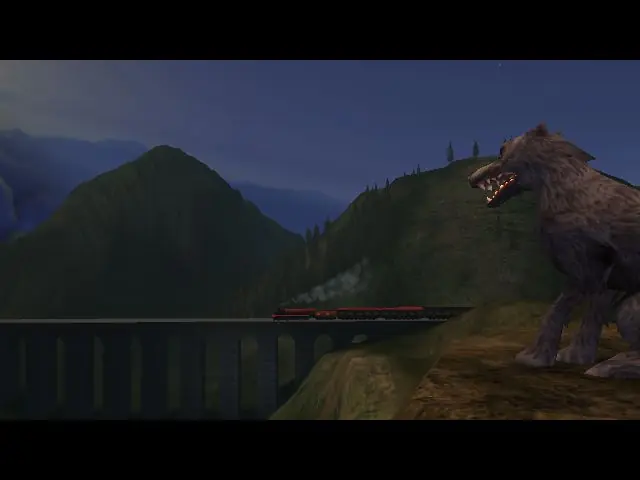
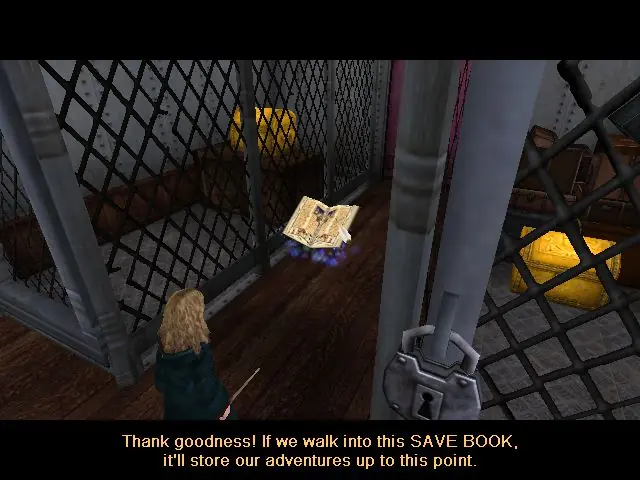
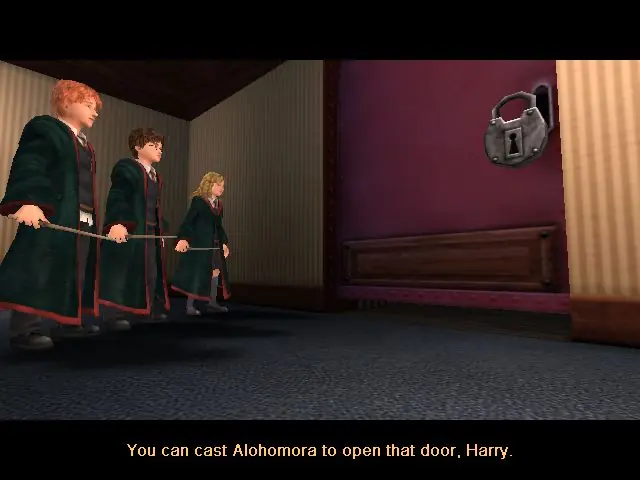
Harry Potter and the Prisoner of Azkaban is abandonware and no longer sold or supported by its publishers. Files are archived here for these platforms:
How to play on Windows







https://uploads.disquscdn.com/images/65be8b0a4370efaa95e2e2ad8e2fed21393f01bddb2314662a401643fb3a3195.png
Anyone can help me fix this?
No Label
OS: Windows NT 6.2 (Build: 9200)
CPU: GenuineIntel PentiumPro-class processor @ 2814 MHz with 2047MB RAM
Video: No Video
Assertion failed: RenDev [File:WinViewport.cpp] [Line: 571]
History: UWindowsViewport::OpenWindow <- UGameEngine::Init <- InitEngine i have tried opening as administrator instead but it doesnt work
Now I’m at the point before my anti-dementor lesson, and the game crashes, showing this screening.
Anyone who can help how to fix this?
Thank you all in advance! https://uploads.disquscdn.com/images/c7c9a302b8d108d016f6847ba119bff57ad39df638b7d57d99effeaeaaa77bed.jpg
-Go into your game folder (should be called: “Harry_Potter_and_the_Prisoner_of_Azkaban_Win_Preinstalled_EN”
-Go into “Game Files”
-Go into “system”
-Find “Default” (Might also be called “Default.ini”)
-Right-click and open with Notepad
-Find where it says: [D3DDrv.D3DRenderDevice]
-The paragraph should read as follows:
[D3DDrv.D3DRenderDevice]
DetailTextures=True
HighDetailActors=True
SuperHighDetailActors=True
UsePrecaching=True
UseTrilinear=True
AdapterNumber=-1
ReduceMouseLag=True
UseTripleBuffering=False
UseHardwareTL=True
UseHardwareVS=True
UseCubemaps=True
DesiredRefreshRate=60
UseCompressedLightmaps=True
UseStencil=False
Use16bit=false
Use16bitTextures=False
MaxPixelShaderVersion=255
UseVSync=true
LevelOfAnisotropy=1
DetailTexMipBias=0.8
DefaultTexMipBias=-0.5
UseNPatches=False
TesselationFactor=1.0
CheckForOverflow=False
-Change it to:
[D3DDrv.D3DRenderDevice]
DetailTextures=False
HighDetailActors=False
SuperHighDetailActors=False
UsePrecaching=True
UseTrilinear=False
AdapterNumber=-1
ReduceMouseLag=False
UseTripleBuffering=False
UseHardwareTL=True
UseHardwareVS=True
UseCubemaps=False
DesiredRefreshRate=75
UseCompressedLightmaps=True
UseStencil=True
Use16bit=False
Use16bitTextures=False
MaxPixelShaderVersion=255
UseVSync=False
LevelOfAnisotropy=1
DetailTexMipBias=0.800000
DefaultTexMipBias=-0.500000
UseNPatches=False
TesselationFactor=1.000000
CheckForOverflow=False
-Make sure to click File and click Save
Should now work.
(It still crashed once after I did this but definately an improvement over crashing every single time before.)
-Go into your game folder (should be called: “Harry_Potter_and_the_Prisoner_of_Azkaban_Win_Preinstalled_EN”
-Go into “Game Files”
-Go into “system”
-Find “Default” (Might also be called “Default.ini”)
-Right-click and open with Notepad
-Find where it says: [Engine.Engine]
-The line just under, it should say: RenderDevice=D3DDrv.D3DRenderDevice
-Add a ” ; ” at the beginning of the line
-It should now read: ;RenderDevice=D3DDrv.D3DRenderDevice
-Two lines under that it should say: ;RenderDevice=OpenGLDrv.OpenGLRenderDevice
-Remove the ” ; ” at the beginning of the line
-It should now read: RenderDevice=OpenGLDrv.OpenGLRenderDevice
-Click File, click Save
-That’s it.
Reload the game and it should now work.