Harry Potter and the Prisoner of Azkaban
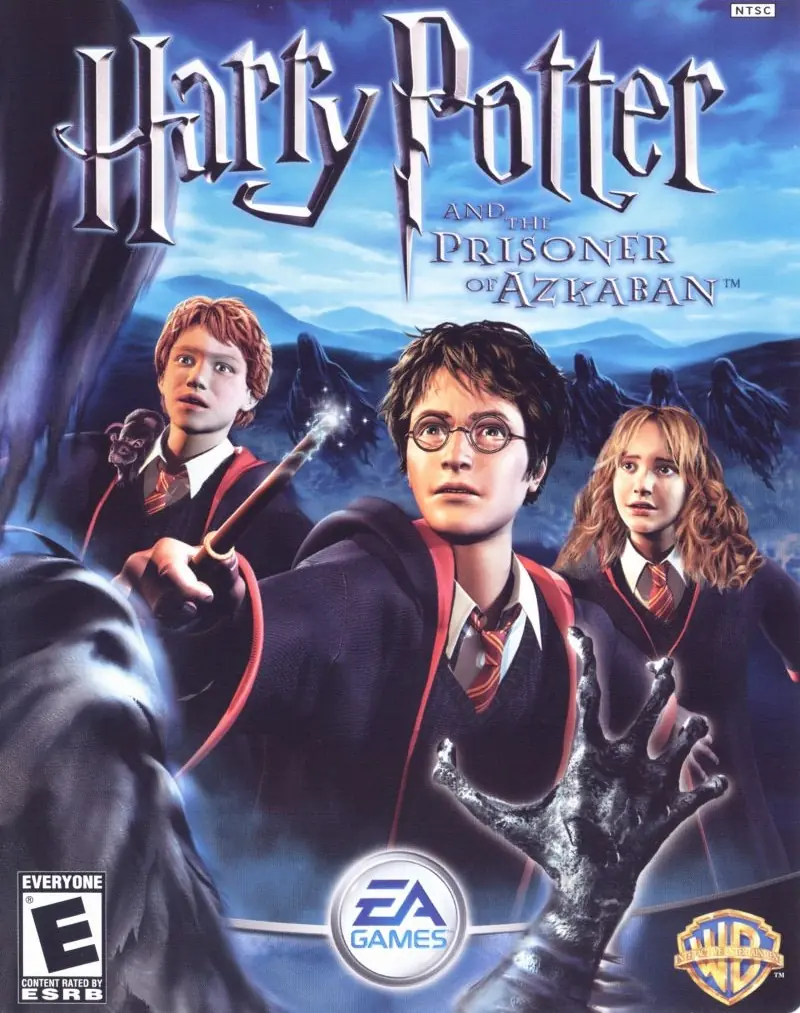
Take on multiple exciting subquests: fly on a Hippogriff, reveal the secrets of the Marauder's Map, and face wild, magical two-player challenges.
Publishers
Developers
Released
Platforms
Take on multiple exciting subquests: fly on a Hippogriff, reveal the secrets of the Marauder's Map, and face wild, magical two-player challenges.
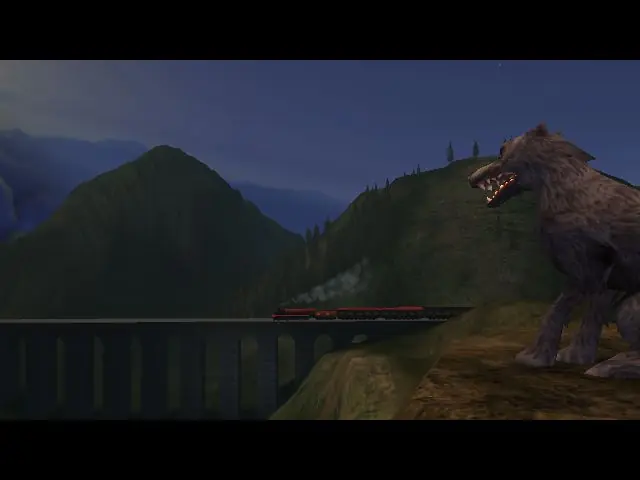
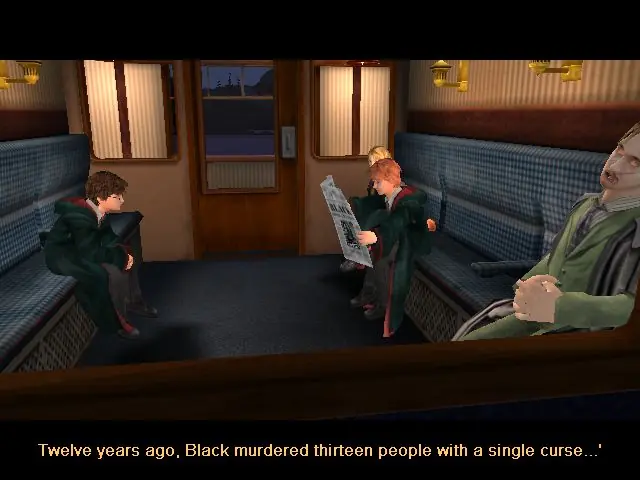
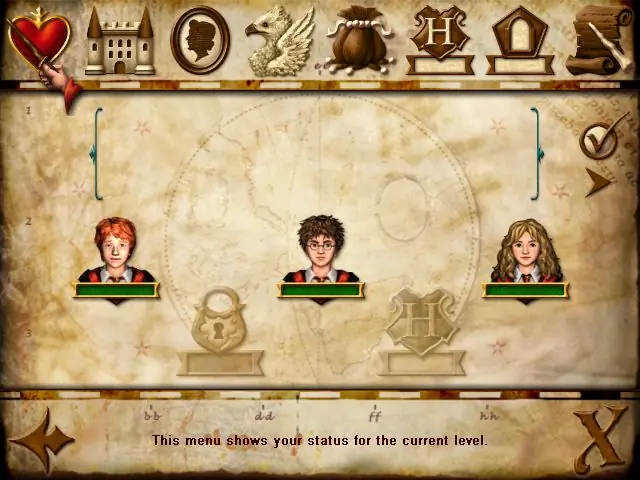
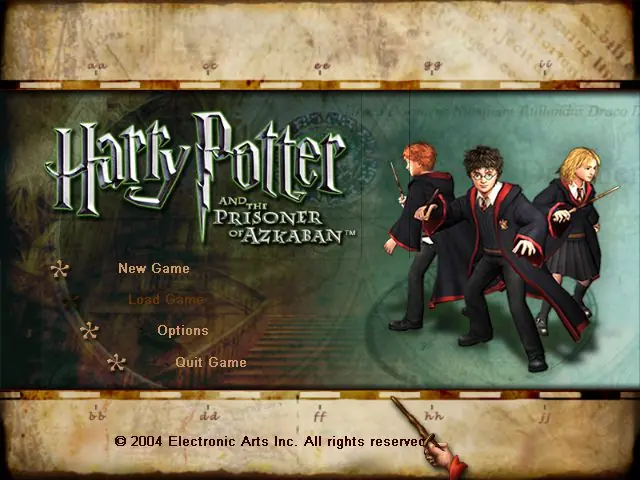
From the opening scene on the Hogwarts Express to the climactic finale on the shore of the great lake at Hogwarts, the Harry Potter and the Prisoner of Azkaban videogame immerses the player in the world of Harry Potter with captivating gameplay, stunning environments, and graphics that bring to life the magical world familiar to anyone who has seen the films. Players encounter new characters and creatures, engage in a variety of sub-quests, fly on a Hippogriff, explore previously unseen areas of Hogwarts and take on their friends in multiple two-player challenges, as they take part in the most exciting and challenging Harry Potter videogame adventure yet. Companion Play -- Play as Harry, Ron and Hermione to unlock the secrets of Hogwarts. Face the Dementors -- Can you overcome the dreaded Azkaban guards? Fly Buckbeak -- Fly the Hippogriff around the towers of Hogwarts. All-New Spells -- Freeze creatures, control flame-breathing dragons and conjure a Patronus. Stunning Graphics -- Best-ever graphics bring to life the world of Harry Potter in a way never seen before. New Wizard Cards -- Enjoy a new set of Wizard Cards, including the Beings and Beasts cards.
Harry Potter and the Prisoner of Azkaban is abandonware and no longer sold or supported by its publishers. Files are archived here for these platforms:
How to play on Windows







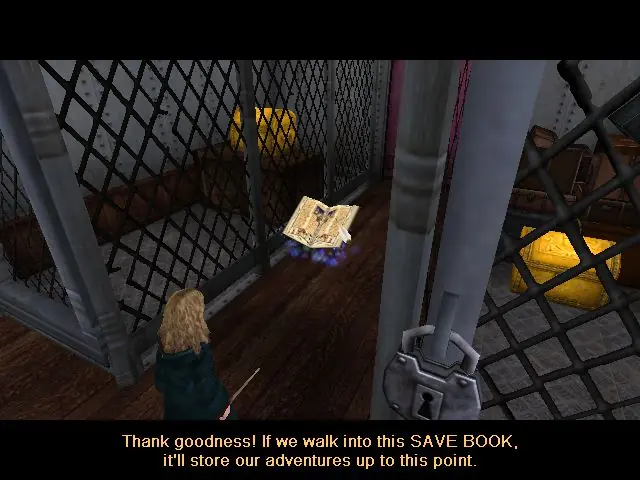
I have personally resolved this issue by temporarily running the game within Safe Mode in Windows until reaching the next Save Book.
I have personally tested these files and found them to be effective for every game (except for Order of the Phoenix).
No Label
OS: Windows NT 6.2 (Build: 9200)
CPU: GenuineIntel PentiumPro-class processor @ 3801 MHz with 2047MB RAM
Video: NVIDIA GeForce GTX 1660 SUPER (6140)
Error setting display mode: No acceptable display modes found (D3D_OK). Please delete your Game.ini file if this error prevents you from starting the game.
History: UD3DRenderDevice::UnSetRes <- FindBestMatchingMode <- UD3DRenderDevice::SetRes <- UWindowsViewport::TryRenderDevice <- UWindowsViewport::OpenWindow <- UGameEngine::Init <- InitEngine
When i got to the save point at the glacius challenge, i touched it and it crashed, every time i try to load the file it crashes, displaying this message:
No Label
OS: Windows XP 5.1 (Build: 2600)
CPU: GenuineIntel PentiumPro-class processor @ 2600 MHz with 1023MB RAM
Video: Intel(R) HD Graphics 4400
General protection fault!
History: FOpenGLTexture::Cache <- FOpenGLRenderInterface::CacheTexture <- FOpenGLRenderInterface::HandleCombinedMaterial <- FOpenGLRenderInterface::SetShaderMaterial <- FOpenGLRenderInterface::SetMaterial <- RenderStaticMesh <- FDynamicActor::Render <- RenderLevel <- FLevelSceneNode::Render <- FPlayerSceneNode::Render <- UGameEngine::Draw <- UWindowsViewport::Repaint <- UWindowsClient::Tick <- ClientTick <- UGameEngine::Tick <- UpdateWorld <- MainLoop
The Lupin juz freese there and didnt do anything
How to fix it