Home » Games » Harry Potter and the Prisoner of Azkaban
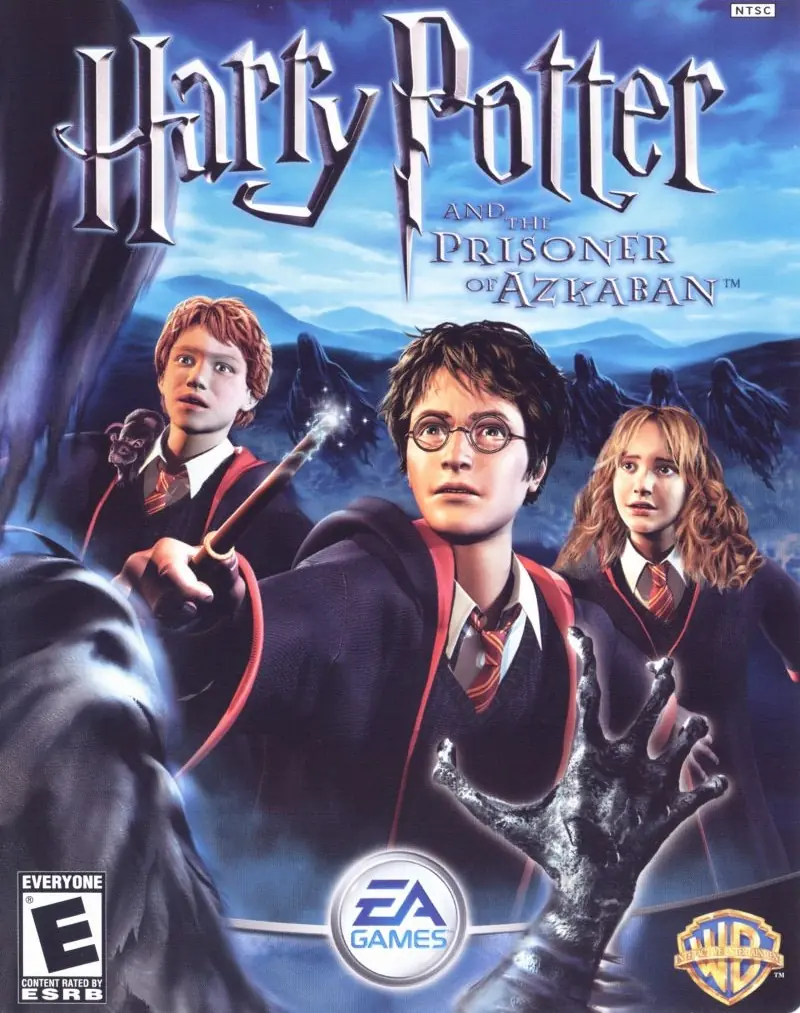
Harry Potter and the Prisoner of Azkaban

Harry Potter and the Prisoner of Azkaban Game Cover
4.5/5 - 337 votes

Take on multiple exciting subquests: fly on a Hippogriff, reveal the secrets of the Marauder's Map, and face wild, magical two-player challenges.

Other Titles

Harry Potter a Väzeň z AzkabanuHarry Potter a Vězeň z AzkabanuГарри Поттер и узник АзкабанаHarry Potter Et Le Prisonnier D'AzkabanHarry Potter e o Prisioneiro de AzkabanHarry Potter en de Gevangene van AzakabanHarry Potter ja Azkabanin vankiHarry Potter och fången från AzkabanHarry Potter und der Gefangene von AskabanHarry Potter y el Prisionero de Azkaban哈利·波特与阿兹卡班的囚徒해리 포터와 아즈카반의 죄수Harry Potter e il prigioniero di AzkabanHarry Potter en de Gevangene van AzkabanHarry Potter i więzień AzkabanuHarry Potter i zatočenik AzkabanaHarry Potter és az azkabani fogolyVideospelet Harry Potter and the Prisoner of AzkabanГаррі Поттер і в'язень Азкабануהארי פוטר והאסיר מאזקבאןهارى پوتير اند ث پريسونير اوف ازكابانهری پاتر و زندانی آزکابانჰარი პოტერი და აზკაბანის ტყვე

Genres
,
Publishers
Released
Download

About Harry Potter and the Prisoner of Azkaban

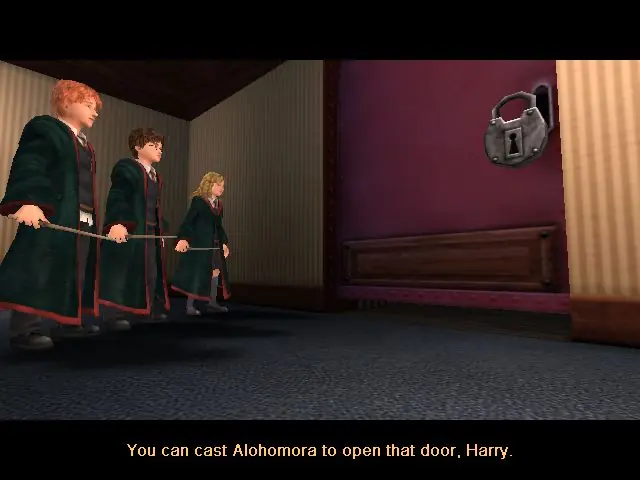
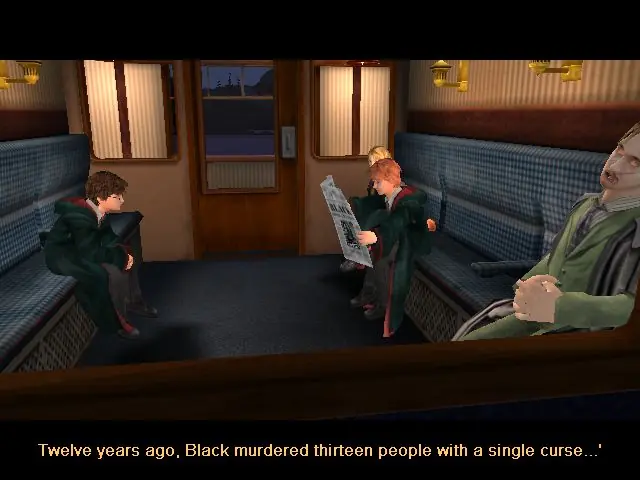
From the opening scene on the Hogwarts Express to the climactic finale on the shore of the great lake at Hogwarts, the Harry Potter and the Prisoner of Azkaban videogame immerses the player in the world of Harry Potter with captivating gameplay, stunning environments, and graphics that bring to life the magical world familiar to anyone who has seen the films. Players encounter new characters and creatures, engage in a variety of sub-quests, fly on a Hippogriff, explore previously unseen areas of Hogwarts and take on their friends in multiple two-player challenges, as they take part in the most exciting and challenging Harry Potter videogame adventure yet. Companion Play -- Play as Harry, Ron and Hermione to unlock the secrets of Hogwarts. Face the Dementors -- Can you overcome the dreaded Azkaban guards? Fly Buckbeak -- Fly the Hippogriff around the towers of Hogwarts. All-New Spells -- Freeze creatures, control flame-breathing dragons and conjure a Patronus. Stunning Graphics -- Best-ever graphics bring to life the world of Harry Potter in a way never seen before. New Wizard Cards -- Enjoy a new set of Wizard Cards, including the Beings and Beasts cards.
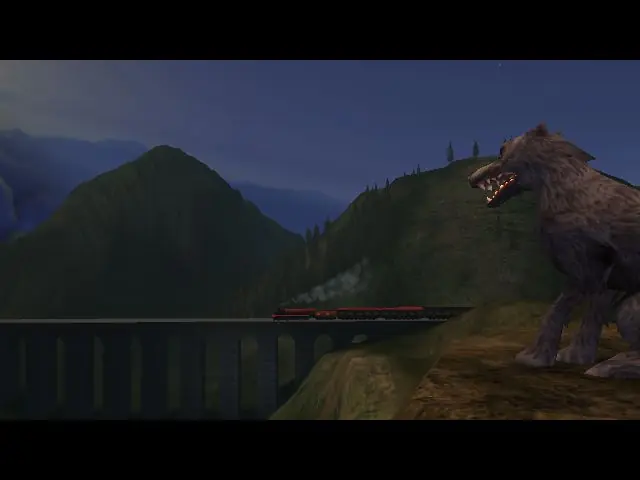
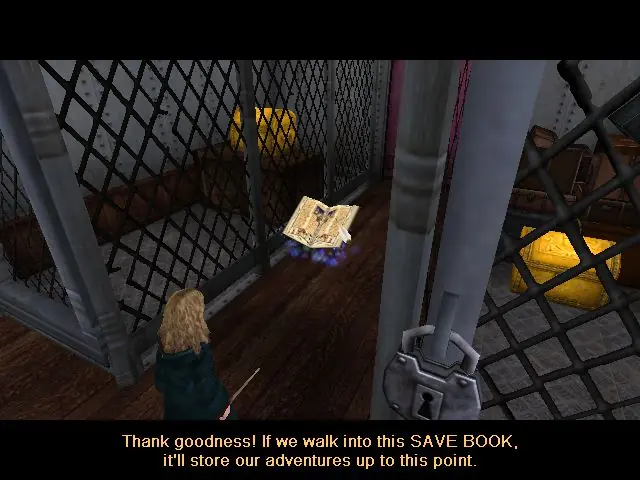
Screenshots

Windows

Harry Potter and the Prisoner of Azkaban — Windows screenshot 1Harry Potter and the Prisoner of Azkaban — Windows screenshot 2Harry Potter and the Prisoner of Azkaban — Windows screenshot 3Harry Potter and the Prisoner of Azkaban — Windows screenshot 4Harry Potter and the Prisoner of Azkaban — Windows screenshot 5Harry Potter and the Prisoner of Azkaban — Windows screenshot 6

Download Harry Potter and the Prisoner of Azkaban

Harry Potter and the Prisoner of Azkaban is abandonware and no longer sold or supported by its publishers. Files are archived here for these platforms:

PlayStation 2 (2004)

Tutorial: How to play PlayStation 2 games on Windows

Windows (2004)

Comments

219 thoughts on “Harry Potter and the Prisoner of Azkaban”

    • 0
      You need to limit fps to 60. Download Dxtory and use the trial version. Select the microchip icon between the camera and tools icon and check the box to limit framerate and set to 60.
      Reply
  1. 0
    when arriving to the first imp in the first challenge, the imp freeze and not do nothing which mean i cant continue the game
    Reply
    • 0
      You need to limit framerate to 60. Download Dxtory and use the trial version. Select the microchip icon between the camera and tools icon and check the box to limit fps and set to 60.
      Reply
  2. 0
    Will there be an reupload of this game? whenever i try to download it, its says that the original document is no longer available
    Reply
  3. 0
    After I passed the final Hippogriff challenge, the game crashed and now I can’t open the exe file at all. I didn’t get the exact error message, but I think it was something to do with graphics. Anyone know how to fix this?
    Reply
  4. 0
    Is anyone having problems with Harry’s final exam? I’m stuck at the second fight with the fire turtles so the chests won’t open so i can’t move on..
    Reply
    • 0
      You need to limit framerate to 60. Download Dxtory and use the trial version. Select the microchip icon between the camera and tools icon and check the box to limit fps and set to 60.
      Reply
      • 0
        This is really what works, it fixes all the issues including the imp, portraits not opening, not being able to replay challenges, and Harry’s final exam getting stuck.
        Reply
  5. 0
    I was really happy when I downloaded this game and found it was quite simple to make it playable.
    I also had the problem in Ron’s 1st lesson but managed to fix it with some soluction below.
    HOWEVER, I’m stucked at Harry’s Final exam: I have pushed all the fire crabs to their cage but the walls do not go down and 4th shield does not appear. I tried several times to redo this stage but everytime i get stuck in same step.
    Any ideas/ suggestions?
    Reply
    • 0
      You need to limit fps to 60. Download Dxtory and use the trial version. Select the microchip icon between the camera and tools icon and check the box to limit framerate and set to 60.
      Reply
  6. 0
    I need help please. The problem is not with just the portraits not opening but even some normal door (like the one in dungeon) as well or some chests can’t be opened. I tried everything from the wiki but it did nothing (for the portraits or the door)
    Reply
    • 0
      Go to the installed game directory. Find ‘system’ folder and double click it. Open ‘defuser’ with ‘Notepad’ or any other similar app. Search for ‘Backspace’ and type ‘=ghost’ next to it. No spaces, no Caps. It should look like ‘Backspace=ghost’. Find ‘B’, the 9th element under what was just modified and type ‘=walk’. It should look like ‘B=walk’. Save the file. Run the game. When you get stuck press the ‘backspace’ key to get into ghost mode to evade obstacles and press ‘b’ to come back to normal mode.
      If dungeons door does not open, try getting there via side chamber. The door should now open upon walking upto it. There are other bugs but most are avoided through these ways. Happy Gaming!
      Reply
      • 0
        Wow. This totally saved me!! I thought I’d have to abandon the whole game when I got stuck in the dungeons…I’d gotten stuck in so many of the portraits but this totally fixed everything thank you!
        Reply
    • 0
      You need to limit framerate to 60. Download Dxtory and use the trial version. Select the microchip icon between the camera and tools icon and check the box to limit fps and set to 60.
      Reply
  7. 0
    I have a problem:
    At first chapter, Goblins doesn’t fighting to my character.. so I can’t play anymore..:(..
    Reply
      • 0
        This works for some and not for others but when it works washes out colours and makes weird lights on the characters faces. Better to limit fps to 60.
        Reply
    • 0
      Go to the installed game directory. Find ‘system’ folder and double click it. Open ‘defuser’ with ‘Notepad’ or any other similar app. Search for ‘Backspace’ and type ‘=ghost’ next to it. No spaces, no Caps. It should look like ‘Backspace=ghost’. Find ‘B’, the 9th element under what was just modified and type ‘=walk’. It should look like ‘B=walk’. Save the file. Run the game. When you get stuck press the ‘backspace’ key to get into ghost mode to evade obstacles and press the ‘b’ key to come back to normal mode.
      If dungeons door does not open, try getting there via side chamber. The door should now open upon walking upto it. There are other bugs but most are avoided through these ways. Happy Gaming!
      Reply
    • 0
      You need to limit fps to 60. Download Dxtory and use the trial version. Select the microchip icon between the camera and tools icon and check the box to limit framerate and set to 60.
      Reply

Similar games