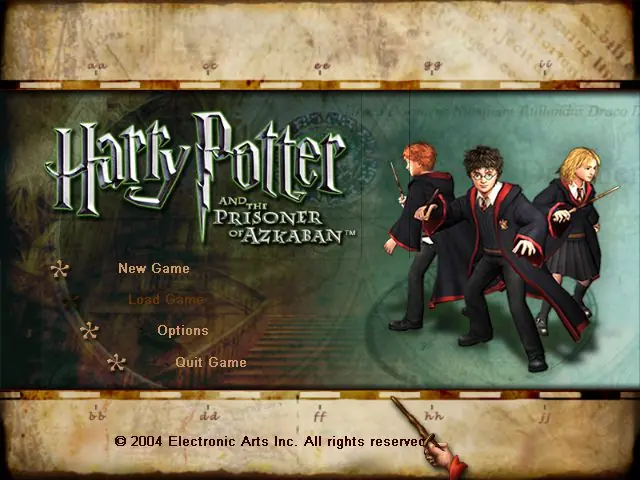
Harry Potter and the Prisoner of Azkaban
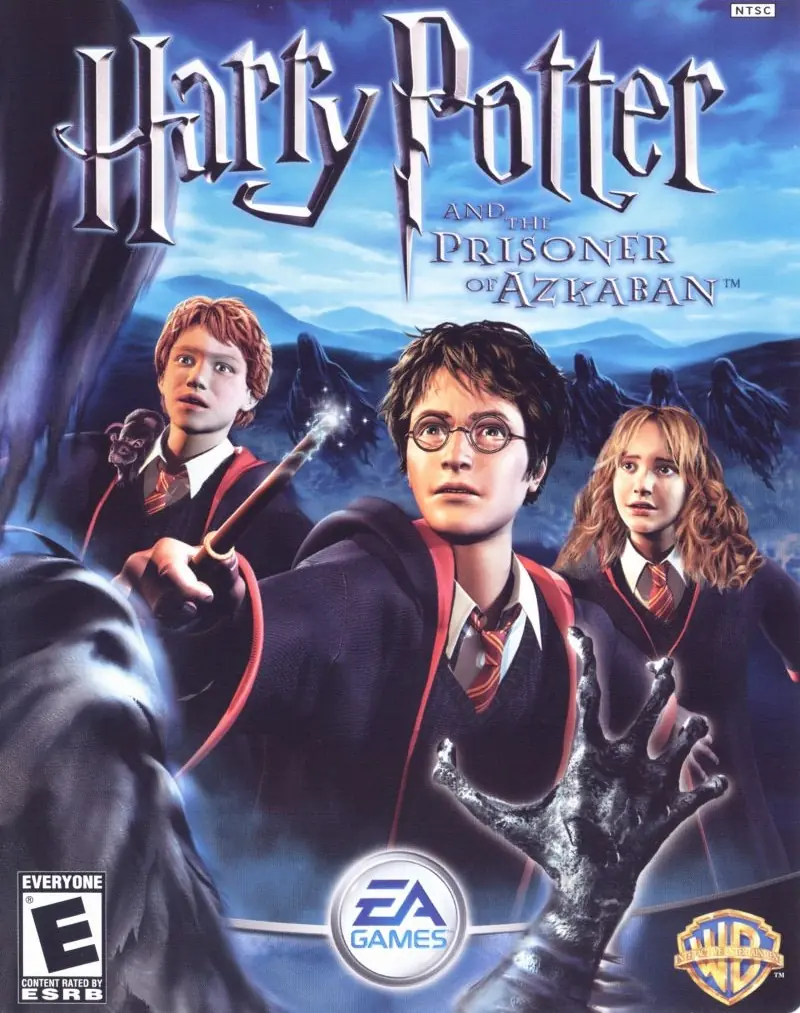
Take on multiple exciting subquests: fly on a Hippogriff, reveal the secrets of the Marauder's Map, and face wild, magical two-player challenges.
Publishers
Developers
Released
Platforms
Take on multiple exciting subquests: fly on a Hippogriff, reveal the secrets of the Marauder's Map, and face wild, magical two-player challenges.
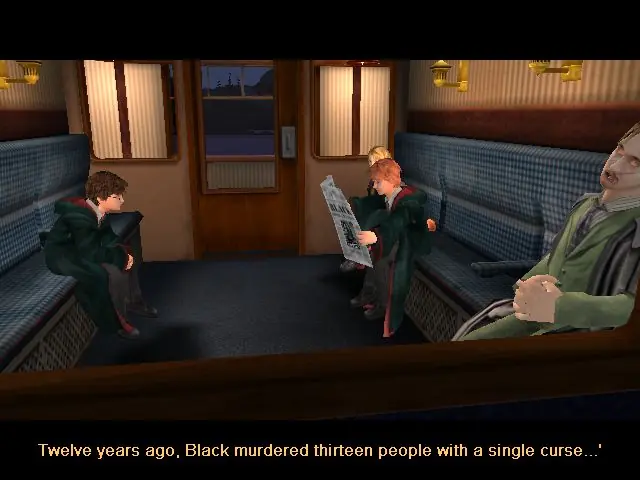
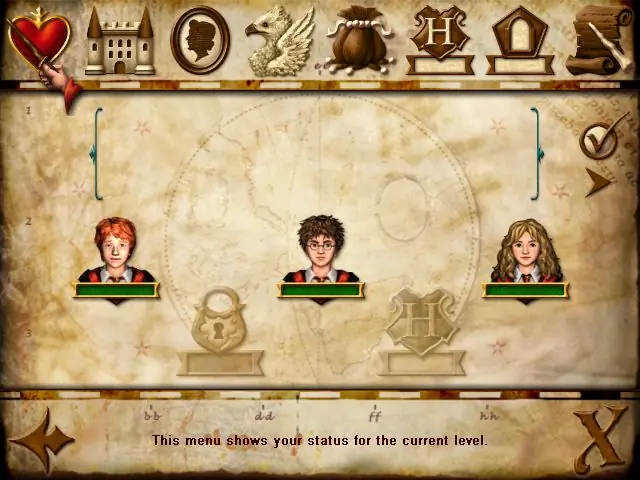
From the opening scene on the Hogwarts Express to the climactic finale on the shore of the great lake at Hogwarts, the Harry Potter and the Prisoner of Azkaban videogame immerses the player in the world of Harry Potter with captivating gameplay, stunning environments, and graphics that bring to life the magical world familiar to anyone who has seen the films. Players encounter new characters and creatures, engage in a variety of sub-quests, fly on a Hippogriff, explore previously unseen areas of Hogwarts and take on their friends in multiple two-player challenges, as they take part in the most exciting and challenging Harry Potter videogame adventure yet. Companion Play -- Play as Harry, Ron and Hermione to unlock the secrets of Hogwarts. Face the Dementors -- Can you overcome the dreaded Azkaban guards? Fly Buckbeak -- Fly the Hippogriff around the towers of Hogwarts. All-New Spells -- Freeze creatures, control flame-breathing dragons and conjure a Patronus. Stunning Graphics -- Best-ever graphics bring to life the world of Harry Potter in a way never seen before. New Wizard Cards -- Enjoy a new set of Wizard Cards, including the Beings and Beasts cards.
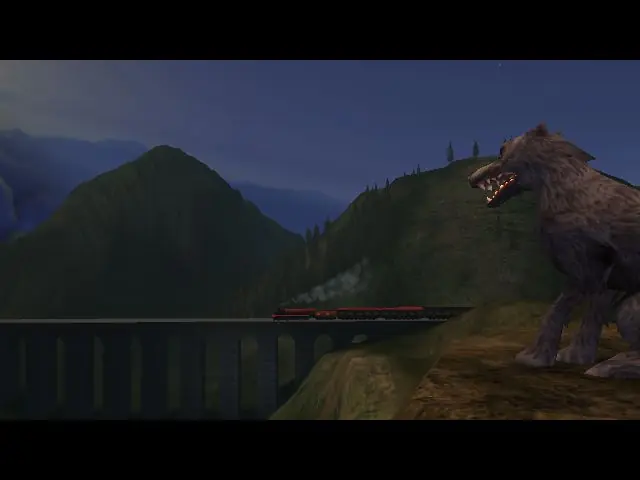
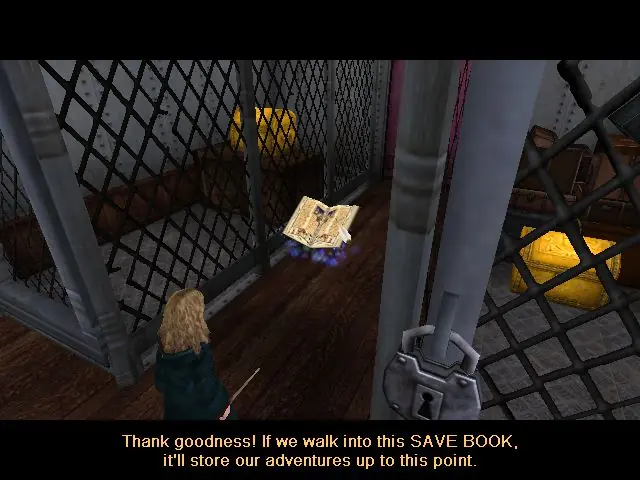
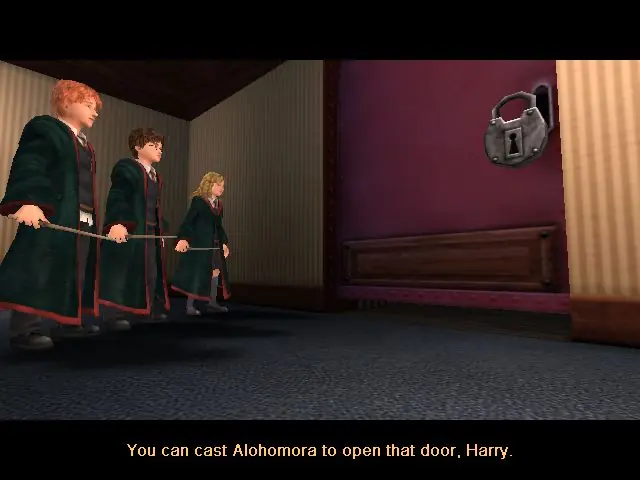
Harry Potter and the Prisoner of Azkaban is abandonware and no longer sold or supported by its publishers. Files are archived here for these platforms:
How to play on Windows







Before the Imp battle,play in window mode.The Game will show you cutscene with the imp.It will show you Imp throwing you that exploding candy and then camera shows Ron.Right before it shows Imp again,right before battle,exit the window mode with ALT+ENTER and the battle will continue.
You have to time it right before the battle, but it worked for me after 2 tries! Hope this helps and thanks to the person that found it.
Thank you very much
I downloaded the file, pasted it in the system map (for the game) and deleted the old file with the same name (might want to save the old file in case it still doesnt work). For me it has run perfectly since! Ive done all the lessons and all exams and am now working on finding all secrets in hogwarts etc 🙂
Link to the file: https://drive.google.com/file/d/1JVyS7fbzOAf1I5OKXeWvDw0GS6Oicvz9/view
Note: this is Not my file, and I do not take responsibility over what happens when you download it. It has worked excellently for me and I havent noticed any viruses since, but what you dare to download is up to you:)
the game is crashing down when I run it on windows 11