Harry Potter and the Prisoner of Azkaban
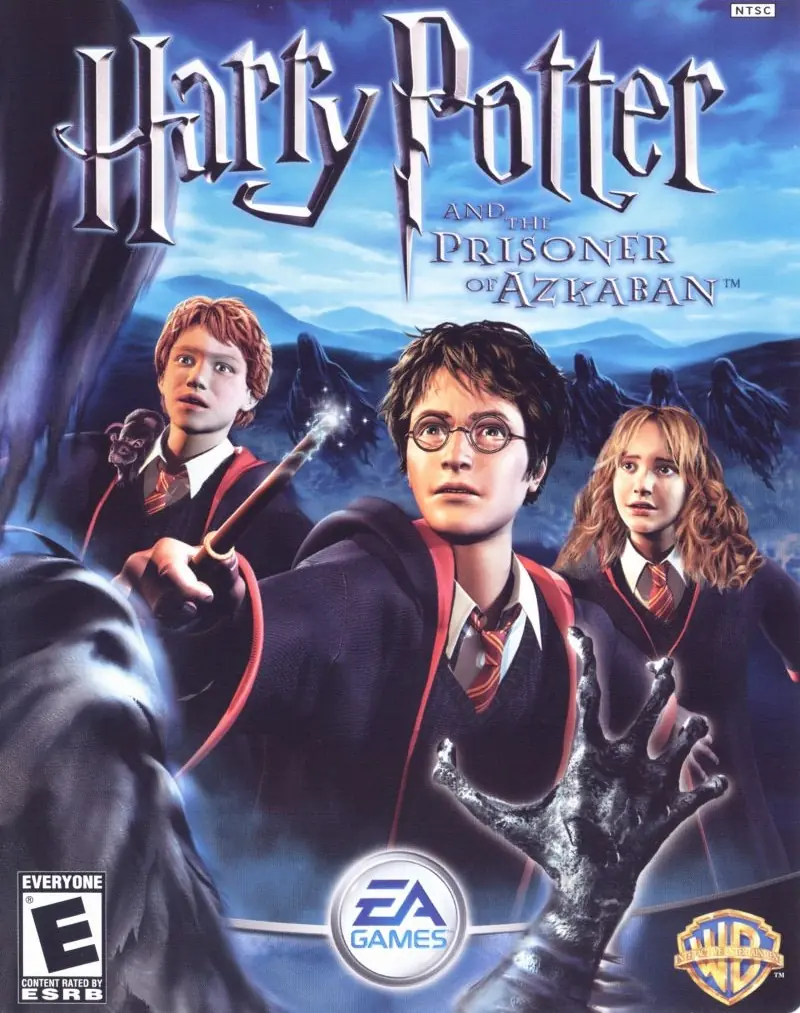
Take on multiple exciting subquests: fly on a Hippogriff, reveal the secrets of the Marauder's Map, and face wild, magical two-player challenges.
Publishers
Developers
Released
Platforms
Take on multiple exciting subquests: fly on a Hippogriff, reveal the secrets of the Marauder's Map, and face wild, magical two-player challenges.
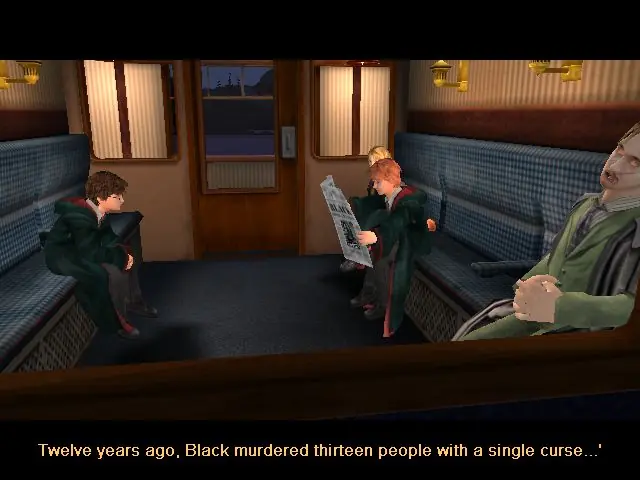
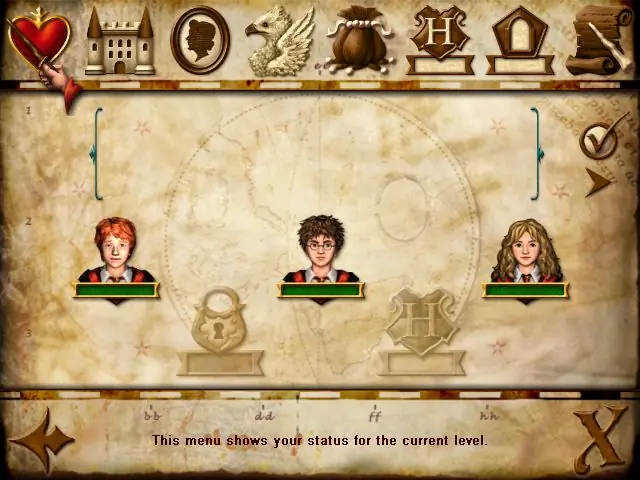
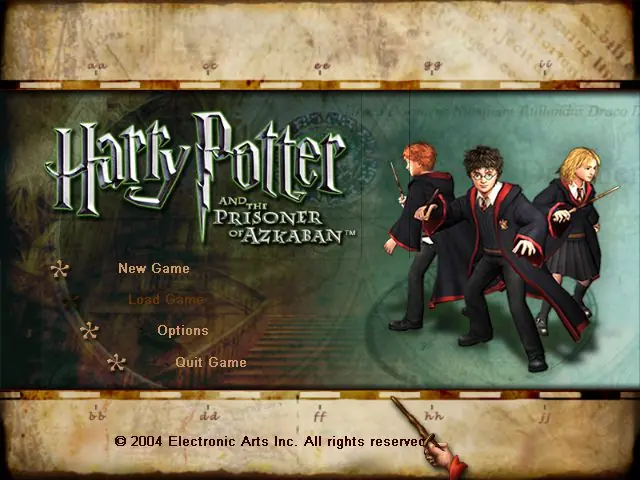
From the opening scene on the Hogwarts Express to the climactic finale on the shore of the great lake at Hogwarts, the Harry Potter and the Prisoner of Azkaban videogame immerses the player in the world of Harry Potter with captivating gameplay, stunning environments, and graphics that bring to life the magical world familiar to anyone who has seen the films. Players encounter new characters and creatures, engage in a variety of sub-quests, fly on a Hippogriff, explore previously unseen areas of Hogwarts and take on their friends in multiple two-player challenges, as they take part in the most exciting and challenging Harry Potter videogame adventure yet. Companion Play -- Play as Harry, Ron and Hermione to unlock the secrets of Hogwarts. Face the Dementors -- Can you overcome the dreaded Azkaban guards? Fly Buckbeak -- Fly the Hippogriff around the towers of Hogwarts. All-New Spells -- Freeze creatures, control flame-breathing dragons and conjure a Patronus. Stunning Graphics -- Best-ever graphics bring to life the world of Harry Potter in a way never seen before. New Wizard Cards -- Enjoy a new set of Wizard Cards, including the Beings and Beasts cards.
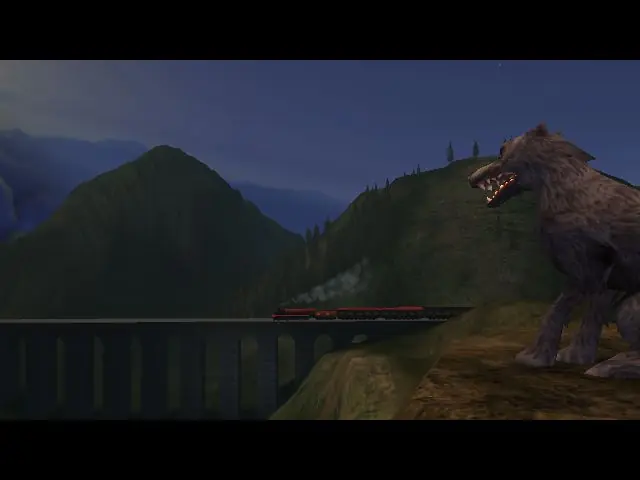
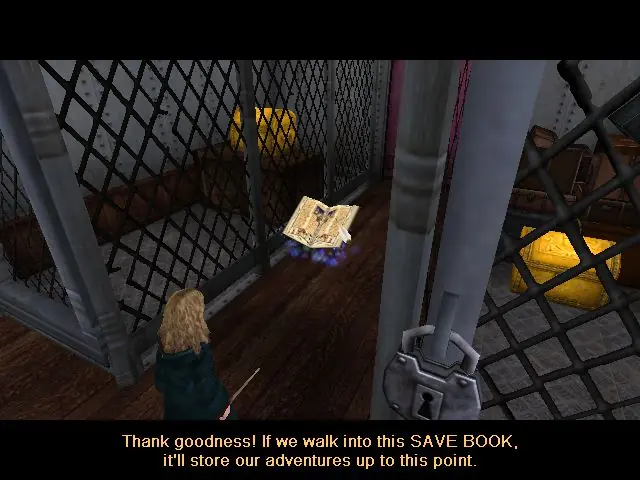
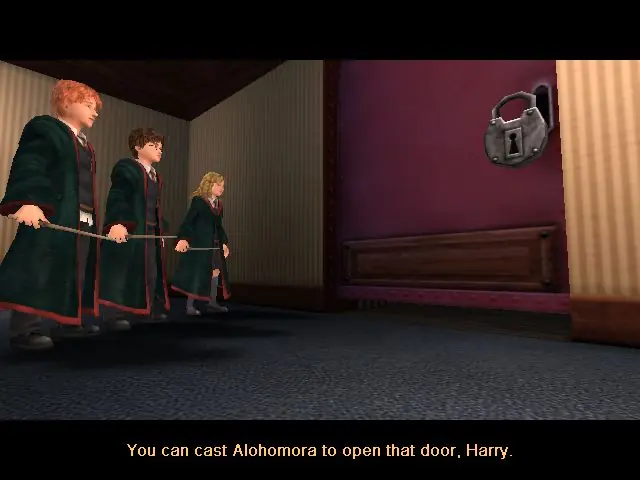
Harry Potter and the Prisoner of Azkaban is abandonware and no longer sold or supported by its publishers. Files are archived here for these platforms:
How to play on Windows







No Label
OS: Windows NT 6.2 (Build: 9200)
CPU: GenuineIntel PentiumPro-class processor @ 2602 MHz with 2047MB RAM
Video: NVIDIA GeForce RTX 3060 (1295)
General protection fault!
History: TestReach <- UObject::GetFullName <- UStruct::SerializeBin <- (Class Engine.BeamEmitter HitActors[0]) <- UObject::Serialize <- (BeamEmitter Save0.BeamEmitter34) <- TestReach <- (BeamEmitter Save0.BeamEmitter34) <- UStruct::SerializeBin <- (Class hgame.EPWandLightning Emitters[0]) <- UObject::Serialize <- (EPWandLightning Save0.EPWandLightning0) <- AActor::Serialize <- TestReach <- (EPWandLightning Save0.EPWandLightning0) <- UStruct::SerializeBin <- (Class hgame.PatronusStag WandLightingEmitter[0]) <- UObject::Serialize <- (PatronusStag Save0.PatronusStag0) <- AActor::Serialize <- TestReach <- (PatronusStag Save0.PatronusStag0) <- UStruct::SerializeBin <- (Class hgame.GroundCreatureController Creature[0]) <- UObject::Serialize <- (GroundCreatureController Save0.GroundCreatureController57) <- AActor::Serialize <- TestReach <- (GroundCreatureController Save0.GroundCreatureController57) <- UStruct::SerializeBin <- (Class hgame.HPAIController nextController[0]) <- UObject::Serialize <- (HPAIController Save0.HPAIController648) <- AActor::Serialize <- TestReach <- (HPAIController Save0.HPAIController648) <- UStruct::SerializeBin <- (Class hgame.DementorHarry KWAIController[0]) <- UObject::Serialize <- (DementorHarry Save0.DementorHarry0) <- AActor::Serialize <- TestReach <- (DementorHarry Save0.DementorHarry0) <- UStruct::SerializeBin <- (Class KWGame.AmbientSoundTrigger Touching[0]) <- UObject::Serialize <- (AmbientSoundTrigger Save0.AmbientSoundTrigger0) <- AActor::Serialize <- TestReach <- (AmbientSoundTrigger Save0.AmbientSoundTrigger0) <- UStruct::SerializeBin <- (Class hgame.Sirius Touching[0]) <- UObject::Serialize <- (Sirius Save0.Sirius1) <- AActor::Serialize <- TestReach <- (Sirius Save0.Sirius1) <- UStruct::SerializeBin <- (Class KWGame.KWMusicTrigger Touching[0]) <- UObject::Serialize <- (KWMusicTrigger Save0.KWMusicTrigger0) <- AActor::Serialize <- TestReach <- (KWMusicTrigger Save0.KWMusicTrigger0) <- ULevelBase::Serialize <- ULevel::Serialize <- TestReach <- (Level Save0.myLevel) <- UStruct::SerializeBin <- (Class hgame.VendorManager XLevel[0]) <- UObject::Serialize <- (VendorManager Save0.VendorManager25) <- AActor::Serialize <- TestReach <- (VendorManager Save0.VendorManager25) <- UStruct::SerializeBin <- (Class hgame.hgame VendorManager[0]) <- UObject::Serialize <- (hgame Save0.hgame25) <- AActor::Serialize <- TestReach <- (hgame Save0.hgame25) <- UStruct::SerializeBin <- (Class Engine.LevelInfo Game[0]) <- UObject::Serialize <- (LevelInfo Save0.LevelInfo0) <- AActor::Serialize <- TestReach <- (LevelInfo Save0.LevelInfo0) <- UStruct::SerializeBin <- (Class hgame.LumosLight Level[0]) <- UObject::Serialize <- (LumosLight Save0.LumosLight80) <- AActor::Serialize <- TestReach <- (LumosLight Save0.LumosLight80) <- UStruct::SerializeBin <- (Class hgame.HarryWand TheLumosLight[0]) <- UObject::Serialize <- (HarryWand Save0.HarryWand26) <- AActor::Serialize <- TestReach <- (HarryWand Save0.HarryWand26) <- UStruct::SerializeBin <- (Class hgame.harry Wand[0]) <- UObject::Serialize <- (harry Save0.Harry1) <- AActor::Serialize <- TestReach <- (harry Save0.Harry1) <- UStruct::SerializeBin <- (Class hgame.HarryController KWPawn[0]) <- UObject::Serialize <- (HarryController Save0.HarryController24) <- AActor::Serialize <- TestReach <- (HarryController Save0.HarryController24) <- UStruct::SerializeBin <- (Class KWGame.KWCutScene PlayerController[0]) <- UObject::Serialize <- (KWCutScene Save0.KWCutScene419) <- AActor::Serialize <- TestReach <- (KWCutScene Save0.KWCutScene419) <- UStruct::SerializeBin <- (Class KWGame.KWCutScene LastTriggeredCutscene[0]) <- UClass::Serialize <- (Class KWGame.KWCutScene) <- TestReach <- (Class KWGame.KWCutScene) <- SerializeExpr <- (20) <- SerializeExpr <- (12) <- SerializeExpr <- (19) <- SerializeExpr <- (07) <- UStruct::Serialize <- (Function KWGame.KWHeroController.bInCutScene) <- UFunction::Serialize <- TestReach <- (Function KWGame.KWHeroController.bInCutScene) <- UField::Serialize <- (State KWGame.KWHeroController.PlayerWaiting) <- UStruct::Serialize <
Any help?
Y’a rien comme un ectoplasmus.
https://www.youtube.com/watch?v=k4MiX1ZOc58&t=676s
“Game Breaking Bugs Fix 6:39
Another alternative way to fix this set of issues is to use this file here: https://drive.google.com/file/d/1JVyS7fbzOAf1I5OKXeWvDw0GS6Oicvz9/view
and place the file into the System folder. Please bare in mind this will cap the game at 60fps so if you wish to use an fps higher than this then you can’t do so while using this file. If you use this method then you will not need to use the method below.”
Go into the System folder, and find the Default.ini file.
Copy it elsewhere, like on your desktop, for a backup in case something goes wrong when you edit it.
Right click on the Default.ini file that is still in the System folder (not the copy you just made), click Properties, then the the Security tab. Click Edit to change permissions. Click on the group or user name in the box, then tick the box next Full Control under Allow. This will give you administrative permission to amend the Default.ini file and will stop the error message when trying to save it later. Click Apply, then OK.
Next double click the Default.ini file in the System folder and it should open with Notepad or a similar text editor. If it asks what to open it with, choose Notepad.
Scroll down to about 3/4 of the way down, and find the section headed [D3DDrv.D3DRenderDevice]. If you search, it will probably be the 2nd entry you find, not the first one. Under the heading [D3DDrv.D3DRenderDevice], scroll down a little until you find this line: ReduceMouseLag=True … delete the word True and replace it with False and save the document.
The second thing is compatibility. Right click on the desktop shortcut icon of HP3, and click Properties. Click the Compatibility tab at the top. Tick the boxes for:
Run this program in compatibility mode for Windows XP (Service Pack 2)
Run in 640×480 screen resolution
Run this program as an administrator.
Click Apply, then OK. Then just double-click the game shortcut icon to start the game as normal. These things fixed this for me.
https://drive.google.com/file/d/1JVyS7fbzOAf1I5OKXeWvDw0GS6Oicvz9/view
working without any issue.
OS: Windows NT 6.2 (Build: 9200)
CPU: Virtual CPU Unknown processor @ 1584 MHz with 2047MB RAM
Video: Parallels Display Adapter (WDDM) (51567)
Error setting display mode: No acceptable display modes found (D3D_OK). Please delete your Game.ini file if this error prevents you from starting the game.
History: UD3DRenderDevice::UnSetRes <- FindBestMatchingMode <- UD3DRenderDevice::SetRes <- UWindowsViewport::TryRenderDevice <- UWindowsViewport::OpenWindow <- UGameEngine::Init <- InitEngine
I cannot launch the game. Anyone can help?
Then it should launch fine. I had the same issue before chose this option.
If you haven’t that option troubleshoot program and try recommend settings.
OS: Windows NT 6.2 (Build: 9200)
CPU: GenuineIntel PentiumPro-class processor @ 2598 MHz with 2047MB RAM
Video: Intel(R) UHD Graphics
General protection fault!
History: FOpenGLTexture::Cache <- FOpenGLRenderInterface::CacheTexture <- FOpenGLRenderInterface::SetShaderMaterial <- FOpenGLRenderInterface::SetMaterial <- USkeletalMeshInstance::Render <- FDynamicActor::Render <- RenderLevel <- FLevelSceneNode::Render <- FPlayerSceneNode::Render <- UGameEngine::Draw <- PaintProgress <- UGameEngine::SaveGame <- PlayerSaving <- UGameEngine::Tick <- UpdateWorld <- MainLoop I get this error after the quidditch cutscene where Harry is attacked by the dementor. is there any fix for this?
in your installation folder of the game, go to the DEFUSER.ini file, it is a file for changing keystrokes in the game, then search for backspace, and type next to it Ghost, it will be backspace=ghost, also change another button, say button B, to walk, B=walk, then while in game and the imp is frozen, hit the backspace button to activate ghost mode, fly through the roof, and hit button b to activate walk mode again, and you can continue from there without problem.
I tried this, and it worked! It says it will work for more then only this problem! Goodluck!:)
RenderDevice=D3DDrv.D3DRenderDevice thing and I am still crashing during Harry class.
I get
OS: Windows XP 5.1 (Build: 2600)
CPU: GenuineIntel PentiumPro-class processor @ 3608 MHz with 1023MB RAM
Video: AMD Radeon RX 5700 XT
General protection fault!
History: FOpenGLTexture::Cache <- FOpenGLRenderInterface::CacheTexture <- FOpenGLRenderInterface::HandleCombinedMaterial <- FOpenGLRenderInterface::HandleCombinedMaterial <- FOpenGLRenderInterface::SetShaderMaterial <- FOpenGLRenderInterface::SetMaterial <- UMeshEmitter::RenderParticles <- AEmitter::Render <- FDynamicActor::Render <- RenderLevel <- FLevelSceneNode::Render <- FPlayerSceneNode::Render <- UGameEngine::Draw <- UWindowsViewport::Repaint <- UWindowsClient::Tick <- ClientTick <- UGameEngine::Tick <- UpdateWorld <- MainLoop
any advice?