I Spy Treasure Hunt
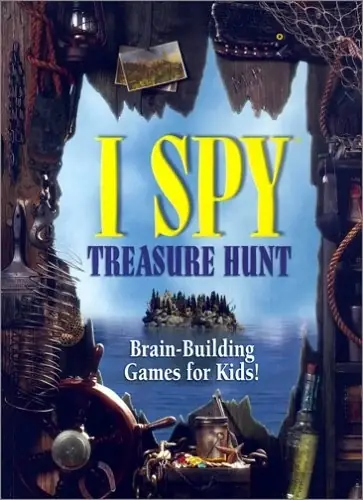
I Spy Treasure Hunt is a 2001 educational game developed by Black Hammer Productions and published by Scholastic.
Genres
Publishers
Developers
Released
Platforms
I Spy Treasure Hunt is a 2001 educational game developed by Black Hammer Productions and published by Scholastic.
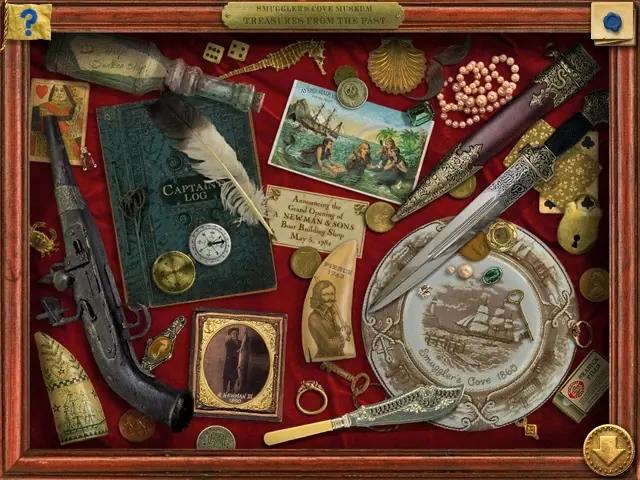
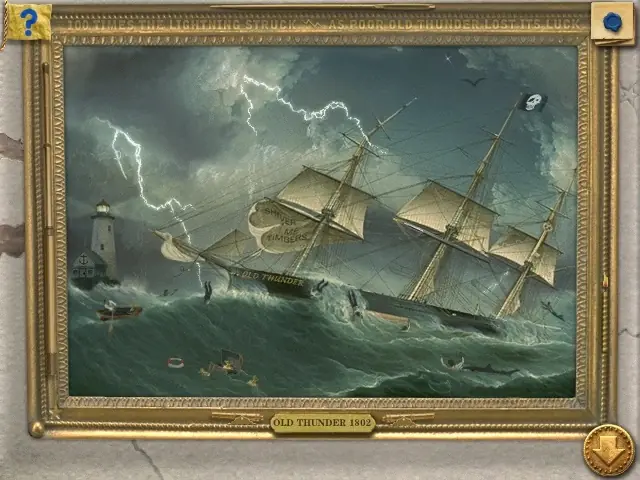
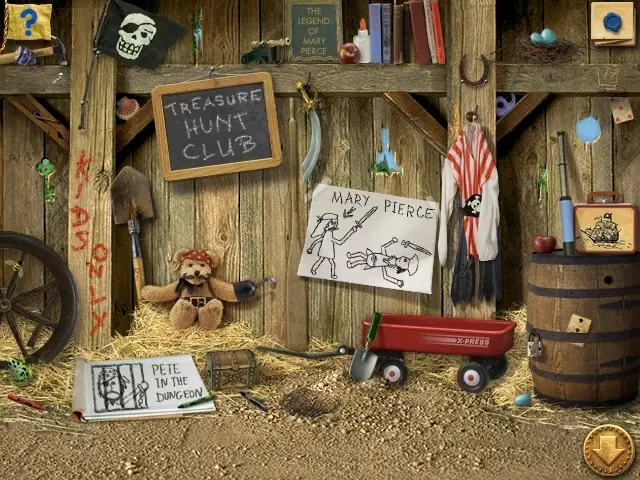
I Spy Treasure Hunt is abandonware and no longer sold or supported by its publishers. This game was preserved thanks to a community donation - see our missing games page for credits and titles we're still looking for.






After you’ve set everything up, you’re ready to run the game. Start your virtual machine if you haven’t already, then right click the CD icon in the bottom toolbar of the Virtualbox interface, select “Choose a disk file,” and select the I SPY Treasure Hunt.iso file. This makes the virtual machine think you’ve inserted a CD with that program into your computer, and you should be able to find the I Spy program under Start > Programs. Have fun!
If you’re new to Virtualbox – so am I! Here are two tips I picked up along the way.
1. Your “host key” lets you switch whether your mouse and keyboard are sending signals to your actual computer or your VM (you also can give the VM “ownership” by clicking inside the Virtualbox window). It will automatically be set to the right Ctrl button, so if you don’t have a right Ctrl button, change it in Virtual box via File > Preferences > Input > Virtual Machine > Host Key Combination Shortcut.
2. Your VM screen will probably be tiny at first. To resize it, go to View > Virtual Screen 1 and scale to 225% or whatever fits your screen.
Anybody know what’s going on or how to fix?
tutorials