Home » Games » Jimmy Neutron: Boy Genius
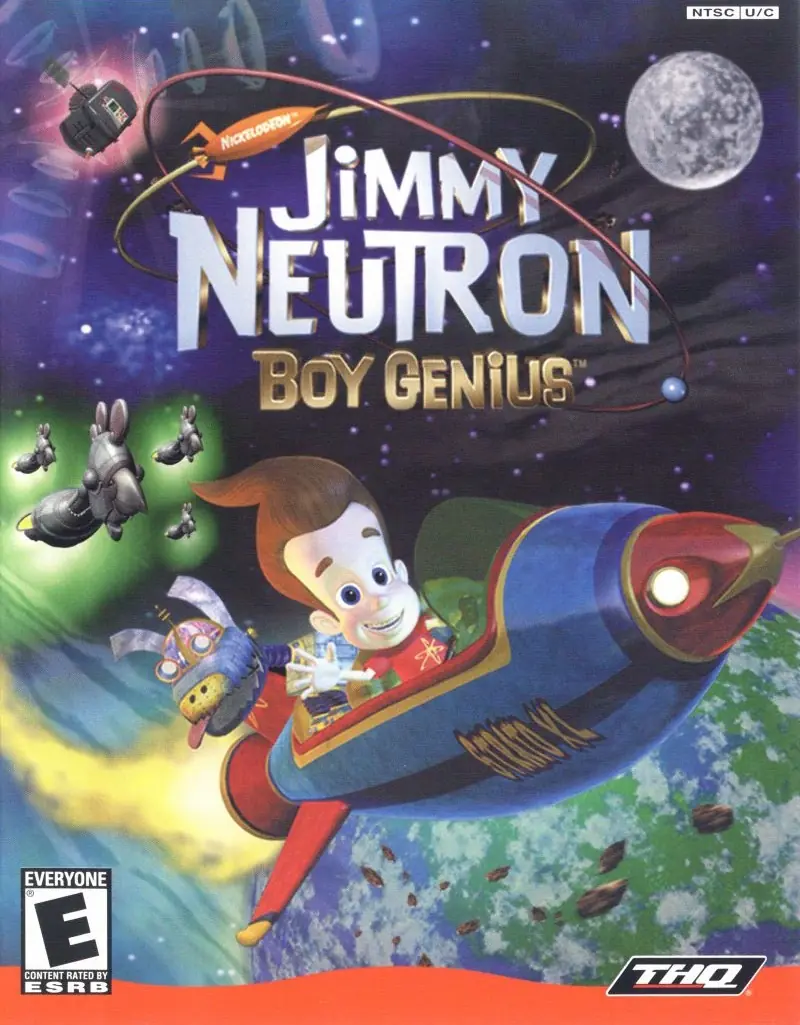
Jimmy Neutron: Boy Genius

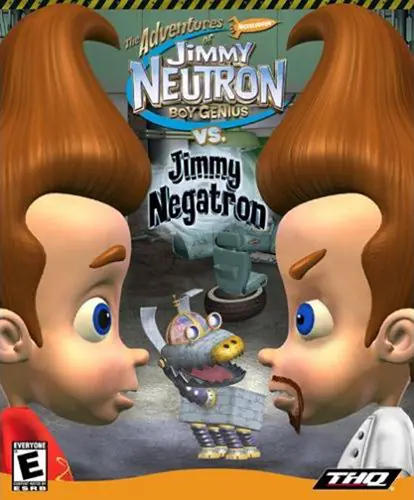
Jimmy Neutron: Boy Genius Game Cover
4.8/5 - 47 votes

Jimmy Neutron: Boy Genius is a 2001 adventure game developed by AWE Games and published by Nick Games.

Other Titles

Jimmy Neutron, un garçon génial

Genres
Released
Platforms
Download

About Jimmy Neutron: Boy Genius

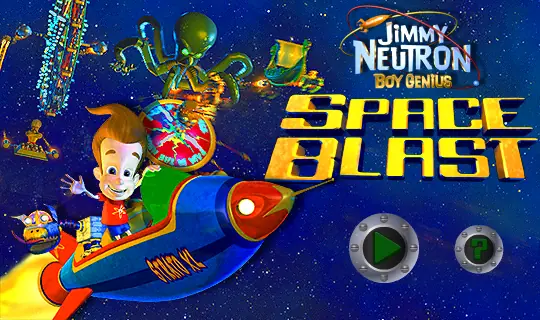
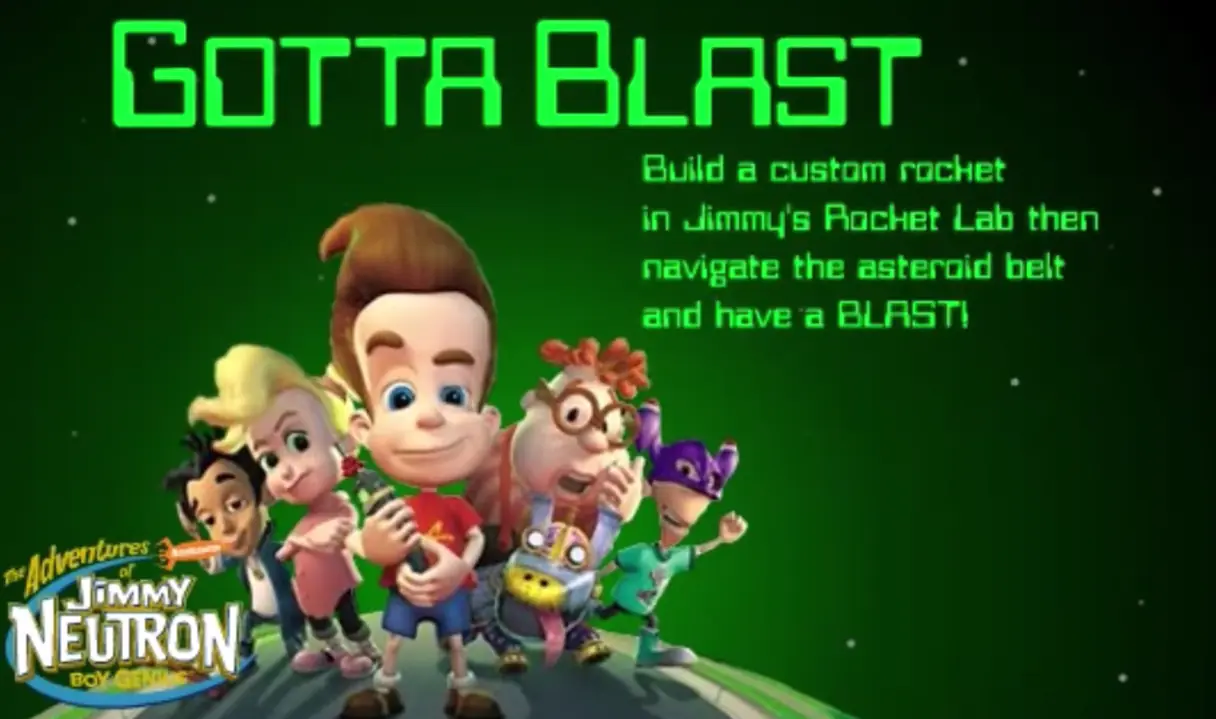
Jimmy Neutron, Boy Genius tells the simple story of a 10-year-old boy who battles evil, rescues his parents from aliens, saves Earth, and still makes it home in time for supper. As a kid who just happens to be a genius, Jimmy is always creating gadgets to make his life more interesting. When Jimmy's not out saving the world from total destruction, he likes to hang out with his robot dog, Goddard, and his best friend, Carl Wheezer. Play the game as Jimmy Neutron using cool gadgets, including a shrink ray gun, a jet backpack, a rocket ship, and more. Fly, drive, and hop around in a gravity bubble, while playing through six exciting levels of adventure, including Jimmy's neighborhood, the school, Retro-land Amusement Park, downtown, the power plant, and a final secret level.
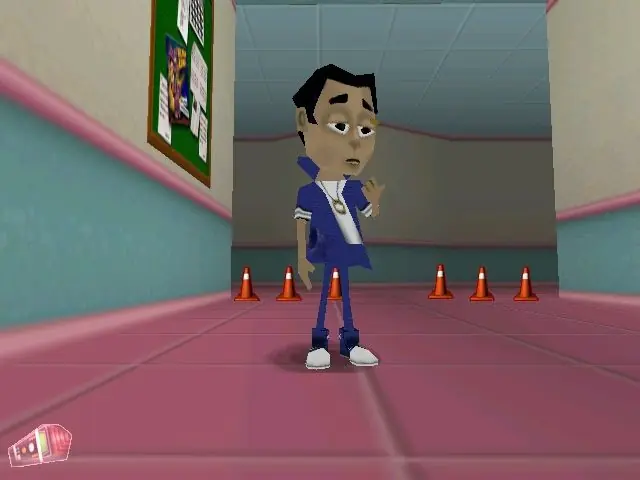
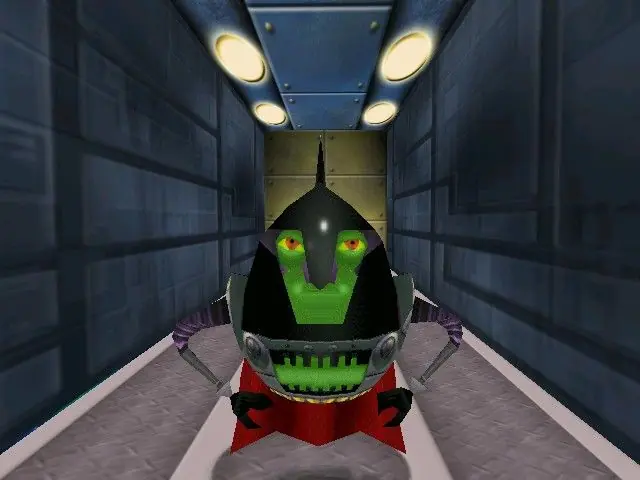
Screenshots

Windows

Jimmy Neutron: Boy Genius — Windows screenshot 1Jimmy Neutron: Boy Genius — Windows screenshot 2Jimmy Neutron: Boy Genius — Windows screenshot 3

Download Jimmy Neutron: Boy Genius

Jimmy Neutron: Boy Genius is abandonware and no longer sold or supported by its publishers. Files are archived here for these platforms:
Windows (2001)

Comments

26 thoughts on “Jimmy Neutron: Boy Genius”

  1. 0
    I wish I could get this darn thing running, but I just can’t. I opened the bin file using UltraISO, which showed me a lot of the game files I don’t see normally. I don’t know what to do from there though. I tried running autorun.exe, but nothing happens. The game window pops up, but it doesn’t start. This is a pain, and there isn’t a single set-up tutorial out there that I can find. The few people who’ve successfully gotten it to work can’t be bothered to help anyone else. I give up on trying to play this game.
    Reply
  2. 0
    I have a problem:

    Whenever I click Install or run the setup thing, nothing happens and Setup is listed as running in the background.

    Reply
  3. 0
    So here’s my trouble: PowerISO wants me to be able to open the .bin file or the .cue file, but no app that i’ve found is capable of reading either one… Any recs on what to do now? Virtual machines proved to be a little complex for a newb like me, though maybe i’m just missing something…
    Reply
    • 0
      How would i go about using poweriso to play this, i have windows 10 and also have a virtual machine running windows xp but i dont know how to make this work
      Reply
  4. 0
    I can’t playthe game, demo and game show up as running, can hear the audio but nothing appears on screen. The game keeps crashing for some unknown reason. Is it because I’m on windows 10?
    Reply
      • 0
        Tried several things for playing it on a virtual machine, Virtualbox etc. still doesn’t work. I’m using windows 10 right now. I really want to play this game, it’s from my childhood. If you can help me that would mean a lot to me.
        Reply
        • 0
          Have you tried mounting the bin file to a virtual drive with PowerIso? That is how I’ve been running all games downloaded from here. If so and the screen is still black then your display driver needs to be updated. It may not even exist depending on what computer you have, I have a Thinkpad X200 that was running Windows 10 32 bit before, but I had the same problem you have since Lenovo only made drivers for Windows 7. You can either try to make the Windows 7 driver work for Windows 10 or downgrade. I chose to downgrade to Windows 7 Ultimate but got the 64 bit version instead and it’s been running amazing since. 🙂