About Jimmy Neutron vs. Jimmy Negatron
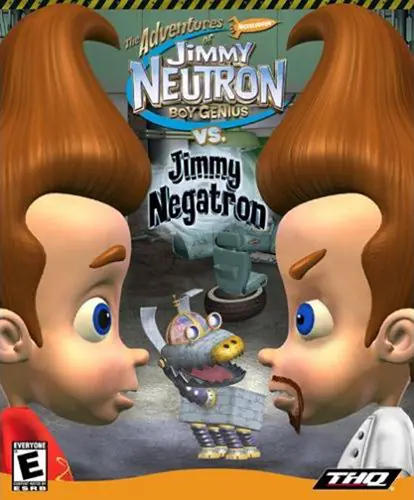
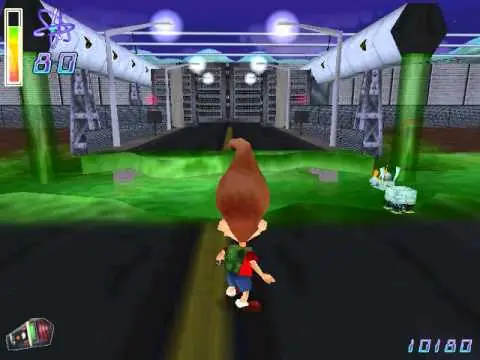
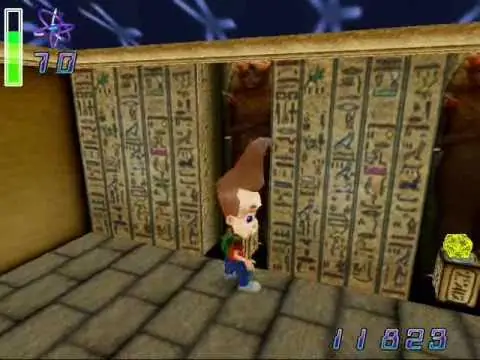
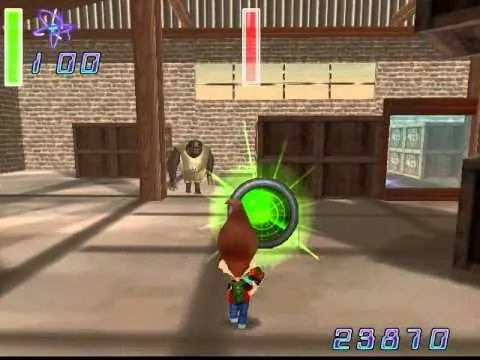
Jimmy Neutron vs. Jimmy Negatron is a 2002 video game released for the PC and the Game Boy Advance, and the sequel to the PC game, Jimmy Neutron: Boy Genius. The game follows Jimmy on his quest to stop his interdimensional Doppelgänger, Jimmy Negatron's evil plan to take over Retroville.
Both versions of the game are completely different from each other.
The game begins with a cutscene of Ms. Fowl and some students on a field trip to a museum tour. Jimmy, appearing bored, and yearning for variety, shouts "CAN'T ANYTHING BE DIFFERENT?!"
The scene then cuts to another dimension, where Jimmy Negatron, an evil version of Jimmy, programs his dimensional portal so that he can complete his evil objectives.
Back at the museum, Cindy then challenges Jimmy by saying that his theory on time travel is "pure genius". He then decides to impress her by programming the portal in the museum to make himself and Goddard teleport 50 years into the past. But Negatron then changes the teleporting coordinates to two cages in his laboratory. Jimmy and Goddard are then teleported to the cages. Negatron then introduces himself to Jimmy. Jimmy inquires what exactly Negatron's plan is. Negatron reveals that his plan is to modify Retroville to his evil liking. As he leaves, he tells his robot henchman, Herman to guard Jimmy and Goddard.

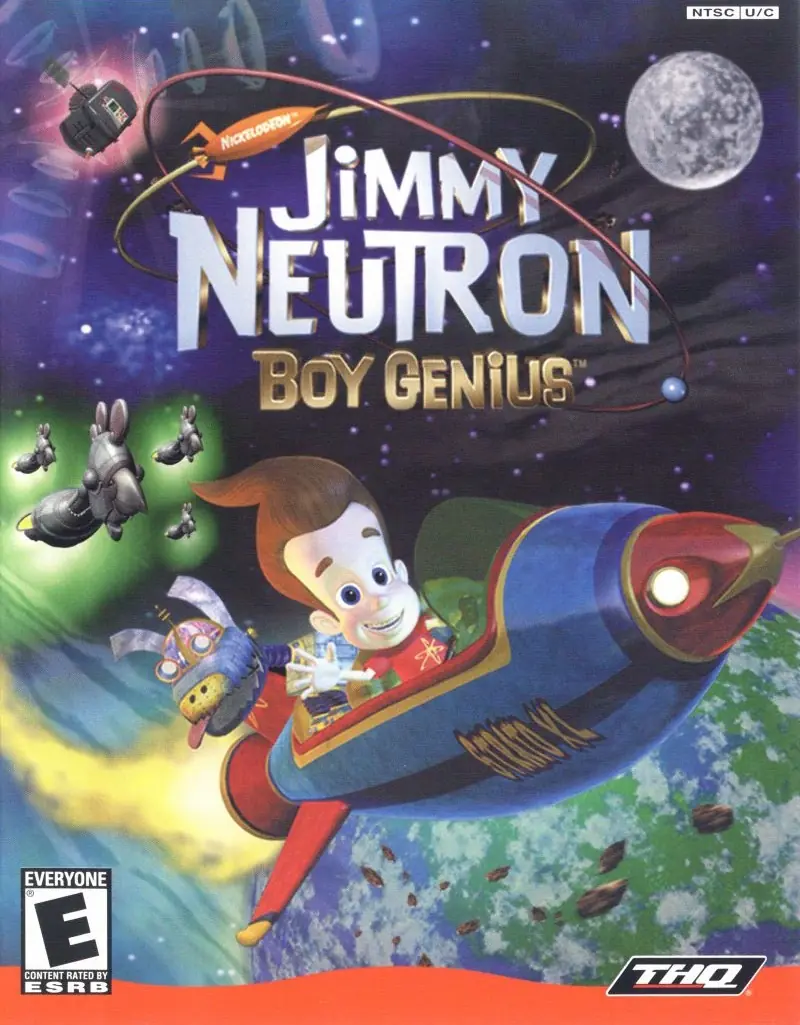






then start the game using Autorun.exe
you have to mount the autorun file with ultruiso and then virtual drive is created
go in the dive that created and . wait all of thet instal it with autorun.exe . now click right on jimynotron and click properties and compability and than active these option run this program for window xp service pack 2 and active (disable full screen optimization) and active (run this program as an adminitrature)
now run the game from where you installed it with original icon not autoran.
have fun but before it thanks me and know that iranian dont speak arabic and we or any shia muslim are not terrorist and dont forget
DO NOT FALL FOR ISRAIL PROPAGANDA thanks (IDK WHY I SAY THAT
this game is a trip
The problem is: It’s running in the background.
you have to mount the autorun file with ultruiso and then virtual drive is created
go in the dive that created and . wait all of thet instal it with autorun.exe . now click right on jimynotron and click properties and compability and than active these option run this program for window xp service pack 2 and active (disable full screen optimization) and active (run this program as an adminitrature)
now run the game from where you installed it with original icon not autoran.
have fun but before it thanks me and know that iranian dont speak arabic and we or any shia muslim are not terrorist and dont forget
DO NOT FALL FOR ISRAIL PROPAGANDA thanks (IDK WHY I SAY THAT
you have to mount the autorun file with ultruiso and then virtual drive is created
go in the disc that created and . wait before all of that instal it with autorun.exe . now click right on jimynotron and click properties and compability and than active these option run this program for window xp service pack 2 and active (disable full screen optimization) and active (run this program as an adminitrature)
now run the game from where you installed it with original icon not autoran.
have fun but before it thanks me and know that iranian dont speak arabic and we or any shia muslim are not terrorist and dont forget
DO NOT FALL FOR ISRAIL PROPAGANDA thanks (IDK WHY I SAY THAT
you have to mount the autorun file with ultruiso and then virtual drive is created
go in the dive that created and . wait all of thet instal it with autorun.exe . now click right on jimynotron and click properties and compability and than active these option run this program for window xp service pack 2 and active (disable full screen optimization) and active (run this program as an adminitrature)
now run the game from where you installed it with original icon not autoran.
have fun but before it thanks me and know that iranian dont speak arabic and we or any shia muslim are not terrorist and dont forget
DO NOT FALL FOR ISRAIL PROPAGANDA thanks (IDK WHY I SAY THAT