Jurassic Park: The Game
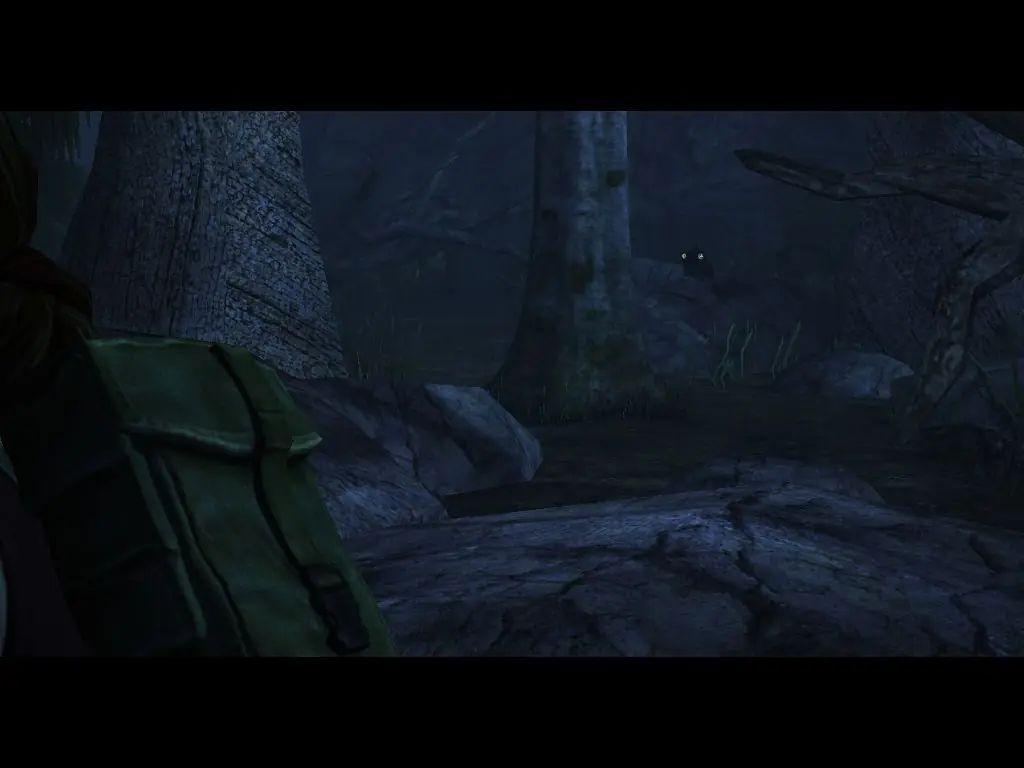
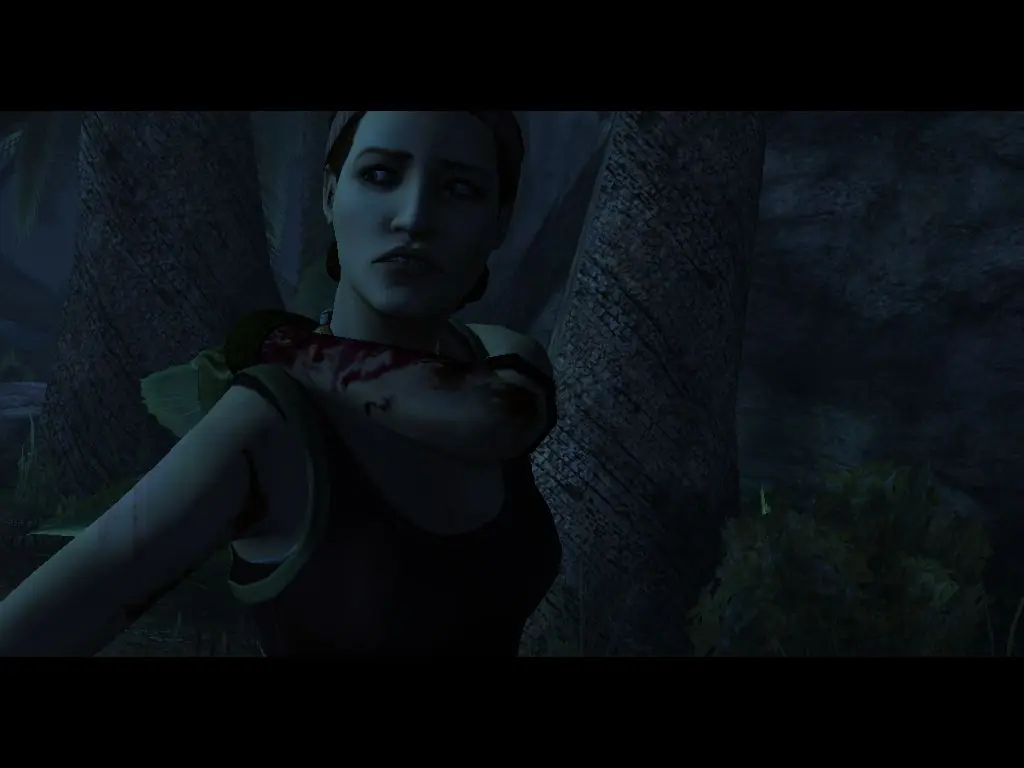
Jurassic Park: The Game is an episodic graphic adventure video game based on the 1993 film Jurassic Park and released for the PlayStation 3, Macintosh, Microsoft Windows, and Xbox 360. The game was developed and published by Telltale Games as part of a licensing deal with Universal Partnerships & Licensing.
Genres
Publishers
Developers
Released
Platforms
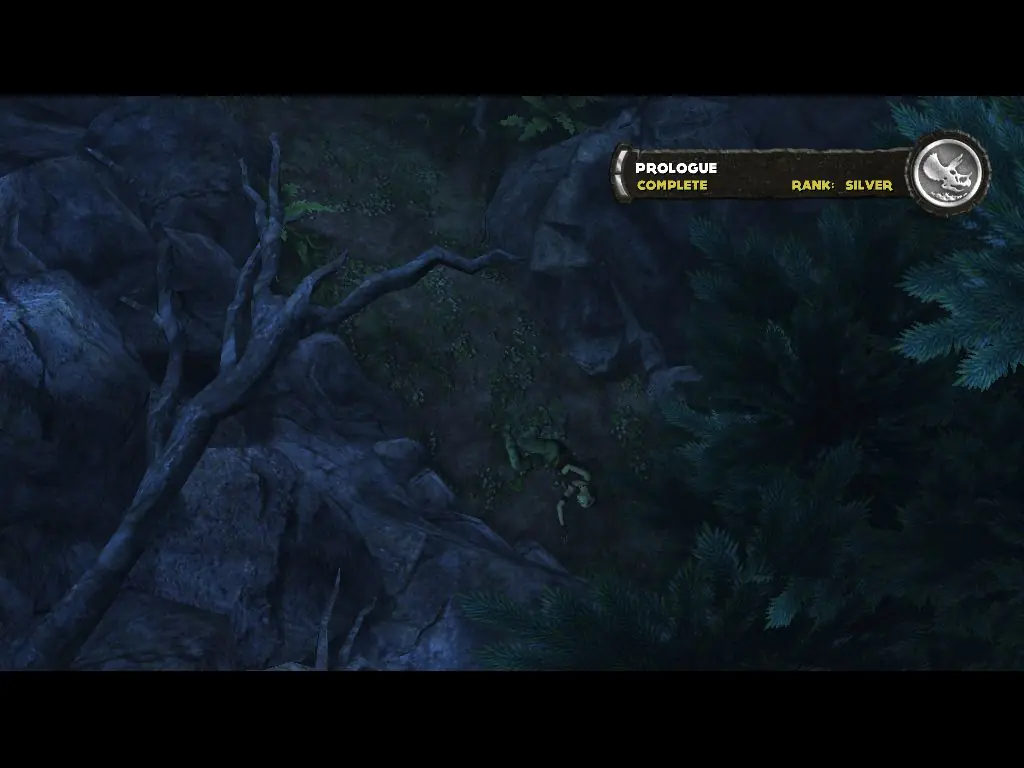
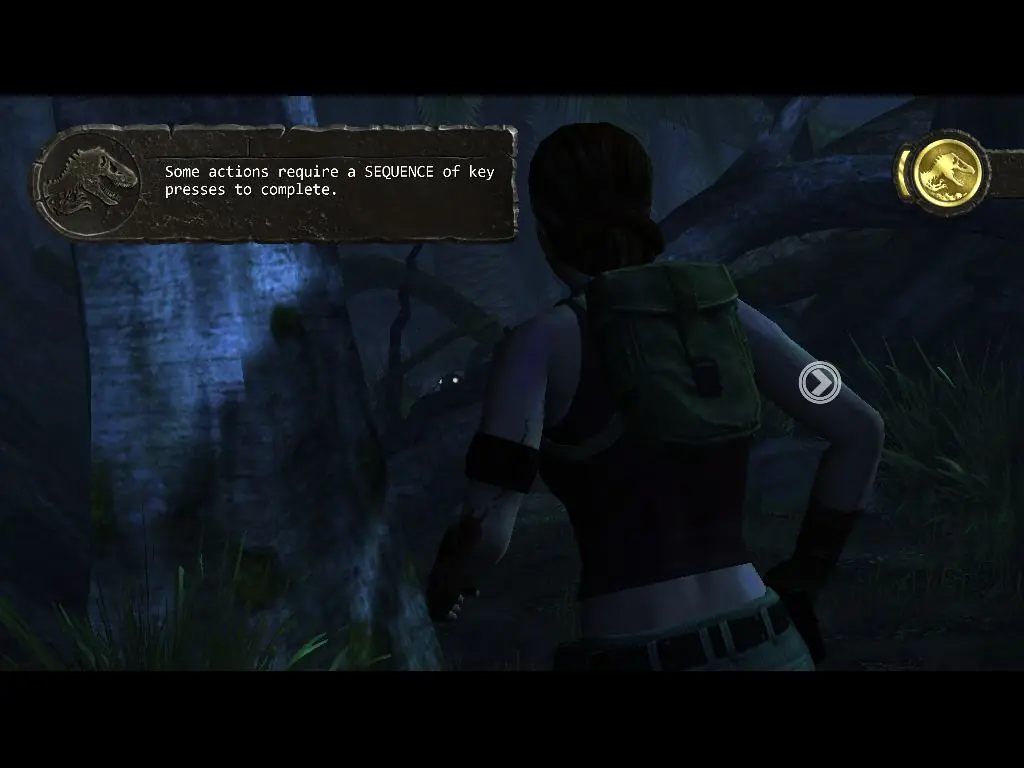
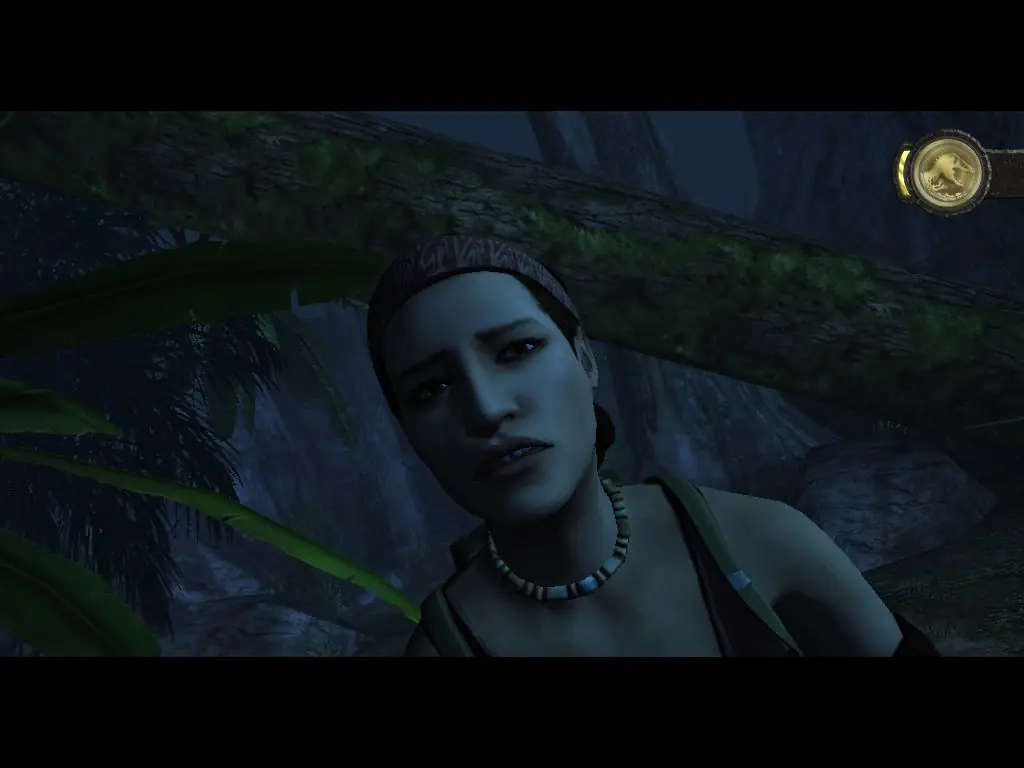






Download the Jurassic_Park_The_Game_Win_ISO_En.7z file
Extract it using 7zip or another unzipping program.
Open the folder that is extracted, Jurassic_Park_The_Game_Win_ISO_En, and open the other folder within entitled, Game Files
Open the disc file OGD.Jurassic.Park.The.Game.Iso and click on jurassicpark100_SETUP.exe follow the installation instructions
Once installed this is what your supposed to do, go back to the folder with the disc file OGD.Jurassic.Park.The.Game.Iso and double click on it again, then open the folder within entitled fairlight.
Copy the JurassicPark100.exe application BUT DO NOT OPEN IT. Now open the downloaded Jurassic Park The Game folder click on Game Data and paste the JurassicPark100.exe there. It will ask to replace the file of the same name, click yes. Then to play double click on the JurassicPark100.exe file NOT on the Jurassic Park The Game.exe file in the previous folder or on the shortcut created on your desktop. These will lead you to a small window that seems to be the game but will load on forever. The game will save your progress, every time you wanna play open the Jurassic Park The Game folder click Game Data and click the JurassicPark100.exe file. YOUR WELCOME!
Download the Jurassic_Park_The_Game_Win_ISO_En.7z file
Extract it using 7zip or another unzipping program.
Open the folder that is extracted, Jurassic_Park_The_Game_Win_ISO_En, and open the other folder within entitled, Game Files
Open the disc file OGD.Jurassic.Park.The.Game.Iso and click on jurassicpark100_SETUP.exe follow the installation instructions
Once installed this is what your supposed to do, go back to the folder with the disc file OGD.Jurassic.Park.The.Game.Iso and double click on it again, then open the folder within entitled fairlight.
Copy the JurassicPark100.exe application BUT DO NOT OPEN IT. Now open the downloaded Jurassic Park The Game folder click on Game Data and paste the JurassicPark100.exe there. It will ask to replace the file of the same name, click yes. Then to play double click on the JurassicPark100.exe file NOT on the Jurassic Park The Game.exe file in the previous folder or on the shortcut created on your desktop. These will lead you to a small window that seems to be the game but will load on forever. The game will save your progress, every time you wanna play open the Jurassic Park The Game folder click Game Data and click the JurassicPark100.exe file. YOUR WELCOME!
I have the game on PS3 but it runs like hot garbage, and since its not available for purchase any more on PC I guess piracy is the only way.