LEGO Chess
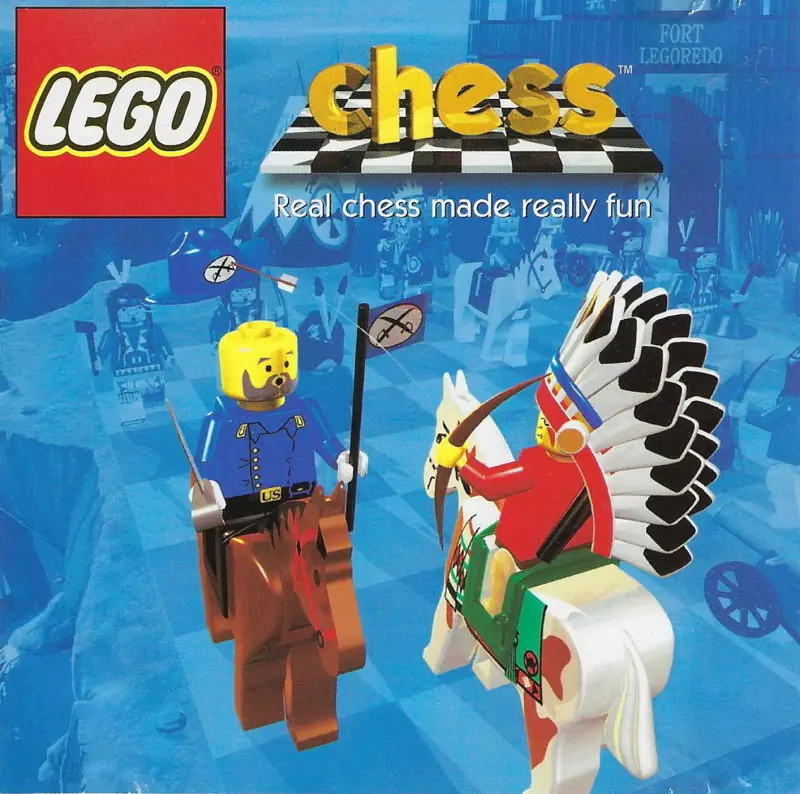
LEGO Chess is a 1998 strategy game developed by Krisalis Software and published by Lego Media.
LEGO Chess is a 1998 strategy game developed by Krisalis Software and published by Lego Media.
Learn the classic game with the LEGO King. With LEGO Chess, you're never too young to enjoy the timeless game of strategy. Popular characters from the LEGO SYSTEM Western and Pirates themes make chess easy and fun to learn and play. The friendly King will explain the rules and turn you from a beginner into a Grand Master. Then go on to take part in exciting adventures, in which your skill at chess will determine the outcome! Use the interactive tutorial to get to know the pieces, learn the moves and discover the rules of the game. Adjust the computer's intelligence to make it challenging for players of all abilities. Real-time 3-D technology lets your favorite LEGO characters come to life. Capture your opponent's pieces and enjoy dozens of unique cartoon animations. Do battle on special chess sets starring Western or Pirate Minifigures, or play with a traditional chess set built from LEGO bricks. View the amazing 3-D action from an infinite number of angles. Challenge your friends to a game, in person or over a network. Includes a tutorial section, written by a professional chess teacher. Set the scene with a choice of seven different backgrounds. Square off against the pirate captain. The LEGO King makes learning to play easy. It's a Western showdown! Caribbean's most precious treasure - you or the pirates?
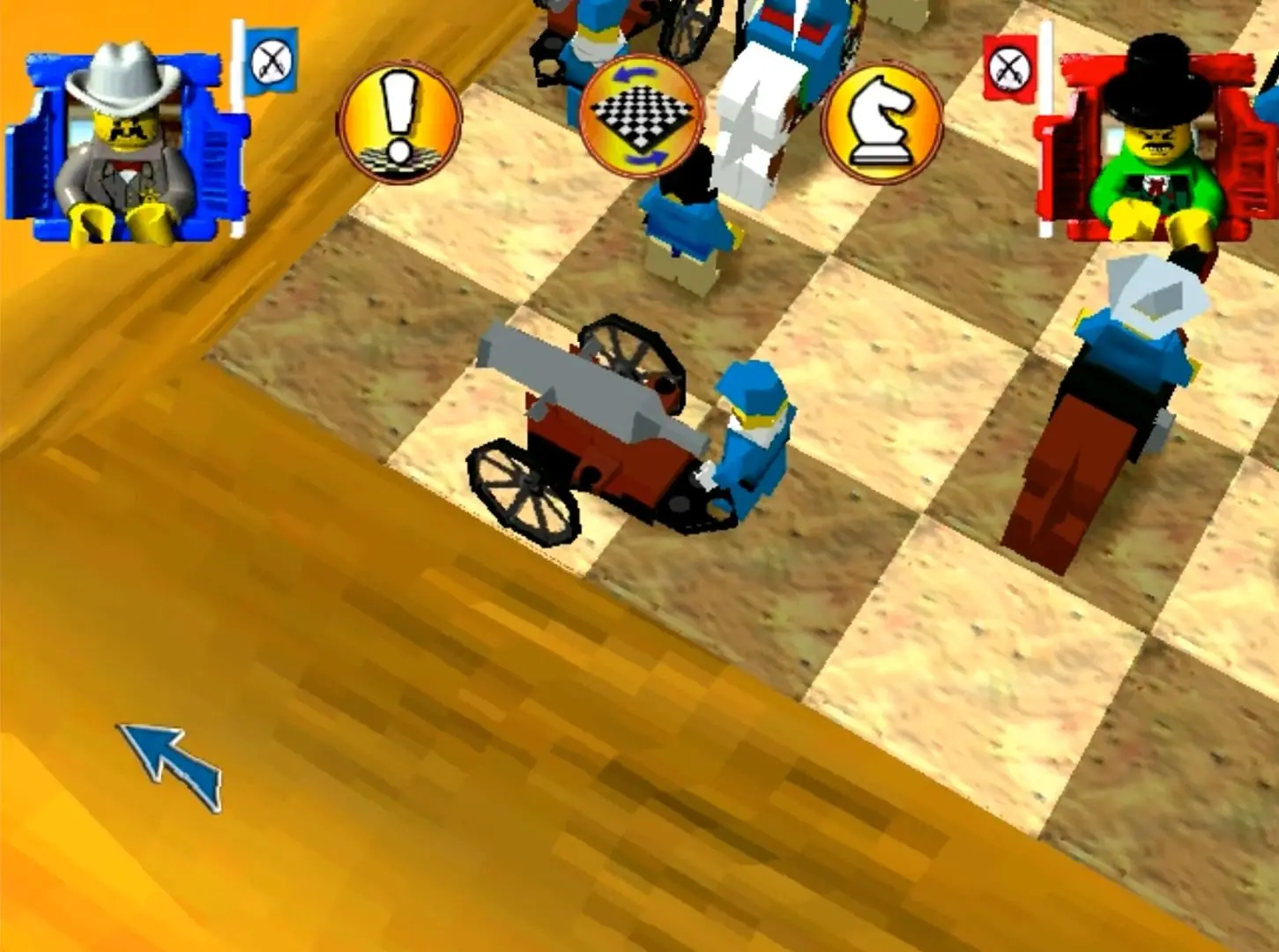
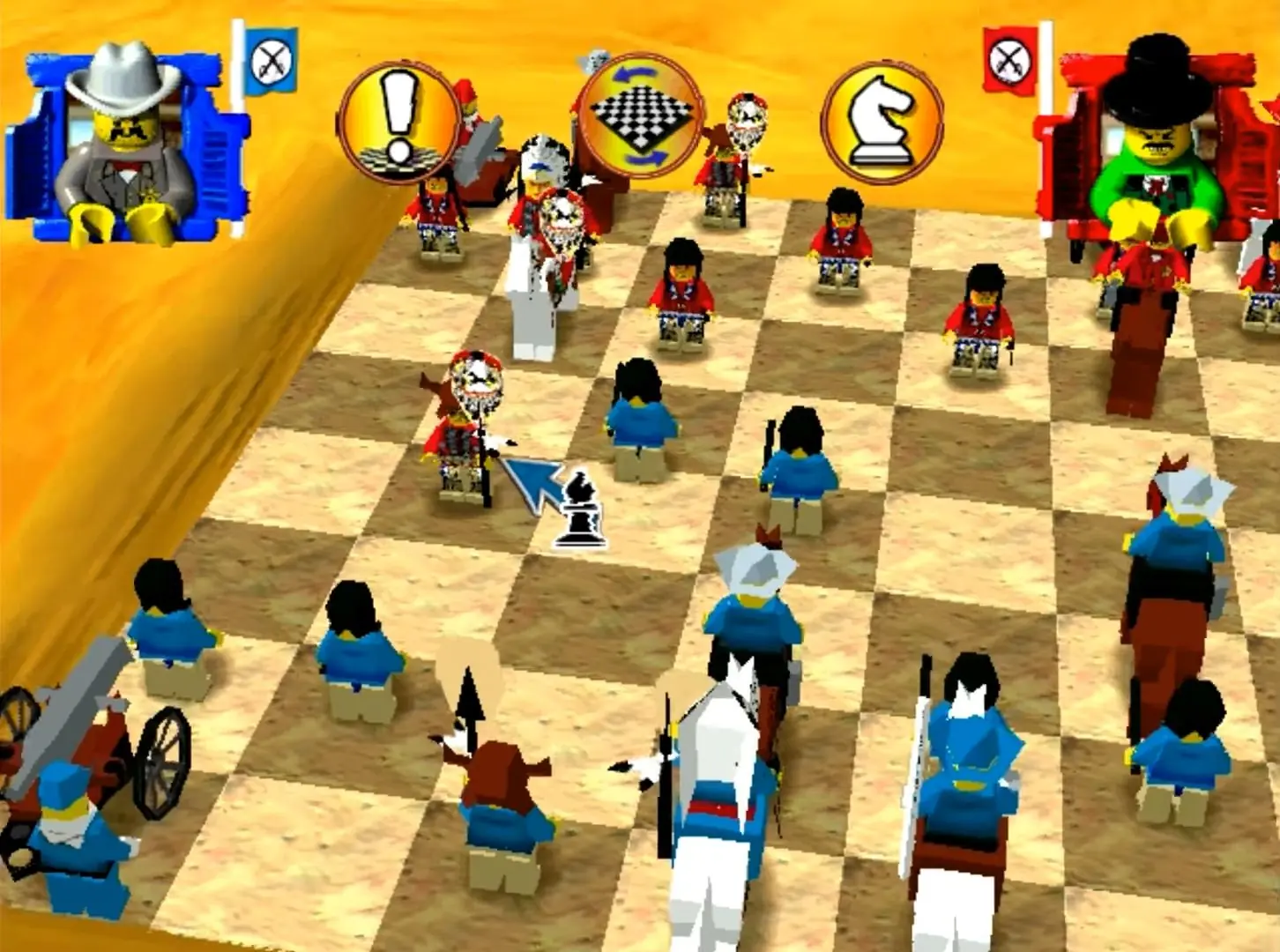
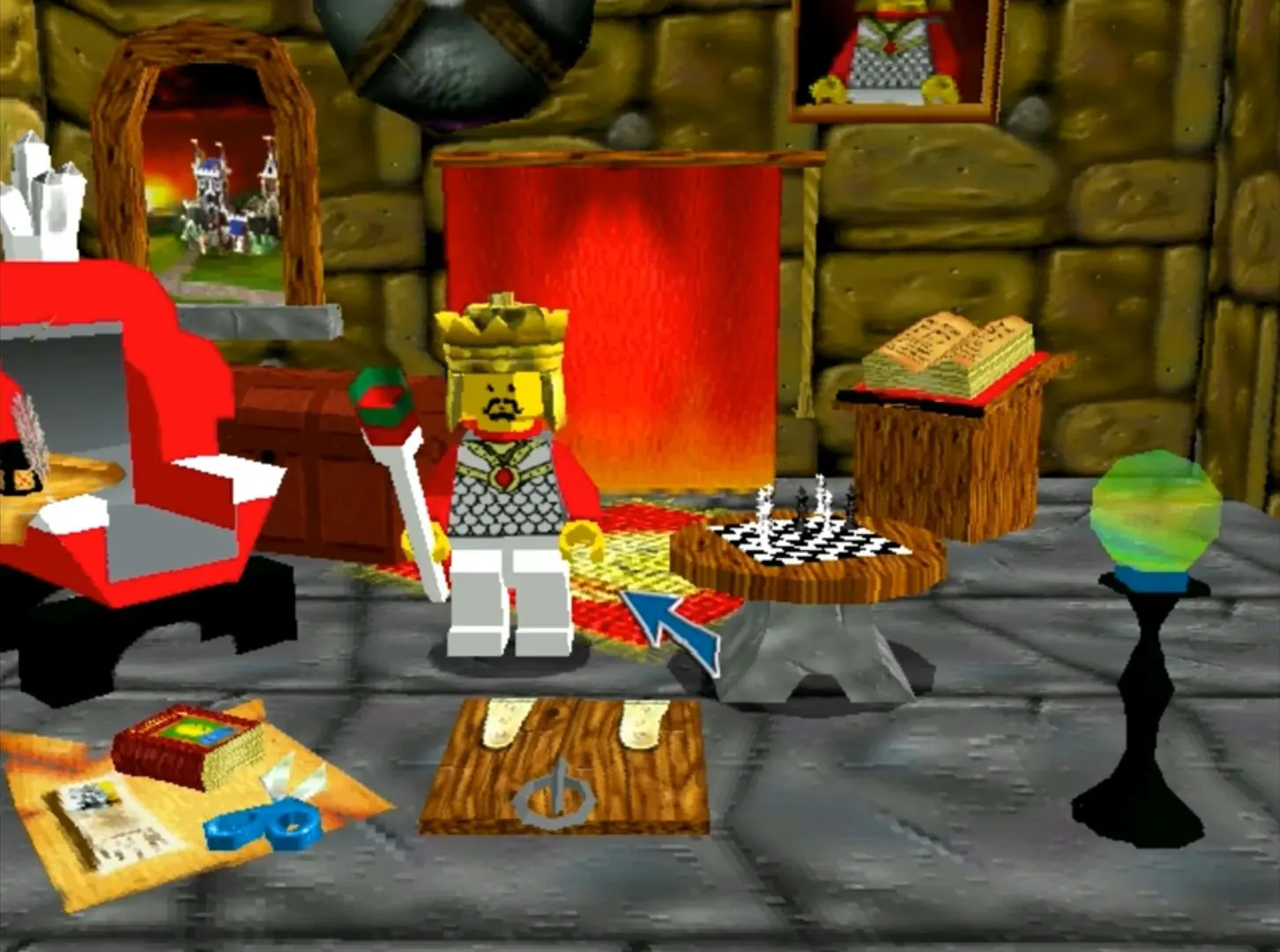
LEGO Chess is abandonware and no longer sold or supported by its publishers. Files are archived here for these platforms:
How to play on Windows






1. Download PCem (version v17 is fine).
2. Google pcemwin98se, download that and add/extract it to the PCem folder. This is your windows 98 special edition, and this saves you from setting everything in win98 up yourself.
3. Download the Lego Chess .iso file from archive DOT org /details/lego-chess
4. Launch windows 98 from your PCem app.
5. (you may need to look up how to do this) mount the Lego Chess iso in your PCem win 98 emulation, and then run it.
6. Install Lego chess. It will now work, but the graphics will be a little wonky.
7. Go to start -> programs -> – > Lego Media -> In Lego Chess Config, change the graphics driver to Voodoo2 Direct.
8. Launch game! Woooo, there you go 😀 NOSTALGIA!